





Key Takeaways
- Sumo offers marketing tools including list builders, heatmaps, sharing buttons, analytics, and contact forms, with pricing up to $40/month.
- Free or cheaper alternatives exist for every Sumo feature, including HotJar, AddThis, Shareaholic, Hello Bar, and Matomo.
- AI-powered tools like ConvertBox, Microsoft Clarity, and Mutiny now offer smarter, behavior-driven alternatives to traditional Sumo features.
- Microsoft Clarity stands out as a completely free heatmap and analytics tool with no pageview limits and AI-powered session summaries.
- Contact form alternatives are abundant, ranging from free plugins like WPForms Lite to AI-assisted builders that generate forms from plain-language descriptions.
Sumo (formerly SumoMe) is a suite of apps that serve a bunch of different purposes for marketing, business growth, and all-around benefit to your brand. They have a list builder, heatmaps, sharing, discovery tools, analytics, conversion optimization, a scroll-triggered CTA, image sharing, a bar for email signups, content sharing, contact forms and more. Many of these apps are visible around the web and you might not even notice them - they're that ubiquitous in the modern browsing experience.
Pricing ranges from a free plan to $40/month for Sumo's paid tier, which unlocks extra features past what the free version has. Whether you want something cheaper, more, or just different, there are alternatives for every feature Sumo has. The landscape has also changed dramatically with the rise of AI-powered marketing tools, and it gives you even more options than ever before. Here are 15 of the ones I see as at least equivalent, if not better in some respects.
1. List Builder Alternative: OptinMonster or Exit Intent Scripts
The Sumo list builder app is basically an exit intent script that pops up when the user seems to be leaving your page - it interrupts the exit action with a customizable call to action - usually an email signup form. If you're wondering whether Sumo Pro is worth the cost, it's worth comparing it to the alternatives below.

OptinMonster is now one of the most popular alternatives in this space. Their cheapest plan starts at just $10/month, though you'll need the $30/month plan or higher if you want to remove their branding. If you'd rather stay away from a recurring cost entirely, you can still roll your own exit intent script in JavaScript or jQuery, and WordPress users have a number of free plugins to choose from. AI-powered tools like ConvertBox have also entered this space, using behavioral data to trigger more personalized popups at the right moment.
2. Heatmap Alternative: HotJar
Heatmaps are a way of tracking user interaction with your site. The Sumo heatmap is a precise click monitor that shows your user clicks over time - it's very precise. But it doesn't do more than track clicks. If you're looking to improve user engagement on your blog, you'll need more than just click data.

HotJar is one of two heatmap alternatives on this list. Its free plan limits tracking to 2,000 pageviews per day, allows as many as three funnels, surveys, or polls, caps recordings at 300, and stores data for only 3 months. Paid tiers raise those limits at a pretty reasonable price. HotJar has also added AI-powered features - like an AI survey tool that auto-generates questions and summarizes open-ended replies - a legitimately helpful upgrade over basic click tracking.
3. Heatmap Alternative: Heatmap.me
I'm listing two different heatmap tools on this list because they differ in meaningful ways, with different limitations. No free, limitless heatmap exists - the data processing involved makes that unlikely to change anytime soon.

Heatmap.me has a free version that supports as many as one million pageviews per month, delivers real-time statistics, and tracks clicks just like Sumo. The catch? It only works on up to five pages on your site at any given time. You can rotate which pages you track. But the five-page cap can be restrictive if you're running split tests across multiple landing pages.
4. Share Alternative: AddThis
Sumo has popular social sharing buttons, largely because they load fast and are already baked into the platform for users who adopted Sumo for other features. Most users don't go looking for an alternative because it's right there in front of them.
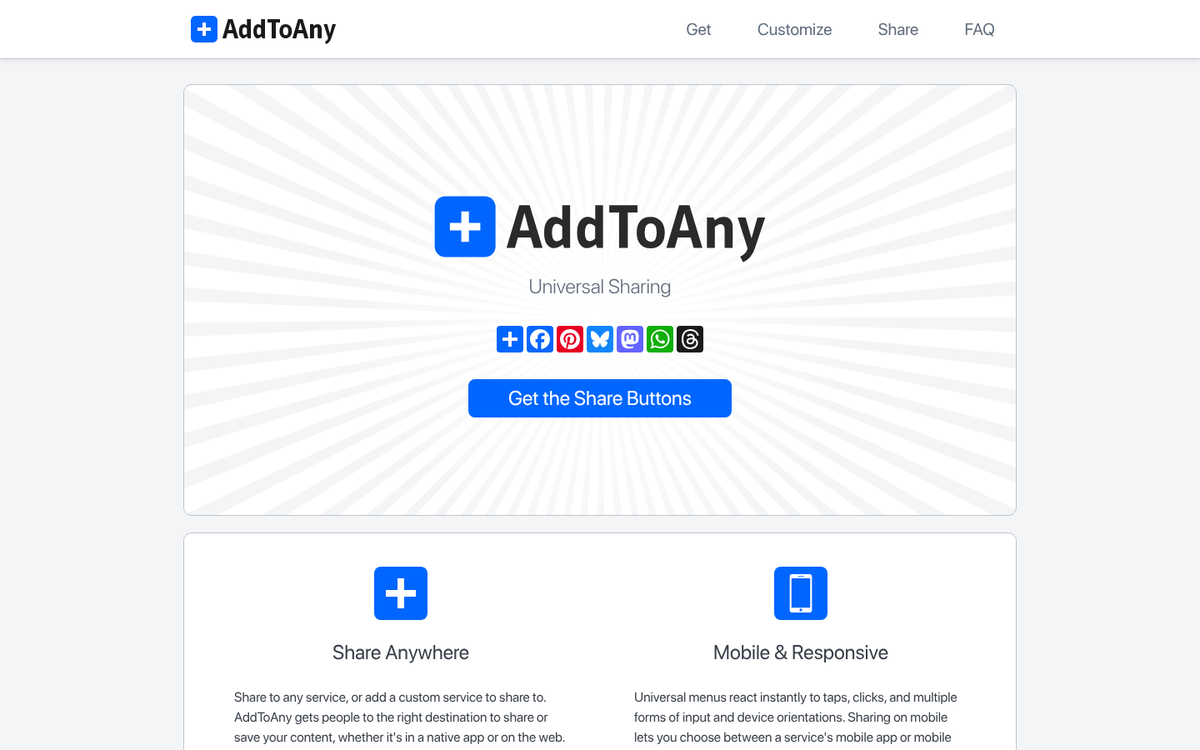
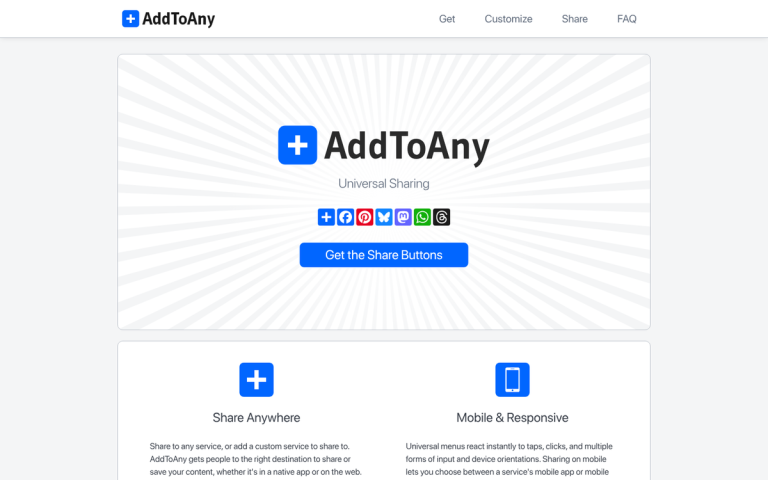
AddThis is one of these alternatives - it's free, and it goes well past a basic sharing sidebar - giving follow buttons, image sharing, content recommendations, and more. You can customize button styles, change sidebar layouts, and make the whole thing blend well into your site's design. Worth noting: always verify a tool like this is still actively maintained before committing, as the social sharing plugin space has seen some consolidation.
5. Share Alternative: Shareaholic
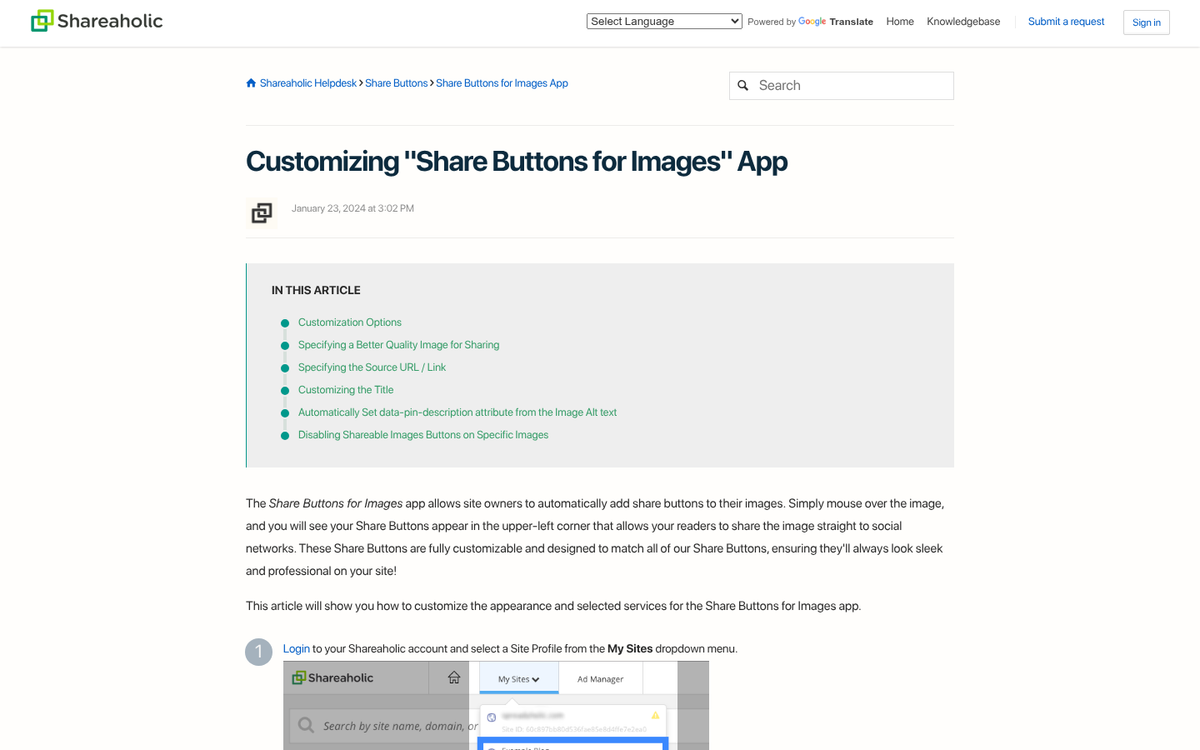
I include this second option because it makes generating customized sharing button code remarkably quick. Styles, layouts, optional counters, positioning - it's configurable right on the page without digging through procedural menus or manually changing code.

Shareaholic covers dozens of social networks, far more than what Sumo or AddThis cover. All the major places are there. But so are smaller or niche networks. If you're trying to reach audiences on less mainstream platforms, this is worth a look. Shareaholic has also expanded into content recommendations and monetization features, which makes it more of a growth platform than just a sharing plugin.
6. Discover Alternative: LinkWithin
Sumo Discover is a content discovery engine that surfaces related posts on your own site and across other Sumo-enabled sites, functioning as a lightweight content network like Taboola - it runs on a credits system - clicks on outbound links from your site earn credits, which are then spent to place your content in recommendation boxes on other sites.
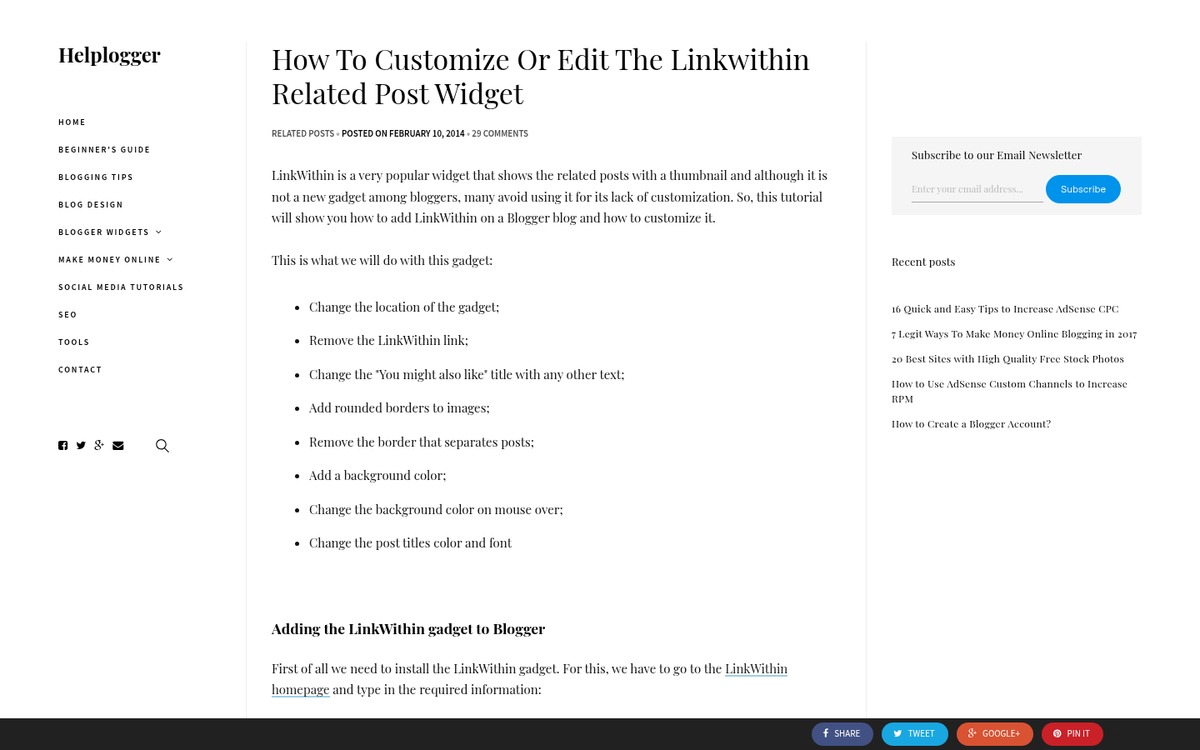
LinkWithin is an internal related posts widget you can install on virtually any site without signing up for anything - it's easy, customizable, and keeps readers on your own site instead of routing them through an external network. If you just want related post functionality without the content exchange model, this does the job cleanly.
6. Discover Alternative: LinkWithin
Sumo Discover is a content discovery engine that surfaces related posts on your own site and across other Sumo-enabled sites, functioning as a lightweight content network like Taboola - it runs on a credits system - clicks on outbound links from your site earn credits, which are then spent to place your content in recommendation boxes on other sites.

LinkWithin is an internal related posts widget you can install on virtually any site without signing up for anything - it's easy, customizable, and keeps readers on your own site instead of routing them through an external network. If you just want related post functionality without the content exchange model, this does the job cleanly.
7. Discover Alternative: Outbrain
What's better than free? Getting paid. Sumo's traffic generation works on a credits system. But if you're hosting what amounts to native ads on your site, you might as well be compensated in dollars.

Outbrain is one of the leading native advertising content networks. They run "related post" style ads in the same vein as what Sumo does. But instead of paying you in credits, they pay you money. Alternatively, you can reinvest those earnings into traffic for your own content - same concept as Sumo. But with a revenue option attached. Taboola is another well-established option in this space worth comparing.
8. Analytics Alternative: Matomo (Formerly Piwik)
Sumo's Google Analytics integration is a dashboard wrapper - you're not seeing anything different from Google Analytics itself, just a different view into it.
If you want a genuine alternative to Google Analytics, Matomo (the platform formerly known as Piwik) is the gold standard for privacy-focused, open-source analytics - it's self-hostable, gives you ownership of your data, and has continued to expand its feature set. With growing regulatory pressure around data privacy globally, Matomo has become an increasingly popular option for businesses that want full control. If you prefer a paid SaaS option, tools like Fathom Analytics and Plausible have gained strong reputations for being lightweight, privacy-respecting, and legitimately easy to use. You can also check your social media traffic in Google Analytics to better understand where your visitors are coming from.
9. Welcome Mat Alternative: Full-Screen Popup Plugins
The Sumo Welcome Mat is a full-screen overlay that appears in front of content, usually shown to first-time visitors with a prominent CTA. A cookie prevents returning users from seeing it repeatedly - though clearing cookies on browser close resets that.
Several tools now replicate this functionality without the Sumo overhead. OptinMonster supports full-screen welcome mats as part of its campaign types. For WordPress users, plugins like Hustle or Popup Maker give you similar full-screen takeover options with robust customization. If you're comfortable with code, open-source implementations are still usually available to adapt to your requirements. AI-driven personalization layers are now also available through tools like Mutiny or Optimizely, which let the welcome experience adapt dynamically based on traffic source, location, or behavior. Keep in mind that aggressive overlays can affect your site - learn more about whether popups on blog posts can hurt your traffic before committing to a full-screen approach.
10. Scroll Box Alternative: Scroll Triggered Boxes
The Sumo Scroll Box is a small corner popup that appears after a user has scrolled a set percentage down the page. You see these everywhere, and not all of them are Sumo-powered.

For WordPress users, the Boxzilla plugin (evolved from the older Scroll Triggered Boxes plugin) handles this well and has a free tier for basic use. Paid upgrades unlock exit intent triggers and analytics. If you're not on WordPress, the scroll-percentage trigger is easy enough to implement with a small JavaScript snippet - it's not a tough interaction to code from scratch, and there are plenty of open-source examples to work from. Tools like Gist and ConvertKit's form embeds also have scroll-trigger options if you're already using those platforms for email marketing. If you're concerned about how these kinds of plugins affect your site, it's worth reading about how scroll-related plugins can hurt your blog rankings.
11. Content Analytics Alternative: See #2 and #3
Sumo's "content analytics" feature is basically a scroll depth monitor - tracking how far down the page users actually read - this functionality is included in virtually every modern heatmap tool. If HotJar or Heatmap.me don't fit your preferences, Crazy Egg and Microsoft Clarity are strong alternatives. Microsoft Clarity is especially noteworthy because it's free with no pageview limits, and has been actively developed with AI-powered session summaries that help you understand user behavior at a glance without having to scrub through recordings manually. If site speed is a concern while running these tools, it's also worth knowing why certain third-party scripts slow down your website's load time.
12. Image Sharer Alternative: Any Social Sharing Suite
Sumo's image sharing app can add hover-triggered social sharing buttons over images on your site - similar in concept to Pinterest's "Pin It" button. But extended to other networks like Twitter and Facebook.
Most modern social sharing suites replicate this behavior out of the box. Pinterest's own official button still does this natively for their platform. If you want multi-network image sharing overlays, Shareaholic (listed above) handles this, as does Social Warfare for WordPress users. The feature itself is easy enough that it's not a reason to choose or reject a sharing plugin on its own merits - just confirm your chosen sharing suite supports image-level triggers before committing.
13. Smart Bar Alternative: Hello Bar
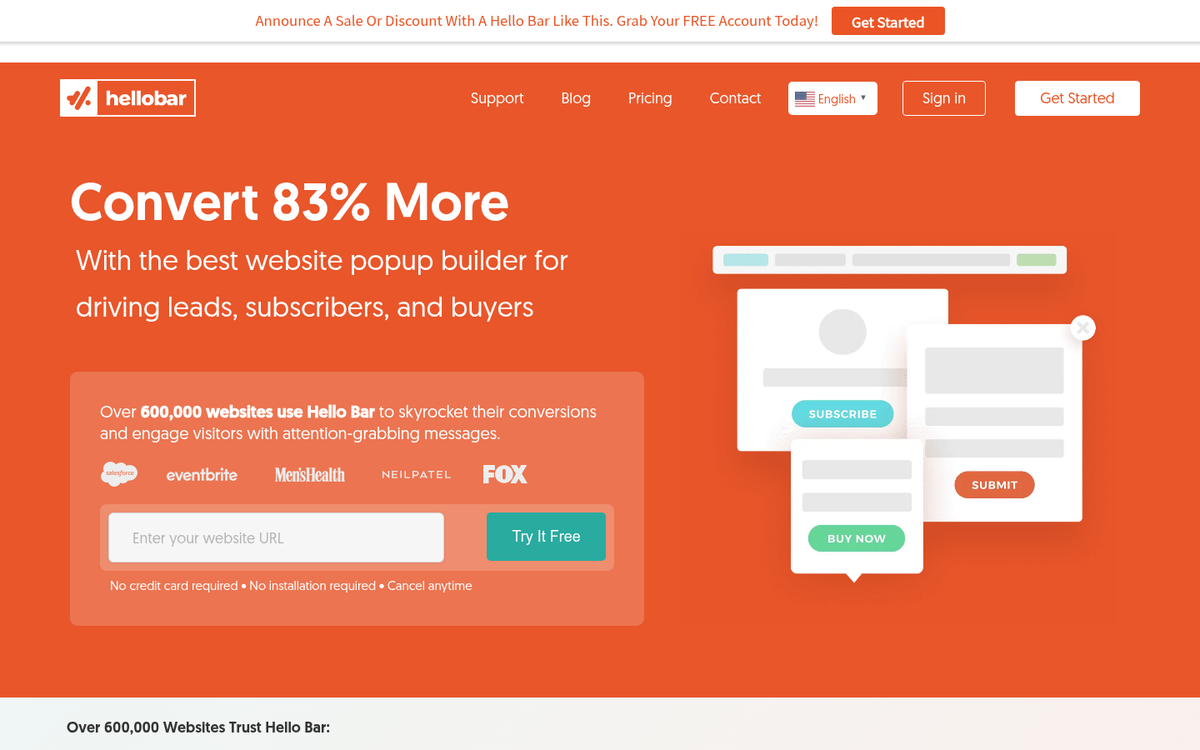
When I was first researching what Sumo's Smart Bar did, I had to do a double-take - because Hello Bar and the Smart Bar are functionally almost identical.

They're basically the same tool. Both are free at the base level, display a sticky notification or CTA bar at the top or bottom of the page, and the primary difference is that the Smart Bar integrates with the rest of the Sumo ecosystem while Hello Bar stands alone. Hello Bar has added more advanced targeting and A/B testing features in recent years, which arguably makes it the more capable standalone option if you're not committed to the Sumo suite.
14. Highlighter Alternative: Highlight and Share
Sumo's Highlighter script detects when a user selects text on your page and surfaces a prompt to share that highlighted passage on Twitter or Facebook - it's a great idea in theory - turning quoted text into a one-click social share.

In practice, it can disrupt the reading flow for those who habitually highlight text as they read. Highlight and Share is a WordPress plugin that does the same thing but positions the share prompt above the selected text and out of the way, which makes it feel less intrusive. For non-WordPress sites, similar behavior can be implemented via lightweight JavaScript libraries. With Twitter's transition to X and ongoing changes to platform APIs and social signals, it's worth verifying that whichever tool you use has kept its social sharing integrations up to date.
15. Contact Form Alternative: WPForms Lite
Really, naming any one plugin here is a formality.
There are hundreds of contact form services available, ranging from easy free plugins like WPForms Lite and Contact Form 7, to more robust options like Typeform, Gravity Forms, and Jotform. AI-assisted form builders have also emerged, helping you generate form fields and logic based on a plain-language description of what you need. Pick the tool that matches your platform, your budget, and your complexity needs - the options are legitimately across the board. If you're also looking to expand your blog's functionality, check out our list of services for bloggers on Fiverr that don't suck.

2 responses
Thoughtful replies only - we moderate for spam, AI slop, and off-topic rants.
Great Article buddy !!
This will definitely help me. Thanks