Key Takeaways
- No universal CTA formula exists; every site needs testing because design, audience, and context vary significantly.
- Button size should reflect action value - high-value, high-cost actions like flagship purchases deserve the largest, most prominent treatment.
- CTAs must contrast visually with your site's dominant colors; a HubSpot test showed red outperformed green by 21%.
- First-person, benefit-focused text outperforms generic commands - "Start My Free Trial" beat "Start Your Free Trial" by 90%.
- Above-the-fold CTAs outperform below-fold by 304%; reducing to one primary CTA can boost conversions by 266%.
Breaking Down the Perfect CTA: Size, Color, Text, and Location
I'm going to be up-front with you right now: if you're looking for a single, definitive answer to what makes a perfect CTA, you're going to be disappointed. There's no universal formula. I can't hand you a specific color, a specific size, a specific position, or magic button text that works every time. What I can give you are proven guidelines, real data, and a testing framework that will get you closer to what actually works for your audience.
The reason there's no single answer comes down to how the web works. Every site has its own design, its own audience, and its own context. Elements that stand out on one site will disappear into the background on another. Facebook isn't going to use a blue CTA against their blue interface. A red button would be nearly invisible on Pinterest. And on top of that, people adapt. Banner blindness is real, and what worked in 2020 may already be getting ignored in 2026.
So, let's break down your call to action into four segments: size, color, text, and location.
CTA Size
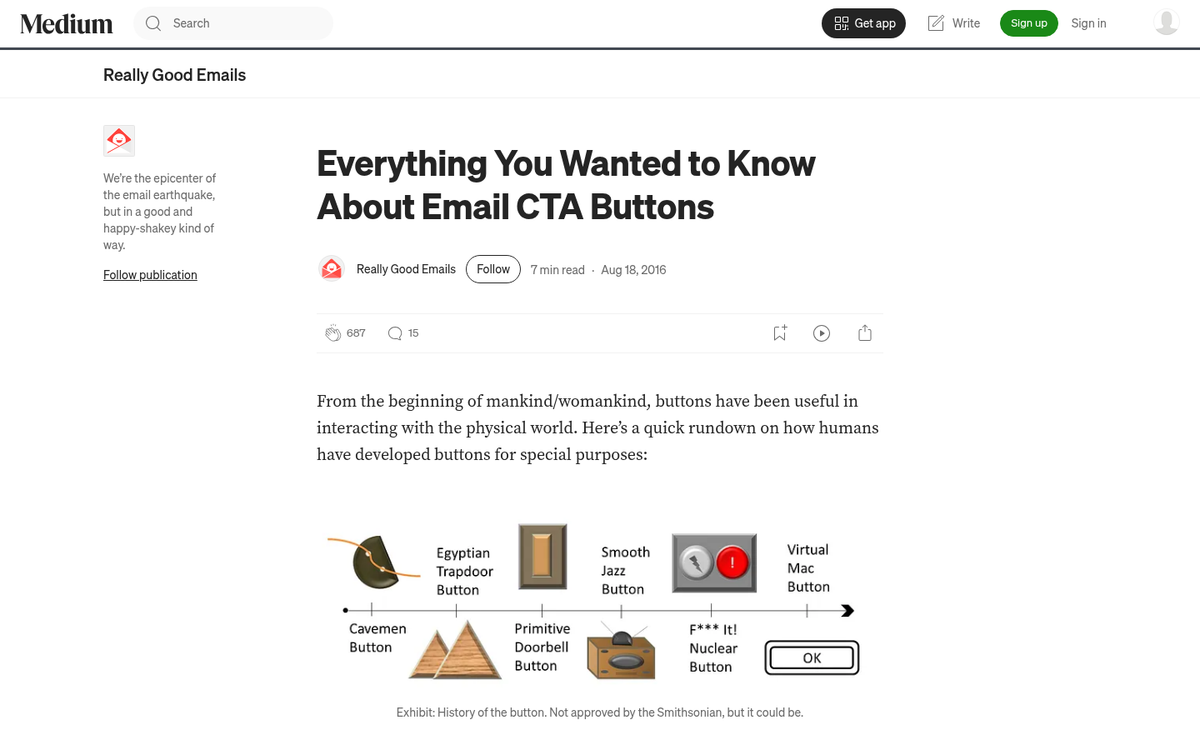
The typical CTA button is a rectangle, often with rounded corners, though modern flat and neo-brutalist design trends have pushed buttons in new visual directions. Drop shadows are less common than they once were, but contrast and whitespace have taken their place as the primary tools for making a button feel clickable and distinct.
The first thing to understand is that size signals importance. Assign a value to the action your CTA represents. The higher the value of the action, the larger the button should be - tempered by the cost of taking that action. Here's how that breaks down:
- A low value, low cost action might be clicking to read more of a blog post. A simple "read more" link does the job and doesn't need to dominate the page.
- A low value, high cost action might be purchasing an accessory product that isn't your main focus. The button can exist, but it shouldn't compete with your primary CTA for attention.
- A high value, low cost action - like signing up for your email list or joining a waitlist - should be a prominent, well-placed button. Low friction, high reward for you. Give it the real estate it deserves.
- A high value, high cost action, like purchasing a flagship product, warrants the largest treatment of all. This is where dedicated landing pages, full-width CTAs, and multiple reinforcing touchpoints come into play.
On the practical side: Apple's Human Interface Guidelines recommend a minimum touch target of 44x44 points for any interactive element. With mobile traffic dominating most sites in 2026, if your button is smaller than that, you're losing conversions on touch screens alone. Studies have also shown that simply increasing CTA button size can lift click-through rates by up to 90% - a significant enough number that size should never be an afterthought.
Test by incrementally increasing and decreasing the size of your button until you find the sweet spot. Once you find it, apply that sizing logic consistently across CTAs of similar value tiers, and revisit periodically to make sure it still holds.
CTA Color

Color is where a lot of marketers get lost in theory when the practical answer is fairly straightforward: your CTA needs to stand out from everything else on the page.
Look at your site's dominant color palette - your logo, navigation, dividers, link colors. Whatever color family dominates, your CTA should live outside of it. If your site leans blue and gray, an orange or red button will pop. If you're working with warm earthy tones, a cool green or blue can do the same job.
Now, here's where the data gets interesting. A well-known HubSpot A/B test found that a red "Get Started Now" button outperformed a green button by 21% in conversions. Another study found a red button produced a 5% conversion lift over competing button colors. That doesn't mean red is always the answer - it means contrast and attention-grabbing color wins. Red happened to stand out more in those particular page designs.
What about the button text color? In Ed Leake's analysis of 90 high-converting CTA buttons, white was the most popular font color - used in 78 out of 90 cases. High contrast between button background and text is the consistent pattern, regardless of which specific colors are chosen.
Color theory adds another layer if you want to go deeper. Colors carry cultural associations that vary by audience and geography. Green can mean money, nature, or envy depending on the context. Yellow reads as cautionary in some markets and celebratory in others. If you're targeting a global or multicultural audience, these nuances are worth researching. For a broader look at how conversion-focused decisions play out, affiliate programs with the highest conversion rates offer some useful real-world benchmarks.
The bottom line: start with what stands out on your specific site, layer in cultural relevance if it applies, and then test. Changing a hex value is one of the lowest-effort, highest-impact tests you can run. If you're also tracking conversion value in Google Ads, pairing that data with your color tests can reveal which button variations actually move the needle on revenue.
CTA Text
Button text is one of the most tested elements in all of marketing, and the data is clear: generic text kills conversions. "Click here," "submit," "join now" - these phrases have been so overused that most visitors process them as visual noise and move on.
The principle that holds up across every study is this: focus on what the user gets, not what they have to do.
A few examples that illustrate this well:
- Changing "Order Information" to "Get Your Free Quote" increased clicks by 38% in a ContentVerve test.
- Changing "Start Your Free Trial" to "Start My Free Trial" - a single word swap - increased conversions by 90% in an Unbounce test. First-person phrasing makes the action feel personal and owned rather than instructional.
The pattern is clear: specificity and ownership language outperform generic commands.
Wingify's research adds useful context here. Around 30% of all A/B tests run are CTA button tests. Only 1 in 7 produces a statistically significant result - but when one does, the average improvement is 49%. That's a compelling reason to keep testing even when most tests feel inconclusive.
A few practical rules for writing CTA text in 2026:
- Lead with value. What does the user get? Say that.
- Use first-person where possible. "Start My Free Trial" beats "Start Your Free Trial."
- Be specific. "Get My Free Marketing Audit" beats "Learn More."
- Match the CTA to the stage of awareness. Someone landing on a cold traffic page needs more context baked into the button text than someone who's already read through your full sales page.
That said, there are always exceptions. HubSpot's top navigation still uses "Get Started" - a fairly generic phrase - and it works because their entire site architecture is built around educating the visitor first. By the time someone clicks it, the surrounding content has done all the heavy lifting. Context can save a generic CTA, but you shouldn't rely on it.
CTA Location
Where you place your CTA matters as much as how it looks. The data on this is striking: CTAs placed above the fold outperform those placed below the fold by 304%. That alone should inform your default placement strategy.
Equally important: reducing your page to a single primary CTA can increase conversion rates by 266%. Too many competing calls to action create decision paralysis. When everything is asking for attention, nothing gets it.
Here's how different placements tend to perform and what they signal:
- Top navigation bar: Always visible, low friction, good for mid-tier offers. This is your evergreen "take the next step" button - present throughout the entire site experience. Works best for actions like starting a trial or booking a demo.
- Above the fold on a landing page: The highest-performing placement, full stop. If you have one primary offer and one primary CTA, it should live here, supported by a clear headline and enough context to make the click feel obvious.
- Within content: Effective when the surrounding content has built enough context and momentum to make the CTA feel like a natural next step. This works well for high-intent blog posts or guides where readers are already engaged.
- Sidebar: Subject to banner blindness and increasingly ignored, especially on mobile where sidebars often collapse or disappear entirely. Still useful for time-sensitive, low-friction offers, but don't rely on it as a primary CTA placement.
- Footer: Useful as a safety net for visitors who scroll all the way down, but traffic at that depth is thin. Treat it as informational infrastructure, not a primary conversion tool.
- Exit-intent popups: Still in use, still effective when done right. The key is to pair them with a very low-cost offer - a free resource, a discount, a quick win. A high-commitment ask in an exit popup will produce near-zero conversions and plenty of frustration.
- Dedicated landing pages: The gold standard for high-value offers. A landing page removes all competing navigation and distractions, funneling 100% of visitor attention toward a single CTA. If your offer is important enough, it deserves its own page.
Location is largely determined by purpose, but it's also one of the most valuable things to test. The same offer in the nav versus above the fold versus mid-content can produce dramatically different results. Test with intention and let the data drive your layout decisions.
The throughline across all four of these elements - size, color, text, and location - is that testing is the only way to know what actually works for your audience. General principles give you a strong starting point, but your site, your visitors, and your offer are unique. Run the tests, track the results, and iterate. That's the closest thing to a perfect CTA that exists.