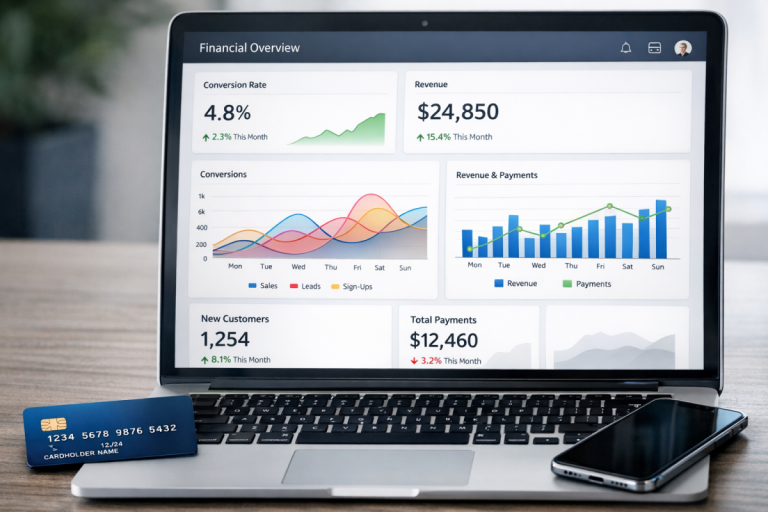
Conversion value is one of those pieces of data that you don't have to track, but if you do, it allows you to refine your ads in a way that can put you ahead of the competition. What is it, and how can you pass the information to Google?
Key Takeaways
- Conversion value measures profit per conversion, not just revenue, and varies by product, location, and shipping costs.
- Google Ads offers static values for predictable conversions and dynamic values for transaction-specific e-commerce tracking.
- Offline conversions from phone sales or in-person purchases can be imported using captured GCLIDs from ad clicks.
- Smart Bidding strategies like Target ROAS and Maximize Conversion Value rely heavily on accurate conversion value data.
- Separate conversion actions should be created for each conversion type to keep high-value and low-value data distinct.
What is Conversion Value
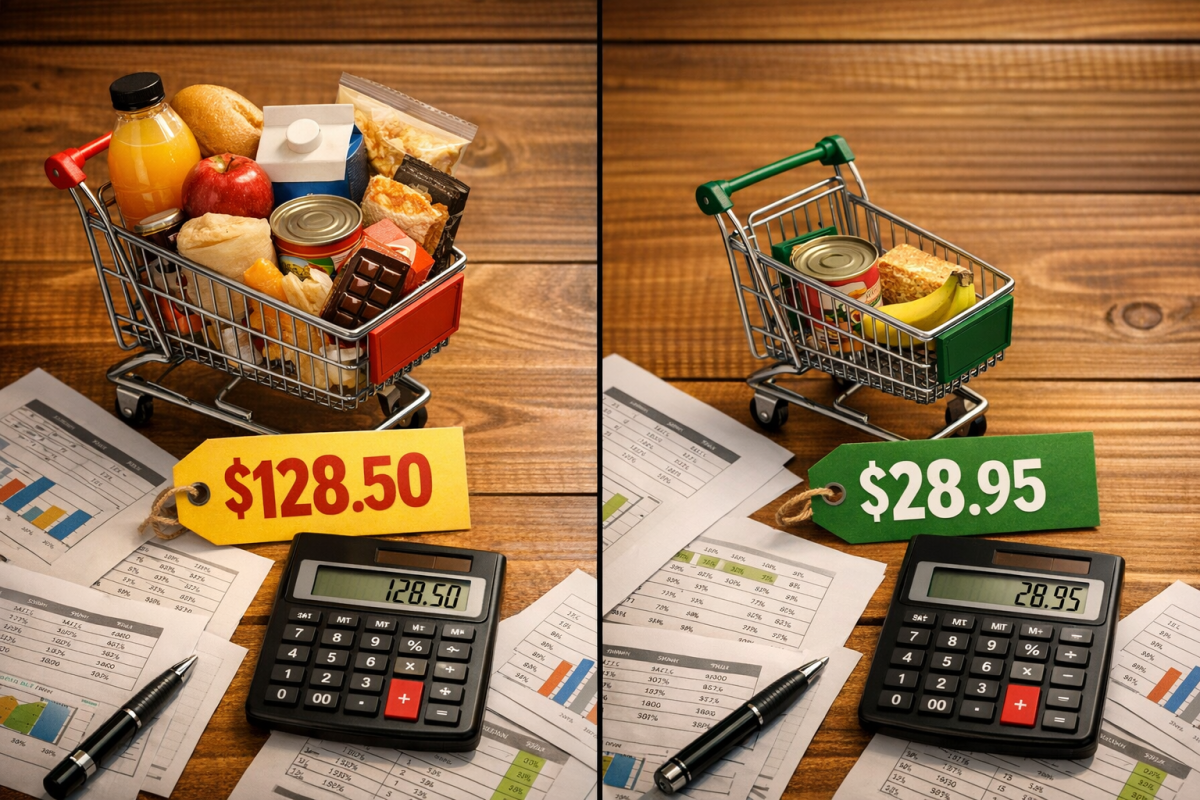
Conversion value is a fairly simple metric. In other areas of e-commerce, it can also be referred to as your average cart value. It is, essentially, how much a conversion is worth to your business.
For example, if you have one product that sells for $50, one conversion is worth $50 to you. Sort of. There's a bit more calculation that goes into it; for example, maybe it costs you $15 to manufacture and ship the product. Since your investment is $15, the profit of the conversion would be $35 - your conversion value is a profit of $35.
Conversion values can vary from source to source as well. Maybe you ship to the USA and to Canada, but international shipping costs more. Your USA conversions net $35, but your Canadian conversions are only $25. Sources that bring you USA conversions are thus worth more to you. If you have two different products, they each have different conversion values across different scenarios. You can see how quickly this varies from point to point.
Conversion value helps you estimate the potential profits of an ad campaign, based on data like the average cost per conversion. If you're operating on narrow margins - say a conversion value of $5, but ads that cost you $4.50 per conversion - you can see how minor changes in conversion rates or ad costs can make or break a campaign.
It's worth noting upfront: sharing monetary values with your conversion events is not required for conversion tracking in Google Ads. By default, Google's conversion tags simply measure distinct conversion events. If no value is assigned, Google Ads automatically assigns a value of $0 to every conversion. That said, tracking values properly gives you a significant data advantage, especially as Google's Smart Bidding strategies rely heavily on this signal.
Conversion value can be directly measured, estimated, or set. When setting up a conversion action in Google Ads, you're given two value types to choose from:
- Static value - the same value is assigned to every conversion of that type. This works well for things like newsletter signups where you know, from past data, that each subscriber is worth approximately $3 to you. Ten signups would then produce a total conversion value of $30.
- Dynamic value - a transaction-specific value is passed with each conversion event, reflecting the actual revenue of that individual transaction. This is the more powerful option for e-commerce.
There are a few different ways you can get your conversion value data into Google Ads. Here are the major cases you might encounter.
Tracking Conversion Value Directly

Google has robust tools for tracking data through both Google Ads and Google Analytics 4 (GA4). Installing conversion tracking is the easiest way to harvest conversion value data and many other data points, so it's worth setting up regardless of what other steps you plan to take.
First, you need to create your conversion action. In your Google Ads dashboard, navigate to Goals > Conversions > Summary, then click the blue plus button to create a new conversion action. You'll choose the conversion category (purchase, sign-up, lead, page view, etc.) and give it a name - I recommend naming it in a way that clearly identifies the source or type, such as "Product Purchase" or "Newsletter Signup."
Under the value section, you'll choose between a static value (same for every conversion) or dynamic value tracking (transaction-specific). For most e-commerce use cases, dynamic value tracking is the right call.
When using dynamic value tracking with the Google tag event snippet, you can pass up to three custom variables alongside the conversion event - for example, product name, color, or a custom identifier. This flexibility allows you to pass rich, transaction-level data back to Google for more precise reporting and bidding optimization.
Once you have your conversion action configured, you'll need to choose the conversion count. There are two options:
- One conversion counting is useful when one customer might trigger multiple conversion actions in a single session. For example, if you're tracking a travel booking where someone books a flight, a hotel, and a car rental, this would count as one conversion - one customer. This model is better when the value of the customer relationship matters more than individual transaction count.
- Every conversion counting tracks each individual transaction separately. In the travel example above, three bookings would be three conversions. This is generally better for e-commerce where each sale is its own discrete event with its own value.
Next, set your conversion window - the period after an ad interaction during which a conversion will be credited to that ad. Google Ads allows windows from 1 day up to 90 days. Shorter windows suit quick-purchase products or subscriptions, while longer windows are better for high-consideration purchases.
Make sure you set up a separate conversion action for each different type of conversion you want to track. If you funnel everything through one tracking code, high-value and low-value conversions will be mixed together, making the resulting data far less actionable. Using multiple conversion tracking pixels on a page is one way to keep these actions distinct and properly segmented.
Once your conversion action is configured, export the Google tag event snippet and place it on the appropriate confirmation or thank-you page. The snippet should fire when the transaction is finalized - not during an optional step in your funnel. Work with your developer if needed to ensure the dynamic value variables are being populated correctly on each transaction. If you're using Stripe, you may also want to review how to set up conversion tracking with Stripe Checkout for a streamlined integration.
Tracking Offline Conversion Value

Sometimes the most valuable conversions don't happen on your website at all. A user might click your ad, fill out a lead form, and then close a deal over the phone with your sales team days later. Or they might walk into a physical location and purchase in person. Your standard web conversion tracking won't capture these - but Google Ads gives you tools to import that data.
Google Ads supports offline conversion imports, and as of 2026 this has become increasingly important as more businesses operate across both digital and in-person channels.
The key to offline conversion tracking is the GCLID (Google Click ID). Every time someone clicks one of your ads, Google appends a unique GCLID to the URL. If you capture this ID when a user fills out a lead form or initiates contact on your site, you can later match it to an offline conversion - like a closed sale - and import that data back into Google Ads.
To do this successfully:
- Make sure your landing page and CRM are set up to capture and store the GCLID alongside each lead's contact record.
- When the offline conversion occurs, record the GCLID, the conversion action name, the conversion time, and the conversion value.
- Import this data into Google Ads via the Conversions import tool (found under Goals > Conversions > Uploads), using Google's provided CSV template.
It's also worth noting that conversion value adjustments for online conversions are possible - but they require a transaction ID. Google uses the transaction ID alongside the conversion action name to identify the specific conversion you want to adjust. This is useful if, for example, a customer returns a product after a purchase was already recorded as a conversion.
For call-based offline conversions, you'll need to use a Google forwarding number on your site rather than your direct business number. When a user calls the forwarding number, the call is routed to your real line while Google captures call data. You can then enrich that data after the call - classifying it as a sale, a support call, or whatever fits your workflow - and add the conversion value accordingly. Keep in mind that this still requires the call to originate from an ad interaction; manual dialing won't be tracked. If you want to go further, you can track phone calls as conversions on your ad campaigns to get a more complete picture of your results.
Google Ads also offers integration with CRM platforms including Salesforce and HubSpot, which can streamline the process of syncing offline conversion data if your sales team is already working in one of those tools.
Using Conversion Value

Once you have conversion value flowing into Google Ads, you can put that data to work. The most immediate benefit is visibility: you'll be able to see which campaigns, ad groups, keywords, and audience segments are delivering the highest value - not just the most clicks or even the most conversions.
But the bigger opportunity in 2026 is Smart Bidding. Google's AI-driven bidding strategies have matured significantly, and conversion value data is the fuel they run on. Specifically:
- Maximize Conversion Value - Google automatically adjusts bids to get the highest total conversion value within your budget.
- Target ROAS (Return on Ad Spend) - You set a target return, and Google optimizes bids to hit that ratio of conversion value to ad spend. For example, a 400% target ROAS means you want $4 in conversion value for every $1 spent on ads.
These strategies work significantly better - and more reliably - when they have accurate, granular conversion value data to learn from. Passing dynamic, transaction-level values rather than static estimates gives the algorithm a much richer signal to optimize against.
To enable value-based Smart Bidding, go to your campaign settings, select your bidding strategy, and choose either Maximize Conversion Value or Target ROAS. Google will recommend a minimum amount of conversion data before these strategies become effective - typically at least 30-50 conversions per month is a reasonable baseline, though more data always helps.
The bottom line: the more accurately you track what your conversions are actually worth, the more effectively Google's systems can work on your behalf. Conversion value tracking isn't just a reporting nicety - in 2026, it's a core input into how your ads compete and perform.