Key Takeaways
- Spam filters now use machine learning and sender reputation data, not just keyword matching, making overall email quality critical.
- Financial terms, urgency phrases, NSFW content, and bank names are among the highest-risk spam trigger word categories.
- Technical factors like malformed HTML, image-heavy layouts, custom tracking scripts, and email attachments can also trigger spam filters.
- Sender reputation matters most - Google and Yahoo's 0.3% spam complaint threshold means irrelevant emails cause real deliverability damage.
- No single word guarantees filtering; context, list hygiene, consistent sender identity, and content relevance determine overall deliverability.
Email Spam Trigger Words to Avoid in 2026
Crafting a compelling email marketing campaign is tricky enough without having to worry about your vocabulary. Unfortunately, you have to. Your word choice - and the context in which you use those words - matters enormously. If you're frequently using trigger words that flag emails in spam filters, you're going to have a hard time with delivery. And with nearly 1 in 5 emails getting caught by spam filters before they ever reach an inbox, this isn't something you can afford to ignore.
Spam filtering has gotten significantly more sophisticated since the early days of simple keyword matching. Gmail, Outlook, and Apple Mail all use machine learning, behavioral signals, and sender reputation data to make filtering decisions. Google and Yahoo even formalized a 0.3% spam complaint threshold in 2024 - exceed that rate and your emails risk being blocked or filtered entirely, regardless of your word choice.
That said, not everyone on your mailing list is using a sophisticated mail client. Plenty of people use email systems provided by their employers, and those spam filters are often far less nuanced. For every behavior-based filter like Gmail, there's a corporate gateway blocking any message containing the word "amazing." So yes, your word choice still matters - a lot.
Rather than give you a bloated "complete" list, I'm going to walk through the most common categories with some reasoning behind each one. Most of the time the reason comes down to "commonly used in spam emails," but sometimes a little deeper context is helpful.
Before getting into that, though, here are some solid external lists worth bookmarking. If all you want is a raw list of words to avoid, these are good starting points:
- HubSpot's Ultimate List of Spam Trigger Words - Focused primarily on subject lines and updated regularly. A reliable reference that HubSpot has maintained for years.
- SimplyCast's Top Email Spam Trigger Words and Phrases to Avoid - Smaller list with some general deliverability tips alongside the keywords.
- Mailjet's Words That Will Trip the Spam Alarm - A shorter list but includes reasoning for each entry, similar to what I'm doing here.
- ActiveCampaign's Spam Trigger Words List - Regularly updated and well-organized by category, making it easy to cross-reference against your drafts.
All of that said, if you want some more reasoning behind the lists, keep reading.
Word: Invoice
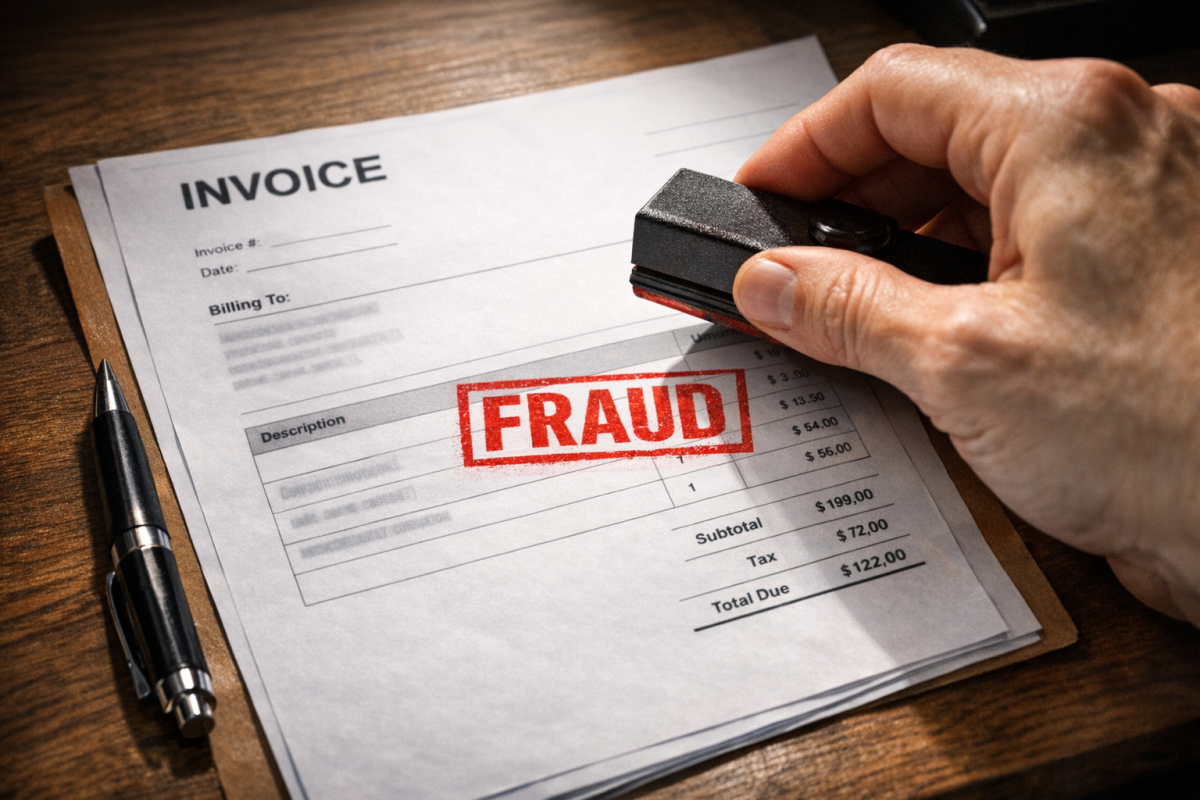
First up is the simple word invoice, which is commonly used by scammers. Yes, legitimate businesses send invoices via email all the time, but those senders have typically been whitelisted by the recipient. The word itself tends to get flagged because scammers love sending fake invoices to businesses, counting on overworked billing departments to just pay without verifying.
It seems like every few months there's a new story about a company that's been paying fraudulent invoices for months before anyone caught on. When there's a disconnect between your billing department and everyone else, it's easy to stop questioning and just start paying. This is why verification matters - and why your legitimate invoice emails need a solid sender reputation to make it through. Building that reputation starts with good practices, like knowing how to manage your opt-in list and using the right email campaign tools to keep your deliverability strong.
Word: Any Bank or Financial Institution Name
Dropping the name of a specific bank or financial institution in your email is a red flag for spam filters, and for good reason. Phishing emails that impersonate banks are among the most common and most damaging forms of email fraud. These attacks have only gotten more convincing over the years, with some now using AI-generated content to mimic official communications almost perfectly.
Most people handle this with whitelists - their actual bank is whitelisted, so real statements get through. As a marketer, mentioning a specific financial institution in your campaign risks landing you in the same bucket as those phishing attempts. Avoid it unless it's absolutely necessary and your sender reputation is rock solid.
Word: Nigerian, World Bank, Inheritance, Wire Transfer, Etc.
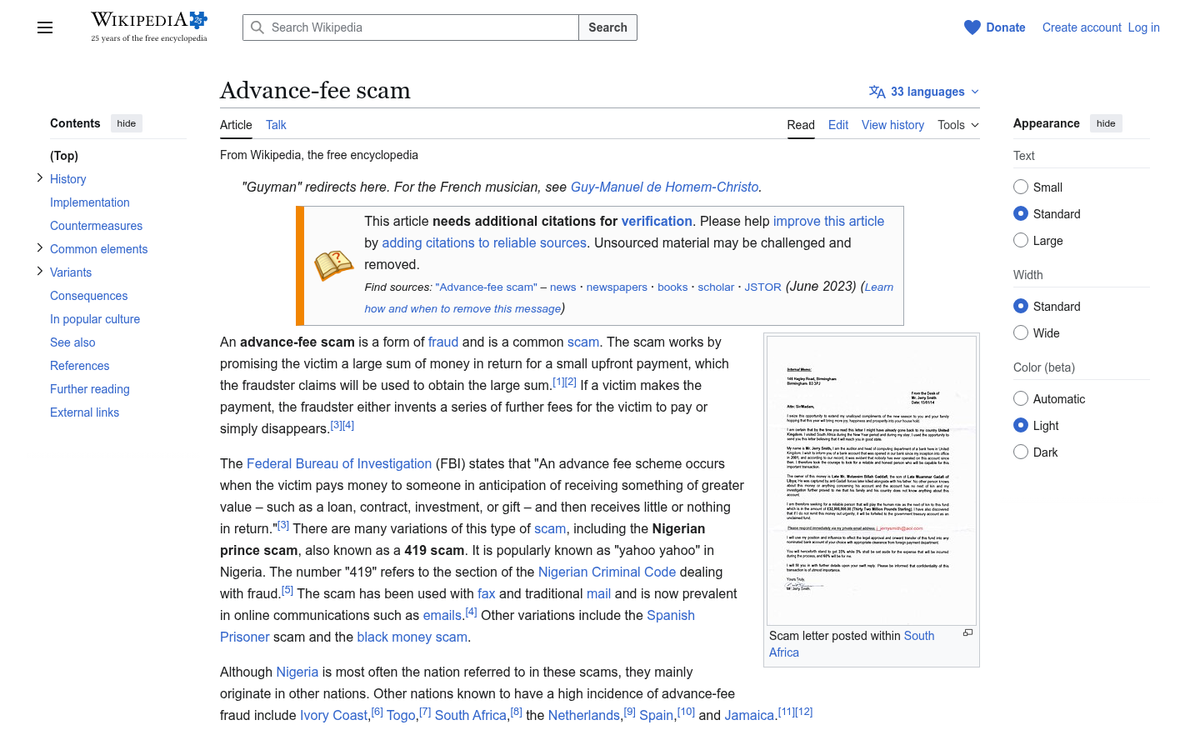
These are classic variations on advance-fee fraud, and while the Nigerian prince joke is old, the scam itself is very much alive - and increasingly sophisticated. Modern versions claim to come from the United Nations, international legal firms, or foreign government officials. Some now use WhatsApp and social media to establish trust before sending the email that asks for money.
The filters know these patterns well. Mentioning inheritance payments, wire transfers, or foreign financial institutions in a financial context is a reliable way to get flagged. Even if your use is legitimate and innocent, the association is too strong to ignore.
Word: Anything Financial
Almost universally, financial terms end up on spam trigger lists. Words like beneficiary, cash, claims, free, quote, debt, and refinance are all flagged because there are well-established scams built around them. According to research from Return Path, using less common and more specific language can actually reduce your spam score by up to 20% - which is a meaningful edge.
This gets tricky when you're trying to send a coupon or special offer to your list. Context matters enormously here. If you have a discount to promote, make sure it's not the only content in the email. Mix in value-added content. The Content Marketing Institute found that educational emails see a 19% higher click-through rate than purely sales-focused messages - which tells you something about what your subscribers actually want from you.
Word: Anything Sexual or NSFW
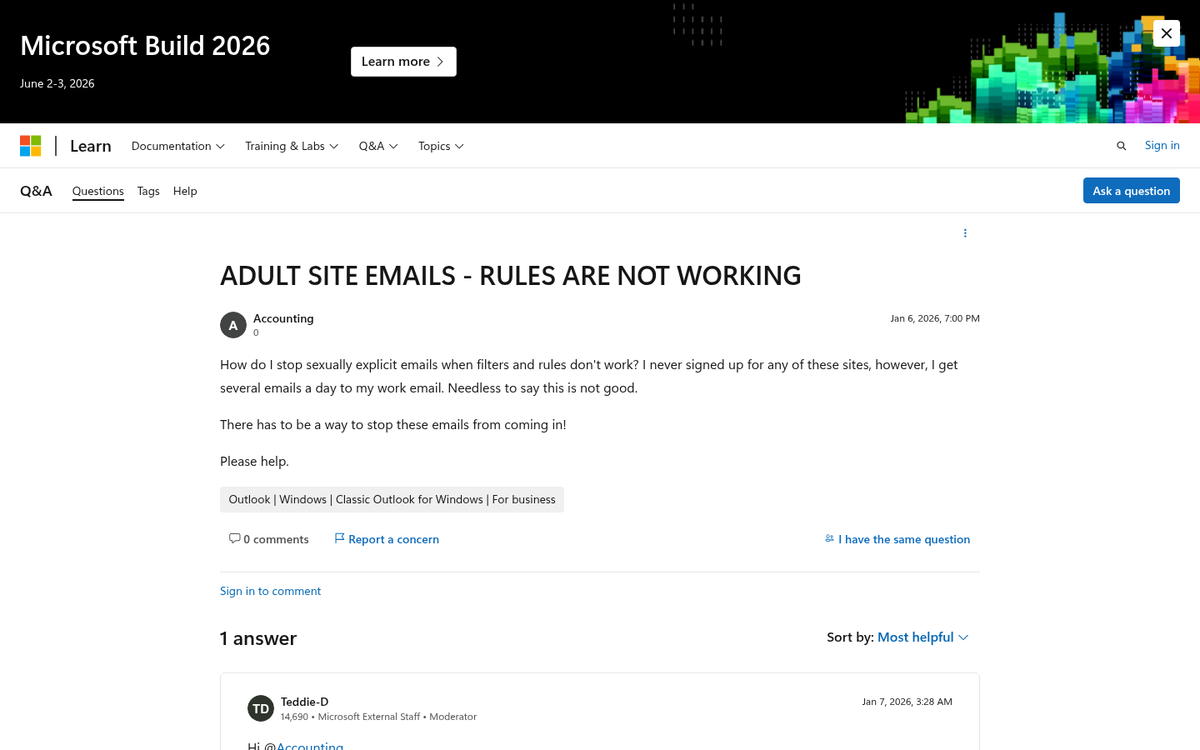
Anything that's "not safe for work" is typically going to get filtered, full stop. Even if you're a legitimate newsletter from a legitimate adult website, you'll get caught by corporate filters and many consumer ones as well. Are your newsletter blasts ending up in the spam box? This is a common concern worth exploring.
If you're not an adult business, this should be easy to avoid. Just be careful with words that have multiple meanings. The word "adult" itself can be a flag in the wrong context, as can surprisingly innocuous terms that happen to share vocabulary with explicit content.
Word: Urgency Phrases
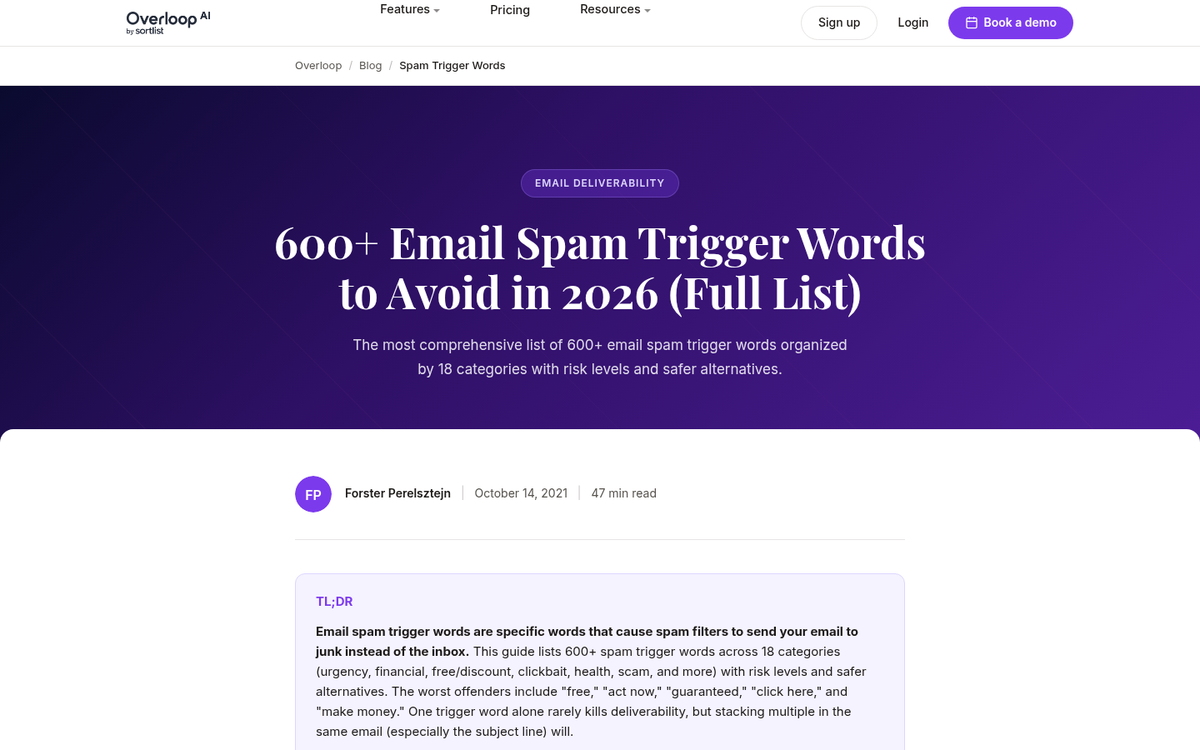
Words and phrases designed to manufacture urgency have always been a staple of spam, and filters have gotten good at spotting them. Phrases like "don't hesitate," "act now," "limited time," "do it today," "expires soon," and even just "don't wait" are well-known triggers.
The reasoning is simple: scammers and phishers use urgency to short-circuit critical thinking. If you can get someone to click before they stop to consider whether an email is legitimate, you've won. Filters know this pattern, and they treat urgency-heavy language with suspicion.
That said, context matters. An internal company email telling employees "don't forget to submit your timesheet by Friday" isn't going anywhere near a spam folder. It's mass marketing emails where this language becomes a problem.
Content: Code and Tracking
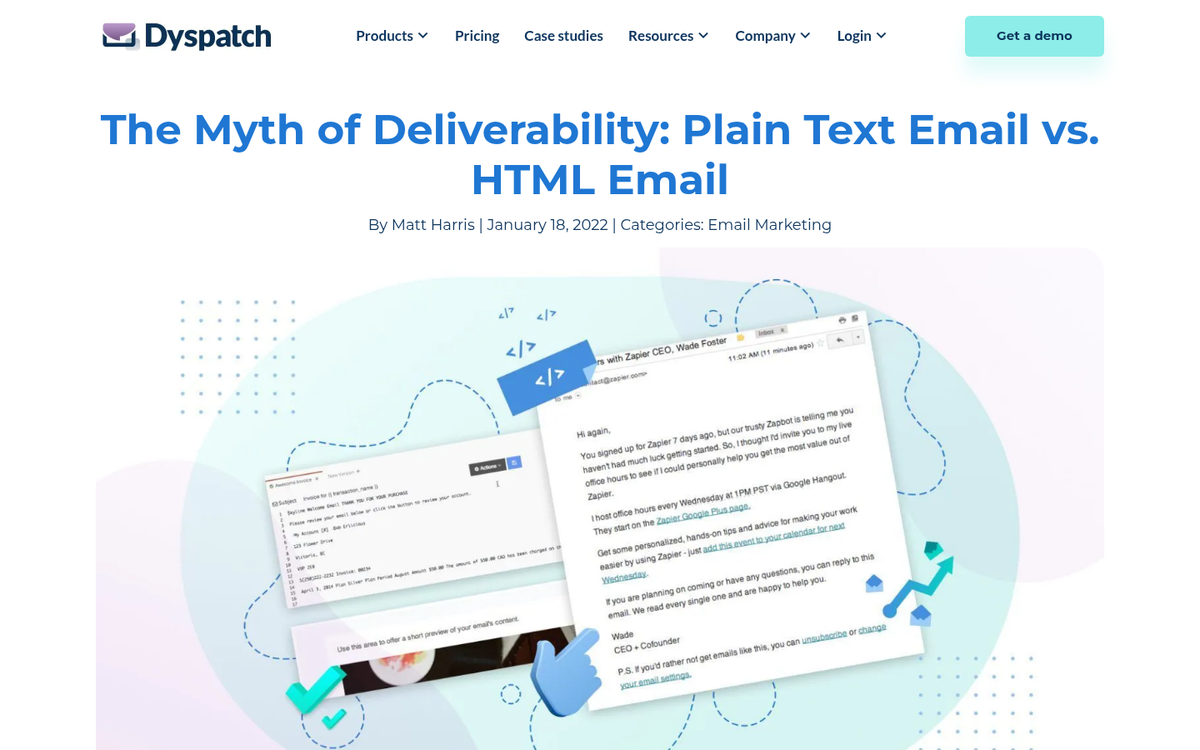
This one isn't about words at all - it's about the underlying structure of your email. Most newsletters are built in HTML, which is fine and expected. What's not fine is poorly structured HTML, broken tags, or code that doesn't render in email clients. Filters often interpret malformed code as a sign of a hastily assembled spam campaign, because that's often exactly what it is.
Be careful with tracking scripts and analytics code embedded directly in your emails. Modern email service providers - Klaviyo, Mailchimp, ActiveCampaign, and others - handle tracking natively. They don't need you to embed custom scripts, and doing so can actually interfere with deliverability. Let your ESP handle analytics; that's what you're paying for. If you're looking for ways to monitor performance outside your ESP, there are free alternatives to Google Analytics worth exploring.
Also, always include a plain-text version of your email alongside the HTML version. Emails that only contain HTML with no plain-text alternative are a common spam signal. Tools like Mailchimp's built-in features can help you manage both versions and convert subscribers more effectively.
Content: Formatting
Formatting your text in unusual ways is a reliable path to the spam folder. The reason this happens is actually a legacy of the spam arms race: spammers used odd formatting to defeat simple keyword-matching filters. A basic filter could catch "free" but would miss "F R E E" or "fr€€." Filters adapted, and now unusual formatting is itself a red flag.
Avoid odd spacing between letters, using symbols in place of letters, or unnecessary capitalization. ALL CAPS in a subject line is one of the fastest ways to get flagged. The only time unusual characters are acceptable is when they're part of a legitimate, trademarked brand name - and even then, use them sparingly. If you're also sharing content on social platforms, be aware that submitting to Reddit without tripping a spam filter follows many of the same principles.
Content: Image-Heavy or Unreadable Emails
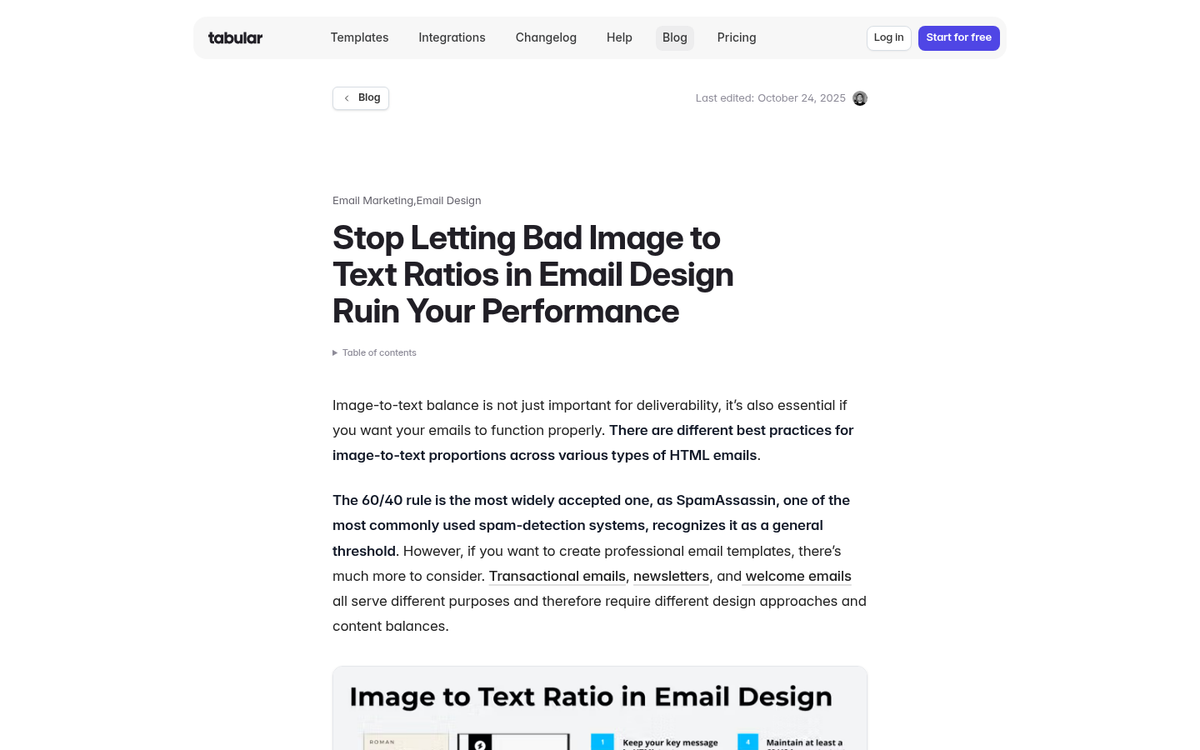
If your email is mostly images with very little actual text, spam filters struggle to evaluate it - and when filters can't evaluate something, they often err on the side of caution and filter it out. This is especially relevant for emails that put important text inside images (like a promotional banner that says "50% OFF TODAY ONLY" as a JPG).
Beyond deliverability, image-heavy emails have another problem: a significant portion of your audience may have images disabled by default. If your entire message is in an image they're not loading, they see nothing.
A good rule of thumb is to maintain a reasonable text-to-image ratio. Use images to support and enhance your message, not carry it entirely. The same logic applies to emails built entirely in a drag-and-drop template that generates bloated HTML - clean, lean code performs better across the board. If you want to get more mileage out of your visuals beyond email, it's worth learning about optimizing images for search traffic as well.
Content: Attachments
Never attach a file to an email newsletter. This hasn't changed and won't change. Email attachments are so frequently used to deliver malware, ransomware, and phishing payloads that most corporate email filters will strip them automatically before the email ever reaches the inbox.
Beyond the deliverability issue, there's a user trust issue. One of the best habits you can instill in your subscribers is healthy skepticism about email attachments. Don't be the newsletter that trains people to open files from emails - that's a dangerous habit to encourage. If you have a resource to share, host it online and send a link.
Sender: Consistency Matters
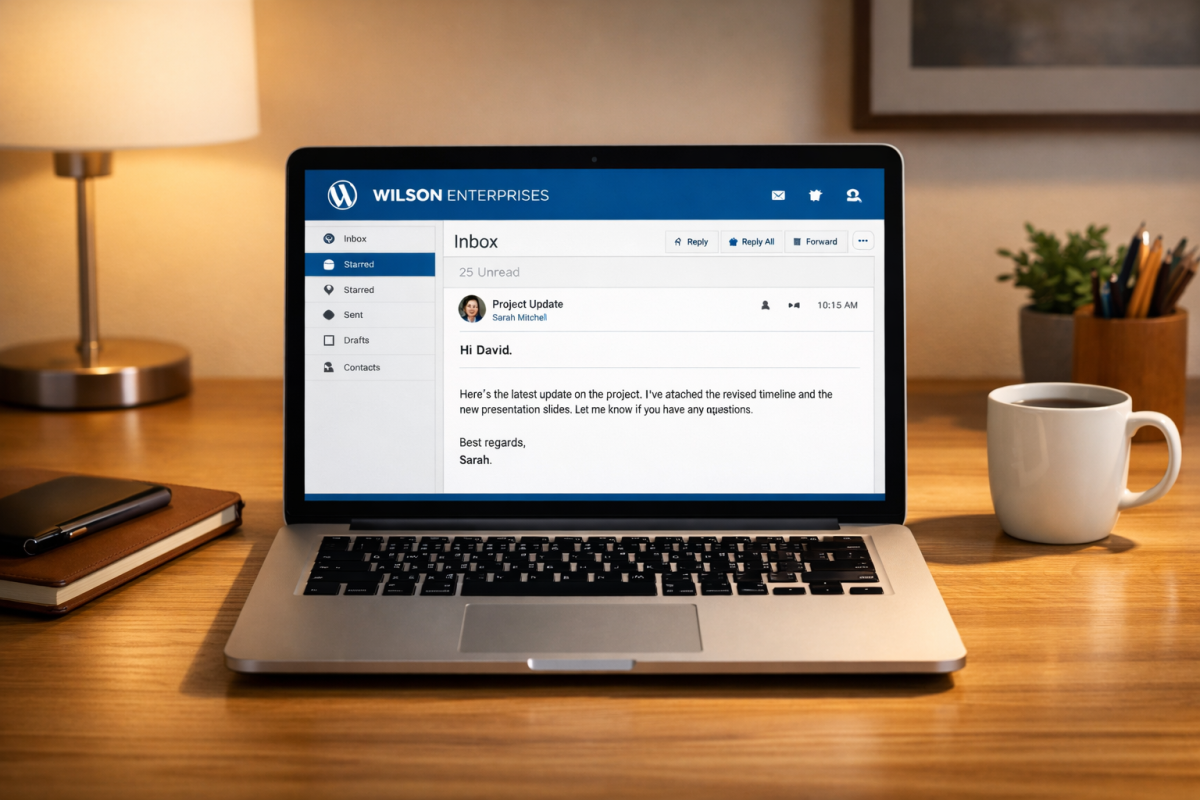
One problem that doesn't get talked about enough is inconsistent sender information. It's perfectly reasonable to have newsletter@company.com send your newsletter and support@company.com handle support tickets. What causes problems is rotating through multiple sender addresses for your newsletter, or changing your "from" name frequently.
Spam filters build reputation profiles around sender addresses. Every time you change your sending address, you're starting fresh with no established reputation - which makes filtering decisions more conservative. Beyond the algorithmic side, your subscribers recognize your sender name and email address. Changing it unexpectedly increases the chance they'll mark you as spam out of confusion.
Pick a sending identity and stick with it. Consistency builds trust with both humans and algorithms.
Your Sender Reputation Is the Real Issue
Here's the thing that keyword lists often miss: in 2026, your sender reputation matters more than any individual word choice. Google and Yahoo's formalized 0.3% spam complaint threshold from 2024 made this official. If your subscribers are regularly marking your emails as spam - regardless of the words you use - you're going to have deliverability problems.
A study by the Direct Marketing Association found that emails perceived as ethical and relevant were 50% more likely to be opened. The most effective spam avoidance strategy is simply sending emails people actually want to receive. Maintain a clean list, respect unsubscribes immediately, segment your audience so you're sending relevant content, and don't email people who haven't heard from you in two years without a re-engagement campaign first.
And keep CAN-SPAM compliance in mind. Violations can cost up to $16,000 per email - a number that adds up fast if you're sending at any kind of scale.
Context Matters
Remember that context is the thread running through all of the above. No single word is guaranteed to get you filtered. No single word is guaranteed to be safe. What matters is the overall picture: your sender reputation, your list hygiene, your HTML quality, your text-to-image ratio, and yes, your word choices working together.
The safest approach is to write emails that are genuinely useful to your subscribers, maintain a consistent sending identity, keep your list clean, and stay current on best practices. Spam filters evolve constantly, and what worked - or failed - three years ago may not apply today. Treat deliverability as an ongoing discipline rather than a one-time checklist, and you'll stay ahead of the problem.