





Key Takeaways
- Automated emails generate 320% more revenue than non-automated emails, with one in three clicks resulting in a purchase.
- Choosing the right email frequency-daily, weekly, bi-weekly, monthly, or irregular-depends on your content volume and audience needs.
- Welcome emails average an 82% open rate and 27% click-through rate, making them the highest-value automated message you can send.
- Audience segmentation serves two purposes: retaining disengaged subscribers through targeted re-engagement, and split testing to optimize email performance.
- Popular email platforms include Mailchimp, Klaviyo, and ActiveCampaign, with most offering free tiers to test before committing.
Email automation is a powerful tool when used correctly. Done right, you're engaging your subscribers. That drives traffic to your blog or storefront, gaining new social media followers and keeping your audience up-to-date. Done poorly and you're flagging your business as a spam source, your domain blacklisted and losing your audience all at once. The stakes are high - but so are the rewards. According to Omnisend, automated emails generate 320% more revenue than non-automated emails, average a 42.1% open rate and a 5.4% click rate, and one in three who click an automated message make a purchase. Oracle research has also found that marketing automation drives a 451% increase in qualified leads. And Adobe reports that 76% of marketers who do automation see a positive ROI within a single year.
Determine a Frequency
The first thing you should do is choose how often you want to send emails to your subscribers. You usually want to be steady and up-front with your schedule, so you stay away from sending too many emails and flooding your users with meaningless messages.
Here are some options you can consider:
- Daily. A daily digest can be effective if you're a particularly active site. A site like Forbes might have a newsletter for each major channel, such as an entrepreneurship digest, a business digest, a commerce digest, and so on. A smaller site like PC Magazine might send out a daily newsletter with a rundown of the posts they published that day. If you don't publish multiple pieces of content on your site in a day, however, this option is unlikely to be a good idea.
- Weekly. A weekly newsletter or round-up can be a great idea, particularly if you're a blog that publishes content once a day or only 2-3 times per week. This keeps your audience engaged and aware of your content, without requiring them to commit to keeping your schedule in mind or setting up alerts. Though you can use those too.
- Bi-Weekly. Publishing a newsletter once every two weeks has the benefits of a weekly newsletter, but allows you to spend more time building up and curating the content you want to deliver.
- Monthly. A monthly newsletter is good if you want a longer, more detailed newsletter with a deep round-up of what you've been doing for the month. It's best for slower blogs or for blogs that tend to dig deep into subjects rather than surface-level news coverage.
- Irregular. Irregular newsletters are more useful for things like new product notifications. Some authors use them to notify readers when a new book is in the works or ready to be published. Companies often set up these newsletters for notifications when a new product launch happens.
Every frequency has its benefits for different types of businesses, so no one frequency is better than any other. You basically need to figure out what will work best for the level of content you have to share and the audience you want to share it with.
I also recommend testing different frequencies. I'll go more into testing later. But for now, consider segmenting your audience and running two different newsletters to see which has the better open and engagement rates.
Decide What to Send
What will your email include? What are you sending to your readers? The most obvious answer is a digest of what you've been up to as a company. You want a newsletter that contains your branding and links to your social media profiles - it should also have a casual rundown of what your business has been up to, what's coming up down the pipeline, and something to acknowledge how long it has been since your last email. Additionally, it can include links to either your top performing blog posts, or simply the blog posts you published.
More standard newsletters don't get to include as much detail or interesting conversation, because they're too frequent for a retrospective or a forward-looking conversation to take place. I don't need a recap of the last month of news if you've been sending me news updates every day, after all.
At the low end, you can make your digest trigger when you publish a new blog post - it's easy enough to configure an email system to trigger on a published post and send a notification to your readers that a new post went live. You can also put this on a delay; those who didn't see the post immediately will be caught by the email reminding them that it's live.
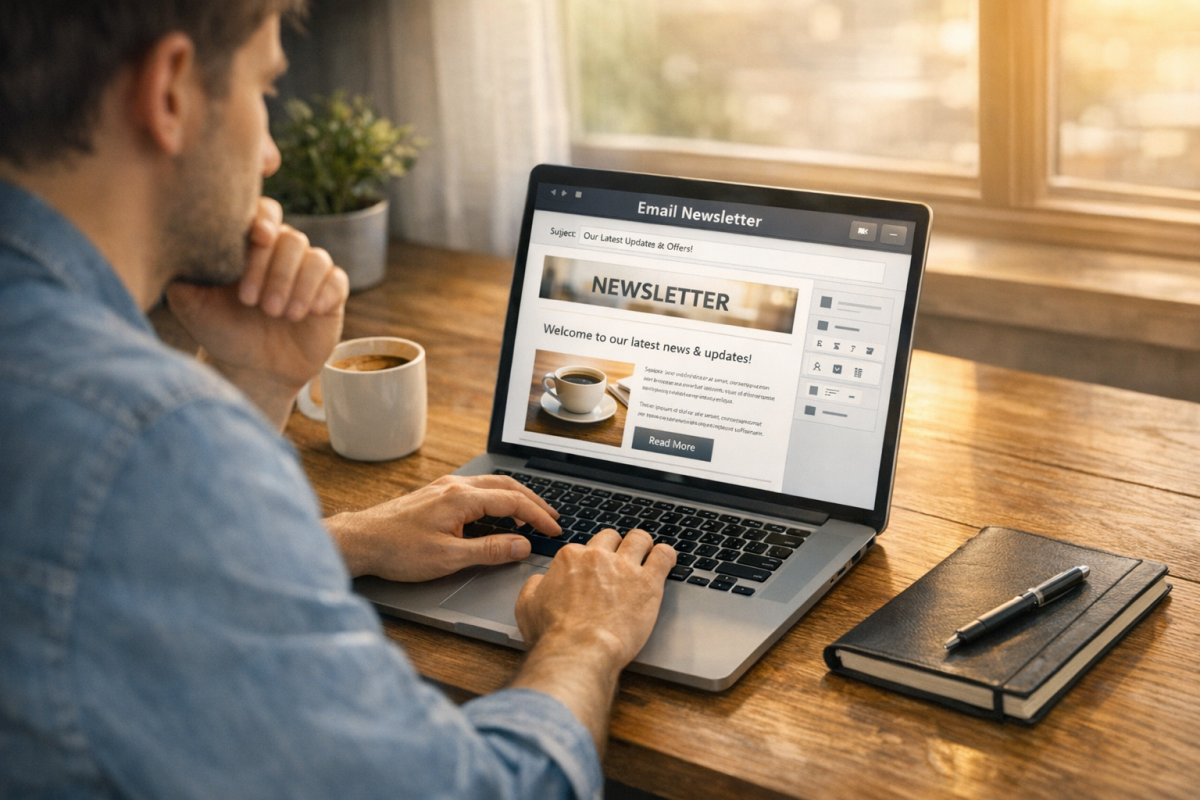
As you scale up the content level, you can include more exclusive conversation, which turns the emails from a notification into a newsletter. They will be content in their own right, which is a good thing.
You can also take a different tack and send emails that are more focused on sales, like catalogs in the inbox. If they signed up to get blog notifications and you're sending them a sales pitch, they're going to opt out.
Design a Compelling Email
Every email has two inherent goals. One of them is the same goal as any and all marketing copy that isn't on your website: get users to click a link to visit your website. The other is exclusive to email: get users to open the email. Your emails need to be designed specifically to address both of these calls to action.
First up, you need a strong subject line. Put yourself in the user's shoes; if you received the email, would you open it? What's the value in the subject line? It has to either present a value proposition immediately, or it has to make use of the curiosity gap to get users to see what's inside. Unlike something like Facebook, you can use clickbait in your emails all you like. Here's a great post on subject lines for more reading.
Next, you need strong copy in your emails. Your goal is to get users to click through one of the links you've provided, be it to a landing page, a blog post, or a social profile. As long as you can get them to click through, you can get them exposed to your other marketing. Even if they don't commit then and there, they opened the email, so they're still part of the fold.
Remember as you're writing your copy that you want to stay away from common email spam words and techniques. Have you looked at your inbox recently? All of the funny fonts in subject lines just get an email filtered. You also want to stay away from words like free, "extra income", "cheap" and a whole number of others that are used in spam emails. You aren't likely to be filtered immediately. But it's a warning sign and makes you more likely to be flagged as spam by automated systems.
Consider a Welcome Drip Campaign
In addition to your standard newsletter flow, one thing you can consider is a welcome campaign. A welcome campaign is sent specifically to new subscribers when they sign up for your newsletter for the first time - it spends a few days or a few weeks sending emails that introduce them to parts of your newsletter and your business, before bringing them up to speed and merging them into the core newsletter.
Welcome emails are arguably the highest-value automated message you can send. Data shows they average an impressive 82% open rate and a 27% click-through rate - far higher than standard broadcast emails. According to GetResponse, 47% of marketers already automate their welcome emails, which makes it one of the most widely adopted automation strategies available. If you're not doing this yet, it's one of the easiest wins on the table.
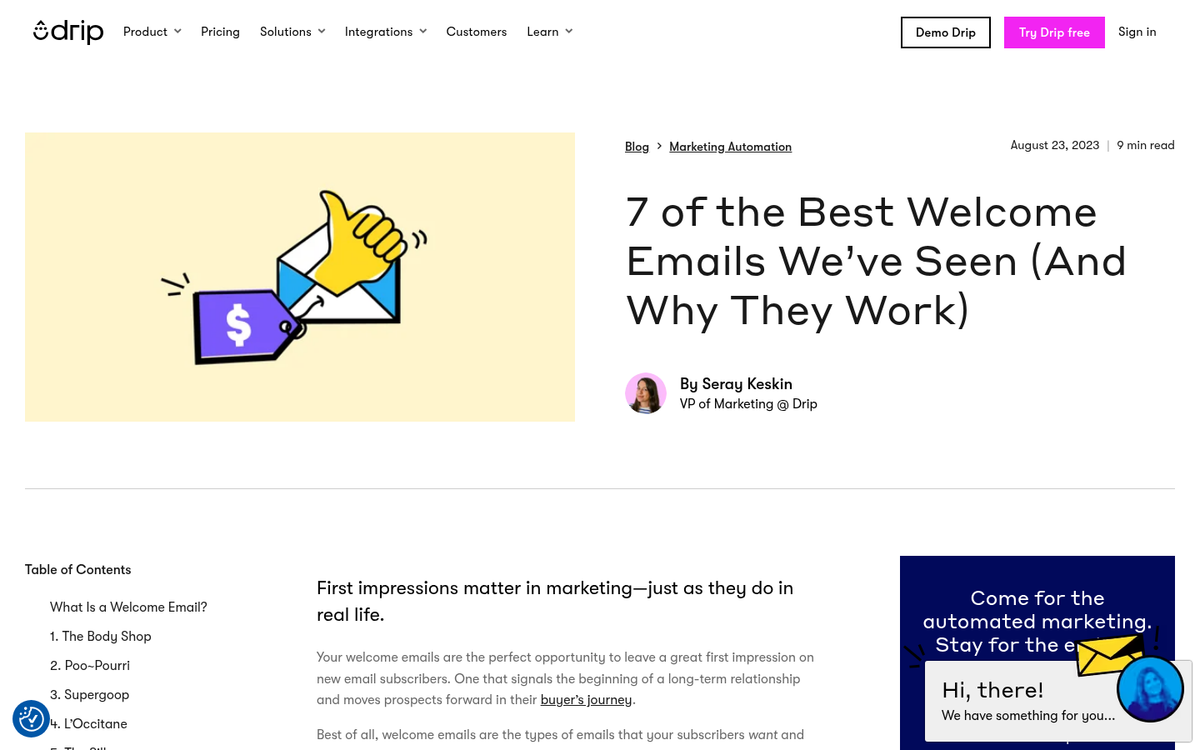
One of the primary uses of a drip campaign past the welcome sequence is product onboarding. You welcome them to your product and give them basic information about it, then you send them increasingly advanced information, tutorials, and use cases over the course of the following weeks. Once this is wrapped up, those users should be up to speed with your products.
Drip campaigns usually take some skill to compose, and they can be adjusted and adapted with a hundred different levers to improve them. Change how the emails are sent, change what information is in each, change how many there are, and so on - it's a topic worth a great rundown of its own. Tools like Zapier can help automate your promotion efforts alongside these campaigns, and pairing your drip sequence with a solid content marketing campaign can stretch your results even further.
Learn About Audience Segmentation
Audience segmentation will be a giant part of how you run your newsletters and email digests, so it's something you want to get used to. There are two purposes for segmentation: retention and testing.
Segmentation for retention is a way to adapt to who no longer open your emails. If a user stops opening your emails, you have to consider why. Right? Are they tired of you? Are they no longer a customer? Are your subject lines not strong enough? Are your emails filtered?
If they aren't opening, you can move them into a segment of users who get specially crafted subject lines designed to improve open rates. Specialized "still with us?" style subject lines can help get them to open a few messages, and then you can move them back to the main audience. If they don't open even those messages, you have to accept that they're no longer interested.
At this point, you can stop sending primary emails to those users. Keep them on a list, and then a month or so later, send them a refresher asking if they'd like to stay on the list. If they open that and engage with it, you can move them back to the main list. If they don't open it, they can be removed from your lists.
Yes, that means you lose a lead. However, these users weren't engaging with your emails. They weren't a qualified lead. They could have dropped off for any of a thousand reasons, from spam filters to disinterest - it's your job to keep your core email list pruned.
Testing is the other way you can segment your mailing list, and you can do it in two ways: through demographics or randomly.
Demographic segmentation is going to require you to learn about your users. If you have a product that requires them to submit information about themselves, that's easy. Otherwise you might need to use a blog management company to give you a better idea of your users. You can harvest some data when they sign up as well.
Demographic segmentation is helpful for delivering semi-targeted advertising directly to the users who are most likely to be interested in it. For example, if you have a male/female divide in your segmentation, you can send a "new mothers sale" newsletter to the female half while you send a more standard newsletter to the male half; it's just a simple example, of course, you can get quite sophisticated with it.
Random segmentation is more for blind split testing. Divide up your audience into two equal halves and send them the same email with different subject lines. Since there's no pattern to who is in which half of the audience, the only difference between them is the subject line. Thus, the subject line with the higher open rates is the better subject - this split testing is very important and worth a post of its own.
Pick an Email Management Platform
All of this might sound tough. But that's what email management apps are for. All of the professional, business-class email apps have customer management features, include newsletter management, and usually have drip campaign features. Where they tend to vary is in the number of emails or contacts they can manage at different price points, and some fringe features, like syncing with other marketing platforms or composition tools.
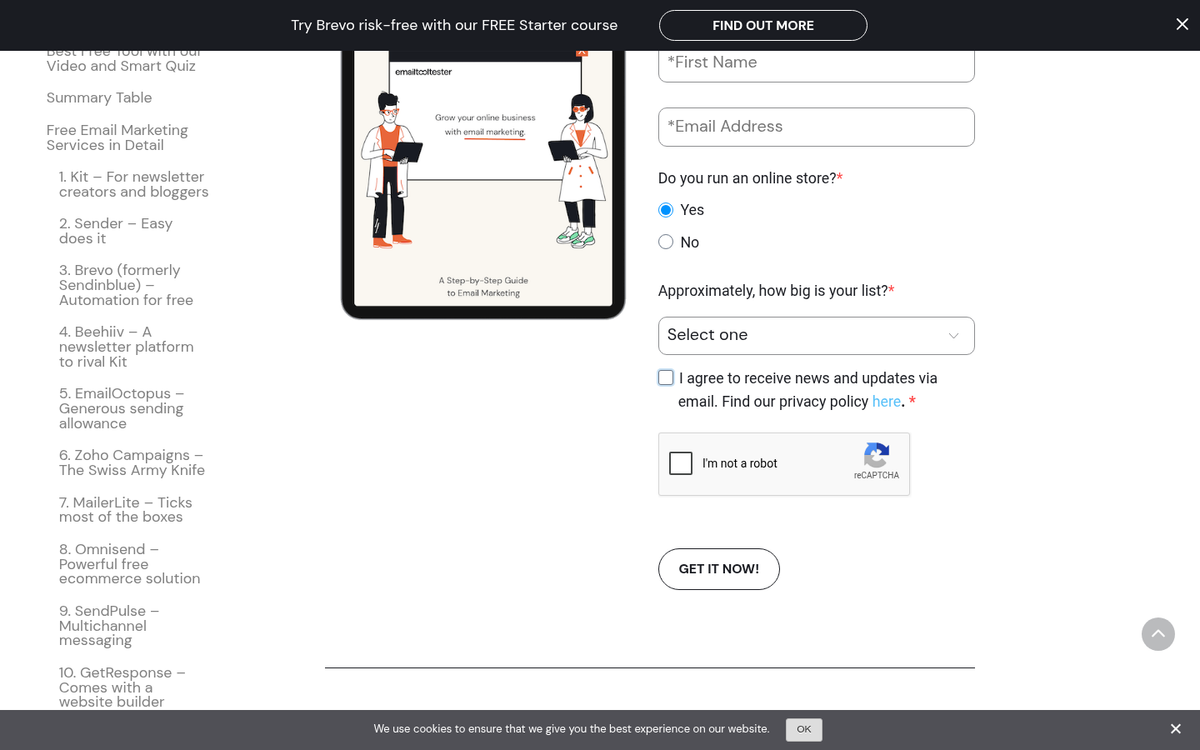
Platforms you can consider looking into include Mailchimp, Klaviyo, ActiveCampaign, GetResponse, Brevo (formerly Sendinblue), ConvertKit (now Kit), Constant Contact, and Campaign Monitor. The landscape has shifted quite a bit, with Klaviyo in particular becoming a favorite for e-commerce businesses and Kit becoming more popular with content creators and bloggers. Most platforms give you free tiers or trials, so it's worth testing a couple before committing. Which email manager is your favorite of the ones you've tried? Let me know in the comments.
1 response
Thoughtful replies only - we moderate for spam, AI slop, and off-topic rants.
Very useful. Hard part I suppose is writing enough emails in advance for each week for customers to get enough useful content.