The grim reality of email marketing is that very few people actually pay attention to the messages they receive. Email is the primary mode of communication for so many businesses that an opt-in just doesn't have the value it once did. According to Mailchimp, the average open rate across industries sits at just 21.33%, meaning that even on a good day, roughly four out of five subscribers never open your message.
Thankfully, as a marketer, you're not powerless. You can tweak specific aspects of your email messages to meaningfully increase your open rate.
Key Takeaways
- Average email open rates sit at just 21.33%, but optimizing subject lines, preheaders, and design can significantly improve results.
- Personalized subject lines boost open rates by 39%, and emails with preheader text achieve an average open rate of 44.67%.
- Subject lines between 61-70 characters achieve the highest open rate at 32.1%, according to analysis of 7 billion emails.
- Resending to non-openers can recover missed engagement, but repeated sends to disengaged subscribers may harm sender reputation.
- Top-performing campaigns are 28% more likely to use segmentation, making list segmentation and A/B testing critical strategies.
1. Make sure your newsletter looks good.
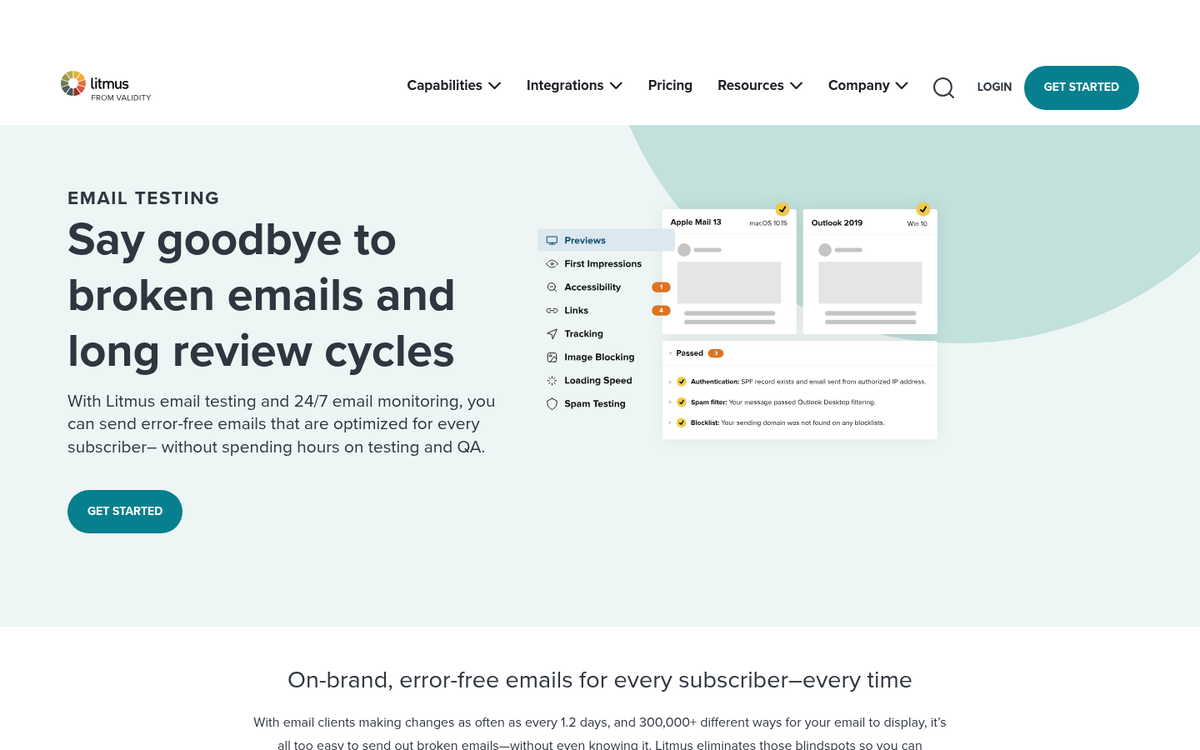
The idea behind this tip is that when a user signs up for your mailing list, they're going to open the first message you send. If they open that message and discover a newsletter that looks broken or skewed, they'll write your emails off as low quality. Maybe they'll let you know, maybe they'll just delete the message. Either way, that bad experience lingers, and the next time a newsletter arrives it languishes in their inbox.
You can test your newsletters using Litmus to see how they will look on various platforms, including mobile. Litmus will also flag anything in your message or subject line that might trip spam filters - worth paying attention to given that CloudHQ reports 48% of emails end up in spam folders.
2. Nail your subject line length.
Subject line length matters more than most marketers realize, but the data has shifted from older assumptions. After analyzing 7 billion emails, GetResponse found that subject lines between 61-70 characters achieve the highest average open rate at 32.1%. That's longer than the old "under 10 characters" advice that floated around for years, though short and punchy subject lines can still work well in the right context.
The takeaway isn't a rigid character count - it's that your subject line should be as long as it needs to be and no longer. Trim the filler, lead with value, and test what resonates with your specific audience.
3. Use title case capitalization in your subject line.
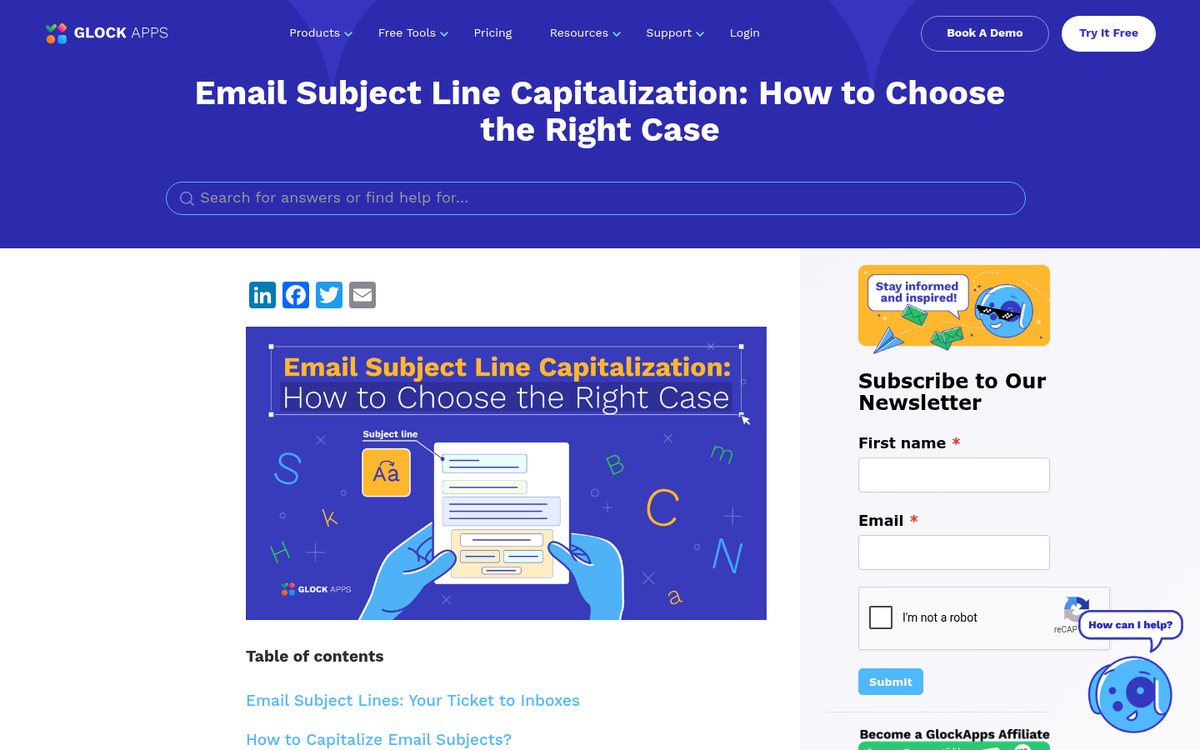
It's much more attention-grabbing to use title case - that is, Capitalization of the First Letter of Each Major Word - in your subject line than it is to use a standard sentence. Treat your email subject line the same way you might treat the title of a blog post. A compelling, well-framed subject line can maintain strong open rates regardless of length, as long as it genuinely reflects what's inside.
4. Personalize your subject line.
This one is backed by hard numbers. Klenty analyzed 255,000 emails and found that adding a recipient's name to the subject line boosted open rates by 39%. And keep in mind that 47% of email recipients decide whether to open an email based on the subject line alone, while 69% may mark it as spam if the subject line seems suspicious or clickbait-heavy.
Personalization signals that the email was meant for that specific person, not blasted out to a cold list. Most modern email platforms make dynamic name insertion easy, so there's little reason not to use it.
5. Don't overlook your preheader text.
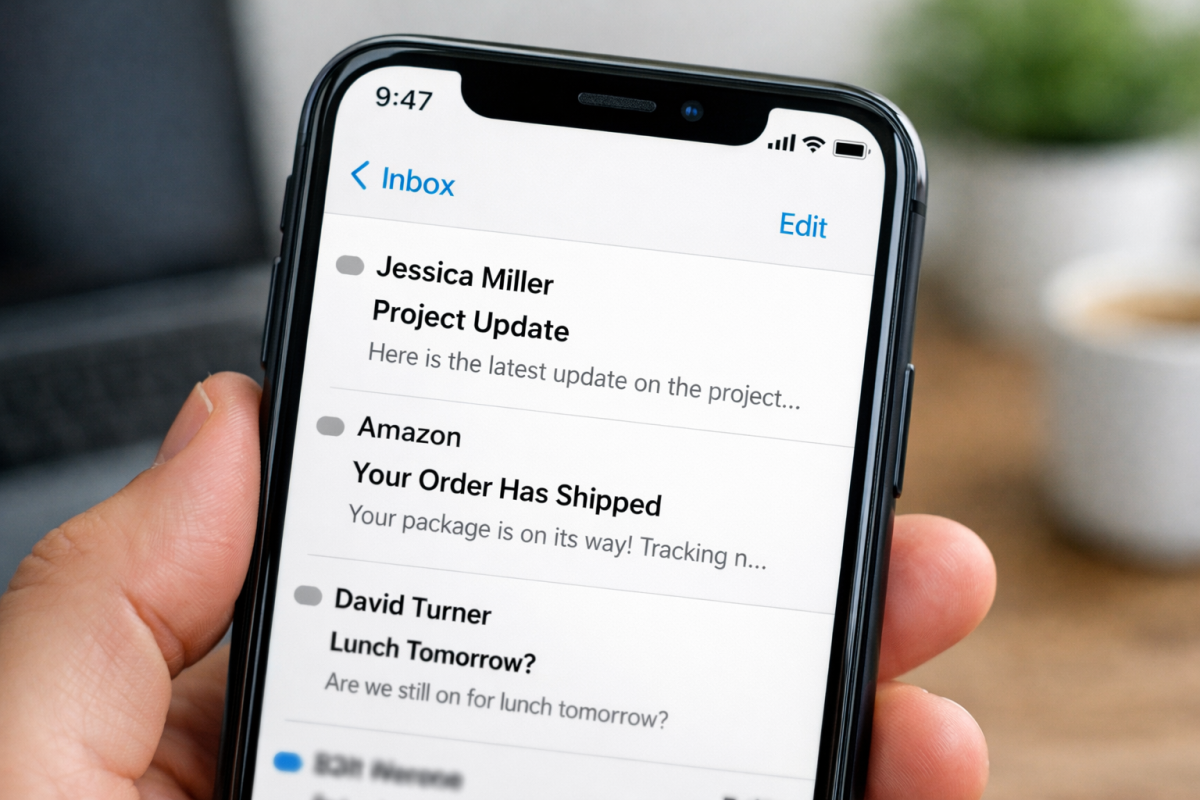
The preheader is the short preview text that appears next to or below your subject line in most inboxes. According to GetResponse, emails that include a preheader achieve an average open rate of 44.67% - well above the industry average. Yet many senders leave this field blank or let it default to something unhelpful like "View this email in your browser."
Think of your preheader as a second subject line. Use it to expand on your subject, add context, or introduce a compelling reason to open the message.
6. Send and send again - strategically.
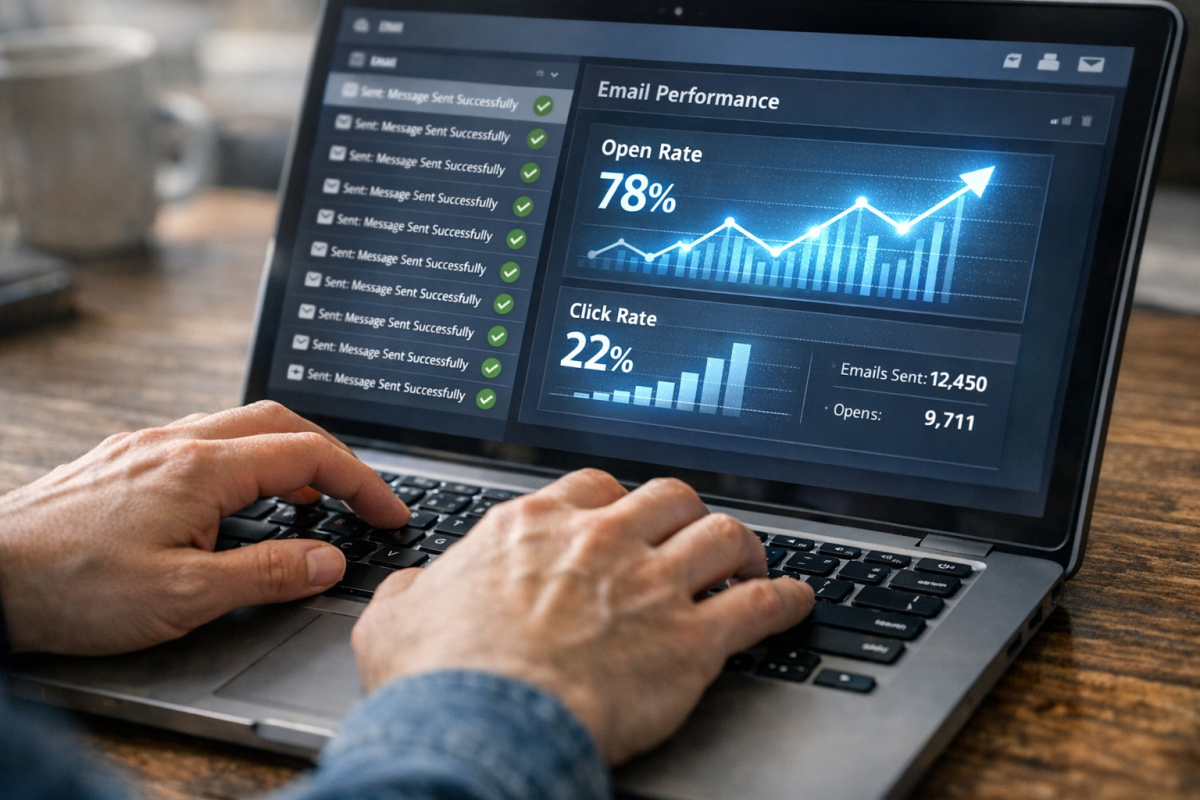
Whenever you send out a message, track who opens it and who doesn't. Anyone who doesn't open it can be targeted again with a resend. If they didn't open your message, it's as though they never saw it - it might be buried in their inbox, deleted without thinking, or routed to an archive. You can safely send the email a second time, potentially drawing quite a bit of additional attention. Be cautious about a third send to the same non-openers, as repeated contact to disengaged subscribers can hurt your sender reputation over time.
7. Proof your message, and have someone else do it.

When you spend a lengthy amount of time working on a single project, you develop a kind of mental blindness to its flaws. Your mind fills with the concepts behind each word you write rather than what you actually wrote. In the end, you might send a message you think is polished, with a glaring typo you kept missing. Enlist someone - it doesn't matter who - to put a second pair of eyes on it before it goes out.
8. Satisfy the subject line.
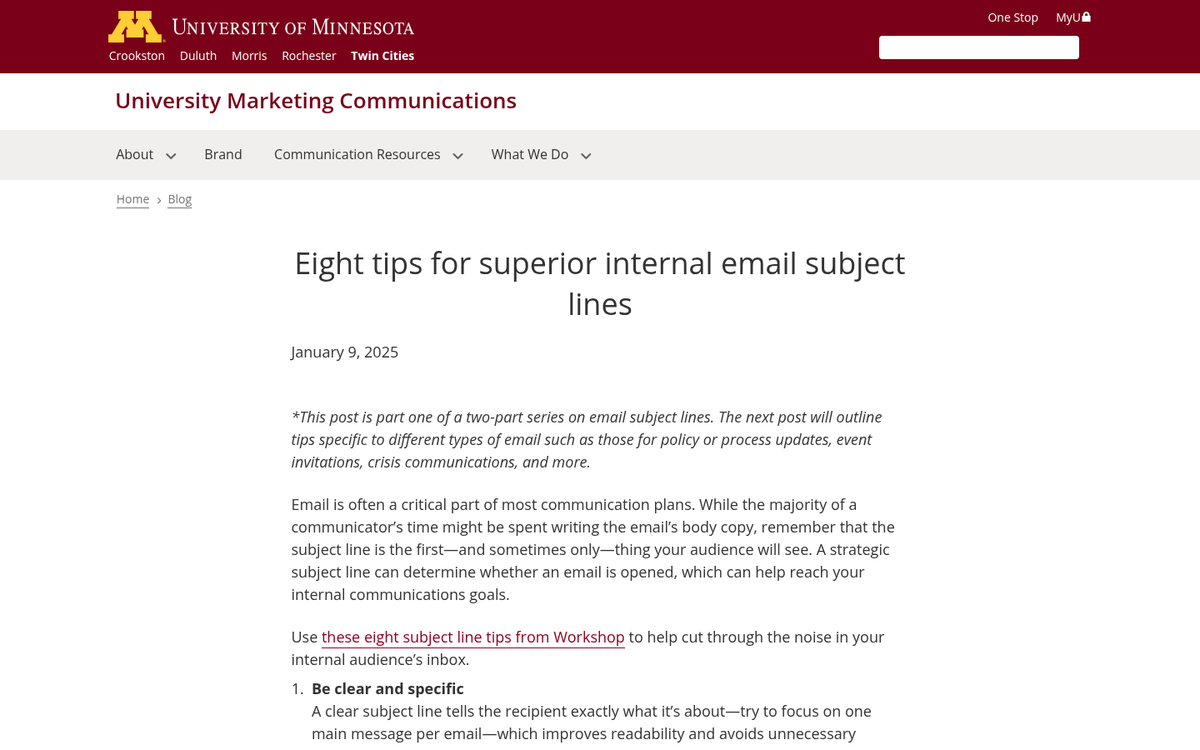
The point of a subject line, at least a good one, is to stir curiosity in the reader. Your goal is to make them wonder what comes next, with the promise that the answer is inside the email.
That means you need to live up to that promise and follow through on your subject line in the message body. You can't draw attention with one concept and then ignore it entirely - that's a bait and switch that leaves readers feeling deceived and far less likely to open your next email.
9. Invite replies.
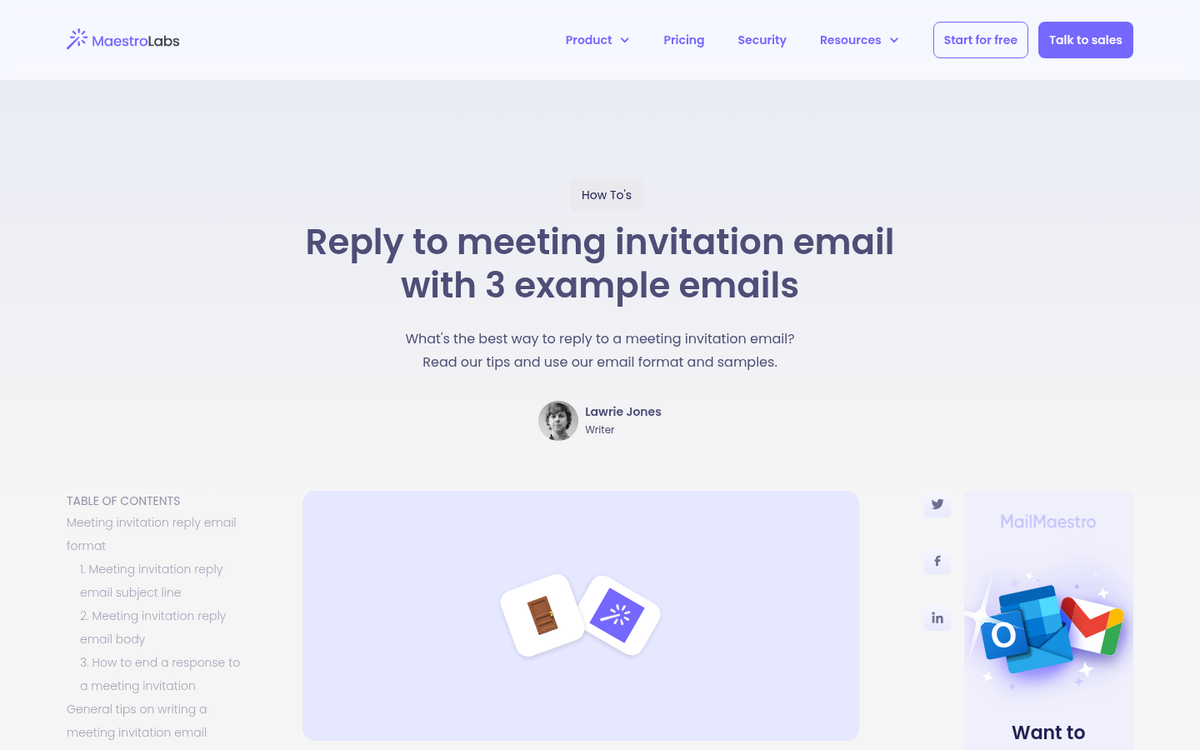
Here's something you don't see every day: "If you have any questions, feel free to respond to this message." Most emails from larger companies are sent from no-reply automated accounts. Users are conditioned to hunting down a contact page if they have a question, and that friction means most questions go unanswered. Opening your newsletter up as a two-way conversation - even if replies are forwarded to a customer service inbox - gives subscribers a direct and human route back to you.
10. Use bright, colorful buttons for your CTA.
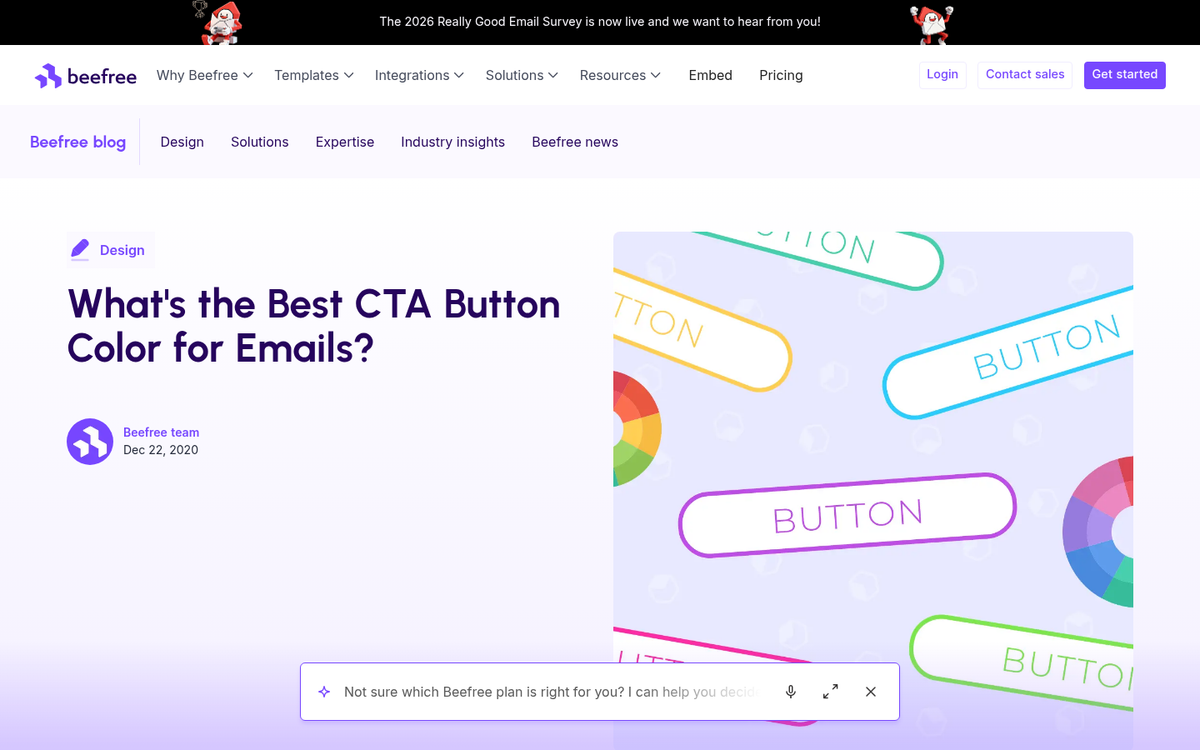
Your call to action should be preceded by a question and take the form of a clearly visible, brightly colored button. Users tend to gloss over plain text links in emails just as they do on landing pages. Treat your newsletter CTA with the same care you give your landing page - after all, the newsletter is often what funnels traffic there in the first place.
11. Segment your newsletter mailing list and test variations.
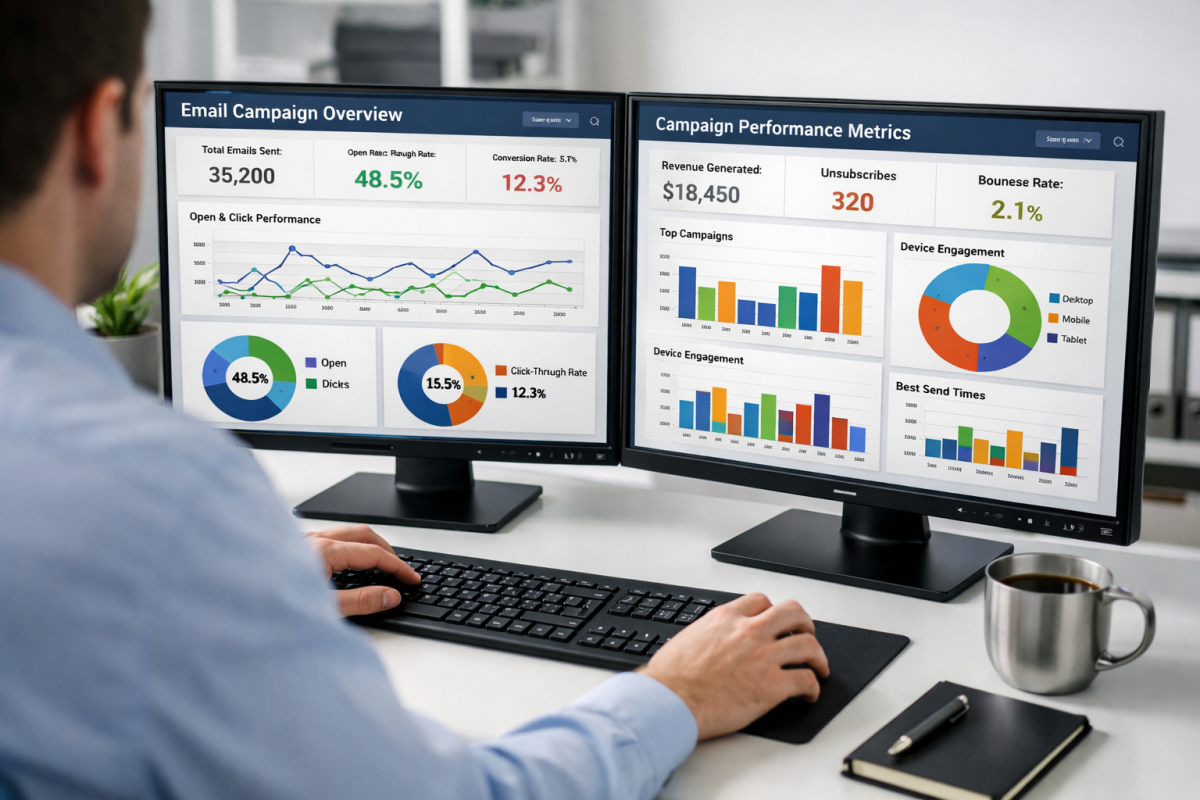
Split testing isn't just for ads or landing pages - you can and should test your newsletters too. MailerLite data shows that top-performing campaigns are 28% more likely to use subscriber filters or segments than bottom-performing ones. Segment your audience into groups and send variations on your message to each, testing elements like subject lines, preheader text, send times, and CTA button colors. Keep your test groups representative to avoid skewed results.
12. Don't forget the other messages you send.
When a user downloads your white paper or ebook, do you send them a confirmation and thank-you email? If so, you may be missing a prime opportunity. Consider that content delivery message as a chance to include hooks for future actions - both immediate and long-term. There's always something you can encourage the user to do next to deepen their relationship with your brand.
13. Maintain a consistent voice.

Users feel like they're dealing with an impersonal, robotic corporate entity when they receive wildly different tones across marketing channels. If their experience with your customer service is casual and warm, but your newsletters read like legal documents, the disconnect erodes trust. A consistent voice across all touchpoints allows subscribers to trust your business that much more.