This is a surprisingly common question with a surprisingly deep answer. Which is good, because if all you wanted was a yes or a no, you're coming to the wrong place. Besides, a one-word blog post tends to be looked on as thin content, and no one wants that.
So, changing your older blog posts. Should you? Shouldn't you? It all comes down to how and why you're changing the post. Consider this.
And before we dive in, consider the stakes: research shows 72% of posts lose half their traffic within 6 months of publication. Meanwhile, HubSpot found that 76% of their monthly blog views came from posts published before that month. Your old content isn't dead weight - it's often your biggest asset, and how you handle it matters enormously.
Key Takeaways
- Changing timestamps alone provides no SEO benefit; Google tracks original indexing dates and detects only meaningful content changes.
- Updating outdated content is high-leverage: one Ahrefs case study showed a 486% traffic increase after refreshing a single page.
- Fixing mistakes, typos, and outdated information is always appropriate and can have real business or legal consequences if ignored.
- Completely replacing old content with unrelated topics risks user distrust, lost link equity, and potential Google manual penalties.
- Never change a post's URL when updating; doing so loses accumulated authority and link equity built by the original URL.
Changing Timestamps

This is an incredibly minor change; all you're doing is changing your blog post timestamp to make the post look more recent, or older, depending on your purposes.
- Older: making a blog post look older would give it some potential credibility, particularly in niches where seniority matters.
- Newer: refreshing a post and making it look more recent makes it look more valuable, as it's a more recent resource. Everyone prefers up to date information over old information, right?
The problem with changing the date on your blog posts is one related to Google, of course. As if you would expect anything different. Google knows it's completely trivial to change the date of a post. Google's John Mueller has confirmed directly that cosmetic date changes - without any actual content changes - provide no ranking benefit whatsoever. Google pays attention to when they originally indexed the post and when they detect meaningful changes to the content. Fiddling with the timestamp alone accomplishes nothing search-wise.
People-wise, it may be a different story, but you then have an ethical concern. Does making a post seem older or newer to boost credibility count as deceiving your users? Either way, the chances of it having a major effect, positive or negative, are slim. Save yourself the effort.
Updating to Remove Mistakes
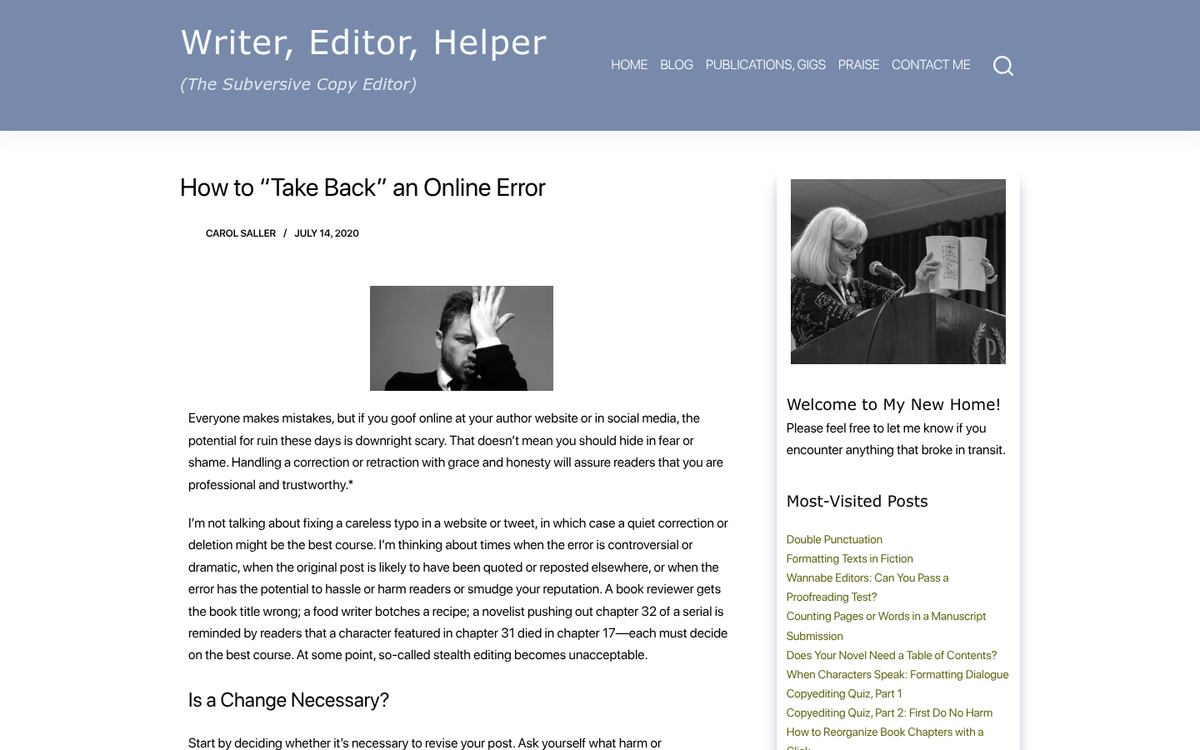
Step one: publish a post. Step two: go out for lunch. Step three: check your post comments when you're back at the office. Step four: kick yourself for the obvious typo you notice in the first paragraph. Sound familiar?
Mistakes happen. Mistakes happen all the time. It's perfectly natural to make a mistake in a post, and it's equally natural to fix those mistakes - whether you've noticed them after ten minutes, ten hours, or ten months. There's nothing wrong with diving in and editing an old post to fix a typo or correct a factual error. Consider using a spell and grammar checker for your blog posts to catch these issues before they go live.
This becomes more important as the mistakes grow. If, for example, you listed that you don't ship to certain countries but later find out that you do, correcting that mistake can have real business consequences. Fix it immediately and don't look back.
Updating to Refresh Information

Updating old content to keep it relevant is where things get genuinely exciting. This happens constantly in SEO and marketing; things change, making old posts that were once invaluable suddenly outdated or outright wrong. How often have you found a great resource, only to realize it's referencing tools, platforms, or techniques that no longer exist in the same form?
Here's the thing: updating old content isn't just housekeeping. It's one of the highest-leverage moves you can make in content marketing right now. Ahrefs' Tim Soulo increased traffic to a single updated page by 486% and bumped its ranking from #8 to #3 simply by refreshing the content. A Portent study found that rewritten blog posts earned an average keyword growth of 454%, with updated posts cumulatively gaining 18 first-page rankings. Orbit Media's research found bloggers who regularly update old posts get 270% more results than those who don't.
Editing an old post to remove bad or outdated information is a value judgment you need to make case by case. A post with 15 tips might have 13 still-valuable tips and two that are now dangerously outdated. Those two bad tips undermine trust in everything else, so fix them. On the other hand, if the entire premise of the post has collapsed - a whole article built around a platform or feature that no longer exists, for example - it may not be worth salvaging piece by piece. In that case, you're better off adding a prominent, dated update at the top acknowledging what's changed and linking to a newer, better resource.
Completely Changing Content to Unrelated Topics

Very rarely, you might have the idea that an old piece of content with a lot of incoming links but no modern value could be repurposed. You could write an entirely new post and swap in the content of that old URL, theoretically reaping the benefits of all those existing incoming links.
This is straying closer to black hat territory. All of those incoming links were earned based on the original context and topic. If a user clicks through and finds something completely different at the same URL, they're going to be confused at best and distrustful at worst. You might see a short-lived uptick in rankings, but it tends to fade quickly and could earn you a manual penalty along the way. It's not worth it.
In general, if a significant portion of the content needs to change - and especially if the topic shifts entirely - you're better off creating a new post and letting the old one either stand as a historical artifact or be properly redirected. Sometimes it's better to just let old posts lie.
On the topic of deletion: think twice before removing old posts entirely. The legitimate reasons to delete old content are narrow - duplicate content, scraped or spun content, genuinely thin content with no redemptive value, or something actively embarrassing or harmful. Otherwise, even aging content often still serves a purpose. Semrush's research found that 53% of companies saw engagement rise after conducting a content audit, which usually means updating and consolidating rather than deleting.
Changing the URL

If you're updating an old post for SEO purposes, do not change the URL. A new URL means a new post as far as Google is concerned, and you'll lose whatever authority and link equity the original URL had accumulated. It's also worth noting that getting your shares back after changing a URL can be a frustrating process, so avoid it when possible.
The only real exception is migrating from a nonsense URL (www.example.com/11994488431291.asp) to a clean, descriptive one (www.example.com/well-formed-blog-post). In those cases, implement a proper 301 redirect from the old URL and, where appropriate, use a rel="canonical" tag to make the relationship explicit.
Merging Pages
Merging pages is a smart and underused strategy, particularly when you have a cluster of old, thin posts that cover overlapping ground. A classic example: an old FAQ section where every individual question and answer lived on its own separate page. That's a lot of thin content competing against itself. Consolidate them into one well-structured page, redirect the old URLs to the new one, and you'll end up with a stronger piece of content and a cleaner site architecture.
This kind of consolidation work pairs well with a regular content audit. If you haven't done one recently, it's one of the highest-return activities you can do for an established blog. It's also worth considering the pros and cons of splitting blog posts into multiple pages before deciding how to structure your consolidated content.
In general, you're probably safe editing old content. There's no rule against it, and there's no way it can hurt you unless you're deliberately trying to deceive search engines or your readers. The data is overwhelmingly in favor of maintaining and refreshing your existing content library - treat it as an ongoing process rather than a one-time task, and you'll be well ahead of most publishers.