Key Takeaways
- Social media plugins query share counts by URL, so changing a URL resets counts to zero, losing all previous engagement.
- X (Twitter) and LinkedIn share counts are permanently unrecoverable since both platforms shut down their Share Count APIs entirely.
- Plugins like Social Warfare and Shareaholic offer built-in share count recovery by querying both old and new URLs simultaneously.
- Manually editing plugin code to query old URLs can recover counts but freezes them, ignoring any new shares on updated URLs.
- Re-promoting old content to a newer, larger audience can effectively replace lost share counts without any technical recovery effort.
When you're planning a rebranding, changing domain names, or changing your site permalink structure, there are a million fiddly little details you have to keep in mind. One of them, which we take for granted and which is likely to slip through the cracks, is your social media engagement.
Google treats your site URLs as the foundation of a page. If www.example.com/blog/post1/ is changed to /post2/, Google will treat them as different pages entirely. With Google, there are ways to get around this. You can perform a site redirect and it tells Google that post2 is the post that post1 has moved to. Redirects work. But they do like to lose some PageRank along the way. You can also use canonicalization to help, though the job of the rel=canonical tag is to work with URL parameters and other side causes of disparity.
That's all fine for Google. But what you might not know is that social media plugins work the same way. They pull their share counts from the API of the social network in question, when querying the URL of the post. If the URL of the post changes, the social media plugin will query the API for the new URL and will return nothing, because the page is too new. All of your old shares are still out there. But the old URL doesn't match the new one, so you're left without recourse.
It's worth mentioning first that not all shares are recoverable. X (formerly Twitter) and LinkedIn discontinued their Share Count APIs, which means shares on those platforms are permanently lost when a URL changes - full stop. There is basically no workaround for this. The platforms where recovery is at least theoretically possible include Facebook, Pinterest, Reddit, Buffer, Tumblr, VK and Odnoklassniki. Keep that in mind as you weigh your options below.
Are there any options for recovering your social shares for your old posts? Let's investigate.
1: Abandon Shares
The first option is to basically abandon the old shares. I know this goes against the very question we're trying to answer. But hear me out. How much do you need the shares and social proof for your old posts? In many cases, those posts aren't driving much traffic, if any at all. Traffic to old posts tends to die off pretty fast over the course of the months following their publication, and posts older than a year need to be something very special to drive traffic.
That changes if your old posts are evergreen giants still pulling in traffic. If you've seen a drop in traffic that directly results from the loss of social proof, then by all means skip this section. But if you find that you can't trace any lost traffic to the loss of social shares, you might consider just leaving them gone.
The problem with testing for this is that, usually, the first time you notice you're getting less traffic is after the URL migration. Google will take a while to adjust to your new URL and to redirect the value of your old URLs to your new URLs - it should be a pretty easy transition, except of course for the problem with social shares. The issue is, any redirect, any change, will shake things up around the web. Some pages might not load. Some links will be broken. Some glitches will crop up in indexing and search ranking - it will be pretty difficult to determine whether any loss of traffic comes from the social shares or from the myriad other factors at work.
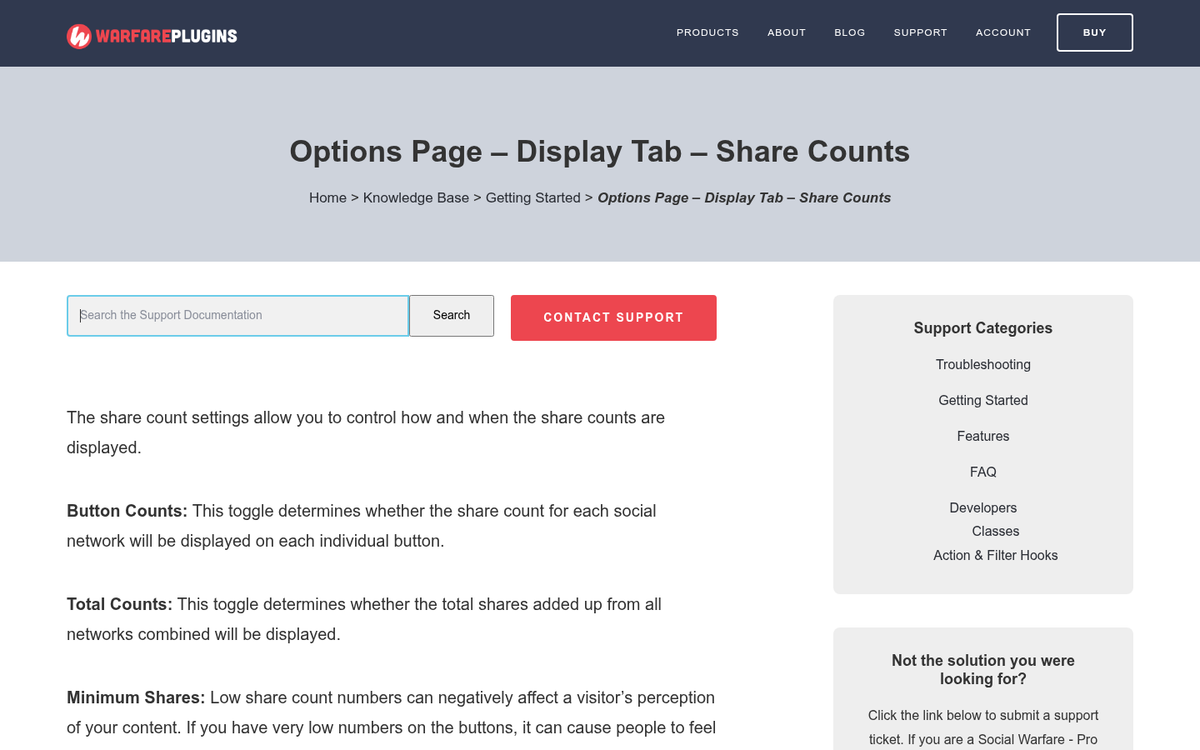
My recommendation, then, is this: just leave old posts without shares and focus on promoting your new posts to gain shares where they're visible and matter. I don't mean just letting the social sharing plugin read 0 for everything. A 0 is worse than no number at all. Most social sharing plugins have a way to set whether or not to display a number, and some even have minimum thresholds for the share count before the number shows - learn more about why share counters show zero. In either case, you can set it so your old, low-traffic posts don't display a number.
And given that X (Twitter) and LinkedIn no longer expose share counts through their APIs at all, share count displays have already become increasingly sparse and inconsistent across the web. A cleaner, count-free look may actually feel more natural to your visitors than a patchwork of partial numbers.
2: Abandon New URLs
This is probably going to be the least popular option (unless you changed your URL by accident), and I'm only listing it as a way to talk about how bad of an idea it is. Simply put, you can revert your changes and go back to your old URLs.
There are a number of ways it will go wrong. For one thing, if you've already made permalink changes or changes throughout the web with your URLs, you have to un-make those changes, and some may slip through the cracks. You have to undo the work you did changing over the URLs, all to save some social proof. The only reason you might consider this is if the URL change was exceedingly simple, like adding or removing a /blog/ segment from the URL.

There's no way any brand of sane mind would even consider this option in a big rebranding operation or large URL overhaul. You would be triggering the problems of a URL change a second time, and then if you rethought it and re-implemented the change again, you're just hammering yourself down.
There are also the small possible problems that can crop up, like someone poaching your domain name in the time it's lapsed, and who knows what else. The fact is, your social share counts basically aren't that helpful compared to everything you stand to lose by messing around with your URL as much as this answer would require - it will save your share counts, sure. But it's just not worth it.
3: Use a Plugin with Built-In Share Count Recovery
This is your most helpful option if you want to preserve your old social shares, and it's worth knowing that dedicated tools are out there specifically for this problem.
Social Warfare works with this by making two requests to each supported social network - one for the latest URL and one for the previous URL - and then combining the totals if they don't match. This happens automatically in the background, so you don't have to manually track down old counts yourself.
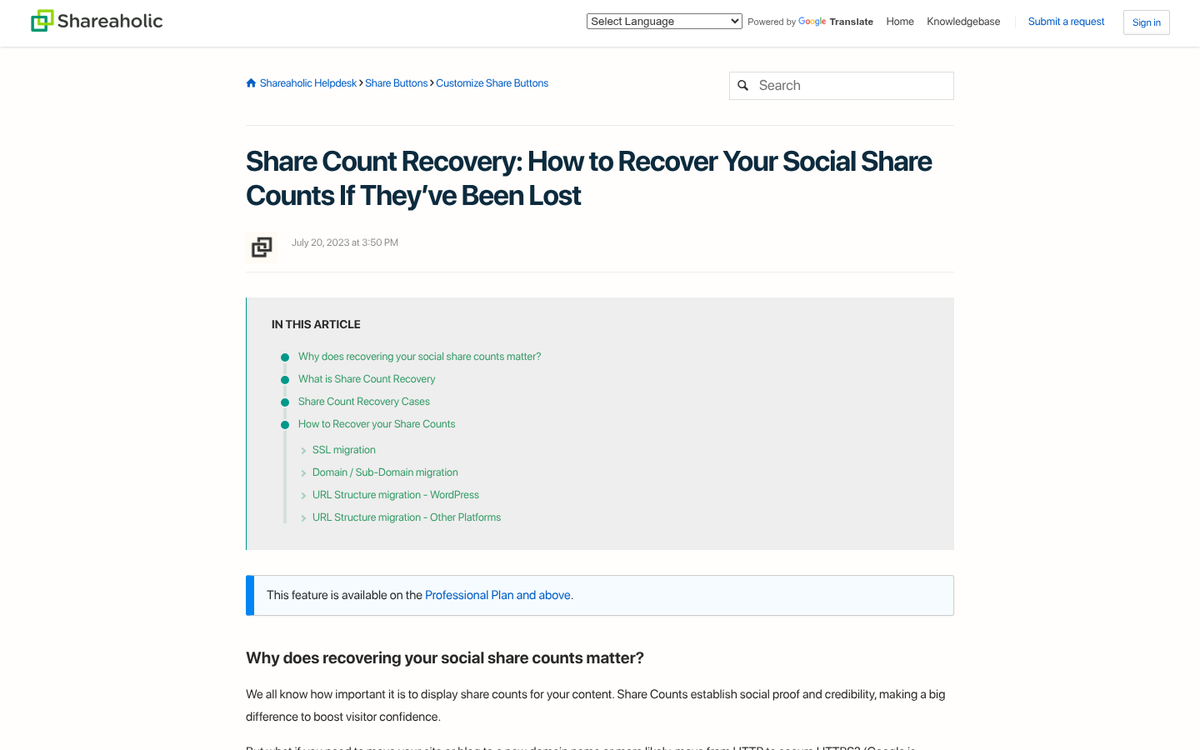
Shareaholic has a similar Share Count Recovery feature, though it's only available to premium plan subscribers. Shareaholic supports count retrieval for Facebook, Pinterest, Buffer, Reddit, VK, Tumblr and Odnoklassniki. Notably, when Shareaholic switched their own blog to HTTPS/SSL and enabled Share Count Recovery, older posts saw a total share count improvement of over 5x - a real-world demonstration of how counts can be silently lost after a URL change and how much is potentially recoverable.
Remember the hard limitation mentioned earlier: X (Twitter) and LinkedIn share counts can't be recovered by any plugin, because those platforms shut down their Share Count APIs entirely. Any tool claiming otherwise should be viewed with skepticism. For the platforms that do still support it, these plugins give you the most hands-off path to recovery available. If you're evaluating your options, see our list of share plugins compatible with OpenShareCount for more context on what's currently supported.
4: Tinker with Code
If you want more direct control and you have full access to the code running on your site along with the knowledge to make changes safely, you can go under the hood yourself. Before you start, make a full backup - just in case something goes sideways.
What you need to do is find the files or database entries that regulate what your social sharing plugin queries on a per-page level. Somewhere in there will be a specification of the exact URL the plugin uses when pulling share counts. With your latest setup, it will be pointing to the new URL. You need to change it to the old URL for each post you want to recover. There's no easy site-wide fix here, because if you change everything to reference old URLs, your new posts won't work correctly - it's all a bit of a mess, you see.
The fact that you have to do this manually will make it not worthwhile for your old posts. Why bother recovering the shares for a post that only had a dozen? I'd recommend only doing this on old posts that have a large number of shares, to cut down on the amount of work involved, and because it's only when shares reach a certain mass that they have any real value.
It's worth mentioning here that this code change will freeze your old share count. If a user shares your new URL, it won't increase the share count displayed for the old post, because the plugin is querying the old URL. It means if your old posts were still gaining shares, that gain will slow or stop.

You will also need to make triply sure that your old URLs redirect to your new URLs, so anyone clicking on one of your old links via social media is delivered to the correct page.
Frankly, it's pretty tedious work, and for most sites the plugin-based strategy in the previous section is a better use of time and energy.
5: Fake It
Some social sharing button plugins allow you to manually input a number that will display as the share count. Some other plugins don't explicitly allow it but they don't lock down the display field either, leaving it editable if you're willing to dig into the code.
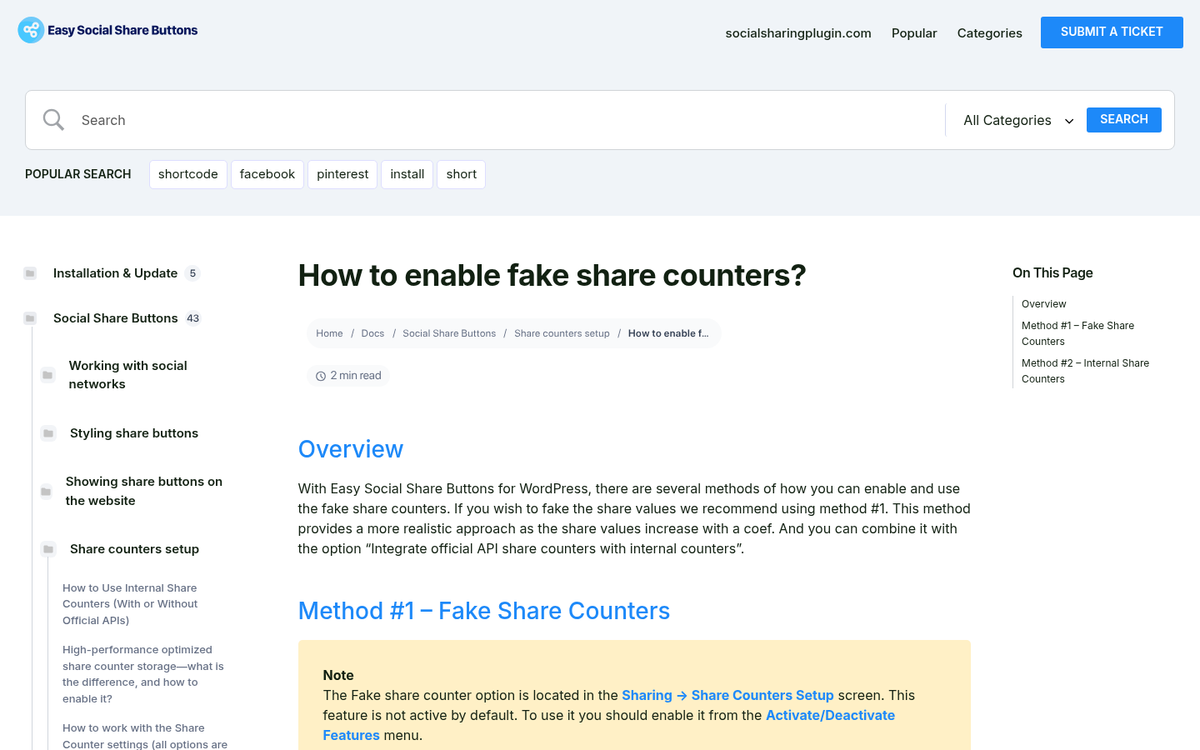
Alternatively, you can hire a developer or flex your own skills to build something that looks and behaves like your existing social sharing plugin, but is built from static code and CSS instead of live API calls.
Whichever path you take, you'll need to know what the old share counts were before the URL change in order to replicate them accurately. You can, of course, just make up numbers - but inflated counts are easier to spot than you might think, and the reputational danger isn't worth the social proof you get. If you go this path, keep the numbers honest.
6: Call a Do-Over
All of the above options deal with recovering shares on old posts. But what about moving forward? For new posts, you basically need to make sure your social sharing plugin is pointing to the correct new URLs. That should work without any extra effort.
For old posts, if the share counts were modest to begin with, you can effectively replace them with a fresh promotional push. Share your old content with your latest audience - which, if things are going well, should be bigger than it was when those posts were first published. A focused marketing effort can get you back to where you were, or past it.
This is also just good practice regardless of URL changes. Consistently re-promoting evergreen content keeps traffic flowing and share counts climbing on posts that deserve the attention. Until Google sorts out how it's treating your new URLs, the extra visibility you can generate will be a welcome buffer against any temporary ranking turbulence caused by how Google processes URL changes.