





Amazon is a great affiliate network, but at the same time, they can be a petty tyrant when it comes to violations of their service agreement. They have a firm list of policies and if you violate them, you are likely to find your account banned. You can occasionally appeal, but often it's simply more work for Amazon to try to allow that, so they don't. There are so many scammers trying to take advantage of their program that a zero tolerance policy has served them well.
Key Takeaways
- Amazon enforces a strict zero-tolerance policy, and bans are often permanent with limited appeal options.
- Common ban reasons include email affiliate links, URL cloaking, cookie stuffing, and copying Amazon reviews.
- New affiliates must make at least 3 sales within 180 days or their account will be automatically closed.
- You can appeal by fixing violations and contacting Amazon, but intentional exploits like cookie stuffing rarely succeed.
- Alternative affiliate networks like CJ Affiliate, ShareASale, and Clickbank offer viable options if Amazon bans you permanently.
Step 1: Figure Out Why You Were Banned
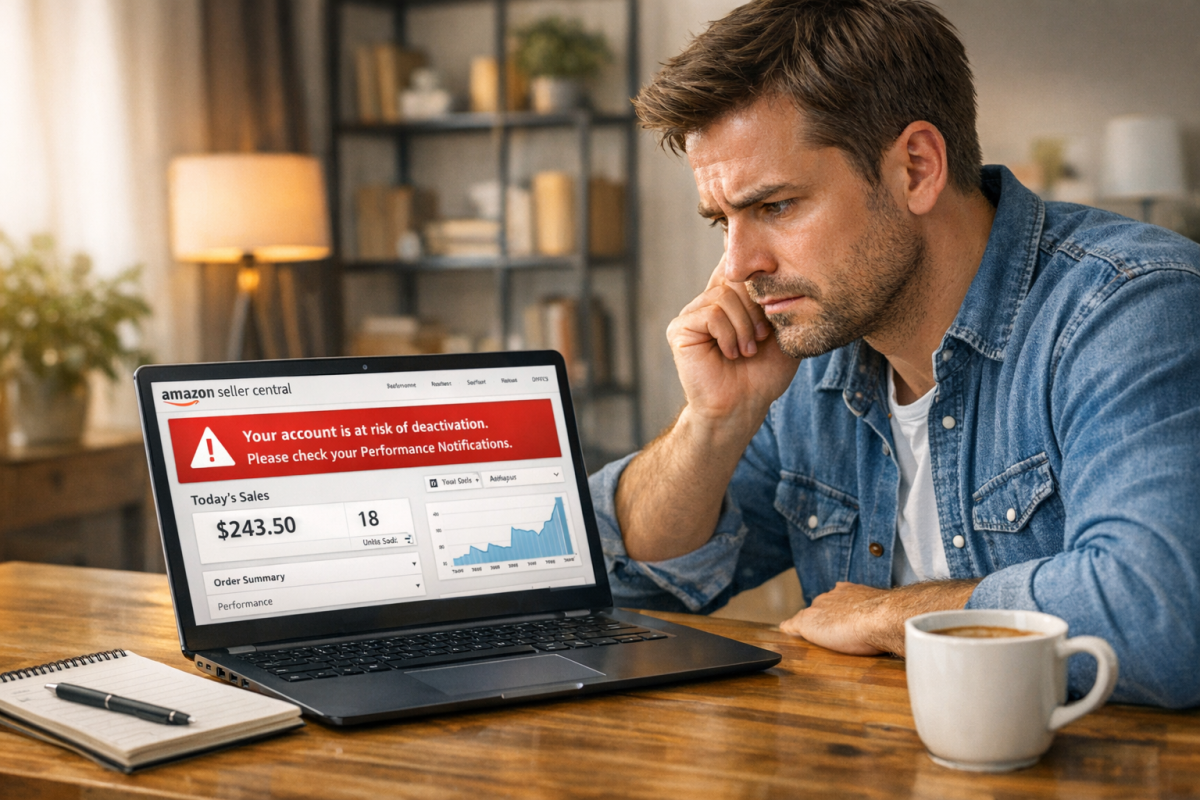
The first thing you want to do is figure out why you were banned. Knowing the ban reason will help you out in a number of ways.
- In some cases, you can fix the issue and have your account reinstated.
- In some cases, the issue was caused by malicious attacks and you can fix it to get your account restored.
- If you want to try to circumvent the ban and open another Amazon Affiliates account, you will need to avoid making the same mistake twice.
- If you want to continue on with affiliate marketing via other networks, knowing the reason will help you know if you're in violation of their rules as well. Amazon is fairly representative of most affiliate networks, in terms of rules.
Generally, when Amazon bans you, they will send out an email telling you why. It might be a basic explanation, and it might not be the entire reason, but it's a start. You can often email them for clarification and they will explain the situation further, though you may want to save that message for when you're ready to appeal.
So what are the most common possible mistakes that can get you banned? There are a ton of actual bannable reasons, but a lot of them are related to misuses of technology, being in the wrong market, or trying to exploit the system.
1: Putting affiliate links in your email newsletter. Amazon prohibits using Amazon Affiliate links for "offline promotion" which, interestingly, includes email because of how email can be downloaded and read offline. This includes newsletters as well as direct sales messages. Additionally, if you have a plugin that allows a reader to get email notifications of your new posts with the first paragraph or two included, it might include links from your first paragraph. If you include an affiliate link in that paragraph, it can be sent via email, and you can be banned for it.
2: Using URL shortening services that cloak the fact that the user is going to Amazon. You can use any URL shortener you want if you make it clear the user is going to Amazon, even if you just say so right next to the link. However, to be safe, you should use Amazon's own shortening service, Amzn.to. It's the misdirection and cloaking that matters more than the shortening itself.
3: Putting affiliate links in ebooks, PDF documents, text messages, or other offline documents. This all falls under the same heading as number one: offline marketing. Amazon wants everything strictly online, because it's easier for them to check and keep track of the quality of what they're partnered with.
4: Using your own affiliate link, or encouraging your family to use it. Amazon Affiliates is a marketing program, not a friends and family discount program. Amazon doesn't always ban for this outright; they may instead blacklist those users so their clicks simply don't count toward your account. Either way, it's not worth the risk.
5: Operating more than one affiliate account. Amazon only allows one account per individual. One account can support up to 100 tracking IDs, which means up to 100 sites. Amazon finds that the main reason people make a second account is to get around a ban on their first one, so they ban the second one too.
6: Failing to make sales as a new affiliate. This one catches a lot of new affiliates off guard. You must make at least 3 sales within your first 180 days or your account will be closed. While you can open a new account after this type of closure, it's worth knowing upfront so you can hit the ground running.
7: Poaching Amazon reviews. You aren't allowed to copy, display, or otherwise use Amazon's customer reviews on any other site. You can write your own reviews based on research, but directly reproducing Amazon's review content is a violation that can get your account terminated.
8: Using affiliate links on prohibited content. One of the largest prohibited niches is anything sexually explicit. Amazon might sell adult products, but they don't allow affiliate links coming from sites that feature explicit content. If your site has any explicit content on it, even a single image, you'll likely be banned. Similarly, Amazon permanently bans affiliates who target content toward consumers under 13 years of age.
9: Using scripts, plugins, redirects, or any other method to cookie stuff. Cookie stuffing is when you force the affiliate cookie onto the user's machine without them clicking a link to go to Amazon themselves. Not only can this technique get your account banned, it's entirely possible that Amazon could pursue legal action for fraud.
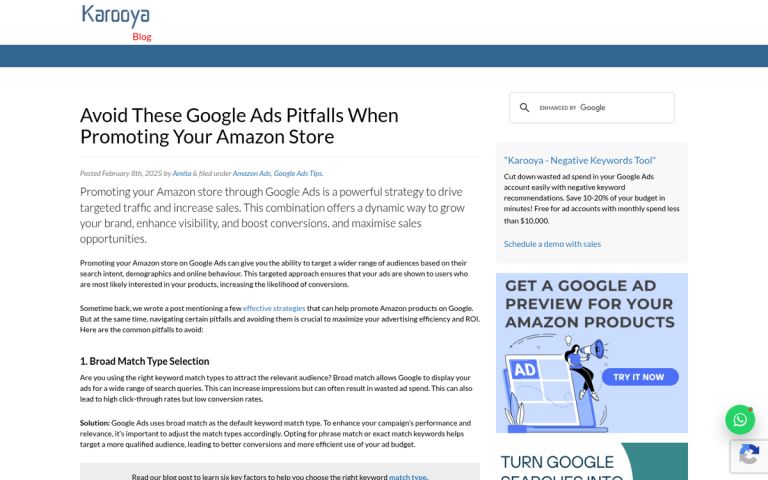
10: Bidding on Amazon-related keywords in paid ads. Amazon's affiliate terms restrict affiliates from bidding on keywords in a way that directly competes with Amazon's own paid advertising. If you're bidding on product-related keywords to funnel traffic to Amazon, you may find yourself in direct competition with Amazon's own campaigns - and in violation of their terms.
11: Using Amazon trademarks improperly. You can write the word Amazon and reference their brand, but you're very regulated in the ways you can do so. The violation most people get hit by is using the trademark in a domain name. You can use it as part of a permalink, but not as part of your domain. AmazonHacks.com would not be valid; MarketingHacks.com/amazon-tips/ would be fine.
If you were banned, you might be able to appeal the decision, but don't count on it. In any case, you have some steps you can take. If you're struggling to earn with affiliate marketing, it's worth reviewing your overall strategy before starting fresh.
Step 2: Fix the Problem
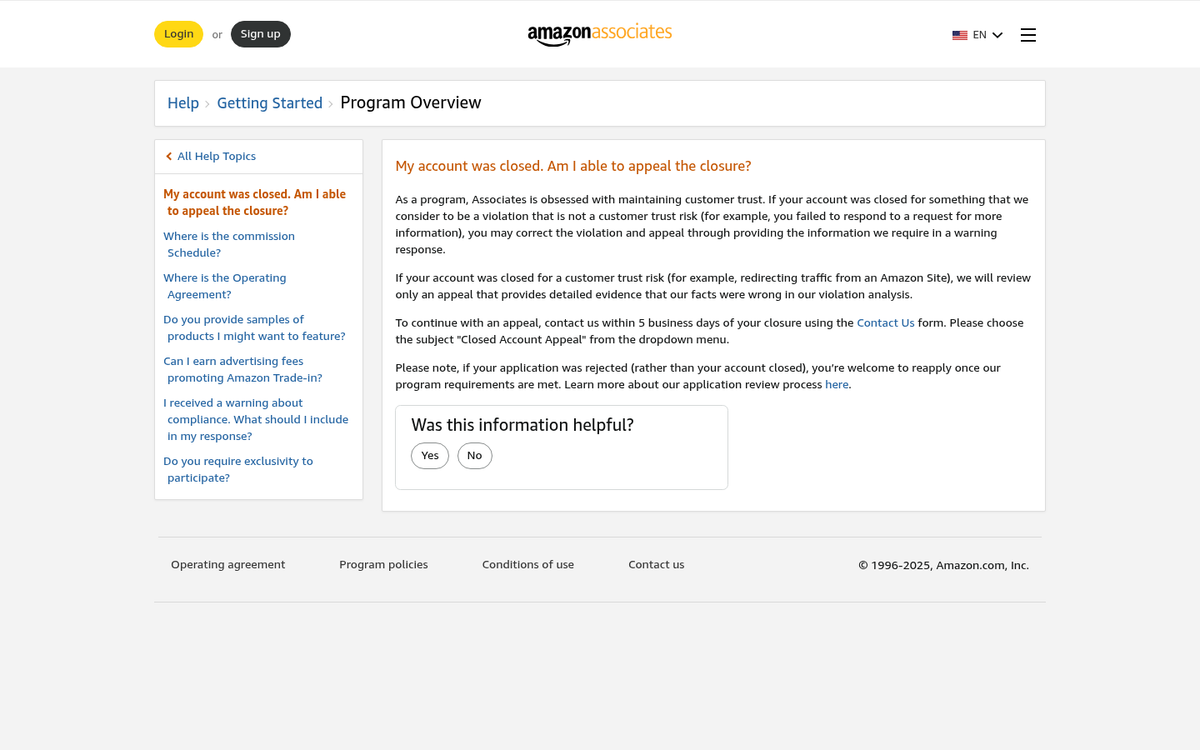
Depending on the reason you were banned, you might be able to fix the problem. Ignorance of the rules is no excuse, but if you prove - or "prove" - that you were relatively innocent, you might be allowed back in. Just be aware that another ban will almost definitely be permanent.
For content-related bans, you can often remove the content and appeal. For example, if you had Amazon reviews copied onto your pages and were banned for it, remove them and ask for a review. Be honest about removing them - don't lie and say they didn't exist, since Amazon can easily check cached versions of your site to call you out. For other types of content bans, it might be harder. If you're running an explicitly adult site, you might not be able to revamp completely to remove that content without jeopardizing your site in other ways.
For bans related to things like cookie stuffing or link cloaking, you're going to have a harder time. Amazon knows those kinds of techniques don't just happen accidentally - they're implemented intentionally. You can do it not knowing it's against the rules, but that's still no excuse, and Amazon will treat it as a knowing violation.
In these cases, removing the issue might allow you back in, but probably not. Amazon doesn't want to keep known bad actors around. They have nearly 1 million affiliate publishers - they don't specifically need you. Besides, if you were only profitable because of exploits, will you even be able to sustain that income legitimately?
Step 3: Email for Appeal

Once you have fixed the issue, you should contact Amazon asking them to re-audit your account and consider allowing you back into the program. Your appeal should:
- Explain that you've read their policies and are committed to complying.
- Explain that you understand you were in violation of those policies and have taken concrete steps to remedy the situation.
- Ask if there is anything else wrong with your site that you should address.
You will either get a response saying that you're now in compliance and that they're giving you a second chance, a response saying that you're still in violation of specific rules, or a response saying that their decision is final. In the first case, great. In the second, repeat the fix-and-respond process. In the third, it may be time to move on from Amazon's affiliate program entirely.
In addition to your email, check your Amazon Associates account for a formal appeal option. Under your performance notifications, you may see an appeal button next to your suspension notice. If one exists, submit your appeal plan there. If no button is available, email or a phone call to Amazon support is your only remaining option.
Step 4a: Make a New Account

If Amazon has either ignored you or kept your account closed despite your best efforts, you can try to circumvent their ban by opening a new Amazon Affiliates account. Be aware this is itself a policy violation, and Amazon is quite good at detecting it - but if you're determined, here's what to know.
First, wait before opening a new account. If you immediately open a new one, Amazon may compare IP addresses and preemptively decline or ban it.
Second, change as much information as possible. Use a different IP address or network, a different email address, a different physical address - a PO box if necessary - and different payment information. The less overlap with your banned account, the better.
Ideally, you'd migrate your site to a new domain, refresh the theme and content, and start fresh. If you depend on recurring traffic from your existing domain, that may not be practical, but any steps you take to distance the new account from the old one improve your odds.
Step 4b: Ditch Amazon for Greener Pastures
There are a wide variety of other affiliate marketing programs out there you can use in place of Amazon. Amazon has a lot going for it - brand recognition, conversion rates, and the sheer breadth of products - but if you can't use it, you can't use it.
You still want to go through the earlier steps to make sure your site is in compliance with general affiliate marketing terms. Most affiliate networks have similar terms and conditions. Some are a little more lenient and will work with adult content and other gray-area niches, but others are just as strict as Amazon.
Some affiliate networks work just like Amazon, with links to product pages so the user can buy what you're promoting. Networks like CJ Affiliate, Rakuten, ShareASale, and Clickbank work this way. Others monetize more generic traffic, like Infolinks. Some involve adjusting your business model slightly, such as using eBay's affiliate program to promote auctions rather than fixed-price product pages.
You can also choose to get into a different kind of monetization entirely, such as dropshipping to act as a seller yourself rather than a referrer. You have plenty of options - you just need to make use of them.

3 responses
Thoughtful replies only - we moderate for spam, AI slop, and off-topic rants.
Your post is very informative. Keep the good work going. I just like to add here that even if Amazon sends you mail stating that they did not approve your account for an affiliate program, you can make the necessary changes and send a mail to them requesting to reinstate your account.
Not many people know that you can get your old amazon affiliate account back, rather than applying for a new one. This way you save your commision from your old account.
Thanks for reading.
Thanks for this information. They(amazon) send me a email regarding band issue. But I didn't reply them on this same e-mail id. Now I don't know what I have to do.
But I don't want a new account 🙁
Hey Apurba! Don't panic just yet. Try replying to Amazon's email as soon as possible, even if it's been a while. Explain your situation honestly and professionally. Amazon's support team does review appeals, so it's worth trying. If you can't find the original email, contact their Associates support directly and reference your account. A polite, genuine appeal can sometimes turn things around!