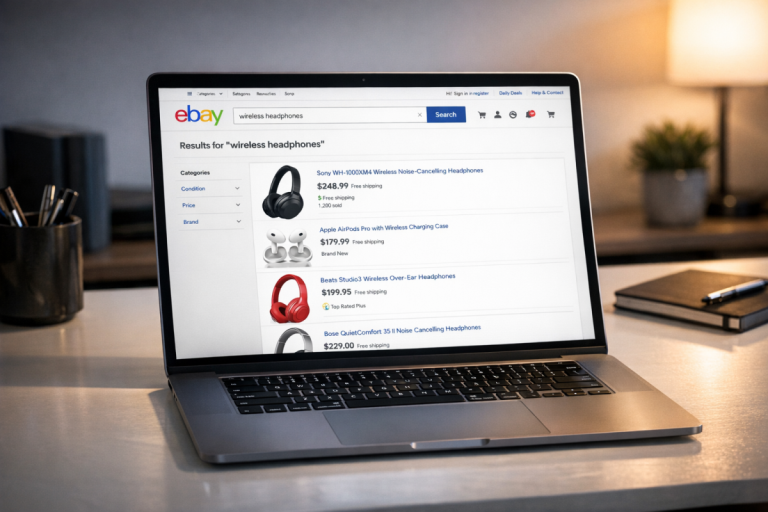
There are two ways you can buy advertising to promote eBay listings. One is to buy a promoted listing on eBay itself. The other is to buy third party advertising to point to your listing, in some form or another. However, there's a little more to it than that.
Key Takeaways
- eBay offers three promoted listing types: Standard (cost-per-sale), Advanced (cost-per-click), and Express (for auction-format listings).
- Promoted Listings Standard charges a percentage of sale price only when items sell, protecting sellers from paying for unsuccessful promotions.
- Running Google Ads directly to eBay listings is notoriously ineffective; buyers can easily purchase from competing sellers instead.
- Creating your own website allows sellers to run external ads to dedicated landing pages, giving more control over branding and advertising.
- Social platforms like TikTok, Pinterest, Facebook, and Instagram can drive organic and paid traffic to eBay listings at various costs.
Paying for Promoted eBay Listings
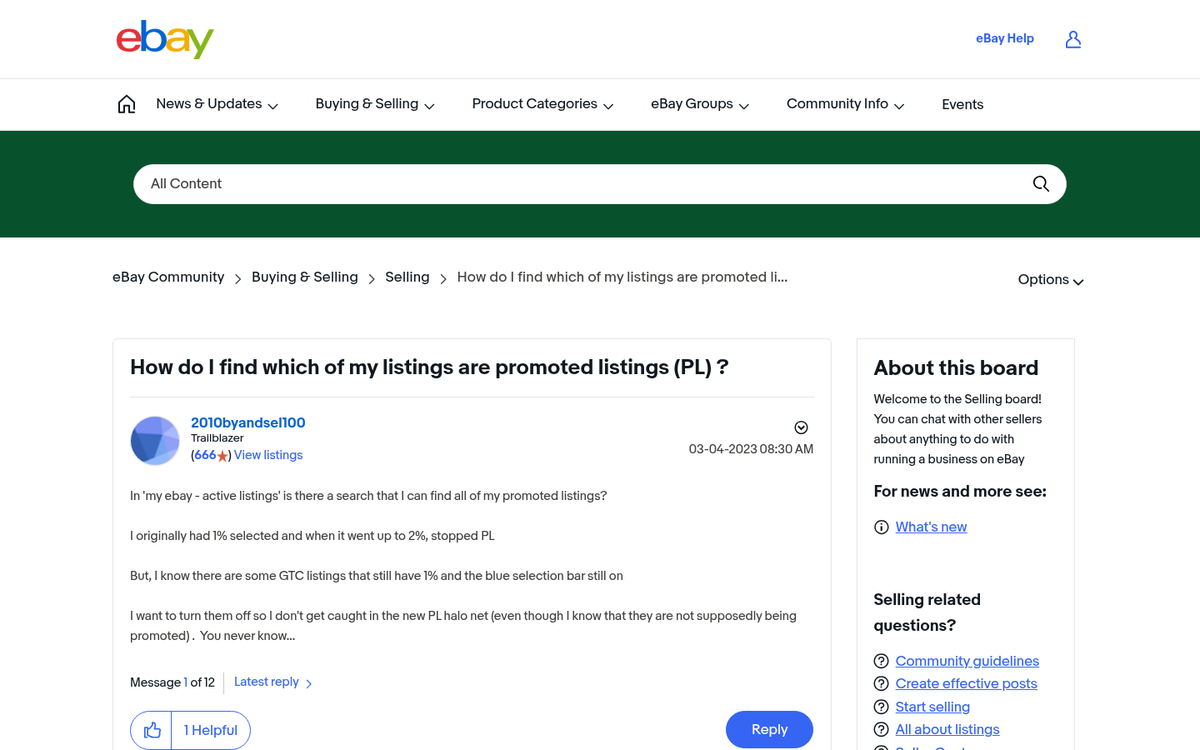
The first and the simplest option is to just pay for a promoted spot in the eBay search results. Whenever you search for a product, you'll see a handful of promoted listings, all of which someone is paying eBay to put near the top of the list. In popular categories, more than 50% of the first page of search results are now sponsored products - including the top five results that receive the most clicks. You have to scroll down to see the organic listings.
"Paying for an auction listing? What if my item doesn't sell? Then I'm out money when I'm just trying to make money!" This is a valid complaint, and eBay understands the situation. That's why their Promoted Listings Standard option only charges you when your item sells.
Unlike traditional advertising, when you're using Promoted Listings Standard, you're choosing a percentage - called the Ad Rate - of your item's sale price that you're willing to spend. This means that the higher the price your item sells for, the more you pay for the ads that got it to sell. You aren't setting a bid cap or a specific amount of money to pay to promote your item.
It's worth noting that eBay has expanded its advertising options over the years. In addition to Promoted Listings Standard (cost-per-sale), eBay now also offers Promoted Listings Advanced, a cost-per-click (CPC) model that gives sellers more control over placement and keyword targeting, and Promoted Listings Express, designed specifically for auction-format listings. This means auction sellers, who were previously locked out of the standard promoted listings program, now have an option available to them.
eBay's advertising business has grown significantly - generating approximately $1.44 billion in total ad revenue in 2023, with the vast majority coming from Promoted Listings. That scale reflects just how mainstream the feature has become. Sellers using Promoted Listings and other eBay business tools experience an average 30-35% higher revenue growth than non-users, which is a compelling reason to take it seriously.
In order to help you decide how much you should be willing to spend, eBay maintains a list of Trending Ad Rates - the average percentage sellers are bidding to promote their listings within various categories. These figures vary by product category and geographic region. You can see all of the current trending ad rates on this page.
It's generally a good idea to adjust your Ad Rate on a regular basis to better fit the trends. If the trend is going up, you should adjust upwards to compete. If the trends are going down, you can adjust downwards to avoid over-spending. Of course, you need to calculate how much you can afford to take off the top. For people selling random household products they're trying to get rid of, any profit is better than keeping the item, so it doesn't matter as much. For a business trying to sell through eBay, you need to calculate your profit margins and determine how much you can cut into them.
Are promoted listings a good choice for your products? That depends on what kinds of products you're trying to sell. For Promoted Listings Standard, you need to be a subscriber to eBay Stores, or a seller with either Top Rated or Above Standard feedback status. If your status drops too much, you'll lose access to the system.
Generally, eBay recommends using promoted listings for new product lines and new listing ideas, seasonal items you want to sell as quickly as possible, old product lines you're trying to clear out, and products that are already selling well but which you can sell more of more quickly.
Conversely, items that have a poor sales history aren't going to benefit as much from promoted listings, and rare items, collectibles, and unique items aren't great targets due to the smaller audience.
It's also worth noting that eBay's promotion auction is not simply "whoever bids the most gets the top spot." In fact, they consider elements like the relevance and the quality of the listing to the search, how well the item is selling in general when the ad rate is set, and some other factors.
So in general, you should use promoted listings when:
- You have an item that has a high conversion rate but generally low traffic.
- You have a new item you want to establish a baseline level of traffic and sales history for.
- You have a best seller that you want to sell more of, even if you sacrifice some profit to do it.
- You have a seasonal product you want to get sold as quickly as possible.
- You have overstock of a product you want to liquidate.
- You have stock left over of an item you no longer want to sell, and you want to liquidate.
Promoted listings are just normal eBay listings, so you don't need to do anything special to create ads. All you need to do is choose which products to promote, select the right campaign type (Standard, Advanced, or Express depending on your goals), and set your ad rate or bid. There's an art to choosing the right ad rate, which involves knowing your profit margins and knowing what percentages are good to sell at. You'll gain a feel for it after you promote for a while.
What's truly important, however, is the quality of the listing itself. Thankfully, I know exactly where you can visit to learn about optimizing eBay product listings.
Paying to Advertise Listings Directly
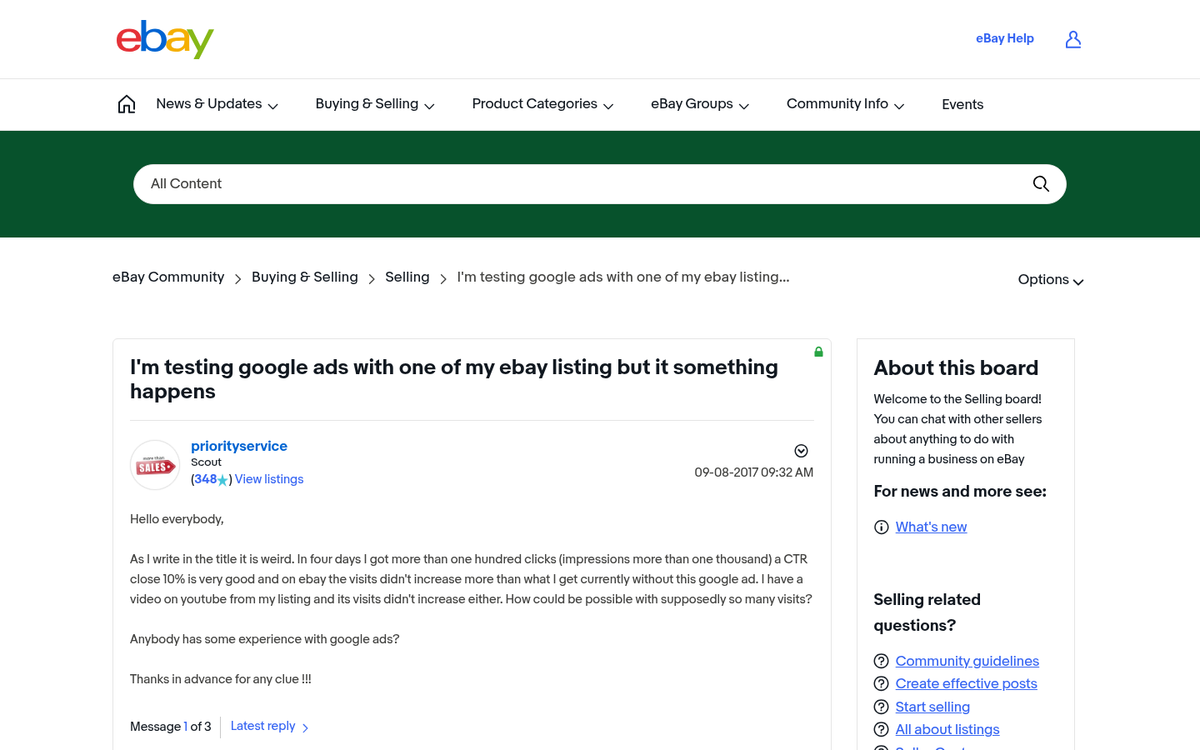
Unfortunately, paying for ads through platforms like Google Ads and pointing those ads directly at eBay listings or eBay stores is notoriously ineffective. You can find thousands of people online talking about paying to promote their listings and getting nothing out of it.
Unlike promoted listings, paying for PPC ads to point to eBay can waste a lot of money. You don't have a "pay only when it sells" clause to protect you, and you can often end up paying far more than the value of the product in clicks that don't convert.
On the other hand, eBay listings can appear in Google Shopping results organically or through the Google Merchant Center ecosystem. If you want visibility through Google's shopping surfaces, that channel tends to work better than standard Google Ads pointed directly at eBay listings.
The core problem with running Google Ads directly to eBay listings is that you're paying to send people to a marketplace where it's easy to find the cheapest version of a product. People can click through your ads to your product, and then go buy the same product from another seller instead of you. You also don't get any benefit for referral traffic to products other than your own, like you might with something like an affiliate program.
There's nothing against the terms of service for either Google or eBay when it comes to running ads pointing to eBay listings - it's just not the most effective use of your ad budget in most cases.
An Alternative Strategy

The best alternate strategy for dedicated eBay sellers is to create your own website. Creating a website gives you a larger degree of trust than a typical no-name eBay seller, and that trust allows you to leverage additional marketing channels. You can run a Facebook business Page for your website, even though all of your products are just eBay store listings.
You can go as light or as hard into a marketing website as you want. I've seen people be perfectly successful on eBay with a microsite that is little more than an About page, a few testimonials, and links to product pages. I've also seen brands build up their entire business around their sites, using eBay as a convenient storefront up until they've stabilized enough to transition to their own store on a Shopify plan. These people have blogs and everything.
The benefit of using your own site is that you can set up landing pages for individual products, and then you can direct advertising from Google Ads and other ad networks to those landing pages.
Of course, managing your own site is a lot of work and a lot of additional expense. You need to pay for hosting and a domain, you need to set up a back-end framework - even if it's just WordPress - and you need to maintain it with enough content that it doesn't stagnate. Plus, paying for ads is an additional expense, as I've already mentioned. On the other hand, having a more total level of control over your web presence and your branding puts you ahead of most of the competition on eBay.
One potential roadblock you may run into is that eBay's links policy prohibits you from linking to your website within your eBay listings. Unless a user already knows your brand and that you have a website, they might not find you. You get the on-site benefits of the user seeing other products in your storefront or in your listings, but you can't send them off-site for other benefits.
You can get around this by including items with your URL on them in the products you ship. Thank you notes included in your packages, URLs on labels and on invoices, and URLs in your email communications are all good ideas.
Utilizing Social Media
With social media, you get both organic and paid means of promotion at your fingertips.
For Facebook, you can set up a business Page for your business, and link directly to your eBay store and your individual eBay listings. You can also link to pages and posts on your website. You won't necessarily have the best exposure doing this, since Facebook tends to demote overly promotional content, but if you get into content marketing, Facebook becomes an excellent channel. Facebook ads can point directly at eBay listings, so long as they're relevant. Keep in mind that advertising single one-off items can be risky - if someone buys the item while your ad is still running, you may pay for clicks to a sold or ended listing, which hurts both your budget and your ad relevance score.
Instagram has matured significantly as a shopping platform since the early days of eBay social promotion. With product tagging and shoppable posts now a core feature, it's worth considering - though linking directly to eBay listings from posts still has its limitations. It works best when paired with your own website or landing page.
TikTok has become one of the most powerful organic discovery platforms available to sellers. Short product showcase videos, unboxings, and niche content can drive real traffic to eBay listings or your store without spending a dime on ads - and TikTok's paid advertising options have also matured considerably and are worth testing.
Pinterest remains a solid channel for eBay listings because of its highly visual nature and strong purchase intent among its users. It works especially well for categories like home décor, fashion, collectibles, and crafts.
X (formerly Twitter) can be used to post links to your listings, announce new stock arrivals, or build a following around your niche. Paid advertising on the platform has become less predictable since its ownership change, so organic engagement tends to offer better value there for most eBay sellers.
In general, social media becomes the top of your sales funnel, pointing people deeper into your website, landing pages, or storefront. From there, you can point people specifically to products they're interested in, and use paid advertising to reach them in other locations. A broad top leads to a greater stream at the bottom.