

For website owners and managers, a Knowledge Panel isn't just a vanity feature - it's a measurable indicator of how well your entity is understood by AI systems. The more information about you that exists across the web, the more likely an answer engine is to synthesize it into a structured, honest display. That matters enormously in an era where users increasingly get their answers directly from search interfaces instead of from the sites behind them.
This entry breaks down what a Knowledge Panel is, why it matters for Answer Engine Optimization, and what concrete steps you can take to change how your entity is represented. Whether you already have a panel or you're working toward earning one, understanding the mechanics behind it is the first step toward making it work.
Quick Answer
A Knowledge Panel is an information box that appears on the right side of Google search results, providing a quick summary of facts about a person, place, organization, or thing. It pulls data from various sources including Wikipedia, official websites, and Google's Knowledge Graph. These panels typically display key details such as descriptions, images, dates, social media links, and related information, helping users get essential facts at a glance without clicking through to other websites.
What a Knowledge Panel Actually Contains
A Knowledge Panel is made up of a few pieces of information pulled together into one block. The most visible part is the name at the top, followed by a short description that gives context about who or what the entity is. Below that, you might see images, key facts, social media profile links, and a cluster of related entities that Google associates with the subject.
That description field is worth mentioning. According to data from Kalicube, around 65% of Knowledge Panel descriptions are pulled directly from Wikipedia. Another 15% come from other authoritative sources like Wikidata or official websites, and roughly 20% of panels have no description at all. So if you don't have a Wikipedia page, that absence can leave a gap in your panel.
The images section pulls from Google Images and can include photos from across the web. Google does not necessarily choose the most flattering or accurate image, so what appears there is not necessarily what you would pick yourself. The social links section usually shows verified profiles on places like LinkedIn, Twitter/X, Facebook, and YouTube, which Google cross-references to confirm identity. If you're wondering how to find out who owns a blog, these cross-referenced public profiles can be a useful starting point.
| Panel Element | Typical Source |
|---|---|
| Description | Wikipedia (65%), other authoritative sources (15%), or absent (20%) |
| Name and category | Wikidata, Wikipedia, or structured site data |
| Images | Google Images, official websites, Wikipedia |
| Social profile links | Cross-referenced public profiles across platforms |
| Related entities | Google's Knowledge Graph connections |
Related entities are the small linked names that appear near the bottom of a panel. For a musician, this could be bandmates or record labels. For a business, maybe founders or competitors. These connections come from Google's Knowledge Graph and reflect how Google maps relationships between entities in its database.
Every ingredient in a panel has a source behind it, and those sources matter more than most people realise. The content that fills your panel is only as strong as the information Google can find and trust.
How Google Builds and Populates Panel Data
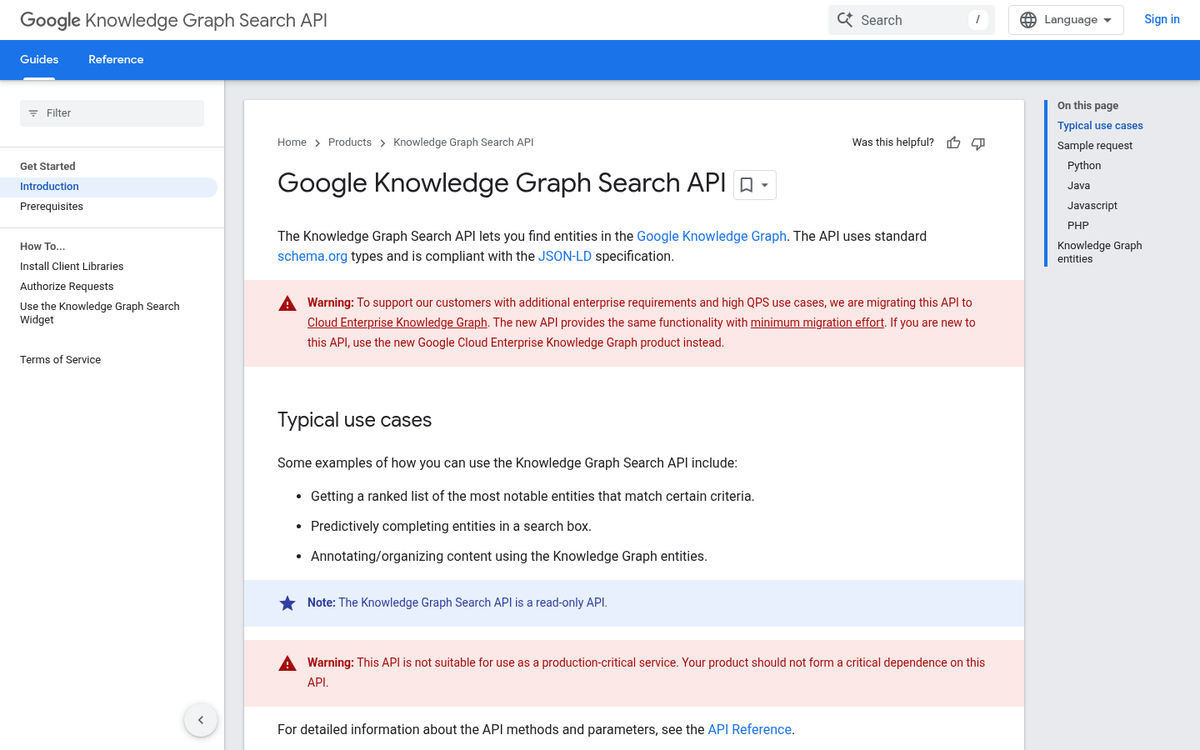
Google doesn't manually research and write each panel. The whole system runs on something called the Knowledge Graph, which is a massive database that connects facts about places, brands, and concepts. As of May 2020, it held around 500 billion facts across 5 billion entities - and it has only grown since then.
To pull information into that database, Google uses a combination of structured data and entity recognition. Structured data is code that website owners add to their pages to label information, like telling Google "this is a person's job title" or "this is a business's phone number." Entity recognition is how Google reads unstructured content and figures out what something is based on context.
Google also leans heavily on trusted third-party sources to verify and populate panel data. Wikipedia is a big one, and so is Wikidata, which is a free database that anyone can contribute to. Google pulls from these sources because they're publicly accessible and usually well-maintained - not because they're perfect.
That last point matters quite a bit. Because Google aggregates information from multiple sources, it sometimes stitches together facts that don't quite match. A Wikipedia post might list an outdated job title while a news source references a newer one, and Google has to choose which to use. That conflict is where panel errors tend to come from.

There's also the challenge of disambiguation - figuring out that two different entities share the same name. Google works to separate them using surrounding context. But it doesn't always get it right. A local business with the same name as a bigger national brand can end up with muddled panel data as a result.
Structured data on your own website can help anchor accurate information in the Knowledge Graph. When your site labels your name, role, location, or founding date with recognized markup, Google has a cleaner reference point to work from - it doesn't guarantee anything. But it does cut back on the chance of Google filling gaps with less accurate third-party facts. If you've recently changed your domain or URL structure, getting your shares and data back after a URL change is worth thinking about alongside your structured data setup.
The Knowledge Graph is a living system. Google updates it as new information surfaces, which means a panel can change without anyone asking it to - for better or worse.
Signals That Influence Your Knowledge Panel Eligibility
Google cross-references dozens of sources to build confidence that what it knows about you is accurate, and that confidence scoring determines if a panel appears at all.
Back in 2014, Google introduced an idea called the Knowledge Vault, a system designed to automatically collect facts from across the web and assign each one a confidence score. Facts that cleared a 90% confidence threshold were treated as reliable. This matters because if different sources say different things about your name, location, or role, Google's confidence in those facts drops, and so does your chance of a panel.
That's why entity consistency matters. Your name, address, and phone number should be identical everywhere they appear online. Even small differences between your website, your Google Business Profile, and third-party directories can create conflicting signals that work against you.
Schema markup is one of the more direct ways to help Google understand who or what you are. Adding structured data to your website tells Google's systems how to interpret the information on your pages instead of leaving them to guess. It won't guarantee a panel on its own, but it removes ambiguity.

A presence on Wikipedia or Wikidata carries weight here. Google pulls heavily from both, and a well-sourced Wikipedia article or a Wikidata entry can push an entity over the confidence threshold. Wikidata is especially worth attention because it's machine-readable and feeds directly into Google's entity database.
Authoritative backlinks also play a role. Links from established publications, industry databases, and respected directories signal that external sources recognize you as a known entity. The credibility of the sources pointing to you matters more than the number of links.
Search your own name or brand across the web and look for inconsistencies. Check how your information appears on LinkedIn, Crunchbase, industry directories, and any press coverage you've received. Anywhere the facts don't match is a place where Google's confidence in your entity could take a hit. If you're also building an online presence through blogging, promoting your WordPress blog through authoritative channels can help reinforce those consistent signals.
Claiming and Correcting Your Knowledge Panel
If a Knowledge Panel already exists for you or your brand, you can claim it directly through Google Search. Search for your name or business, find the panel on the right side of the results, and click "Claim this knowledge panel." Google will then ask you to verify your identity by signing in to one of your connected web properties - a verified Search Console account, an official social media profile, or a linked platform Google already recognizes.
Once you're verified, you get more control over how the panel looks. You can flag information that's wrong, recommend updated descriptions, and request changes to images or links - it's not full editorial control. But it does give you a direct line to submit corrections instead of waiting for Google to catch up on its own.
That said, Google doesn't move fast on corrections. You can submit a change and still see the old information sitting there for weeks. This is one of the more frustrating parts of managing a Knowledge Panel, and it's worth learning about first so you don't expect instant results.
The best strategy is to treat it as a standard process. When your position changes, your business evolves, or public information about you gets updated, go back and submit new corrections. Google draws from third-party sources like Wikipedia, Wikidata, and news publications, so updating those sources directly can also help push more accurate information into the panel over time.
If you don't yet have a panel but want to build toward one, the starting point is building up steady, authoritative information across the web. A panel that appears organically because Google has enough confidence in your entity is more stable than one that feels forced. If you're starting fresh, even decisions like how you name your blog can affect how Google identifies and categorizes your entity.
Some corrections will be accepted faster and others will be rejected without much explanation. If a suggested edit gets declined, it's worth looking over what Google's primary source for that information actually is, and updating that source first. Chasing the panel directly without tackling the underlying source doesn't work.
Managing your Knowledge Panel is less like filing a one-time form and more like maintaining a public profile that needs periodic attention. The information Google shows about you reflects what it trusts - and trust is built over time, not overnight. That same principle applies to other areas where Google evaluates authority, such as AdSense approvals, where credibility and consistency matter just as much.
Your Knowledge Panel Is an AEO Asset - Treat It Like One
If you don't have a Knowledge Panel, the most helpful first step is creating a presence on Wikipedia or Wikidata. These sources carry weight in how Google constructs entity profiles, and they lay the groundwork for a panel to appear organically over time.
Once your panel exists, treat it as a living asset. Claim it and audit it regularly, ensuring your entity information stays consistent across your website, structured data markup, and third-party directories. Clean data and a well-maintained panel are foundational moves for any brand serious about being found, trusted, and cited in an AI-first search environment. Use an AEO readiness checklist to make sure nothing falls through the cracks.
FAQs
What is a Knowledge Panel in Google Search?
A Knowledge Panel is a structured information block Google displays in search results, summarizing key facts about an entity such as a person, brand, or business. It pulls data from sources like Wikipedia, Wikidata, and structured website markup.
Where does Google pull Knowledge Panel descriptions from?
Around 65% of Knowledge Panel descriptions come from Wikipedia, 15% from other authoritative sources like Wikidata, and roughly 20% of panels have no description at all.
How do I claim my existing Knowledge Panel?
Search your name or brand on Google, locate the panel, and click "Claim this knowledge panel." You'll verify identity through a connected property like Google Search Console or an official social media profile.
What signals influence Knowledge Panel eligibility?
Entity consistency, schema markup, Wikipedia or Wikidata presence, and authoritative backlinks all influence eligibility. Google assigns confidence scores to facts, and conflicting information across sources reduces your chances of earning a panel.
How can I correct wrong information in my Knowledge Panel?
Claim your panel and submit corrections directly through Google. For faster results, update the original source Google is drawing from, such as Wikipedia or Wikidata, since changing the source data helps push accurate information into the panel.