Key Takeaways
- Start with basic on-site methods: check About pages, contact forms, social links, or comments before using advanced lookup tools.
- Identifying the blog platform (Blogger, WordPress, Ghost, self-hosted) determines which owner-finding approach to follow.
- WHOIS lookups can reveal domain owner details, but privacy protections introduced after GDPR in 2018 often mask personal information.
- Historical WHOIS databases and Google Analytics tracking ID searches can uncover ownership when current records are hidden.
- If all else fails, filing a DMCA complaint or contacting the hosting provider directly are legitimate remaining options.
A lot of personal information hides on the Internet, some more public than others. Some of the most common bits of information is the name of the owner of a website - it's actually not all that hard to find out. But there's some variation to the process depending on the type of site. I'm covering blogs. But the steps I'll give you for "private blog owner" will apply to just about any non-blog website. The exception is sites built with a hosted solution, like Wix or Squarespace.
It's also worth mentioning that the rise of AI-generated content sites has made this more relevant than ever. Many of these sites scrape, repackage, or outright steal content from original creators, so learning how to track down a site owner is a legitimately helpful skill in 2026.
Why Do You Want To Know?
Before we get into the instructions, let's talk about why you might want to look up the owner of a site. The way I see it, there are only a few basic reasons.
- The site is using content it does not have permission to use and you want to contact them to get it removed. This ranges from scraped articles and copied content to stolen images - and in 2026, this increasingly includes AI-generated content that was trained on or directly reproduces your original work. Remember, though, that quotations, citations, and references aren't stolen content and are perfectly legal. Likewise, there's a lot of fair use that can be done with your original content, which is protected. In general, try to limit such contacts to actual content theft or plagiarism, just in case the site owner is the type to willingly defend themselves in court.
- You have read their content and you want more information about a given topic, but you can't find any obvious way to contact the blog owner. If they have comments disabled and their contact page is defunct, you might have to resort to these sorts of actions to figure out how to reach them. I've seen this happen - and done it occasionally - when some older, obscure information ends just shy of what I need.
- They have links on their site that have broken over time, and you want to get them to replace those links with links to your content. This is called "broken link building" and is a pretty useful strategy, if you can pull it off. Typically you want to have content that is relevant to the context of the original link. You send the site owner a message informing them of the broken link and its location, and your offered replacement. It doesn't always work, but when it does, it's an easy established link for your site. Plus, it's white hat, so it won't get you in trouble. You should also consider redirecting your own 404 errors so others don't face the same issue with your content.
- You like their blog and you want to contact them about some form of mutually beneficial partnership. I don't usually recommend this, because a site that doesn't have contact information visible isn't going to be very good at a partnership, but that's really your call.
- Their blog is defunct and you want to buy the domain name from them. This happens fairly often, actually. Domain names, as long as they're paid for, don't expire. It doesn't matter how much or how little they're utilized; if the owner pays for it, nothing short of a legal seizure can take it away from them. Your only option is to contact them directly to try to buy it. If you do acquire the domain, you might also want to consider whether a custom domain is worth the investment for your blogging goals.
- The site shows signs of being hacked, such as subpages that are filled with malicious content. I've also seen hacked sites show up in spam email. The site owner doesn't know, and their core site wasn't touched; the hacker just added additional subfolders and pages that redirect to their spam sites and use those links in their spam emails. You would want to contact the site owner to inform them of the hacking.
There are other reasons as well, I'm sure. But they can either be boiled down into one of these or are minor in comparison. Regardless, they all revolve around one thing: finding out who owns the blog.
Basic Steps to Take
Before you get into the more advanced, site-specific instructions, you should probably go about looking for the site owner in natural ways first. There are a few ways you can do this.
The first and most obvious is to look for contact information on the site. A lot of blogs will have an "about me" page or an "about the author" page that identifies the owner. Some will just have a sidebar or footer with that biographical information in it. You can use the contact information they give you - usually an email address - to reach them. Of course, sometimes these are out of date and no longer work, so you have to try something else.
Occasionally, the blog will have social sharing links attached. These probably go to a blog-related social media account, which you can use as a way to track down the owner - it should be an easy process from there. Note that social buttons can slow down a website, so some owners remove them entirely. In 2026, this might include links to places like X (formerly Twitter), LinkedIn, Bluesky, or Threads - all worth checking.
A lot of blogs and websites will have a contact page. Sometimes it has contact information, like the previous step. Sometimes it will have a submission form that generates an email and sends it to the site owner - a valid strategy of communication. But sometimes the blog owner doesn't check their email, or the email goes to a domain inbox and not their personal inbox. These are problems you'll face, and the only sign is that your email remains undelivered or bounces.

If the blog has comments enabled and it's an active blog, you can leave a comment on a recent post - it shouldn't be filtered as spam so long as you don't look like a spammer. But there's no guarantee that the site owner will see it immediately, or that they'll respond to it. Remember that blogs have disabled comments widely, so this option might not be available.
Another thing you can try relies on the blogger having their name published on the site. You can run some searches for that name and look them up on other sites. You could find them on social media, which makes it easy to gauge their activity level and get in touch with them. You could find them on community sites, like web forums, where they'd be active. You might also find them as a contributor on another, more active website, which you can use to reach them. Once you do make contact, knowing how to properly email bloggers can make a big difference in getting a response.
If they post their content as Admin, or as a screenname that isn't searchable, you can try running a Google search for the URL of the blog. You'll find results from that URL, of course. But you might also find profiles on social networks where the person involved posted it as their website - it will lead you to a more direct strategy of communication.
Another idea is to manually use a Google site search. You can use the inurl operator to specify that you want to search only within the site in question. Try looking for common contact phrases like "contact me" or "reach me." You might also search for the @ symbol, which could be part of a visible email address on the page.
Finally, it's worth trying an AI-powered search tool like Perplexity or Google's AI Overviews. Simply describing the site and asking who runs it can sometimes surface information aggregated from multiple public sources that a standard search might miss.
Determine the Type of Blog
The first thing you need to do is choose what type of blog it is.
Thankfully, this is a very easy process. Using a site like BuiltWith.com will be the quickest way to find the blogging technology in use - it can find if a site runs on WordPress, Ghost, Webflow, a custom build, or any number of other platforms in a matter of seconds.
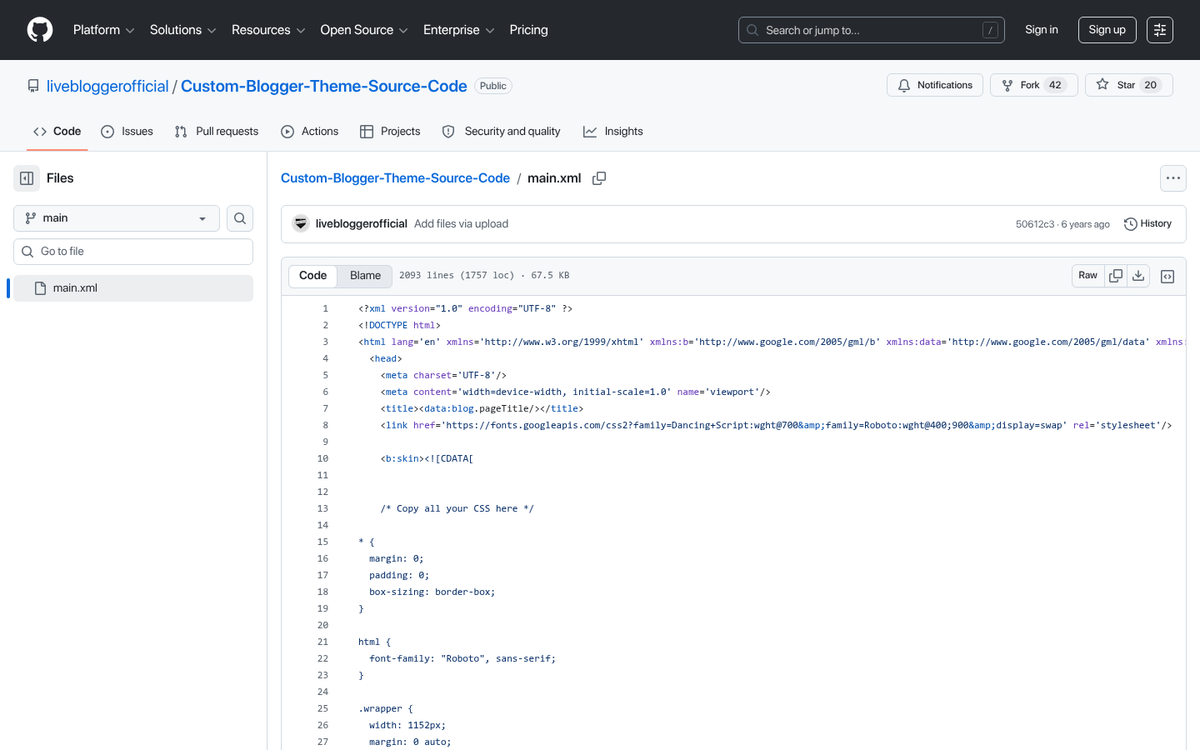
Virtually every blog that has a process for finding the owner will have a tell-tale URL or footer tag. Blogspot blogs have a .blogspot.com URL. WordPress blogs come in two forms: the self-hosted version (WordPress.org software) and the hosted version (WordPress.com). If it's a WordPress.com blog vs. a self-hosted blog, then you'll follow a different process than you will if it's a self-hosted blog. Ghost, which has grown considerably in popularity as a blogging platform through the mid-2020s, usually includes "Powered by Ghost" in the footer.
Remember that Tumblr, while still technically operational, has seen a dramatic decline in active use and relevance. If you do see a Tumblr blog, the same general advice applies: look for an "Ask" link, or manually get through to blogname.tumblr.com/ask to send a message.
Finding a Blogger or Blogspot Owner
Blogger and Blogspot are the same service, just different names for it. Google has largely abandoned active development of Blogger, and new blogs on the platform are rare - but millions of older blogs remain live. If none of the basic steps above work, there are two more things you can try.
The first is to look for the Blogger profile widget. This widget is an embedded element in the site itself that has information about the site owner and a link to their Blogger profile page. Everyone who registers for Blogger has a profile page from which their blogs are managed. They are not required to share that profile page publicly. But if the widget exists, it will link to their profile, which may have contact information.
The second thing you can do is view the source code of the website and see if the profile is hidden somewhere within it. In most browsers, you can right-click the page and choose "View Page Source," or press Ctrl+U (Windows) or Cmd+Option+U (Mac).
Once you have the page source open, press Ctrl+F to open a Find window. Type "blogger.com/profile" and hit Enter. You should find a URL somewhere in the code that looks like www.blogger.com/profile/#. The #s will be a string of numbers. Navigate to that URL and look for any publicly available contact information.
There's no sense in contacting Blogger or Google directly about the issue. They are committed to user privacy and will not turn over any contact information without a valid legal process.
Finding a WordPress Blog Owner
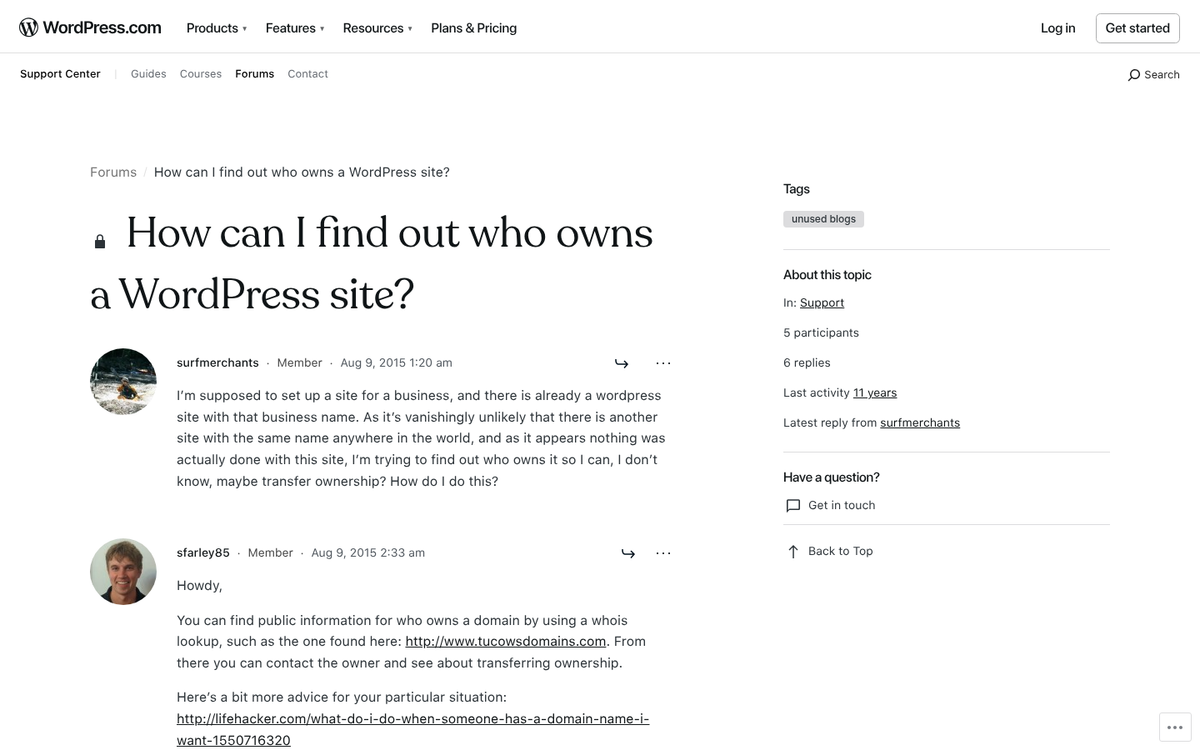
WordPress.com is the hosted version of WordPress, and it works similarly to Blogger in terms of privacy. There's no standard author widget that universally exposes owner information, so your best bet is the view-source strategy - look for a WordPress.com profile link within the page code.
Beyond that, there's no reliable way to find the owner of a WordPress.com blog past finding information directly on the page. For problems like stolen content or hacking, you can contact WordPress directly and they will review the complaint and may notify the site owner or remove the offending content. For other purposes, like partnership outreach, WordPress won't help.
For self-hosted WordPress sites, your best tools are WHOIS lookups and the other domain-level methods described in the next section.
Finding a Private Blog Owner
For any blog that uses its own hosting or its own domain name, you have a few more options. These are also the most options available to you.
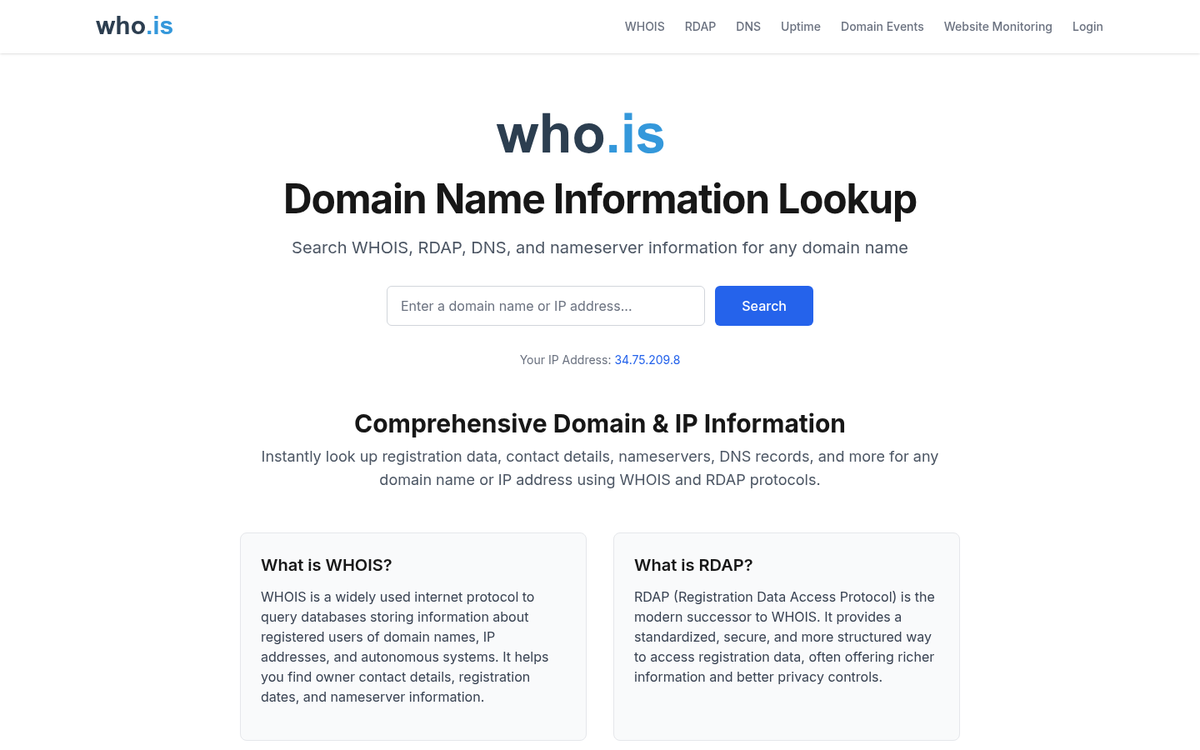
WHOIS is a domain lookup service managed under the oversight of ICANN - the Internet Corporation for Assigned Names and Numbers - which has governed domain name registration globally since 1998. ICANN requires that all registered domains have a corresponding WHOIS record identifying the owner and giving contact information. With over 359 million registered domains globally as of Q4 2025 (per Verisign's Domain Name Industry Brief), there's a giant amount of data in the WHOIS system.
Performing a WHOIS lookup takes under 30 seconds. Simply go to a site like whois.domaintools.com, whois.icann.org, or your preferred registrar's WHOIS tool, enter the domain name, and review the results. You may see the registrant's name, address, phone number, and email address - or you might see privacy protection in place.
This is where things have changed. WHOIS privacy protection has become extremely common since 2018, when ICANN adjusted its policies in response to the European Union's GDPR laws. For any domain registered or renewed after May 2018, personal registrant information is usually masked behind a proxy service. You'll see placeholder text or the name of a privacy company instead of the owner's details.
However, not all hope is lost. Services like WhoisFreaks maintain historical WHOIS databases containing over 3.7 billion records going back to 1986. Records captured before May 2018 remain - including registrant names, emails, and phone numbers. If the domain is older and was registered before privacy protections became standard, you might still find helpful information in a historical lookup.
One of the largest domain registrars, Network Solutions, has over 7 million domains registered through its platform. If a domain was registered through them, their WHOIS output and customer service processes may give you extra contact avenues.
Hosting lookup tools like WhoIsHostingThis.com can tell you which web host a site uses and give you its IP address. While IP addresses alone aren't reliable for identifying ownership - shared hosting means dozens of unrelated sites can share a single IP - the hosting provider itself may be relevant if you need to file a formal abuse complaint.
Google Analytics footprints are another option when all else fails. Many sites embed a Google Analytics tracking code in their source code. Open the page source, search for "UA-" or "G-" (the newer GA4 format), and note the tracking ID. You can then use a tool like SpyOnWeb.com or SameID to search for other websites using the same tracking ID - which may help you find other sites owned by the same person, giving you extra avenues to reach them.
Keep in mind that shared hosting IP addresses are unreliable for ownership identification, as unrelated websites can share the same server. Use caution when trying to contact site owners based only on IP address data.
If, after all this, you still don't know who owns the blog, your remaining options are limited. You could file a formal DMCA complaint (if content theft is the issue), contact the hosting provider directly with an abuse report, or talk to a blog management professional if the matter is serious enough. Short of that, there's no quick strategy to find the owner of a well-protected site.