





Key Takeaways
- An estimated 99% of all trackbacks and pingbacks are spam, making disabling them entirely the recommended approach for most sites in 2026.
- Approved pingbacks render as live outbound links on your site; linking to spammy sources can directly hurt your Google rankings.
- Pingbacks and trackbacks are enabled by default in WordPress; disabling them requires updating both Settings and all existing published posts separately.
- One legitimate use case remains: content scrapers copying your posts trigger automatic pingbacks, providing early warning to file DMCA complaints.
- External monitoring tools like Google Alerts or Ahrefs provide the same link-notification value without the spam risk and moderation overhead.
Pingbacks and Trackbacks in WordPress are a very interesting idea that's been around since the early days of blogging. Unfortunately, they were very interesting to spammers as well, and those spammers very quickly took over them for malicious purposes. From then on, the debate raged - are they helpful? Should you approve them? Can you safely delete them? With 99% of all trackbacks and pingbacks now estimated to be spam, the answer for most site owners in 2026 is basically to disable them entirely. But let's take a full look at what they are, how they work, and what you should actually do with them.
What are Trackbacks and Pingbacks?
Trackbacks are a form of communication between bloggers. The process looks like this: you write a blog post. Another blogger wants to comment. But they want their readers to see that comment on their own blog, without having to visit yours. They write a blog post as a response and submit it as a trackback to your blog post.
Now you have an option. Do you want to approve the trackback or not? If you do, it will appear on your blog as a comment. That comment will have the title of their blog post, a short excerpt, and a link to that post. The conversation via comments so diverges; some comment on your post, some comment on theirs, and now there's two conversations instead of one.
There are benefits and drawbacks to this. But I'll get to them later. What about Pingbacks?

A Pingback is somewhat similar. You write a blog post, and someone else wants to mention it. They link to your post in their own post - this triggers WordPress to send a Pingback to your WordPress installation, which will then double-check that the link actually exists and comes from the URL it claims to come from. The pingback specification itself is authored and maintained by Ian Hickson and Stuart Langridge.
Once this verification happens, you are given the chance to display the Pingback or not. If you do, it shows as a link in your comments, pointing back to the site that linked to you.
Pingbacks don't send content past the existence of the link. Trackbacks send more content, like an excerpt. One problem with Pingbacks is that they trigger on any link from another WordPress or Pingback-enabled CMS - like your own. That means if you link to one of your own blog posts from another one of your own blog posts, you get an internal Pingback. Given that internal linking is a big part of SEO, it will get very disruptive very quickly, with no tangible benefit whatsoever.
It's also worth mentioning: Pingbacks and Trackbacks are enabled by default in WordPress, so if you've never touched the settings, they are almost certainly running right now.
The SEO Risk You Might Be Overlooking
This is something that wasn't usually talked about in the early days of Pingbacks but deserves attention. When your WordPress theme shows an approved Pingback, it renders as a link from your site back to the sending site. If that sending site is spammy or low-quality, Google sees your site actively linking out to bad neighborhoods. That can hurt your rankings - this isn't a theoretical danger - it's a direct, measurable SEO problem.
This alone is a strong reason to stop auto-approving or casually approving Pingbacks without closely vetting the source first. It's also worth taking the time to scan your WordPress blog for bad external links to make sure nothing problematic has slipped through.
Moderating, Disabling, and Managing Pingbacks
Moderating Trackbacks and Pingbacks through the WordPress dashboard is easy. Navigate to the comment moderation section and you'll see them listed alongside standard comments - where you'll probably find that the vast majority are spam.
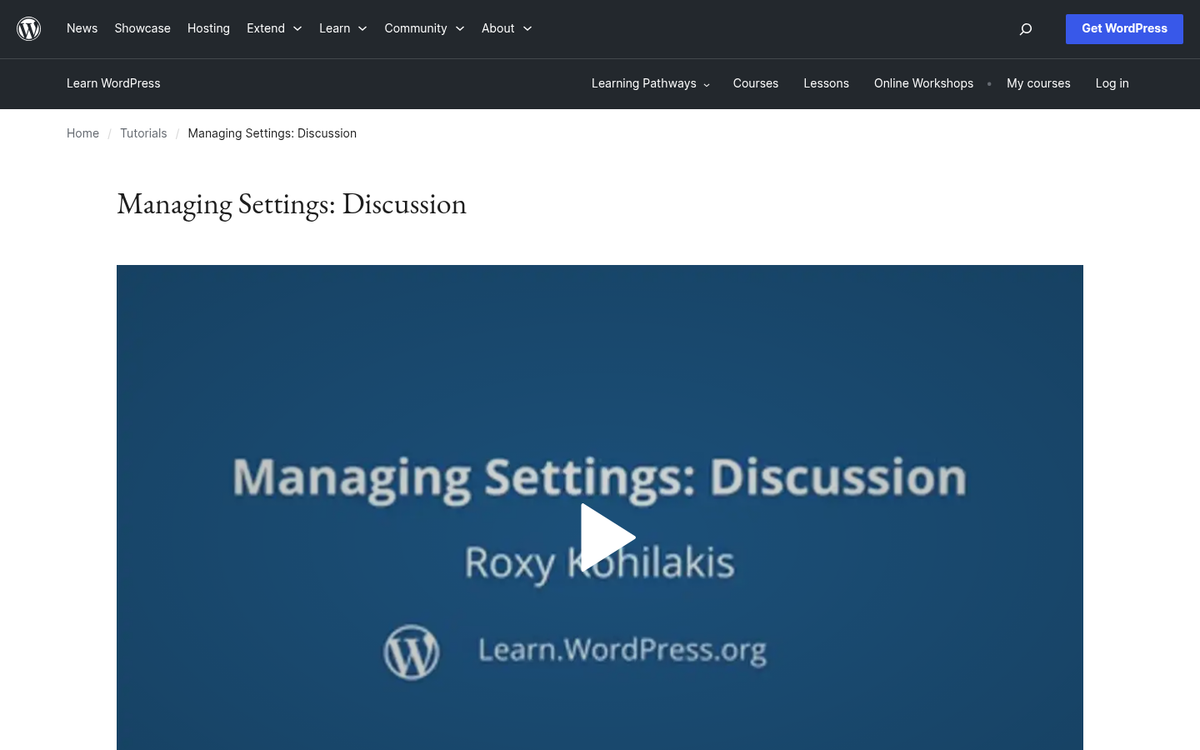
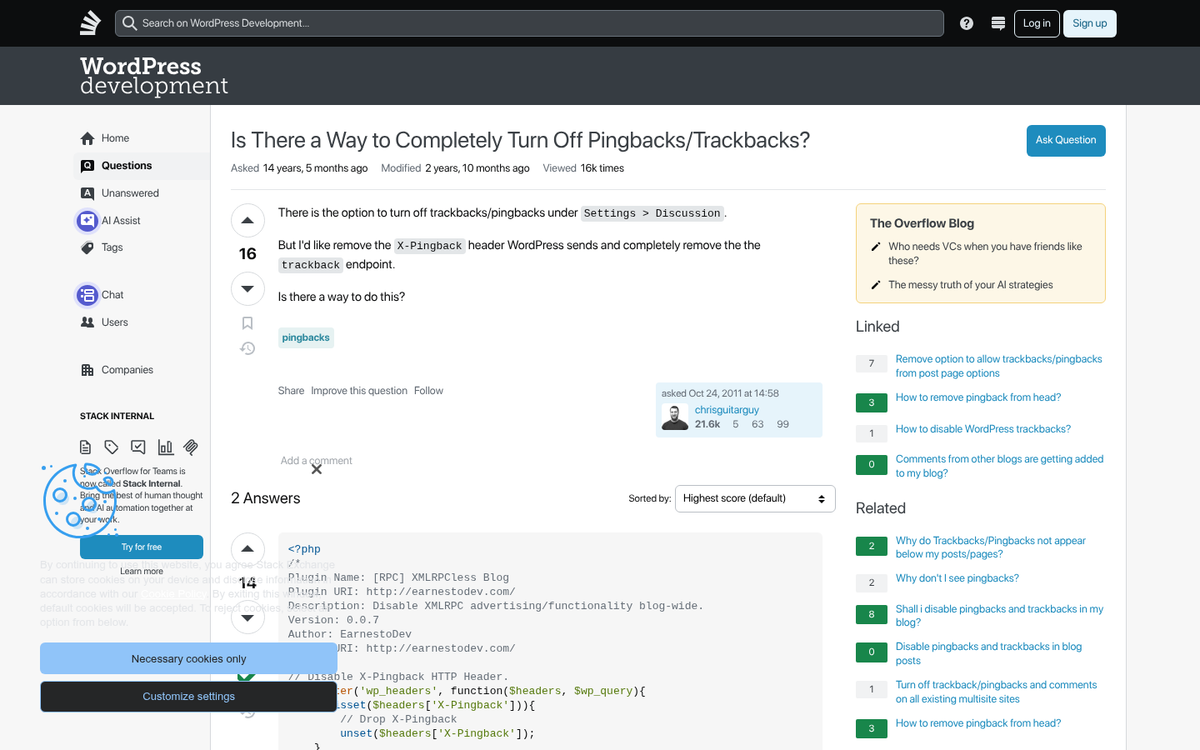
If you would like to disable them entirely, go to Settings → Discussion. Uncheck the box labeled "Allow link notifications from other blogs (pingbacks and trackbacks) on new posts." This will disable Trackbacks and Pingbacks going forward - but only for future posts. Existing published posts will remain open to pings unless you address them separately.
To bulk-disable pingbacks on existing posts without touching the database, WordPress lets you do this through the Posts list screen:
- Go to Posts → All Posts
- Click Screen Options at the top right and increase the number of posts displayed - up to 999 posts at once
- Select all posts, open the Bulk Actions dropdown, and choose Edit
- In the bulk edit panel, set Pings to "Do not allow" and click Update
Repeat this for Pages and any custom post types you use - it's tedious for very large sites, but it requires no database access and no coding knowledge.
If you're comfortable with MySQL, you can also manage this more efficiently via phpMyAdmin by running the following queries against your WordPress database:
- UPDATE wp_posts SET ping_status='closed' WHERE post_status = 'publish' AND post_type = 'post';
- UPDATE wp_posts SET ping_status='closed' WHERE post_status = 'publish' AND post_type = 'page';
If you have custom post types, add a third line replacing post_type = 'page' with your custom post type slug.
If you want Pingbacks enabled but want to remove the noise of self-pings caused by your own internal links, there are WordPress plugins specifically designed to automatically filter self-pings without disabling the wider Pingback functionality. Search the WordPress plugin directory for "no self pings" to find a current, maintained option.
The Argument For Keeping Trackbacks and Pingbacks
There are a few reasons you might want to keep Trackbacks and Pingbacks enabled, though this has to be said: never, ever set them to auto-approve. You will accumulate hundreds or thousands of spam comments, the cleanup is a significant investment, and the outbound links those approved pingbacks generate can actively harm your SEO.
So when can these be helpful? The clearest case is when they work as intended. Occasionally a respected, high-profile site in your niche will use WordPress and link to your content. A Pingback or Trackback from a site like that is worth knowing about.
Perhaps the most legitimately helpful application in 2026 is watching for content theft. When a content scraper copies your posts wholesale - including your internal links - those internal links will trigger Pingbacks automatically. This gives you an early signal that your content has been stolen, and lets you file a DMCA complaint before the duplicate content has time to cause any ranking damage.

You can also use Pingbacks to discover newer sites in your niche that are linking to your content. Identifying legitimate, growing sites early on can be a helpful relationship-building opportunity - as long as the source is not spam.
Of course, you don't have to approve any of the Trackbacks or Pingbacks you receive. Some argue that approving any of them is risky because the reciprocal link it creates on your site is the pattern spammers exploit. Using the pending notification as intelligence - learning about who linked to you - without actually publishing the Pingback is a perfectly valid strategy.
Should You Publish Pingbacks or Trackbacks?
In the context of 2026, this question has a fairly clear answer for most site owners: probably not, at least not as a default behavior.
Trackbacks can still serve a purpose when they come from respected, legitimate sites you don't mind being publicly connected with. The reciprocal link itself isn't inherently dangerous - sites link to each other all the time - but given that approving a trackback or pingback renders a live outbound link on your site, the bar for approval should be high.
Self-pings from your own internal links should never be approved. They serve no purpose and add visual clutter to your comment sections.
Pingbacks and Trackbacks from spammy, unindexed, or low-quality sites should be marked as spam immediately. As covered above, approving these creates outbound links to bad sites, which Google can and does penalize.
One thing worth mentioning: no one is notified when you approve or deny a Trackback or Pingback. If you delete it, that's the end of it. If you approve it, the originating site isn't automatically alerted - they would have to revisit your post to check. There is no social obligation here. Delete or spam whatever you don't want published, without any unnecessary delays.
Rather, here is the strategy I'd recommend in 2026:
- Disable Pingbacks and Trackbacks globally in Settings → Discussion, and bulk-close them on existing posts.
- Set up external mention monitoring - tools like Google Alerts, Ahrefs, or similar - to track when your URL or brand is mentioned or linked to across the web.
- When a high-quality, reputable site links to you, you'll know through your monitoring tools regardless of whether a Pingback was ever sent.
- Use any Pingbacks you do receive in the interim solely as signals for content theft detection - don't approve them for publication by default.
This gives you the informational value that Trackbacks and Pingbacks were designed to provide, without the SEO danger, the spam noise, or the time cost of moderating hundreds of worthless notifications.
All things considered, Trackbacks and Pingbacks were a legitimately great idea for the early blogging era. But the system has been so thoroughly exploited by spam that the dangers - especially the SEO danger of accidentally linking out to low-quality sites - outweigh the benefits for most WordPress site owners. Disable them, monitor mentions through better tools, and spend that time on content and outreach instead.


3 responses
Thoughtful replies only - we moderate for spam, AI slop, and off-topic rants.
now i know - well written piece, thanks a lot
Hi James,
Good article.
I have one question?
When I use my existing blog posts link on another article then there is automatic entry of the link in the comments.
Can I directly delete it because this is increasing day by day everytime when I use any links? or should it remain as it is.
If I delete does it affect my blog.
Hi James,
Very valuable article indeed. It really helped to understand pingback.
I appreciate creating such helpful content.
Keep doing a good job.