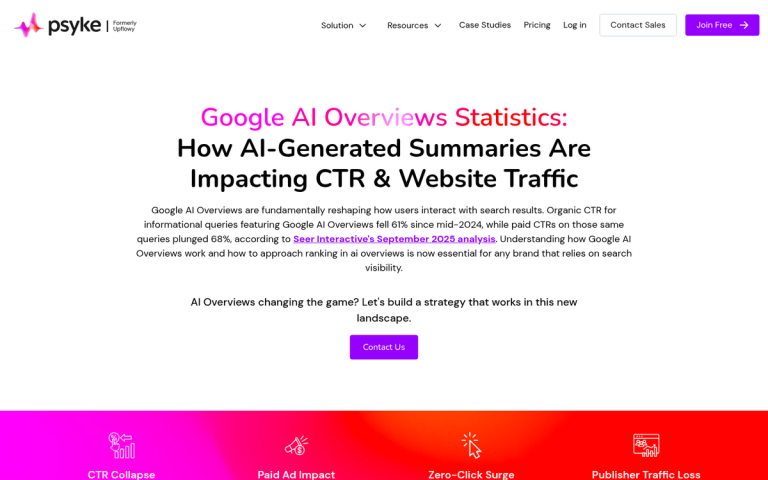
The numbers reflect this shift. Over 1 billion voice searches happen every month, and that figure continues to climb as AI-powered tools like Google AI Overviews, Perplexity, and other large language model interfaces become default entry points for finding information. These tools don't retrieve pages - they read from them. And that distinction matters enormously for anyone who creates content and wants it to be found, cited, and spoken aloud to an audience.
Most content creators are already familiar with structured data - the behind-the-scenes markup that helps search engines understand what a page is about. But there's one schema type that gets ignored, even though it was basically built for this exact moment: Speakable schema - it's a way of flagging sections of your content as a strong choice for text-to-speech delivery, and it tells AI tools and voice assistants that this is the part worth reading aloud.
If you've never heard of it, you're not alone - but that also means there's opportunity here. This guide walks through what Speakable schema is, how it works, and how to implement it in a way that positions your content to be chosen when the search experience is built around a voice.
Key Takeaways
- Speakable schema flags specific content sections for text-to-speech delivery, helping AI tools and voice assistants identify what to read aloud.
- Over 1 billion monthly voice searches make Speakable schema increasingly valuable as AI platforms like Perplexity and Google AI Overviews become default search tools.
- Only mark up two or three short, self-contained sections per page - roughly 20-30 seconds of audio - to avoid diluting relevance signals.
- Google currently supports Speakable schema primarily for news publishers; using it on product pages or thin blog posts is unlikely to be effective.
- Always validate your markup using Google's Rich Results Test before publishing to catch nesting errors and implementation problems.
What Speakable Schema Actually Does
Speakable schema is a type of structured data that you add to a webpage to mark sections as a choice for text-to-speech playback - it doesn't change how your page looks or reads to human visitors - it's purely a signal for machines - a way to tell voice assistants and AI tools which parts of your content are worth reading aloud.
The helpful use case Google has built around this involves Google Assistant and news content. When someone asks a news-related question, Google Assistant can pull as many as three articles and read back the sections you've flagged with speakable markup; it's an actual opportunity to get your content heard instead of just seen.
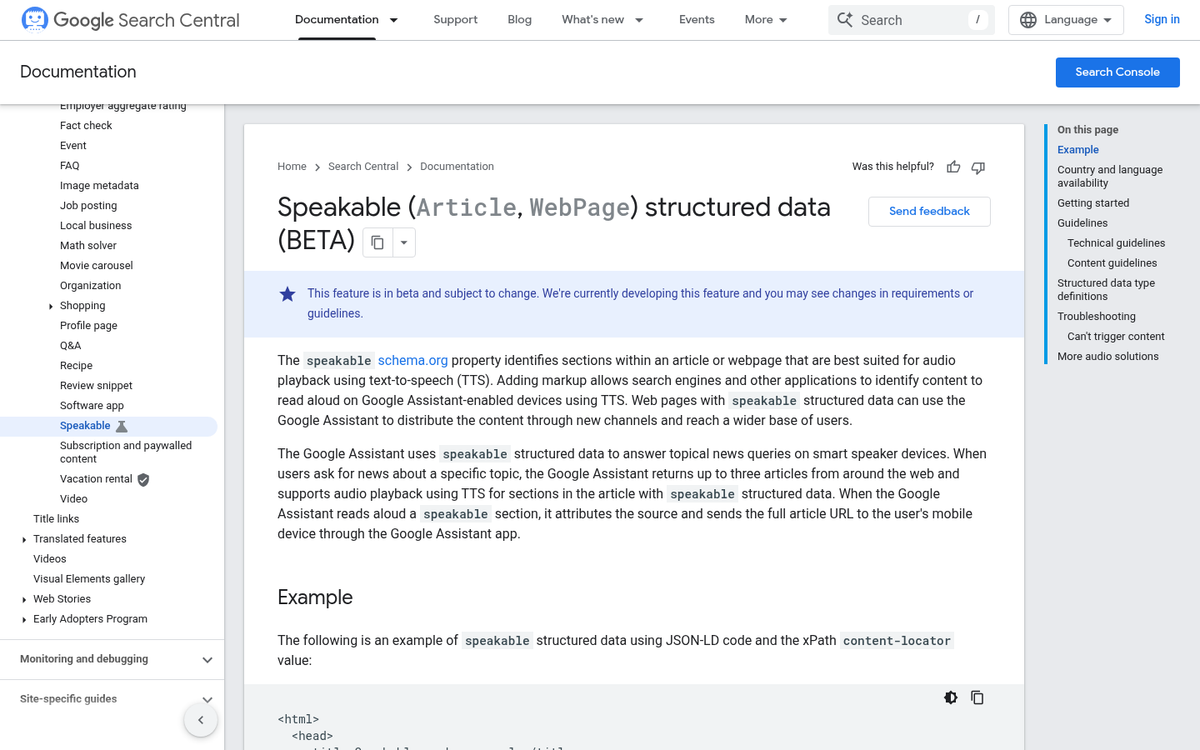
It's worth being clear about what "flagged sections" means here. You're not marking a whole page as speakable. You're pointing to particular blocks - a summary, a key finding, a direct answer - that translate well to audio. A sentence that works on a screen doesn't always work through a speaker, and speakable schema lets you account for that difference without changing the page itself.
This is also where speakable schema fits into the wider picture of AI-driven search. Large language models and AI search tools increasingly pull structured data to generate replies. A page that labels its most informative sections is easier to process and likely to be used as a source. Speakable schema is one of the more direct ways to signal that.
Right now, Google's official support for speakable is focused on news publishers. But the underlying logic applies more broadly as voice-based and AI-generated answers become a bigger part of how people get information.
The Markup Structure Behind Speakable Schema
Speakable schema lives inside a JSON-LD block and it nests within a wider Article or NewsArticle schema type. You're not creating a standalone schema object - you're adding a speakable property to a post schema that may already exist on your page.
Here's an easy example of what that looks like in practice.
{ "@context": "https://schema.org", "@type": "NewsArticle", "name": "Your Article Title", "speakable": { "@type": "SpeakableSpecification", "cssSelector": [".article-summary", ".key-facts"] }
}
The SpeakableSpecification type is what tells Google which parts of your page to read aloud. Inside it, you point to content using either CSS selectors or XPath expressions. The cssSelector property takes a number of class or ID selectors that match elements in your HTML.
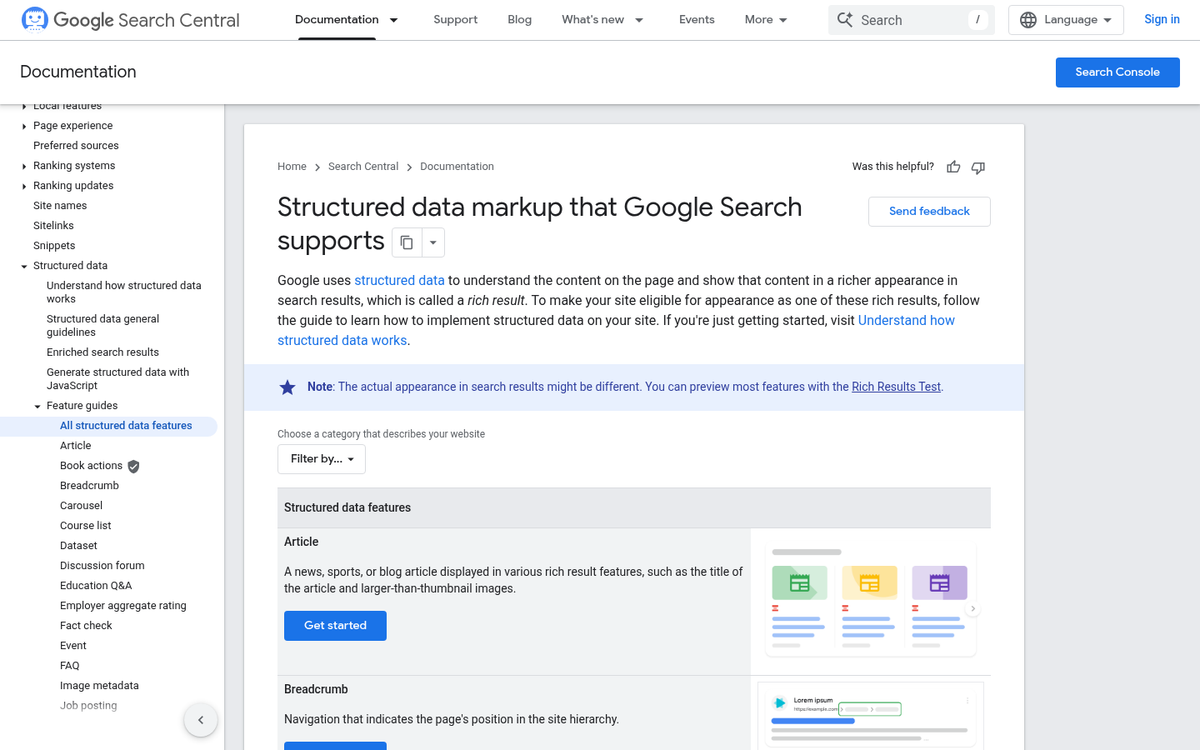
XPath works differently - it uses a path-based syntax to navigate your document structure, giving you more accuracy when your content doesn't have clean class names to target. That said, CSS selectors are the more practical choice for most websites because they're easier to write and maintain.
Both strategies do the same job, so the right pick depends on how your HTML is structured. The table below highlights the key differences so you can choose. If you're also thinking about how rich snippets and schema markup work together, that context can help you make better decisions here too.
| Criteria | CSS Selectors | XPath |
|---|---|---|
| Complexity | Low - familiar to most developers | Higher - requires XPath syntax knowledge |
| Flexibility | Good for class and ID-based targeting | Better for deeply nested or dynamic structures |
| Common use cases | Standard CMS pages with clear class names | Complex templates or legacy markup |
| Maintenance | Easy to update alongside CSS changes | Can break if document structure changes |
One thing worth knowing is that the selectors you use need to match elements in your HTML. If the class name doesn't exist on the page, the markup won't point to anything helpful.
Choosing Which Content Sections to Mark Up
Google's input on speakable suggests roughly 20-30 seconds of audio per marked section, which works out to about two or three sentences; it's a helpful frame to keep in mind as you read through your own content and choose what to flag.
The best candidates are the parts of your post that hold up on their own. Opening paragraphs work well because they usually summarize what the piece is about. Key findings or conclusions are strong options too. They tend to be short and self-contained.
A mental test is to imagine a driver who just asked a voice assistant about your topic. What would actually be helpful to hear? If a passage answers that question cleanly in a couple of sentences, it's worth marking up.
Some content just doesn't translate to audio. Dense technical passages with numbers, abbreviations, or multi-part conditions become hard to follow without anything visual to anchor them. Listicles are another one to watch - a run of five bullet points read aloud sounds repetitive and loses its structure entirely.

Transition sentences and filler paragraphs aren't worth flagging either.
| Content Type | Good to Mark Up? | Why |
|---|---|---|
| Opening summary paragraph | Yes | Sets context and reads naturally as a standalone answer |
| Key finding or conclusion | Yes | Short, informative, and self-contained |
| Bullet point list | No | Loses structure when read aloud |
| Technical data passages | No | Too complex to follow without visual support |
| Transition or filler sentences | No | No standalone value for a listener |
Aim to mark two or three sections per page instead of flagging everything. More isn't better here - the goal is to surface the parts of your content that work as spoken answers.
How AI Retrieval Systems Use Speakable Data in 2026
AI systems like Perplexity, ChatGPT with browsing, and Google AI Overviews are all pulling structured content signals to choose what to cite, quote, and summarize. Speakable markup tells those systems where your most answer-ready content lives.
An AI retrieval system has to make fast decisions about what part of a page is worth pulling into a response. If you don't have structured tells, it has to guess. Speakable schema removes that guessing and points directly to the sections you want surfaced.
This is also why Speakable matters for AI citation. When a system like Perplexity generates an answer and links to a source, it prefers pages where the relevant content is easy to find and parse. Marking up your content with Speakable schema makes your page more machine-readable in a way that can affect how it gets used.
| AI Platform | How It Uses Structured Content Signals | Speakable Schema Impact |
|---|---|---|
| Google AI Overviews | Prioritizes clearly structured, crawlable page sections | Helps flag answer-ready content for overview inclusion |
| Perplexity | Scans indexed pages for concise, citable passages | Speakable sections are easier to extract and attribute |
| ChatGPT with Browsing | Reads live pages and pulls relevant excerpts | Marked-up sections get read as high-priority content |
| Voice Assistants (Google, Alexa) | Pull short spoken responses from structured markup | Direct schema support for audio delivery |
The pattern across all these platforms is the same. Structured, machine-readable content gets used more and gets credited more. Speakable schema is one of the few markup types that works across voice retrieval and AI text generation in a meaningful way.
Common Mistakes That Get Speakable Schema Ignored
One of the most common problems is marking up too much content. Speakable is meant to flag the most answer-ready parts of a post - a tight summary, a why-it-matters fact, a direct response to a question. When you tag five or six large blocks of text, you dilute the signal and make it harder for any system to know what actually matters.
It is also worth being honest about where Speakable fits. Google has positioned it as a tool for news publishers - not a general-purpose markup for any page. Dropping it onto a product page or a loosely written blog post is unlikely to get you anywhere helpful. The schema works best when your content looks and behaves like editorial journalism.
On the technical side, incorrect nesting is a quiet but serious problem. Speakable schema needs to sit correctly within your NewsArticle or Article structured data. If it's floating independently or attached to the wrong parent type, validators will flag it and search systems will pass right over it.
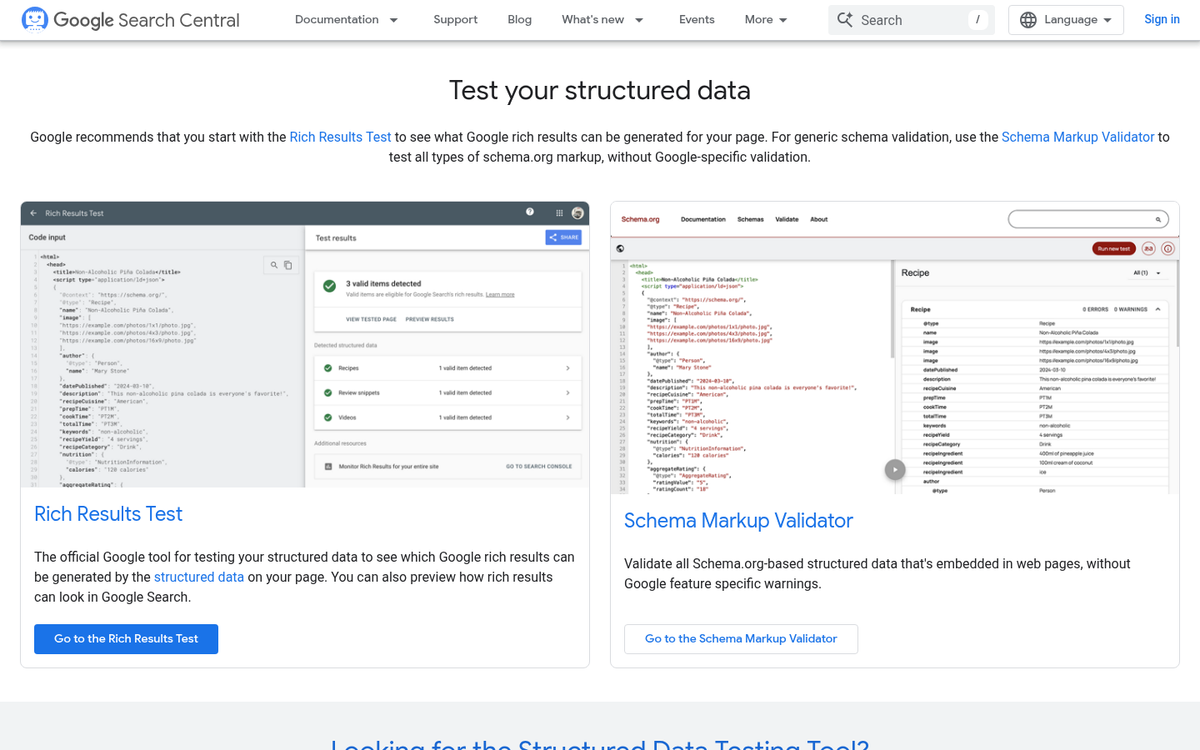
A lot of publishers skip the validation step entirely. Google's Rich Results Test will tell you if your markup is read correctly, and it takes about two minutes to run. There is no reason to skip it after carrying out an implementation. It's a similar discipline to scanning your posts for errors before publishing - small checks that prevent bigger problems.
The content itself also has to hold up. Speakable markup on thin, vague, or poorly structured text is not going to work. The sections you flag need to be legitimately self-contained - meaning someone could hear them read aloud and walk away with an answer. Keep in mind that originality in your content also plays a role in how credibly your flagged sections are treated.
| Mistake | Why It Causes Problems |
|---|---|
| Marking up too many sections | Weakens the relevance signal for all flagged content |
| Using Speakable on non-news pages | Falls outside the intended use case Google recognizes |
| Incorrect schema nesting | Breaks structured data validation entirely |
| Skipping the Rich Results Test | Leaves implementation errors undetected |
Your Speakable Schema Checklist Before You Publish
Before you publish your next piece, run through this quick checklist to make sure your speakable markup is working the way it should:
- Use JSON-LD format and place it correctly in the page head or body
- Target only the most informative, standalone sections - headlines, summaries, key facts
- Keep speakable content between 20 and 30 seconds when read aloud
- Avoid marking up navigation, ads, or boilerplate text
- Validate your markup using Google's Rich Results Test before going live
- Limit speakable sections to two or three per page to avoid diluting relevance signals
- Write for ears, not just eyes - speakable content should sound natural when spoken
As AI tools like ChatGPT, Perplexity, and Google's AI Overviews become the default way to discover information, structured and audio-friendly content is only going to matter more. The publishers and businesses that take time now to mark up their content intentionally are the ones that will show up as those platforms evolve. Speakable schema is a small investment with long-term compounding value.
If you want your content optimized without having to manage every technical layer yourself, that's where BlogPros comes in. Every piece of content that comes through BlogPros is built with answer engine optimization in mind - from schema implementation and human editorial review to the structure that gets cited by AI tools across Google, ChatGPT, Gemini, and beyond. The process combines AI-powered efficiency with editorial judgment so nothing slips through the cracks. If you are ready to stop guessing about whether your content is optimized for the way people actually search, start your free month with BlogPros - no contracts, no credit card, no commitment. Just content that's built to be found.