





Key Takeaways
- HTML supports six heading tags (H1-H6), with H1 being most important and each subsequent tag carrying less weight.
- Heading tags serve two purposes: consistent site styling via CSS and signaling content structure and importance to Google.
- Use only one H1 tag per page for the title; use H2 for subheadings and H3 for deeper subsections when needed.
- A Moz/SearchPilot split test found no statistically significant traffic difference between H1 and H2 subheadings after eight weeks.
- Avoid keyword stuffing in heading tags, enclosing full paragraphs, or using multiple H1 tags on a single page.
The heading tags in HTML are one of the most often misunderstood and misused elements of content marketing on the web. I'd venture to guess that you out there either don't use them, use them incorrectly, or are only using them correctly accidentally, without knowing why they work the way they do. So let's talk about them!
What Are HTML H Tags?
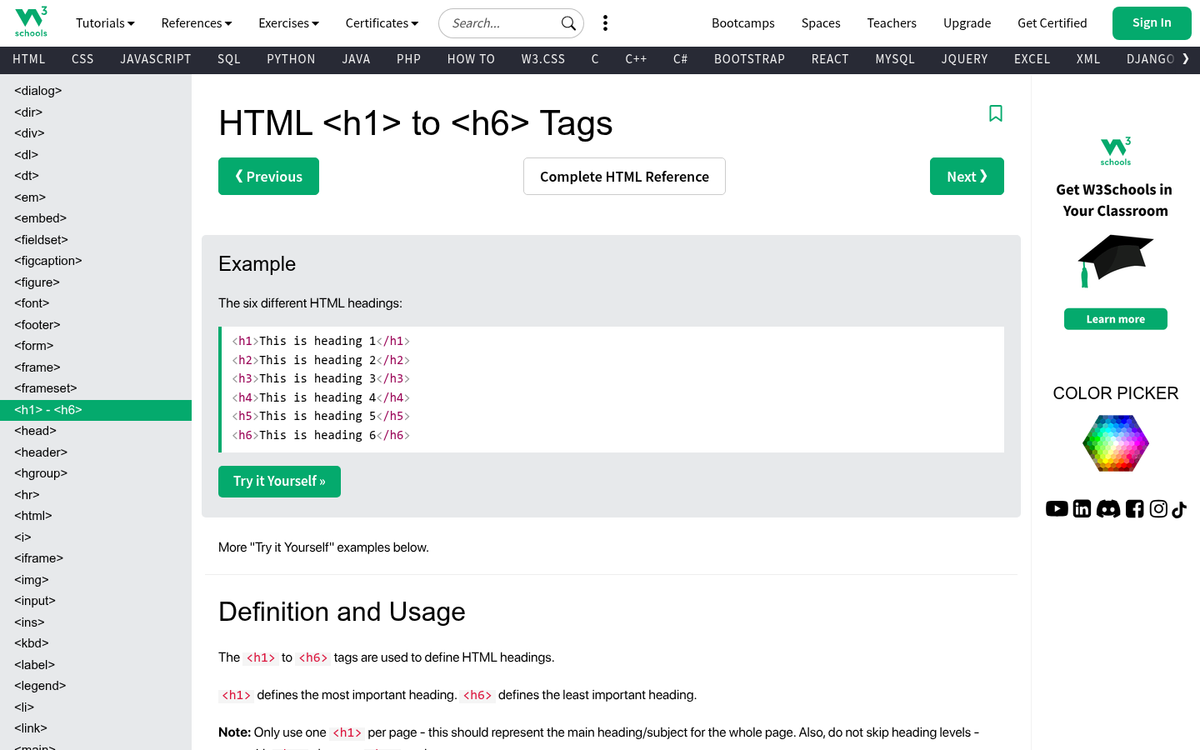
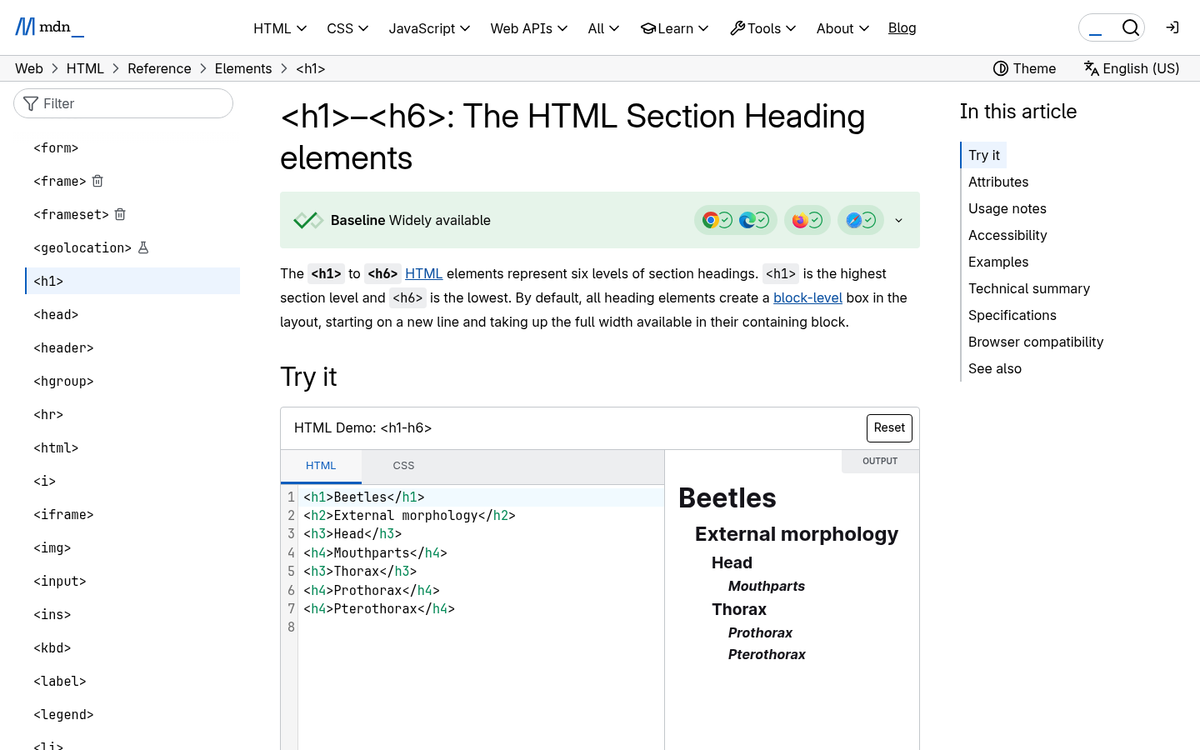
H tags in HTML are tags that denote headings in a piece of content. There are six of them in HTML, H1 through H6. These six headings are supported by every web browser and have been around since the early days of HTML, which makes them a legacy standard. According to the W3C (World Wide Web Consortium), H1 denotes the most important heading, and each subsequent number is a less important heading, down to H6 as a pretty unimportant heading.
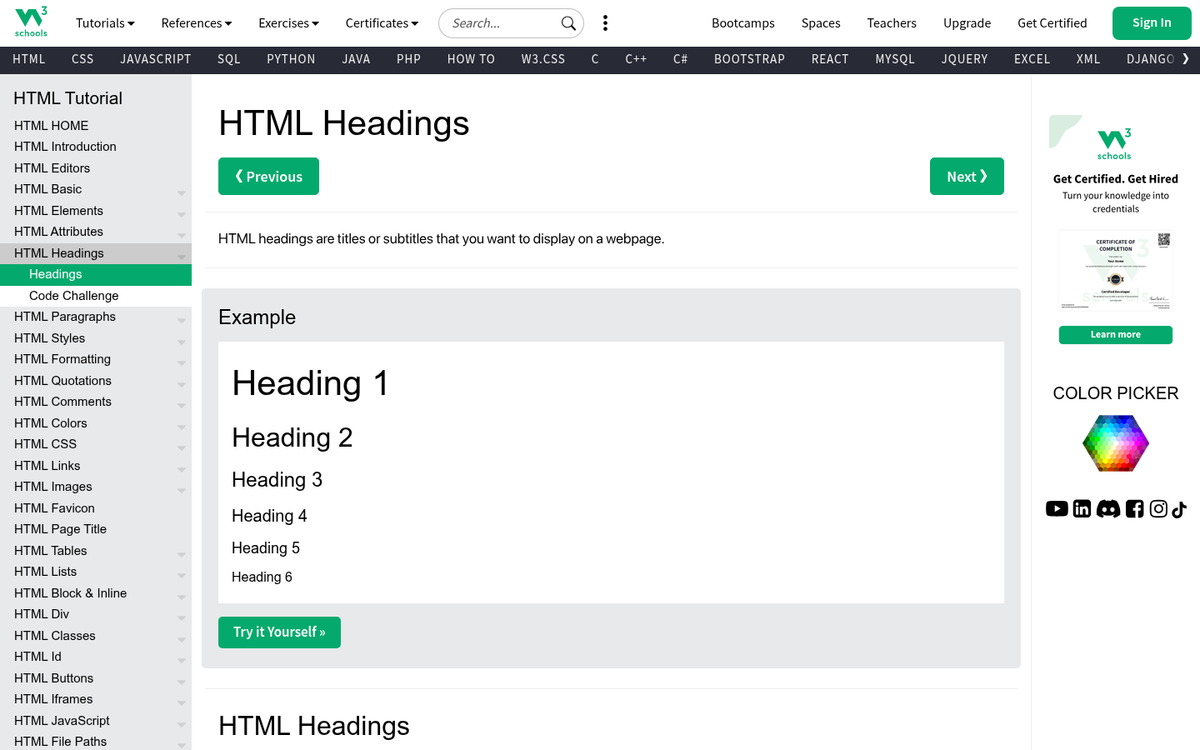
Headings are used for two purposes. The first job is for styling in your site design. When you flag parts of your code as H1, you can then use CSS to specify the attributes for all H1 content. By default, H1 headings display as block text in 2em size, with bigger margins than standard text and with strong formatting. However, when customizing your CSS, you can adjust anything about your headings. The benefit to this is, of course, for site-wide consistency. You can change the size, color, or styling for all headings on your site simultaneously by editing one entry in your site CSS file. Typically, each heading has a smaller size and less margin than the last, until H6 is only slightly bigger and offset than normal text.
The second job of heading tags is as an indicator of importance for content marketing. Google is on the record as saying that the content within heading tags is given extra weight. Use of headings lets Google know the structure of your content better, and lets them know with more emphasis what the topic of your content is. Research from Moz's Ranking Factors study has found that pages with a target keyword included in the H1 heading tag are more likely to rank higher in search results.
In other words, the content of your heading tags helps Google index and analyze the topic of your blog posts as a whole.
Let's answer a few common questions about heading tags.
Should You Use Heading Tags?
Sure! Heading tags impart structure to your site. Heading tags can also show keywords with a bit more importance than normal text.
This used to be quite a bit more important before Google started semantically indexing the entire web. Back when keywords were more important - before they started using synonyms on a large scale - keywords in your heading was a helpful strategy.
These days, the content of your heading tags is given a little more weight than your text, but it's more for structure than it is for content. Google can parse and analyze your content just fine. Structure they occasionally need a bit more help with, and that's also the case if your site design is non-standard. There's a reason so many sites use basic templates and themes, instead of custom design; it basically works best.
You aren't forced to use heading tags in your content. If you don't use them, you won't be penalized for it. A user doesn't care if your blog post title is in the H1 tag or if it's just given a bigger font size and put in strong. As long as they can read it as a headline, as long as the user experience works just fine, you can format it however you want.
One of the benefits to the heading tags is for site design purposes. If you specify the font, weight, and size of your headlines individually in your page code and you want to change your site design, you have to go back through your posts and change every one of them. If you're using the H1, H2, and so on tags, you can basically adjust the CSS for them from your main document.
Of course, you're free to put your CSS on the page itself. There's a minor argument to be made that it's faster than pulling formatting code from a secondary file, though the improvements are usually minor unless your entire site design is based in CSS. Feel free to experiment with ways if you like. Using an external file has conveniences that I feel are probably worth a minor speed issue.
How Many Heading Tags Should You Use?
As many as you need! Heading tags denote headlines and subheads in your content. There's no hard limit to the number of headings you can use. There are, however, best practices.
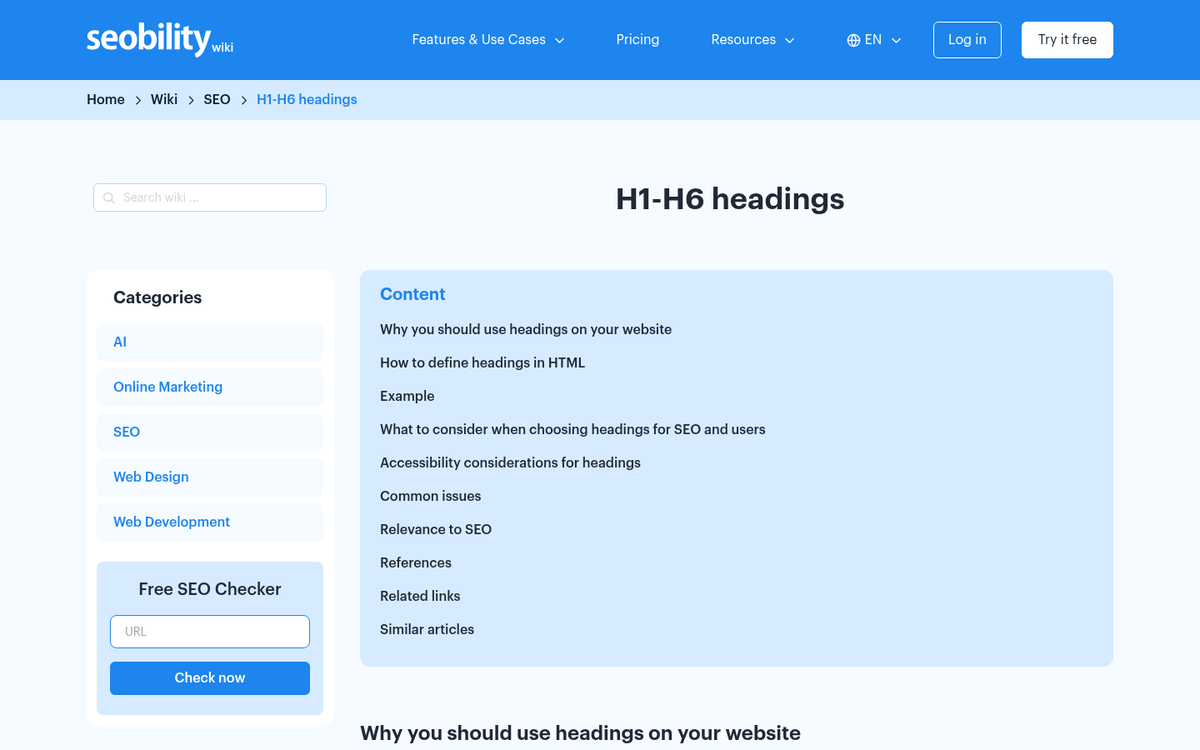
The number one best practice to be aware of is that you should only have one single H1 tag. Generally, the H1 tag is at the top of your blog post and encloses the title. You don't use subsequent H1 tags for extra sub-headings.
Why not? When you enclose more than one section in H1 tags, you are saying those segments are of equal importance. What part of your blog post can be more important, or of equal importance, to the title of the post?
Most blog posts will only have a title and subheadings, and so will usually only use H1 and H2 tags. You use the H1 tag for your title, and then you use the H2 tag for your subheads. As a general rule of thumb, shorter content under 1,000 words usually only needs 2-3 H2 tags. But longer posts running 1,500 words or more will probably need more than three H2s to adequately cover the content. In some rare cases, you have a very deep, very full post that will have sub-sub-sections, and the titles of these can be in H3 tags.

Let's talk about an example. Look at the Wikipedia page for HTML. Wikipedia's structured data is a great demonstration of the usage of H1, H2, and H3 tags. If you want to see this yourself, you can look at the code of the page.
- At the very top of the page, the HTML title - that determines the topic of the page - is the only element in H1 tags.
- Further down the page, you get subheadings. History, Markup, and so on. These are the next highest importance to the structure of the page and are all in H2 tags.
- Within each H2 section are sub-subheadings, like Development and HTML Versions Timeline within the History section. These are in H3 tags.
- Nested further down within the HTML Versions Timeline are sub-sub-subheadings, HTML2, HTML3, HTML4 and so on. These are all in H4 tags.
As you can see, you can treat a headline as the top enclosure, and each sub-heading within that headline is formatted the heading tag +1. So everything within the H1 title is H2, everything within each H2 title is H3, and so on - it will cascade down to H6, as per W3C standards. If you're looking for inspiration on how to craft effective headlines, check out these tips copywriters use to create perfect blog headlines.
Not all sites use this standard nesting format, and interestingly, it might not matter as much as you'd think. Moz and SearchPilot ran a controlled 50/50 split test on Moz blog headlines, changing half from H2s to H1s. After eight weeks of data, the change made no statistically significant difference in organic traffic - this suggests that even though heading hierarchy is still considered best practice, Google is unlikely to heavily penalize or reward you based on whether a subheading is an H1 versus an H2.
Can You Use H7 and Above?
Yes and no. Tags for H7 and above are not supported by the W3C or by modern browsers. You can, let's say, create them yourself as references for CSS. But they won't be treated the same way as H1 through H6 are mechanically. If you don't have CSS formatting attached to them, they will be no different than normal text.
Additionally, it's very rare that you have a site structure that goes so many layers deep that you need H7 and above. At that point, you could be better off splitting your H1 into different pages instead of subsections of one page. Make each H2 its own H1 on its own URL, and make an index page out of what was formerly the H1 page, linking to each H2 as new H1s.
Can Heading Tags Appear Out of Order?
They can. But it's not best practice. Heading tags are meant to be a hierarchy of order and structure, like an outline. You aren't putting the title of a book as lower importance than the title of each chapter, are you?

That said, as the Moz/SearchPilot split test referenced above shows, Google seems to be fairly forgiving with heading tag hierarchy. An incorrect use of heading tags on its own is unlikely to meaningfully tank your rankings, and that's also the case if the rest of your on-page SEO is solid. If you want to further improve your blog post rankings, there are other factors worth focusing on first. That doesn't mean you should be careless with them. But it does mean you shouldn't lose sleep over the occasional out-of-order tag.
Can You Use More than One of the Same Heading Tag?
Yes! Other than the H1 tag, this is the intended use of all heading tags. Kind of like a book, or go back to the Wikipedia example. There should only be one H1 tag, as the title of your book or the title of your page. From there, a book can have chapters, and each chapter can be H2 without conflicting with each other.

Google will interpret each H2 as the same level of importance, except that they will then be considered in order from top to bottom; the top H2 is more important than the next H2 in line, basically because the second one is further down the page. If you wanted the second one to be more important, maybe it should be higher on the page.
What Should You Avoid with Heading Tags?
If you care about use of heading tags, there are some best practices you should follow with them.
Avoid putting too much content in heading tags. Heading tags are just that; tags for headings and subheadings, or taglines. They are not meant to enclose full paragraphs or full pages. You can't enclose an entire website in H1 tags and assume Google will recognize it's all very important - they'll just assume your tag is broken.
Avoid more than one H1 tag on a page. In general, you only want one H1 tag on your page, enclosing the blog post title. While the Moz/SearchPilot test suggests Google doesn't respond dramatically to H1 versus H2 distinctions, a single H1 remains the first step and standard and the cleanest strategy for users and search engines.
Don't keyword spam in your heading tags. Google considers heading tags when assigning value to content on the page, and including your target keyword in your H1 can positively change rankings. However, they also get started at spam tells like keyword stuffing. If you're trying to inject keywords into heading tags in ways that hurt readability in favor of some attempt at SEO value, Google will discount or penalize that value.
Otherwise it's very much up to you and your site design. How do you want to use heading tags? Just keep it steady and make sure it makes sense.

1 response
Thoughtful replies only - we moderate for spam, AI slop, and off-topic rants.
Note I remember one time I checked it MANY YEARS AGO Google seemed to ignore the text (in instances) above the H1 on a page. If I ever find the image, I will add it to this post. I did not duplicate this experiment, so consider this hearsay. It was enough for me to continue to place the H1 tag above the P tag (the p tag the most important tags you should be optimising in 2019).