Key Takeaways
- Spelling errors can reduce online sales by 50%, and 59% of users avoid websites with poor spelling.
- Typos indirectly hurt SEO through higher bounce rates, fewer backlinks, lower dwell time, and reduced social sharing.
- Basic spellcheckers only catch simple typos; misused words and grammar errors require more advanced tools or human editors.
- WordPress plugins WP Spell Check and WProofreader offer solid built-in options, with WProofreader supporting six languages on its free tier.
- A layered approach combining AI tools like Grammarly or ChatGPT with a WordPress plugin produces the most thorough results.
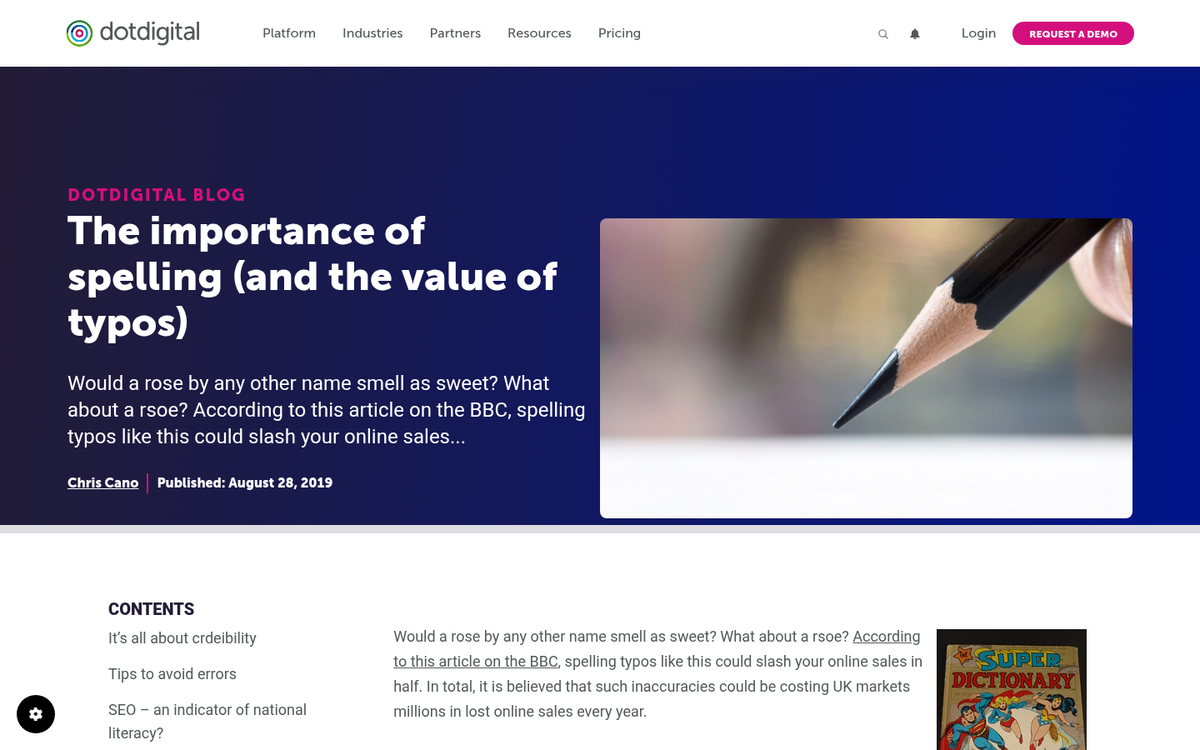
Typos, spelling errors, and misused words can seriously damage your blog's credibility - and the data backs this up. According to Econsultancy's research on e-commerce errors, spelling mistakes can slash online sales by as much as 50%, and studies show that 59% of users actively stay away from websites with spelling errors. Even outside of e-commerce, 85% of website visitors notice and are turned off by poor spelling. We're all human and the occasional typo is forgivable - but a pattern of errors signals carelessness, and readers will lose trust in your content fast.
Why Typos Hurt
Typos hurt your blog in a few ways. The first and most obvious is that they make your content harder to read. Sometimes a typo is easy enough to parse. Other times it creates genuine ambiguity - changing the meaning of a sentence entirely. On their own, isolated typos can be ignored. But if you're posting content full of errors, your blog will quickly develop a reputation for being unreliable and low quality.
When your content is harder to read, readers don't connect with it. They don't share it, they don't link to it, and they don't return to it. You stop looking like an authoritative source and start looking like a site that isn't worth trusting.
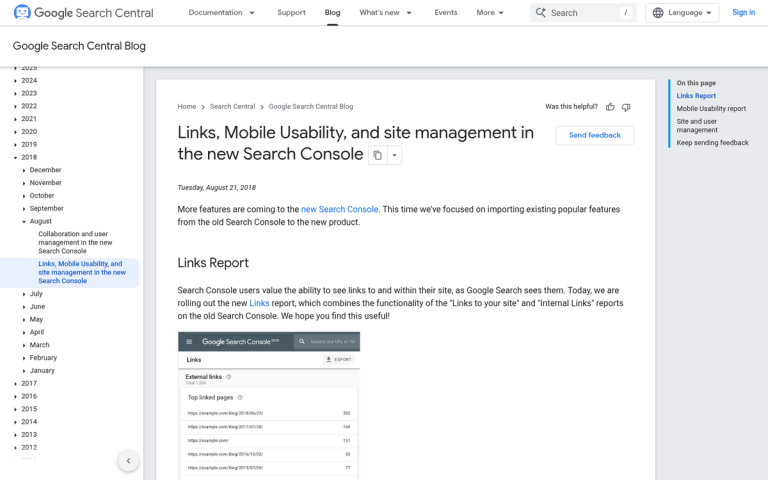
Typos and grammar are not explicit Google ranking factors. But they affect your SEO in indirect ways. Fewer backlinks, higher bounce rates, lower dwell time, and less social sharing all feed back into your rankings negatively. Google's systems are also increasingly refined at looking at content quality holistically - and a page riddled with errors is unlikely to be treated as a quality result.
There's also a signal problem. A site with persistent typos tells readers - and search engines - that the content isn't being maintained. If readers report errors and nothing gets fixed, that compounds the problem further. One way to stay on top of this is to spell and grammar check your posts before publishing.
Types of Error
There are a few different language-based errors you want to catch and fix as you create blog posts.
- Pure typos. If you want to write the word "not" and write "nt" instead, you're making a basic typo - easy to catch with any spellchecker.
- Alt-word typos. If you want to write the word "knot" and write "not" instead, your typo is harder to catch because it's still a real word, just not the right one.
- Misused words. Writing "there" instead of "their" is a classic example - technically spelled correctly, but grammatically wrong.
There are also problems with sentence structure, punctuation, word choice, and wider grammatical problems. Basic spellcheckers only catch the first type. For everything else, you need more refined tools - or a human editor.
This is where AI writing assistants have legitimately changed the game. The landscape for proofreading your content has shifted in just the past few years.
Fixing Basic Typos - WordPress Options
If you're running a WordPress site, one of the easiest plugin options is WP Spell Check, which has been available since 2015. The free version is limited primarily to basic content and author bios. But paid tiers (Bronze at $25 for a single site, Silver at $69 for five sites, and Gold at $289 for 30 sites) unlock metadata scanning, higher page limits, and extra field checks across things like WooCommerce products, page slugs, tag descriptions, and more.

Another strong option is the WProofreader plugin, which supports spell-check across 6 languages and processes up to 10,000 words per day for a single website on the free tier. It integrates directly into the WordPress editor and checks content inline as you write or edit, which makes it a more seamless experience for users. If you're unsure what plugins to install on a new WordPress site, starting with a proofreading tool is a solid choice.
Both plugins are worth testing depending on your site's size and language needs. If you run a multilingual site, WProofreader's language support gives it an advantage for basic spell-checking.
Grammar and Style Checks - AI Has Changed Everything
AI tools have transformed grammar checking, and as of 2026, there's no reason to depend only on manual editing or outdated browser-based grammar checkers.
Here are the main tools worth knowing about:
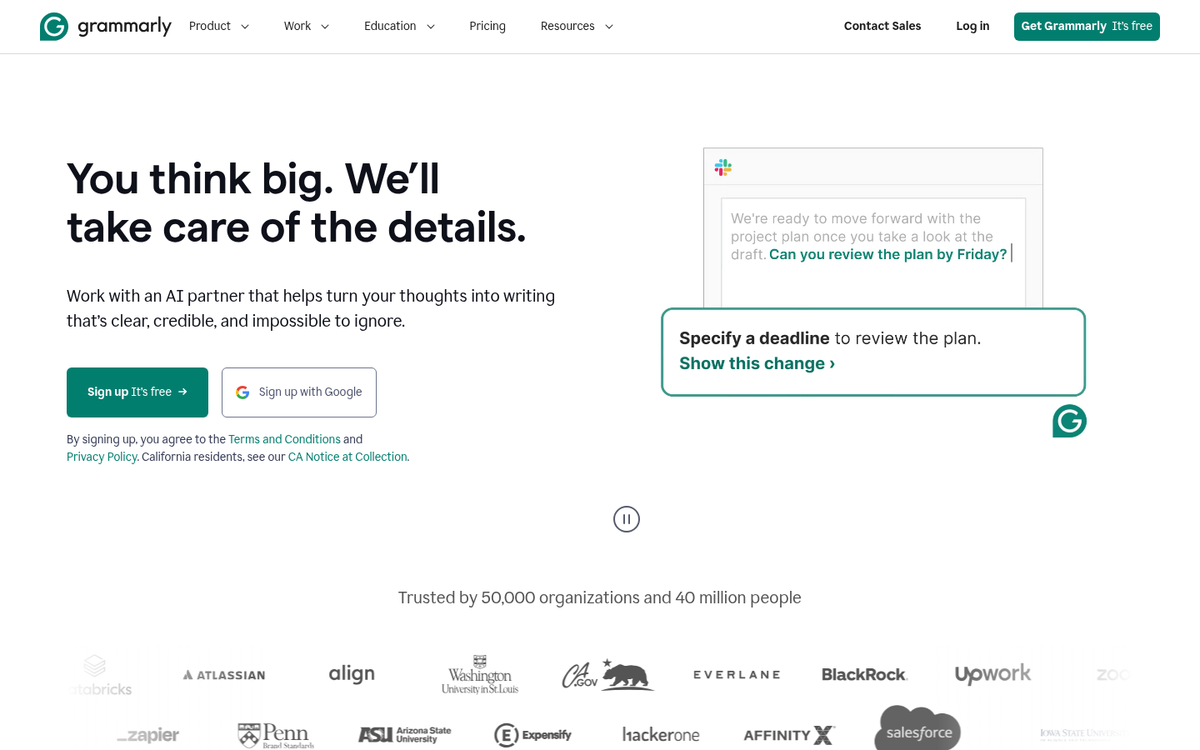
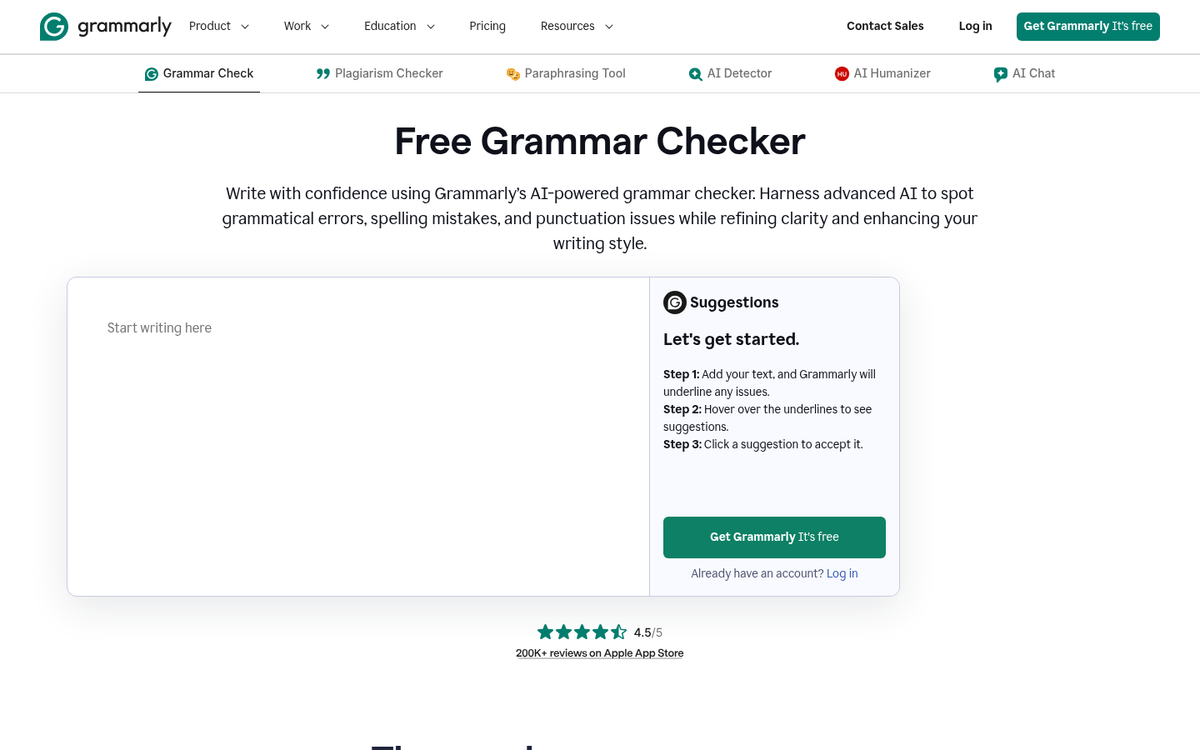
- Grammarly Premium - Goes well beyond spelling and grammar. It checks tone, clarity, engagement, and plagiarism against over 16 billion web pages. Its AI suggestions have become significantly more context-aware in recent years and it integrates directly into browsers, Google Docs, and most writing environments.
- LanguageTool - An excellent option especially for multilingual blogs, supporting more than 30 languages and dialects. It catches grammar, style, and punctuation issues and has both browser extensions and a standalone editor.
- AI writing assistants (ChatGPT, Claude, Gemini, etc.) - As of 2026, pasting your content into a capable AI model and asking it to proofread and identify errors is one of the fastest and most thorough methods available. These tools understand context, tone, and style in ways that rule-based grammar checkers still can't fully replicate.
The honest truth is that a layered strategy works best: write your draft, run it through an AI assistant or Grammarly for grammar and style, then use a WordPress plugin like WP Spell Check or WProofreader to catch anything that slipped through at the CMS level. If your blog is a business asset, a human editor looking over high-traffic posts is still worth the investment - but for most bloggers, the combination of AI tools and a plugin will get you very close to error-free content.
Once you build this workflow into your publishing process, you'll find your typo rates drop dramatically - and your content's credibility, engagement, and search performance will improve along with it.