What if someone told you that there was a way to dramatically increase the efficiency of your advertising, and all you needed to do was implement some code? Would you leap on the chance? You should. It's called retargeting, and you can implement it through Facebook - and the numbers behind it are hard to ignore. Retargeting campaigns achieve conversion rates 367% higher than cold audience campaigns, and warm audiences report 40-70% lower cost per acquisition compared to cold audiences.
Key Takeaways
- Retargeting campaigns achieve 367% higher conversion rates and 40-70% lower cost per acquisition compared to cold audience campaigns.
- Place the retargeting pixel beyond the product page, such as the add-to-cart page, to target genuinely interested users.
- Use a burn pixel on your conversion success page to automatically remove converted users from your retargeting list.
- Retargeting serves multiple purposes: rebuilding brand awareness, recovering abandoned carts, upselling customers, and driving local in-store action.
- Avoid serving ads too frequently; use frequency caps and stay compliant with evolving privacy regulations and tracking changes.
The Advertising Process Without Retargeting
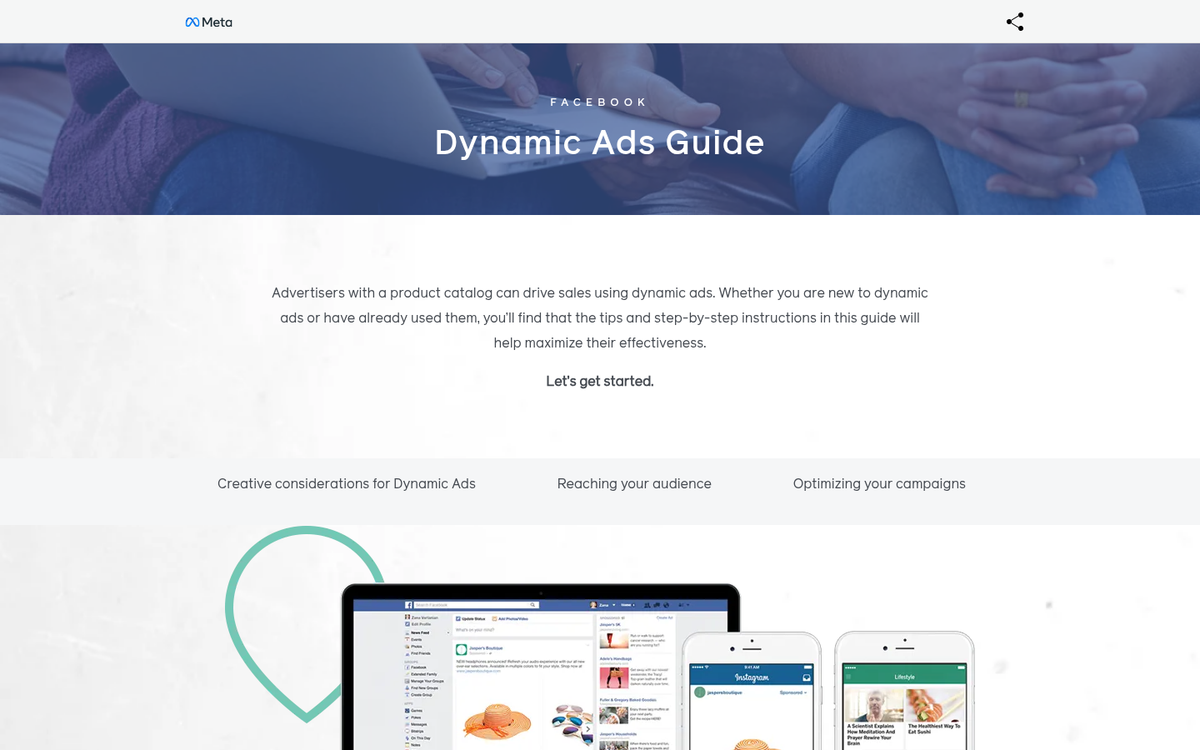
The basic process for advertising is simple. You do research, identify the audience most likely to convert, target that audience with advertising and wait. Users visit Facebook, they see your ads and, if they're sufficiently interested, they click them. Once they land on your site, most users will read and, if you're lucky, explore a bit. Some few will convert on the spot, though that number is probably low. With analytics, testing and audience focusing, you can maximize the number of immediate conversions.
What about everyone else? All those people who were interested enough to click your ad, but not interested enough to stick around? All of those people are potential conversions, but you just have to hope they remember to come back later and buy.
Once More, With Retargeting
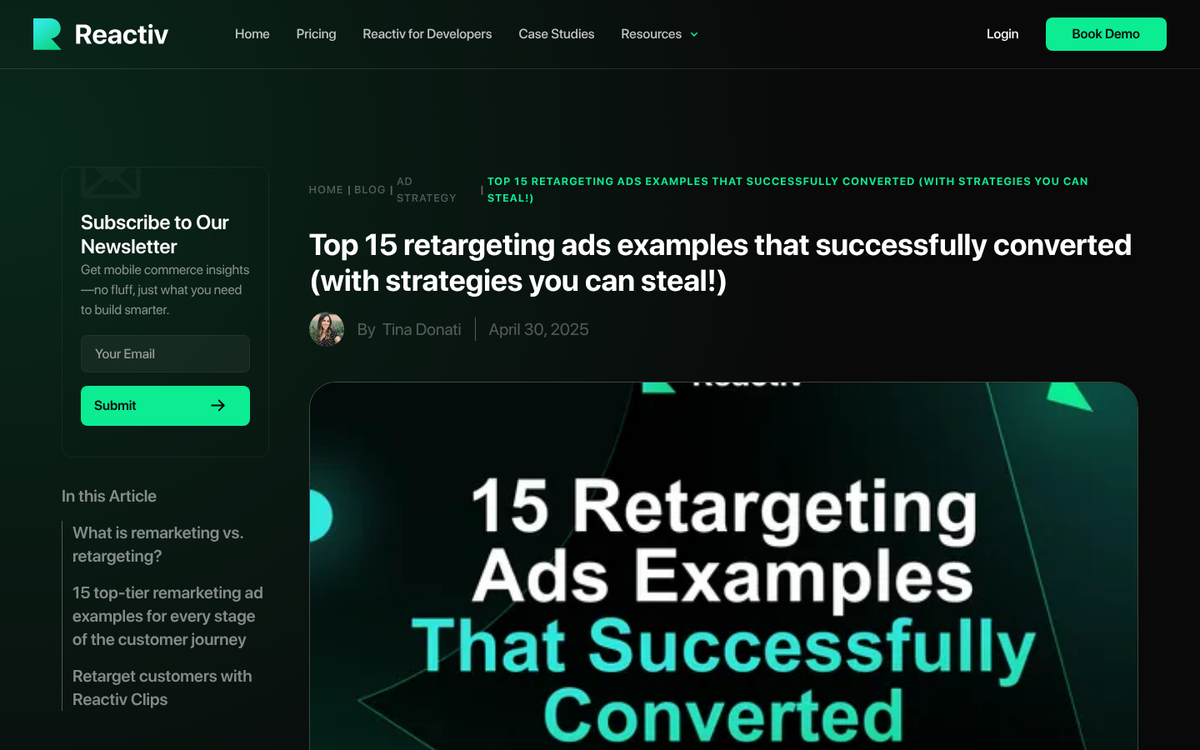
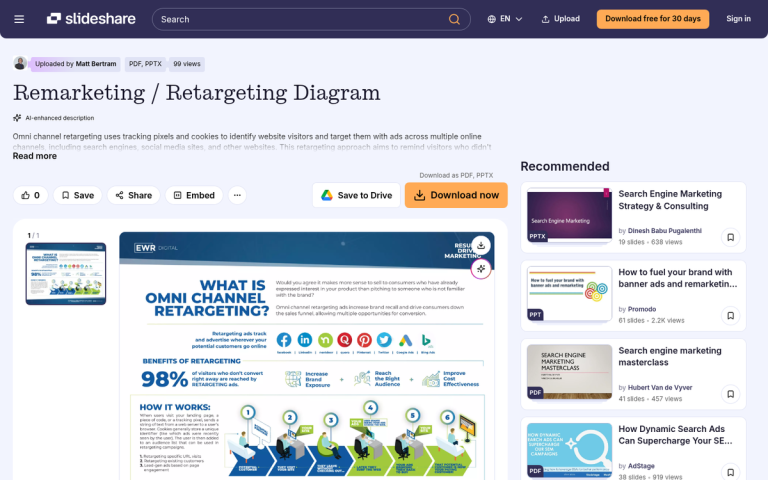
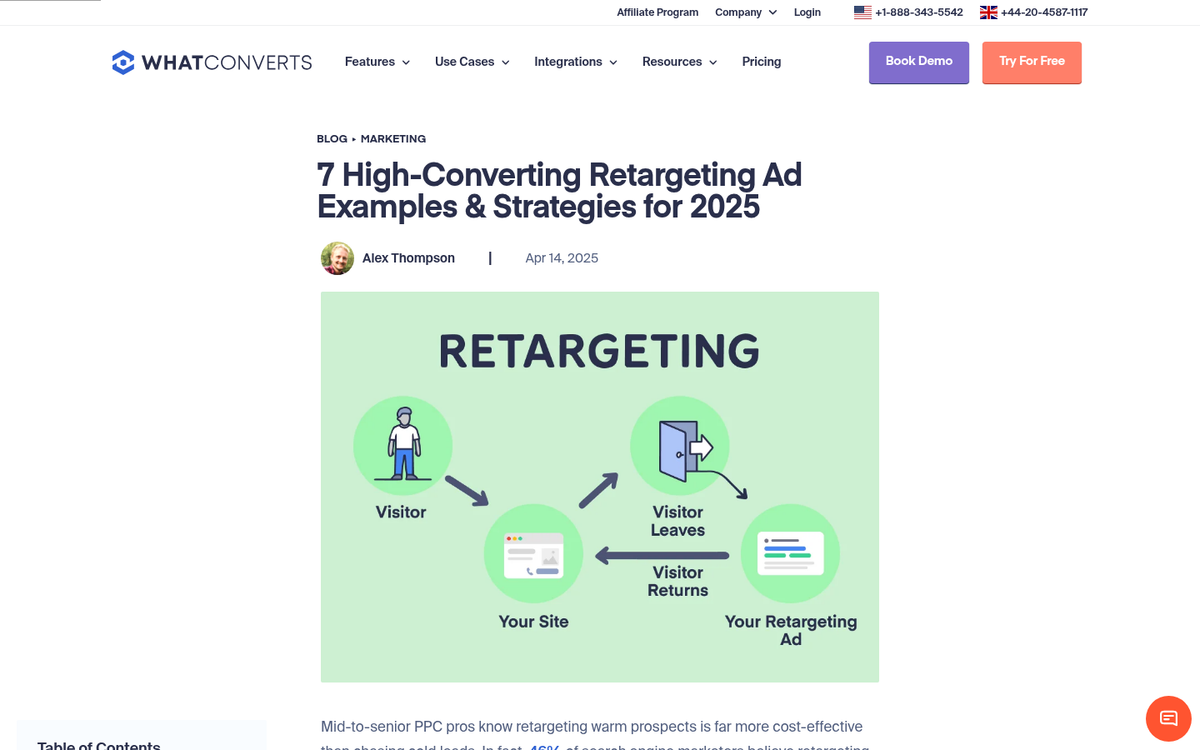
Retargeting works the same way as normal advertising, with one small difference: when the user visits your page through your ad, they're tagged with tracking code. If they leave without converting, that code sticks with them and adds them to a custom audience.
Using Facebook Ads, you can then display your ads directly to those people who left without converting. This often reminds them about their potential purchase and gives them another chance to buy. The data backs this up - retargeting ads are 76% more likely to get clicks than standard display ads, and retargeting can help increase web traffic by as much as 700%. It's also worth noting that approximately 60-70% of catalog and product sales are now attributed to retargeting campaigns specifically. Check out these case studies of successful retargeting ad campaigns to see how it works in practice.
The trick is to make sure the retargeting code only hits the people who progress far enough in your conversion process to truly express interest, rather than anyone who clicks your ad. Retargeting the people who bounce immediately doesn't help you. General advice holds that you should put the retargeting pixel - managed today through Meta's Pixel or the Conversions API - on a page beyond the product page, such as the add-to-cart page.
It's worth noting that as of recent years, Meta has pushed advertisers toward using the Conversions API (CAPI) alongside the Meta Pixel to improve tracking accuracy, particularly in response to browser-level privacy restrictions like those introduced by Safari's Intelligent Tracking Prevention and similar mechanisms in other browsers. If you're only relying on the pixel alone, you may be missing a meaningful portion of your retargetable audience. It's also possible to use multiple tracking pixels on a single page if your setup requires it.
How to Put Retargeting to Use
There are a number of different ways you can use retargeting.
First, it works to generate a form of brand awareness and potential loyalty. A user sees your ad and clicks through, and they're tracked. You display your ad to them again later, encouraging them to come back. They do so, and even if they don't convert again, they're much more likely to remember your brand and your website. After a few cycles of this, they're fairly likely to become regular readers or accidental brand advocates.
Second, retargeting continues the interrupted conversion process. It's a way to combat the abandoned cart. It turns the decision to leave into a decision to leave temporarily. Each time a user is reminded of the purchase they almost made is a chance they have to come back and finish the conversion. Obviously, paying customers are much more likely to give you repeat traffic, as they check on the status of their order, product news, developments and other business issues. They're invested in you, on a small scale, so they'll keep coming back.
Third, you can retarget paying customers. If someone visits your site and buys a phone, they become a target for related purchases. You can retarget them later and offer them replacement chargers, decorative cases, screen protectors and cleaning cloths. Anything you offer that happens to be complementary can be the subject of a retargeted ad.
On that note, you can use ads of a different sort for retargeting. For example, you have the product retargeting of the related purchases. You also have informational retargeting. A user buys a phone and a phone case; you can retarget them with an ad for your blog post about setting up their new device. You can direct them to articles about essential apps, tips to extend battery life or ways to lower their phone bill. Anything you think they might latch onto is a potential subject of an ad that directs their traffic to your site in a non-commercial way.
Another way you can use retargeting is with a promotion that only appears for retargeted users. They visited once and something turned them away. Maybe it wasn't the right time for them to buy. Maybe they didn't want to preorder and instead wait for release. Maybe the price was just a bit too high. In this last case, you can direct them to a landing page specifically for them. When they visit, a message just for them - and other retargeted users seeing the same ad, of course - will appear and offer them a deeper discount than you might offer to the general public.
Finally, if you have a local business, retargeting can tie neatly into a local or mobile campaign. If users are part of your retargeting list - particularly if they expressed interest in particular items - you can serve them location-aware promotions or in-store offers. Sometimes even just reminding them of their previous intent to purchase is enough to close the loop between online interest and in-store action.
Use Caution When Retargeting
Retargeting is powerful, but it's also transparent when done poorly. A user visits your site and then, an hour later, sees your ad on Facebook; they're going to know immediately that they're on a list. Many users react poorly to that.
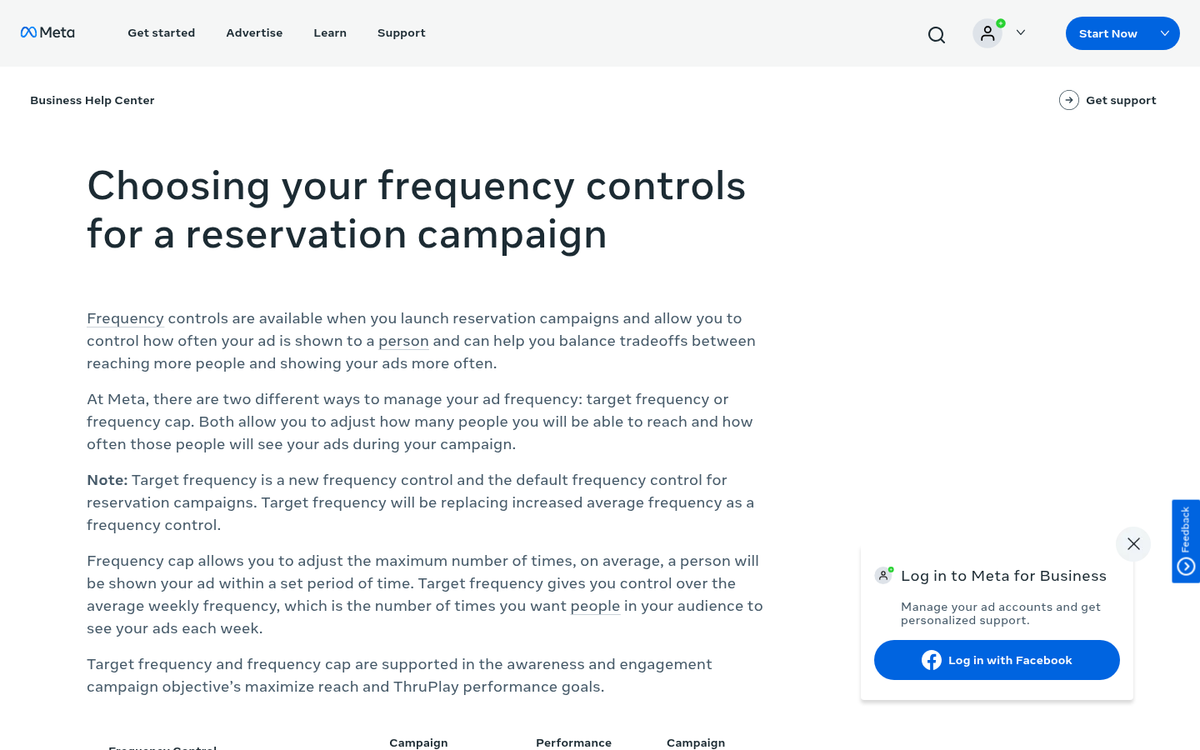
- Don't serve retargeting ads immediately, and don't serve them too frequently. The more a user sees your ad, the more they will ignore it - or worse, develop a negative association with your brand. Once or twice is fine; ten times is way too much. Use frequency caps within Meta Ads Manager to keep this in check.
- Implement the burn pixel as well as the retargeting pixel. What the burn pixel does is sit on your conversion success page and note anyone coming by with a retargeting tracker. When it spots a retargeted user making the conversion, it removes them from your retargeting list. This allows you to avoid serving a user ads for a product they already bought.
- Retargeting is not a substitute for audience research. You can't expect to run a large-scale ad covering the whole of the continent and retarget the interested users; you'd either miss a significant number of people or you'd pay a fortune to reach them all. Be smart about your audience and your retargeting doesn't have to pull all the weight.
- Stay on top of privacy and tracking changes. Between Apple's App Tracking Transparency (ATT) framework, ongoing updates to browser cookie policies and evolving data privacy regulations, the landscape for pixel-based retargeting has become more complex. Meta's Conversions API helps bridge the gap, but make sure your setup is current and compliant with applicable privacy laws in your target markets. Adding a tracking pixel to your website correctly from the start makes staying compliant much easier.
Retargeting is a great bonus to your existing ad campaign, particularly if you implement it properly. With 77% of marketers already using retargeting on Facebook and Instagram, it's become a standard tool rather than a secret weapon - but that makes executing it well even more important. There's virtually no end to the profit and traffic you can generate with skilled retargeting, as long as you keep the user experience front and center.