Key Takeaways
- Retargeting pixels track anonymous visitors and serve them targeted ads on platforms like Facebook, Instagram, and Google Display Network.
- 92% of visitors don't buy on their first visit; retargeted users are 70% more likely to convert than non-retargeted visitors.
- Privacy changes like Safari's ITP and ad blockers now block over 30% of tracking requests, making server-side tracking essential.
- Use burn pixels to suppress converted customers, set frequency caps, and shorten retargeting windows to 7-14 days for best results.
- Segment audiences, rotate ad creatives, and measure view-through and click-through conversions to maximize retargeting ROI.
What Are Retargeting Pixels and How Do They Work?
The old way of doing business online was something of a crapshoot. There wasn't a lot in the way of tracking. You could see where a user came from, but you couldn't see much of what they did once they were on your site, and when they left, that was it.
If a user came to your site, looked at a few products, even added one to a shopping cart and then left, the process ended. Even if that user came back later, you would have no way of knowing they were the same user. Sure, cookies might tell you a bit about them - at least that they had visited before. And if you had a login for your cart, you could save their planned purchase so it was waiting when they returned.
But what if they didn't come back? What if they cleared their cookies? What if they never made an account? You were out of luck.
You were, that is, until the advent of retargeting and remarketing. And in 2026, these tools have become more sophisticated - and more necessary - than ever.
What is Remarketing?
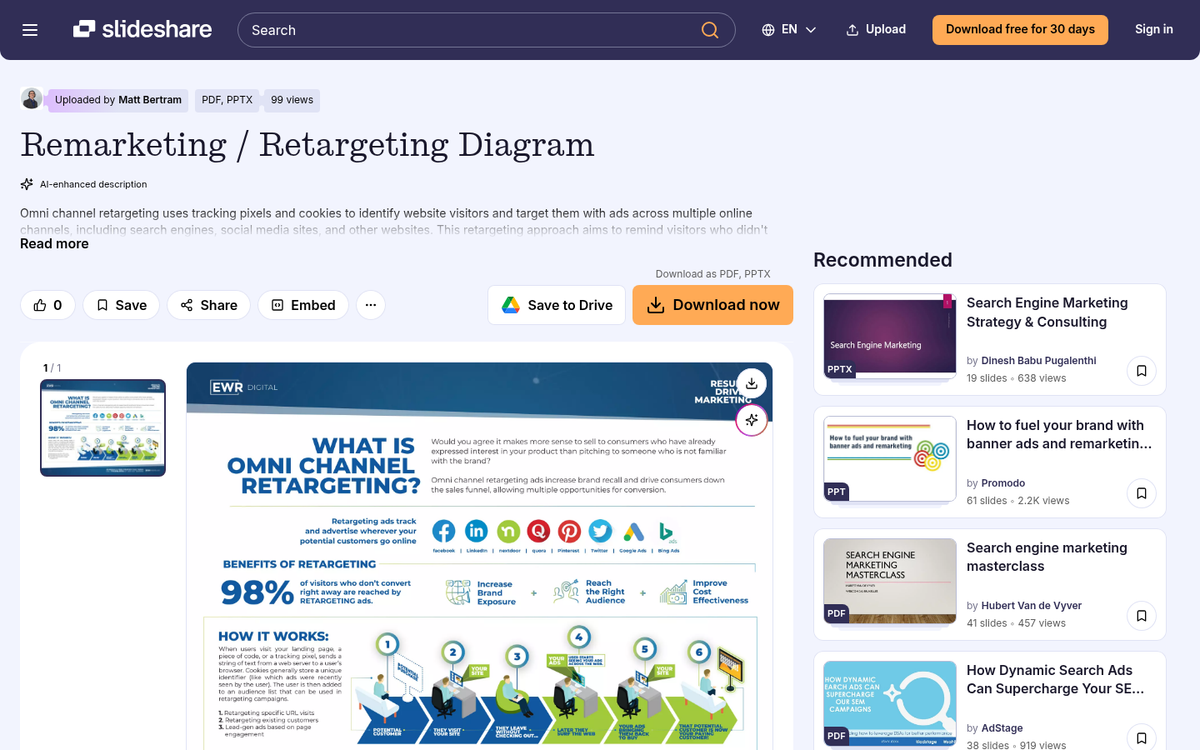
Remarketing is the process of re-engaging people after they leave your site. Don't worry - it's completely anonymous in the sense that you're not tracking any personal information. You just see an anonymized session ID, and code elsewhere on the web recognizes that same identifier.
When a user visits a specific page on your website, special remarketing code called a Pixel executes. It drops a small piece of tracking data on the user's device - similar to a cookie. Here's where things have gotten more complicated since the early days of retargeting: privacy changes have significantly altered how pixels work.
Safari's Intelligent Tracking Prevention (ITP), for example, now limits pixel attribution to just 24 hours. Apple's App Tracking Transparency framework has further reduced cross-app tracking on iOS devices. On top of that, ad blockers now eliminate more than 30% of all tracking requests across the web. This doesn't mean retargeting is dead - far from it - but it does mean that a set-it-and-forget-it approach no longer cuts it.
Despite these hurdles, the core mechanic still works. Say a user visits your product page and the pixel fires successfully. That user then visits Facebook, YouTube, or any number of sites within the Google Display Network. The ad platform recognizes the tracking data and serves your ad directly to that person. The ad they see? One you created, specifically targeted to people who have already shown interest in your products. Check out some effective retargeting and remarketing examples to see this in action.
Why Remarketing Works
Have you ever browsed Amazon, mentally flagged a product you wanted to buy later, and then completely forgotten about it two days later? You had every intention of coming back. The timing just wasn't right. Then life happened, and that purchase evaporated from your memory entirely.
From a business perspective, that's a lost sale - but not necessarily a permanent one. That person wanted to buy. They just needed a nudge.
That nudge is exactly what remarketing delivers. By tracking that visitor and finding them in places they already browse - Facebook, Instagram, YouTube, news sites - your ad surfaces at just the right moment. They see it, they remember what they wanted, and they click through to complete the purchase.
The data backs this up convincingly:
- According to Episerver, 92% of consumers do not make a purchase on their first website visit.
- Studies consistently show that 95-99% of visitors leave a site without converting, making retargeting one of the most critical recovery tools available.
- Website visitors who are retargeted with relevant campaigns are 70% more likely to convert than those who aren't, according to Invespcro.
- Larry Kim of WordStream reported that remarketing campaigns driven by retargeting pixels increased repeat visitors by 50%, boosted conversions by 51%, and increased time on site by a staggering 300%.
- A study spanning 103 campaigns across 39 advertisers in 7 industries found that retargeting produces a 1,046% increase in branded search queries compared to other advertising tools.
The math is hard to argue with. If your business has a 5% conversion rate, 95% of your visitors are leaving without buying. Retargeting gives you a second, third, and fourth shot at converting a meaningful portion of that group.
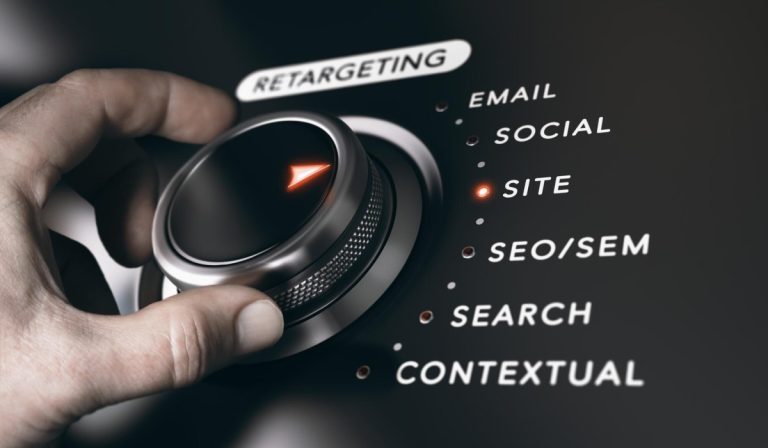
And it's not just limited to your website visitors. You can retarget people who open your emails, people who search for your brand, or people who engage with your social media pages. The pixel is just a small piece of JavaScript - but what it enables is enormously powerful.
Successfully Using Retargeting in 2026

While there are many ways to use retargeting, let's walk through a practical and still highly effective approach: displaying ads to people who visited your product pages, and serving those ads on platforms like Meta (Facebook and Instagram) or through the Google Display Network.
For this, you'll use your platform's native tracking pixel - Meta Pixel, Google's tag, or both - and apply it to your product pages. Don't apply it to every page indiscriminately. There's little value in retargeting someone who bounced off your homepage in three seconds or skimmed your blog without any purchase intent.
A more advanced approach is to retarget specifically users who reached your "add to cart" page, which signals strong buying intent. You can then layer in a Burn Pixel - suppression code on your "purchase confirmed" page - to automatically remove converted customers from your retargeting audience. No point in hammering someone with ads for something they already bought.
Given the increased privacy restrictions in 2026, here are updated best practices to get the most out of your retargeting campaigns:
- Use server-side tracking where possible. Client-side pixels are increasingly blocked by browsers and ad blockers. Server-side tagging routes data through your own server before sending it to ad platforms, dramatically improving data accuracy and bypassing many browser-level restrictions.
- Set a frequency cap. Flooding users with repeated ads when they're not in a position to buy is more likely to annoy them and drive them away than convert them. Cap your frequency to keep things from feeling invasive.
- Change up your retargeted ads. Users get ad fatigue fast. Rotate creatives regularly so your ads stay fresh and don't become wallpaper.
- Segment your retargeting and split-test. Test variations in copy, imagery, and landing pages. When one variation outperforms another, iterate and keep testing.
- Layer in demographic and geographic targeting. Combining retargeting with demographic signals lets you craft more precise - and more compelling - ads for specific audience segments.
- Shorten your retargeting windows. Given ITP and similar restrictions, long 90-day windows are less effective than they once were. Focus on tighter windows - 7 to 14 days - where intent is still fresh.
- Measure everything. Track view-through conversions, click-through conversions, and how each audience segment performs over time. Retargeting without measurement is just spending money without tracking your ROI.
Done well, retargeting is one of the highest-ROI tools in your digital marketing arsenal. Done poorly - too frequent, too repetitive, too broad - it crosses the line into the kind of creepy, stalkerish behavior that erodes trust and sends people running. The difference between those two outcomes comes down to strategy, segmentation, and staying current with the ever-shifting privacy landscape.