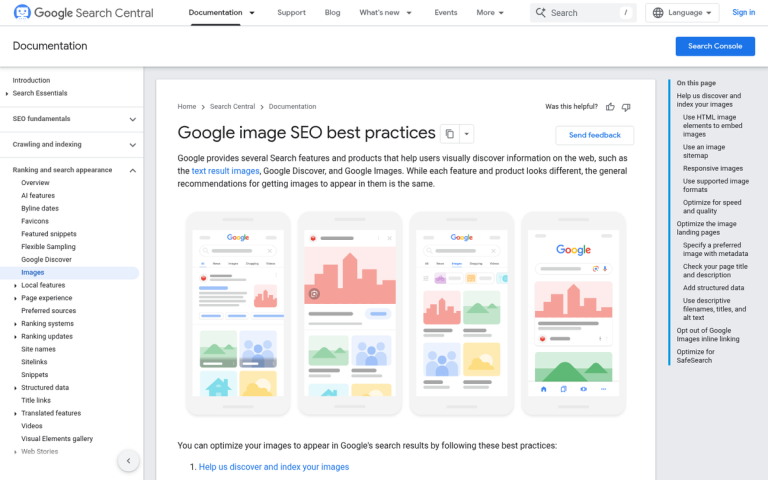
Most people, when they think of pulling traffic in from Google, think about the organic search results. Some, local business owners, think of the local results in the packs and carousel. Very few people think of using Google Image Search to pull in traffic. Yet, there are some people who swear by the image optimization that allows them to rank and pull in traffic from images.
Consider this: Google Images accounts for 10.1% of all Google traffic - a significant slice that most site owners completely ignore. When someone searches for a compelling image using related keywords and clicks through to view it in context, that's a piece of organic Google referral traffic, and it's just as valuable as a click from the standard organic search results.
What steps can you take to rank among the first images for a given query? You might be surprised how easy it is, and how effective it can be.
Key Takeaways
- Google Images drives 10.1% of all Google traffic, yet most site owners completely ignore it as a traffic source.
- Including 2-3 original images per blog post multiplies ranking opportunities, since each image can appear in image search results.
- Descriptive file names and keyword-optimized alt text help Google index images and improve both image and organic search rankings.
- WebP format offers excellent quality at smaller file sizes, benefiting both image quality and page loading speed.
- Specifying image dimensions reduces layout shift, improving Core Web Vitals scores, which are a confirmed Google ranking factor.
Use Images Often
When you're trying to rank on Google's organic search results, you need landing pages to rank. The more pages you have, the more opportunities you have to rank for different keywords. Every blog post is an opportunity for ranking, links, traffic, comments and anything else.
Now imagine how much more potential you would have for bringing in traffic if you included two or three images in every blog post. Where one post is one opportunity in the search results, that same post is simultaneously two or three additional opportunities in the image search results. Keep in mind that a single page of Google Images results typically displays 10-20 images above the fold, so competition for those top spots is real but winnable with the right optimization.
Besides, using images in your blog posts is just good practice. They draw the eye and add interest to the piece. Research backs this up: 90% of data transmitted by the human brain is visual, and visual content has a recall rate of 65% after three days, compared to just 10% for written text alone. Images break up long blocks of text, offer chances for captions or humor, and can spin off into infographics - a content format with an industry of its own.
Try to establish a pattern within your blog posts. Use an image near your header to illustrate the general tone of the piece. Use images as you go, to support your points, add interest or present examples.
Make Your Images Original

You can pull images from a wide range of sources, some of which are better than others. Some will have specific, valuable purposes. Others will become general staples in your image creation process.
In the image search results, originality is key. You can't pull a stock image and post it unedited; who knows who else has done the same. Another site, larger than yours, using the same image, will siphon traffic away from you.
- Stock photos are good for one purpose: resources. Take them and edit them, use them as part of a greater whole. Unedited stock images won't give you much value overall.
- Screenshots are easy to take and edit for your own use, and you don't need to worry about rights. You created it, it's yours to use. They are, however, limited in scope. Screenshots are perfect for reviews of software, web services, websites and other digital media, but less likely to fit general image queries.
- Hand-crafted images require at least some artistic talent, or the budget to hire someone with said talent. Cartoons tend to do well, particularly if you can establish a compelling style or a mascot for your site. Cartoon-illustrated infographics remain top-tier content.
- Informational images - graphs and charts, mostly - are great to accompany a post for evidence and data, but they aren't likely something someone is going to search for in image searches specifically.
- Infographics are like informational images, but with a narrative of their own. If you make one compelling enough, it will drive traffic by itself. The downside is you can typically only fit one in a blog post, due to how dominant they are.
- Animated images, particularly GIFs, have a great place in search. Users can filter specifically for animated images through Google, giving you an additional discovery channel if your content suits the format.
Write Descriptive File Names

The same advice applies to WordPress URLs and image filenames. Which is more compelling: DSCN229248412.jpg or Super-Awesome-Surprise-Party.jpg? Virtually everyone is going to say the second option.
Your filename does two things. First, it provides a hint to users about the content of the image, particularly if they're not in a position to see it. Second, it gives you a chance to include a keyword - one at most, don't write a list - in a place Google can index it. If someone searches for a super awesome surprise party, they're going to find that second image far before the first. To make the most of this, it helps to accurately track users and visitors on your site so you can see which images are actually driving traffic.
Use Descriptive and Compelling Alt Text
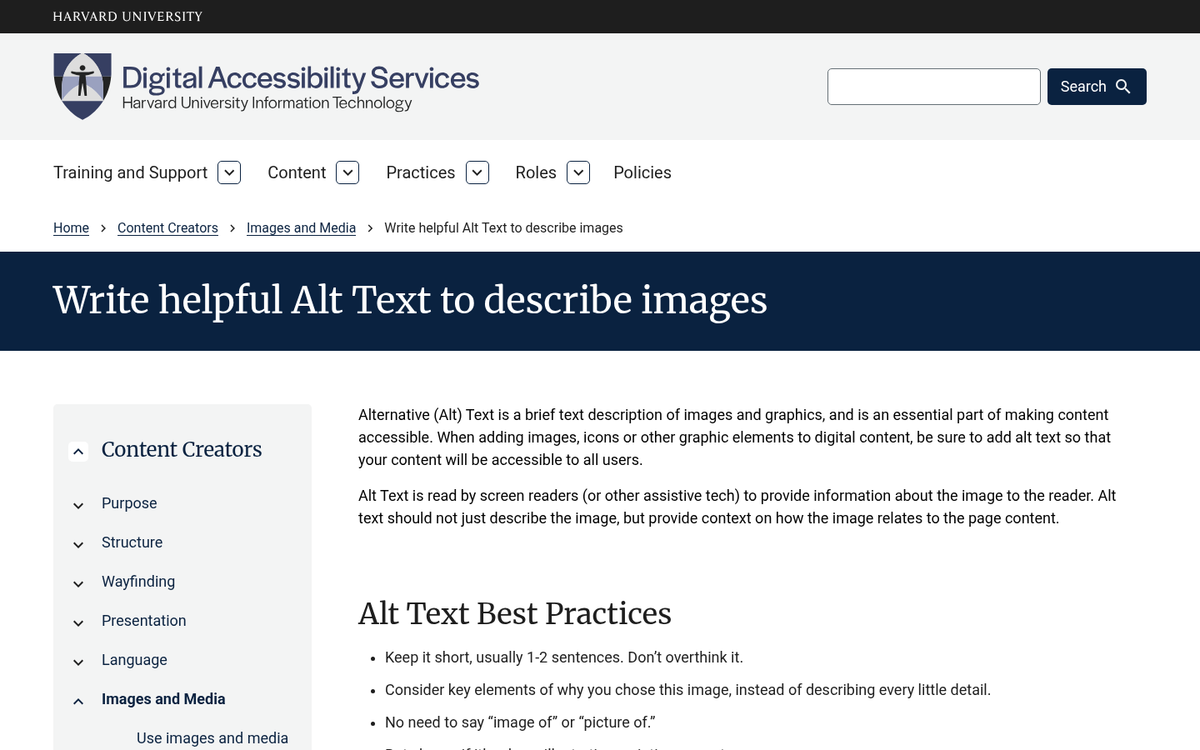
Alt text for your image serves several purposes. For one, it's a piece of on-page SEO that applies both to the image itself, for image search, and to the blog post it lives in, for organic search. Keep your alt text human-readable and keyword-optimized, and keep it concise.
A practical tip: focus your most carefully crafted, long-tail keyword alt tags on your 5-10 most popular pages first. These pages already have authority and traffic momentum, so well-optimized image alt text there will have the most immediate impact.
Save in a High Quality Image Format

Save in a high quality format for high quality images. JPGs work well for small, compressed images but lose fidelity as things scale up. PNGs are a solid alternative for graphics and images requiring transparency. For photography-heavy content, modern formats like WebP offer excellent quality at smaller file sizes and are now widely supported across browsers - making them a strong choice for both image quality and page speed. Avoid formats like TIFF, which don't render properly in web contexts.
Specify Image Dimensions
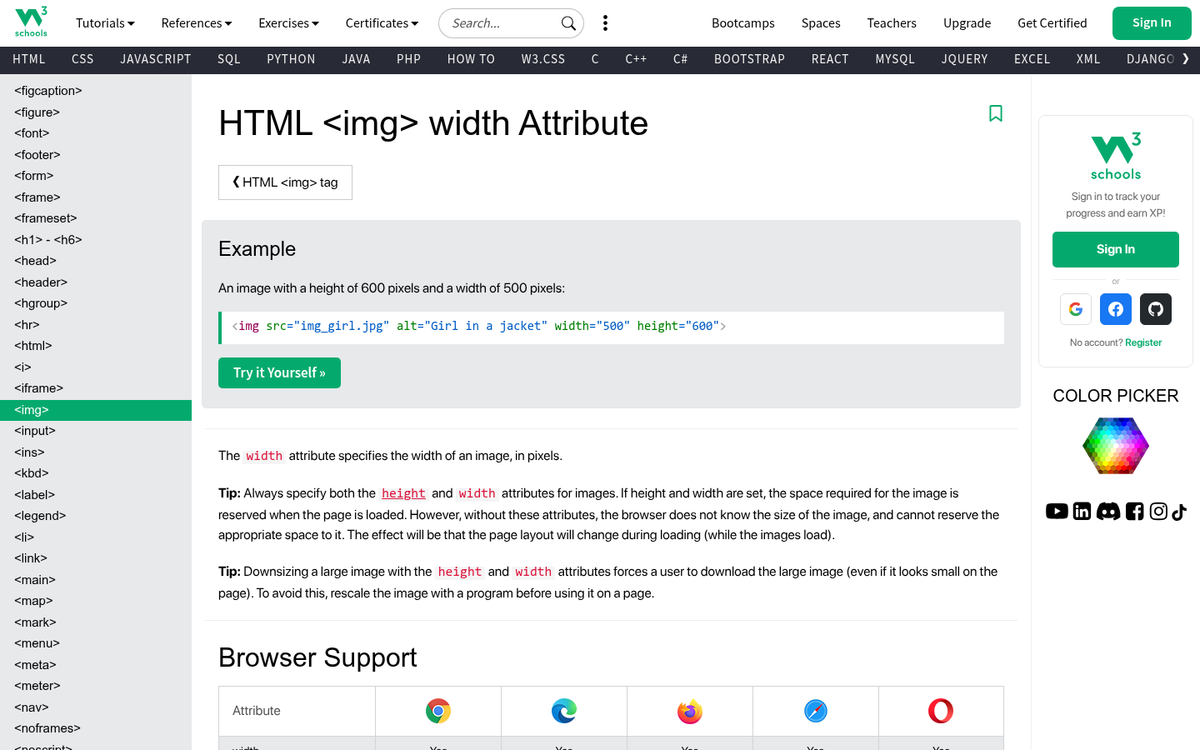
Use width and height attributes on your image elements to specify dimensions. This helps your page load without waiting for the image to fully render first, reducing layout shift and improving Core Web Vitals scores - which are now a confirmed Google ranking factor.
The hazard here is using code to dynamically resize images. If you post a 1900x1600 image and use CSS or HTML to squeeze it down to 500x400, the full-size image still loads, consuming bandwidth and slowing your page. Always crop your image to the intended display size, or serve a properly sized thumbnail, rather than relying on code to do the heavy lifting.