Marketing can be expensive, particularly if you're digging into PPC in a big way, and it means you're probably going to be looking for any way you can to cut costs. One of those ways is going to be in the tools you use. Oh, sure, there are some areas where free tools simply can't compete with paid options, but often times the only thing paying gets you is the convenience of using one tool instead of two to complete the same task.
I always say you can think about it like this: paying money is a way to save time and energy. If you have a surplus of time and energy, you can use it to save money. If you don't have the time, you can pay to minimize the temporal investment. Sometimes an investment of a little time can save a lot of money, and sometimes a little money can save a lot of time, so you're always going to be on the lookout for ways to balance the scales in your favor.
The thirty-three tools I've listed below are all excellent options for saving that little bit of money, and possibly time, depending on how you do a given task right now. If you don't use a tool, one of these can save you time. If you use a paid tool, one of these can save you money. Again; it's up to you to find which ones are best for you. I'm just the messenger, listing out your options.
Key Takeaways
- Free marketing tools can replace paid alternatives, saving money when you have time to invest in learning multiple platforms.
- Content ideation tools like AnswerThePublic, Portent, and HubSpot's blog marketing tools help marketers overcome creative blocks consistently.
- Google offers several powerful free tools including Analytics 4, Search Console, Keyword Planner, Trends, and PageSpeed Insights.
- Email marketing platforms Mailchimp and Brevo both offer free tiers, with Brevo supporting unlimited contacts and 300 daily emails.
- Automation tools like IFTTT and Zapier can streamline your inbound marketing workflows by connecting apps, reducing manual marketing tasks significantly.
Idea Generators
Portent's Content Idea Generator - Content marketing is tricky when you have to come up with content ideas day after day, week after week, forever. With this title generator, you plug in a topic and it comes up with something a little off the wall. A lot of them will be kind of terrible, but they get the mind working in a new direction to help you come up with great ideas for more content.
HubSpot's Blog Topic Generator - This is a larger, more professional content idea generator. You plug in a few key topics and it will generate a handful of titles of potential posts for you. It's a solid starting point when you're staring at a blank screen and need a nudge in the right direction.
AnswerThePublic - Another content idea generator, except this one scans the internet looking for questions related to a keyword you enter. It's a great way to come up with informative ideas for blog posts based on real questions people have. They've asked, you answer. The free plan does limit the number of daily searches, so use them wisely. If you want a more structured approach to question-based content, try our People Also Ask Outline Generator.
CoSchedule Headline Analyzer - You aren't going to want to use the headlines generated by the above tools as-is; they're often too generic to succeed. Run them through this analyzer to find out their flaws and tweak them to be as appealing as possible without stepping over the line into clickbait. For more headline guidance, check out these tips copywriters use to craft perfect blog headlines.
Scheduling and Management
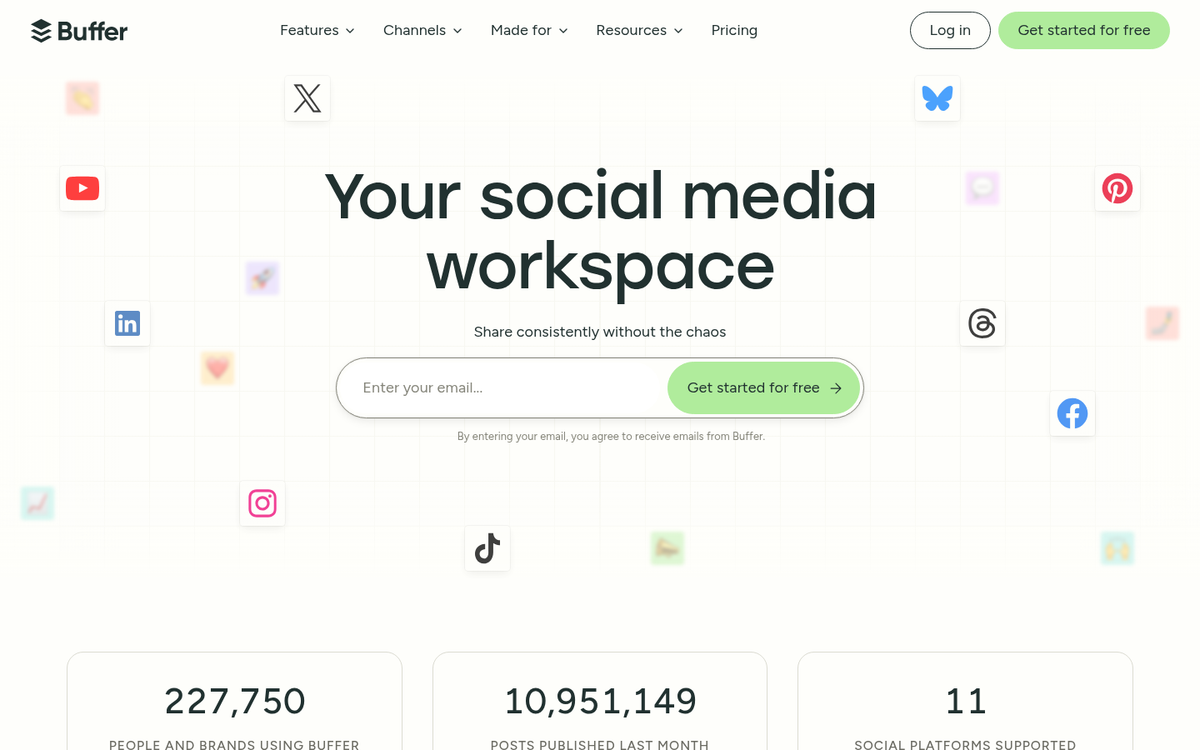
Buffer - For social media management, Buffer is an excellent free tool. The free plan lets you connect up to three social media channels and schedule a limited number of posts, which is a great way to get started. Once you grow, you can upgrade to a paid plan. In the meantime, the browser extension makes it easy to curate and queue content on the fly.
Mailchimp - One of the most well-known email marketing platforms available. Their free plan gives you access to basic analytics, list building tools, and campaign templates. It's a solid starting point for growing your email list, and you can upgrade as your audience scales.

Brevo (formerly Sendinblue) - A strong alternative to Mailchimp, Brevo's free plan allows you to manage unlimited contacts and send up to 300 emails per day. That's a compelling free tier, particularly for small businesses that have a decent-sized list but don't email frequently.
SurveyMonkey - A robust engine for polling your audience, with over 20 million questions answered on the platform daily. The free version caps you at 10 questions and 25 responses per survey, which is enough for quick pulse checks and light market research.
Design
Canva - One of the best free design tools out there, Canva is a web app that helps you create professionally designed graphics for social media posts, presentations, brochures, and dozens of other formats. The core tool is free, and while some premium assets require payment, there is a generous library of free resources to work with. Canva has expanded significantly in recent years and now includes AI-powered design features even on the free tier. If you're looking for a different option, check out the best Canva alternative for photo editing.
Canva Magic Write / AI Tools - Canva's free AI writing and design assistant has become a genuinely useful tool for marketers who need to produce social graphics, short copy, and presentations quickly. It's not a replacement for a skilled copywriter, but for drafting ideas and creating quick assets like infographics, it punches well above its price tag.
Analytics
Hotjar - A fantastic heatmap and user behaviour tool that shows you exactly how visitors are interacting with your site. Their free plan is genuinely useful, giving you access to heatmaps and session recordings so you can see where people click, scroll, and drop off. If you're not using something like this already, you're flying blind.
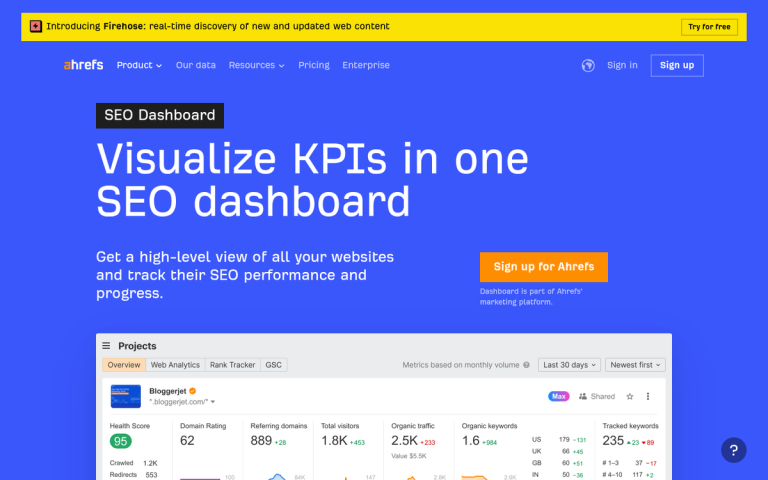
Moz Link Explorer - An analytics app that scans your site and provides data on domain authority, backlinks, and other key SEO factors. The free version limits the number of queries per month, but it's more than enough for periodic audits and benchmarking your site against competitors.
Screaming Frog - One of the best SEO site crawlers available. It's a downloadable bot that crawls your site and harvests an immense amount of data to help with SEO audits, finding broken links, and reviewing metadata. The free version is limited to 500 URLs per crawl, which is perfectly adequate for smaller sites.
Google Analytics 4 - One of the best analytics suites in existence, and it's completely free. GA4 has now fully replaced Universal Analytics and offers over 50 different report types to help you understand your traffic, user behaviour, and conversions. There's a learning curve if you're coming from the old version, but the depth of insight available is hard to beat at any price.
The Google Campaign URL Builder - An essential tool to complement Google Analytics, this helps you build URLs with UTM tracking parameters so you can monitor the performance of different links to the same page. No more guessing which campaign drove which traffic.
BuzzSumo - One of the best content research and social analysis tools out there. The free version is limited in the number of searches, but you can still find top-performing content for your target keywords and see how it's being shared across the web. Great for benchmarking your industry and identifying what resonates with audiences.
SpyFu - A quick and easy competitor research tool. It gives you data on organic search rankings, paid search activity, keywords, and estimated click rates. It's limited in free use, but even a handful of searches can uncover valuable intelligence about what your competitors are doing.

Google PageSpeed Insights - A tool that analyses your site and tells you how quickly it loads, along with specific recommendations for improvement. Page speed is a confirmed ranking factor, and with Core Web Vitals now firmly embedded in Google's algorithm, understanding your site's performance is non-negotiable.
SimilarWeb - A comparative analysis tool that measures traffic, engagement, and channel breakdown for any website, including your competitors. The free version gives you a limited but genuinely useful snapshot to help you understand where you stand and where the gaps are.
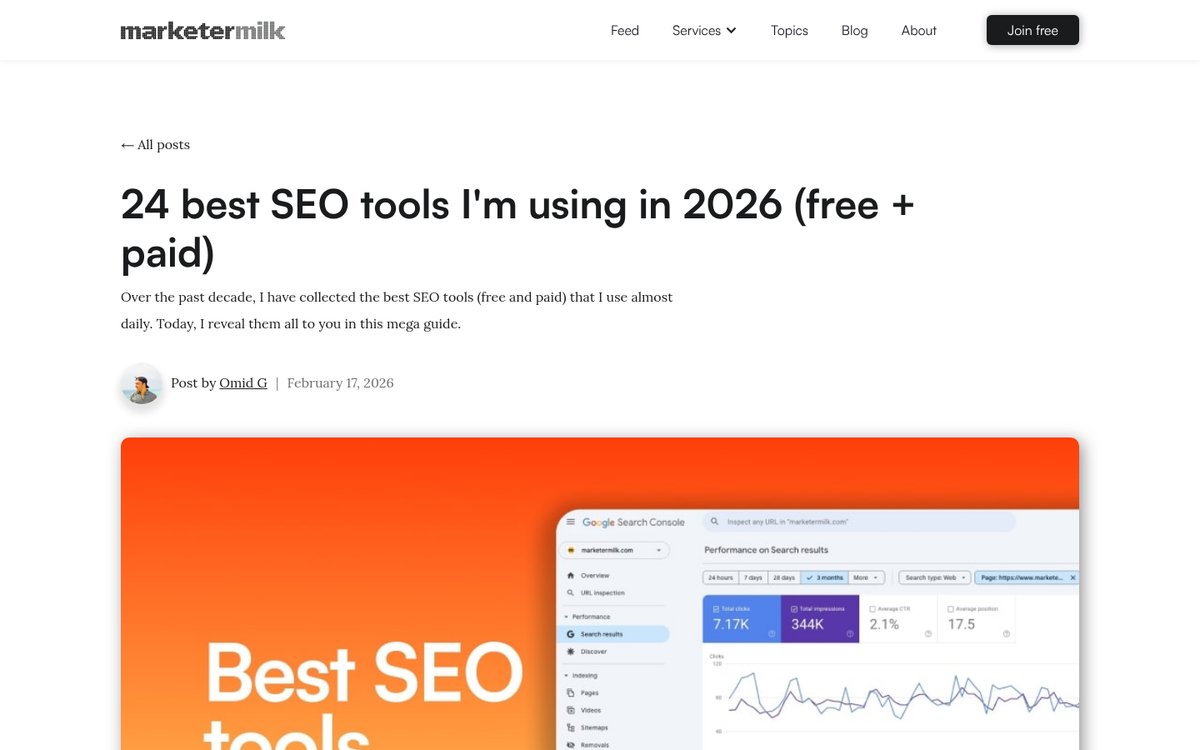
Google Search Console - If you're not already using this, stop everything and set it up now. Search Console gives you direct insight into how Google sees your site, including which queries you rank for, click-through rates, indexing issues, and Core Web Vitals data. It's completely free and absolutely essential. If you've ever wondered why referring keywords show as "not provided" in analytics, Search Console can help fill in some of those gaps.
Meta Audience Insights - Part of Meta Business Suite, this tool gives you detailed demographic and behavioural data about your Facebook and Instagram audiences. If you're running paid social campaigns or trying to grow organically, understanding who your audience actually is will sharpen everything you do.
TikTok Creative Center - With TikTok firmly established as a major marketing channel in 2026, the free Creative Center is well worth bookmarking. It shows you trending sounds, hashtags, and top-performing ads, giving you real data to inform your short-form video strategy without spending a penny.
Google Trends - A deceptively powerful free tool that shows you the relative search interest for any keyword over time. Use it to validate content ideas, spot seasonal patterns, and compare topics to make sure you're creating content people actually want to find.
Google Keyword Planner - Free with a Google Ads account, Keyword Planner remains one of the most reliable tools for understanding search volume and keyword competition. Even if you're not running paid campaigns, the data here is gold for informing your SEO and content strategy. For those also looking to track phone calls as conversions in your ad campaigns, pairing Keyword Planner with proper conversion tracking makes your data far more actionable.
Automation
IFTTT - A broad-spectrum automation tool that allows you to create applets that take a trigger and, when it fires, make something else happen. Automate social posting, sync content across platforms, and generally streamline your workflow. The free plan supports a limited number of applets, but it's enough to make a real difference.

Zapier - If IFTTT feels too lightweight for your needs, Zapier connects over 8,000 apps and offers far more complex automation workflows. The free plan is limited in the number of tasks per month, but for simple automations connecting your CRM, email platform, and form builder, it's a genuinely powerful free option. If you run a store, you can also use similar tools to fully automate a Shopify eCommerce website.
Organization
Evernote - An excellent multi-platform, cloud-based note-taking app that helps you keep track of your thoughts and organise scraps of information on the fly. It's great for capturing ideas during your commute or saving tidbits when you can't act on them just yet.
Asana - A clean, well-designed project management tool that's free for up to 15 team members. It's excellent for managing marketing campaigns, content calendars, and team workflows without the clunkiness of older open-source alternatives. If you're still using spreadsheets to manage projects, this will be a revelation.
Notion - A flexible free workspace tool that works as a note-taker, wiki, content calendar, and project manager all in one. It's become a staple for marketing teams of all sizes, and the free personal plan is surprisingly generous. If you're juggling multiple campaigns and struggling to keep everything organised, Notion is worth ten minutes of your time to explore. If you find yourself spending too much time on repetitive tasks, you might also want to read about why automating your blog content is a terrible idea.
Utilities
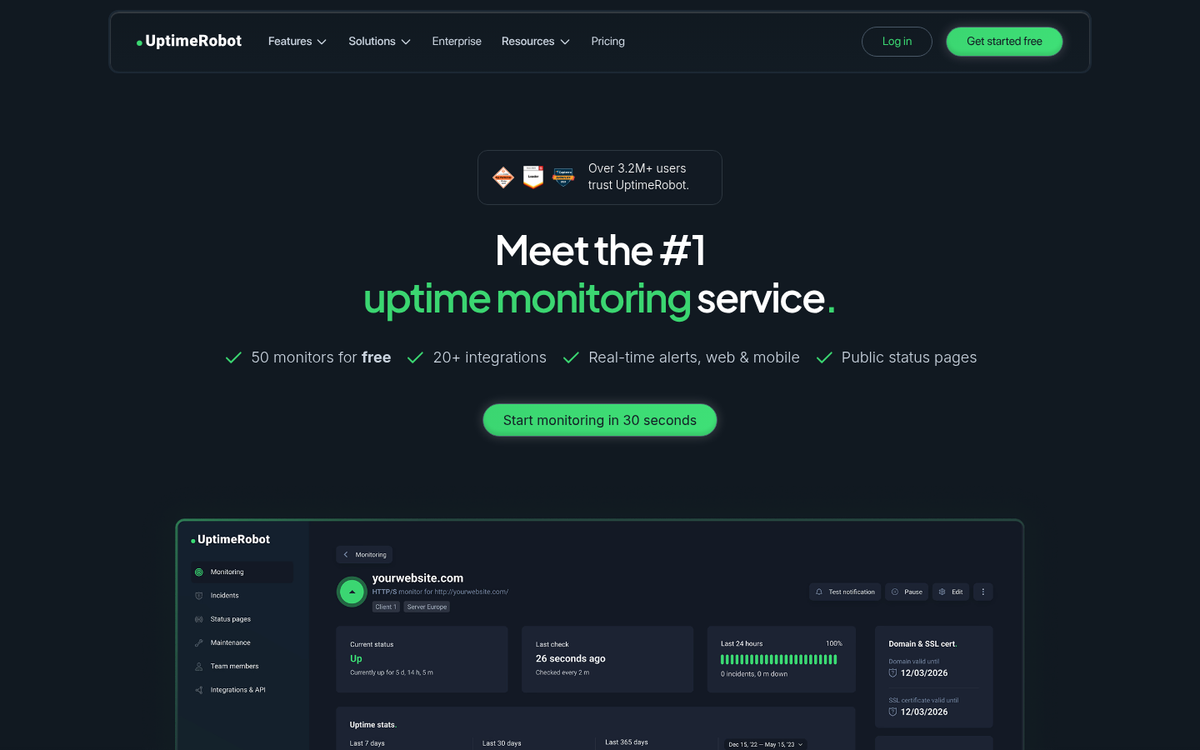
Uptime Robot - A free monitoring tool that checks your website every five minutes and alerts you if it goes down. It monitors over 1,100,000 sites worldwide, including those belonging to companies like IBM and NASA. If your site goes down and you don't notice for hours, you're losing traffic and trust. This fixes that.
PutsMail - A simple tool that allows you to paste in the HTML code of an email and preview exactly how it will render before sending. Extremely useful for getting your newsletters and campaigns looking polished without firing off draft after draft to yourself.
VWO Split Test Duration Calculator - A huge part of marketing is optimising via split testing, and a huge part of split testing is knowing when you have enough data. With this tool, you plug in some basic figures and it tells you how long to run your test to reach statistical significance.
Screaming Frog Log File Analyser - Separate from their main spider tool, this free tool lets you analyse your server log files to see exactly how Googlebot is crawling your site. It's a more technical tool, but for SEO professionals and site owners serious about crawl efficiency, it's invaluable.
Yes, I know some of these are obvious, but many of them are niche use or are tools you may not have heard of before. Let me know what you think!