





Using a shorter URL with your ads can seem like a good idea, but is it really? Sure, the link might look better, but that might not be a huge concern. Also, depending on the method you're using for shorter URLs, you might run afoul of some pretty nasty implications. Let's talk about the pros and cons.
Key Takeaways
- Most PPC platforms like Google Ads already provide clean display URLs, making third-party shorteners largely redundant for advertisers.
- Branded shortlinks can increase click-through rates by up to 39% compared to generic shortened links, according to Rebrandly.
- Third-party shorteners carry serious risks: services can shut down, analytics may be publicly visible to competitors, and some ad systems ban them entirely.
- Generic third-party shortlinks can appear suspicious to users, as they've historically been used to disguise malicious links.
- Naturally short URLs combined with built-in ad platform display URL features are sufficient for most advertisers without added complexity.
The Types of Short URL

Before we dig in, I want to discuss the different kinds of short URLs you can use. There are three kinds, though the boundaries between them are a little blurred.
First up, you have the naturally short URL. For example, if I were to link to the pricing page for this very blog, I'd be linking you to https://growtraffic.com/pricing. That's a pretty short URL on its own! It's not the shortest possible URL out there, but it's still short. It doesn't have a ton of extra baggage, like UTM tracking or a blog-format set of date parameters.
The second type of short URL is the custom shortlink. You can see this on many major sites today. For example, if you visit Forbes, you might see a page that has a URL looking like this: https://www.forbes.com/sites/kurtbadenhausen/2019/08/06/the-highest-paid-female-athletes-2019-serena-and-osaka-dominate. However, if you check their social media accounts, the link they post to lead to that URL is much smaller: http://on.forbes.com/6012E0goi.
This kind of custom shortlink is branded, which means it has Forbes in the domain and is owned by Forbes. In this case it uses a subdomain of the full forbes.com, but that's because forbes.com is already pretty short. Some other companies use even shorter versions, like the New York Times using nyti.ms as their shortlink domain.
Obviously, this second type has a bit of overlap with the first type, because it's still a branded link on your domain - or a domain you own - and can have a similar appearance to a naturally short link.
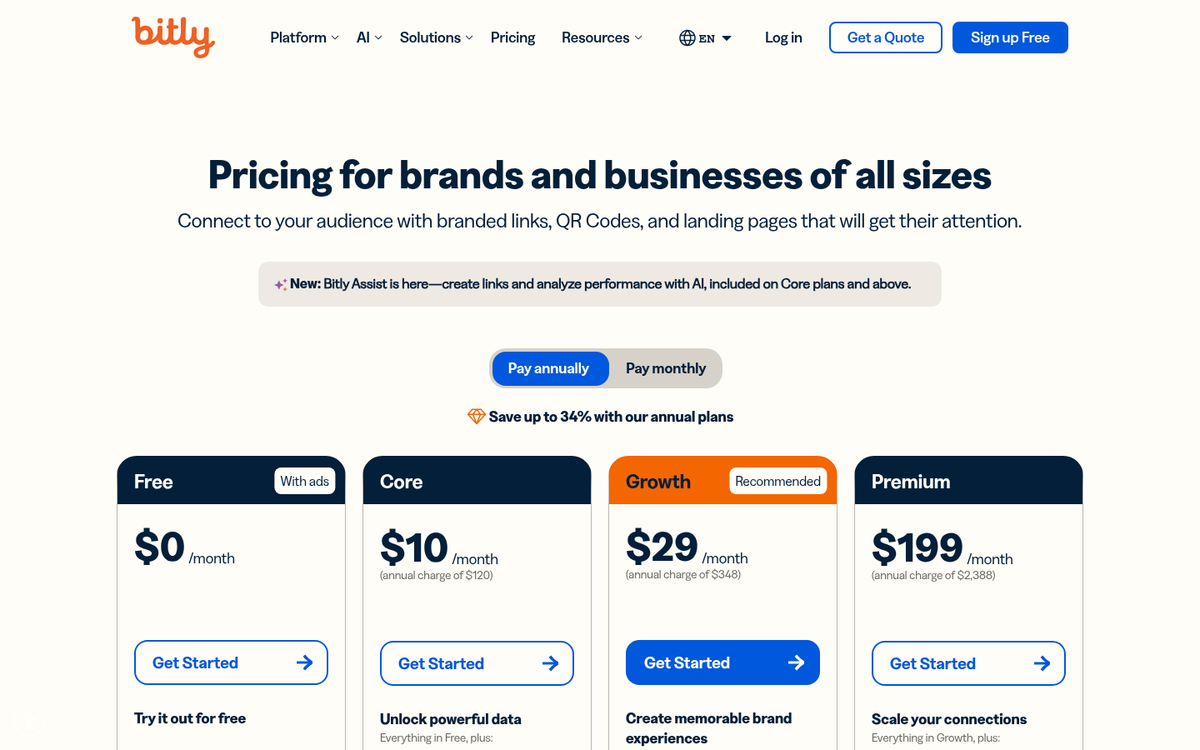
The third kind of shortlink is using a third party service for a shortlink. Services like Bitly allow you to turn a link into a shortlink that looks like https://bitly.is/1g3AhR6. In this case, it's a shortlink for their own URL, which is shorter, so that's a little ironic.
This has some overlap with custom shortlinks, because you can often use a third party service coupled with a domain you own to create a custom shortlink. For reference, URL shortening services have been around since 2002, originally created to keep long URLs from fragmenting in emails and to fit within strict character limits on early platforms.
So now that you know the three main types of shortlinks, let's talk about the pros and cons of using them, both in general and specifically for PPC ads.
Pro: Short Links Aren't Truncated
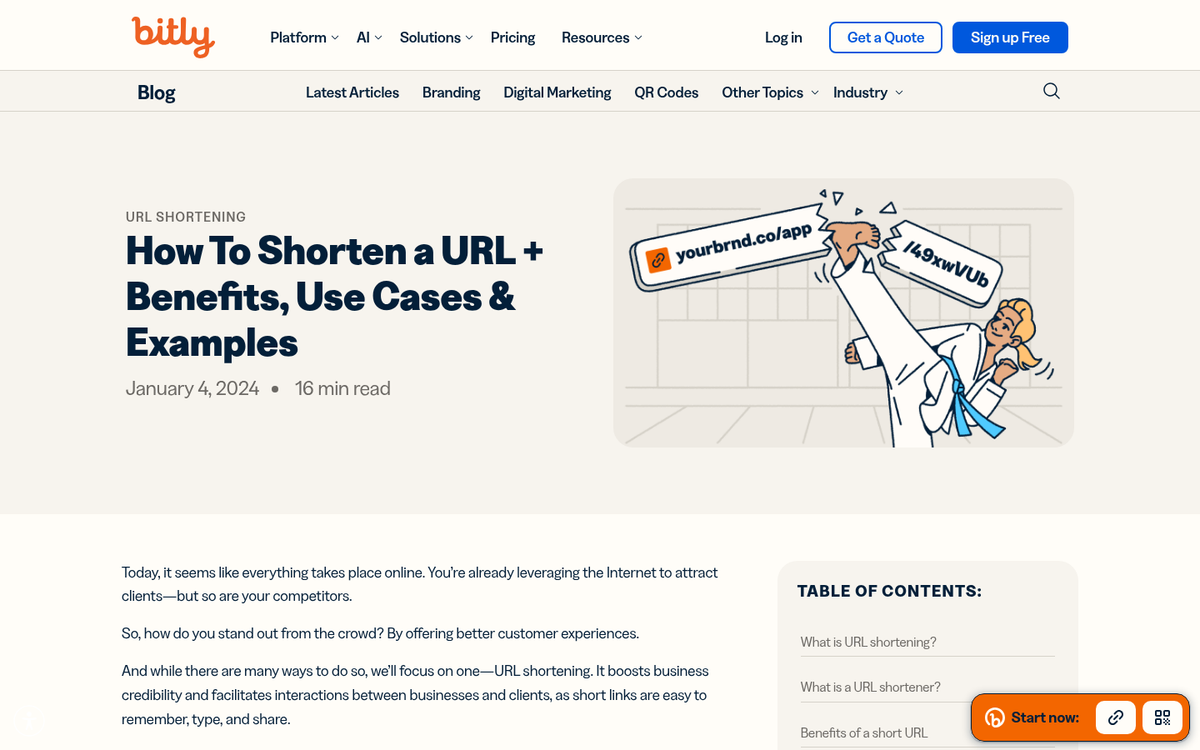
If you've ever tried to run an ad, or even post a longer link on social media, you'll often find that the longer link is chopped down to fit. Many services do this. Your longer link, like the Forbes link above, might instead look like "https://www.forbes.com/sites/kurtbadenhausen/2019/08/06/the-..." instead. It still links to the proper place, it's just chopped down to a specific character limit for display purposes.
Short links of any of the three varieties don't get truncated down like this, because they're naturally under the character limit. This was one of the original driving forces behind shortlinks being invented in the first place - platforms like early SMS messaging had strict character limits, and long URLs simply didn't fit.
Con: Some Ad Systems Already Allow Display URLs
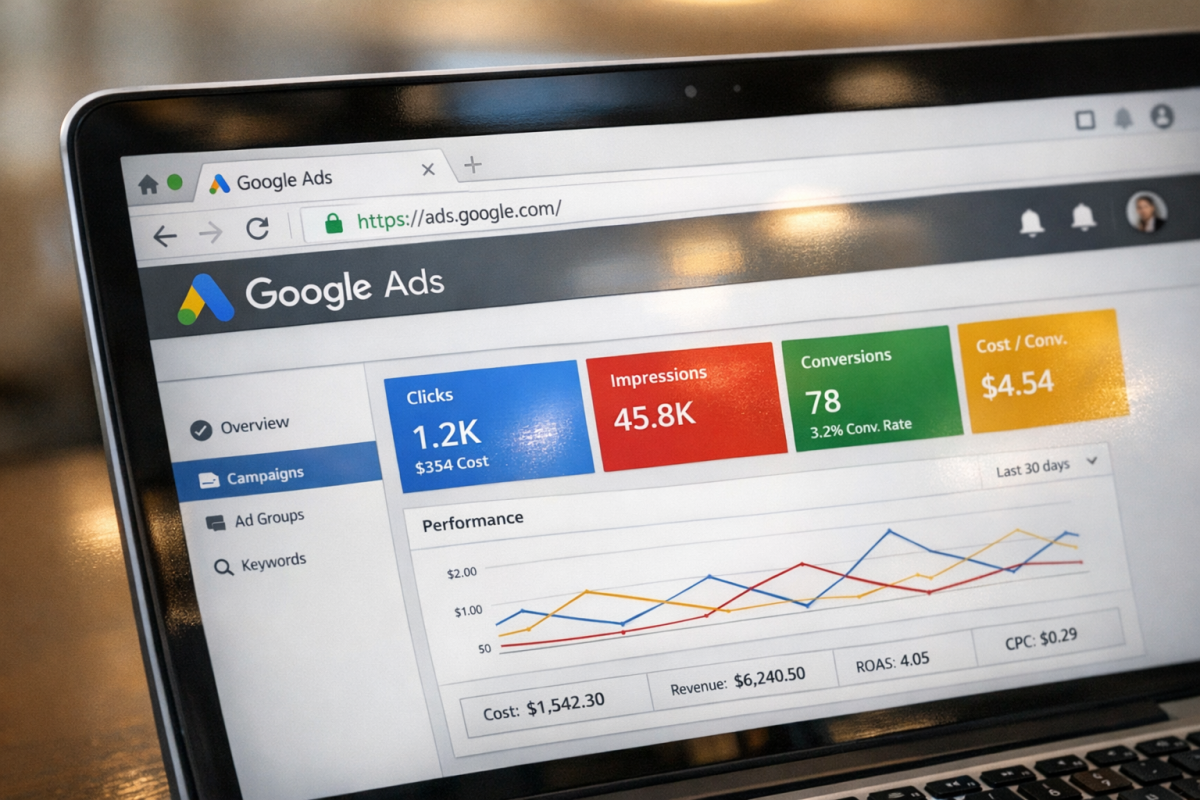
Many PPC ad systems don't require you to use a shortlink, because they already handle short display URLs for you. For example, Google Ads lets you define a clean display URL separately from the actual destination URL, so viewers see something like nike.com/official while the real destination URL contains a long string of tracking parameters. Since the ad platform is already cleaning up the display for you, adding your own shortener on top of that is largely redundant.
Remember that every kind of short link except naturally short links is going to end up looking like a redirect in the URL bar once the page loads. Since the primary purpose of a shortlink in PPC ads is generally just making the display URL look cleaner, you often don't need a shortlink service at all - the PPC platform already handles that for you.
Pro: Short Links Hide Tracking Code
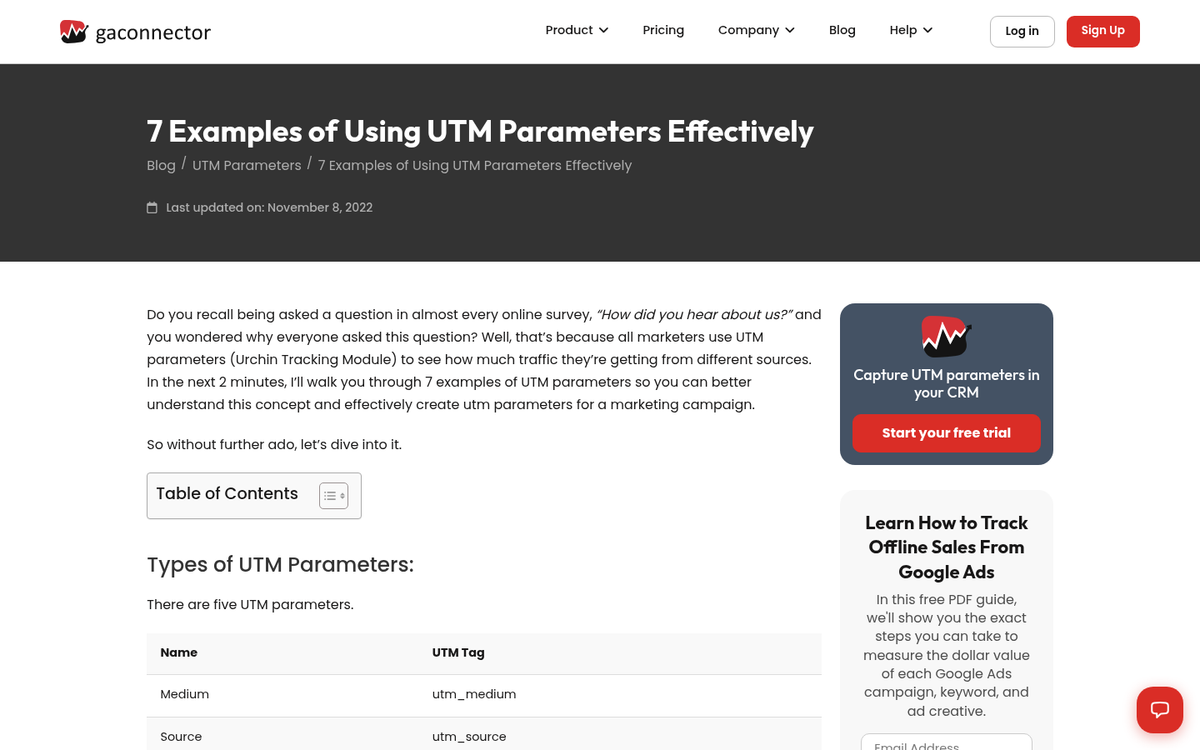
This one has already come up a time or two, but short links are excellent at hiding the often-ugly tracking code appended to URLs. The full URL shared on social media might include UTM parameters like ?utm_source=twitter&utm_medium=social&utm_campaign=sprinklrForbesMainTwitter and more, but the shortlink hides all of that. The user will only ever see it if they look at their URL bar once the page has fully resolved, and by then they're usually more focused on the content itself.
Con: Short Links Can Muddle Tracking

If you want to track your URLs properly, you need different tracking code for every URL you post in each place you post it. One landing page can track traffic from five different ads, but you need a different set of UTM parameters for each. That means you need five different shortlinks - you can't just reuse the same one. Taking shortcuts here, or mis-configuring your shortlinks, can result in muddled analytics that make it hard to determine which ads are actually performing.
Pro: Short Links Don't Look Suspicious
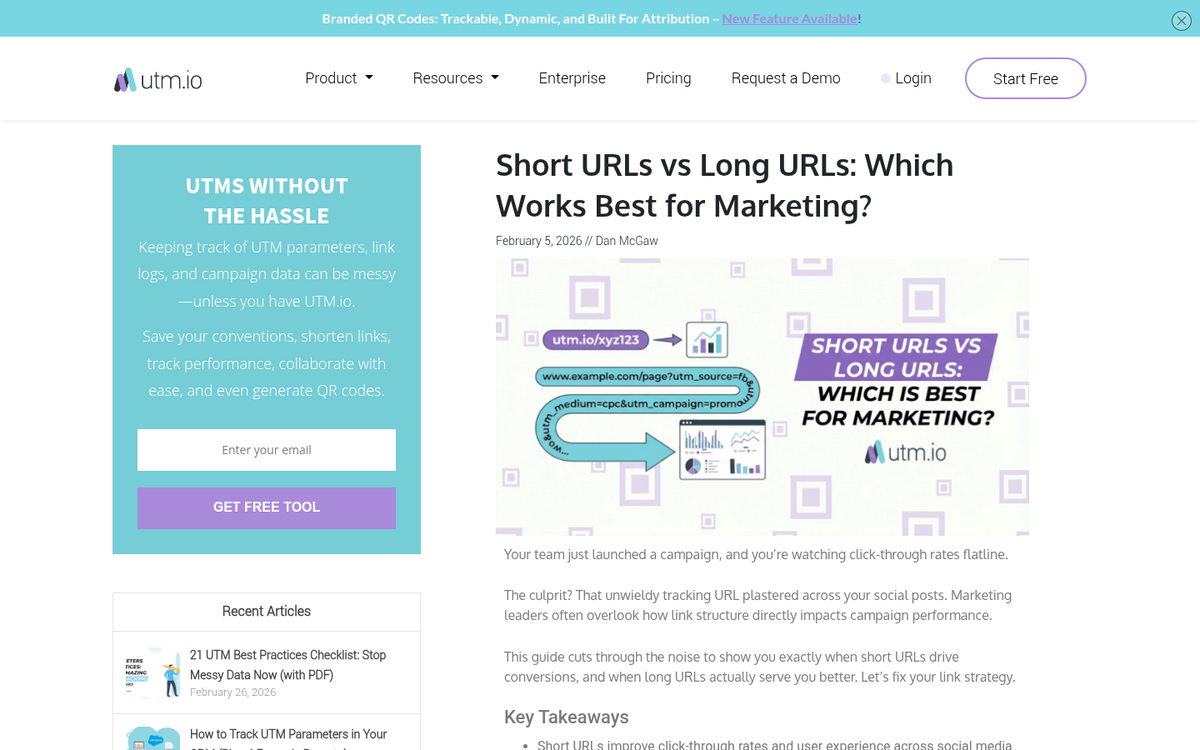
When you're presented with two links, and one of them is a long URL stuffed with equals signs, hash symbols, and question marks, the average user is probably going to hesitate. Longer URLs with tracking code can look suspicious, especially in a world where phishing attacks are increasingly sophisticated.
Some companies train their employees to be skeptical of any long or parameter-heavy URL, while others have deployed browser extensions that strip tracking parameters automatically. Short links look a lot cleaner and less threatening at first glance. Naturally short links remain the gold standard here if user trust is your primary concern.
Con: Short Links Can Look Suspicious
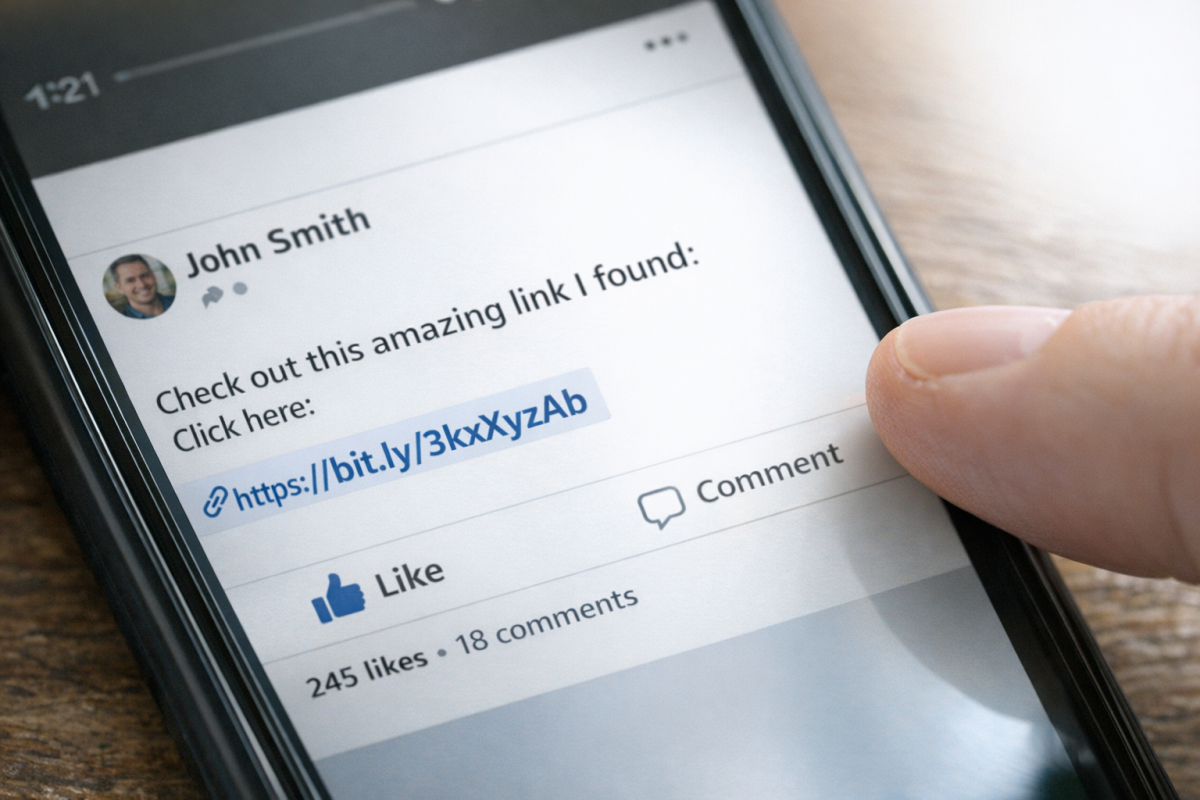
That said, short links can carry their own kind of suspicion. Naturally short links and branded shortlinks like on.forbes.com or nyti.ms tend to inspire confidence. But generic third-party shortlinks from services like TinyURL or Bitly can make users uneasy - you can't see the destination domain without clicking or using an unshortening tool like unshorten.it.
Third-party shortlinks have historically been used to disguise links to malicious pages, which has created a layer of inherent distrust around them. This is partly why services like Bitly offer paid plans that let you use a custom branded domain, removing the generic bitly.is appearance and replacing it with something users can actually recognize and trust.
Pro: A Custom Short Link Includes Branding
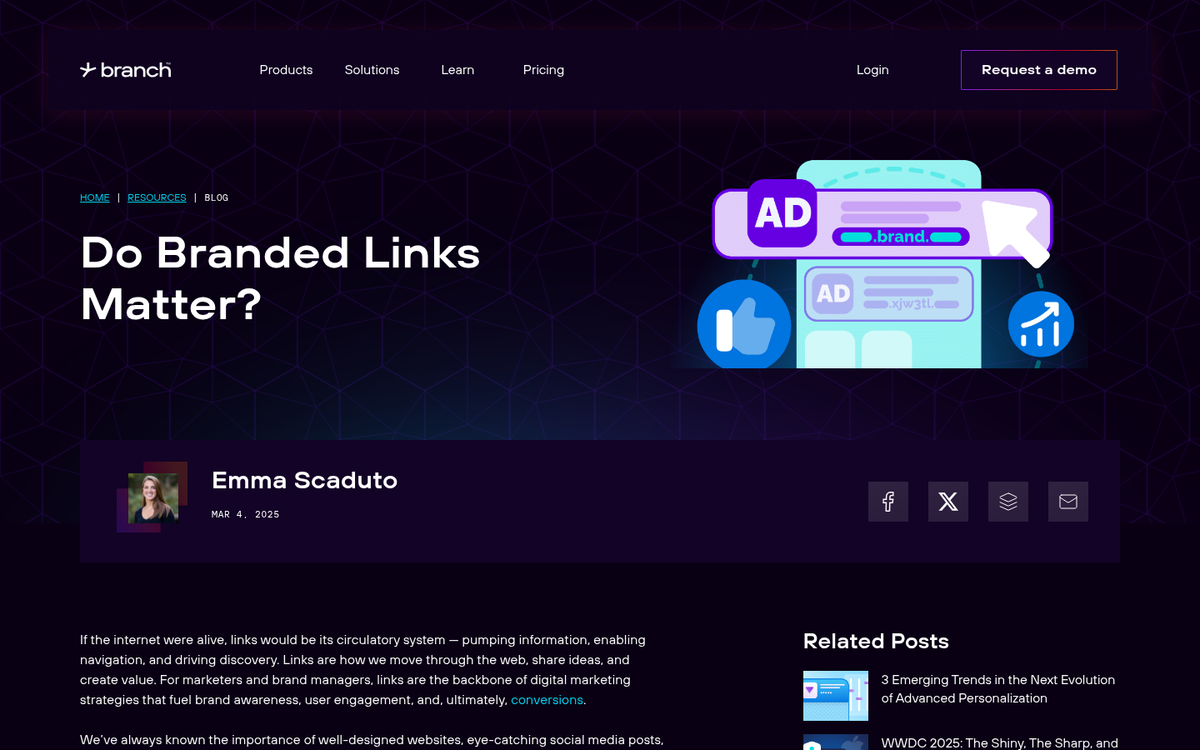
Branded shortlinks can meaningfully improve click-through rates. According to Rebrandly, branded links increase CTR by up to 39% compared to generic links, largely because users feel more confident clicking something that clearly identifies the brand behind it. A separate study estimated that branded links receive 34% more clicks than generic shortened links. Short.io has also reported that posts featuring short links can see CTR improvements of up to 40%.
You can read more about branded link performance in this post from Rebrandly.
The branding benefit is real, but it applies almost exclusively to custom branded shortlinks - not to generic third-party ones. If you're going to invest in shortlinks for CTR purposes, a branded domain is the way to go.
Con: A URL Shortener Can Shut Down at Any Time
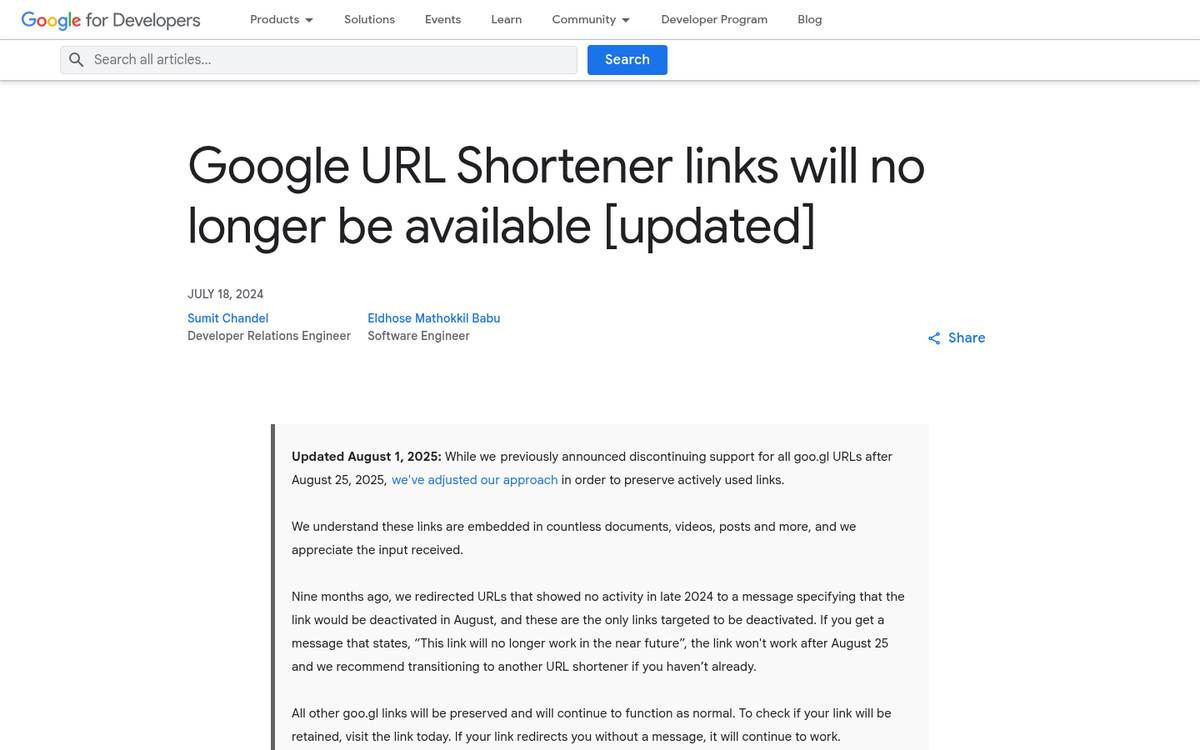
If you're relying on a third-party service to shorten your links, you have to be aware that the service can shut down at any time. Google learned this the hard way when it shut down its own URL shortener, goo.gl, and eventually stopped supporting even legacy redirects. If your campaigns or content rely on shortlinks from a service that disappears, those links become dead ends - and broken links can quietly damage your traffic and conversions over time without you even noticing.
Con: A Shortener May Exist by Default
You don't always need a URL shortener. On X (formerly Twitter), for example, every link posted - whether in organic posts or ads - is automatically routed through their t.co shortener. That's why a link with a very long destination URL only adds a fixed number of characters to your post count. You don't need your own shortener layered on top of that unless you specifically want your display URL to look different or to capture shortlink-level analytics separately.
Pro: Short Links Can Include Analytics
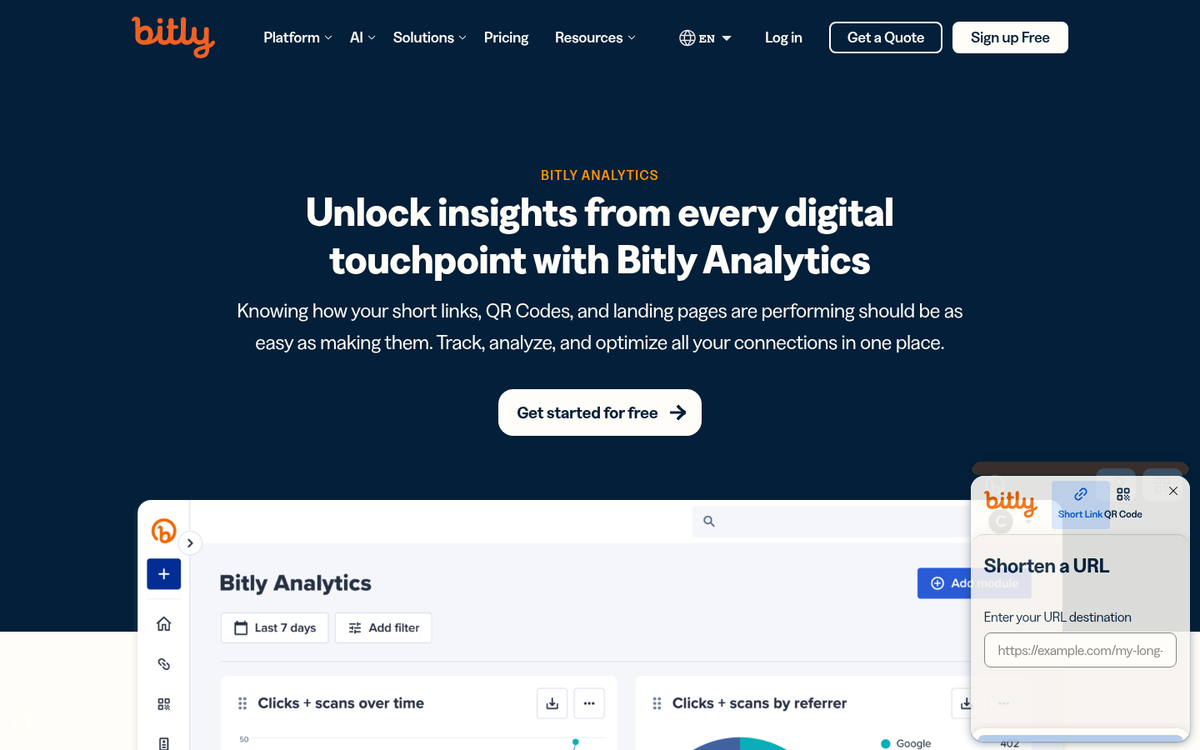
Many URL shortening services provide their own analytics dashboard on top of whatever you're already tracking. So while your UTM parameters feed data into Google Analytics or whatever platform you use, your shortlink provider may also give you click volume, geographic data, device breakdowns, and referral sources in a separate dashboard.
Bitly's free plan, for instance, currently allows up to 50 branded links and 1,000 non-branded links per month, with basic analytics included. Paid plans unlock deeper data. Just keep in mind this benefit only applies to third-party shortlink services - naturally short URLs and self-managed redirects won't give you this layer of tracking.
Con: Often Link Analytics Are Public
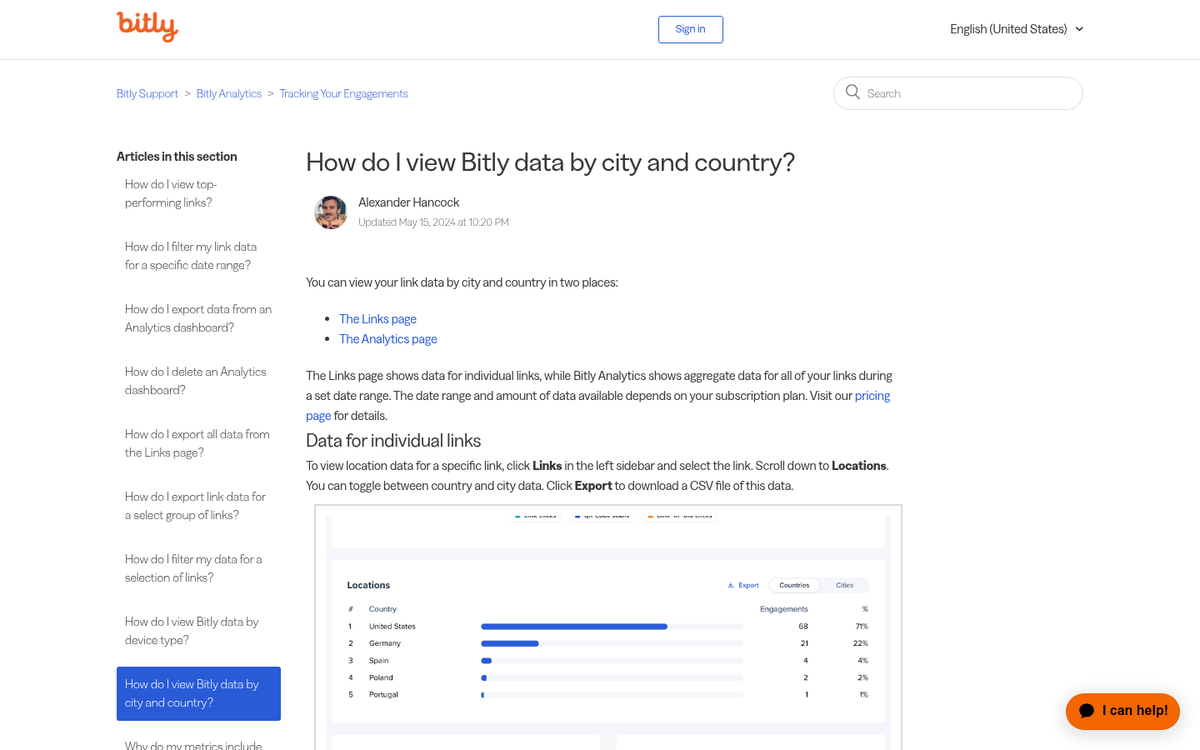
Third-party systems give you analytics, yes, but you're not always the only one with access. Bitly has historically made link analytics publicly viewable by appending a plus sign to any Bitly URL. While Bitly has tightened some of these settings over the years, the broader concern remains: if you're using a third-party shortener, you may be inadvertently exposing performance data about your campaigns to competitors. If you're running paid ads and your links are performing well, that's not information you necessarily want to hand out for free. You may also want to consider how competitors can use public data to their advantage.
Con: Some Ad Systems Ban Short Links
You're not always going to be able to use shortlinks with your ads. Some ad systems require you to verify ownership of the domain you're advertising, and since you don't own Bitly or TinyURL, you won't be able to direct ad traffic through those services. This goes doubly true for ad networks that prohibit redirects from your landing page URL.
The fact is, a lot of what shortlinks offer in an ad context is already provided natively by the ad platform. Display URL customization, tracking integration, and clean presentation are all standard features in platforms like Google Ads and Meta Ads. Layering a shortener on top of that usually just adds complexity without adding value. If you're using Google Display Ads, for example, the platform already handles much of this natively.
Con: Short Links Usually Require a Redirect
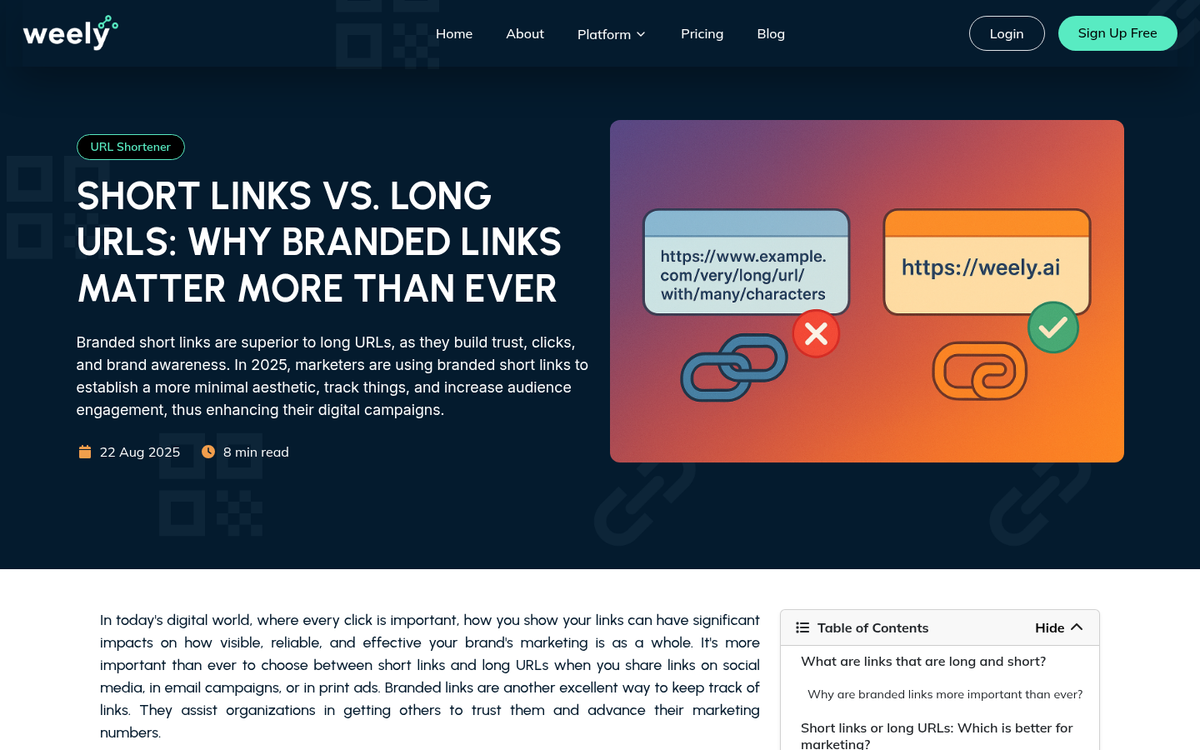
All short links - except naturally short URLs - require a redirect. That means your users have to pass through an intermediate step before reaching the destination page. This introduces a potential point of failure and adds a small but real delay to page load time. In a world where page speed affects both user experience and ad Quality Scores, any unnecessary latency is worth avoiding if you can.
Should You Use Shortlinks in Ads?
So what do you think? Do you find the benefits of a shortlink outweigh the drawbacks?
Personally, I find that using the built-in display URL features of your ad platform combined with a naturally short URL is good enough in most cases. For major brands that want consistent, recognizable links across social profiles and campaigns, a branded custom shortlink can genuinely move the needle - the CTR data backs that up. But for most advertisers, generic third-party shorteners add more risk than reward. People care more about recognizing a trusted domain than they do about URL length, and your ad platform is likely already handling the cosmetics for you.
2 responses
Thoughtful replies only - we moderate for spam, AI slop, and off-topic rants.
Am I allowed to ask a question? I have been struggling for weeks over whether and if so how to deal with the woocommerce "product-category" shortcode (16 characters) which appears in many of my website url's thus preventing me from entering a display url in a Responsive Google Ad (limited to 15 characters)!!!
Of course you can ask, Hugh! That's a really common frustration with WooCommerce stores running Google Ads. The simplest workaround is to customize your permalink structure to replace "product-category" with something shorter, like "cat" or "shop." You can do this in your WordPress permalink settings. Just make sure any changes redirect properly so you don't lose SEO value. Hope that helps!