SEO, from some perspectives, is like a magic wand you wave to make your traffic improve. Because so many people talk about it in a positive light - "Work on your SEO, your traffic will improve!" - you end up thinking that any change is a positive change. Some changes have bigger effects than others, but overall, they all work to improve your site.
Unfortunately, real life doesn't work quite the same way. SEO can certainly improve your traffic, but if you make one false move along the way, you can see your traffic cut in half or lost entirely. Sometimes it's because you earned yourself a penalty, other times it's a simple mistake getting you removed from the rankings. If you're new to SEO, here are five mistakes you absolutely have to avoid making, so you don't jeopardize your hard-won site.
Key Takeaways
- Keyword cannibalism occurs when multiple pages target the same keywords, splitting ranking power that one consolidated page could fully capture.
- Missing or incorrect redirects during redesigns cause sites to silently lose accumulated SEO value and link equity.
- A noindex directive accidentally applied sitewide can make your entire site disappear from Google without any visible warning.
- Every page needs a unique, keyword-relevant title tag under 60 characters; missing or duplicate titles hurt rankings and click-through rates.
- 67% of websites have pages with insufficient internal links, leaving orphan pages invisible to both users and search engines.
1. Keyword Cannibalism
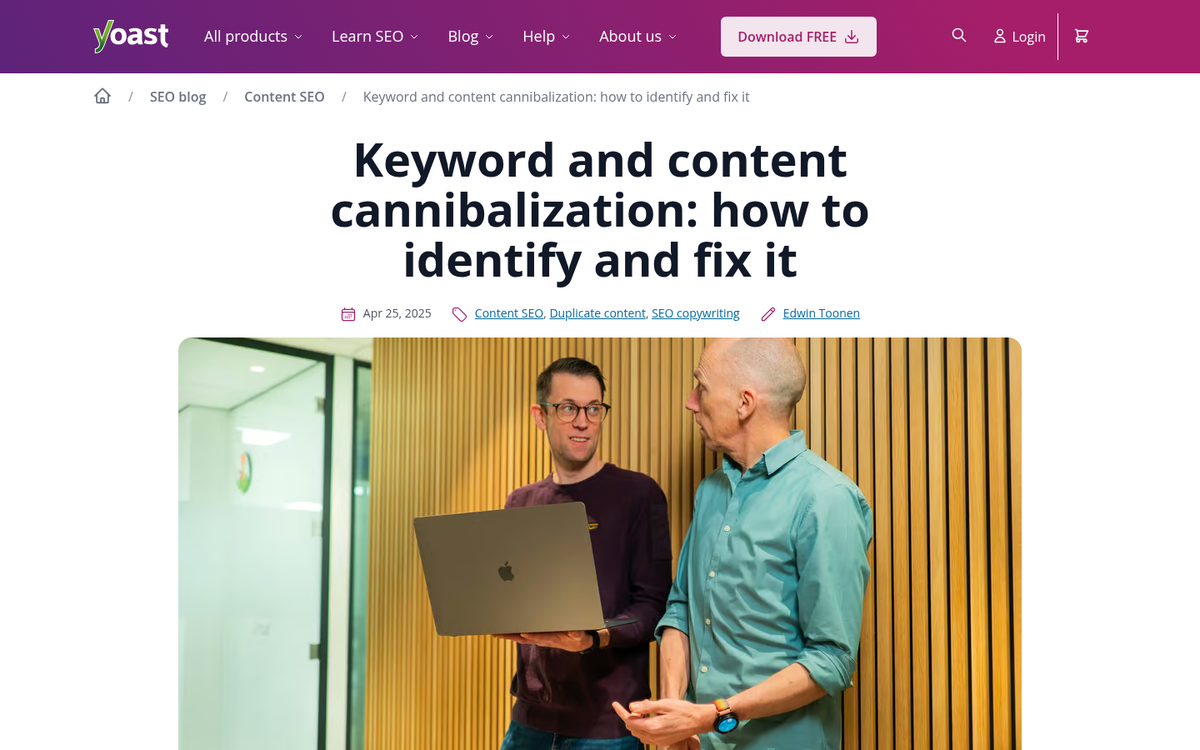
Keyword cannibalism is a phenomenon that occurs when you have more than one page covering the same basic subject. Specifically, if two or more pages cover a subject so similar to each other that they use the same keywords, those pages are both going to rank for those keywords. While you might think this is a good thing, it's really holding you back. You might, for example, have three pages ranking for the same keyword, in spots #8, #11 and #14. If you were to merge all three of those pages into one solid resource, the combined power could potentially make that one page rank at #1. That's a huge difference in traffic.
This is also worth keeping in mind as AI-assisted content creation has become more widespread. It's increasingly easy to pump out multiple articles on similar topics without realising they're competing with each other. A regular content audit to identify and consolidate overlapping pages is now more important than ever - especially if you've noticed your blog content isn't ranking as well as it should.
2. Broken or Missing Redirects
When you redesign a website, or when you change domain names, you want to keep your old SEO. In order to do that, you need to redirect traffic from your old pages to your new ones. This can be difficult, particularly when you change your site structure such that the new pages don't match the old pages.
If you don't redirect at all, you lose any and all accumulated SEO value you would have had. And even when you do implement redirects, the problem often runs deeper than people expect. An analysis of 11 million URLs found that 50% of redirect chains ended in errors - meaning a huge proportion of sites are silently bleeding link equity without realising it.
The other common issue is using a 302 redirect instead of a 301. A 302 signals a temporary move and does not reliably pass SEO value. A 301 is the permanent redirect that tells search engines to transfer authority to the new URL. Just be deliberate with it - as a permanent redirect, it isn't always easy to reverse cleanly.
3. Telling the Search Engines to Ignore You
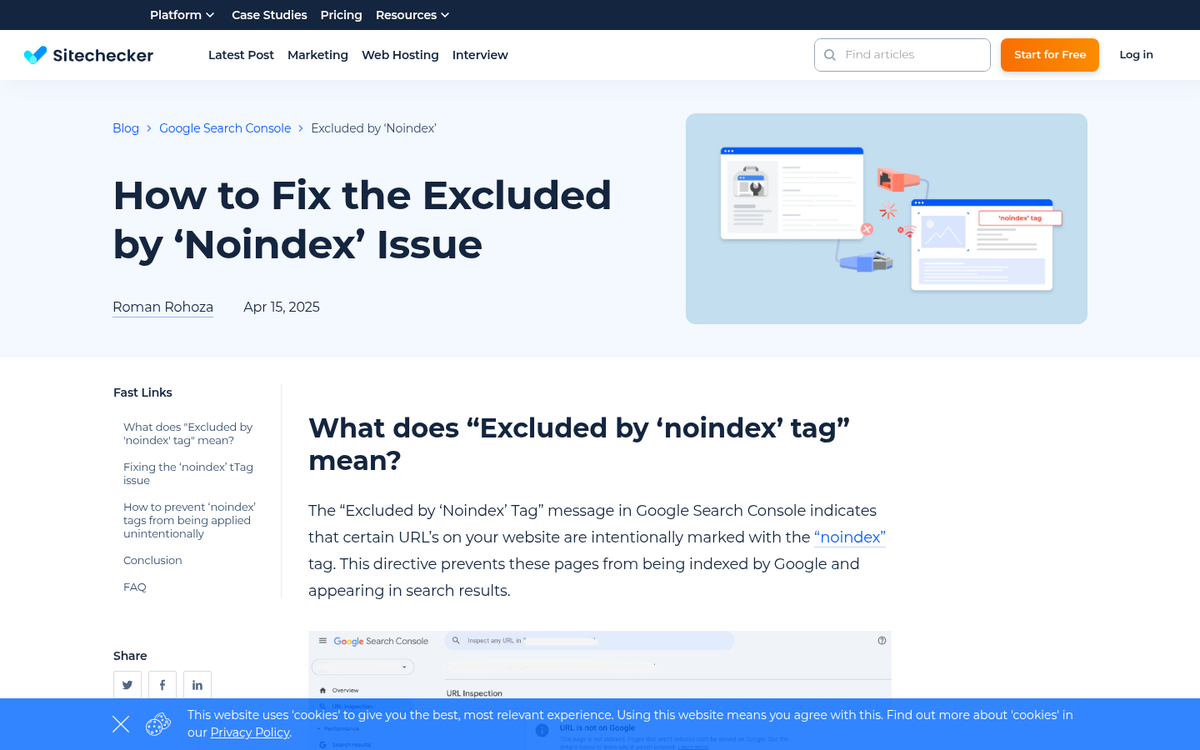
Most SEO mistakes are mistakes of omission - not doing something you should be doing. This one is a mistake of commission: actively telling the search engine to leave you out of results.
The culprit is the noindex directive, which can be applied to individual pages or sitewide via your robots.txt file. It instructs search engines not to index or display the affected pages in results. There are legitimate uses for this - staging environments, admin pages, thin utility pages - but the classic disaster scenario is putting noindex across your entire site during a redesign and forgetting to remove it before launch. Your site goes live, looks fine to visitors, and silently disappears from Google.
With platforms like WordPress, page builders, and headless CMS setups all capable of toggling this setting through a checkbox, it's an easier mistake to make than it sounds. Always verify your indexing status in Google Search Console after any major site change.
4. Ignoring Your Title Tags and On-Page Basics
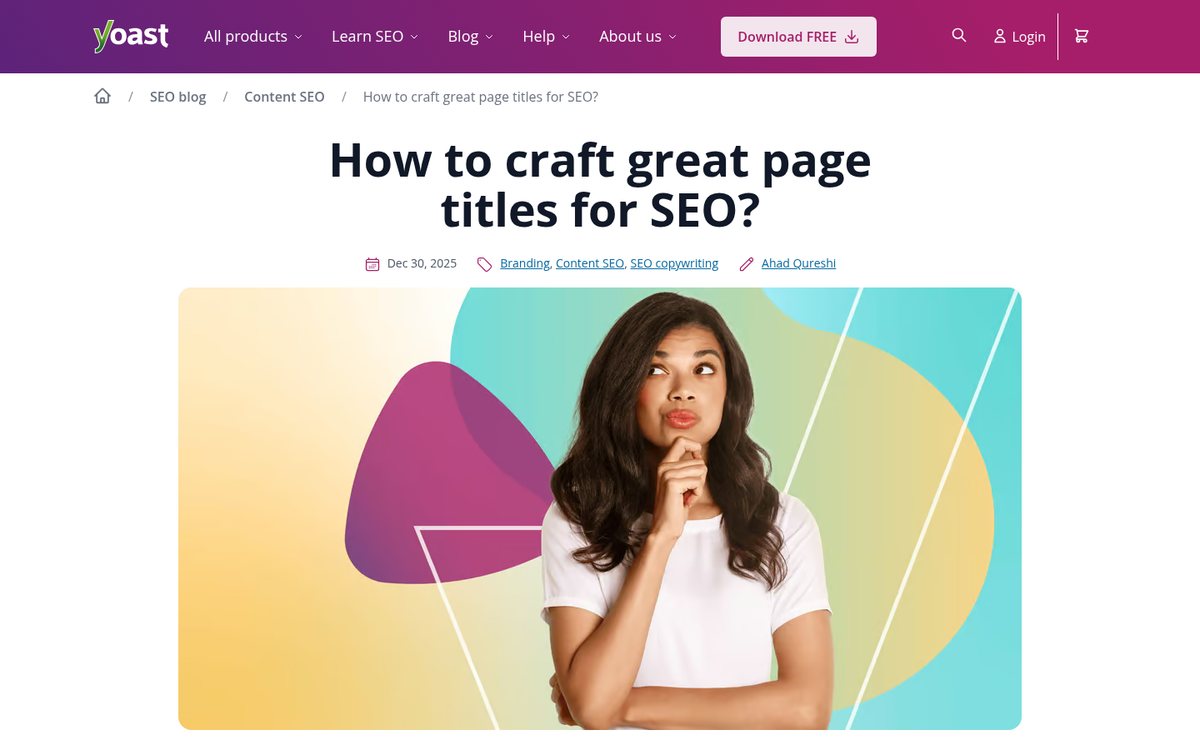
Every time you load a page in your browser, you see text in the tab at the top. It might say something like "5 SEO Mistakes That Could Kill Your Website Traffic - Growtraffic Blog" for example. That's your title tag, and it remains one of the most direct on-page signals you can send to search engines.
If you don't populate your title tag, a default will be generated automatically - often something generic or pulled from your page's H1. If the field is left entirely blank, the title will be empty. Both are bad for SEO and bad for click-through rates in search results.
Here's what to keep in mind:
- Every page on your site needs a unique title. Duplicate titles signal duplicate content, which creates its own set of problems.
- Keep titles at or below roughly 60 characters. Longer titles get truncated in Google's search results, social previews, and other automated displays.
- Include a relevant keyword naturally - but don't stuff. Google will rewrite titles it considers keyword-heavy or misleading, which has become increasingly common.
- Your brand name can be appended to the end if relevant, but it's rarely the priority.
It's also worth noting that a survey of SEO and marketing professionals found that 19% cited misuse of header tags as one of the most common on-page mistakes. Heading structure (H1, H2, H3) works alongside your title tag to signal content hierarchy - don't neglect it.
5. Ignoring Internal Links
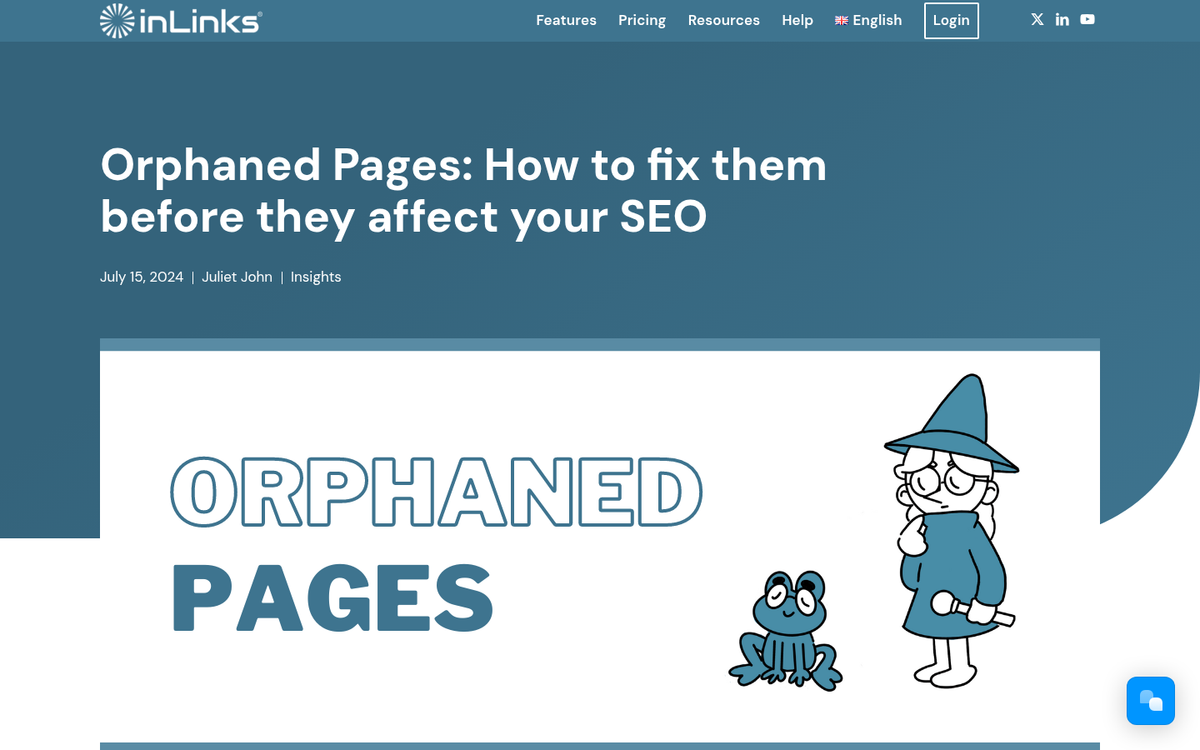
This is a surprisingly common mistake amongst marketers who focus too heavily on off-site SEO. Building inbound links matters, yes - but internal linking is just as important and far more within your control. In fact, data suggests that 67% of websites have pages with insufficient internal linking, meaning this is a widespread and underappreciated problem.
Think of your website as a network. Each page is a node, and each internal link is a connection. Pages that have no internal links pointing to them - sometimes called orphan pages - are difficult for both users and search engines to find, regardless of how good the content is. Every page on your site should have at least one or two contextual internal links pointing to it from other relevant pages.
This is separate from your site-wide navigation, sidebar widgets, or footer links. Those help, but contextual links within your content carry more weight and do more to distribute authority through your site.
As your site grows, internal linking becomes harder to manage manually. Tools like Screaming Frog, Ahrefs, or Semrush can surface orphan pages and internal linking gaps quickly - worth building into your regular SEO workflow.
Note: there are several other significant mistakes not covered in depth here. Site speed and mobile performance, for instance, are increasingly critical - 88.5% of users cite slow load times as the top reason they leave a website, and over 65% of web traffic now comes from mobile devices. A one-second delay in page load time can reduce conversions by up to 20%. These aren't purely SEO issues, but they directly affect rankings and user behaviour. Missing image alt text (present on 74% of websites) and thin, low-value content are similarly impactful. All of these are worth addressing alongside the five mistakes above.