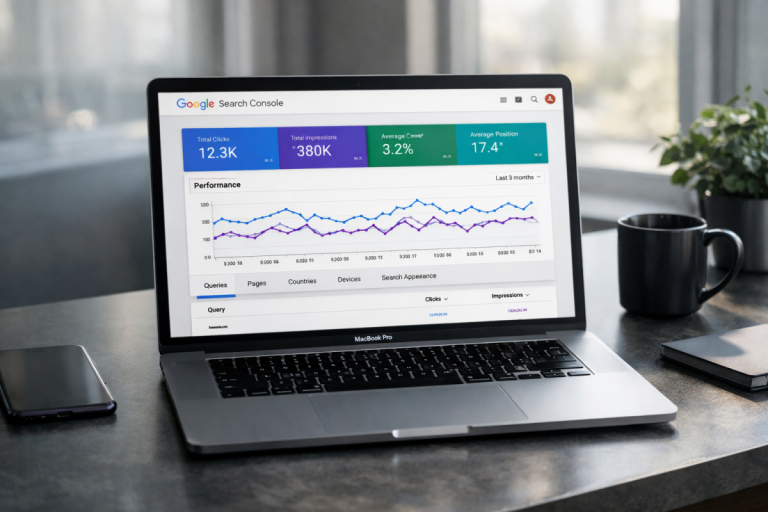
Any time someone redesigns their website, they risk doing terrible damage to their search ranking. According to Search Engine Journal, organizations typically lose up to 60-70% of their organic search traffic after a website redesign launch. Part of the problem is that they ignore what goes into internet marketing. They're outsourcing to some third party SEO professional, after all; it's their responsibility to handle SEO.
The problem is, a lot of what goes into SEO comes from elements of site design. If you change your site and you mess with those elements in a detrimental way, you lose out on a ton of search value. So what are those elements, and what should you keep an eye on if you want to maintain your search presence through a redesign?
Key Takeaways
- Website redesigns typically cause 60-70% organic traffic loss, often because site owners ignore SEO during the process.
- Crawl your existing site before redesigning to document URLs, metadata, and existing SEO issues for reference.
- Avoid changing URL structures; if unavoidable, implement 301 redirects and notify Google via Search Console's Change of Address tool.
- Google uses mobile-first indexing, and 53% of users abandon mobile pages taking longer than three seconds to load.
- After launch, monitor rankings per page in Google Search Console; consistent multi-week declines signal a systemic problem requiring investigation.
Crawl Your Current Site for Data Verification

The very first thing you have to do when you're starting up a site redesign is index your current site. There are a bunch of ways you can do this, but the easiest is to grab a copy of Screaming Frog and start harvesting data. You'll want to create a spreadsheet that shows the URLs of every page, the titles, H1 tags, meta data, canonicalization, internal links, image alt text, and whatever else is relevant. There's a ton of data you can grab with Screaming Frog, and it's worth it to have as much as possible during this starting phase.
You'll also want to make note of some potential SEO problems while you're running this scan. Flag any pages that have missing page titles, page titles that duplicate other pages, page titles that are overly long or short, pages with missing meta information, pages with broken links, pages with duplicate content, and other such issues. Keep in mind that crawlability problems - including broken links and incorrect redirects - account for roughly 17.7% of all website SEO issues, so catching these early is well worth the effort.
This information will be used later to fix some of these mistakes in your redesign, since you have everything open for maintenance as it is. With luck, your redesign will result in a higher search ranking rather than a lower one.
Don't Change URL Structure
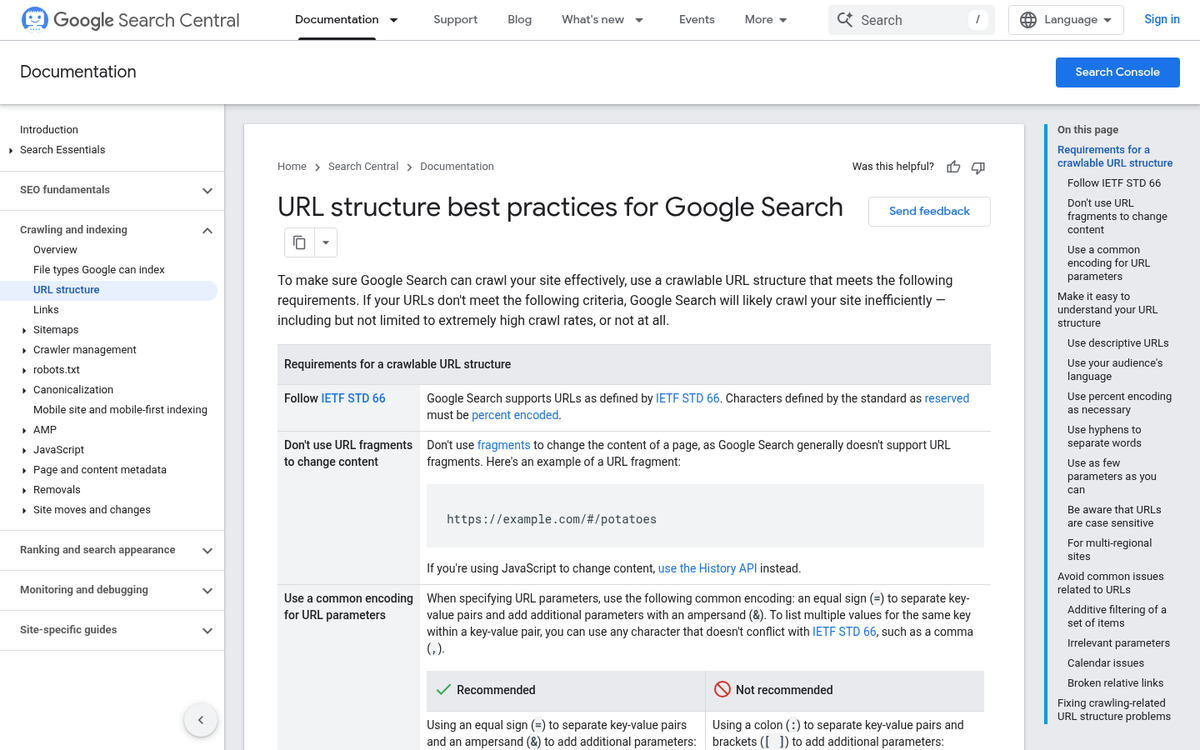
It's almost always a bad idea to change your URL structure throughout your whole site in a redesign. The problem stems from how Google indexes content and assigns value. Think of your page URL like your driver's license number. It's more or less a permanent identifier, unique, but can be changed if it's really necessary - like moving to another state and needing a new ID. That change, though, means any documentation that used the old number is now incorrect.
Google works the same way. All the value of a page is connected to the URL. If you change the URL, as far as Google is concerned, it's a new page. Worse, it might be a page that is now duplicating the content of an existing page. If you don't tell Google you changed the URL, they might think you're stealing or duplicating content from yourself. If you don't tell Google you changed the URL, they might think you're stealing or duplicating content from yourself.
If You Change URLs, Redirect Old Pages

Now, there are some reasons why you might want to change your URL. One of them is a rebranding, forcing you to change your root domain. If everything is going from www.example.com to www.exampletwo.com, that change tells Google it's all new pages, unless you implement 1:1 redirects. Each old page should redirect to each new page. Additionally, you should notify Google via Google Search Console that you changed domains and use the Change of Address tool to help smooth the transition.
Another case might be when you have a lot of old, non-readable URLs like www.example.com/blog/11251997/38384774302.asp and you want to clean them up to something like www.example.com/blog/this-awesome-blog-post-title. Doing so changes the URL, and that becomes an issue. This time all you need to do is implement the proper 1:1 redirects.
Make sure you're always using 301 redirects when redirecting an old URL to a new one. Avoid redirecting URLs to pages where the content has changed significantly, unless you have a very good reason. In general, old page to new page is the proper format, with the content and meta information maintained.
Don't Remove Old Content without Checking Its Value
In general, your old content is still valuable to keep around, as long as it isn't thin, duplicate, or spammy. Old content, even if it isn't actively driving traffic, still has merit. We don't burn books in a library just because they haven't been checked out in a few months. That content represents a resource that exists if someone comes looking. It also serves as the landing page for any number of existing backlinks. On top of all of that, it signals to Google that you've been producing content consistently over time - a minor but real quality signal.
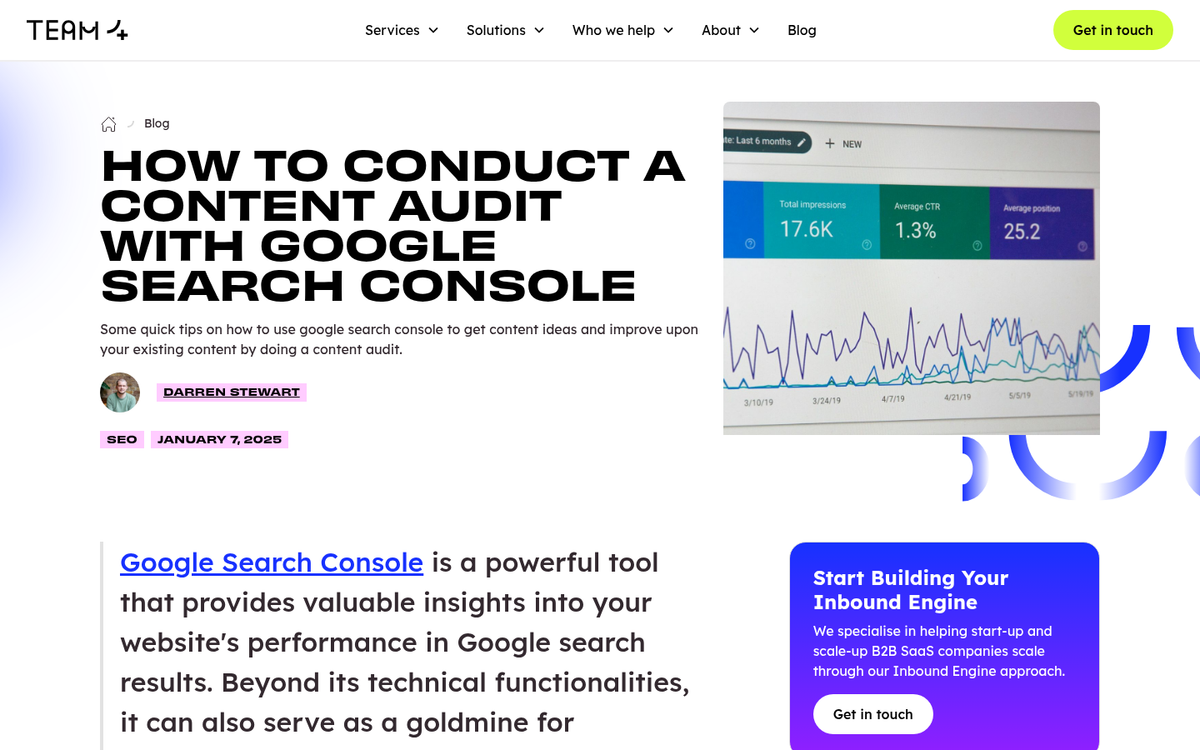
If you haven't conducted a content audit before going into a redesign, now is the time to do one. Review your Google Search Console and Google Analytics data to identify which pages are actually driving impressions, clicks, and conversions. Don't axe pages blindly.
In general, you should avoid removing old content unless it is actively hurting you - for example, content that's factually wrong, violates current guidelines, or is genuinely toxic to your brand. If it's simply not getting much traffic, that doesn't mean it has no value. Keep it, update it if possible, and move on.
Maintain Meta Information
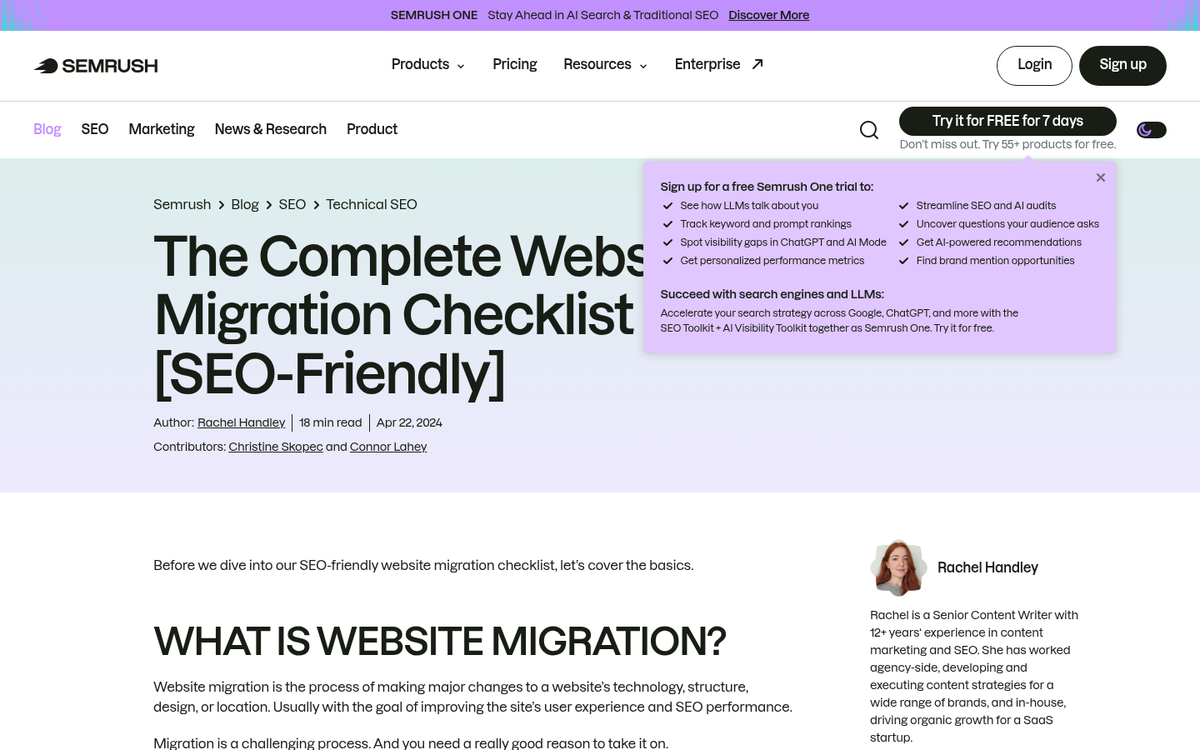
For the most part, you want to maintain your existing meta information from your old pages in your new pages. This means meta titles, meta descriptions, H1 tags - assuming you don't have more than one per page - image alt text, canonicalization, and link attributes.
This is the point where you can implement fixes for missing or duplicate meta information that you found during your audit. Any time a page lacks a title or a description, write one. Even if no one is actively browsing that page, Google's crawlers are, and they assign value to that information.
You should also use this opportunity to implement or clean up structured data through Schema.org. Structured data has only grown in importance over the years, particularly as Google continues to expand rich results, AI-generated summaries, and featured snippets. Getting your schema right during a redesign is much easier than retrofitting it later.
Build and Test Your New Site NoIndexed
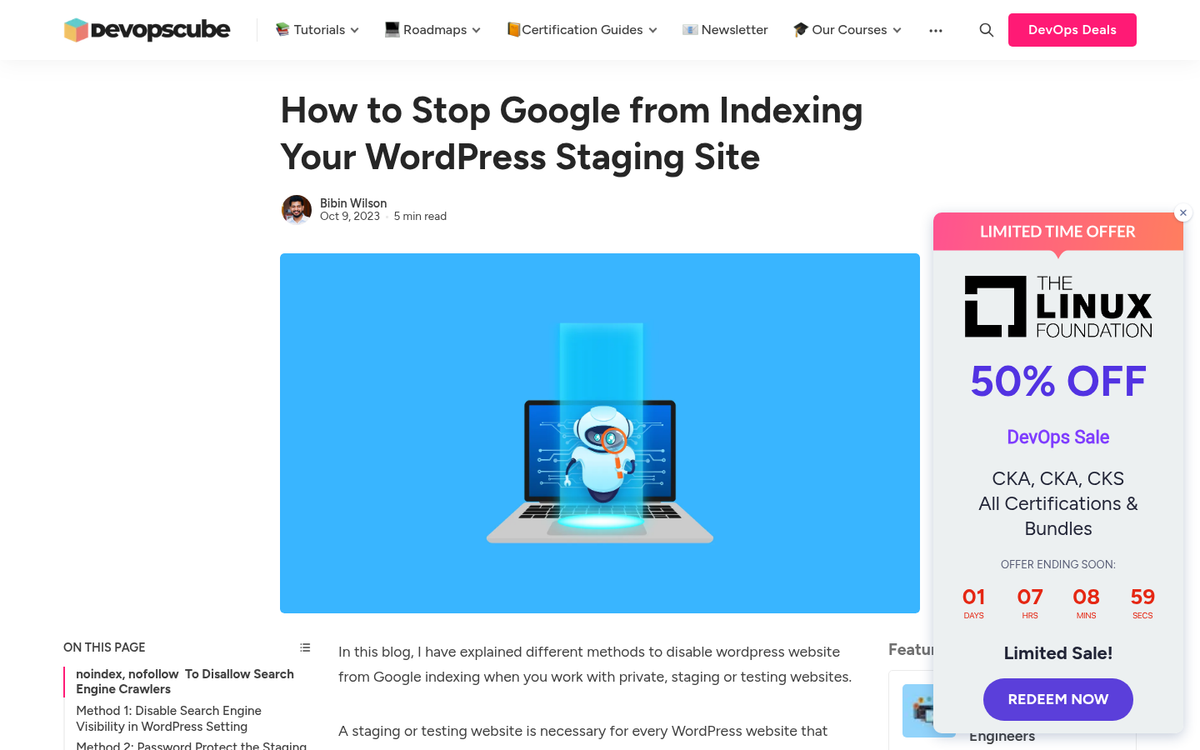
As you're constructing your new design, you should be testing it in an environment that at minimum simulates being on a live server. You can upload it to your live server if you want, but you'll need to take steps to prevent Google from indexing it prematurely.
In order to prevent accidental indexing, you're going to need to temporarily noindex your new design test files. The easiest way is to edit your robots.txt file to block the entire test subfolder, or set a noindex meta tag sitewide on your staging environment. Most modern CMS platforms - WordPress, Webflow, Shopify, and others - have built-in staging or development modes that handle this for you, so check your platform's documentation.
Alternatively, you can run everything on a local or virtual server test environment. You don't need to worry about noindexing everything because you're running on a private server. This will also be faster to test since the files are all local. On the other hand, it's more complicated to set up, and it won't catch issues that stem from how your web host handles certain server-side behaviors.
Verify Operational Site Structure and Content Prior to Replacing
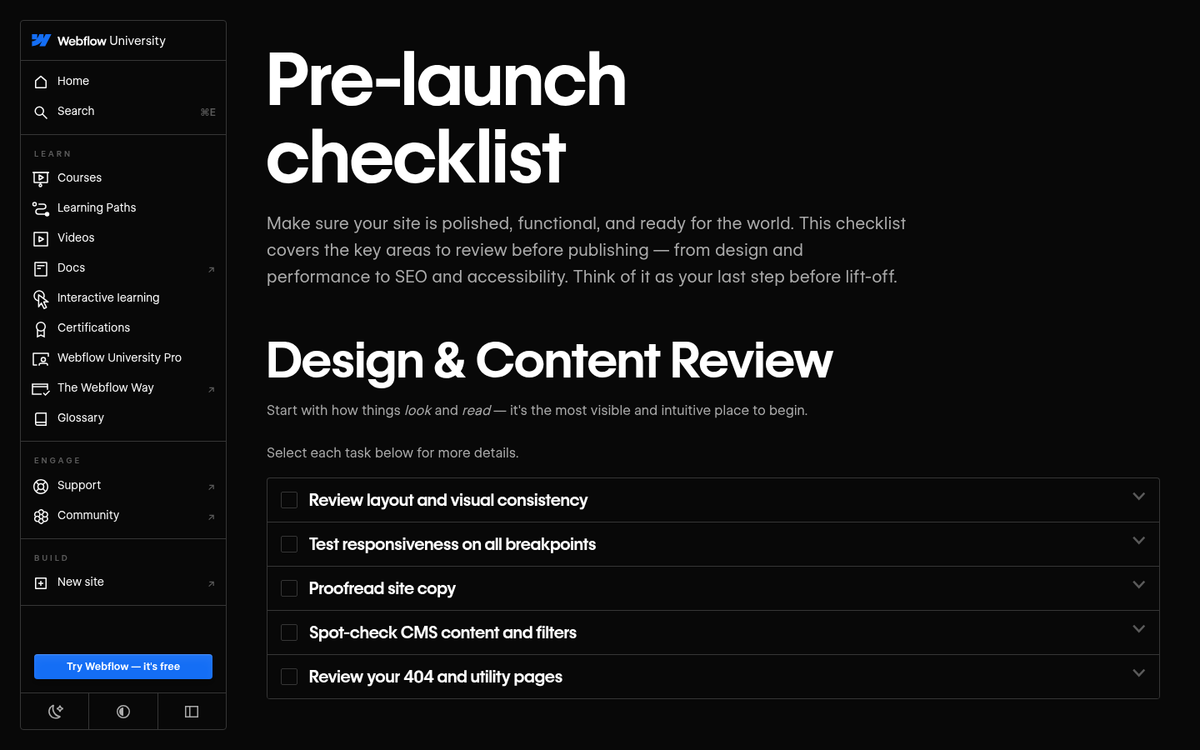
One of the most important things you need to do with your site's new design is make sure everything works before you flip the switch. Make sure your site structure and navigation are all functional. If you added breadcrumbs, make sure they're uniformly present, that dynamic breadcrumbs don't fall into recursive loops, and that they're rendering correctly in search results via your structured data.
One of the worst things you can do is push a broken site live. There will always be minor bugs to fix regardless - so never do a "push it live at 5pm Friday and log off" move - but the goal is to catch the big stuff before it ever reaches your users or Google's crawlers.
If Google indexes a broken version of your site, you're going to take a hit to your SEO. That hit might last hours or days, depending on how quickly you fix the problems and how soon Google re-crawls. Use Google Search Console to request re-indexing once you've resolved issues - it won't always be instant, but it helps.
Make Sure Your New Design Works for Mobile Devices
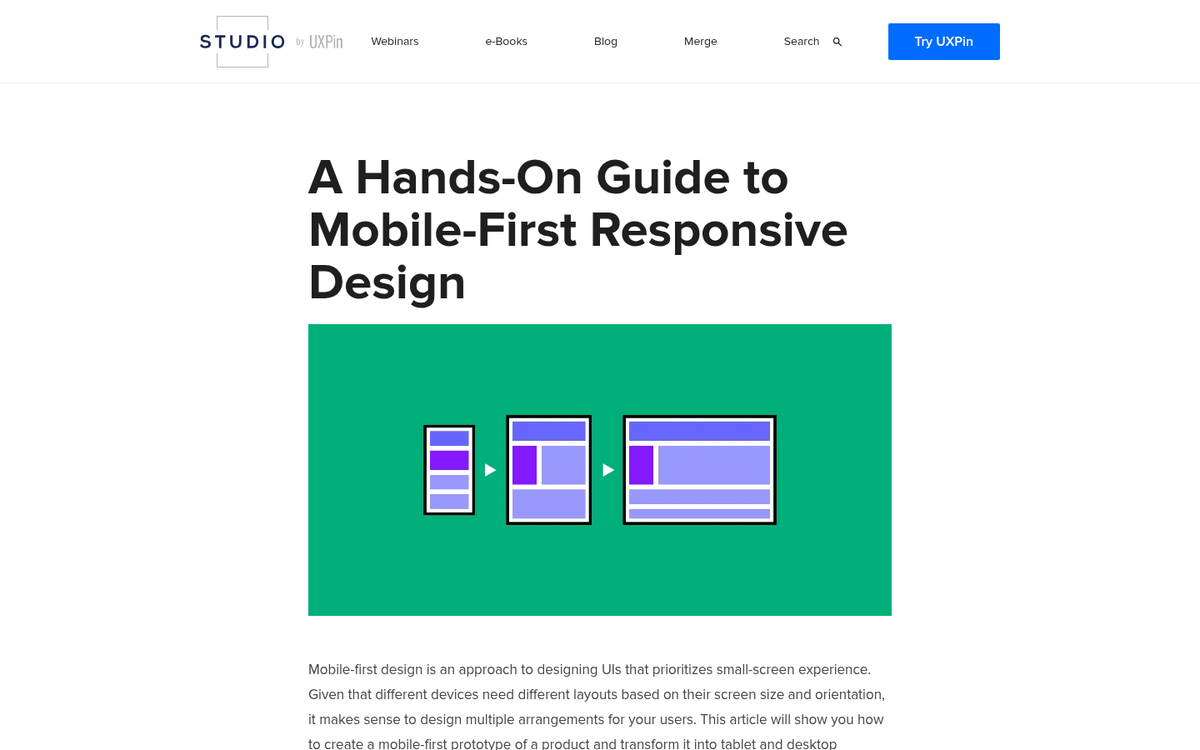
If you've been following this post like a checklist, this one should honestly be at the top of your priorities - not near the bottom. Mobile compatibility is no longer a "nice to have." Google operates on a mobile-first indexing model, meaning the mobile version of your site is the primary version Google crawls and uses to determine rankings, regardless of whether most of your traffic comes from desktop or mobile.
On top of that, 53% of mobile pages are abandoned if they take longer than 3 seconds to load. So it's not just about rendering correctly - your mobile experience needs to be fast, clean, and functional.
There is no excuse in 2026 not to have a fully responsive, mobile-optimized site. If your current site isn't mobile-friendly and you're doing a redesign, this is your moment. Don't waste it. A poor mobile experience will hurt both your rankings and your conversions - and with 75% of people judging a website's credibility based on its design, first impressions matter more than ever.
Make Sure Your New Design Passes Core Web Vitals
Site speed has always mattered, but since Google formally incorporated Core Web Vitals as a page experience ranking signal in mid-2021, the bar has been raised significantly. Core Web Vitals measure three specific things: Largest Contentful Paint (LCP), which measures load performance; Interaction to Next Paint (INP), which replaced First Input Delay in 2024 and measures responsiveness; and Cumulative Layout Shift (CLS), which measures visual stability.
Your new design needs to pass all three. A beautiful redesign that tanks your LCP score because it's loading a massive hero image, or that wrecks your CLS because fonts shift after load, is going to hurt you in rankings and in user experience. You can check your Core Web Vitals scores in Google Search Console, PageSpeed Insights, or tools like GTmetrix.
Thankfully, there are ways to keep your fancy animations and dynamic content while still maintaining a fast site. Use a content delivery network (CDN), lazy-load images below the fold, defer non-critical JavaScript, and compress your assets. If your new design is noticeably slower than your old one, raise that with your developers before you go live - not after. A site with strong UX can see visit-to-lead conversion rates more than 400% higher than one with poor design, so getting this right pays dividends beyond just SEO.
Make Sure to Remove the NoIndex Tags Prior to Going Live

This one shouldn't have to be said, but it comes up more often than you'd think. Every so often someone panics because they just launched a redesign and their site has essentially disappeared from Google. They're frantically auditing everything - broken redirects, content issues, you name it - only to discover they simply forgot to remove the noindex tag when they went live. As soon as it's removed, rankings largely return.
Double-check your robots.txt, your CMS settings, and any meta robots tags sitewide before you push to production. Make it part of your pre-launch checklist, not an afterthought.
Monitor Ranking Per Page Ongoing
Once you're live and the noindex is removed, do a search ranking check as soon as Google has indexed the new pages. Keep monitoring your search rankings on a per-page basis through Google Search Console and whatever rank tracking tool you use. Some minor dips in the first few days post-launch are completely normal - if it's been less than a week and the decline is under 10%, there may be nothing to worry about. Give it time.
That said, if you see a specific page dropping consistently, dig in and figure out why. If your entire site is trending downward over several weeks, that's a signal something more systemic went wrong - whether it's a redirect issue, a content problem, a Core Web Vitals failure, or something else entirely. Investigate methodically, fix what you find, and keep monitoring. A redesign isn't a one-and-done event; the weeks following launch are just as important as the build itself.