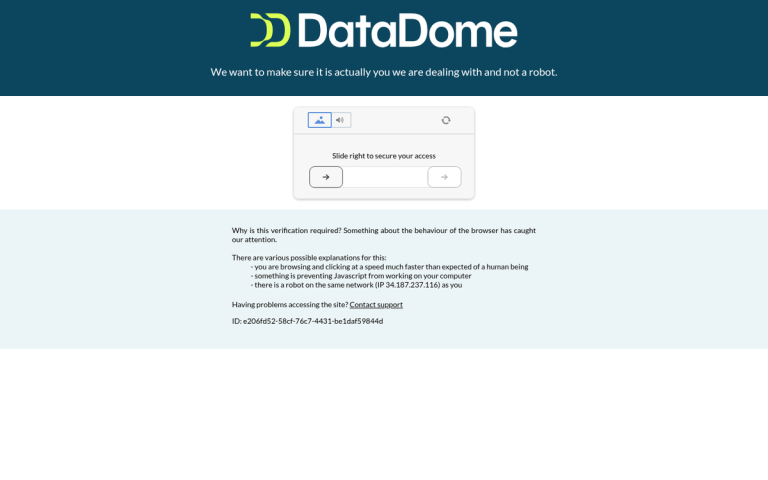
Cloudflare is one of the most common names when it comes to website protection, anti-DDoS gating, and content delivery via distributed network. Over the last decade, a lot of information - and misinformation - has been spread about the network. Some things people have said are false, and others may have been true but have changed in the years since. With so much to contend with, it's no wonder people research the answers before they consider buying in.
I'm going to go over one of the primary concerns with Cloudflare, which is whether or not it can potentially harm your ability to make sales or convert new customers. Before we begin, though, I'd like to talk about what this article is not.
This article is not an analysis of Cloudflare's effect on SEO. For that, you want to turn to other authorities, at least until I get around to doing my own analysis. This case study is a pretty good one, for example.
I'm going to take a look at more direct issues with Cloudflare. Can it accidentally block legitimate traffic?
Key Takeaways
- Cloudflare can occasionally block legitimate users, but it's uncommon and rarely impacts sales significantly.
- During DDoS attacks, Cloudflare aggressively filters traffic, potentially blocking real customers to keep sites online.
- Tools like RSS readers and TOR can trigger Cloudflare blocks, affecting niche audiences who rely on them.
- Compromised devices from botnets can cause innocent users to be blocked due to shared IP flagging.
- Cloudflare's scale means its own outages pose real business risk, with November 2025 causing an estimated $180-360 million in losses.
Can Cloudflare Block Legitimate Users?

I might as well not dance around it. Yes, Cloudflare can occasionally block legitimate users. However, it's fairly unusual and it's not likely to happen in an instance where it matters to a sale.
There are three instances where Cloudflare might be blocking something legitimate. The first is when they have enabled anti-DDoS mode and are aggressively filtering traffic. The second is when they're blocking tools that legitimate users might want to use. The third is when the user is somehow malicious and unwitting. I'll talk about each of these individually next.
The benefits of Cloudflare are strong enough that, even if it's blocking a few customers, it's generally worthwhile to use anyway. DDoS protection is just one benefit to their service in general; the CDN can be helpful for other reasons as well. That said, Cloudflare's sheer scale introduces its own category of risk - the network now handles roughly 20% of the world's web traffic, which means that when something goes wrong on their end, the ripple effects are enormous. Outages in December 2025 affected approximately 20% of all websites for a period of time, and a major outage in November 2025 resulted in an estimated $180-360 million in lost revenue across affected services. This is worth factoring into your risk calculus.
Anti-DDoS Blocking
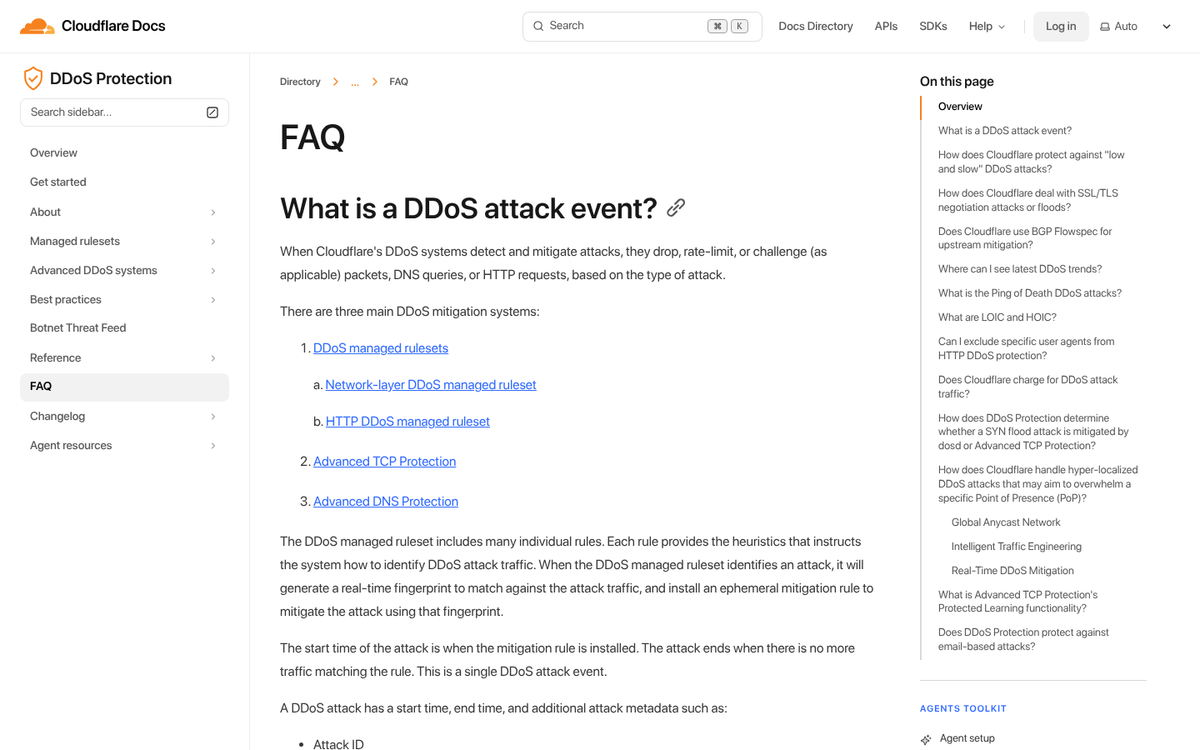
The first instance where Cloudflare might be blocking legitimate users is when your website is under a DDoS attack and it is filtering traffic aggressively to try to keep your server up and your website alive. It's an example of sacrificing a few to save the many, essentially.
Think of it like triage in an emergency room. When patient volume exceeds what staff and resources can handle, medical teams have to make difficult calls about who gets seen immediately and who has to wait. Some people with genuine needs get deprioritized so that the most critical cases - and the overall system - can survive. The goal isn't to turn anyone away permanently; it's to keep the whole operation from collapsing under the pressure.
To apply the analogy to Cloudflare, think of your audience as the patients and your website as the emergency room. If volume grows too large - during a DDoS - the system collapses entirely, and no one gets helped. By carefully filtering out the worst of the traffic, Cloudflare can keep your site up and accessible. According to Cloudflare's own data, 99% of the traffic it blocks is bad bot traffic, but some legitimate users can still get caught in the net. Sure, you might lose a few sales in the process, but nowhere near as many as you'd lose if your site went down entirely.
For the individual user, it's certainly frustrating. How many times have you wanted to browse a site, only to be confronted with a Cloudflare block warning or an interstitial challenge page? The service attempts to provide a cached version of the site while blocking is active, but in practice it doesn't always hold up cleanly. If a site protected by Cloudflare is under attack and you can't get through right away, chances are you won't be able to until the attack has subsided.
It's also worth noting just how prevalent automated traffic has become. Bot traffic now accounts for 31.2% of all application traffic, a figure that has remained consistent over the past several years. During Cloudflare's own Black Friday 2024 analysis, more than 60% of traffic to login pages across their network was found to be automated. This context matters: Cloudflare isn't being paranoid when it filters aggressively. The volume of non-human traffic genuinely warrants it.
Tool Blocking

The second case where Cloudflare might be blocking legitimate users and legitimate traffic is if those users or that traffic comes from a tool rather than the user directly. I have two specific examples here.
The first example is RSS. RSS readers check your site - specifically your RSS feed - on a regular schedule. Some might be hourly, some once a day, some on other schedules, but they all work the same. Any user who wants to keep up with your blog via RSS is going to be using an RSS reader of some kind to access it.
The problem is when Cloudflare decides that the RSS traffic is too bot-like and blocks it. You run into cases where the RSS reader never picks up new RSS data, for one reason or another. It's a common enough problem that people have gone out of their way to try to code bypasses and deal with the issue in various ways. Cloudflare is, of course, difficult to bypass for good reason.
How many people reading your RSS are going to convert into customers? It's hard to say. Many of them might already be customers, looking to keep up with your blog. Others might eventually convert, but probably not from the RSS directly. Unless you can measure those specific numbers, it's impossible to tell if you're losing customers directly.
Another example is TOR. TOR is The Onion Router, a set of layered proxy connections that anonymize web traffic through a series of redirects, as a way of adding security to web browsing. Your ISP can't track your activities if they can't tie your activities to your computer, right?
TOR has its issues, and I'm not going to dig into them right now. Suffice it to say that in some cases it's not as anonymous as it claims to be. However, TOR exit nodes are also frequently used for less legitimate traffic, which creates a real problem when it comes to how Cloudflare handles filtering.
Cloudflare blocks traffic based on user agent and IP. TOR assigns your traffic the IP of whatever exit node you happen to be connecting through for that session. If that node has been flagged for past abuses, your traffic gets blocked along with it. Alternatively, if your computer has previously been used as a node while you had TOR enabled, your IP itself may carry a poor reputation score.
Cloudflare has made efforts to reduce the collateral impact on legitimate TOR users, but there's only so much they can do without opening the door to abuse. If they lift all filtering on anonymized traffic, bad actors will exploit the gap immediately.
Again, though, sacrificing a small number of users of specific tools in favor of keeping your site alive in the event of malicious traffic is generally a small price to pay. Unless you're operating in a very narrow niche where a significant share of your customers rely on tools like these, the business impact is likely to be minimal.
Unwitting Maliciousness

Much like the case where a TOR exit node carries the baggage of malicious traffic from other users, other causes can lead to a legitimate IP being blocked. DDoS attacks are frequently carried out through botnets, and botnets are generally composed of infected or compromised devices. When a computer or connected device gets the right kind of malware, it can be used to deliver traffic for a variety of malicious purposes without the owner ever knowing.
Tech-savvy users are going to keep their systems generally clean and are unlikely to be part of such a botnet. Less savvy users, however, are far more common. In fact, many of your customers - unless you're operating in a highly technical niche - will be less security-conscious users. The stereotype of family members needing their computers cleaned up over the holidays reflects a genuine and persistent problem. If someone like that wants to make a purchase, they might find themselves blocked because a virus on their machine participated in a DDoS botnet at some point in the recent past.
It doesn't even need to be a personal computer anymore. Many botnets today are composed of Internet of Things devices - anything from a thermostat to a security camera to a smart TV can be compromised and added to a botnet. After all, most people never think to update the firmware on their router or smart appliances, let alone consider that those devices could be used to attack a website.
Cloudflare might block the offending device based on its behavior or user agent, but they might also simply flag the IP address associated with it. That has the side effect of blocking other devices on the same network, even if those devices did nothing wrong. A compromised smart TV or an unpatched router is a plausible vector for exactly this kind of collateral blocking.
This is an area Cloudflare continues to work on. User agent analysis helps here - they can deprioritize or block traffic that doesn't match typical browser signatures - but a compromised device can spoof a user agent just as easily as a real browser can generate one. It remains an ongoing and genuinely complex arms race, with no clean solution on the horizon.
Benefits Worth the Risk - With Caveats
With the chances of blocking legitimate traffic, and the very real risk that Cloudflare's own infrastructure can become a single point of failure for your business, is it worthwhile to keep using the service? That answer has become more nuanced in 2025 and 2026.
On the one hand, a DDoS is obviously a bad thing. If you're under attack, using a service to filter traffic and keep your server alive is a smart move. Site downtime is worse than a few blocked users, especially when you have no way of knowing whether those blocked users were genuinely close to converting. Cloudflare isn't the only option available, but they remain one of the most visible and widely adopted services, which means they also absorb a disproportionate share of criticism.
On the other hand, Cloudflare's scale now means that their own outages have become a material business risk. Industry research shows that 93% of enterprises report downtime costs exceeding $300,000 per hour, and 48% experience hourly costs exceeding $1 million. Even for smaller businesses, the calculus matters. Studies also show that 88% of users are less likely to return to a website after a bad experience - and being greeted by a Cloudflare error page during an outage absolutely qualifies as a bad experience.
One of Cloudflare's other primary uses is as a content delivery network, and using a CDN can be a genuine SEO benefit. Faster load times are a ranking factor, and a CDN can meaningfully improve performance if your server alone can't handle media delivery efficiently.
At the same time, there are other CDNs worth considering. If you want CDN performance but have concerns about putting so much of your infrastructure in one basket, alternatives like Amazon CloudFront, Fastly, or Akamai are worth evaluating. Of course, none of them provide identical DDoS mitigation capabilities out of the box, so you'd still need a separate disaster recovery plan.
Using Cloudflare specifically makes the most sense if you believe your site is at risk of a DDoS attack and you're comfortable accepting that a platform handling a fifth of all global web traffic comes with its own exposure to platform-level outages. Diversifying where possible - using Cloudflare for what it does best while not relying on it as your only line of defense - is the more resilient approach in 2026.
If your business is not in a particularly precarious position, you can still test Cloudflare with relatively low risk. Make an announcement on your site and social media that you'll be testing a new infrastructure layer, and invite users who experience any issues to reach out. If problems surface, you can roll it back. If everything runs smoothly, you have your answer. The key in 2026 is going in with open eyes - Cloudflare is powerful, widely trusted, and genuinely useful, but it is no longer quite as invisible a dependency as it once was.