There are primarily two reasons why your website might encounter a sudden spike of traffic. The first is great; one of your posts went viral and is being circulated everywhere online. You're pulling in hundreds of new backlinks and thousands of new visitors.
The second is the opposite; someone has taken it into their mind to crash your site via a Denial of Service attack. You're not getting links from this one; you're just getting traffic that eats up your server resources.
In both cases, the same sort of thing is happening on your server's back end. Most web hosts have a finite amount of bandwidth they allocate to their sites each month. Traffic surges eat into this allotment and can very easily exceed it, if your hosting isn't sufficiently scaled.
When your allotment of bandwidth is completely consumed, one of two things happens. Either your site is taken down until the end of the month, when bandwidth refreshes, or your site stays up and your host starts to charge you overage fees by the megabyte. The stakes here are significant - research shows that downtime costs SMBs anywhere from $8,000 to $25,000 per hour, while larger enterprises average around $5,600 per minute in losses according to Gartner. Some popular websites, upon a viral release, can rack up $10,000 or more in overage charges in a single day.
The Denial of Service attack is more nefarious; it eats up your allowed connections at any given time, to force long load times or broken renders for your site. Legitimate users aren't able to force their way in, so they can't see your site at all. In some extreme cases, the traffic causes errors in the server that lead to exploits a hacker can use to gain access.
Speed matters too - 53% of mobile visitors will abandon a page that takes longer than 3 seconds to load, and Amazon famously found that every 100ms of added latency cost them 1% in sales. Google recommends keeping your First Contentful Paint under 2 seconds to maintain user satisfaction and search rankings. Sites with high error rates can also lose up to 40% of their organic search traffic, so keeping your error rate below 1% is strongly advised.
How can you prepare for, and deal with, a traffic spike that threatens to bring down your site?
Key Takeaways
- Traffic spikes from viral content or DDoS attacks can exhaust bandwidth, causing costly downtime averaging $5,600 per minute for enterprises.
- Using a CDN distributes server load globally, can be set up within minutes, and significantly reduces origin server pressure during surges.
- Server-side caching tools like Redis, Varnish, and WP Rocket reduce repeated server calls, especially effective when combined with a CDN.
- Proactive monitoring tools like UptimeRobot and Datadog alert you before traffic issues escalate, giving time to act defensively.
- DDoS protection services like Cloudflare and AWS Shield filter malicious traffic before it reaches your server, keeping sites operational.
Create a Lite Site

You should attempt to create a lite version of your site to hold in reserve in the case of a traffic spike. This version should be very pared down. Strip out all unnecessary images and fancy scripts. Minimize the number of database calls that are necessary to load your content. Just make sure to avoid stripping out the content users actually came to see; don't take down the infographic they're swarming, for example.
One practical option is to lean into your mobile-optimized site. Modern mobile-first designs are inherently lightweight and performance-focused, which helps them load faster while also minimizing the impact of high traffic on your server resources.
Use a Content Delivery Network

A CDN is a third-party service that hosts your content and serves it from edge locations closest to your users when they load your page. This distributes server load across a global network of servers specifically designed to handle massive traffic volumes. A good CDN can be set up and implemented within minutes, and most modern CDNs - including Cloudflare, Amazon CloudFront, and Fastly - now handle SSL natively, removing one of the historical barriers to adoption.
You can also distribute specific high-demand content across other platforms to reduce pressure on your origin server. Hosting large files or media assets on services like Google Drive, Amazon S3, or a dedicated media host means your bandwidth isn't taking the full hit while traffic is spiking.
Reduce File Sizes
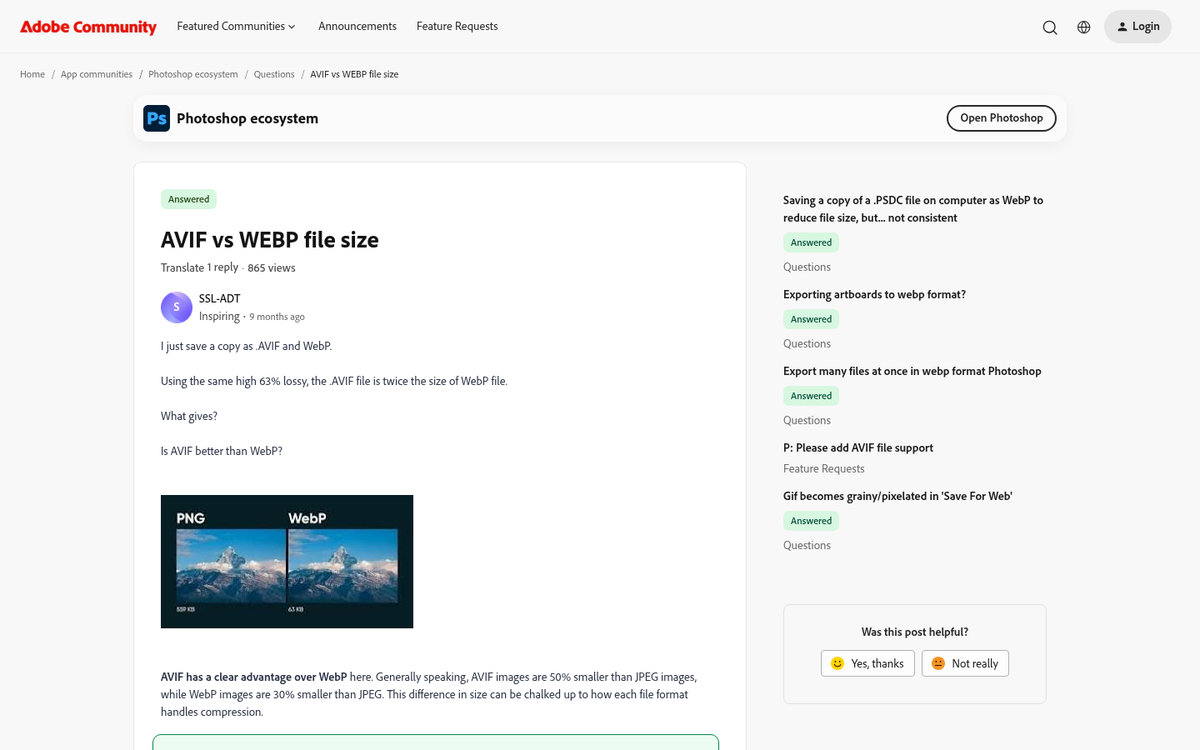
Whenever possible, use lightweight, modern file formats. Next-generation image formats like WebP and AVIF offer significantly smaller file sizes compared to traditional JPGs and PNGs with no visible quality loss. For documents, plain text or HTML alternatives are far lighter than PDFs or DOCX files. The smaller your files are, the less bandwidth you use up each time a user loads your page.
Compressing an image to save even 12 kilobytes may not seem like much in isolation, but if it's a branded logo or part of your navigation, it loads on every page and subpage on your site. If a user loads three pages on average, that's 36KB per user. Multiply that by thousands of visitors and you're saving meaningful megabytes of data every day. Large optimizations - such as switching from PDF to a lightweight web format - can save multiple megabytes per load.
Use Server-Side Caching
Many web platforms, including WordPress, render and build content each time a user loads it. This means every time a user loads a page, every server call goes out and every file is loaded again and again. You can use server-side caching to alleviate this problem significantly.
Server-side caching creates a pre-rendered version of your page and serves that cached version to subsequent visitors until it expires. The cache refreshes periodically to keep your content up to date. Popular solutions like Redis, Varnish, and WP Rocket (for WordPress) can dramatically reduce server load during traffic spikes. When combined with a CDN, caching at both the server and edge level gives you a powerful two-layer defense against high-traffic events.
Upgrade Your Host

Many web hosts allow you to pay more to upgrade your package at any time. Some have a delay before the change takes effect, while others are immediate. Web hosts typically have a vested interest in making sure their client sites are up as much as possible, so be sure to contact your host and talk to them if a spike occurs.
Paying more to increase your hosting may not seem like an ideal option, but consider the alternative - 86% of businesses report that an hour of downtime costs them $300,000 or more. Even for smaller operations, the cost of lost revenue and reputation damage almost always outweighs the cost of a temporary hosting upgrade.
If your current host consistently struggles under pressure, it may be time to consider migrating to a cloud-based or auto-scaling hosting environment. Platforms like AWS, Google Cloud, and DigitalOcean offer elastic scaling that automatically provisions additional resources as traffic grows, so you're never caught flat-footed by a sudden surge. If you're evaluating your options, check out the top web hosts with the fastest hosting packages to find one that can handle the load - and learn more about why faster hosting doesn't always mean more traffic on its own.
Streamline Your Code

Without going so far as to create a lite website version, you can work to lighten the load your website causes through ongoing code hygiene. Remove unnecessary code, unused CSS, redundant JavaScript, and any hidden markup that's adding weight without adding value. The biggest offenders are typically scripts and plugins that are no longer active or valuable, but were never removed.
Tools like Google PageSpeed Insights, GTmetrix, and Lighthouse can help you identify specific bottlenecks and provide actionable recommendations. Even modest improvements compound quickly when multiplied across thousands of simultaneous visitors during a traffic surge.
Implement Proactive Monitoring
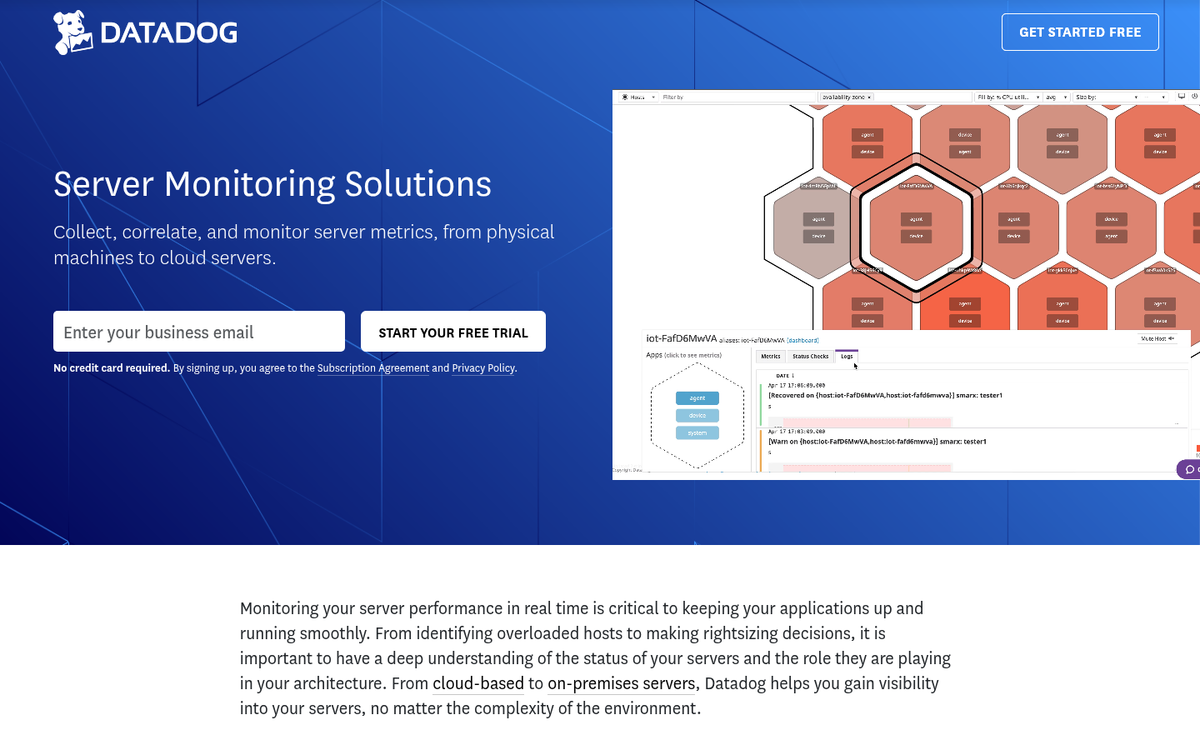
One of the most underrated defenses against downtime is knowing about a problem before your users do. Research from LogicMonitor found that 74% of global IT teams rely on proactive monitoring to detect and mitigate outages before they escalate. Tools like UptimeRobot, Datadog, New Relic, and Pingdom can alert you the moment response times climb or error rates spike, giving you a window to act before the situation becomes critical.
Set thresholds that trigger alerts well before your server reaches capacity. The faster you can respond - whether that means enabling a cache layer, switching to a lite version, or calling your host - the less damage a traffic surge or attack can do.
Use DDoS Protection
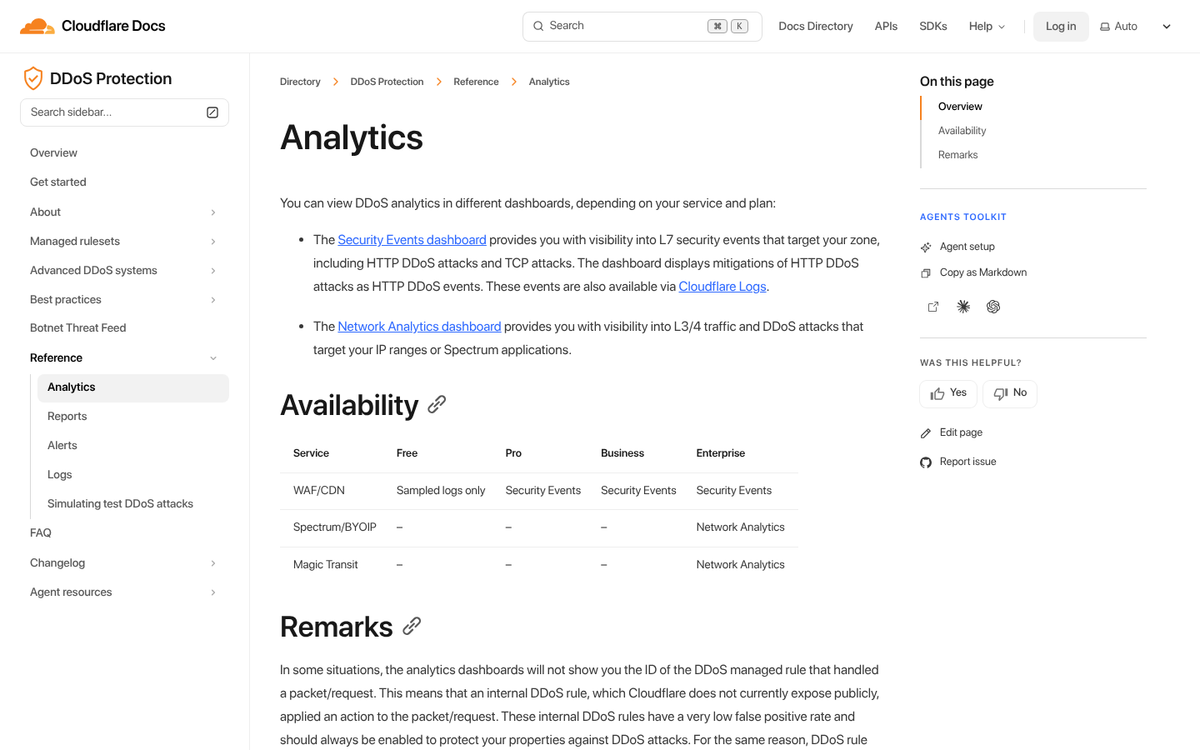
A Denial of Service attack is typically on a whole other magnitude from a viral traffic surge. A DDoS is much harder to guard against, and typically requires quick thinking and dynamic blocking. A DDoS occurs from a range of IP addresses that typically share similar behavioral patterns. A dynamic protection scheme can help ban IPs as they attack, limiting their dangerous effects and keeping your site online and error-free.
Services like Cloudflare, AWS Shield, and Sucuri offer purpose-built DDoS mitigation that can absorb and filter malicious traffic before it ever reaches your origin server. For most websites, enabling one of these services is the single most effective step you can take to protect against coordinated attacks.