As a marketer, I'm often found talking about the intricacies of Google's search algorithm and how to get your website discovered and ranked highly in the search results. What I'm not usually talking about is the other search engines you might encounter when promoting your business.
The truth is, while Google dominates the market for web search - with Bing close behind - there are other search engines of equal or greater importance for some businesses. For example, if you're trying to grow a YouTube channel, knowing the ins and outs of YouTube's search is crucial.
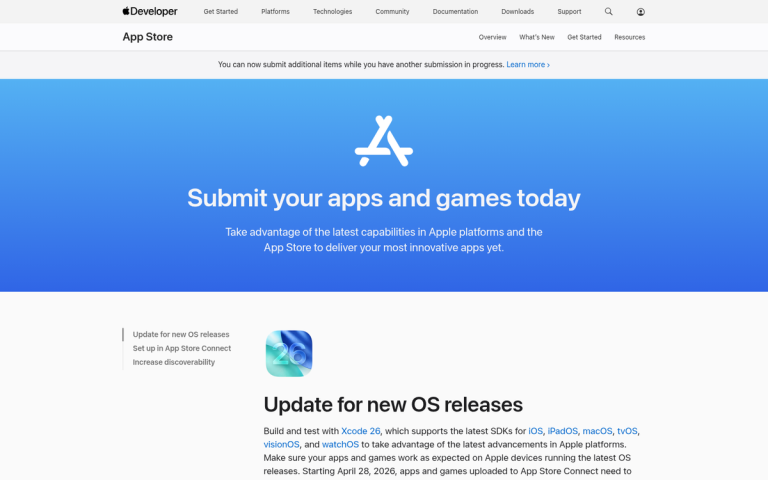
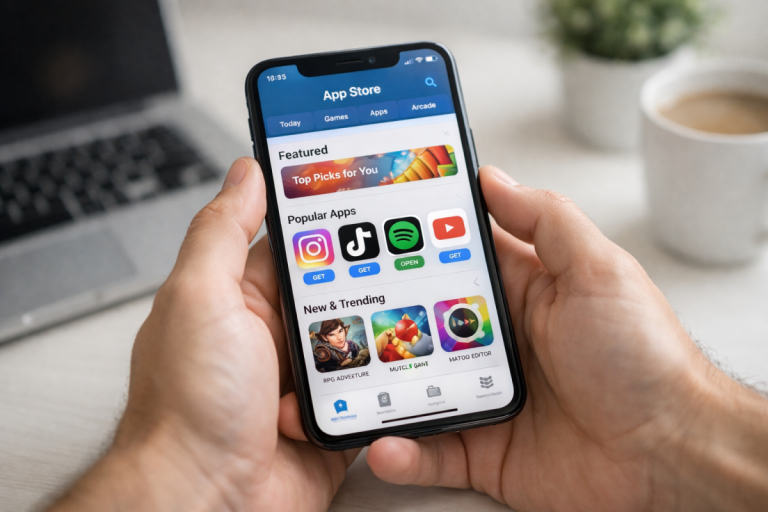
Likewise, there are other search engines you want to use to promote yourself. One such search engine is Apple's search, which searches through the Apple App Store. This primarily concerns people advertising iOS apps, but might also be of value to anyone with a Mac app of any sort, or anything found on Apple's platforms, like podcasts.
Key Takeaways
- Apple Search Ads promote iOS apps within the App Store, delivering over 60% average conversion rates and around 50% platform-wide conversion averages.
- Basic is beginner-friendly with automation but caps spending at $10,000 monthly per app and lacks keyword or audience targeting controls.
- Advanced unlocks keyword targeting, demographic filters, and additional placements; brand keywords convert 3-5x higher with 60-70% lower cost-per-installs.
- Apple's ATT framework boosted Apple Search Ads' iOS install attribution share from 17% to 31%, making it a growing privacy-compliant channel.
- To set up, you need a valid Apple ID email, an existing App Store app, and compliance with Apple's Ad Content Policies.
Enter: Apple Search Ads
Rather than rely on organic search here, I'm going to dive right into the paid side of things. Stay tuned; I might put out a post on the organic side later. For now, though, let's talk about Apple Search Ads.
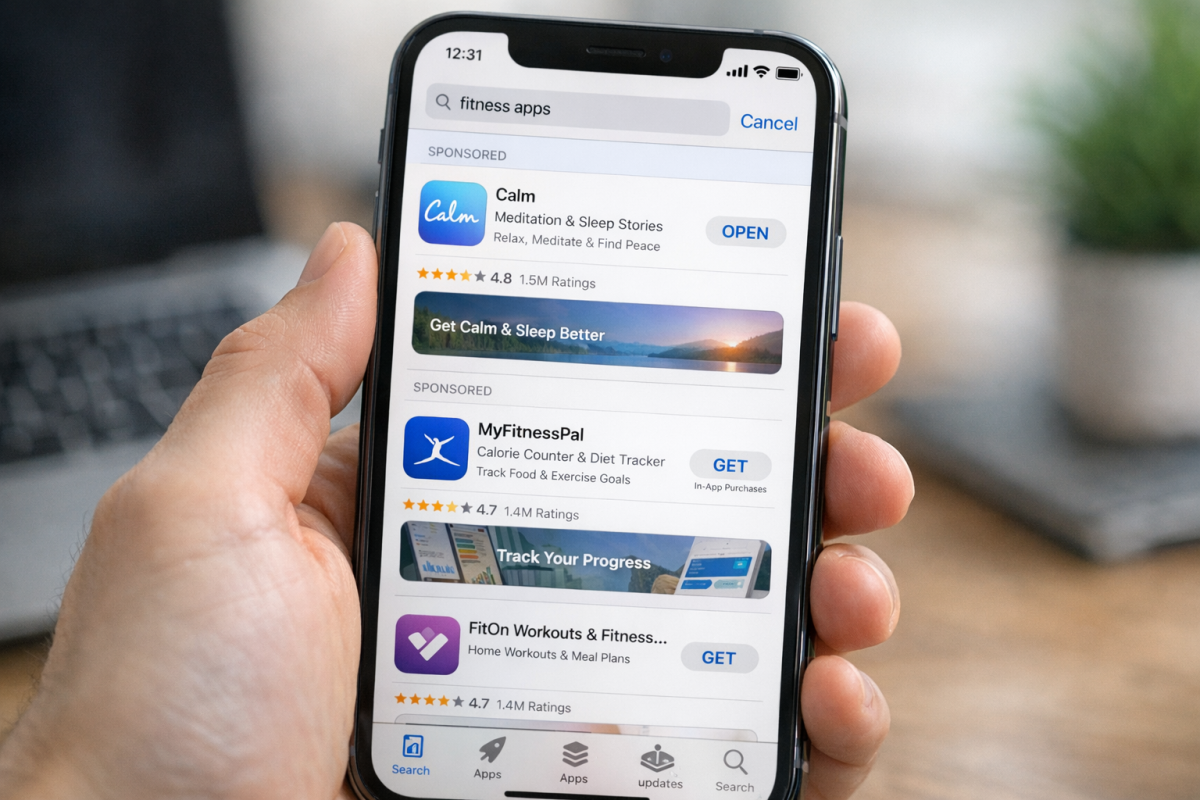
Apple Search Ads are basically promoted app listings that appear when a user searches the Apple App Store. Since people aren't usually searching the app store for no reason, these ads can be very potent.
Think about it; the kinds of people searching the App Store are most likely looking for something specific. If they aren't looking for an app by name, they're looking for something to solve a problem. If you can show them your app at just the right time, you can get them to purchase it, or download it and potentially upgrade later, or make in-app purchases down the road. Discovery is the key, and it's almost essential for any modern iOS developer to set aside a budget for Apple Search Ads. If you're also looking to improve your iOS app rankings through other means, there are additional strategies worth exploring alongside paid search.
Limitations on Apple Search Ads
Apple Search Ads are not without their drawbacks. For one thing, they only appear within Apple's own placements - primarily the App Store search results page, though Advanced placements also include the App Store Today tab, product pages, and search suggestion results. They do not appear through third-party listings or external venues.
Another key restriction is that the Apple Search Ad format is solely about promoting iOS and iPadOS apps. If you have a website you want to promote, you can't do it through this ad format. You'll be better off paying for ads in other venues for that kind of exposure.
Apple Search Ads are only available to Apple IDs that have a valid email address attached to them. Phone number only accounts are not eligible. Additionally, Apple Search Ads are only available in specific countries. You can see the full list of countries here.
Benefits of Apple Search Ads
At the same time, Apple Search Ads have a number of tangible benefits - and the numbers backing them up are compelling.
First and foremost among them is the extremely qualified audience. With 70% of App Store users relying on search to find apps, the people your ads reach are already in discovery mode. Apple's own data shows that ads at the top of search results deliver more than a 60% average conversion rate, and the overall platform conversion average sits around 50%. Those are numbers most ad platforms can only dream of.
Beyond conversion rates, Apple Search Ads advertisers have seen 20% incremental app downloads and an 18% average lower cost per acquisition compared with similar platforms. A big part of why this has grown is Apple's App Tracking Transparency (ATT) framework, which limited the effectiveness of many third-party ad networks. As a result, data from AppsFlyer shows that Apple Search Ads' share of iOS app install attribution grew from 17% to 31% - meaning more advertisers are turning to ASA as a reliable, privacy-compliant channel.
Now, that's not a 100% perfect audience. As with any ads system, you're going to have some level of audience that isn't immediately engaged. However, the Apple App Store audience is genuinely one of the better audiences to target for app installs, and iOS users have historically been shown to spend more on apps and in-app purchases than their Android counterparts.
Convinced? If you have an iOS app and you want to promote it to an audience to get more downloads, more sales, or more in-app purchases, Apple Search Ads is one of the best investments you can make.
Two Types of Apple Search Ads
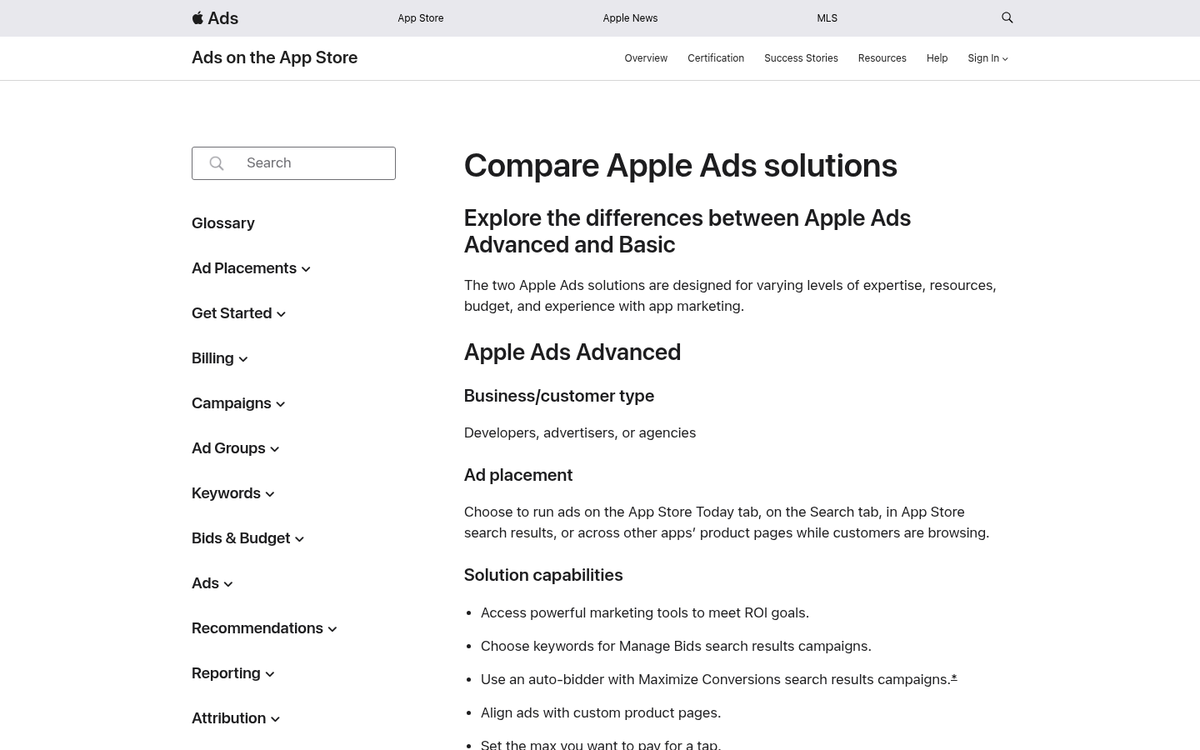
Unlike most ads systems, where all of the features are available to you as long as you know how to use them, Apple Search Ads has two different levels of access: Basic and Advanced.
Apple Search Ads Basic is, well, the basic version of Apple Search Ads. It's meant for beginners, small studios, and people who don't have a huge budget to spend on advertising. Small and mid-sized businesses, individuals, and other small entities should use this package.
Basic is a simple platform with minimal management required. It's simple to set up and get running in a minimal amount of time. You pay per app install, and you set the target cost per install you want to reach. Apple has intelligent automation to create and manage these ads for you, to maximize your chances of success.
So what's the downside? Basic does not have any sort of keyword or audience targeting options you can control. It's all reliant on Apple's automation, which means you can't use any clever tricks to get ahead of your competition. You're also limited in the number of apps you can promote on one account - that limit is 50 apps. You're also limited to just the Attribution API and not additional data or management API access.
Perhaps the single biggest limitation for some mid-sized businesses is the budget restriction. Basic restricts you to a maximum of $10,000 per month per app. If you need to spend a higher budget than that, you will have to use Advanced.
Apple Search Ads Advanced is the more powerful version of Apple Search Ads. It has significantly more features, but isn't quite as user-friendly as the Basic version. It's more like a traditional ad network - more complex and more time-consuming to manage, because much of the automation present in Basic is replaced by user control.
Advanced adds the ability to refine and target your ads based on search match, keywords you specify, customer data such as users of your other apps or existing customers, demographic information like gender and age range, device information (like iPad versus iPhone), and location data. It also unlocks additional placement types beyond search results, including the Today tab and product pages.
One particularly noteworthy advantage of Advanced: research from SearchAdsHQ shows that brand keywords convert at 3-5x higher rates than non-brand terms, with cost-per-installs running 60-70% lower on average. With Advanced, you can specifically bid on your own brand keywords to protect your listing and capitalize on that efficiency.
The Advanced version also gives you greater access to the data APIs, which can be relevant if you're an agency or a large business looking to manage bulk ads more efficiently.
Advanced removes the app limit and budget cap from Basic. However, it also removes any new account credit, so you don't get a free introductory balance. If you're planning to spend well over $10,000 per app per month, though, that's a minor trade-off.
Which version should you use? I recommend starting with Basic if you're new, have a modest budget, or are managing a small number of apps. Upgrade to Advanced if you're in a competitive niche and need the edge that targeted keyword bidding provides, if you need higher monthly spend, or if you're an agency managing multiple clients. Large businesses and agencies should generally lean toward Advanced from the start.
Setting Up an Apple Search Ads Account
If you're convinced and you want to start advertising with Apple Search Ads, it's a surprisingly straightforward process.
The first thing you need to do is make sure you're eligible:
- Make sure your Apple ID has a valid and accurate email address attached to it. Phone number only accounts are not eligible.
- Make sure you have an iOS app already uploaded to the App Store. You cannot sign up for Search Ads without already having an app available to advertise.
- Make sure you're in one of the countries where you're allowed to access the Apple Search Ads system. The list of countries is here.
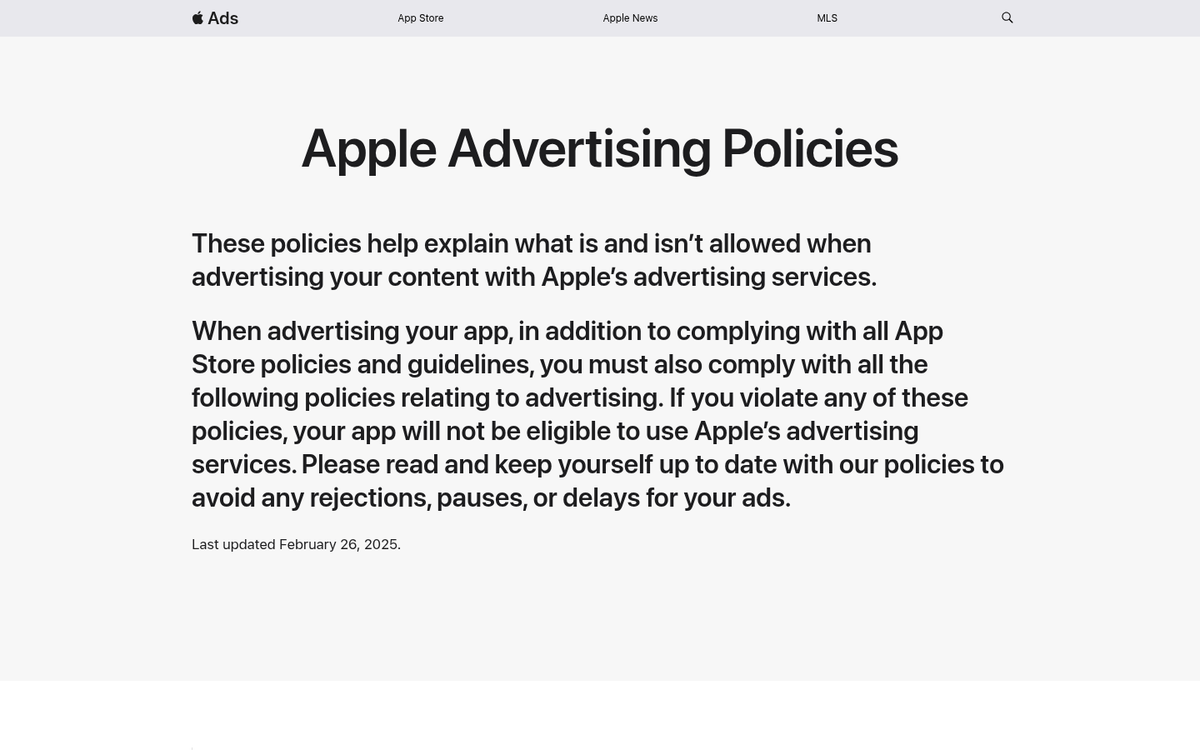
- Make sure that you're in compliance with the Apple Ad Content Policies. This covers the usual requirements: no trademark violations, no misleading apps, no illegal content, no adult content, nothing discriminatory, and so on. Read it over and make sure you don't violate any of the terms.
Additionally, some regions may have specific restrictions that are not applicable everywhere. For example, gambling content is restricted in various jurisdictions, and alcohol-related content can only be advertised to users above the requisite age and in countries that permit it.
Once you have confirmed you are eligible, visit the Apple Search Ads homepage here and click Get Started. You'll be walked through the choice between Basic and Advanced. For most people starting out, Basic is the right choice - click Start under the Basic section.
Note: You can sign up for and use both Basic and Advanced simultaneously under the same Apple ID. This can be useful if you want automation for some campaigns and manual control for others.
Once you have clicked the Start button, sign in with your Apple ID. Note that the Apple ID you choose needs to be the one connected to your App Store Connect account.
Apple will ask you to choose your preferred language and date/time format. Next, fill out your basic account information: account name, country or region, time zone, preferred currency, and primary contact information.
Accept the Apple Search Ads Terms of Service, then fill out the relevant business and tax information required to run ads.
Finally, choose your contact preference and click "Create Account" to finish setup.
Once your account is configured, add a credit card to your profile. This is required before ads can run. Billing occurs every $500 spent or every 30 days, whichever comes first.
Using the Apple Search Ads Program
Once you have your account set up and linked to your Apple ID and App Store Connect accounts, you should be able to start running ads. If you're having trouble, make sure your account role is set to either Legal Account Holder, App Manager, Admin, or Marketer - these are the roles within the Apple Search Ads system that have the permissions needed to manage campaigns.
To promote an app, simply choose the app you want to promote from your apps list. Once chosen, select the countries and regions you want to promote in. Add in your monthly budget - up to a maximum of $10,000 per month per app on Basic. Decide on your maximum cost per install and plug it in. Once you have all of this information submitted, Apple's automation will start running ads for you.
Once the ads are running, you can check reports at any time, adjust your budget at any time, and pause or cancel ads at any time.