





Key Takeaways
- Atom and RSS are the two competing syndication feed standards; site owners can offer both to serve all users.
- Atom is more modern and technically capable, while RSS has stronger name recognition and wider default adoption among users.
- Atom feeds can be converted to RSS using XSL stylesheets with XSLT processors or simpler web-based converter tools.
- WordPress automatically generates both RSS and Atom feeds by default, requiring no extra setup beyond informing readers.
- Non-WordPress sites can build feeds manually using XML, web-based feed builders, or lightweight PHP feed generator scripts.
Atom? RSS? What's all this then? In the space of feeds, these are the two prevailing standards, and as such they're competing for sections of your audience. You can go with one or the other. But why not both? If your site already generates an Atom feed, you can convert that into an RSS feed for those users who want the other standard.
What am I talking about? Let's have the basics.
Feeds
A feed, or a syndication feed, is a stream of formatted data served by your website. In raw format, it's a structured mess of XML data, organized in a way depending on the format being used.
In order to read a feed, you need what you might expect is appropriately termed a Feed Reader. There have been feed readers over the years, ranging from NewsBlur to Feedly to Inoreader. Some older options are now defunct, and the community has shifted as users increasingly follow social media accounts instead of relying on syndication feeds. But dedicated feed readers remain very much alive and actively used in 2026.
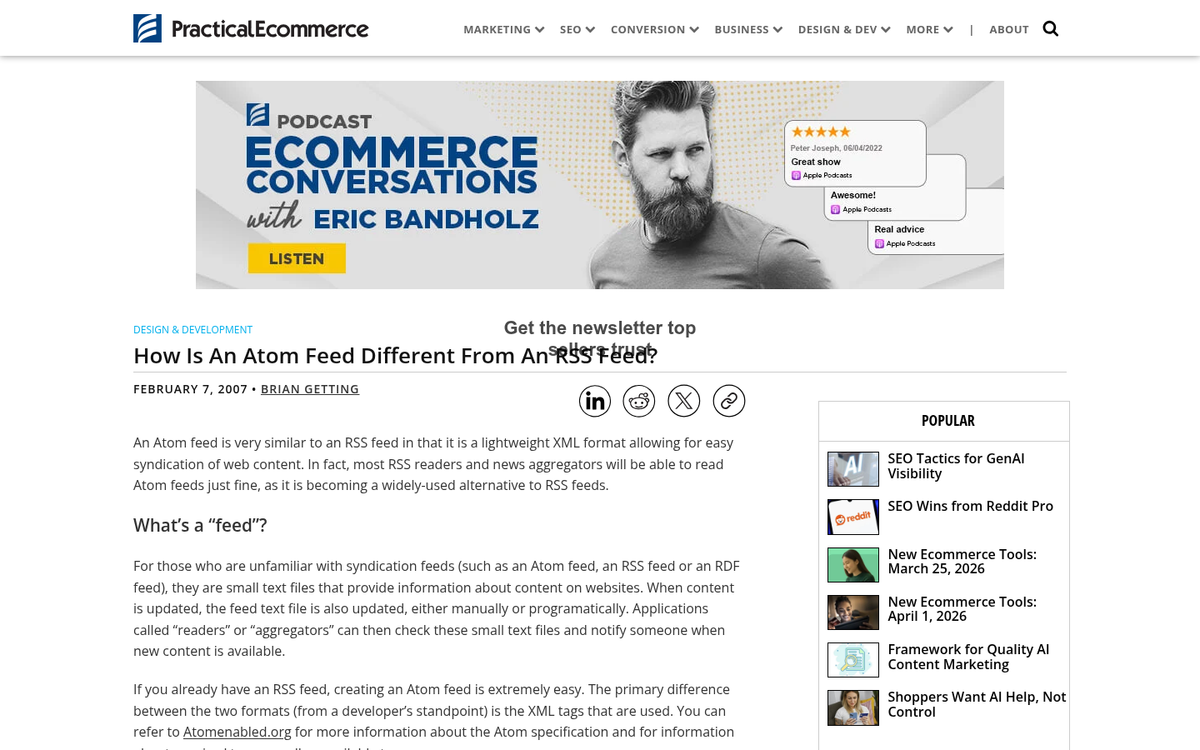
If you think I'm just describing an RSS feed, well, I am - sort of. RSS is the name of a feed protocol, just like Kleenex is a type of tissue - not a descriptive term for all tissues. RSS is one of two types of syndication feed structure, the other being Atom. RSS itself stands for Really Simple Syndication. Its first version was released in 1999, and the latest version, RSS 2.0, was finalized in 2009 and has remained unchanged since.
There's actually variation within those two standards. RSS has gone through a few versions over the years, and Atom has been iterated as well - it means any feed reader worth using needs to manage basically any type of feed, and older sites should make sure their feeds are in the most current format whenever applicable. If you're unsure where to start, it helps to locate your feed URL on your WordPress blog before troubleshooting any format issues.
Atom vs RSS
In any case where more than one competing standard exists, you probably have to ask yourself "which is the better option?" Is RSS better, or is Atom the better standard? There's no way to guess offhand, so let's get started on the comparisons.
There are quite a few differences between the two. Here's a quick summary of the ones that matter:

- Both formats use XML, and have .xml extensions or .rss and .atom extensions.
- RSS does not support extension to namespaces, while Atom supports it.
- RSS supports plain text and escaped HTML as payload data. Atom feeds are more flexible and support those as well as XHTML, XML, binary encoded in base 64, and references to external binary content.
- RSS does not identify the format of the content, while Atom supports explicit identification of the content format.
- RSS is fairly easy and flexible, while Atom has a more rigid structure.
- RSS is more complex to aggregate, while Atom supports aggregation at a basic level, making it easier.
- RSS is older and has stronger name recognition, though it has not been updated since 2009. Atom is newer, more technically capable, and still sees broader platform support in modern implementations.
- RSS development has historically been fragmented and contentious, while Atom was developed by a broader consortium of developers working together under an IETF standard.
There's quite a bit more to it, of course. But it digs into technical facts that don't matter for most site owners. As a site owner, the only questions are "which one are my users using" and "how easy is it to implement?" As a user, your only question is "does this site support the format I'm using?"
At the end of the day, Atom and RSS are still viable, and which you use is mostly a matter of preference. Atom is the more capable and modern standard. But users and feed readers still default to RSS, and it's up to you to choose what you want to offer.
Which Should You Use?
So the question you could be asking yourself is "which should I use, Atom or RSS?" The answer, as it is for either/or questions I find myself answering, is "why not both?"
Atom is a more modern standard. But that doesn't mean you should only use Atom. RSS has wider name recognition and large adoption. But that doesn't mean you should only use RSS. Why not give both?
Give your site visitors the option to choose whichever version of the feed they like. Most conversion tools and methods listed below are focused on consumers instead of content producers. But as a site owner, you can make things easy on everyone by offering both feeds.
Converting Atom to RSS
If you want to convert your Atom feed to an RSS feed, you can. Here are a few options.

First, there are XSL stylesheet-based tools that allow you to convert an Atom 1.0 feed into an RSS 2.0 feed. These involve combining the stylesheet with your Atom feed through an XSLT processor - this works for developers comfortable with XML tooling, and it can be automated - just to give you an example, if you're converting a YouTube channel's Atom feed, you can set a cron job to run the conversion script at five minutes past the hour, which aligns neatly with YouTube's hourly Atom feed update schedule.
If that sounds too technical, a web-based tool may be a better fit. There are easy Atom-to-RSS converter tools available online where you paste in your Atom feed URL and receive an RSS feed in return, no coding required.
Converting RSS to Atom
Similar to converting Atom to RSS, the methods for converting RSS to Atom are usually more developer-focused.
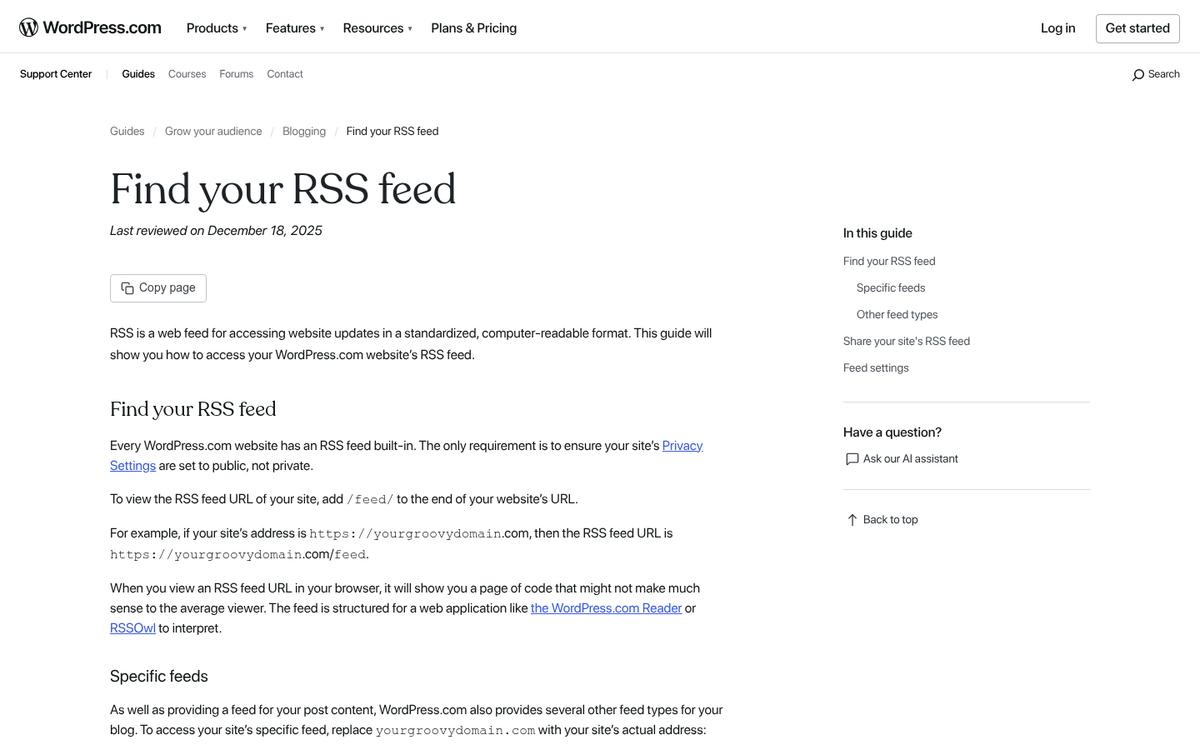
One option is FetchRSS, a web-based tool that lets you point it at almost any source - a social media profile, an Atom feed, a webpage - and produce an RSS feed from it. On the free tier, FetchRSS is limited to five feeds and a 24-hour update interval. Paid plans remove those restrictions if you need more frequent updates or more feeds.
For developers, there are also PHP-based feed conversion scripts and libraries available that are able to manage RSS-to-Atom conversion server-side, giving you more control over the output and update frequency. If you run into issues during this process, learning how to diagnose and fix an internal server error can save you a lot of troubleshooting time.
Start From Scratch
Converting between feed formats can work. But as a blog owner, it's easier and cleaner to offer both kinds of feed natively from your site. Thankfully, this is easier than it might sound.
One thing to keep in mind is that your RSS feed and your Atom feed are going to need different base URLs. Many tools default to something like domain.com/feed/ regardless of feed type. You should set up URLs for each format so users and feed readers can subscribe to the right one.
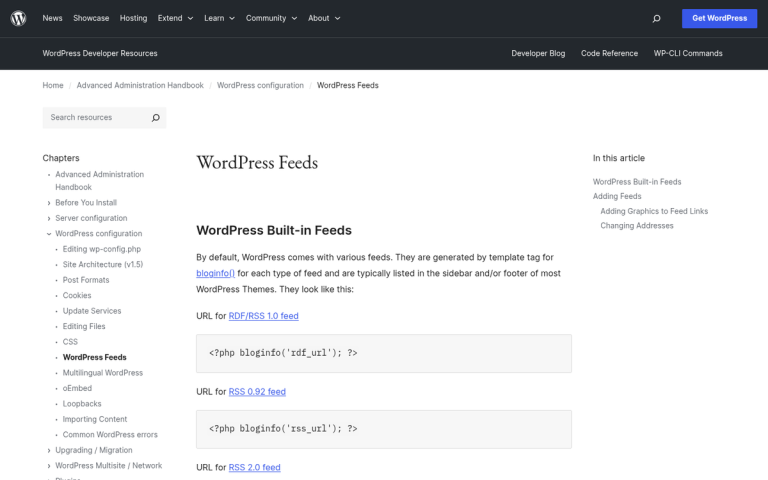
Installing an RSS feed is pretty easy. If you're on WordPress, your blog already has an RSS feed built in by default - it's accessible at www.yourdomain.com/feed/ without any extra setup. All you need to do is let your readers know it exists - you can advertise it with RSS buttons in your site's footer or navigation, or link to it directly in your content. If you want to manage your WordPress theme footer links, that's worth looking into as well.
If you're not on WordPress, you can build an RSS feed manually as an XML document. The basic structure involves:
- Starting a new XML document and declaring it as an RSS 2.0 feed.
- Adding a channel tag containing information such as the title, link, language, and description of your feed.
- Adding a node for a feed image, usually your logo, along with the relevant image metadata.
- Adding individual item nodes for each piece of content, with fields such as title, description, author, category, and publication date.
If manual coding isn't your preference, there are web-based tools that walk you through the process step by step without requiring you to write XML by hand.
Installing an Atom feed is also easy, though the structure is different enough from RSS that you can't simply copy the same template and swap out a few labels. Atom uses an XML structure with different node names and formatting conventions.
The official Atom syndication format is documented under RFC 4287, and the specification includes sample feeds you can use as a starting point. You're basically creating an XML document with the relevant nodes - it's the same concept as RSS, just with a different schema.
WordPress also has an Atom feed built in by default, accessible at www.yourdomain.com/feed/atom/. Like the RSS feed, you can point users to it however you like, and any modern feed reader will be able to manage it without a problem. If you're considering WordPress.com versus a self-hosted WordPress blog, it's worth knowing that both options support Atom feeds natively.
For non-WordPress sites, lightweight PHP Atom feed generator scripts are available that manage the formatting for you, provided you're comfortable with basic PHP. These are a helpful middle ground between full manual coding and relying on a third-party hosted tool.
2 responses
Thoughtful replies only - we moderate for spam, AI slop, and off-topic rants.
You can have constant searches. If you go to the web-based blog aggregators you can search inside their feeds. Let s say you have an interest in Dr Pepper . You could search for that and the results page will have a feed. If you load that feed into your reader then you will have a constant search for Dr Pepper at that site. Additionally you can usually set up a reader to watch for words in all the feeds it gets too.
Thanks for this bit of info! That is very useful, especially for people keeping up with trends, like stock market investors or writers. Do you prefer .Atom feeds or .RSS feeds?