Key Takeaways
- Transcribe your video first using AI tools like Otter.ai, Descript, or Whisper, or download existing YouTube captions directly.
- Break the transcript into an outline, then verify all facts, statistics, and strategies are current before writing.
- Write the post manually, via freelancer, or using AI assistants - but always apply human editorial judgment before publishing.
- Embed the original video, add sourced images, optimize meta content, and update the video description linking back to your post.
- After publishing, promote across social channels, notify cited sources, and repurpose the same materials into additional content formats.
Usually, when we talk about repurposing content, we start with blog posts. Blog posts are big lumps of text that can be repurposed in a dozen ways. However, in this instance, you read the title right; we're starting with videos and transitioning them to blog posts.
There are a few reasons why you might want to go through this process. Maybe you acquired another company in a merger and they have videos but few other resources. Maybe you found old videos that still have relevant information but aren't doing much without a video marketing strategy. Maybe you've been making videos but doing nothing else with the content for a while, recently or otherwise.
The case for doing this is strong. More than 77% of internet users read blogs regularly, and blog posts that add video draw 3x as many inbound links as those without. A ReferralRock survey found that 46% of marketers say repurposed content delivers the best engagement, leads, and conversions - and 65% see it as the most budget-friendly strategy. The data makes a strong argument for bridging your video library and your blog strategy.
Regardless of the cause, you have videos, you don't have blog posts covering those same topics, and you want to rectify that. Here's a general process you can follow, though it does assume you don't have any of the resources that went into making the video. If you have those resources, like a transcript or the original sources you used, then you'll be able to skip some steps.
Step 1: Transcribe the Video
The first thing you need is a transcript of the video. Depending on the content of the video, you might just need the audio, or you might need written content like on those Moz Whiteboard Friday videos. Their videos have a screenshot of the finished whiteboard and a blog transcript - a model to keep in mind.
You can, if you want, basically post the transcript as a blog post. Sometimes this is fine. Often it will have problems. Either it's old enough that it's no longer relevant on its own, or it's too short to make modern content. You should put some more work into it.
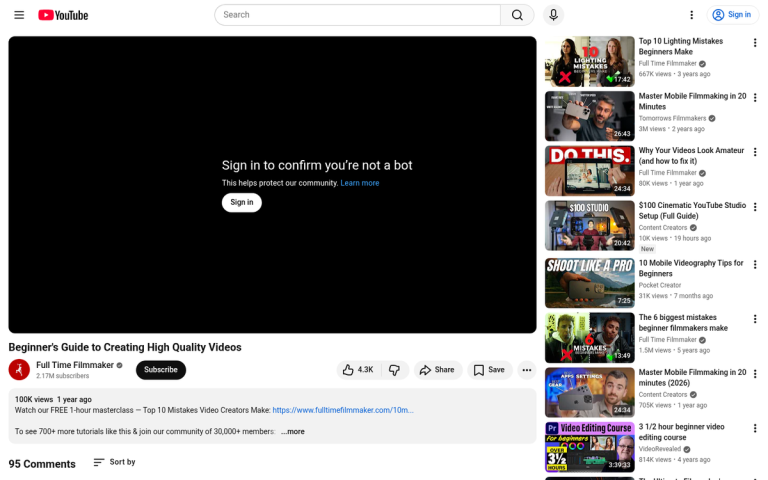
If you're the owner of the channel and the video already has auto-generated captions, you can download the transcript directly from YouTube's Studio dashboard. For videos you don't own or that don't have captions, you have a few options.
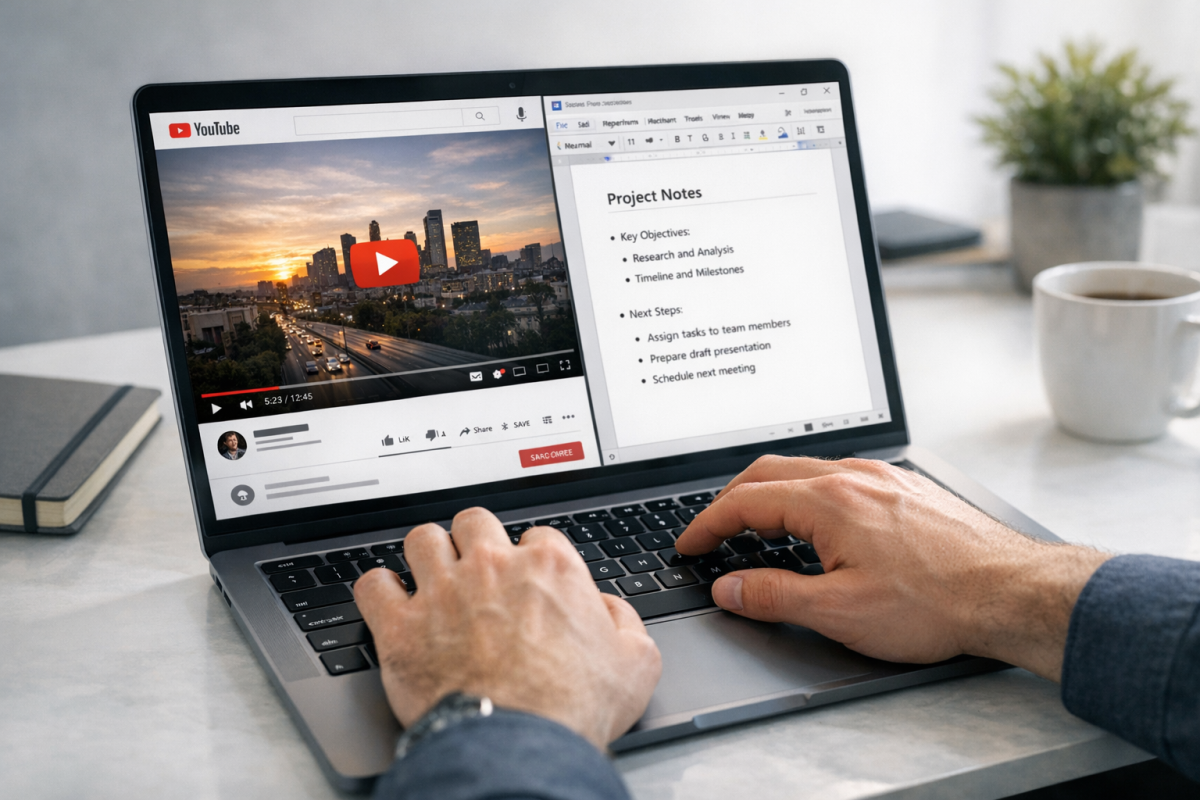
In 2026, AI-powered transcription tools have made this step dramatically faster and cheaper. Tools like Otter.ai, Descript, and Whisper (OpenAI's open-source model) can transcribe audio with high accuracy in minutes, usually for free or at very low cost. Dedicated video-to-blog platforms like videotoblog.ai go a step further and claim to save users an average of 10 hours per week by automating the entire transcription-to-draft pipeline. If you have a large library of videos to convert, these tools are well worth looking at before defaulting to manual transcription or hiring a freelancer.
That said, you can still do it yourself for short videos - it's not hard. But it is going to need lots of pausing and unpausing. If you have a volume of work and prefer a human touch, freelancers on Upwork or Fiverr remain viable options, as do dedicated transcription services.
Step 2: Break the Transcript Into an Outline
Videos, at least well-made ones, like to have a flow to them, like a blog post or any other piece of content. They have an introduction, usually of the speaker and their credentials. They go on to explain the topic and the foundational knowledge needed to understand it. They ask the question they're here to answer, explain what it means, then give you the answer with supporting information. They wrap up with any wider implications and an outro, sometimes with a teaser for other content.

Almost all of this, save for the personal teaser, matters. Even the credentials might matter if you're quoting.
Take each section and analyze it for what it means and why it matters. Write down a sentence in your own words summarizing it. You're basically compressing, deconstructing, and breaking the transcript down into an outline - this will be the framework you use to write your blog post. If you're using an AI writing tool, this outline also makes a useful prompt scaffold - giving the model direction instead of a raw transcript dump.
Step 3: Gather Informational Sources
At this point, with your outline, you'll know what the topic is and what primary data points need research. You will want to collect modern resources for any relevant point brought up. If it mentions a marketing strategy, verify it's still the latest best practice. If it references a statistic, find the most recent version of that data. If it brings up a quote, check that it's accurate and still attributed correctly.
Gather your sources. You might not use them all. But you should have a list of citations ready to support your post. As an added bonus, reaching out to the publishers of the sources once your post is live can open up link building opportunities.
Step 4: Correct Factual Errors or Changes Over Time
The world is a changing place, and no industry is an exception - especially true in the post-2023 era, where AI tools, platform algorithm updates, and changing consumer behaviors have influenced entire industries in a matter of months. You don't want to publish a blog post that references strategies, platforms, or statistics that are years out of date - it signals low quality to readers and search engines.

Go through your outline and make the necessary changes. Some will be minor updates to statistics or personnel. Others could be more significant, potentially invalidating the premise of the original video entirely.
Step 5: Write the New Blog Post - With or Without AI Assistance
At this point, the foundational pieces are in place. You have your outline, your sources, and verified facts. Now all you need to do is actually write the piece. Or, as the case may be, send it to a freelancer with your materials and requirements and have them write it.
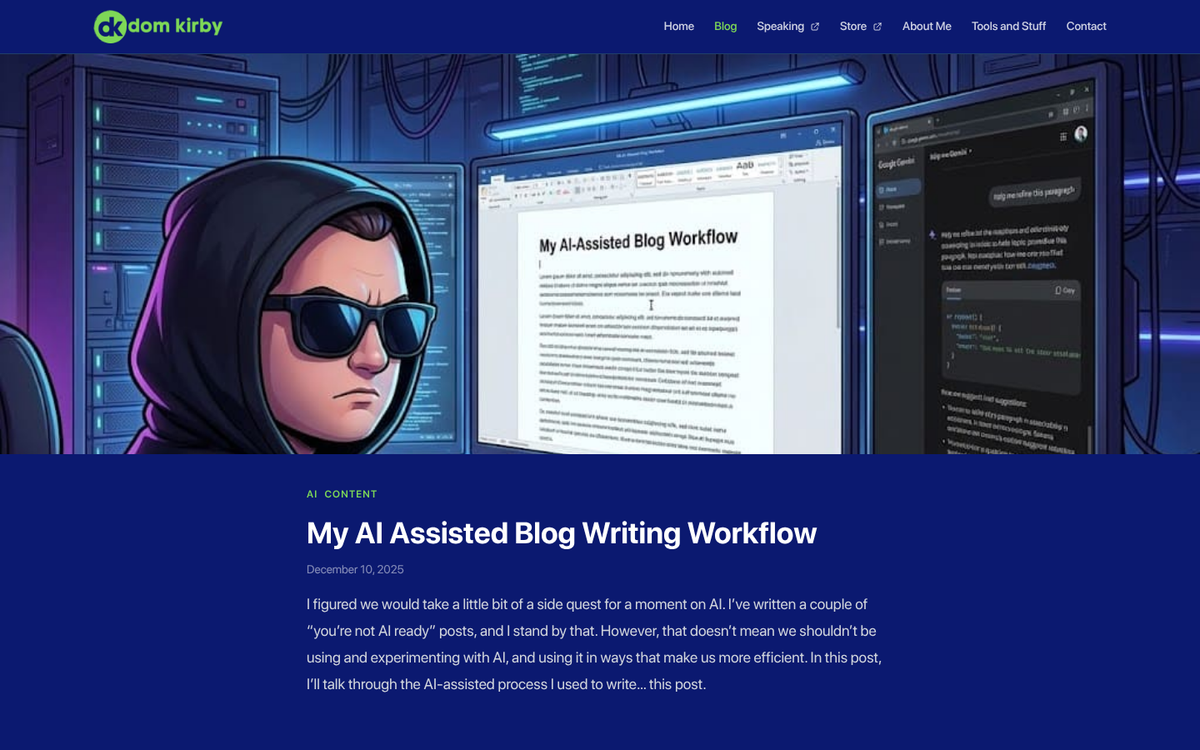
In 2026, a third option is increasingly common: using an AI writing assistant like ChatGPT, Claude, or Gemini to draft the post from your outline and source notes - it will dramatically speed up production, though the output should always be reviewed, edited for accuracy, and given a human voice before publishing. Search engines have become more refined at detecting thin, generic AI content, so the goal is to use AI as a drafting accelerator - not a replacement for editorial judgment.
Whichever path you take, make sure your blog strategy has the budget and workflow to support it. Establish some form of ROI measurement - even if content attribution remains imprecise - traffic, time-on-page, and lead source data are a basic starting point. It also helps to know how much you should be spending on blog content before committing to a production cadence.
Step 6: Include Images and Links
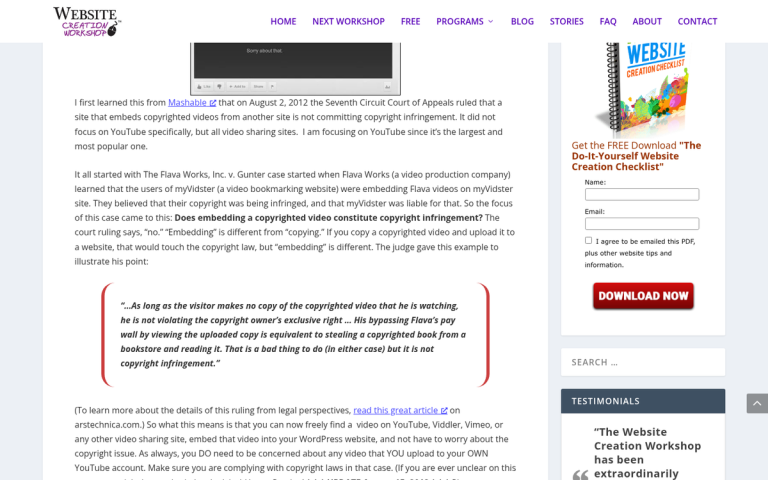
You're going to want to optimize your post for "being a blog post," which means a smart use of images and links. First, choose how transparent you want to be about the original video source. If it's your video, there's no reason not to embed it - in fact, embedding the original video in the blog post is a smart move. Posts with video draw more inbound links than those without. If the video belongs to someone else, see if crediting it adds to or detracts from your post.
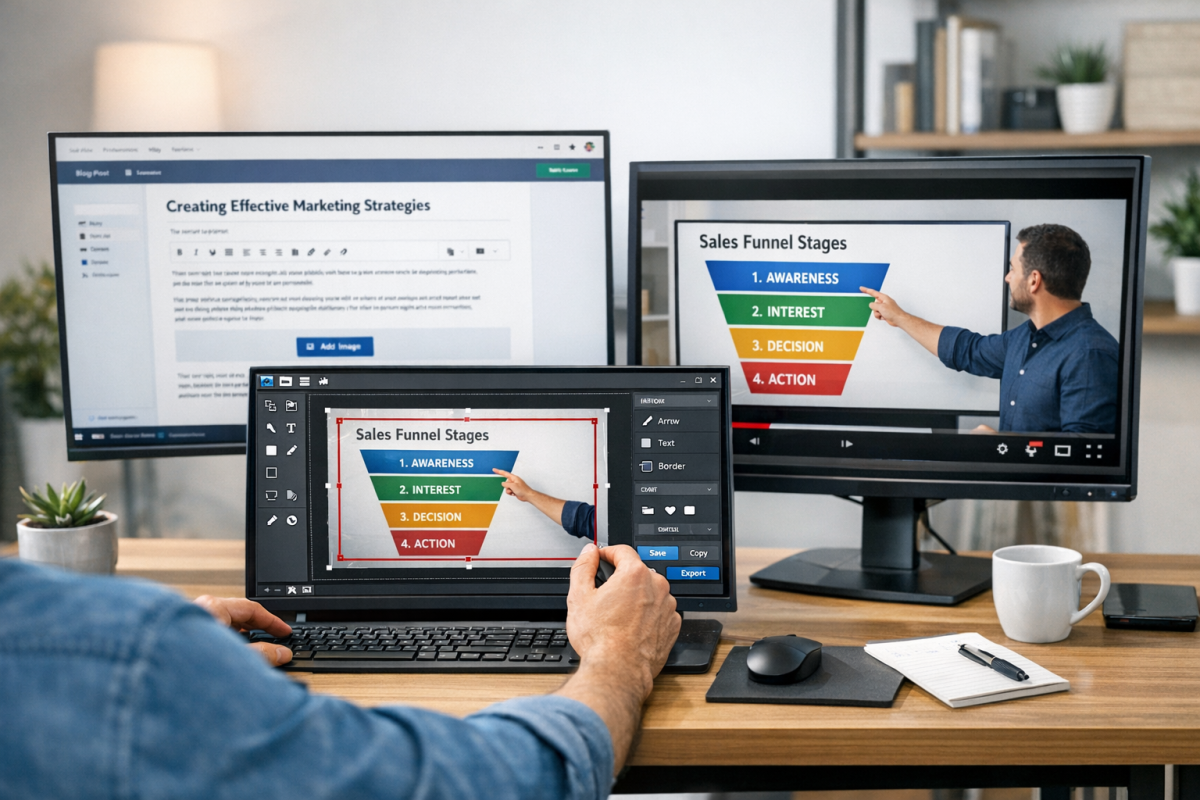
Link to your modern sources throughout the post. For images, original visuals are always preferable. But if the video contained useful visual content - diagrams, whiteboard sketches, on-screen data - you can take snapshots and use those as images. Most modern video players and screen capture tools manage this cleanly. If you need a place to store those visuals, consider free image hosting options for bloggers. If you run into black screen problems with hardware acceleration settings, running the video through VLC Media Player's built-in snapshot tool is a reliable workaround.
Step 7: Optimize Meta Content
Don't forget to optimize your meta content for maximum SEO appeal. That means a meta title that's short, punchy, and keyword-informed - it means a meta description that teases the core question and earns the click - it means a H1 for your title and logical subheadings throughout - it means schema markup where your CMS supports it, giving search engines structured data to work with.

In 2026, this also means thinking about how your content appears in AI-generated search summaries. Tools like Google's AI Overviews and other generative search features are increasingly pulling from well-structured, attributed blog content.
Step 8: Publish the New Blog Post
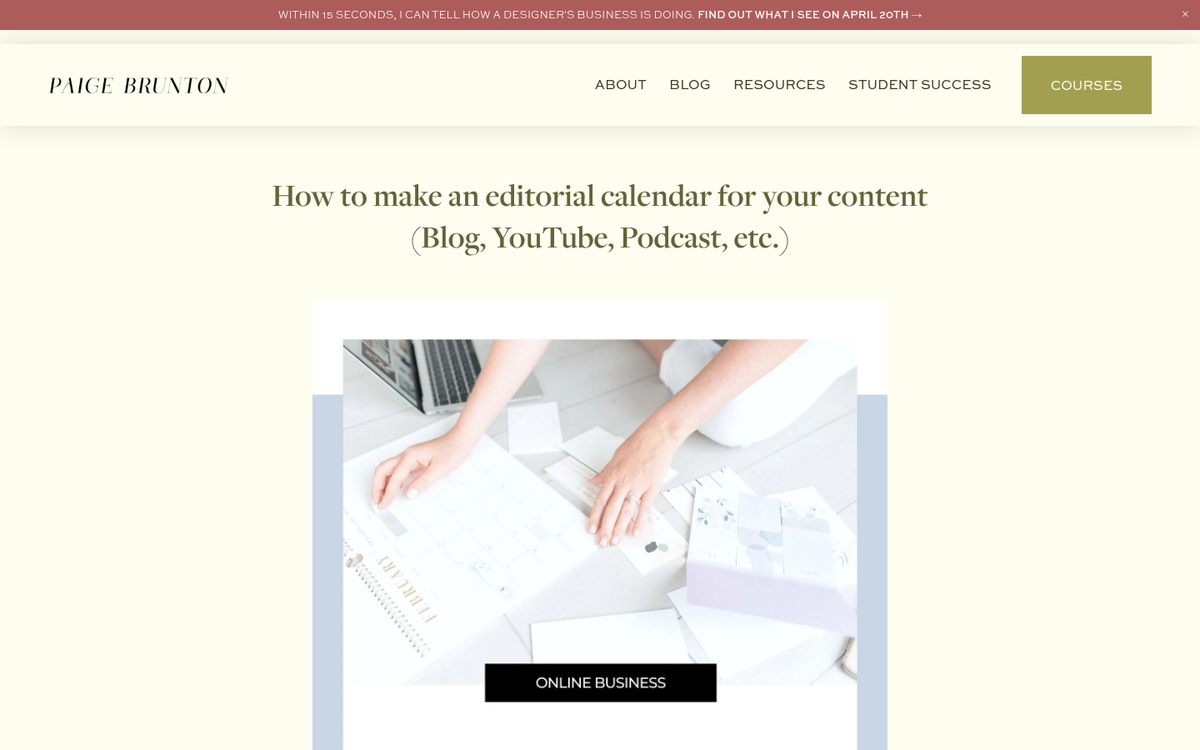
Once you have the post written and reviewed, it's time to publish it. Slot it into your editorial calendar. Since this content originates from an existing video, it's unlikely to be time-sensitive - which means it has evergreen potential. There's no need to rush it. Prioritize posts with stronger time-sensitivity and let it land where it fits in your schedule.
Step 9: Edit the Video Description to Promote the Post
If you have access to the account where the video lives, update the video description to include a link to your new blog post. Position the link near the top of the description, above the existing copy, so it's visible without expanding. Something like: "Updated coverage of this topic on our blog: [link]" works - this gives anyone who finds the video a path to your site and whatever conversion process you use there.

On YouTube specifically, you can also add the link as a pinned comment, which tends to get strong visibility on active videos. If you don't have access to the original video - or if your blog post has evolved far enough away from the source material - skip this step - it's an added bonus, not a requirement. For more ways to maximize reach, see 25 ways to promote your blog post after publishing.
Step 10: Promote the Post Elsewhere
As part of the publication process, choose how much effort you want to put into promoting the post. At minimum, share it across your usual social channels. If it's a high-value piece, consider more active distribution: email newsletter, LinkedIn post, community forums, or paid social amplification.
Notify the sources you cited - a quick message letting them know you referenced their work can earn a share, a mention, or a backlink. If the original video wasn't yours, consider reaching out to the creator as well. A message along the lines of "your video inspired us to dig deeper into this topic" is a genuine outreach angle - not a cold pitch, and it can open doors for collaboration or cross-promotion.
Step 11: Repurpose Further Using the Same Resources
Now you have a body of research, a polished outline, and a finished post - all built from a single video. Don't stop there. The same materials can fuel an infographic, a LinkedIn carousel, a short-form video for Reels or TikTok, a podcast episode, or an email series, and each extra format extends the reach of the same core content investment.
With AI tools now able to help in reformatting content across mediums - summarizing long posts into social snippets, converting outlines into slide decks, or drafting email sequences from a blog post - there's less friction than ever to executing a true multi-format content strategy. The 37% of B2B marketers who still find content repurposing a challenge are increasingly finding that the tooling has caught up with the ambition.
Never let content die if you can help it. A video you recorded two years ago, updated and repurposed, can drive traffic, earn links, and generate leads for years to come.