Key Takeaways
- Distraction-free writing apps like Ommwriter, Q10, and iA Writer help writers focus by eliminating on-screen clutter and distractions.
- Several tools including Q10 and FocusWriter offer goal-tracking features like word count targets and timers to maintain writing momentum.
- WordPress's built-in distraction-free mode offers a focused writing environment without requiring any third-party tools.
- Noise-cancelling headphones are recommended as a key physical tool for maintaining focus, especially in shared environments.
- The Pomodoro technique-25-minute focused work blocks followed by short breaks-can sharpen focus and improve writing productivity.
Writing tools can make a real difference in how productive and focused you are. To some people, writing comes naturally. It's easy to sit down, build an idea and make it into a tower of words the likes of which haven't been seen. The rest of us, well, we have to work a little harder at it.
When writing is a job, a chore, a grind, it can become quite a bit harder to actually write a post. A single 1,000-word post could take hours to write. Research alone can take ages; it's why you'll have to stack the odds in your favor.
I've accumulated these tools so you can use them in your writing process. Some of them have helped me and some of them are apps I've tried but have passed up for a slightly better version. Everyone has different tastes so I've listed some alternatives where relevant.
Most of the apps that follow are writing apps, programs you can use to sit down and actually write. Some of them are gimmicky, some of them are basic and some of them are tough. The other items on the list are accessories so you can write free of distractions. You're free, of course, to use what you will.
1. Ommwriter
Ommwriter takes its name from the Zen meditation sound Om. To fit the theme of meditation, it's anything but distracting. The program lays your text over a beautiful background, a peaceful image or color gradient of your choice amongst a handful they give you. In addition to the peaceful visuals, it plays relaxing audio tracks to focus your mind - it also optionally layers on soft keystroke sounds, for an auditory feedback of the progress you're making as you write.
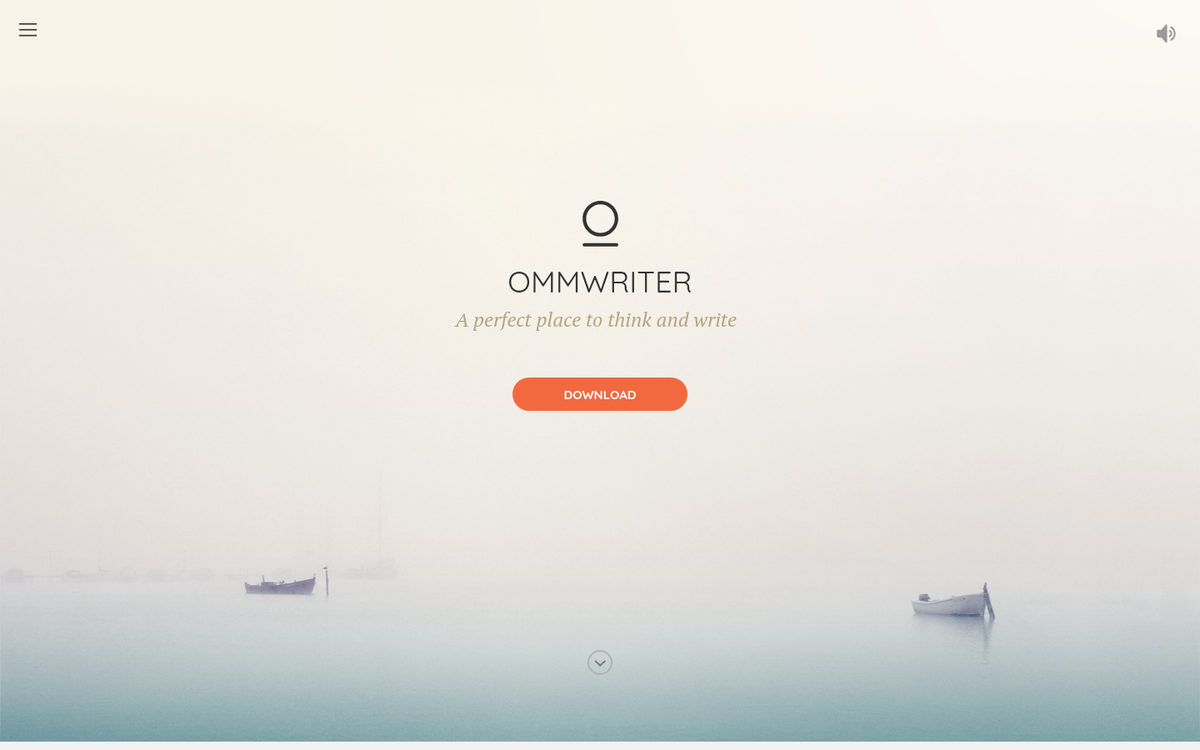
Ommwriter is available for Mac and PC - it operates on a pay-what-you-want model, so you can grab it for a minimal cost and support the developer as much as you see fit - it's a niche tool. But for writers who respond well to ambient environments, it remains one of the most atmospheric options out there. If you're looking to write a great blog post in under an hour, a distraction-free tool like this can make a real difference.
2. Q10
Q10 is a minimalist freeware writing app in a similar vein to Ommwriter - it's only available for Windows, developed and maintained by one lone programmer as a passion project.
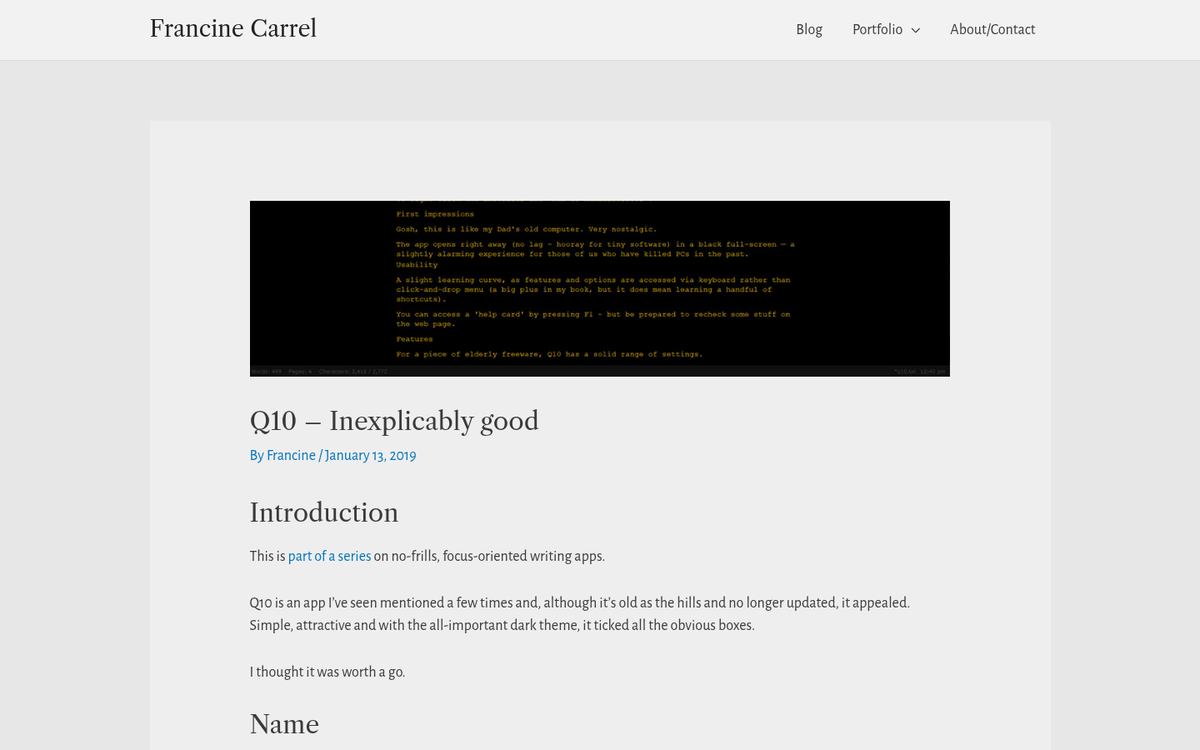
The features list for Q10 is fairly deep for a minimalist writing app - it's full-screen, of course, so there's never a distraction on screen - it has live-updating text statistics across the bottom, showing word count, page count, character count and the counts for a segment you select. You can customize the line spacing, text spacing, font, indentations and colors - it's also portable; you can store the exe on a thumb drive and have it wherever you go.
My favorite features have to do with setting goals. One is a timer; you can set an in-app timer to tell you when to take a break. There's also a target count. If you're writing a 1,000-word blog post, you can set it to a target of 1,000 words and it will show you your percentage of progress along the way and notify you when you hit your goal.
3. WriteMonkey
WriteMonkey is another zen-focused minimalist writing app - it's available for Windows and it's free, though donations are welcome on their site.
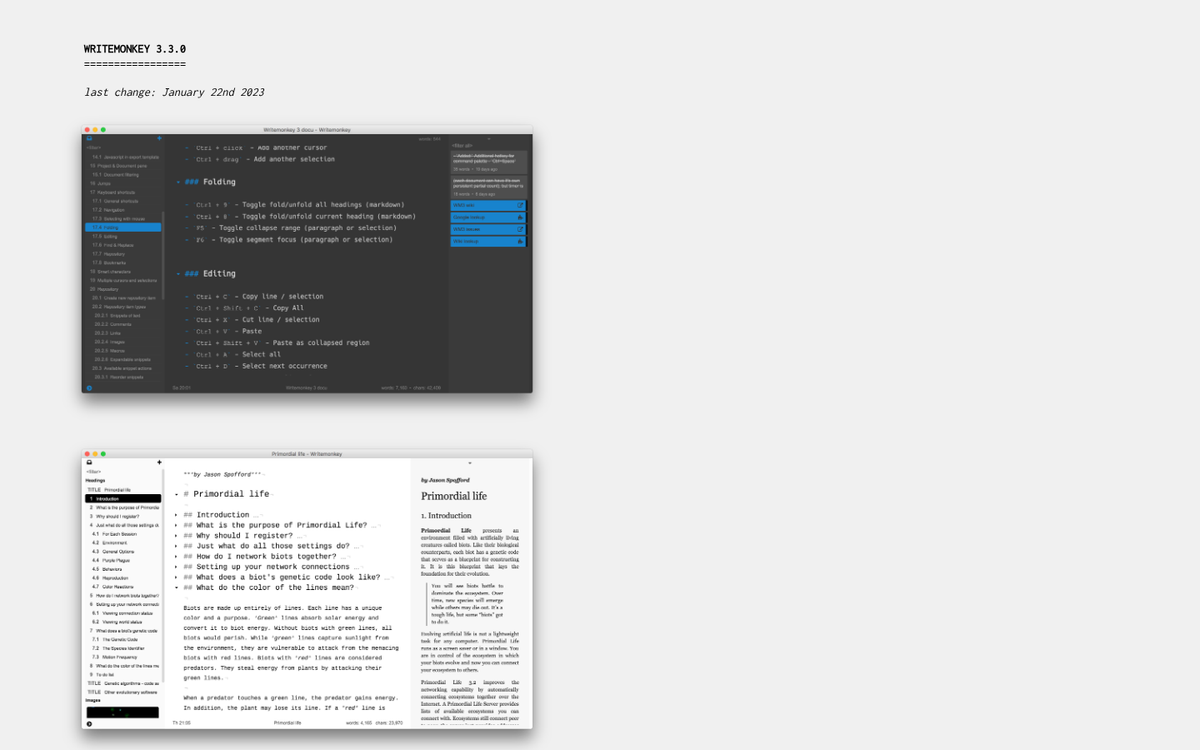
The feature set is fairly similar to Q10 in ways - very customizable, clean interface and very portable. Where WriteMonkey stands out is extensibility. While minimalism is nice, sometimes you want something more. You can add plugins for corkboards, a thesaurus, a Pomodoro timer, search functionality and more. You can also use markup with Markdown, which is increasingly helpful in 2026 given how many publishing platforms support it natively.
4. Blind Write
Blind Write earns its place on this list in that it's a web app with very little in the way of customization options - it does one thing: it commits you to writing without stopping to edit.
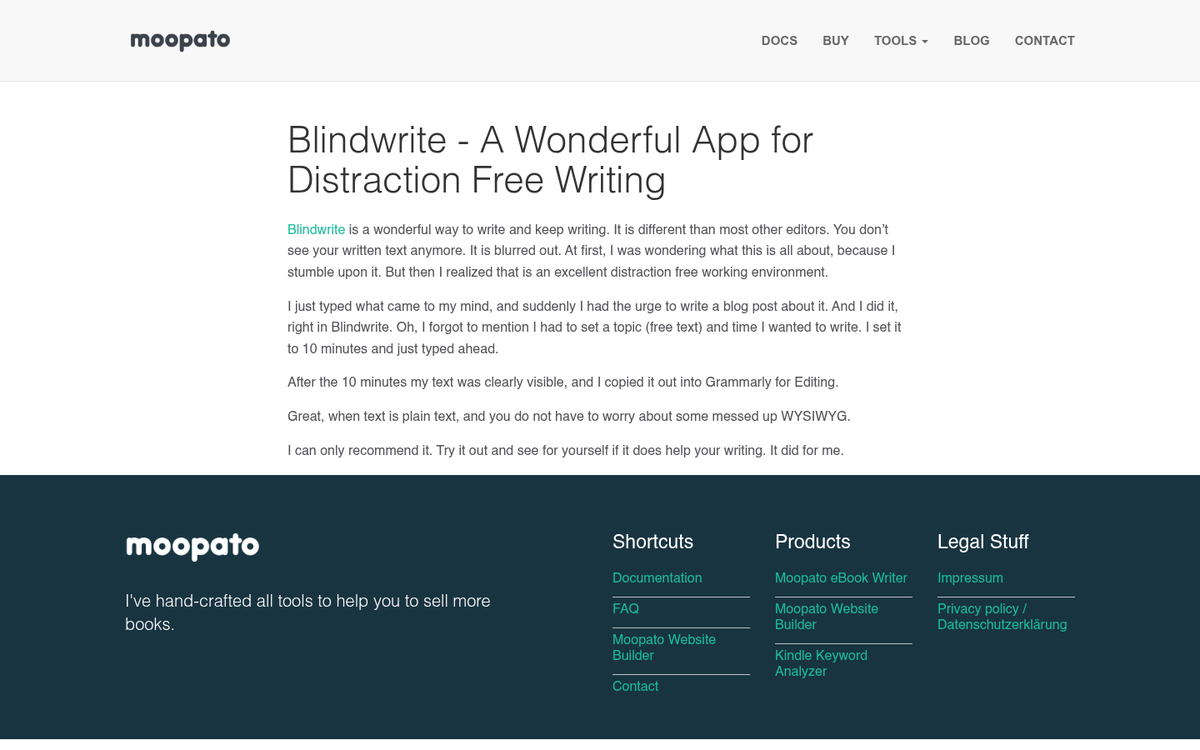
When you load up the app, it asks you a single question - what do you want to write about? This can become your headline - it then asks how long you'd like to write, sets a timer and the session begins. As you type, blurry white blobs appear in place of your words. You can't see what you've written, so you can't go back and fix typos. You have no option but to move forward. Only once the timer ends are you shown your text.
It's a gimmick, sure. But it's a helpful one for writers who have a hard time with over-editing mid-draft. If you're training someone to write for your blog, this kind of tool can help break the habit early.
5. WordPress Block Editor (Distraction-Free Mode)
Many bloggers write directly inside WordPress and the platform has come a long way since the old days of the classic editor. The latest block editor - Gutenberg - has a built-in distraction-free writing mode that's legitimately useful. Simply click the three-dot menu in the top right of the editor and choose "Distraction Free" to strip away everything except your content.
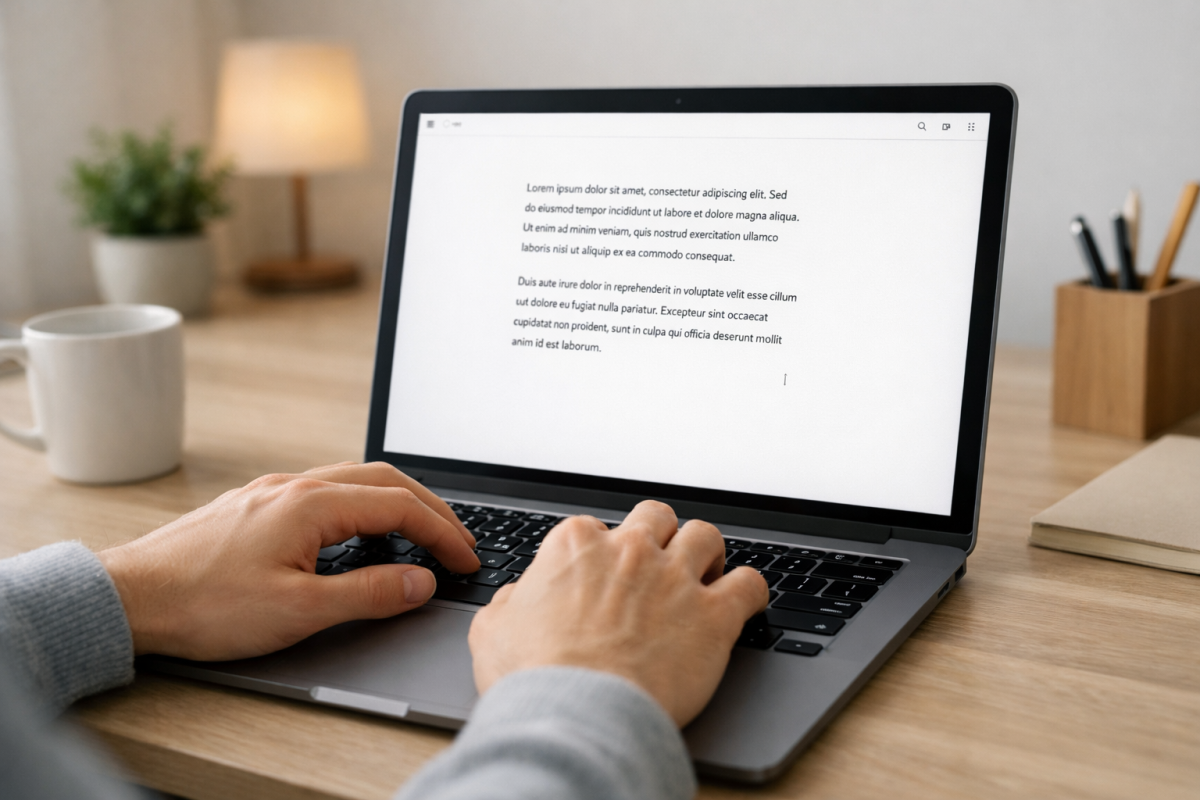
In this mode, the sidebar, toolbar and all surrounding UI elements disappear. The toolbar reappears briefly when you hover near the top and the block tools surface when you click into a block. But otherwise you're left with a clean, focused writing canvas. For bloggers who like to write and format in one location, this is a perfectly viable distraction-free answer without needing any third-party tools.
6. FocusWriter
FocusWriter is a free alternative to some of the older minimalist apps on this list that have since gone dormant - it's available for Windows, Mac and Linux, which makes it one of the more flexible cross-platform options available. Like its peers, it's full-screen with a customizable background and all toolbars hide until you hover over them.

What sets FocusWriter apart is its goal-tracking system. You can set word count or time-based goals and a soft progress bar keeps you aware of where you stand - it also supports TXT, RTF and ODT file formats, has a built-in typewriter scrolling mode and includes a timer and alarm feature. For a free tool, it punches well above its weight, making it a solid choice whether you're writing short articles or longer content for your blog.
7. Ulysses
Named after the classic novel, Ulysses is one of the most polished writing apps available for Apple devices - it works across Mac, iPhone and iPad, syncing well via iCloud so you can pick up where you left off across devices - it supports Markdown natively, can export to a number of formats like PDF, Word and ePub and has a clean, focused full-screen writing mode.
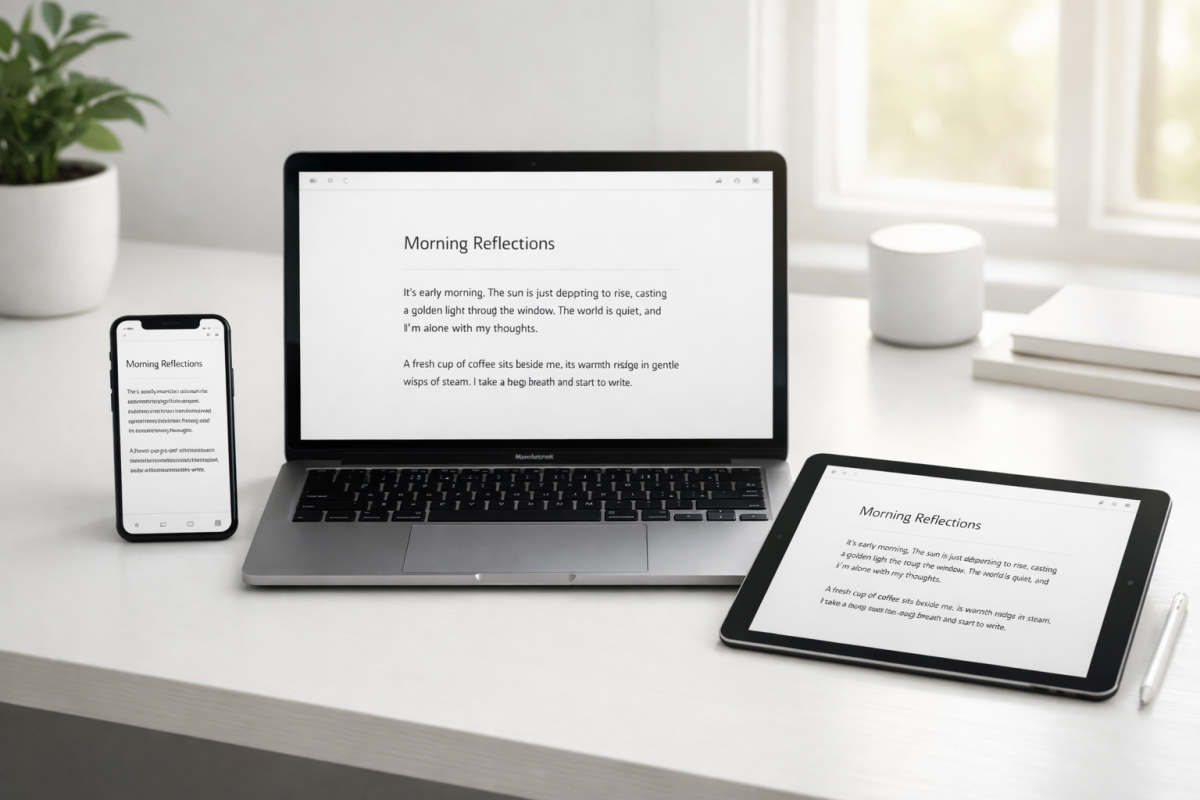
Ulysses moved to a subscription model a few years back, which was controversial at the time. As of 2026, it runs about $5.99 per month or $49.99 per year, covering all Apple platforms under a single subscription. If you're deep in the Apple ecosystem and do a significant amount of writing, it's one of the best investments you can make. A free trial is available through the App Store.
8. Notion
Notion has become one of the dominant all-in-one writing and organization tools of the last few years and for good reason - it blends note-taking, document creation, databases and project management into a single flexible workspace. For bloggers and content creators, it works as a content hub - you can draft posts, maintain an editorial calendar, store research and manage publishing workflows in one area.
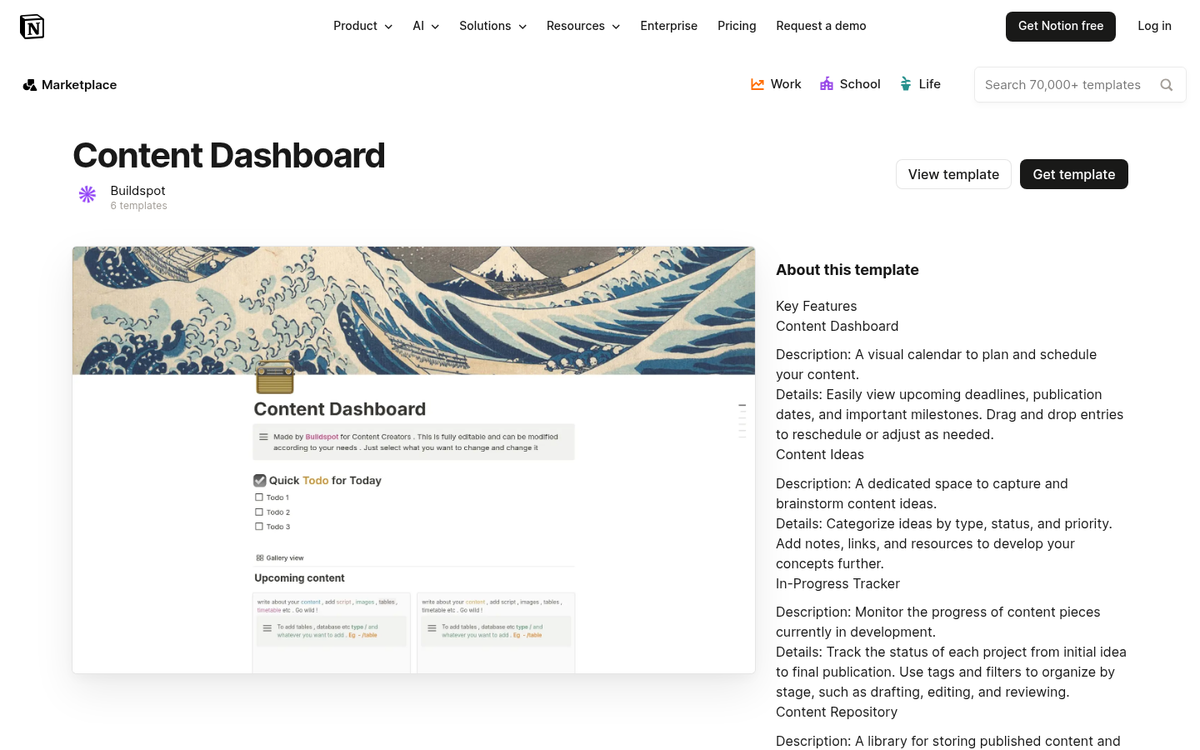
Notion's free plan is pretty generous for individuals. The Plus plan runs $10 per month and team plans scale from there - it's not the most minimalist tool on this list. But it's one of the most capable.
9. iA Writer
iA Writer has quietly become one of the gold standards for distraction-free writing and it deserves more attention than it gets. Available for Mac, Windows, iPhone and Android, it covers nearly every platform. The interface is stripped down to almost nothing - just your text, a clean monospace font and a soft word count at the bottom.
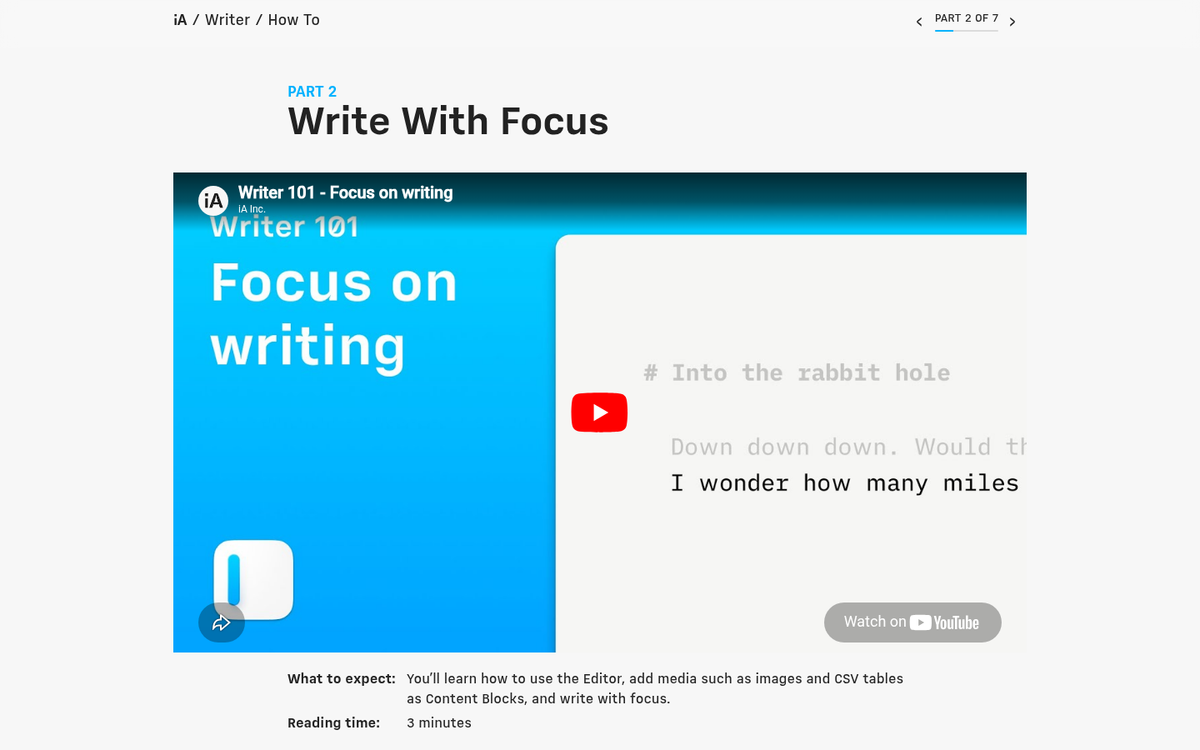
Its standout feature is Focus Mode, which fades out everything except the sentence or paragraph you're currently working on - especially helpful for long-form writing where it's easy to get lost in what you've already written. iA Writer supports Markdown natively and can export to Word, PDF and HTML - it's a one-time purchase on most platforms, usually around $29.99 on Mac and Windows, which makes it a solid long-term investment.
10. Evernote
Evernote has had a turbulent few years - the company went through ownership changes and product overhauls - but it remains a functional option for writers who need a place to capture and organize research, notes and drafts - it works across virtually every platform and syncs across devices reliably.
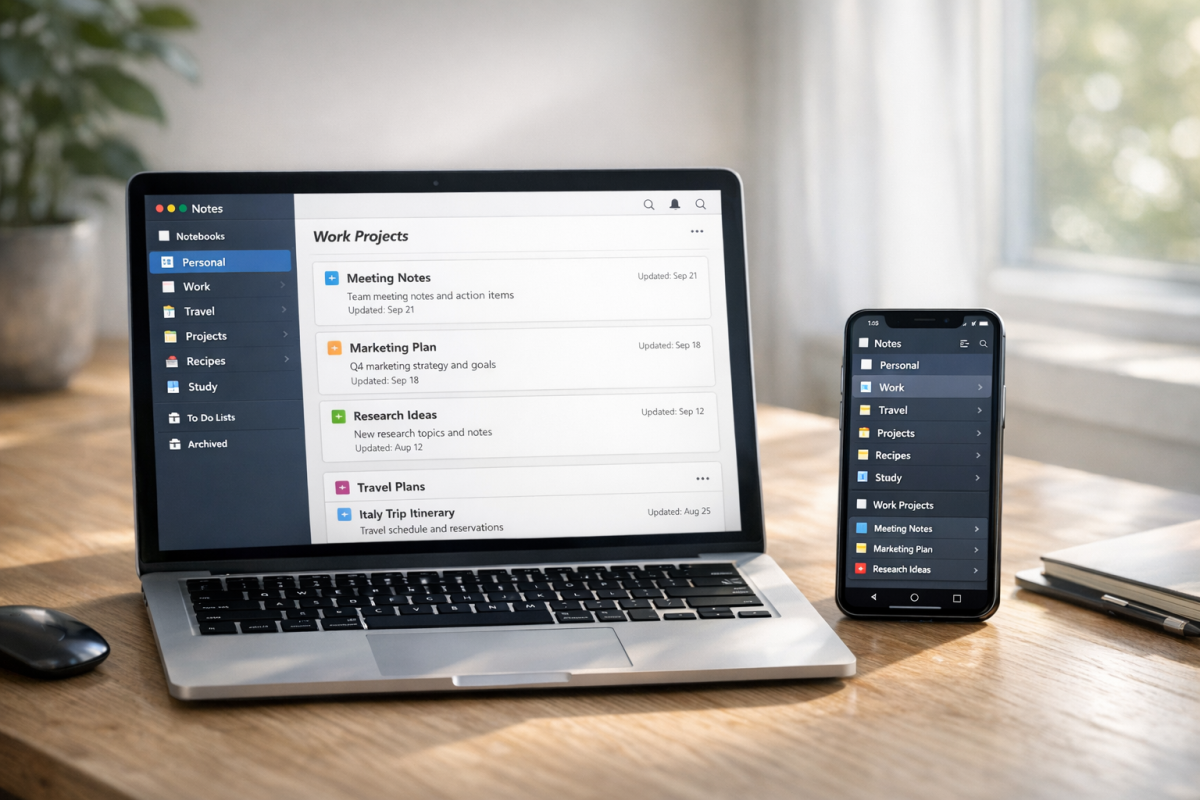
That said, Evernote's free plan became more restrictive, limiting users to a single device. The Personal plan runs around $14.99 per month as of 2026. At that price point, many users have migrated to Notion or Obsidian, which give you more flexibility. If you're already invested in the Evernote ecosystem, it still works. If you're starting fresh, it's worth comparing against the alternatives before committing.
11. Trello
Trello remains one of the most intuitive visual organization tools available and it's especially helpful as an editorial calendar for bloggers. The kanban board layout - with cards you can drag between columns - makes it easy to track post ideas from concept through to published. You can attach links, images, notes and due dates to individual cards and collaborate with a small team if you need it.
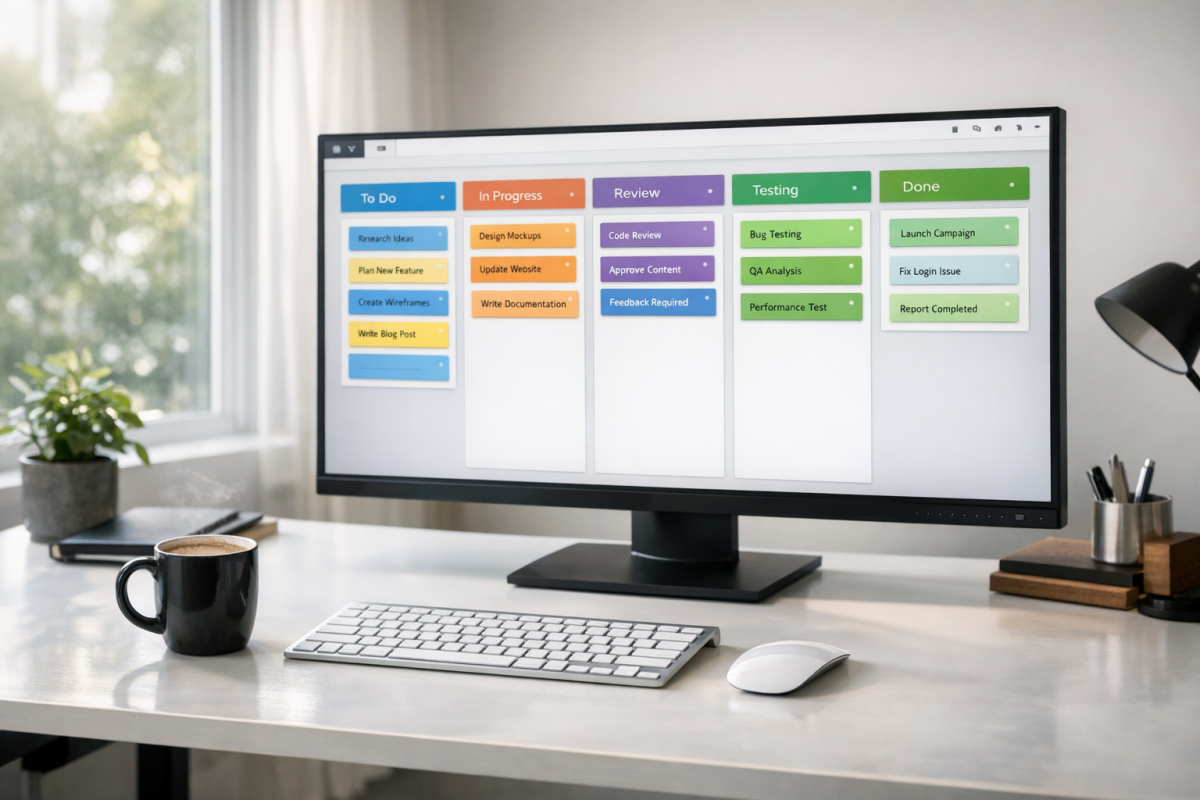
Trello's free plan is reasonably generous for individuals and small teams. The Standard plan runs $5 per user per month and the Premium plan is $10 per user per month. For a solo blogger, the free tier is usually more than enough.
12. Scrivener
Scrivener remains one of the most powerful long-form writing tools available and it has only become better over the years. Think of it as a hybrid between a writing app and a full organizational system - every chapter, section, or scene lives in its own document within a bigger project and you can reorganize everything with a simple drag and drop.
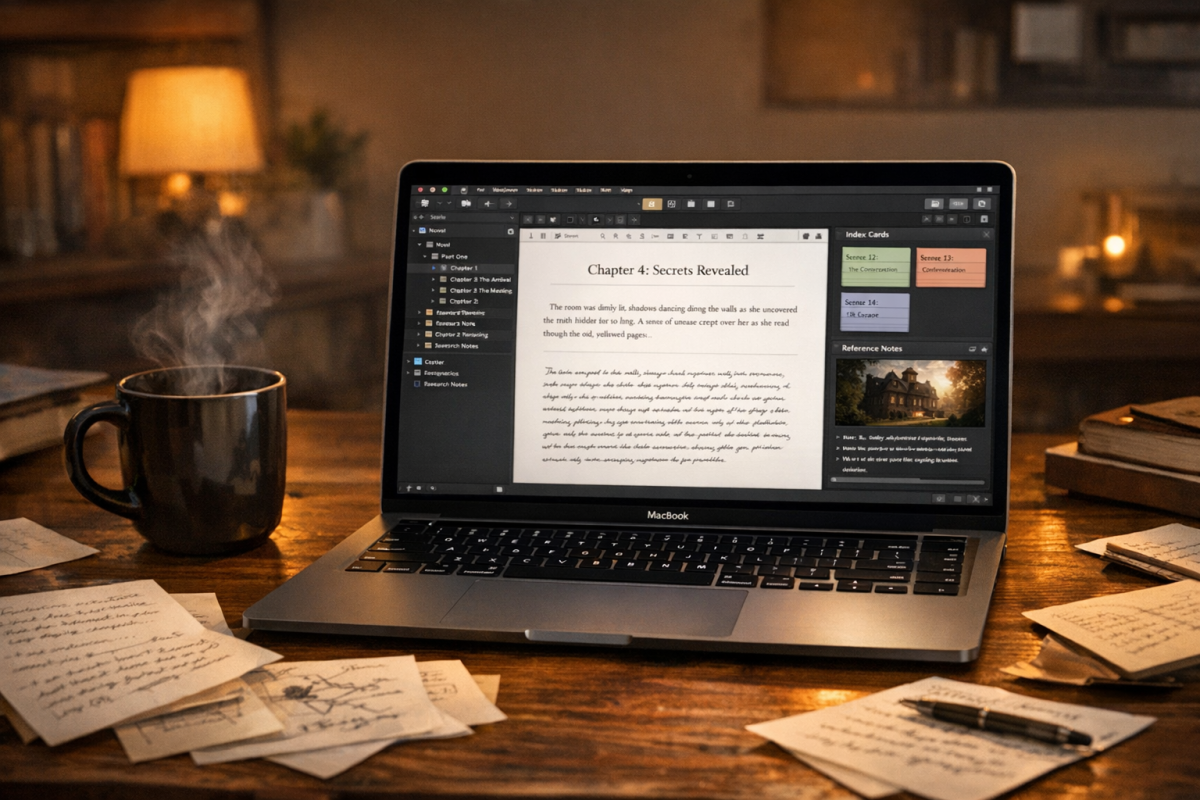
It's best suited for long-form work: novels, ebooks, research papers and full editorial projects - it's advertised every year during NaNoWriMo with a discounted trial for participants. The full version costs $59.99 for Mac or Windows as of 2026, a one-time purchase with no subscription. For serious writers, that's an easy call. For casual bloggers, it may be more than you need.
13. Obsidian
Obsidian has emerged as one of the most talked-about writing and note-taking tools of the past few years and it has earned the hype - it's built around plain Markdown files stored locally on your device - no proprietary formats, no vendor lock-in. Everything you write is yours, in a format you can open with any text editor.
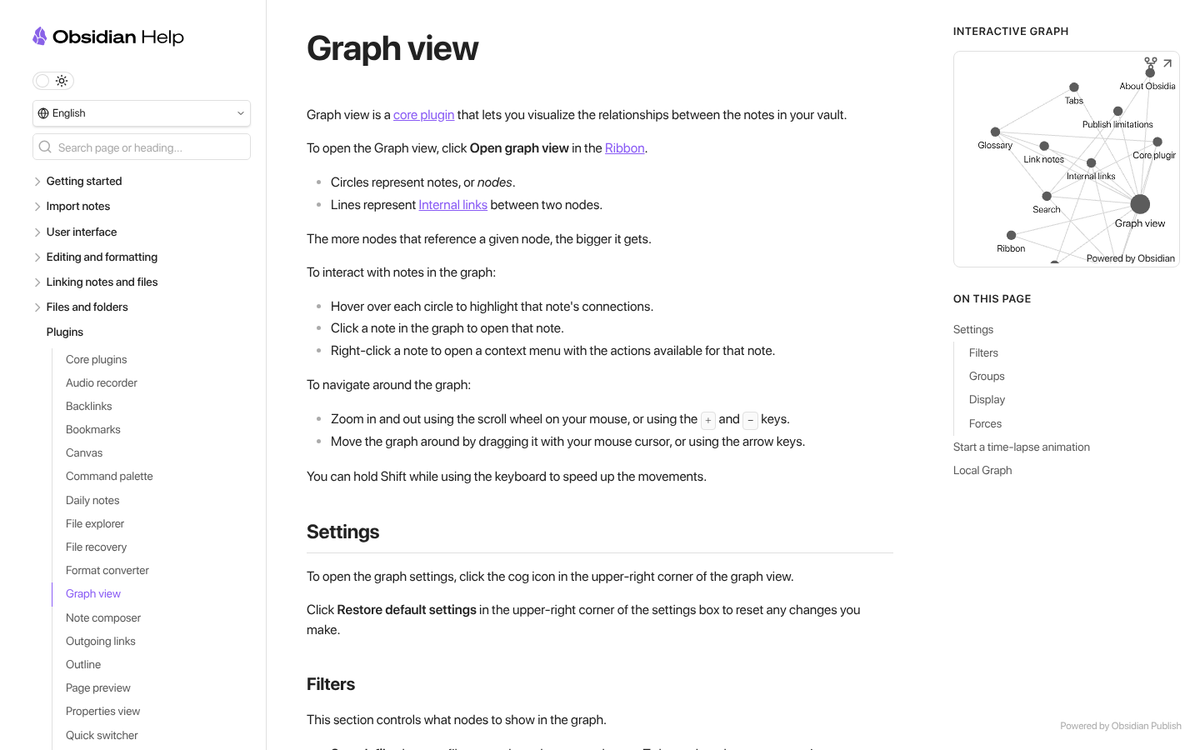
What makes Obsidian special is its linking system. You can link any note to any other note and the app generates a visual graph which shows how your ideas connect. For writers who do research or work across interconnected topics, this is legitimately transformative. A sync service is available for $4 per month if you want to access your notes across devices. The core app is free.
14. Noise-Cancelling Headphones
Personally, there's one thing I find it virtually impossible to work without: music. Take them off and I lose my train of thought as sure as I lose the music.

I don't have a single product recommendation here, because noise-cancelling headphones are fairly personal - fit, sound profile and comfort can vary considerably between models. What I will say is that the category has improved dramatically. Sony and Bose continue to lead the consumer market and there are mid-range options from brands like Anker's Soundcore line that won't break the bank. If you can try before you buy, do it.
The core value proposition hasn't changed: blocking out street noise, coworker chatter and ambient distractions lets you stay in the flow state that productive writing requires. If you work in any shared environment, a pair of noise-cancelling headphones is one of the best productivity investments you can make.
15. A Pomodoro Timer
The concept of multitasking is a myth. Every time you change focus from one job to another, you lose time and mental energy - it's stressful and it slows down your work; that's where the Pomodoro technique comes in.
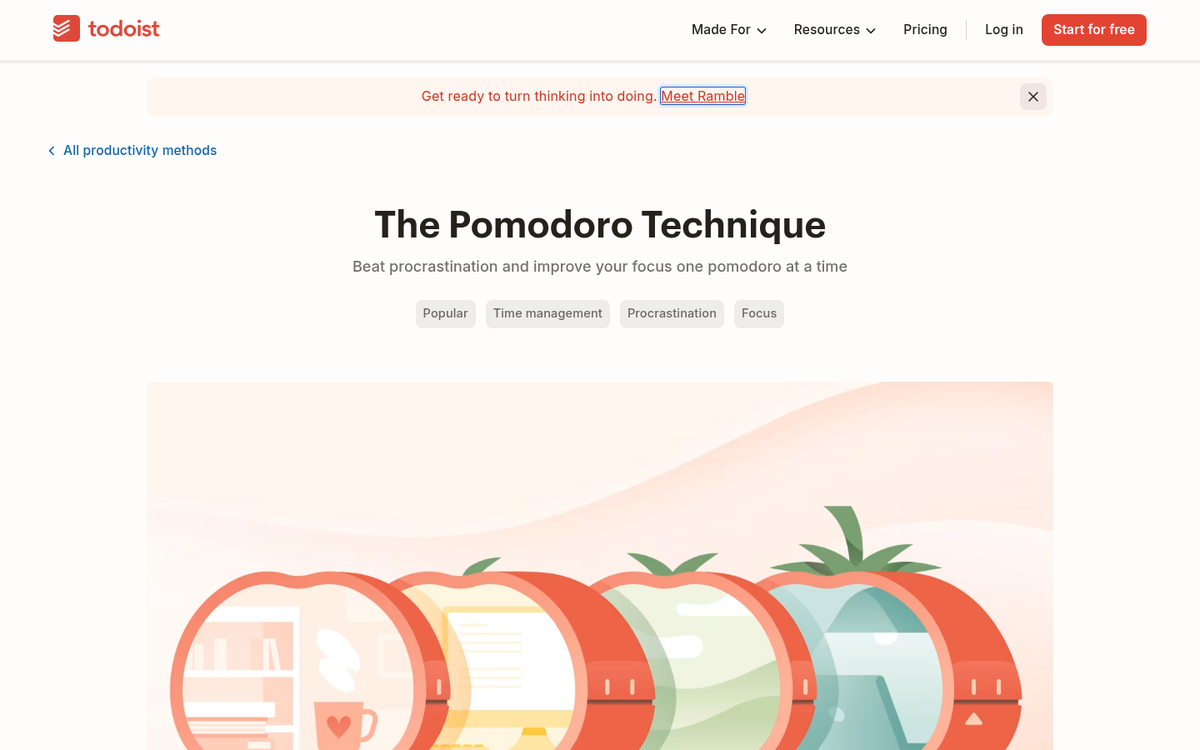
The idea is simple: set a timer for 25 minutes and work with focus for that entire block. When the timer ends, take a 5-minute break. Repeat. After four cycles, take a longer 15 to 30 minute break. If a session is interrupted, it doesn't count - start over.
In practice, most find they don't need a full four cycles to power through a blog post. The timer itself gives you an urgency that sharpens focus. You can use any timer you like - a phone app, a browser extension, or a physical kitchen timer (which is where the technique gets its name - pomodoro is Italian for tomato, named after the tomato-shaped kitchen timer the technique's creator used). Several of the apps listed above have Pomodoro timers built in. Give it a genuine try before dismissing it; the results tend to surprise.