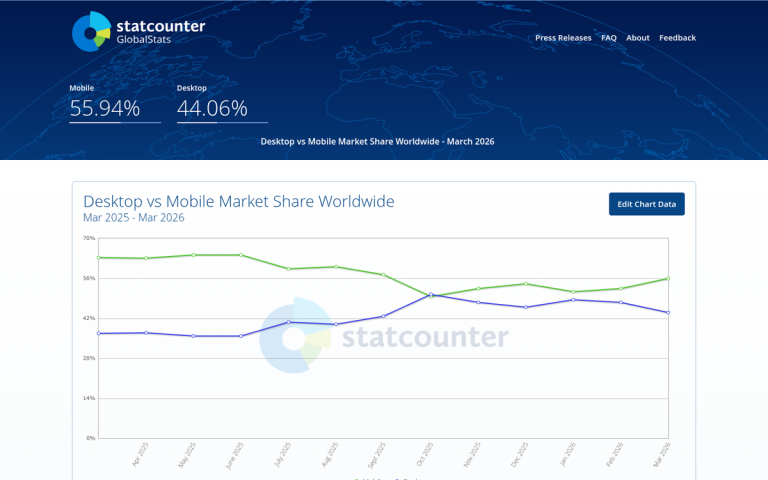
You've probably seen the statistic a few times over the last few years. An increasing number of people online are using mobile devices rather than desktop devices to access the web. That number surpassed 50% back in 2016 for the first time, and it has continued climbing ever since. Mobile devices now account for the clear majority of global web traffic, and that trend shows no signs of reversing.
This means reaching your mobile users in a way they understand, a method native to their platform, is more essential than ever. That's why push notification advertising has grown from a niche tactic into a mainstream marketing channel. The question is, are they worthwhile ads, or are they a waste of time?
Key Takeaways
- Push notifications average a 7.8% reaction rate, with some campaigns reporting 20% open rates and 28% clickthrough rates.
- 50% of users enable push notifications specifically to access special deals, making audiences already receptive to marketing messages.
- Push ads are nearly bot-free and opt-in only, resulting in higher quality traffic compared to many other digital ad formats.
- iOS reaction rates average 4.9% versus 10.7% on Android, making platform differences an important consideration for campaigns.
- Emojis boost reaction rates by 20%, rich formats by 25%, and timing notifications to user behavior increases them by 40%.
All About Push Notifications
Push notifications are a style of notification for phones that started life on the Blackberry. Back then, they were primarily used to notify a user when an email was coming in, so they could respond in a timely fashion. This was unprecedented convenience for the business traveler on the go.
These days, push notifications are inherent in pretty much every app on every mobile device. Blackberry may be long gone, but this part of their legacy lives on in both iOS and Android devices.
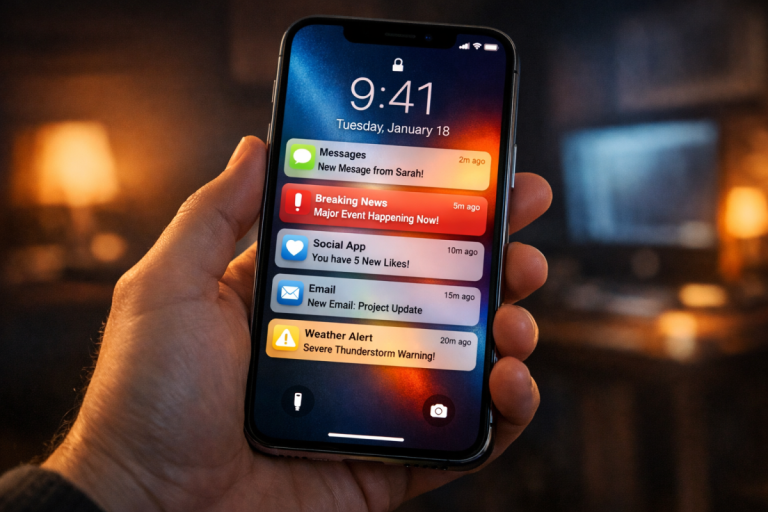
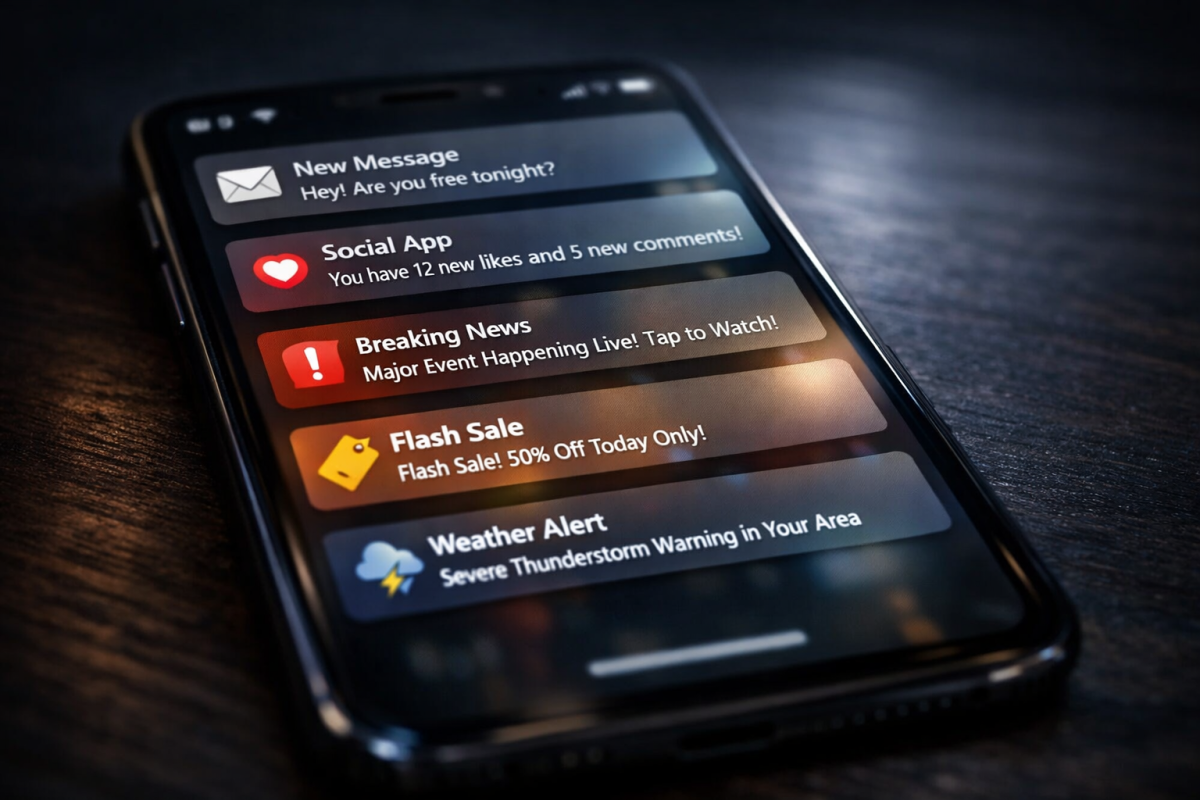
A push notification is, simply put, a notification an app pushes to the front of the screen. If your phone is locked, push notifications often appear on the lock screen, though not always. Phone users can choose whether or not to display information like that on their lock screen, as a privacy feature.
If you're in an app, a push notification generally appears as a drop-down window from the top of the screen. You can interact with it there, which may allow you to take brief actions - such as answering or cancelling a call - or will take you into the relevant app. If you don't interact with the push notification immediately, it typically turns into an icon related to the app that sent it and hovers in the top infobar on your phone until you swipe down to engage with it or clear it.
Part of the power of push notifications is that the app that sends them does not have to be open, it just has to be installed on the device. It's not like browser-based advertising, where the user is immune if they don't have their browser open. Push notifications only require the app to exist on the device to operate.
Push notifications today are used for a wide variety of different purposes. For example:
- Email apps can send you a push notification when a new important email arrives.
- Games can send a push notification to let you know about a new update.
- Calendars can send push notifications to alert you to upcoming events or meetings.
- News apps can send you push notifications for breaking local news.
- Weather apps can send push notifications with weather advisories.
- Bank apps can send you alerts, such as when a deposit is made or when an overdraft occurs.
- Airline apps can show you a push notification for flight delays or cancellations.
Pretty much any purpose an app can have, a push notification can be used to get your attention. That's their primary power, after all; capturing a few seconds of attention, pretty much regardless of what you're doing at the time.
Very few apps will so totally control a phone that they prevent push notifications from appearing. Games may be interrupted, full screen videos will still show it, and other apps don't take that level of control over the display.
In fact, the only way to prevent push notifications is a system-wide or system-based setting. In Android, for example, you can control each app's ability to send push notifications from the system settings, though many apps also have the option in their own settings menus as well. If you're interested in using push notifications as an advertising channel, check out our MegaPush review for a unique push notification ad network.
Why Push Notification Advertising is Great
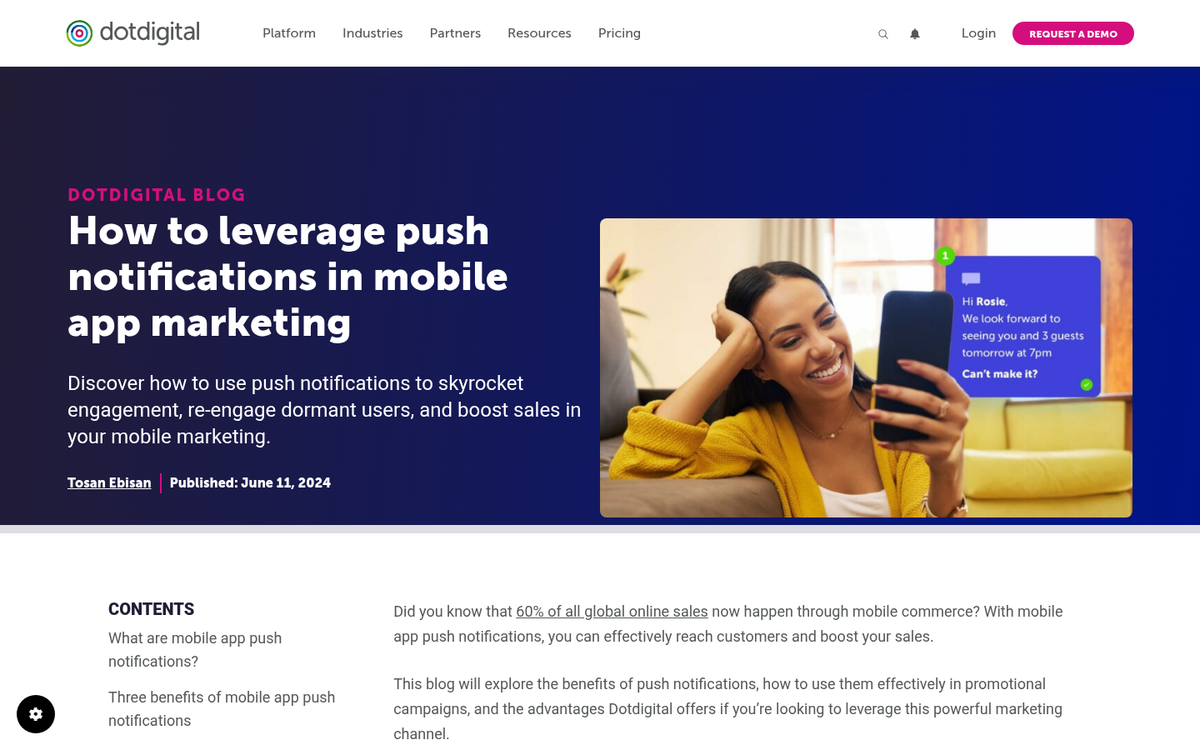
Push notification advertising has a few unique benefits over other forms of advertising, so I'd like to go over some of them in case you're not convinced.
First up, push notifications are generally enabled by default. Any user who is using an app usually has to manually disable push notifications if they don't want to see them. Very few people block all push notifications, simply because they are often so useful to have. In fact, data from Responsys shows that 50% of users enable push notifications specifically to access special deals or exclusive offers - meaning a large portion of your audience is already receptive to marketing messages before you send a single one.
Secondly and perhaps most importantly, push notifications are opt-in already. Your audience is pre-qualified, in that the only people who receive push notifications are people who already have an app installed willingly. You aren't foisting some advertising on someone who doesn't want to see it. It's almost more like mailing list marketing with an opt-in pre-screening your audience.
Not all push notifications come from apps. Or, well, that's not technically accurate. Marketing push notifications come from an app, but the app is the browser used on the phone. Browser-based push notifications come from websites when a user opts into receiving them. Even then, it's still an opt-in for marketing messages, not an unwanted advertisement in a platform they didn't want to see it in.
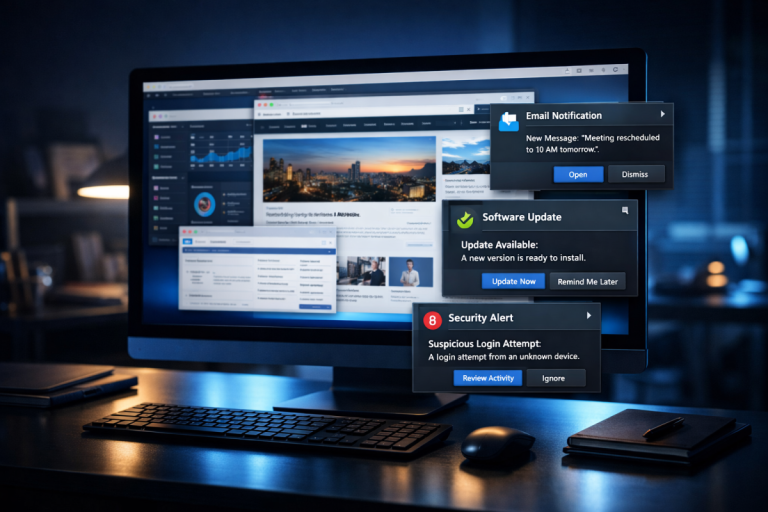
Push notifications can also work on desktop platforms, though they're a bit different in that format. Web push notifications are limited to browser-based opt-ins, and don't work if the user's browser is closed. They're also harder to get people to use than on mobile, simply because it's an unfamiliar and explicitly marketing channel that many people don't want to enable. I generally consider push notifications to be a primarily mobile format, though many people use them to good effect with desktop users as well. I consider that additional audience a bonus.
With mobile ads, you also don't need to contend with ad blockers quite so much. Blocking ads on a mobile device is a much larger hassle than it is on desktop platforms due to the sandboxed nature of apps in a mobile environment. This, coupled with the opt-in nature of push notifications, means audience sizes tend to be larger.
There are also some unique features for push notifications hitting the market. Some businesses are using geofencing; essentially creating a zone surrounding one of their retail locations, and triggering push notification advertising only to people within that zone.
Another one of the best features for push notification marketing is that they're almost 100% bot-free. Bots aren't using the kinds of apps or user behaviors that would even allow them to receive push notifications. Many bots that use mobile user agents are on desktops spoofing it anyway. It means a huge majority if not all of your traffic is real users - unlike paid traffic sources where fake bot visitors can be a serious concern.
The Drawbacks of Push Notification Advertising
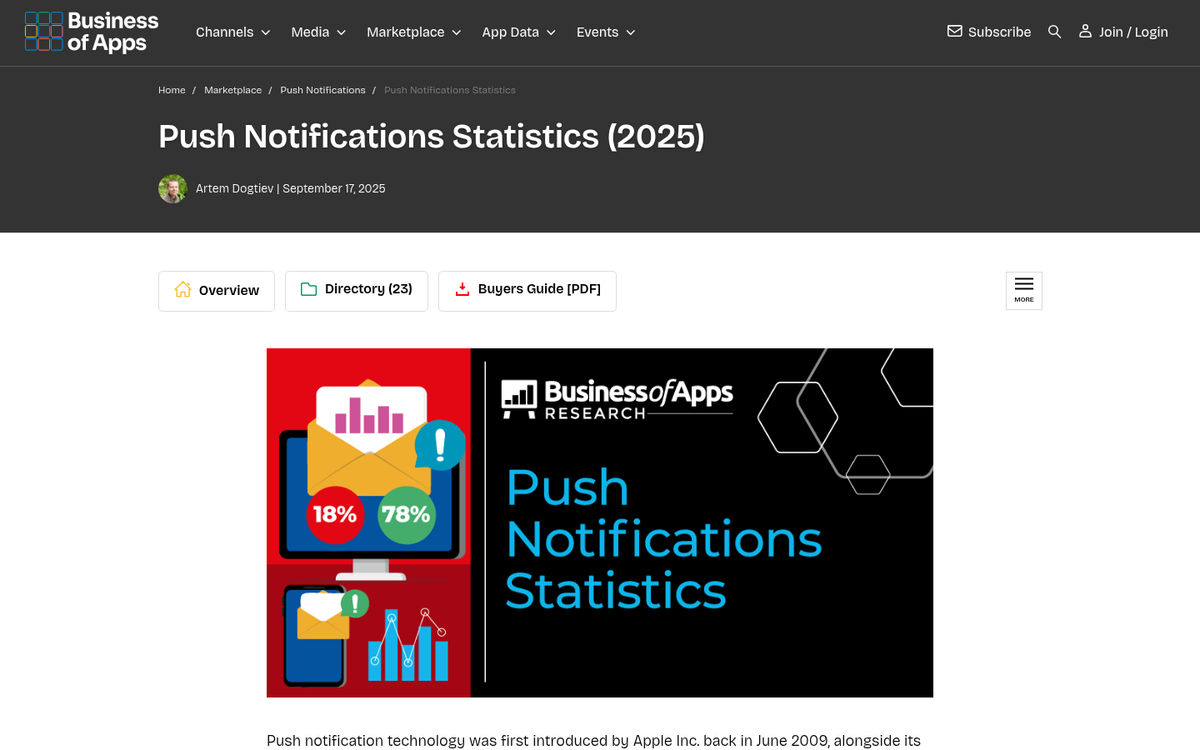
There are, of course, several potential drawbacks to using push notifications for advertising.
Historically, push notification ads did not work on iOS devices due to Apple's strict policies restricting app notifications to non-marketing purposes. However, this has changed. Starting with iOS 16 and further refined in subsequent updates, Apple has opened the door to web push notifications on iOS through Safari, meaning browser-based push notifications can now reach iPhone and iPad users who opt in. That said, in-app push notification advertising on iOS remains more restricted than on Android, and performance still skews lower - Airship data shows iOS reaction rates averaging around 4.9% compared to 10.7% on Android.
Secondly, if you send too many marketing messages or otherwise abuse push notification advertising, chances are very good that your users are going to mute notifications for whatever app is sending them.
Push notifications are also very short. Longer notifications get cut off, and you can't just open a notification the way you can a text message. If you don't hook a user with your first 10 words or so, you don't have much more space to do it. Push notification ads also typically lead to a landing page, so your landing page needs to be very well formatted for mobile and it needs to be a natural progression from notification to landing page.
How Well Do Push Ads Work?
Push notification advertising has matured significantly, and there's now solid data to back up its effectiveness. It's no longer just a promising new channel - it's a proven one, with a 49% year-over-year increase in brands using push notifications to reach customers recorded as recently as 2023, according to Customer.io's State of Messaging Report.
The numbers themselves are compelling. Airship, which analyzed over 50 billion push notifications, found an average reaction rate of 7.8% overall. Digital marketing agency Reckless found even stronger results across campaigns from 22 different brands, reporting an average open rate of 20% and an average clickthrough rate of 28%. For context, email marketing typically sees open rates in the 20-30% range but far lower clickthrough rates, making push notifications highly competitive on a click-for-click basis.
Push notifications also have an average conversion rate of around 4.4%, which is strong relative to most digital ad formats. Beyond clicks and conversions, the retention impact is notable too. Airship studied 63 million app users across 1,500 apps and found that retention rates were nearly 3x higher when users received at least one push notification in their first 90 days. That's a significant finding for businesses trying to keep users engaged after the initial install.
Your bid is also important, as it is with any kind of paid marketing. The push notification ad space has become more competitive since its early days, which means costs have risen from the rock-bottom rates of years past. That said, the quality of traffic remains high given the bot-free, opt-in nature of the format, which is why buying traffic through push ads tends to convert better than many alternatives.
Of course, the best kind of push notification marketing still comes when you have your own app. Amazon can advertise sales all day long to people who have the Amazon app installed, and those users will often thank them for it. Your business might not be able to develop its own app, though, so you will have to rely on notifications through other channels.
How to Succeed with Mobile Push Ads
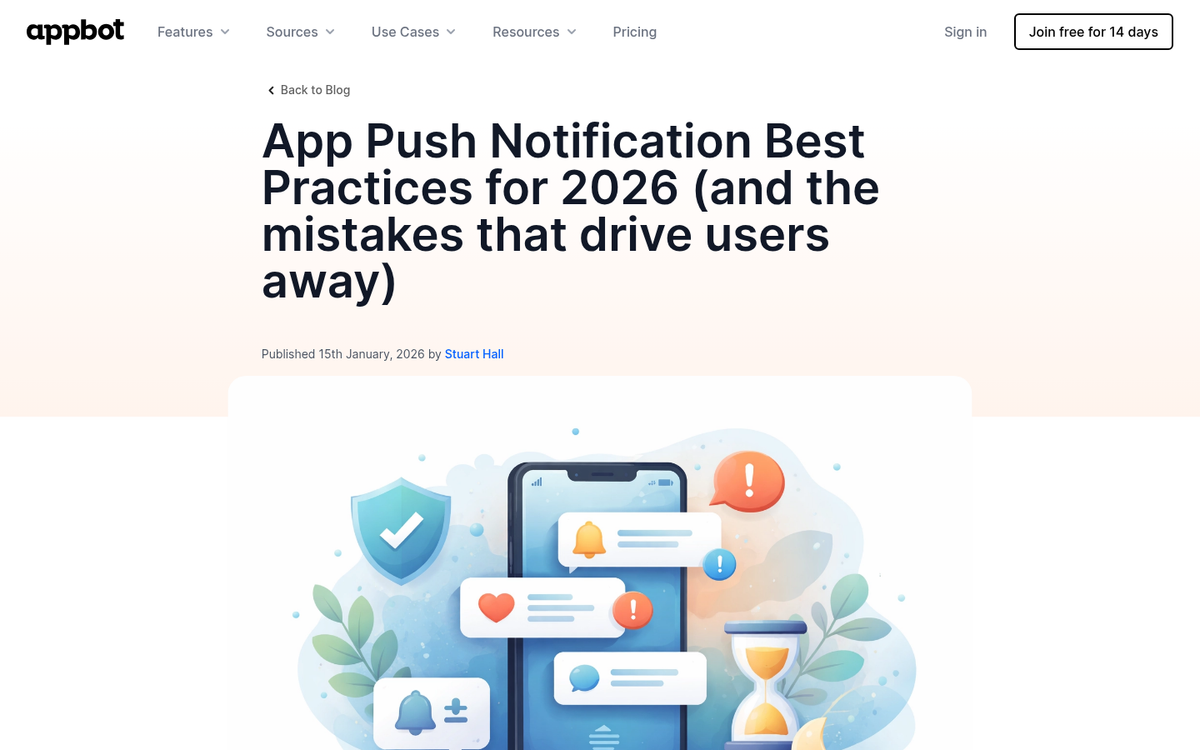
Mobile push notification advertising has matured enough that we now have data-backed best practices to guide strategy. Here's what actually works in 2026.
First, keep your messaging short. Push notifications don't do well when they're truncated unless you're explicitly using the truncation as a form of clickbait, and that's likely not going to work too well. Under 10 words is ideal for your notification in general.
Next, make use of emojis and rich formats. This isn't just anecdotal advice anymore - Airship's data shows that emojis increase reaction rates by 20%, rich formats such as images and expanded content by 25%, and tailoring send times to individual user behavior by as much as 40%. These are meaningful lifts that are easy to implement and should be part of every push campaign.
Crucially, don't send too many notifications. Sending more than about 3-5 notifications in a week is going to cause a significant portion of your audience to mute notifications to avoid the advertising. It's better to only send maybe 1-2 per week, if that. I prefer to limit them to special occasions; send a couple for a weekend sale, but don't send a bunch leading up to the weekend.
Personalize wherever possible. Generic broadcast notifications are increasingly ineffective as users grow accustomed to the format. Segmenting your audience and tailoring messages to their behavior, location, or preferences will consistently outperform one-size-fits-all messaging. Getting your CTA size, color, and text right is just as important here as it is in any other ad format.
Don't be afraid to experiment. While the industry has matured, there's still plenty of room to find what works best for your specific audience. Test different send times, formats, and messaging styles, and let the data guide your decisions. If you're also running paid display campaigns alongside push, it's worth understanding whether the Display Network or Search is the right fit for your goals.