Key Takeaways
- Tailwind Communities (formerly Tribes) are niche groups where bloggers share pins and curate content from other members.
- Free accounts are limited to five communities and 30 pin submissions monthly; paid plans allow up to 400 submissions.
- Communities enforce submit-to-share ratios, penalizing users who only promote their own pins without sharing others.
- Ideal communities balance moderate membership with high activity; very small or very large groups may limit your content's visibility.
- Thousands of communities exist across niches like food, home décor, faith, DIY, and fashion, with open or request-based joining.
Pinterest is one of those social networks that isn't widely used amongst certain niches, but is the number one network for others. If you haven't used it, it's something you might want to see. If you do use it, you should probably look at some of the tools you can use to step up your game.
One of these tools is Tailwind. Tailwind is an app for scheduling Pinterest - and Instagram - posts. You can bulk upload images and manage uploads on a calendar interface. You can pin content across multiple boards, loop pins, hashtag lists, and optimize your posting schedule based on peak active hours automatically.
No app is without analytics, of course, and Tailwind links into Pinterest's analytics while giving more of its own - it has a hashtag analysis and suggestion engine, and more. You can read all about their features on their website.
All of this just goes to show you that Tailwind is made up of people who know what they're doing with regards to Pinterest marketing. So when I tell you that Tailwind launched a community-focused program to help with content promotion, curation, and sharing, they have some idea of what they should be doing to hook up with the content their audiences will love.
That community program is called Tailwind Communities - formerly known as Tailwind Tribes before the name change back in 2020. Communities are basically small groups, similar in spirit to Pinterest Group Boards or Facebook Groups. You join the Communities platform in general, and then you can join or apply to join communities within the system. You can submit your pins and see the pins submitted by other users, and it gives you an instant source of content to curate.
With these content curation organizations, there needs to be some system in place to cut back on abuse and spam. Tailwind Communities solve this with the usual sort of measurement of downstream and upstream usage. In other words, they track how many pins from communities you share and build a ratio comparing that number to the number of pins you submit. If you're doing nothing but submitting your own pins and not doing anything for the community by sharing theirs, you aren't going to last long in the system.
How to Use Tailwind Communities
To join Tailwind Communities, you'll need to visit their website and create an account. I didn't bother to sign up for one of their affiliate programs, which other posts I've seen about this topic usually do. I always try to be neutral in my analysis of tools and communities, so I don't run affiliates that would jeopardize that objectivity.
Once you're on their site, click the button to join and you'll be asked to authorize a Pinterest account. This gives their app the ability to connect with Pinterest by pinning and liking content - it can add new boards, and so on. You will then be asked if you're a blogger or part of a bigger organization, and you'll be prompted to add your email address and a password for your Tailwind account.
Once you've done that, you're in. It's free to create a basic account. You're then told you'll have to install their browser extension in order to schedule pins and share your own pins to communities. Once you have it installed, you'll be given the opportunity to go through a demo of how their system works - it's a demo pin, so it isn't actually pinned to your account. But it walks you through the process.
It's an easy process. You choose a pin, then choose a board to put it on. You can change the source URL for the pin if you like, and then you choose communities to add the pin to. There's an "add to community" button, which lets you submit your pin to any communities you're a part of. From there, they put you in a basic community as a test to show you the ropes.
The way communities work is easy. You submit a pin and can see who re-shares the pin on their own boards. Ideally, you get plenty of shares from your community members, and can curate plenty of content from them along the way.
Of course, the part that matters is to find communities that resonate with your niche. There are a lot of communities available, covering everything from food blogging to home décor to faith-based content and beyond. Communities can come and go, and new ones are added all the time, so it's worth browsing. If you're looking for more ways to expand your reach, check out these 25 ways to share and promote blog posts on Pinterest.
Joining and Using Communities
Communities come in two flavors: open and on request. Open communities can be joined immediately, as these are either still building a basic membership before closing, or are very large and open to abuse. Request communities need you to apply to join, whereupon the admins can accept you or not, mostly depending on the content you have available to share. Many communities are picky about who they let join, to stay away from low quality spammers and off-topic abusers. Free accounts have a maximum of five communities they can belong to at a time, and a limit of 30 pin submissions per month.
When you search for communities, you search by category and keyword - this gives you a large feed of results, which tells you the name of the community, the categories it has tagged, the number of members, and a graph of the relative level of activity. You usually want to go for communities that have a high level of activity and a moderate number of users. Communities that are too small won't get you much promotion. But communities that are too large are usually going to miss your content.
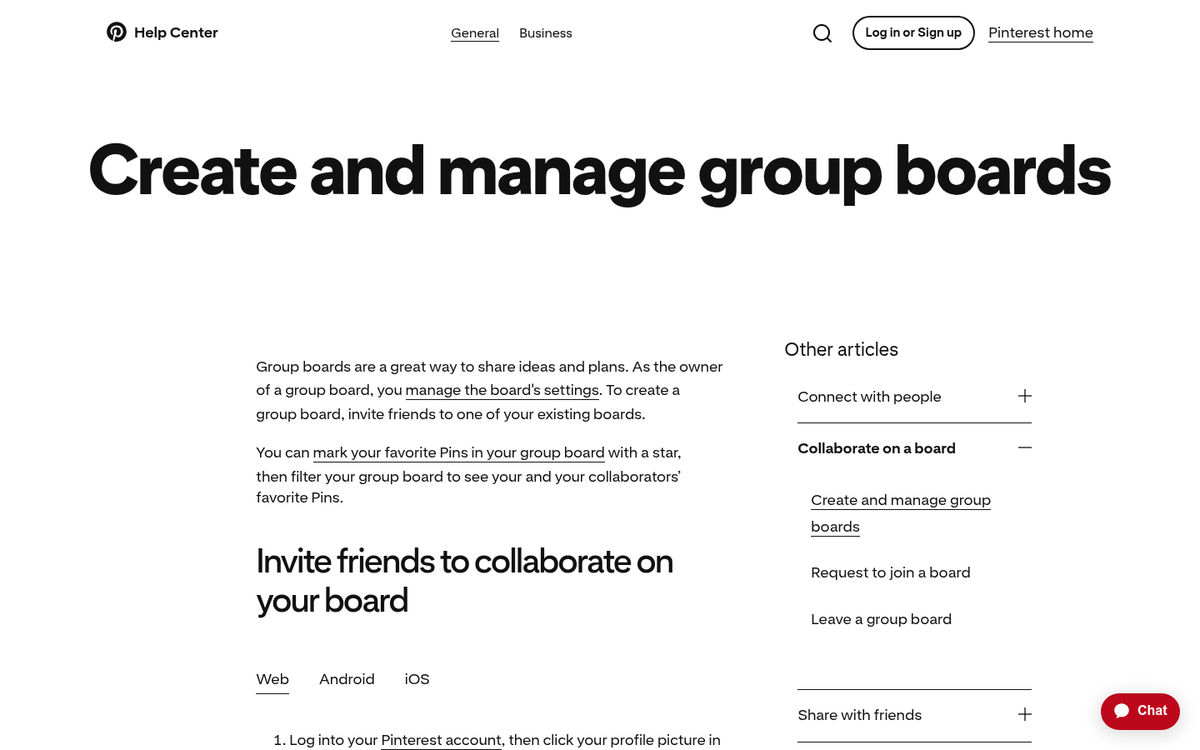
For example, one featured community has 1,300 members but a possible reach of 519 million - because each member has their own audience of followers. Similarly, some blogging communities with around 2,500 members have over 508 million possible impressions. These numbers can vary, so it's worth previewing a community before committing one of your five slots to it.
You can also read an About and a Rules section for each community. Some have long sets of rules, and others are as easy as "no porn, no spam." I see communities with rules like "only pin vertical pins" and "pin 1:1" to enforce ratios.
So what's this about a limit? As a free account, you can join as many as 5 communities and submit a total of 30 pins per month. Upgrading to a paid plan raises those limits considerably, as high as 400 submissions per month on the standard paid tier.
Paid Tailwind Accounts
Tailwind has paid plans that unlock higher submission limits, better analytics, website insights, and more optimization features. The standard paid plan increases your monthly community submissions - as high as 400 pins per month - along with access to more communities simultaneously.

For bigger operations, Tailwind also has advanced plans geared toward agencies and enterprises, with features like full board reporting, multi-account management, data exports, ROI analysis, collaborator access, and extended activity history. Pricing on these tiers changes from time to time, so I'd recommend checking their pricing page directly for the most current rates before committing.
List of Possible Communities
What I've done here is shown a list of communities that could be worthwhile for you to join. But this is not a definitive list, and some of these communities might not be as active as they once were. Always check within the Communities dashboard to see if a community is worthwhile. Preview it to see the content and activity levels before you join. You can only belong to five communities at once on a free account, after all.
Best Bloggers Pins - This community has just over 700 members and it's focused on blogging and blog marketing. As you might expect, this is one of the more active niches in Tailwind Communities.
All Things Beautiful Home Décor and Art - A smaller community focused on home décor and art content. If that's your niche, it will be a place to connect with a targeted group of like-minded pinners.
Paleo and Gluten Free Lifestyle - A community dedicated to the paleo lifestyle with 60+ members. For food and health bloggers, it will be a fit.
Fabulous Food Pinners - A general food blogger community with nearly a thousand members and a large possible reach. A great option for food-focused content creators.
Mmmm Recipes - Another food community with over a thousand members, broadly available to any food bloggers with recipe posts to share. Like most communities, they enforce at least a 1:1 submit-to-share ratio.
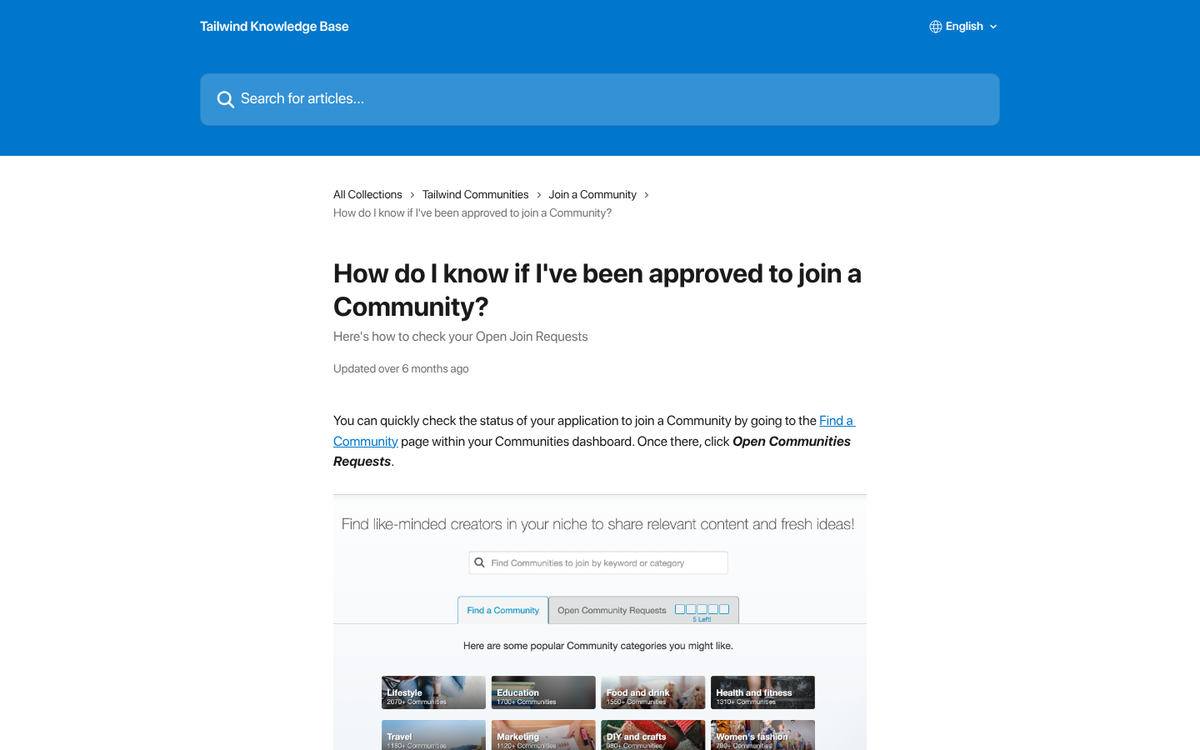
Christian Bloggers - Faith - A faith-focused blogging group. Worth noting that some communities like this use their description to refer to an off-platform Facebook group instead. If a community seems inactive on the Tailwind side, it may have migrated elsewhere.
DIY Wedding Bloggers - Pinterest is very frequently used by couples planning weddings, and this is a great community if you're looking to tap into that niche.
Home Design and DIY - One of the bigger communities available, with over 2,500 members and reportedly over 508 million possible impressions. A strong choice for home improvement and DIY content creators.
Over 40 Style Bloggers - A community focused on style blogs for women over 40 - a growing niche, so joining a community built around it can be a smart move if that's your target audience.
There are, of course, thousands of other communities available. I've mostly just picked a representative sample across a few niches to show you the types of communities you might find. Some are small, some are bigger, some are active and some aren't - it's up to you to make the most of the community and find the right fit.