





Key Takeaways
- Posting content online is a copyright claim; U.S. law protects creators instantly, no copyright symbol required.
- Fair use allows small excerpts with attribution, but reproducing entire posts or 75%+ of a source's content is infringement.
- Ethical curation requires adding original commentary and context - blind reproduction gives audiences no reason to follow you.
- Always link prominently to original sources; obscuring attribution is legally and ethically problematic, even if technically compliant.
- AI tools make accidental over-reproduction easier than ever, making mindful, selective editorial judgment more important than ever.
Content curation seems like a simple concept. All you have to do is find content around the web that you think your users will like and share that content with them. So what's the problem?
The problem, as it turns out, is the laws and ethics surrounding how content is treated online. There are a number of different laws and precedents out there for copyright, trademark and other forms of intellectual property rights. Did you know that images on Google aren't always free to use? In fact, they're illegal for you to just take and use without permission. There is no implied consent simply because a user posted something to the Internet. Just the opposite - posting something is a claim to the ownership of the work. Under U.S. Copyright Law, authors are protected the second they create an original work. No copyright symbol is required for that protection to apply.
It's also worth mentioning that AI has fundamentally changed the content curation landscape. Tools like ChatGPT, Perplexity and dozens of other AI platforms now make it trivially easy to scrape, summarize and redistribute content at scale. That convenience doesn't change the legal obligations - if anything, it makes ethical curation more important than ever. The line between "summarizing" and "reproducing" has become much easier to cross accidentally.
Legality, Ethics, and Curation
The legality of the situation is thankfully pretty easy. Don't take and use something that's not yours - that you don't have permission to use. If you want to share something or curate it for your audience, make sure that you attribute the original source of the content.
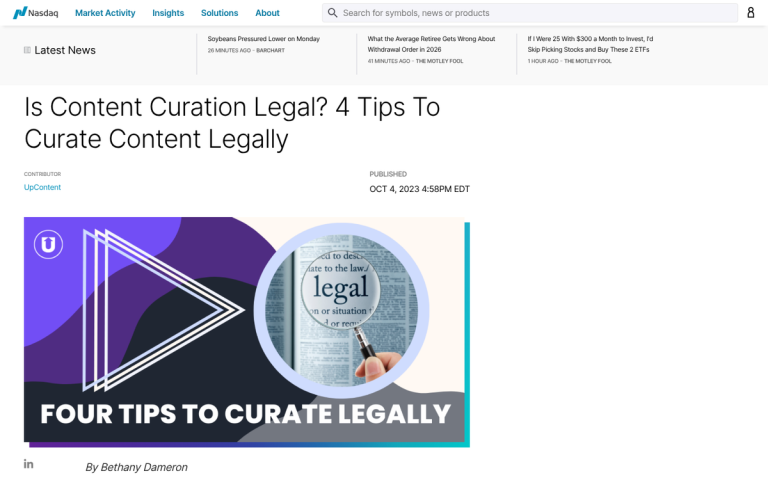
Under 17 U.S.C.A §106, a copyright owner holds the exclusive right to reproduce their work, make derivative works and distribute copies. When you curate content without attribution or permission, you risk infringing on all three of those rights simultaneously.
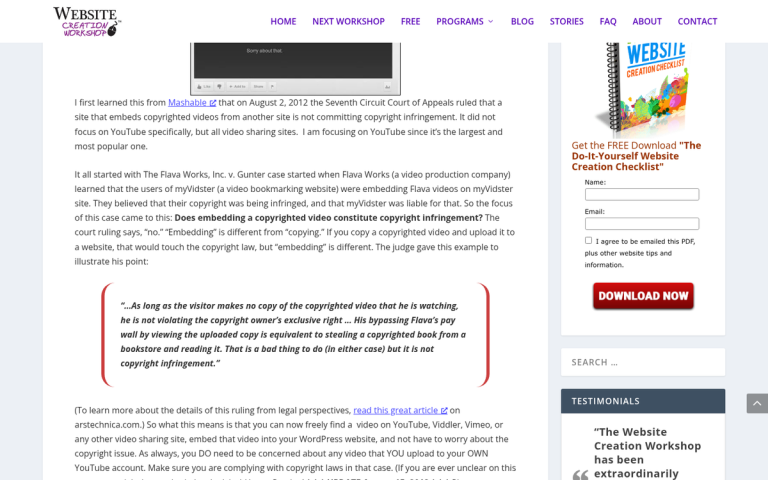
You are free to take a small excerpt from a piece of content as a quote to use to promote it; this is fair use - it can include a snippet, a title, or a description. Do not reproduce the entire post on your own site.
Fair use is evaluated under Section 107 of the Copyright Act across four factors: the purpose and character of the use, the nature of the copyrighted work, the amount used relative to the whole and the effect on the market for the original work. Importantly, the U.S. Copyright Office has confirmed there is no rule permitting use of a certain number of words, notes, or percentage of a work - so don't believe that copying "only 10%" automatically protects you. Context matters enormously.
You should stay away from "curating" 75%+ of the content of a given site. At that point you're no longer curating, you're taking. There's a fine line here; sharing everything written by a great author can be fine. But it can't be your only content strategy. Curating from multiple sources is better than limiting your curation to one.
Make sure you add something to the content you curate. Blind reproduction is not adding value; your followers might as well follow the source you're curating instead of you. You need to give them a reason to follow you instead.
If you are curating content for users from Europe or California, you also need to be aware of GDPR and CCPA compliance. These laws create legal obligations when curating content that involves personal data - just to give you an example, embedding social media posts, user-generated content, or anything that could identify a person. This is a newer and often ignored dimension of content curation law that has become increasingly relevant.
Remember that there are three parties involved in the content curation "transaction." There's you, the person curating the content to share with your audience. Your goal is to get more traffic and engagement to your site without having to create that content yourself. There's your audience, always looking for the next interesting thing. Then there's the original creator, who wants traffic and engagement to their post, wants their own search rankings and wants to engage their own audiences.
When you curate content, you need to be benefitting all three parties. Curating quality content benefits your audience, which benefits you. The tough part is making sure it benefits the content creator as well. Typically all you need for this is a source link. But you might need more if you're curating something in a situation where the original is paywalled, removed, or hard to access.
The Process of Ethical Curation

Generally, ethical curation is not hard. You just need to set up the right mindset and process. These best practices for content curation will come in handy if you ever have a question.
Practice 1: Never copy more than what is necessary to get a basic description of the content you're curating.
Think of how a link preview works when you share something on social media - you see a title, a URL and a short description; that's a good baseline for curated content.
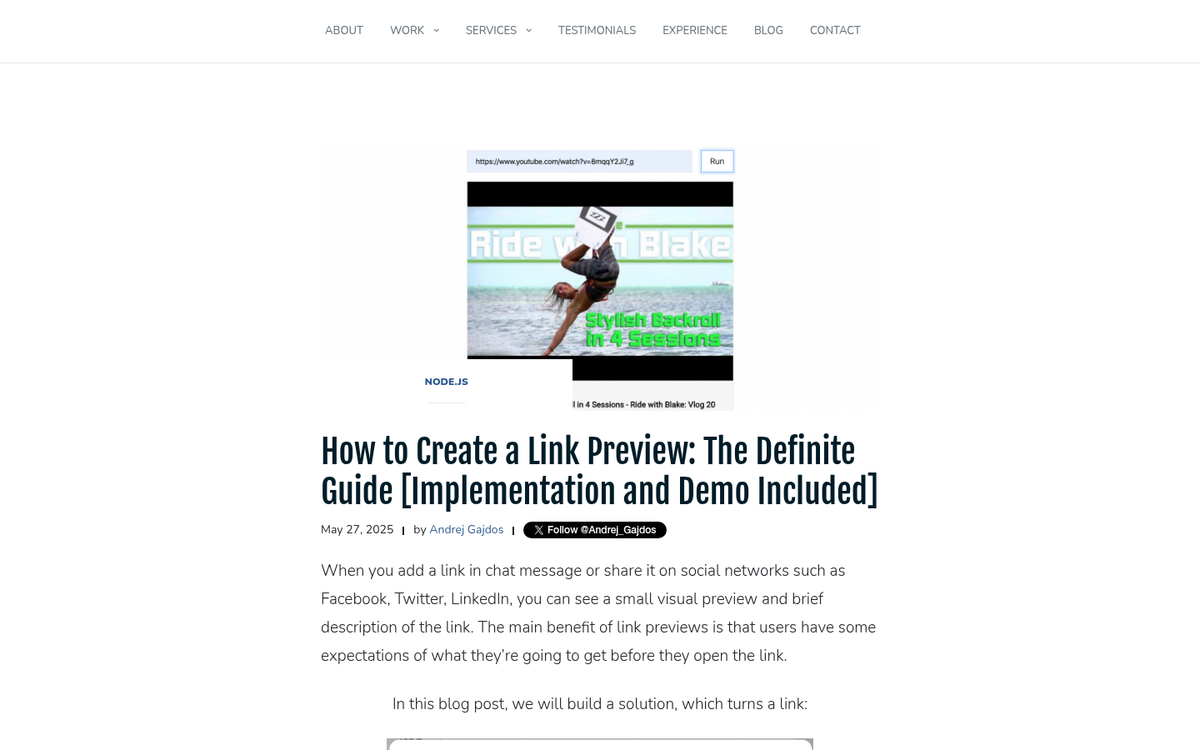
You can include a little more information than a short description if you want. But you should stay away from directly copying and pasting large chunks of the content itself - this helps you stay away from duplicate content problems or accusations of content theft - it also gives you room to play off the content in a direction of your own. Use the curated content as a starting point for a post you write that builds off it.
With AI writing tools now widely available, this practice has become even more important - it's tempting to use AI to auto-summarize a post and publish that summary as your curation. But depending on how the original work is reproduced - even in paraphrased form - this could still raise fair use problems, particularly under the market effect factor.
Practice 2: Be selective with the content you curate.
Not everything from a given site will be worth curating. Some posts will be more promotional. Some will have topics that won't be interesting for your audience. Some just aren't as high quality as you might like. Be selective with the content you curate.
If you're mindlessly "curating" everything from half a dozen sources or more, you're no longer curating anything, you're aggregating. If you could merge six RSS feeds and get your curation strategy, you're approaching it with the wrong attitude. Curation is a selective process whereby you pick the best, most important and most relevant content from each of your sources to add to your feed while still providing value of your own.
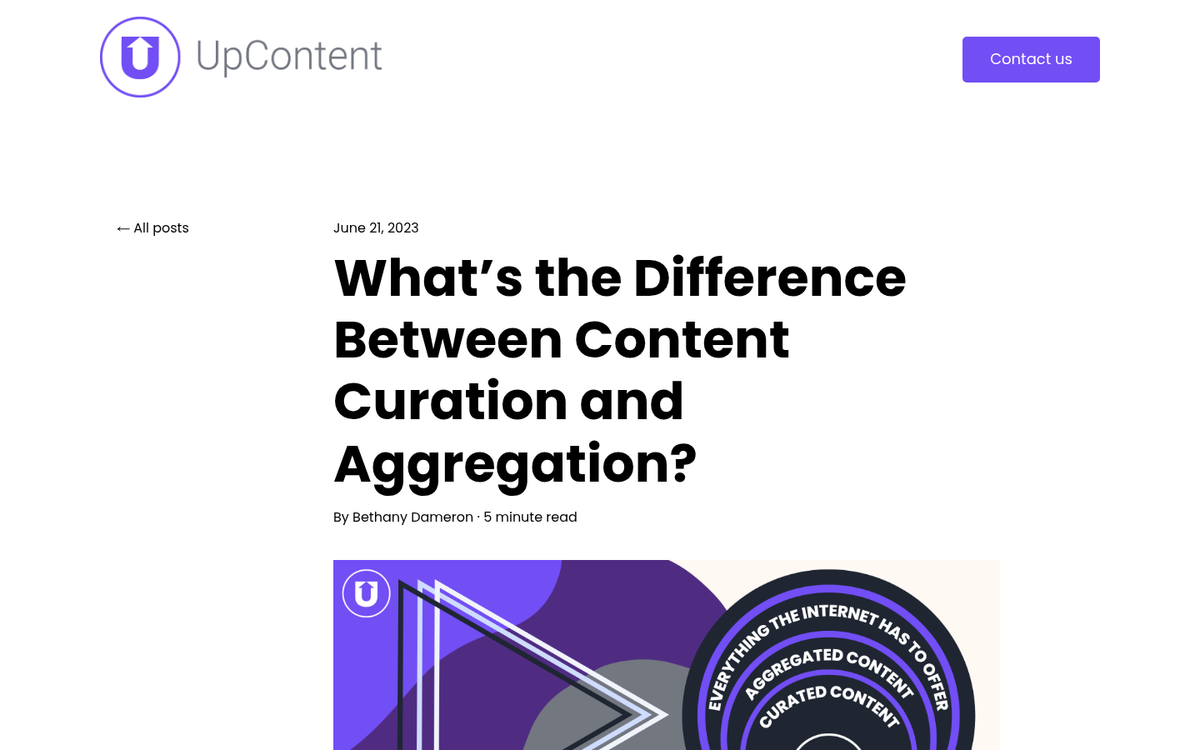
In 2026, AI-powered aggregation tools can do this automatically at massive scale. That doesn't mean you should let them run unsupervised. Automated curation without editorial judgment is still aggregation - not curation - and it shows.
Content aggregation is a valid strategy, it's just not the strategy you pursue with a blog. Rather, you create a site geared towards aggregation - it's a more hands-off strategy. But it's also less helpful on average for your users.
Practice 3: Make sure the original source of the content is prominently displayed.
This might mean a linked title, or a source at the bottom, or making the whole thing a link. The important thing here is to actually link the original source - not a repost or curation from yet another site. Usually this won't be hard to find. But sometimes you'll have to do a little digging to find where the content came from. There are also going to be times where it looks like there are a few original sources; in these cases, find the one that looks most plausible.

Again, let's add some emphasis to "prominently." You don't want to be the person with the size 4 text at the bottom of the page with a mostly-invisible link. You want to make sure readers are aware of the source front and center - it's almost worse to be "technically" within the law, as it looks like the exploitation you're delivering.
Practice 4: Always strive to provide context and commentary to the content you curate.
Use it as a starting point for something more - maybe as simple as creating a post with 10 resources on a similar topic, all curated in one location - maybe sharing a piece with a pointed comment of your own, or using the content as a source for a lengthier original piece, a refutation, or an expansion. That's the value you need to bring to the table to satisfy your audience.
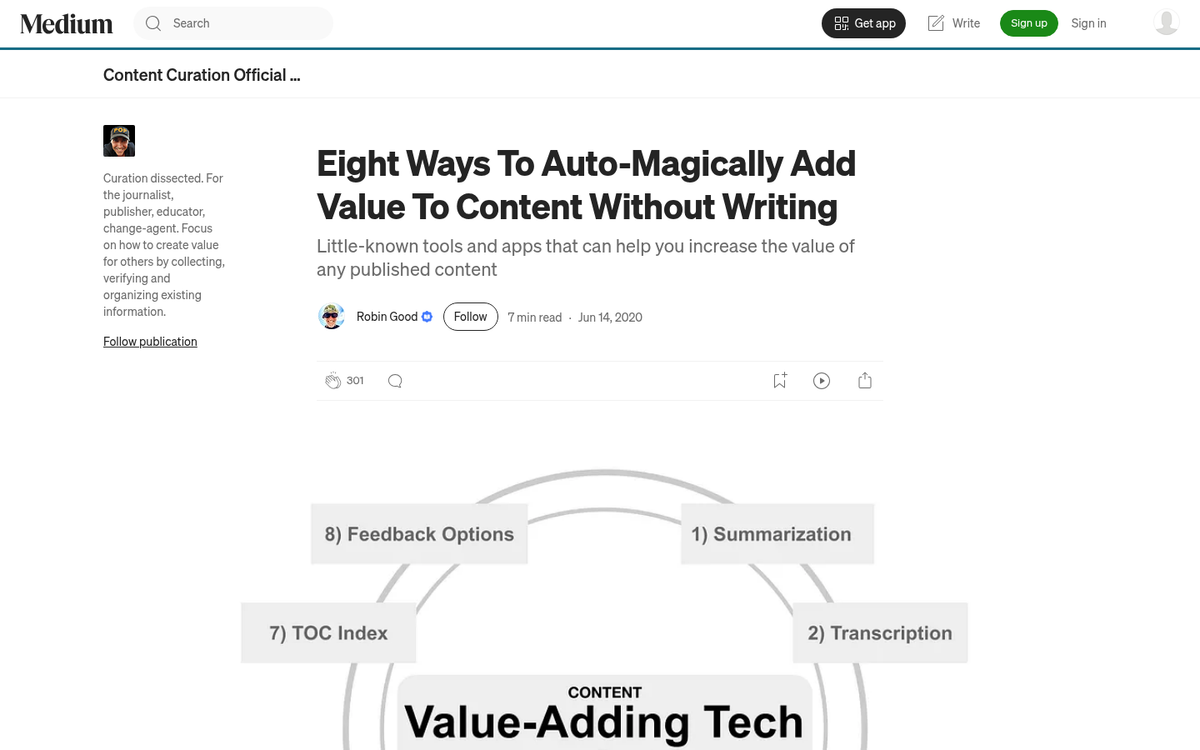
One of my favorite things to add to any link roundup post is context. I write to the intermediate user but explain terms and concepts for beginners in case they're reading - it can get a little tiresome for the most advanced users. But that's fine - they know to filter out what they don't need and get to the facts that help them.
In an era where AI can summarize anything in seconds, raw information is a commodity. Your value as a curator is your editorial judgment and perspective - not the content itself, but what you think about it and why it matters to your audience.
Practice 5: If the content you're sharing is an image or infographic, only share part of it.
Avoid sharing the whole image, because that's just taking it at that point. You're reproducing the whole thing - it doesn't take much effort to crop it down, write a fun description of what it is and refer users to the original source. The creator of the post will thank you and the description will get more people to click the link.
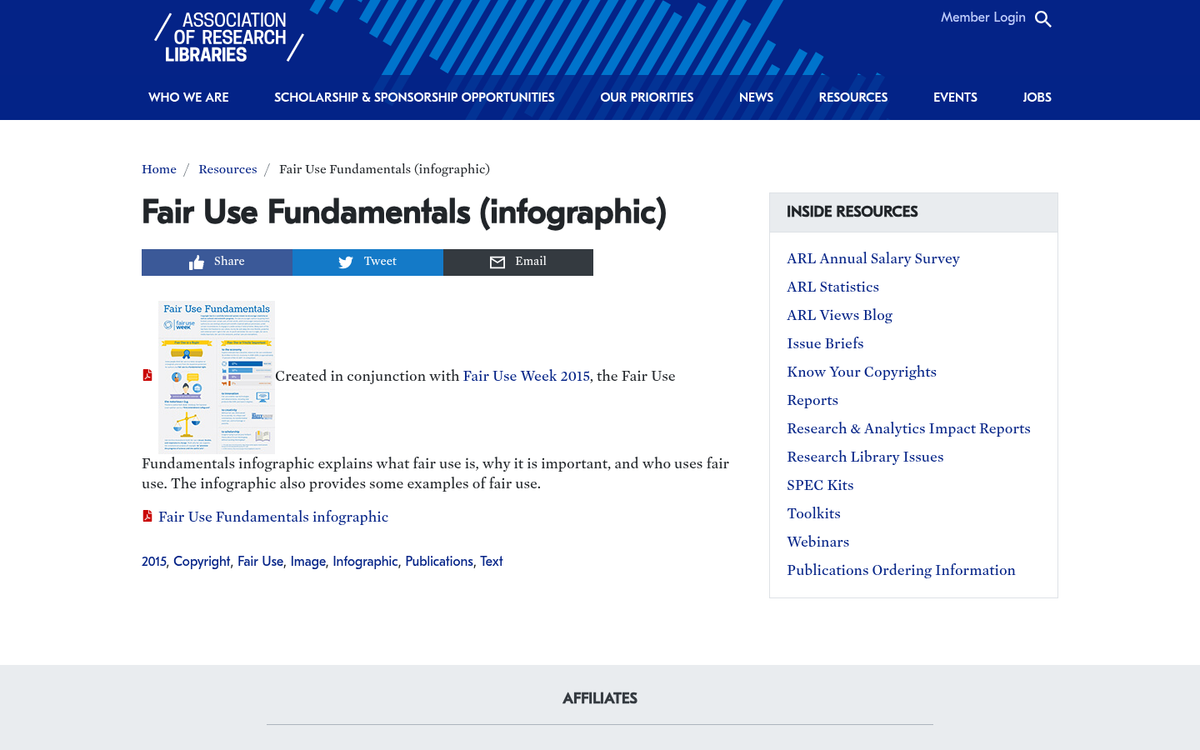
This is also protection against legal action, whereby the creator of an image decides to send a takedown letter, DMCA notice, or copyright claim. Thumbnails are usually considered fair use. But reproducing the whole image without permission is against the law - unless the image is licensed under Creative Commons or a similar open license. Always check the license before assuming an image is free to use - even if it appears in a Google Image search. If you're sharing an infographic, you may also want to add an embed code to your infographic page to make it easier for others to share it properly.
Practice 6: Make sure any excerpts you post or descriptions you write leave something for the reader to read.
Give readers just enough to know what they're clicking on and why it matters - then let the original source do the rest. For posts, try posing a question that leads to a possible logical conclusion and then encouraging users to click to find out if their conclusion was correct. That's the framing that makes content creators happy too, because you're sending them qualified, curious traffic instead of readers who feel like they already got what they needed from your summary.
Practice 7: When you curate content, change the title.
This only applies when you're sharing one post at a time. If you use the same title, you're opening yourself up to minor duplicate content problems. Google is usually smart enough to know that a title and excerpt are not an attempt to copy content. But if you're on the edge with how much you copy and how little you add, it could work against you.
Additionally, changing the title helps your curated content take on more of a life of its own. Your content isn't competing in the same title slot as the original - the original would win that competition. A different title lets you add your own spin and target a slightly different angle or audience. If you need inspiration for fresh angles, check out these content title idea generators that actually work.
None of this applies if you're curating half a dozen or more posts in a single roundup. Those fall into the space of "weekly roundup" posts and link digests. These can be helpful, so long as you're objectively curating the best content, only including small segments of description and linking out to sources very prominently.
Practice 8: Consider making the links to your curated sources followed, rather than nofollowed.
Nobody can tell you specifically what to do with regards to followed and nofollowed links on your site. However, the idea with content curation is that you're collecting up the best of the best - you're sharing only high quality content with your audience, after all. One of the rewards for high quality content is the link attribute. A followed link passes link value and helps the destination site; a nofollowed link does not pass value mechanically, though the visitors you refer might still add some indirect value.
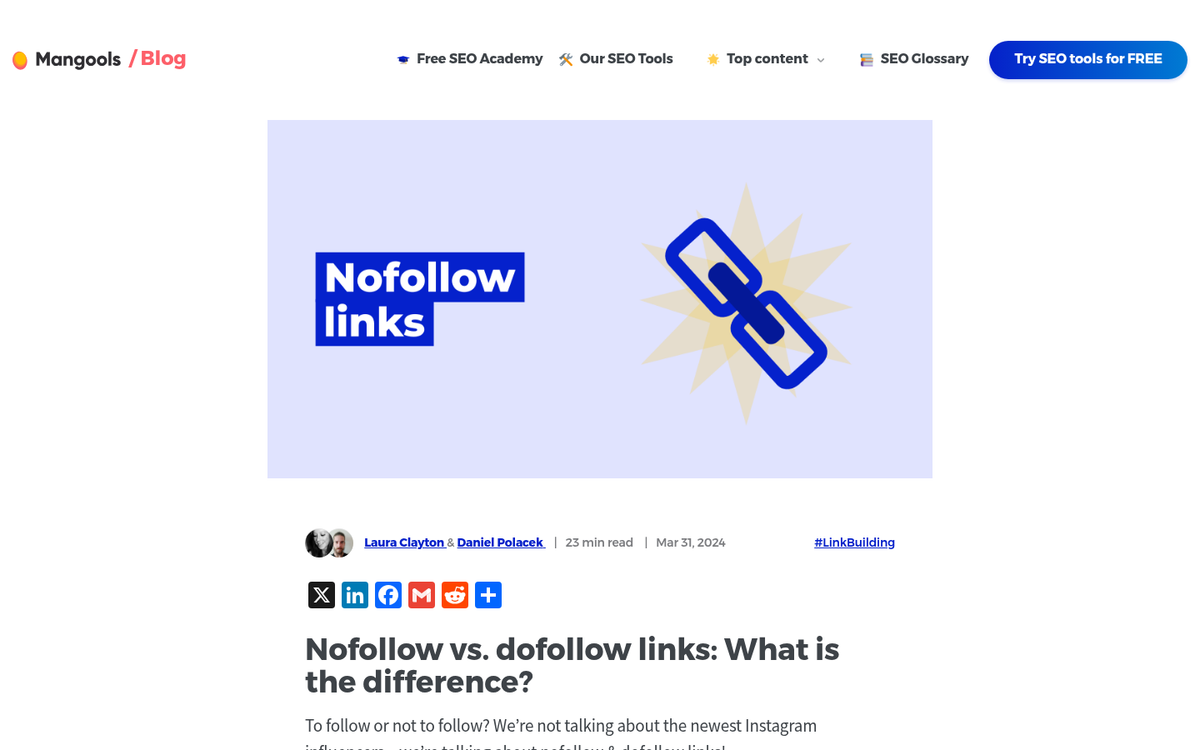
The primary reason to nofollow links is that you don't want your "vote" to count as an endorsement for the destination site. When you're curating content, you're doing it because you like the content - which is the opposite of a reason to nofollow. Therefore, you should make the links followed.
This will probably open you up to people who want to get their links on your blog, so expect contact messages with link requests in hopes of earning curation from you. You're free to filter or ignore them as you like - though occasionally digging through them turns up a legitimately helpful source.
Practice 9: Don't use an iframe or intrusive share bar for your curation.
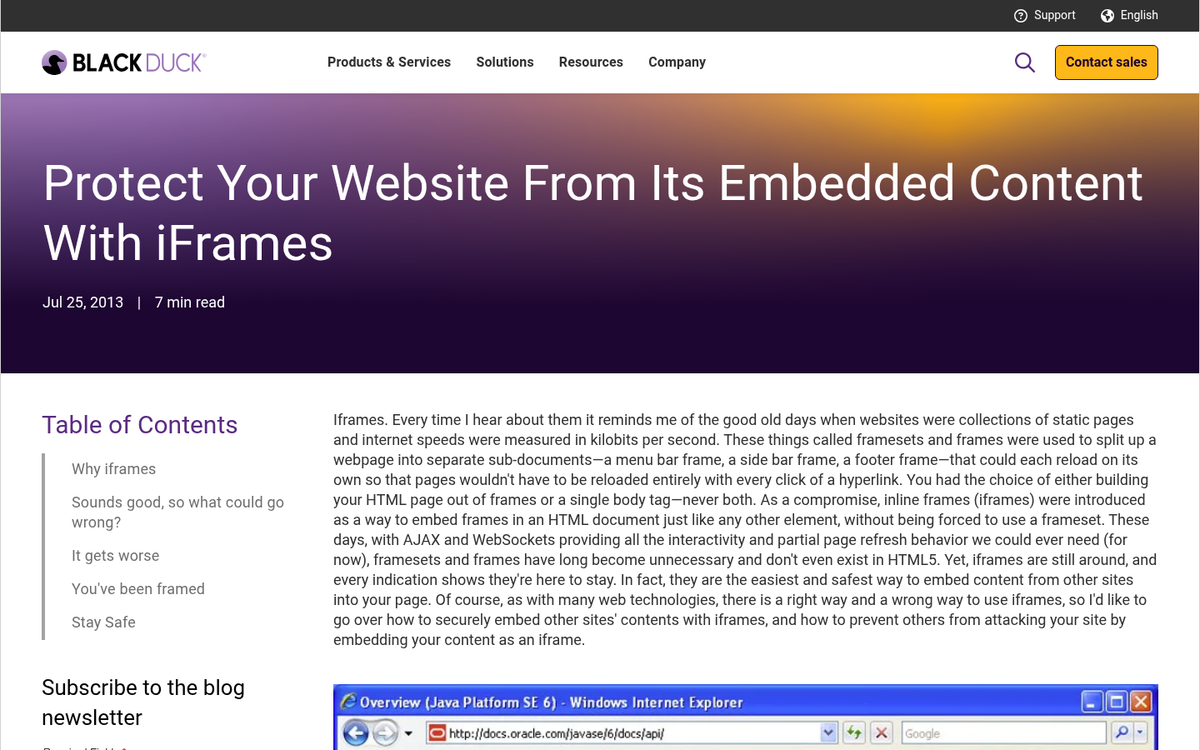
People are so eager to keep readers on their site that they layer their own navigation or ads on top of content they curate. I take the philosophy that you should be keeping viewers around because you're giving legitimately helpful content and editorial perspective - not because you're mechanically trapping them. In 2026, users are savvy enough to recognize these tactics and resent that friction immediately, and it reflects poorly on your brand regardless of how good the underlying curated content is.
4 responses
Thoughtful replies only - we moderate for spam, AI slop, and off-topic rants.
Hello Drew,
Great post, thanks!
I was wondering what the proper protocol was to start curating content from diverse sites (small and/or large ones)?
Should I ask first? Is there some sort of online curation request?
Thanks
Danny
Hi Danny! As long as you are quoting pieces of an article and re-writing them in your own words, I don't think you need to ask permission, unless you are setting up some sort of autoblog and copying their content verbatim (which isn't advisable anyway). My advice if you're going to curate content is always run your finished article through a plagiarism checker like Copyscape. If it pops up with duplicate content, edit your article until it no longer has any duplicate content. Curated content written in your own words works well, but copy/pasted or stolen content most likely won't even be indexed on search engines. I hope this helps!
What if I just want to provide a link to an article. Do I need permission to do that?
Absolutely! Without links the internet would cease to exist. This article is more focused on copying and pasting content from other sites.