





OptimizePress is one of many WP page creators, but it's often heralded as one of the best at what it does. My question is a simple one; is it really? Let's examine what it does and how it stacks up.
Key Takeaways
- OptimizePress is a WordPress-only page builder with 400+ templates, 60+ integrations, and consistently fast 90+ PageSpeed scores.
- Pages are mobile-responsive and load quickly, but the live editor can feel slow and clunky during longer design sessions.
- Pricing is competitive versus ClickFunnels and Unbounce, but an expired subscription leaves your site vulnerable to security and compatibility issues.
- OptimizePress holds its own against LeadPages for WordPress users, though LeadPages offers cross-platform flexibility OptimizePress lacks entirely.
- With 125,000+ users, it's a reliable mid-range option, but advanced features can be difficult to find within the interface.
What It Does
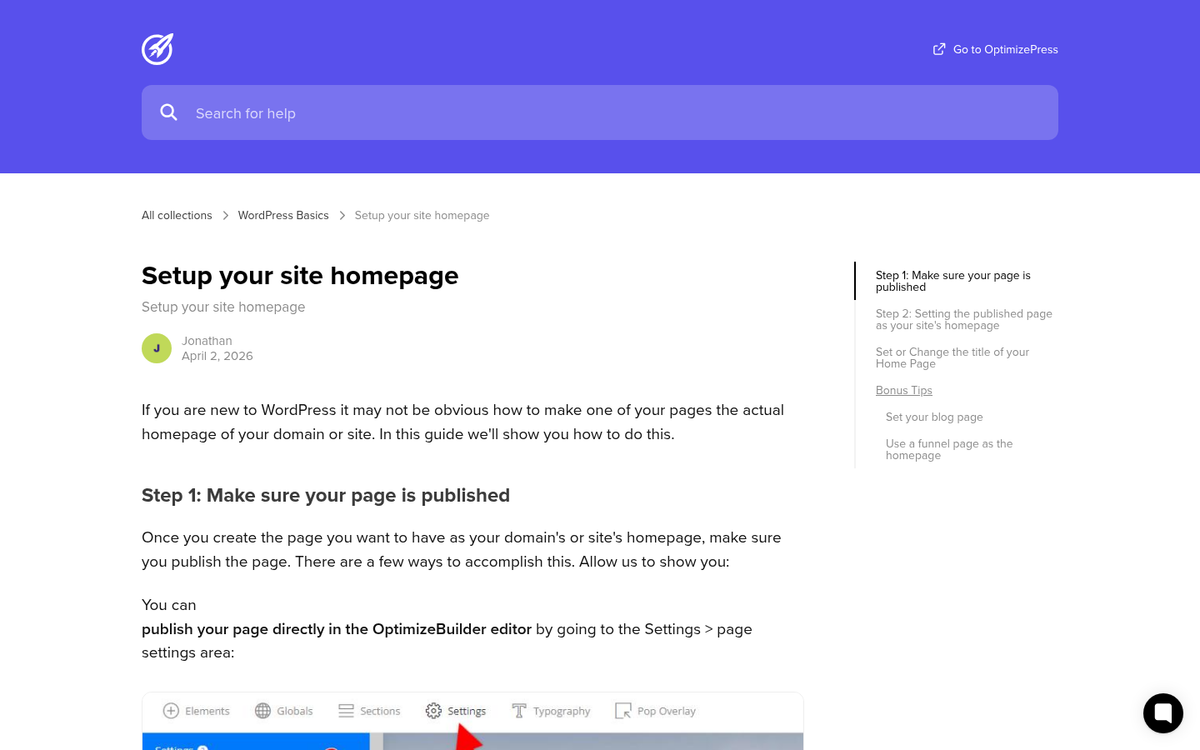
OptimizePress is a page builder plugin for WordPress, first launched in 2010 and significantly overhauled with the release of OptimizePress 3.0 in 2019. You install it and it allows you to create various types of pages, like sales pages, product launch funnels, training courses, webinar registrations, landing pages, and more. There's actually quite a large list, and it covers pretty much everything that you could want to make on a blog. If you need a custom page type that isn't covered, you can tweak the templates yourself, or you can dig into custom page creation outside of the plugin.
We've written about it before as one of the many alternatives to LeadPages. You can see from that list all of the various options that also cover the same functionality.
I probably don't need to say it, but every page created with OptimizePress is mobile-ready using responsive design code. I could not in good faith recommend any product for creating pages these days that does not have a mobile compatibility function, so this comes as no surprise. Pages built with OptimizePress also tend to be genuinely fast, typically scoring 90+ in PageSpeed testing, which matters a great deal for both user experience and SEO in 2026.
One interesting feature of OptimizePress is the live editor. When you make changes on a page, those changes are previewed in real time. This makes the design process considerably more intuitive than older save-upload-preview workflows. That said, it is a bit of a double-edged sword, in that you can easily make a change that you want to revert but aren't quite sure how to undo. It can also feel somewhat slow and clunky at times, which is a known frustration among users.
Additionally, OptimizePress works with over 60 integrations spanning email marketing, analytics, affiliate tracking, and payment apps. At the API level, you can build meaningful functionality directly into your site design. It works with major email providers like AWeber, Mailchimp, GetResponse, and ActiveCampaign. It integrates with membership platforms and payment processors, and connects with analytics tools including Google Analytics. With 60+ integrations available, it covers the vast majority of tools a typical marketer or small business owner would need.
What It Costs
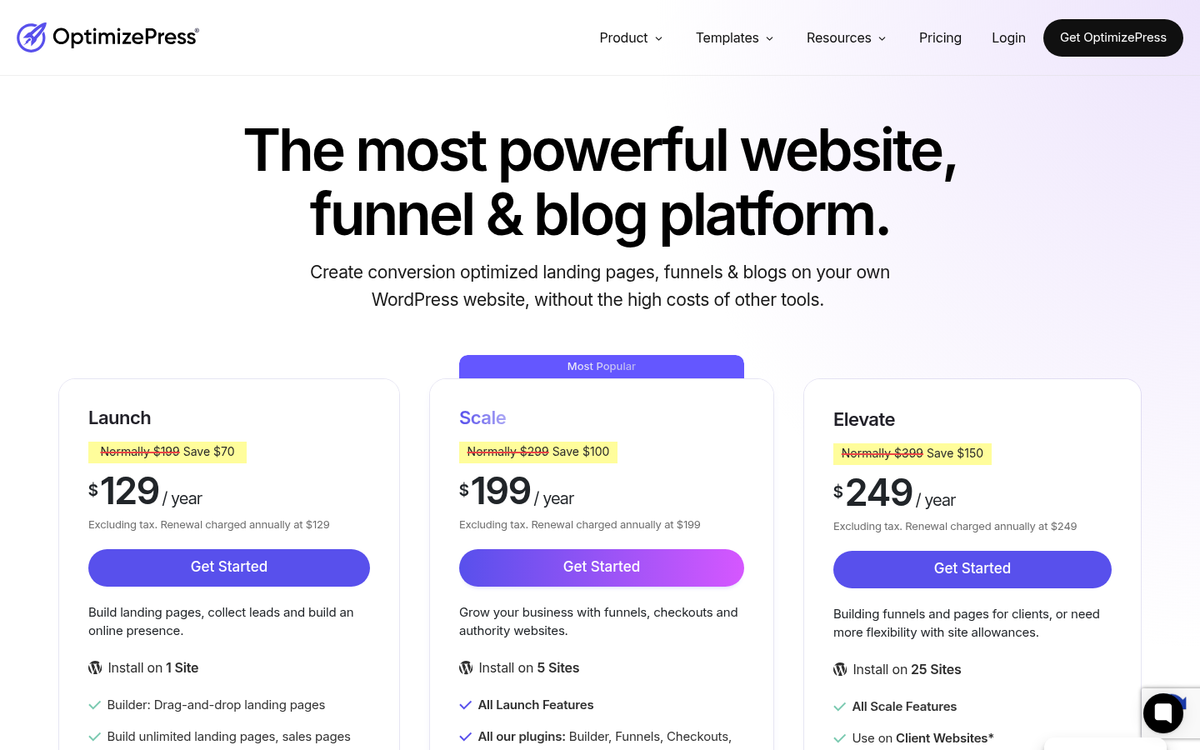
OptimizePress has shifted to an annual subscription model, which is now standard across most comparable tools in this space. Pricing is tiered based on the number of sites and features you need.
Entry-level plans start at a relatively accessible price point for individual site owners, with higher tiers available for those managing multiple sites or running an agency. Specific pricing can shift with promotions, so it's worth checking their website directly for the most current numbers. What remains consistent is that OptimizePress positions itself as one of the more affordable options in its category, especially when compared to tools like ClickFunnels or Unbounce.
One thing worth noting is that active membership is required to receive updates and support. You can continue using OptimizePress after your subscription lapses, but you'll miss out on security patches and compatibility updates. Given how frequently WordPress itself updates, this is a real risk. If you're running paid memberships or handling any kind of transaction on your site, keeping your license current is essentially non-negotiable.
The plugin comes with access to over 400 templates and ready-made sections, which is a substantial library and a significant improvement over earlier versions of the product. Additional templates are available through their marketplace, and a membership tier gives access to an expanded collection of premium designs.
What Makes OptimizePress Great
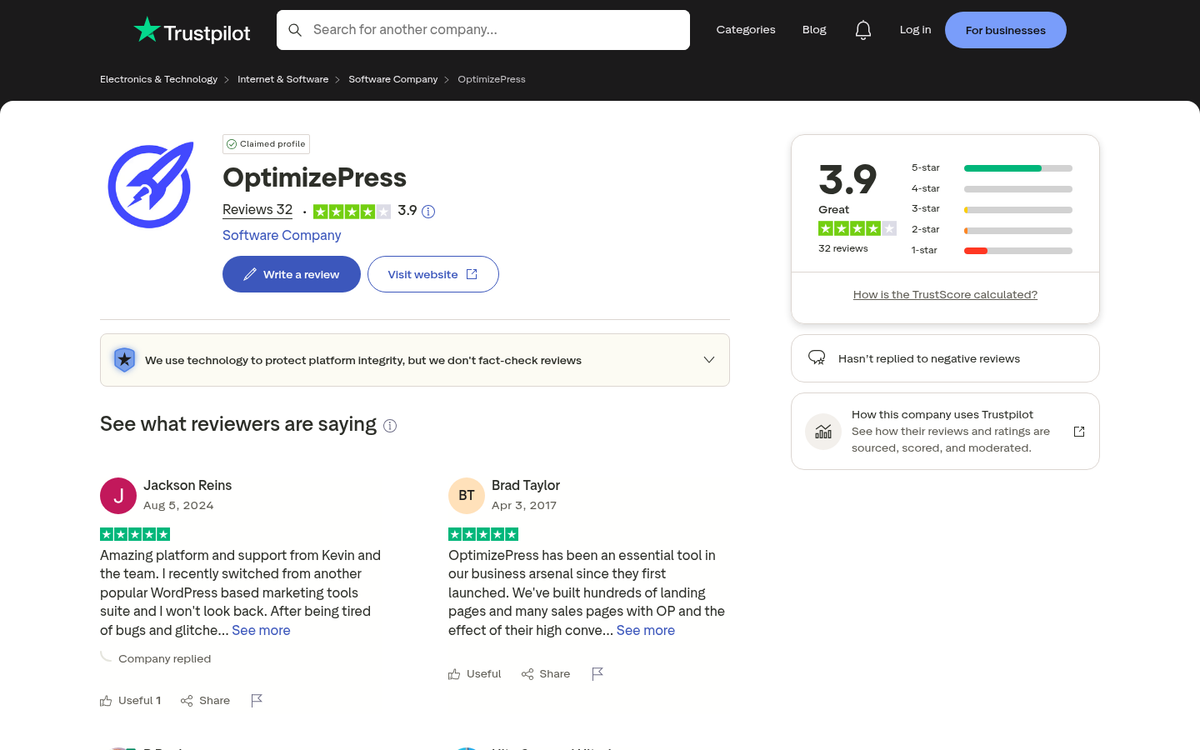
Make no mistake, OptimizePress is one of the better page design systems available for WordPress. It's used by over 125,000 online experts, digital marketers, and small businesses, which speaks to its staying power and reliability. Part of its appeal is the engine underlying it, which produces fast-loading, well-structured pages. Part of it is the template library, which has grown enormously since the early days. Let's take a closer look at the pros.
- Competitively priced. Compared to tools like ClickFunnels or Unbounce, OptimizePress remains one of the more affordable full-featured page builder options available. For smaller operations running one or two sites, it offers strong value.
- It's quite popular and well-supported. With over 125,000 users, there's a significant community out there. Even if you run into something the official documentation doesn't cover, community forums and third-party tutorials fill in the gaps quickly.
- A massive library of templates. With over 400 templates and ready sections included, you have a serious range of starting points. This is a dramatic improvement over the much smaller libraries offered in earlier versions.
- Fast page performance. Pages built with OptimizePress consistently score 90+ on PageSpeed tests, which is genuinely impressive and directly benefits both conversions and search rankings.
- 60+ integrations. The breadth of tools OptimizePress connects with means it fits into almost any existing marketing stack without forcing you to rip things apart and start over.
- A solid library of training and tutorials. Anything you're curious about can typically be found in their documentation, and the community support is generally reliable.
OptimizePress is also reasonably easy to use, though if you want to get the most out of it, you'll need to invest some time learning the deeper features and customizations available. Basic pages come together quickly, but more complex builds will require a bit of a learning curve.
The Cons of OptimizePress
OptimizePress isn't a perfect system. If it were, you wouldn't need the dozen other options that exist out there. Here are the cons worth considering.
- Some advanced features aren't intuitive to find or implement. The more common functions are placed front and center, which means some powerful customization options are buried deeper in the interface than they probably should be.
- It's restricted to WordPress. If you ever want to migrate away from WordPress to a custom CMS or a different platform entirely, you won't be able to take your OptimizePress pages with you. You'd need to rebuild from scratch.
- The live editor can feel slow. While finished pages load fast, working inside the editor itself can be sluggish at times, which becomes frustrating during longer design sessions.
- Letting your license lapse is risky. Because WordPress updates frequently, an expired OptimizePress subscription can leave you exposed to compatibility issues or security vulnerabilities with no straightforward path to a fix short of renewing.
- Trustpilot presence is thin. With only 32 reviews on Trustpilot as of the most recent data available, it's harder to gauge real-world satisfaction at scale compared to competitors with larger review footprints. That's not necessarily a red flag, but it's worth factoring in when doing your research.
Many of those cons aren't dealbreakers for the right user. If OptimizePress fits your workflow, these issues are unlikely to change your mind. If you've had friction with it before, they probably won't push you to give it another shot either.
Comparisons to Other Systems
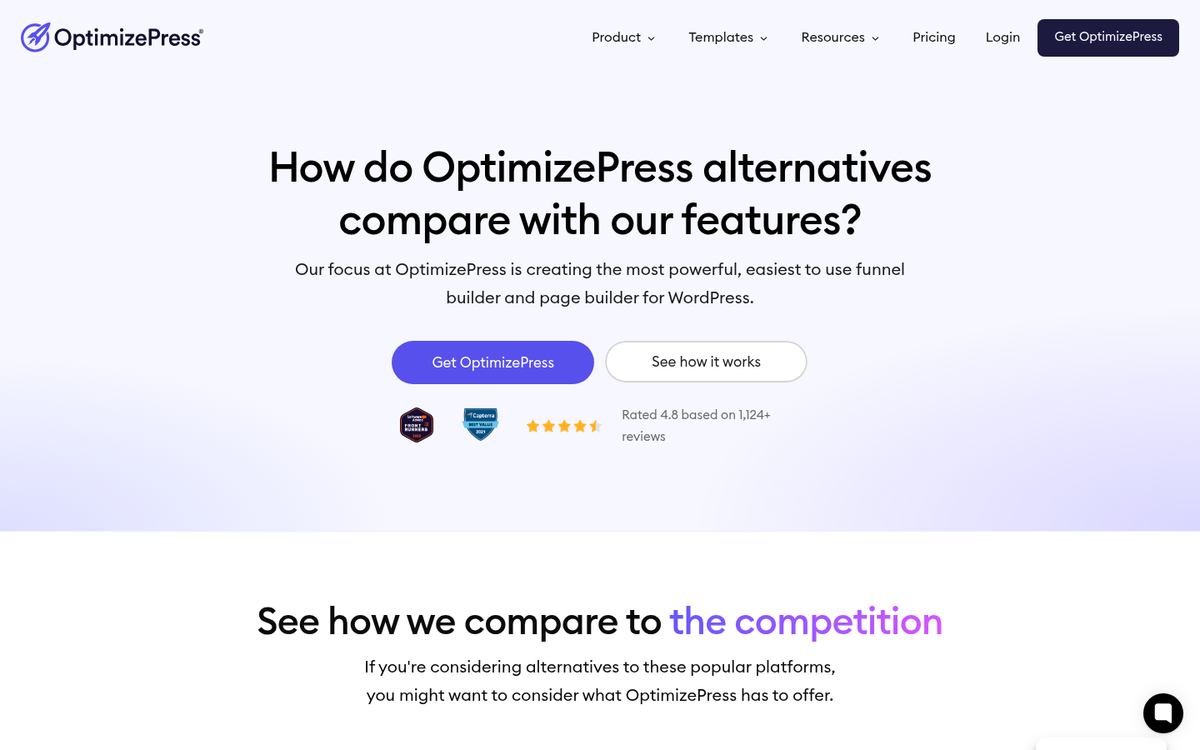
OptimizePress competes in a crowded space, and many of the other page builders out there have different purposes and different goals. This makes it a somewhat uneven comparison in places. Apples and oranges, and all that.
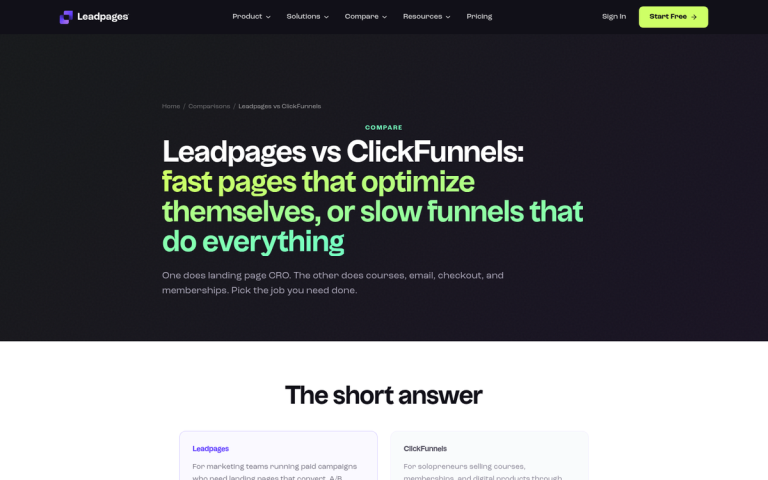
Compared to LeadPages, the two are very similar. LeadPages isn't restricted to just WordPress, which gives it a meaningful edge for anyone not fully committed to the WordPress ecosystem. The two have comparable template libraries and feature sets at a broad level. LeadPages also collects performance data across all its users to inform template and design improvements, essentially applying large-scale conversion insights to help the average user. If you need cross-platform flexibility, LeadPages has the edge. If you're firmly in the WordPress world, OptimizePress holds its own and costs less.
Compared to ClickFunnels, the conversation is more nuanced than it used to be. ClickFunnels has evolved considerably and is now more of an all-in-one business platform than a simple funnel builder. That expanded scope comes with a significantly higher price tag. OptimizePress remains far more affordable and is the better fit if you want a flexible WordPress page builder rather than a fully managed business operating system. If your primary goal is building sophisticated sales funnels and you're willing to pay for a more integrated ecosystem, ClickFunnels still does that well. But the price difference remains substantial.
Compared to Unbounce, it's not a straightforward comparison. Unbounce is a powerful platform with considerable flexibility, but it comes with pricing that scales based on traffic and conversions. For high-traffic sites, that model can get expensive quickly. OptimizePress offers fixed pricing regardless of traffic volume, which makes it far more predictable for growing sites. Unbounce is genuinely more flexible and powerful, but OptimizePress is the more practical choice for most small to mid-sized operations.
Compared to Thrive Suite, it's a close contest. Thrive Suite has built a strong following, particularly among affiliate marketers and content publishers. It's a WordPress-only ecosystem as well, and it offers a live editor similar to OptimizePress alongside a broader set of conversion-focused tools. Thrive Suite generally costs roughly twice what OptimizePress does, which is consistent with what it delivers in terms of added functionality. If you're deep in the WordPress world and want a more comprehensive toolkit, Thrive Suite is worth the look. If you want strong core functionality at a lower price point, OptimizePress remains the more accessible option.
All things considered, OptimizePress is a strong mid-range option that has matured well since its 2010 launch. With over 125,000 users, 400+ templates, 60+ integrations, and consistently fast page performance, it's a legitimate choice for marketers and small business owners who are building on WordPress and want a reliable, cost-effective page builder. It's not the most powerful or flexible tool available, but it doesn't pretend to be. If you're looking for a place to start, or a long-term tool that won't break the budget, OptimizePress makes a compelling case for itself.

1 response
Thoughtful replies only - we moderate for spam, AI slop, and off-topic rants.
I am now totally done with Optimize press. They are incredibly glitchy, and their 'Live Editor' is constantly clashing with different plugins, and even some versions of WordPress! Their page builder is so non-intuitive as to be stressful, and their customer service is terrible.
The last straw for me is I cannot update a page that I have changed the Buy it Now link to my 'money' product, and have gone through all of their troubleshooting, and it still will not update. This happened on a Saturday night, so I didn't get customer service until Monday morning when they wrote me asking me a question.
I responded at 6 am PST and didn't hear from them all day. Come to find out they are on London time, so i now won't hear from them until tomorrow, and my 'money' page will have been down for 2 1/2 days... if they fix the problem tomorrow morning.
They have no phone number to call, and no other way to get hold of them for something urgent... like your money page going down. Plus, unless you want to re-create all of your pages with a new pagebuilder, getting rid of them is dang hard, and you'll always have to renew because the pages will not work with updated wordpress versions. So, once you use their non-intuitive glitchy page builder and bad customer service, you'll be stuck with them forever.