





Key Takeaways
- Disqus is the largest third-party commenting system but has SEO issues and paid plans starting at $11/month.
- Facebook Comments reduces spam effectively but can produce low-quality discussions requiring active moderation.
- WPDiscuz offers Disqus-style features like real-time loading and voting while storing comments locally for better performance.
- Akismet is a highly recommended anti-spam tool with a reported 99.99% accuracy rate and 500 billion spam messages blocked.
- Third-party commenting systems generally add extra load time, which can negatively impact Core Web Vitals scores.
WordPress default comments are a pretty common sight on the web, since so many people use them. They're also pretty easy to spam- even with anti-spam plugins installed; which is why some big blogs basically disable comments and others have full-time moderation teams. There are other options you can use. Here's my personal top list of options for anyone starting up a blog and looking for a commenting system.
Disqus
Disqus is probably the single largest third party commenting system out there for WordPress and other blogs- it's primarily because it works with WordPress and because it gives you a cross-site community. Users only need to have one Disqus login which they can use on any site that uses Disqus to power its community. There are notifications and an email system that even lets users respond to comments via email, which takes part of the issue out of building that community. Disqus lets rich media comments- like embedded video, for those with very active and helpful communities.

The primary downside to Disqus is that it is going to need a login in order to comment- this discourages spam. But it also discourages drive-by comments and quick messages, so your number of comments will be smaller- it also takes the wind out of the sails of other big-name plugins, like Facebook, because it lets a Facebook login as a variation of its own login- it does also have problems with SEO that you might want to be aware of.
Paid plans start at $11/month for sites with as high as 50,000 total page views, so it's worth factoring that into your choice if you're on a tight budget. You may also want to consider ad-free alternatives to Disqus if cost is a concern.
Facebook Comments
There are actually a few Facebook comments plugins available for WordPress- this leads me to the first drawback of the Facebook comments plugin: installation and configuration can be fiddly, which is part of why third-party implementations are out there. However, they have the same basic functionality - embedded Facebook comments below each post.
When a user comments on a blog post via Facebook on your site, their comment is replicated on Facebook- this lets cross-over between your site and your Facebook profile. People who comment on either one are actually commenting on both, which lets cross-talk and helps you build communities.

A large portion of users already have a Facebook account and are automatically logged in, which makes it easy to post comments- it's also a decent deterrent for spam. Spammers don't like maintaining Facebook accounts that can be blocked.
However, Facebook's natural audience can sometimes produce low-quality comment sections. If you've ever read through comments on a big viral post, then you'll know how fast things can devolve. Moderation can help. But you always have to stay on your guard. Comments can also impact your blog post rankings, so keeping quality high is worth the effort.
Native Jetpack
The native WordPress comments are functional but basic. Jetpack, one of the largest suites of WordPress extensions, has a comments module that can add extra features like logins, notifications, and multiple social connections. It comes with baggage as part of the wider Jetpack suite, which can dilute, conflict with, or slow down your site.

Jetpack's premium option starts at $29.95 per year, which is worthwhile if you're already using other Jetpack features and want everything under one roof. Personally, I think the comments module works fine the majority of the time. But if you're not already invested in the Jetpack ecosystem, one of the other options on this list will serve you better.
Yoast Comment Hacks
Yoast makes one of the best SEO plugins available for WordPress, so it makes sense that they've also released a commenting plugin on the side- it mostly just adds and adjusts some features of the default WordPress comments, so in ways it's like Jetpack's strategy.

What does it do, specifically? It gives notification emails, lets you block comments under a certain length, lets you redirect first-time commenters, and makes comment moderation a bit easier- it's all pretty basic, so if you're looking for an advanced and feature-rich plugin, this isn't it.
GraphComment
GraphComment is a modern alternative worth thinking about if you want something between the simplicity of native comments and the full weight of Disqus- it uses a threaded, nested comment structure that makes it easy to follow conversations, and it has a clean, modern interface that fits well on most sites.

There's a free tier for lower-traffic sites, with a premium version starting at $8/month. The premium tier unlocks features like advanced moderation tools, analytics, and priority support- it's a strong contender if Disqus is overkill or you'd rather not pay Disqus-level prices.
Comment Edit Core
If you're set on the default WordPress comments and don't want any of the large overhaul packs, you can use a focused plugin like Comment Edit Core to add functionality without slowing down your site- this plugin lets users edit their own comments after submission - helpful for fixing typos, adding a thought, or cleaning up a mistake.
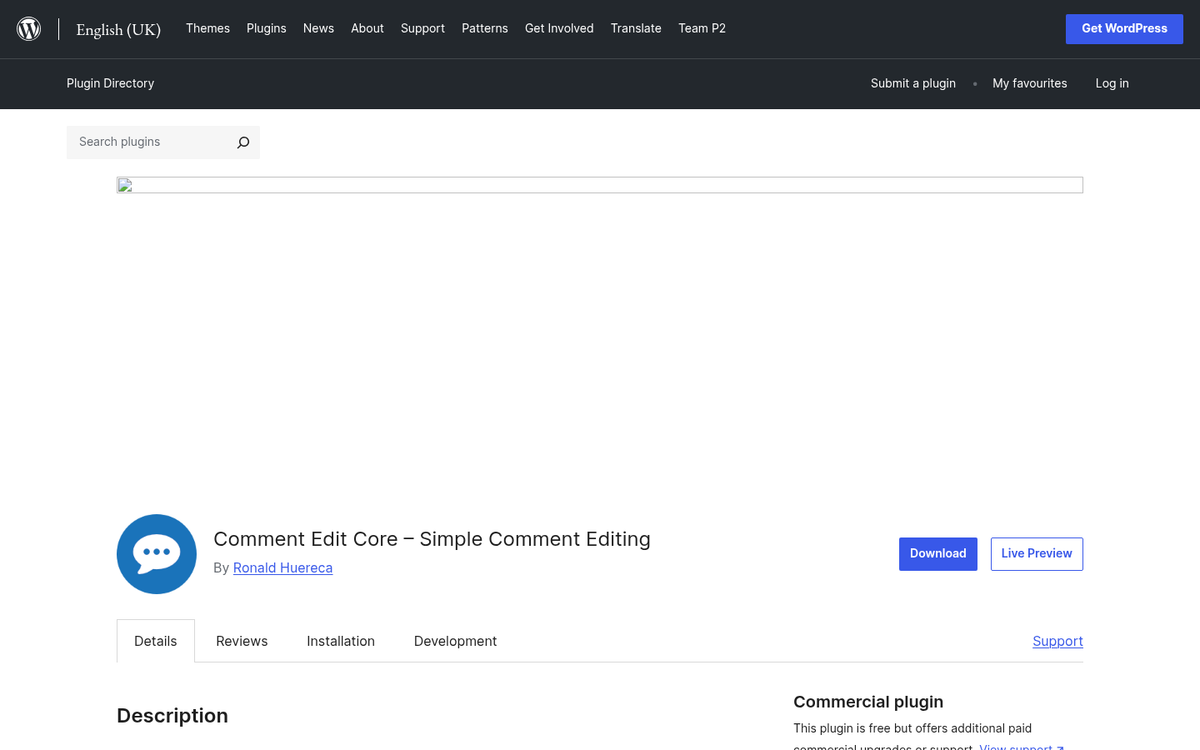
What's nice about the way it works with permissions: anonymous users get a 5-minute edit window. But logged-in users have unlimited editing time.
Simple Comment Editing and Other Small Plugins
Another small-scale comment improvement worth learning about is oEmbed support, which lets users embed video content in their comments. Just know that some of the older plugins in this space haven't been updated in a while, so test before committing.
Featured Comments is another small hack you might find helpful. When an especially helpful comment is posted, you can feature it, which pushes it up near the top so visitors see it front and center- it's a great way to reward quality contributions from your community.
Akismet is one of my top options for whenever you're running a native comment system- it's an anti-spam system backed up by cloud analytics, with a reported 99.99% accuracy rate and over 500 billion spam messages blocked to date. Every site it monitors feeds data to their servers, so they can aggregate patterns and catch new spam techniques almost as soon as they emerge- it takes most of the moderation burden off your plate.
Finally, I also like DX Unanswered Comments for back-end use- it shows new comments in your dashboard and removes them once you've replied or marked them as handled- it's an easy but helpful way to stay on top of engaging with your commenters.
Replyable
Replyable is an interesting email-based take on comments. When a user posts a comment on your site, they are added to your mailing list. When someone replies to their comment, they get a notification and can respond via email or return to your site; it's the baseline.
Subscribers receive your new posts upon publication. The post is converted to a newsletter and sent out to those who have commented, and if a reader wants to comment on that new post, they can do so directly from their inbox without ever visiting your site.
There are some trade-offs, of course. It cuts back on direct site visits from your most involved users, which means less ad exposure and skewed analytics. If you already run an email newsletter, it can also create overlap or uncertainty with your existing audience. Worth factoring in before committing.
WPDiscuz
Despite the name, this is actually a modern plugin built as an explicit Disqus replacement. The idea is to give you those Disqus-style features - real-time comment loading, voting, rich media support - without the off-site integrations, external data dependency, or performance overhead. WPDiscuz stores your comments in your local database, works with native plugins like Akismet, and uses Ajax to load comments dynamically.
Speed is a priority here- it's built to stay lean, and for most sites with a basic comment load, it won't cause any big slowdown.

The one downside is the add-on pricing model. Individual feature packages range from $9 to $125, though a bundle package is available for $99 if you want to unlock a few premium features at once. If you only need one or two extras, the à la carte strategy is fine. If you want the full suite, the bundle is the better buy.
There are a few more comment plugins out there, though most of them add features to the default WordPress system instead of working as a total overhaul or replacement like Disqus or WPDiscuz do. Whether you want to keep your comments native or replace them entirely is up to you, though third-party systems do tend to add some extra load time - something worth keeping in mind especially if you're optimizing for Core Web Vitals.
Do you have a favorite comment plugin I didn't mention? It may have been one I considered, or maybe not. I did try to stay away from the purely premium plugins, though some of the above have paid tiers worth looking at. Regardless, you have plenty of options - feel free to share a great one in the comments below.


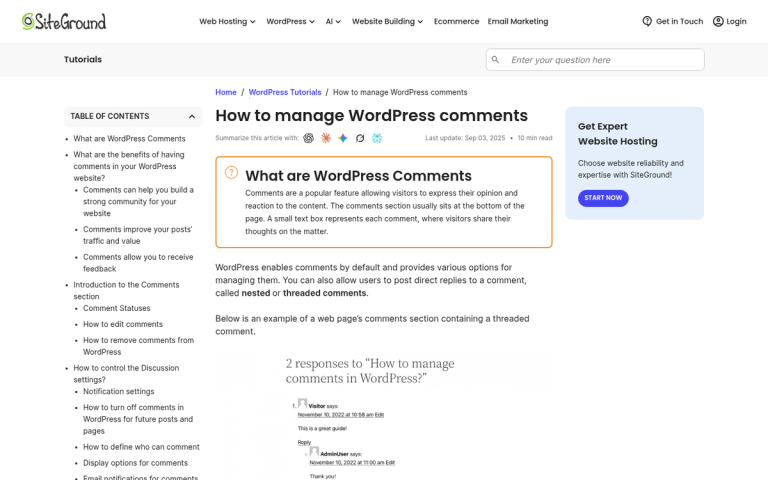
2 responses
Thoughtful replies only - we moderate for spam, AI slop, and off-topic rants.
I tried wpDiscuz, but it's slow sometimes and others have some dificulties and bugs as well. So I found another one called AnyComment, u can try out this. It's my advice.
Thank you for this nice article!
I have a large experience in WordPress comment world. I started with Jetpack, then used Disqus long time, now I'm on wpDiscuz. This plugin brought my comments back to my database, increased users engagement and commenting speed. I've never seen lighter and faster commenting solution yet. wpDiscuz is best commenting plugin for today. Has a modern functional ad design. The plugin is very convenient for use by both the administrator and the user.
Technical support at the highest level helps to solve not only common issues, but also joy helps in making personal decisions. Fast, convenient and human! An excellent example of the developers;) I've already left a good review for this plugin and recommend it always.
I also tried comment plugin mentioned by Rudolf. It doesn't work with my security plugins, this plugin has many untested and buggy functions, it generates lots of errors and it's in beta stage so I don't think this plugin should be installed on a live blog yet. Lets wait and test it later.