Key Takeaways
- Five main options exist for matching a WordPress blog theme to your site, ranging from finding existing themes to full custom builds.
- Thousands of free and premium themes exist across directories like WordPress.org, ThemeForest, and Elegant Themes, often making a close match findable.
- DIY custom theme building offers full control but requires design experience, coding knowledge, wireframing, and thorough cross-device testing before launch.
- Outsourcing to freelancers on Upwork costs $20-$100 per hour; creating a wireframe first helps communicate requirements and reduce development costs.
- Modifying a premium theme is cheaper than building from scratch, but always check the license to ensure modification is legally permitted.
A lot of people these days start a site from scratch with a WordPress installation and a blog. However, older sites run on other architectures, with different back ends, or on custom code. You may have an online storefront running on Joomla or something and you want to add a blog. You may have gotten rid of an old blog and want to start a new one fresh, or maybe you even just have a conversation board and want to open a blog.
The point is, there's any number of reasons why you might need to set up a new WordPress blog and skin it to look like your existing site. My question is not why you might need to, it's how you can do it. I've found there are usually five different options for this procedure.
Option 1: Settle for Good Enough
There are an awesome number of sites out there dedicated to nothing more than giving WordPress themes for free or for purchase. Unless you have an extremely interesting design, chances are you can find something that pretty closely matches your site.
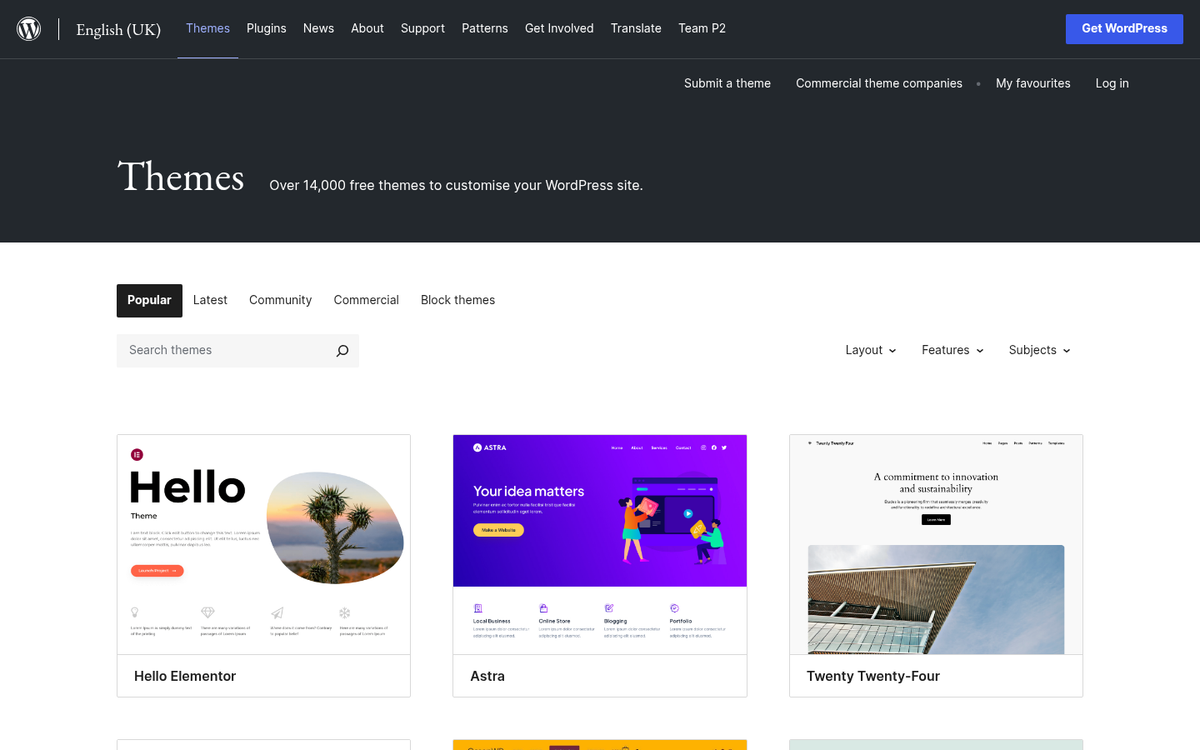
Here are some places you can go looking.
- The WordPress Theme Directory. This is the official theme directory for WordPress.org, and it's grown massively over the years. As of 2026, there are over 13,000 free themes available to browse, so you're bound to find something. Plus, in order to upload a theme to this directory, it has to pass rigorous testing to make sure it works and is secure.
- Envato's ThemeForest. The Envato network is generally a great resource whenever you need something, be it a theme, plugin, script, video, or 3D model. They currently offer over 15,000 WordPress themes and website templates, with most premium themes averaging around $59. Avada, their most popular theme, has racked up nearly a million sales and holds a 4.78-star average rating from over 25,000 reviews - a good sign that quality options are out there.
- Elegant Themes. Elegant has some very well-regarded products, most notably their Divi theme and its built-in drag-and-drop page builder. It's one of the more popular visual builders on the market and can take an almost-there theme and make it spot on. The main downside is that access requires a membership, so it's largely all-or-nothing.
- StudioPress. Known for the Genesis framework, StudioPress is one of the better architectures you can build on. Genesis is secure, clean, and designed with speed in mind. It was acquired by WP Engine, and Genesis themes are now bundled with WP Engine hosting plans, which makes it a more attractive deal than it used to be when the framework alone ran $99.
- ThemeIsle. Despite the similar name, this one is NOT part of the Envato marketplace. They have a solid selection of themes, including their popular Neve theme, which is lightweight, fast, and works well with most page builders. Well worth checking out.
If you can't find a theme you can settle for on one of these sites, well, two things. First, I'm curious what site you're running and what your requirements are when nothing here works, and second: move on to the next option. If you're also evaluating premium WordPress plugins to pair with your new theme, that's a good next step to consider as well.
Option 2: DIY Custom Theme Build
The opposite end of the spectrum is a DIY approach for your WordPress blog and site. If nothing you find works the way you want it or looks how you want it, just make something on your own!
You have a few decisions to make if you go this path. First and maybe most important is whether you want to use a visual page builder, a framework, or just default WordPress. The default WordPress block editor (Gutenberg) has come a long way and it's legitimately capable for most builds. But users still like dedicated builders for more design flexibility.
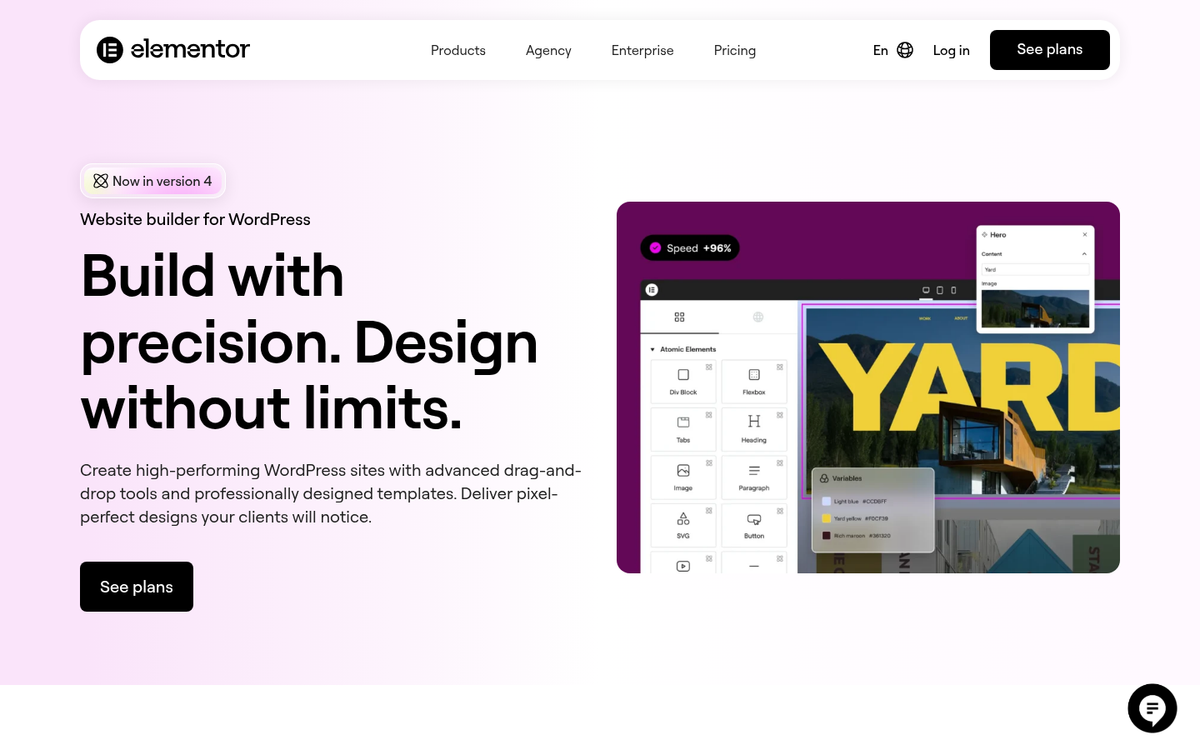
Speaking of which, Elementor is now the dominant force in this space - it's used by over 26% of all WordPress sites, it lets you design visually without touching code, and studies have shown that custom-designed templates built this way can increase conversion rates by as much as 33% compared to generic layouts. Divi from Elegant Themes remains a popular alternative, with other options depending on your workflow preferences.
If you'd go deeper, traditional frameworks like Genesis (now bundled with WP Engine) still give you speed and structure for developers who want a clean foundation to build on. Going this path gives you full control, but it is going to require more technical knowledge first.
At this point you're going to need some web design experience, coding know-how, and graphic design tools on hand. Mock up a wireframe of your intended theme and figure out what features you need and what needs to go where. Take that wireframe and turn it into something based in HTML, use whatever you need from whatever developer tools you have access to, and get that theme running.
Before you even think about going live with the theme, you'll have to set up a private development environment for thorough testing. I'm talking compatibility with all kinds of browsers and devices, desktop and mobile, with common browser extensions and without. The more testing you do before launch, the fewer problems you'll deal with after.
Option 3: Design a Theme and Have it Built
Hi, hello, welcome to option 3, which is where you get started on option 2 and realize that it's work. Designing an entirely new WordPress theme, with or without a page builder, is a mess. It's especially tough if you have only passing interest in web design. I've seen more than one friend get in way over their head on a project basically out of the sunk cost fallacy coupled with eyes bigger than their brains - they want something with these features, but they don't have the skill for those features, and have too much pride to hand it off to someone who does.
If it's too much work, outsource it. I'm pragmatic, I have a little cash to invest, and I know there are thousands of people out there with the skills I lack and the desire to make some extra money. Freelancers are out there for a reason, and there are some legitimately talented ones available.
My recommendation? Take option 2 long enough to come up with a basic wireframe that gives you what you want out of your theme. Then take it to a site like Upwork and find a designer or developer there to actually do the work. WordPress developers usually charge between $20 and $100 per hour for theme customization work, so your total cost will depend on how tough your requirements are and who you hire.

If you want, you can talk to a designer and a developer separately. Then you can take that wireframe to a developer who knows their code, whether that's with the block editor, Elementor, Divi, Genesis, or raw PHP and CSS. Then you pay to have that wireframe turned into a functional theme.
Of course, depending on the freelancer you hire, you might run into all sorts of problems. I've seen the ultra-cheap freelancers on sites like Fiverr try to hand over some free theme as their own work when it was just semi-close to what was requested. I've seen cheap - but not garbage - freelancers hand in work that was decent but buggy, or that didn't quite have the features requested. Know your budget going in and vet your freelancer.
Option 4: Find a Close Premium Theme and Modify It
If that last bit scared you off, you could be in the same boat as a number of people I've seen go through this process - namely, "I recognize that this is an expensive process and that I don't want to pay for the lowest bidder and deal with crap, so I'm exploring other options."
So remember way back in option 1, when I gave you those sources of free and premium themes? When you were combing through them looking for something you can use, I bet you found a handful that were almost, but not quite, something you wanted to use.
I hope you kept those on hand, because now it's time to bring them out. Find the theme that most closely matches what you want and, if necessary, buy a copy. Then take it to a developer on Upwork and tell them how you want it modified. With luck, your modifications are actually pretty easy - as opposed to overhauling the entire back end - and you can get it done for a fraction of the cost of building a theme from scratch. At $20-$100 per hour for a WordPress developer, even a few hours of targeted modification work is far cheaper than a full custom build.

The one sticking point here is copyright. Not everyone has a full grasp of copyright law and how it applies to things like WordPress themes. In general, the original creator of the WordPress theme has copyright over their work, and you're not allowed to modify it without their permission.
Often times, when a theme is put up for use, it's licensed in a way that lets you modify it for your own site but not to redistribute or resell it in its modified state. What that means practically is that you can hire someone to modify the theme for your use, but you can't then sell that modified version to others or pass it off as original work. Many theme developers also explicitly give you instructions for removing their branding from the footer, which signals that modification is welcomed.
But sometimes the original coder of the theme doesn't want it modified or used in another way. You may need to read the license to find this out. Sometimes it's more obvious in that the theme files are obfuscated or encrypted to prevent tampering.
If the license does not allow modification, just move on. There are now over 13,000 free themes on WordPress.org alone, with thousands more on ThemeForest and elsewhere. The odds are very good that you'll find another option you're allowed to work with. Modifying a theme without permission is a legal risk that basically isn't worth taking when there are so many legitimate alternatives available.