Key Takeaways
- WordPress forum plugins like bbPress, wpForo, and Simple:Press let you build community spaces you fully own and control.
- bbPress is the most popular option, used by WordPress.org itself, but relies heavily on third-party extensions for advanced features.
- wpForo offers more built-in functionality than bbPress for free, but has a steeper learning curve and costly premium extensions.
- Forums benefit your site through SEO value, community building, customer support, and monetization opportunities like display ads.
- WPMU DEV's Forums plugin suits agency or multisite needs but is expensive and overkill if you only need one forum.
Web forums may seem like a relic of the early 2000s, when they were the primary means of creating social groups online. Before every blog had a comment section, before social networks were the big thing, there was Usenet. Usenet and other newsgroups were in ways the prototype for what web forums eventually became, and web forums eventually morphed into social networks - and later, into Discord servers, Slack communities, and Reddit-style places.
With the prevalence of social networks, why would you want a web forum on your website? Well, there are a few reasons. For one thing, it lets you build your community in one main location that you control, as opposed to one that others control. A Facebook page or group, a LinkedIn Group, a Discord server - these sorts of community spaces can be fine if you're willing to relinquish control over the platform, the data, and the rules.
With a forum on your own site you get to customize and control it. You can choose your URL and integrate it directly with your existing site. You can skin it to match your branding, moderate it as you see fit, and you don't have to worry about navigating the support bureaucracy of a third-party platform to get problem users banned or spam removed.
Of course, your own web forum is not without its problems. Forums can require some knowledge of databases and code, and that's also the case if you want to customize them. You have to keep everything updated and protected, manage hosting resources, and stay on top of spam - which has only become more refined over time. It can be quite an issue to set up and maintain.
If you're running WordPress, you can set up a web forum quite a bit more easily. As you might imagine, there are WordPress plugins that do just about everything, including adding web forum functionality to your website as it already stands.
I've done some research and found four forum plugins for you to investigate, with my personal pros and cons for each of them. It should be said that I've not personally built a full community around each of them, so there may be some usage idiosyncrasies or bugs that didn't surface in my testing. I've also dropped one option from older versions of this list that's no longer actively supported and would be a security danger in 2026.
Oh, and as for why you would want a forum at all, as opposed to just a mailing list, social profile, and blog comments setup like most other bloggers use... well, here are a few possibilities:
- Access to support. If you sell a complex or multi-use product, a forum lets people ask questions publicly so others with similar problems can find the answers later. It's more discoverable and organized than social media posts or email threads.
- Community building. A mailing list is fine, blog comments are fine, but people engage with web forums on a fundamentally different level. Forum communities tend to foster more sustained, meaningful interaction than a Facebook group or comment section.
- SEO value. Forums generate a large volume of additional indexed content that can strengthen your site's topical relevance. This only applies if your forum lives under your own domain - not a free hosted forum elsewhere.
- Monetization. You can potentially run display ads or sponsored content on your forums for some additional revenue. Just don't go overboard - an overly monetized forum will drive people away before they ever come back.
Whether those pieces of value are worth it is up to you and your community. Personally, I find nothing quite so depressing as a web forum with little or no traffic, empty sections, or just a handful of semi-automated admin posts. Building a community outside of established social places is legitimately tough in 2026 - but it's not impossible, and the ownership and control you get is real.
1: bbPress
The first option is by far the most commonly recommended web forum plugin for WordPress installations, and with good reason - it's one of the oldest, one of the most developed, and one of the most customizable forum options available that doesn't mean building from scratch or running a standalone system. It's open source, lightweight, and has a strong ecosystem of compatible plugins and themes available through its own site and through third-party developers.
Visit the WordPress.org support forums and you'll see bbPress in action. WordPress.org actually uses bbPress for their own community support forums, which is a pretty strong endorsement of its reliability and scalability.
You can download the plugin for free directly from the WordPress plugin directory. Once installed, a new "Forums" section appears in your admin dashboard; you can create forum categories, moderate threads, and manage users. It currently has over 300,000 active installs and holds a 3.9-star rating - impressive numbers for a forum plugin in an era when communities have migrated to Discord or Reddit.
On the pro side, bbPress is built to WordPress's own standards, which means it's maintained, secure, and compatible with the majority of popular WordPress themes and page builders. It's fast to configure without sacrificing extensibility.
The primary con is its intentional minimalism. bbPress offloads most advanced features to third-party extensions instead of bundling them in. If you want things like user currency, gamification, private messaging, or advanced moderation tools, then you'll need to find and vet extra plugins to fill those gaps.
2: WPMU DEV's Forums
Simply called "Forums," this plugin comes bundled with a WPMU DEV membership. It supports unlimited forums across unlimited sites, including WordPress Multisite installations. If you're running an agency with multiple client sites, individual site admins can manage their own forums independently while you retain overarching control.
The plugin includes over 100 add-ons and themes to extend and customize the forum experience, plus a theme builder to match any WordPress theme you're already using.
The pros here are focused on agency-level operations. If you're managing a network of sites and want consistent, centrally manageable forums across them, this is hard to beat.
The primary con is cost. WPMU DEV membership is not cheap - pricing has shifted over the years, so check their latest rates before committing. That said, the membership bundles a large number of tools: security, performance, SEO, backups, multisite management, and a full premium plugin library. If you're already using or thinking about WPMU DEV for those other tools, the forum plugin can become a strong bonus. If you only want a forum, it's a bit of overkill.
3: wpForo
wpForo has matured considerably since its early days and it's now one of the more feature-rich free forum plugins available for WordPress. It has three layout options to suit different community types.
The Extended layout is a full-featured traditional forum with categories, sections, topic lists, and descriptions. The Simplified layout strips things down to a single section, a good choice for focused communities that don't need multiple topic areas. The Q&A layout is modeled after Stack Overflow, with voteable answers and a question-first structure - great for support or knowledge-sharing communities.
The core plugin remains free, but premium extensions carry individual price tags. For example, the Embeds add-on (for media embedding) costs $11, while Custom Fields runs $35, and each extension license includes one year of support. It's worth budgeting for a few of these if you want a well-rounded setup. You may also want to consider WordPress caching plugins to keep your forum loading fast as your community grows.
On the pro side, wpForo delivers more out-of-the-box functionality than bbPress while keeping the base plugin free. On the con side, it has a steeper learning curve and a more complex backend. It's not especially beginner-friendly, and the cost of stacking multiple premium extensions adds up quickly if you want the full feature set.
4: Simple:Press
Simple:Press is a capable general-purpose forum plugin designed for small private communities and large public ones alike. Despite the name, it's not lacking in features - it includes unread post tracking, forum ranks and badges, avatar uploads, user signatures, spoiler tags, custom emojis, forum stats, and more right out of the box.
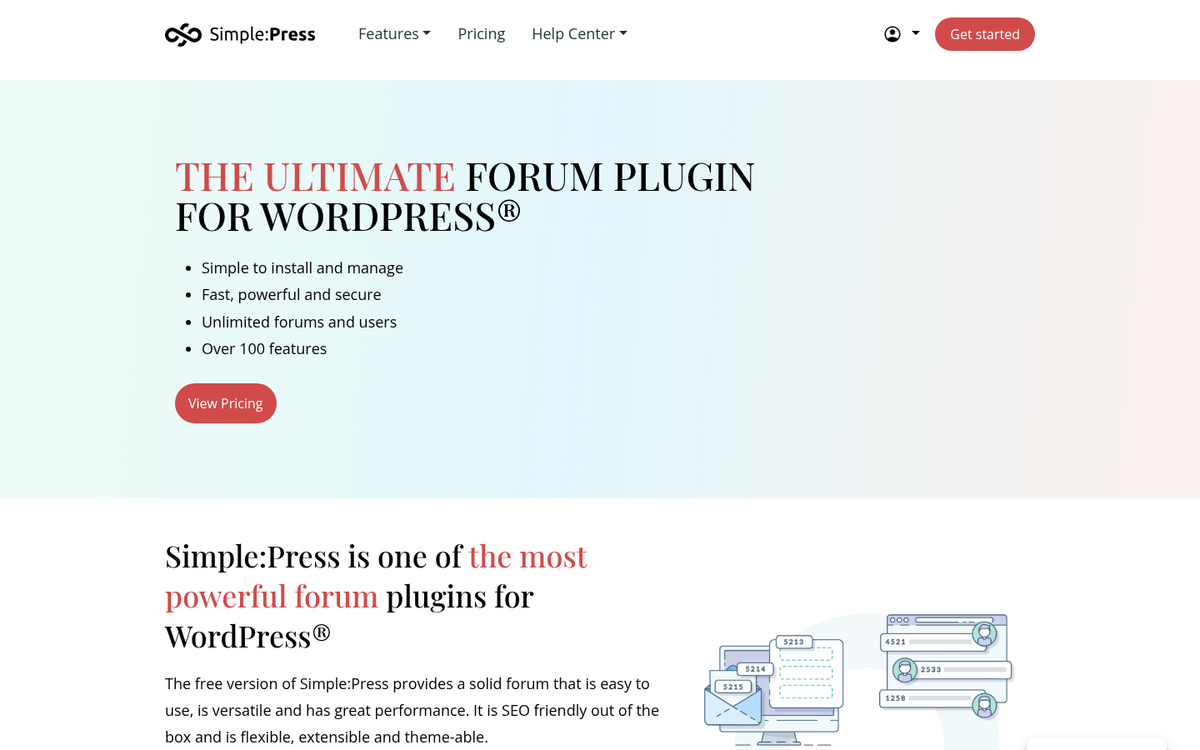
Like wpForo, extra plugins and themes are available as paid add-ons, with individual prices usually ranging from $7 to $19 each. Bulk discounts are available if you're purchasing a few at once. There's also a Simple membership tier that gives discounts on add-ons along with access to their knowledge base and support community.
Simple:Press strikes a solid middle ground between the minimalism of bbPress and the complexity of a standalone forum system. If you want solid default features without committing to a subscription service, it's worth a look - just go in knowing that unlocking the full experience will mean some extra spending.