Key Takeaways
- Premium plugins like Elementor Pro, Gravity Forms, and Yoast SEO Premium justify costs through advanced features unavailable in free versions.
- AI integration has become standard across many plugins, including OptinMonster, Yoast, and Elementor, adding automation and smart recommendations.
- Several plugins like BackupBuddy and iThemes Security Pro have rebranded under the SolidWP umbrella following Liquid Web's acquisition of iThemes.
- Bundled memberships like Elegant Themes ($89/year) and WPMU DEV ($3/month) offer multiple tools under one subscription, improving overall value.
- The article notes pricing has changed since original publication, recommending readers verify current rates directly on each plugin's website.
Most of the time on this blog, we talk specifically about ways to minimize costs and get free alternatives to paid options. When we mention premium plugins, we also talk about free options and how to get the features of a premium version for free. Think about it, overhead adds up when you have a dozen or more plugins, and that all goes on top of your CMS, your analytics, and whatever other paid assistance you're using - like the growing number of AI tools that have become part of the modern blogger's stack.
This, then, is a change of pace. Instead of giving you the free options, I'm going all out with the paid options. These are plugins that have stood the test, adapted to the always changing WordPress ecosystem, and continue to give you value in 2026. Here are the ones I recommend the most.
1. Social Warfare
Created by Warfare Plugins, Social Warfare is one of the most capable social media sharing button suites available for WordPress.
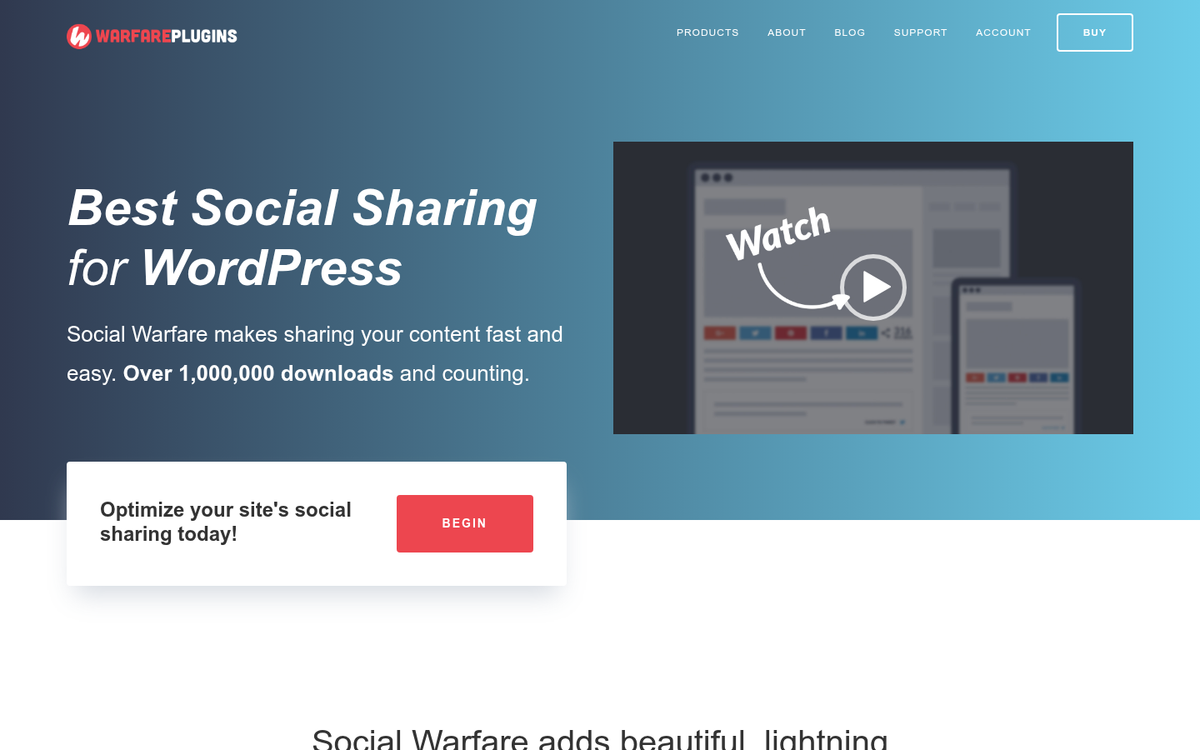
It's fast, has a massive depth of customization, and it's built with speed as a priority. They include caching and recovery for share counts, integration with analytics and UTM tracking, third-party developer add-ons, and responsive design. They also have a "frame buster" that prevents your site from loading in an iFrame, so other sites can't monetize your content.
Pricing for a single website starts at $29 per year, which makes it very affordable. Larger license packages are available for those running multiple sites, with no feature restrictions between tiers - just more sites covered.
2. The Elegant Themes Pack
Elegant Themes has remained one of the most recognized names in the WordPress space, and their membership model continues to give you strong value. An $89 per year account unlocks their entire library of themes and plugins, along with standard communication and support.

The headline product is unquestionably Divi, which has evolved into one of the most feature-rich visual page builders on the market - competing directly with Elementor. Beyond Divi, the membership includes:
- The Divi Builder, a drag-and-drop visual page builder that works with any WordPress theme, not just Divi itself.
- Bloom, a dedicated email opt-in and form builder with a wide range of display types.
- Monarch, their social sharing button plugin.
- Extra, a magazine-style theme built on the Divi framework.
Some older plugins in the Elegant Themes catalog - like HandHeld and Elegant Shortcodes - have been deprecated over the years as WordPress core and modern themes have absorbed that functionality. The latest lineup is leaner but arguably more capable. You can also use a lifetime membership, which has historically been offered at a discount during promotional periods.
3. Akismet
Comment spam is one of the most persistent annoyances of running a blog. WordPress will catch some of it by default. But Akismet remains one of the most helpful dedicated services for keeping it under control without turning comments off entirely.
For personal blogs, Akismet is free. For commercial use, their paid plans are reasonably priced and include advanced spam statistics, priority support, and commercial licensing. The crowdsourced nature of the platform means every spam submission it catches helps improve the system globally - a legitimately helpful side effect of a widely adopted plugin.
4. Solid Backups (formerly BackupBuddy)
Previously known as BackupBuddy, this plugin was rebranded to Solid Backups as part of iThemes' wider transition to the Solid suite of products following its acquisition by Liquid Web - it remains one of the most reliable WordPress backup services available.
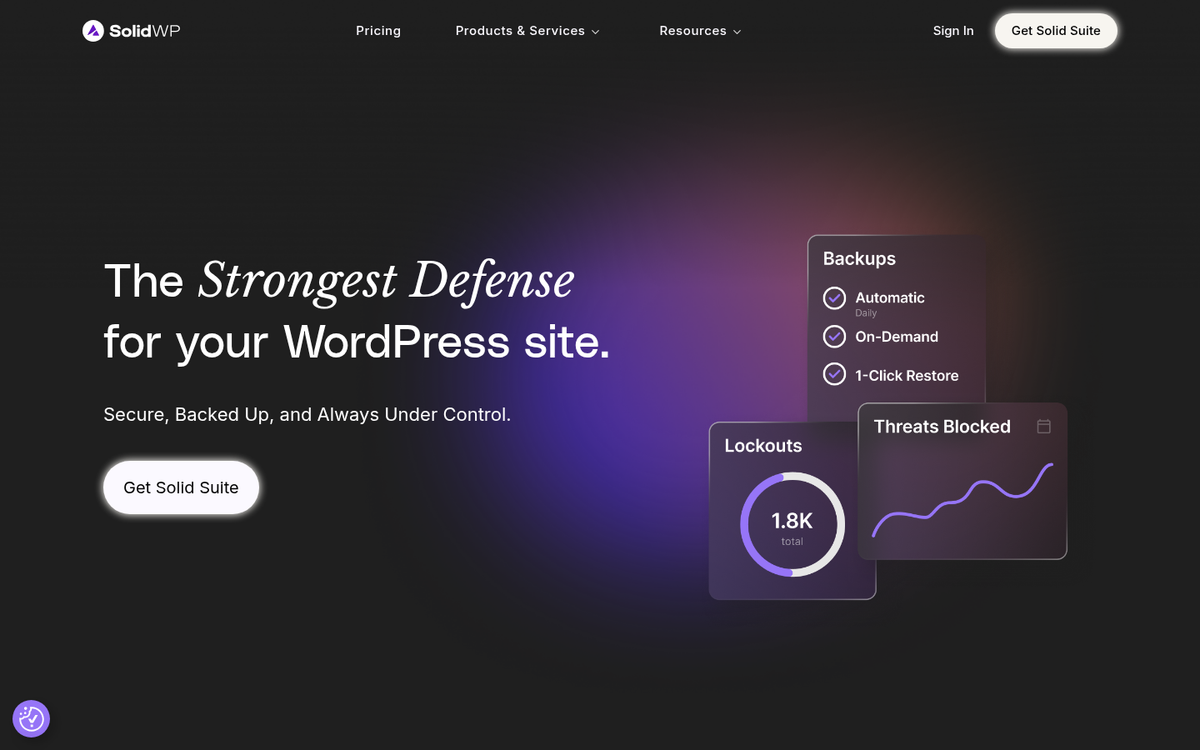
The plugin backs up everything - files, pages, themes, users, comments, plugins, and settings. Backups are stored off-site for maximum security and run on an automated schedule, so you never have to remember to do it manually. You can also download backups locally if you like to manage your own storage.
Pricing has been updated since this post was written. Current plans are available through the SolidWP website, and options are out there for single sites through to agency-level unlimited site licenses. If you were a previous BackupBuddy customer, your renewal pricing may vary - check your account dashboard for latest rates.
5. Gravity Forms
Gravity Forms remains one of the gold standards for WordPress form building in 2026. If you've ever tried to code a submission form by hand, you know how tedious it can be - and even drag-and-drop editors fall short. Gravity Forms solves this with a reliable, flexible system that doesn't need deep technical knowledge.
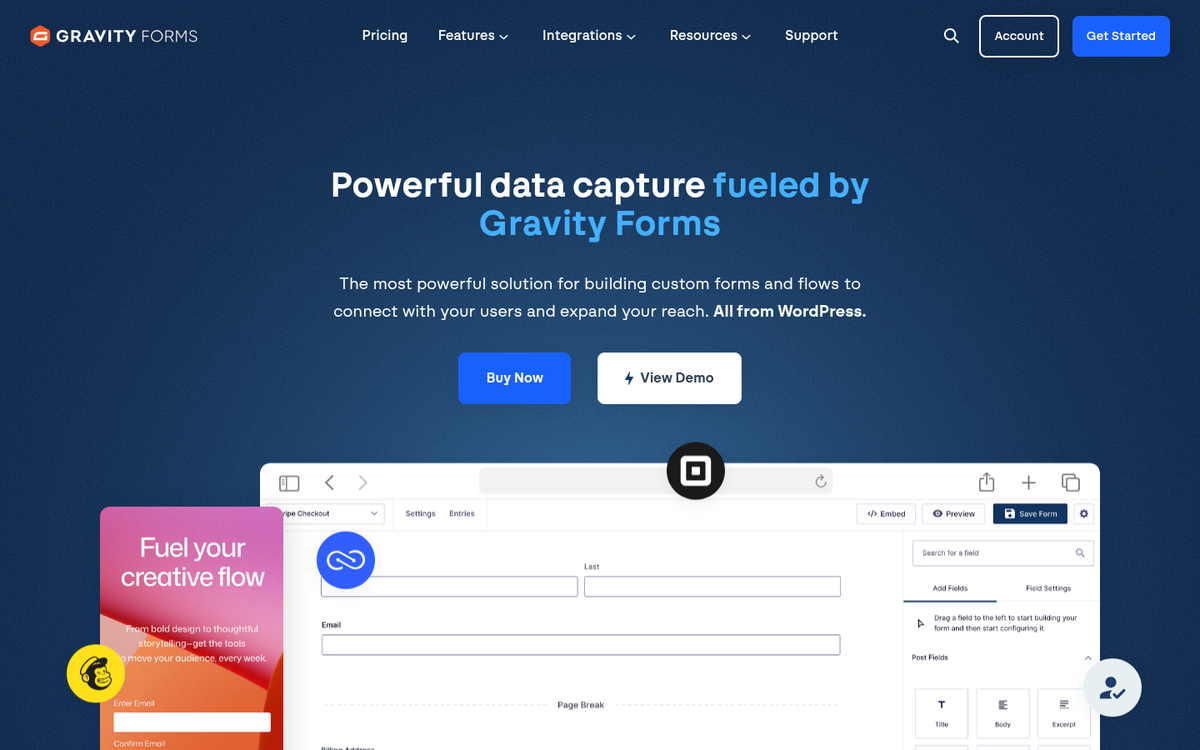
Their Basic license for a single site is $59 per year, which includes core form building features and standard support. The Pro plan at $159 per year adds priority support and a wider number of add-ons. The Elite plan at $259 per year unlocks all add-ons, unlimited sites, and their highest support tier. Pricing has increased modestly since this post was first written. But the product has grown considerably in capability to match.
6. Yoast SEO Premium
Yoast is the most downloaded SEO plugin in WordPress history, and its free version remains a staple recommendation across the industry. But the premium version adds actual functionality that's worth thinking about for publishers.
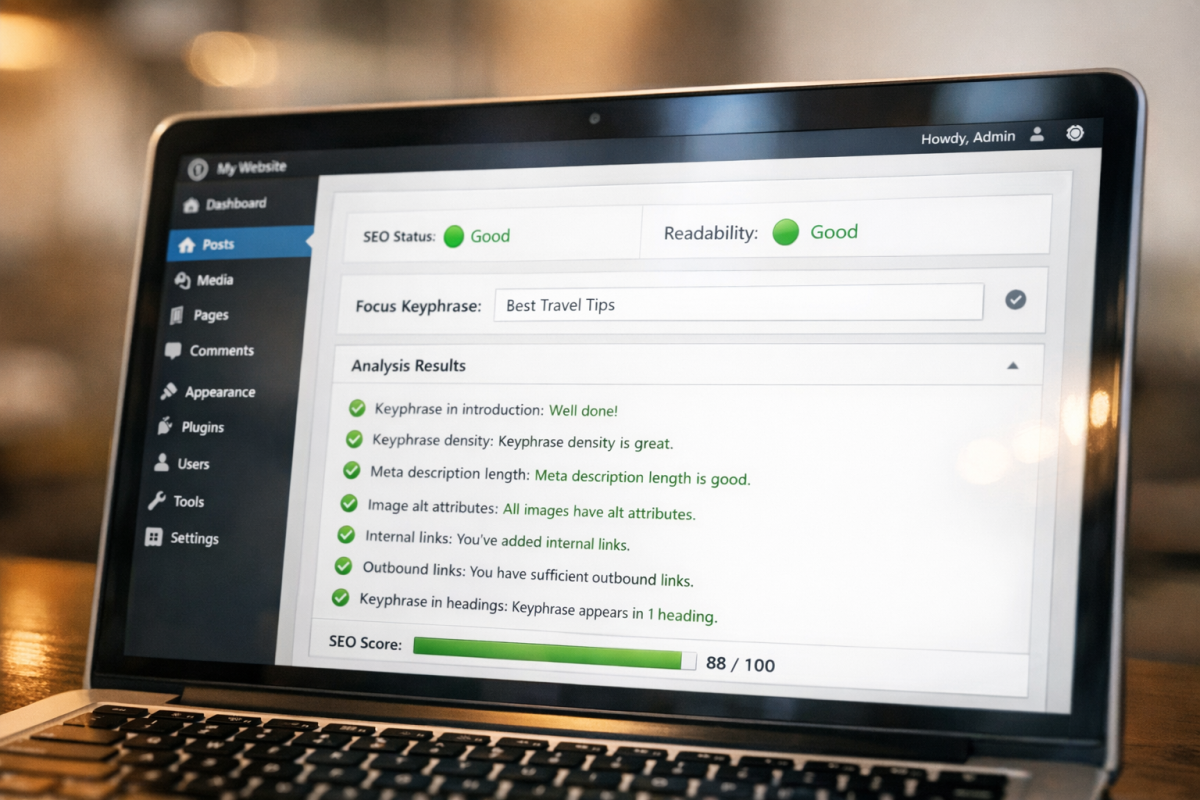
The premium version includes the ability to target multiple focus keyphrases per page, an internal linking suggestions engine, a redirect manager, social previews, and access to premium support. Yoast has also leaned into AI, adding AI-generated SEO title and meta description suggestions directly within the plugin - a welcome addition that goes well with where the wider SEO tooling market is heading.
Pricing for a single site license is currently $99 per year. Add-ons for local SEO, news SEO, and video SEO are available at extra cost.
7. Envira Gallery
NextGEN Gallery was a dominant force in WordPress image galleries for years. But the plugin has seen declining development activity and its extension ecosystem has become increasingly fragmented. For users who need a robust, actively maintained gallery solution in 2026, Envira Gallery is now the stronger recommendation.
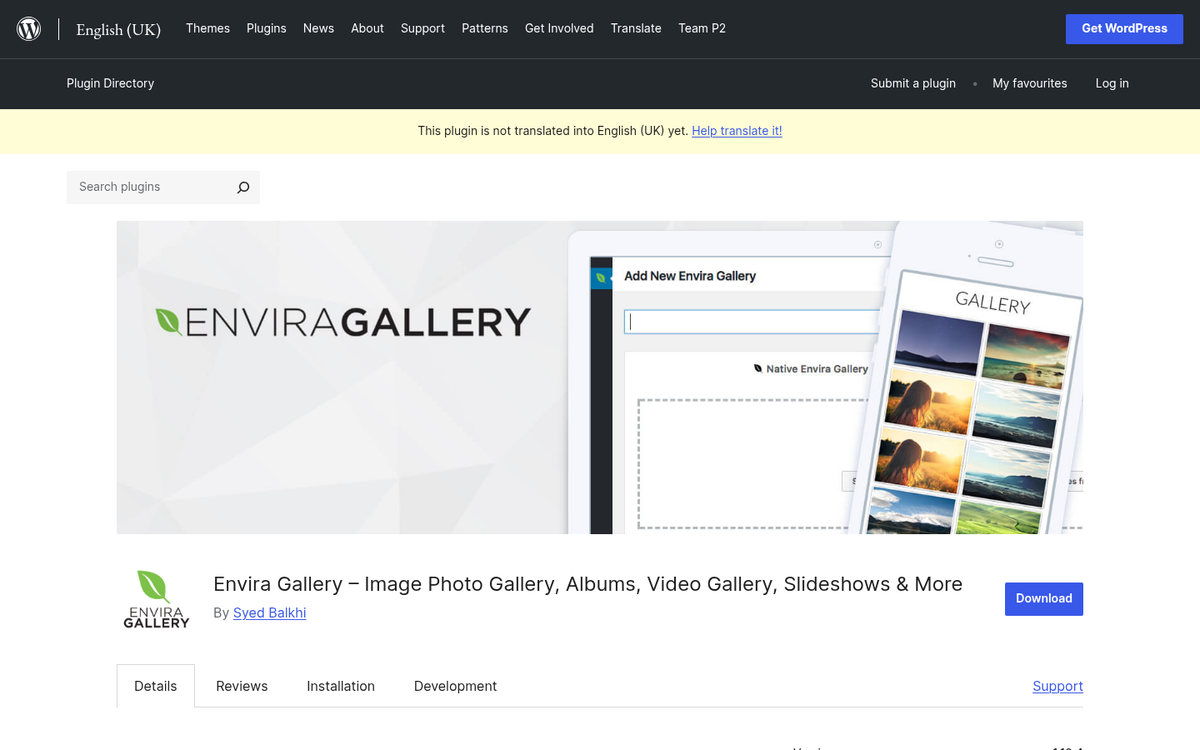
Envira has a clean drag-and-drop gallery builder, deep WooCommerce integration for selling images, lightbox support, social sharing, watermarking, and pagination. Pricing starts at around $29 per year for a single site on the basic plan, with higher tiers unlocking ecommerce features, albums, and proofing tools - it's actively developed and integrates well with modern block-based WordPress setups.
If you're already invested in the NextGEN ecosystem, it remains functional - but for new installations, Envira is the more future-proof choice.
8. Solid Security Pro (formerly iThemes Security Pro)
Like BackupBuddy, iThemes Security Pro has been rebranded to Solid Security Pro as part of the wider SolidWP product family. The core functionality remains the same: brute force protection, strong password enforcement, user lockouts after repeated failed authentication attempts, file change detection, and two-factor authentication.
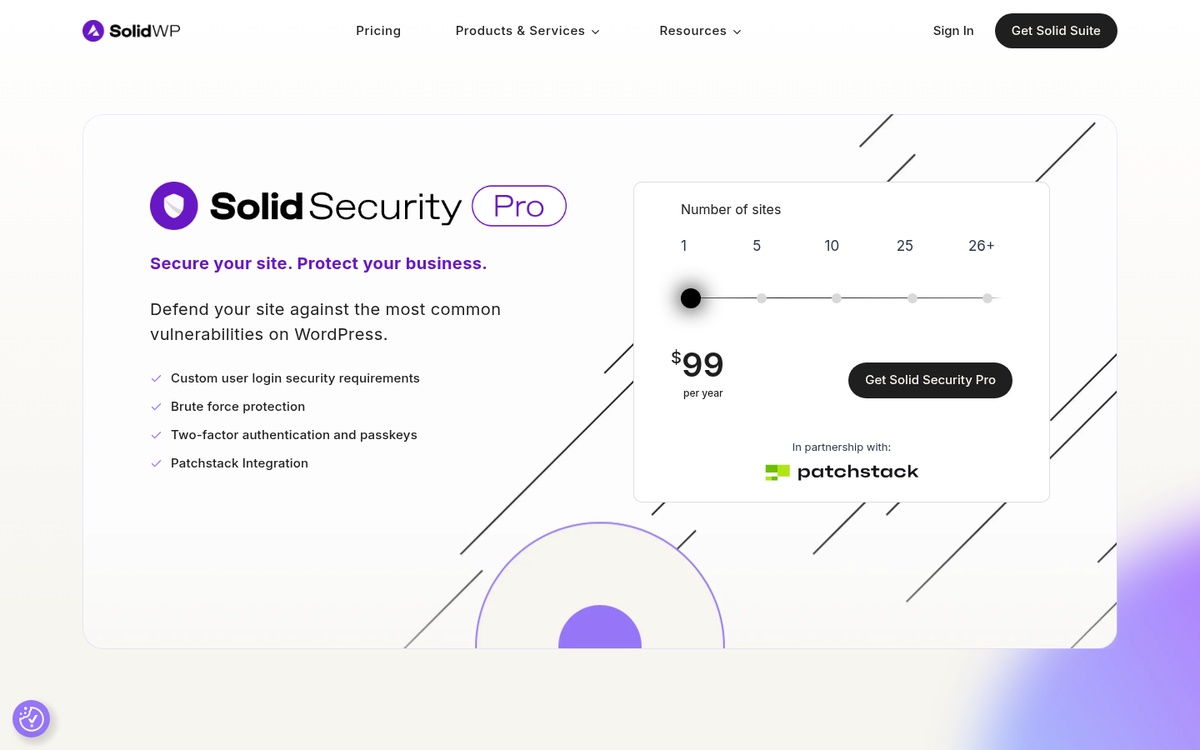
In recent years, Solid Security has also added a vulnerability scanner that cross-references your installed plugins and themes against known CVEs - a legitimately helpful addition given how frequently outdated plugins are exploited. Current pricing is available on the SolidWP website and it's structured around the number of sites you need to protect.
9. The Entire WPMU DEV Library
WPMU DEV continues to be one of the most all-in-one services for WordPress pros and agencies. Their library covers security, performance optimization, SEO, backups, forms, and more - all accessible through a single membership.

One of their most notable recent additions is Hummingbird's AI-assisted performance recommendations and the continued development of their hosted hub, which lets you manage multiple client sites from one centralized dashboard. Membership pricing is currently $3 per month for a single site or higher tiers for agencies managing multiple sites, with a free plan available that covers core tools - more accessible than their historical flat-rate pricing.
10. Content Upgrades Pro
Content upgrades remain one of the most helpful list-building strategies in content marketing, and this plugin continues to serve that purpose well. Rather than locking your content behind a gate - which hurts SEO and frustrates readers - it lets you offer bonus downloadable content in an opt-in box embedded within your posts.
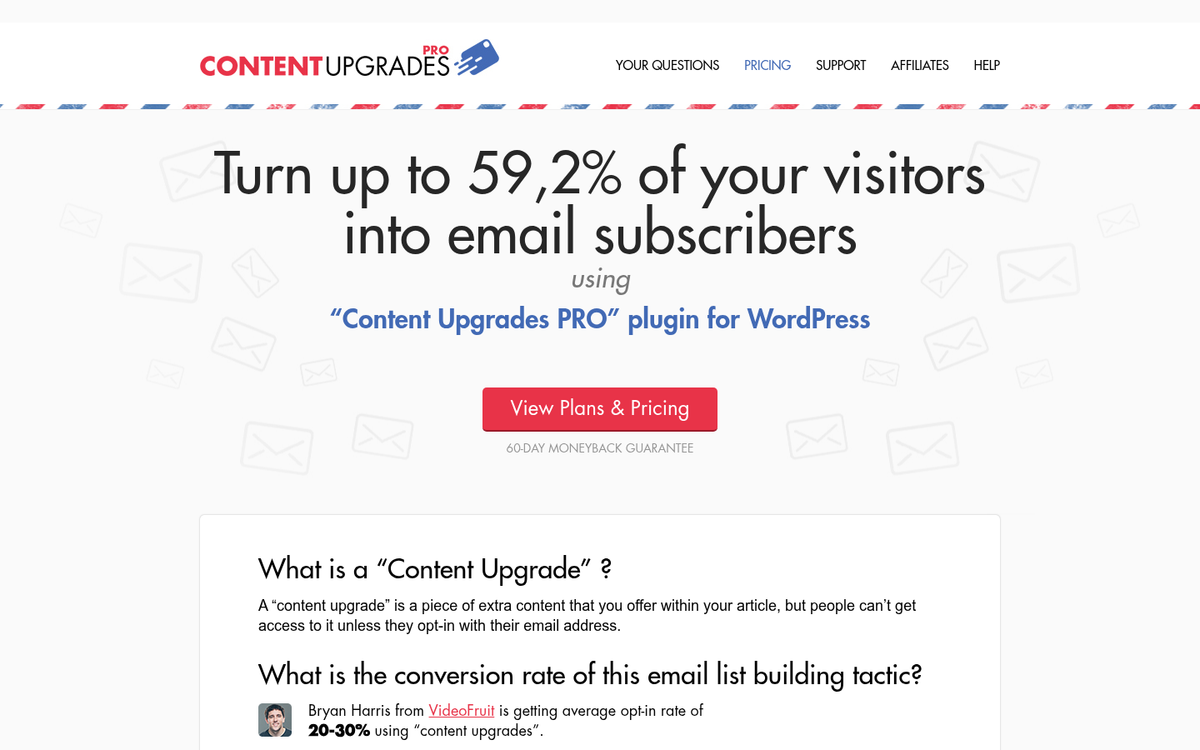
Your core content stays visible and indexable. But the bonus material incentivizes email sign-ups. You can also create an automatic email newsletter from your blog posts to keep new subscribers engaged. The plugin has a lifetime license for a single site with unlimited updates and support. Check the latest pricing on their website, as it has been updated since the original publication of this post.
11. OptinMonster
OptinMonster has matured since this post was first written and it's now one of the most full-featured lead generation and conversion optimization tools in the WordPress space - it uses a drag-and-drop form builder, exit-intent pop-up technology, on-site retargeting, geolocation targeting, A/B split testing, and analytics in one platform.
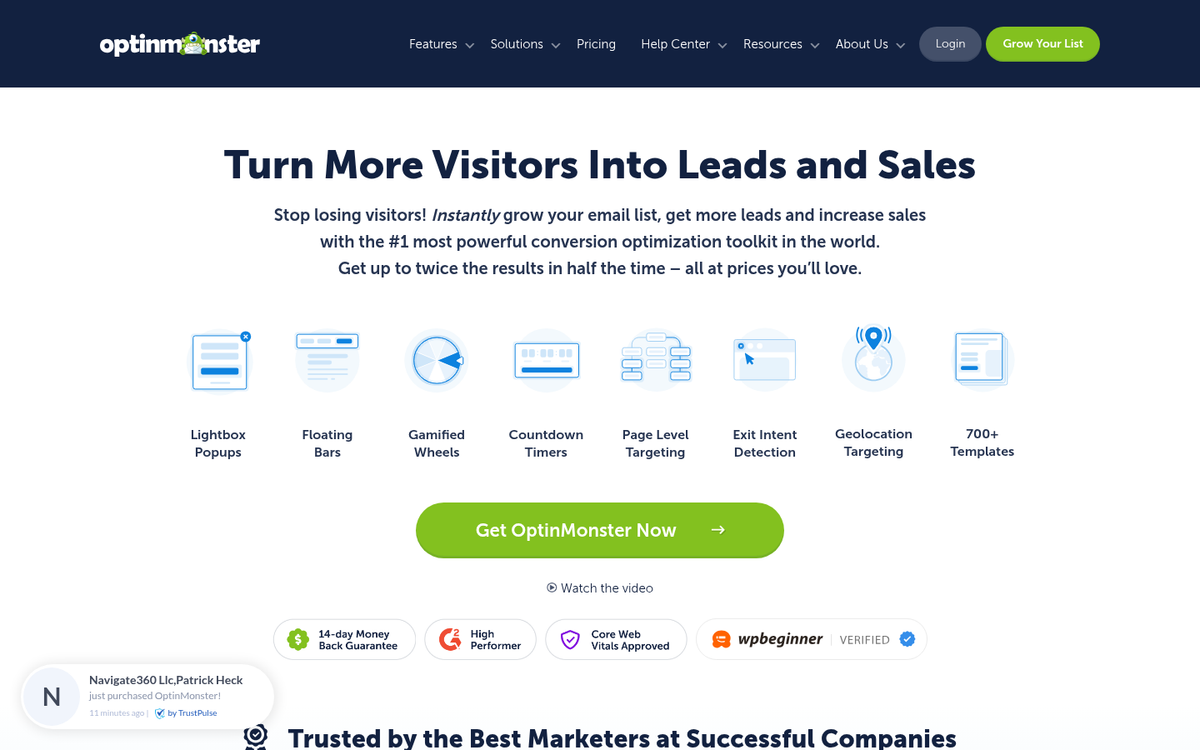
In recent updates, OptinMonster has also introduced AI-powered Smart Optimizations, which analyze your campaign performance and recommend improvements automatically - a helpful feature for publishers who want data-driven results without spending hours in analytics dashboards.
Current pricing starts at $9 per month for the Basic plan, with Pro at $29 per month and Growth at $49 per month, all billed annually, and each tier unlocks progressively more targeting rules, integrations, and campaign types. If you're weighing whether a premium tool is worth the investment, check out our thoughts on whether Sumo Pro justifies its cost for a useful comparison point.
12. ManageWP (now part of GoDaddy Pro)
ManageWP was acquired by GoDaddy and it's now offered under the GoDaddy Pro umbrella, though the core product and dashboard remain largely familiar to longtime users. The free tier handles basic site management for an unlimited number of sites, which makes it legitimately helpful even without paying.
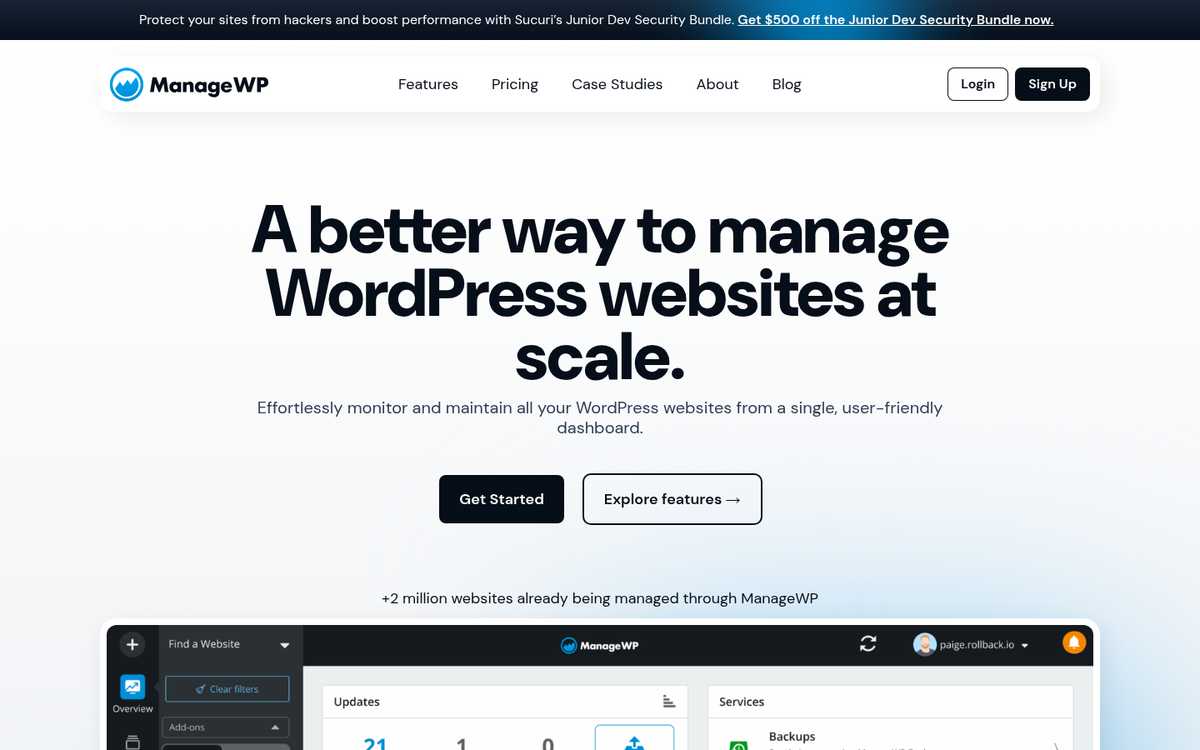
Premium add-ons - like white-label reporting, safe updates, uptime monitoring, advanced backups, and SEO audits - are available on a per-site basis and are affordable. If you're managing sites on behalf of clients, the white-label reporting feature alone tends to justify the cost. Pricing varies by add-on and it's charged monthly per site.
13. CoSchedule
CoSchedule has evolved well past a simple editorial calendar plugin - it's now a full content marketing platform that includes a marketing calendar, social media scheduling, project workflows, and team collaboration tools. For bloggers managing a content team or publishing at high volume, it remains one of the best organizational tools available.
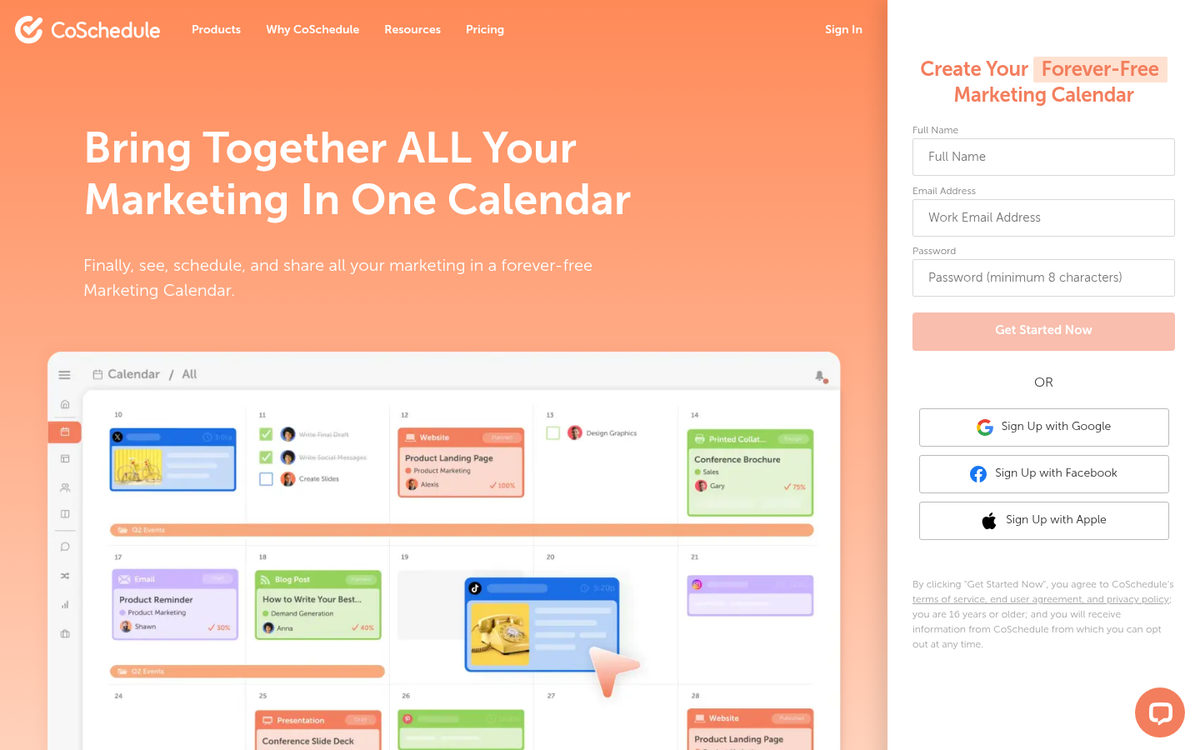
CoSchedule has also integrated AI writing assistance features in recent releases, which lets you generate social captions, headline suggestions, and content briefs directly within the platform. Pricing for the Marketing Calendar plan starts at $29 per user per month, with higher-tier plans available for larger teams and agencies.
14. WPML
WPML - the WordPress Multilingual Plugin - remains the leading solution for publishing content in multiple languages, and it has kept pace with modern WordPress development with full compatibility with the block editor and page builders like Divi and Elementor.
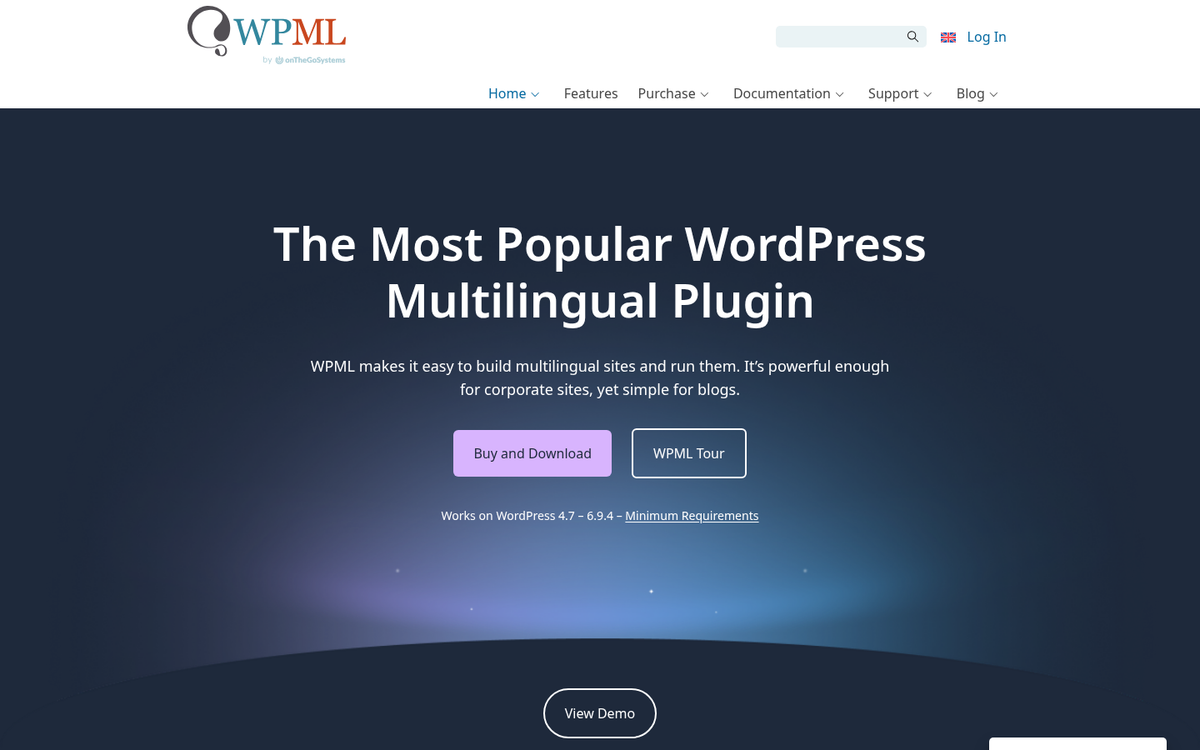
Their Multilingual Blog plan is $39 per year and covers posts, pages, menus, and widgets. The Multilingual CMS plan at $99 per year adds custom fields, custom post types, and ecommerce compatibility. A lifetime option is also available. For sites targeting international audiences, there's no better-supported multilingual solution in the WordPress ecosystem.
15. Elementor Pro
No updated list of premium WordPress plugins in 2026 would be complete without Elementor Pro. The free version of Elementor has been installed on over 11 million websites, which makes it one of the most widely used page builders in WordPress history. The Pro version takes that foundation and adds a theme builder, popup builder, WooCommerce widgets, form builder, content capabilities, and a growing library of AI-powered design tools.
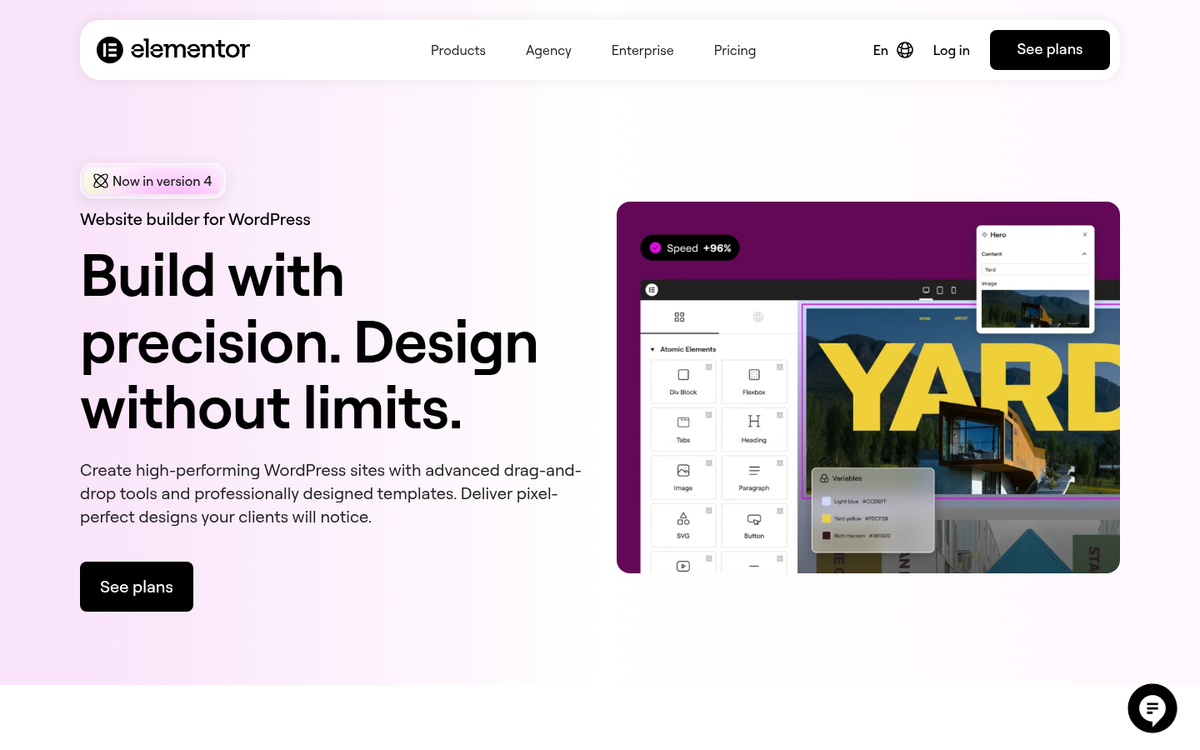
Elementor introduced Elementor AI in recent years, which lets you generate layouts, write copy, and create custom CSS directly within the editor using natural language prompts. For non-developers building complex sites, this is a legitimately useful feature. Pro pricing starts at $59 per year for a single site, with plans scaling as high as unlimited sites for agencies.
So there you have it - my updated pick for 15 WordPress plugins worth paying for in 2026. The community has shifted considerably since this list was first published, and that's especially true with AI becoming a core feature in many of these tools instead of an afterthought. Have a favorite that didn't make the list? Let me know in the comments!