





Key Takeaways
- GA4 redefined bounce rate as any session under 10 seconds without conversions or multiple pageviews, better reflecting true user engagement.
- Site speed critically impacts bounces; 47% of users expect pages to load within 2 seconds, and slow mobile pages increase bounce rates by 123%.
- Internal links, related post widgets, and clear next-step CTAs guide readers deeper into your site, reducing single-page sessions.
- Mismatched SEO metadata and content immediately drives users away; always align titles and descriptions accurately with actual page content.
- Blogs naturally see 65-90% bounce rates; setting realistic benchmarks matters as much as actively working to reduce disengagement.
Bounce rate is a measurement of the number of people who enter your site and then leave almost immediately. There are a few reasons for a bounce, some good and some bad. Regardless of the reason, bounces aren't benefitting you as much as you would like. Reducing your bounce rate is always worthwhile.
Understanding Bounce Rate in 2026
When a user visits your site, it triggers a new user session in your analytics software, usually Google Analytics 4 (GA4) - it's worth mentioning that GA4 fundamentally changed how bounce rate is defined when it replaced Universal Analytics in 2023. Rather than measuring single-page sessions, GA4 now tracks "engaged sessions" - defined as sessions longer than 10 seconds, a conversion event, or 2 or more pageviews. The bounce rate in GA4 is the inverse of the engagement rate, which means a bounce is any session that's not an engaged session.
This is actually a more accurate picture of user behavior than the old model. Previously, a user could spend half an hour reading a long post and still be counted as a bounce because they didn't click another link. Under GA4, if they spend more than 10 seconds on the page, that session is considered engaged and does not count as a bounce. This is a real improvement for content-heavy sites and blogs.

That said, there are still misrecorded sessions to be aware of. A user who opens your page, steps away and returns an hour later may generate two separate sessions - the first recorded as a bounce, the second as a legitimate visit. So while the tools have improved, the goal remains the same: cut back on disengagement and cut back on measurement distortions wherever possible.
When you're looking to cut back on your bounce rate, you're solving two problems. The first is minimizing genuine disengagement by making content and experiences that resonate. The second is ensuring your analytics setup accurately reflects user behavior.
1. Write Better Content
One thing you can do to help cut back on your bounce rate is produce better content. The benefit here is that better content draws in more people and keeps them around to check out more of your site. If one piece of content is relevant, another may be too. With AI-generated content now flooding the web, the bar for "better" has risen - generic, surface-level posts no longer cut it. Prioritize depth, original insight and expertise to stand out and keep readers engaged.
2. Paginate Longer Content
Bounces happen when a user loads a page but doesn't load a second. By paginating your content, you can prompt that second load, so the bounce is averted.
The best approach is to only paginate longer content. If your content is under 1,000 words, it's probably too short to paginate. If you're doing a top 10 list and each item is a 10-word caption, don't paginate it; it's annoying and will drive more users to bounce. Used appropriately, pagination can be an easy tool for keeping users moving through your site.
3. Link Internally Frequently

Internal links are the connections from one page to another and they're what helps users navigate around. Alluding to related posts and linking to them in context is one of the most natural and helpful ways to guide readers deeper into your site.
4. Minimize Content Interruptions
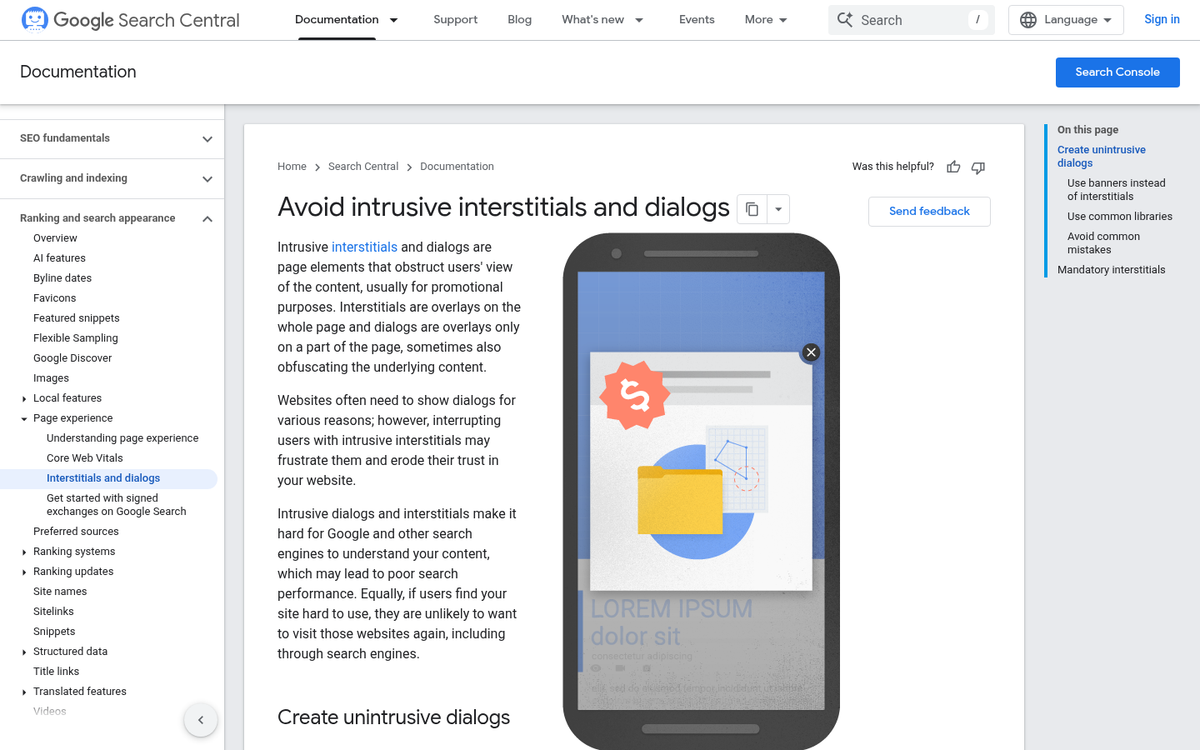
Any time a reader is mid-post and a pop-over jumps up in front of them, they're likely to leave. Intrusive interstitials, auto-playing videos and mid-content ad placements are all disruptive. Content interruptions damage the user experience and Google has actively penalized intrusive interstitial usage on mobile since 2017. Keep promotional content in sidebars, footers, or within natural breaks in the content - not in the middle of a sentence.
5. Decrease Load Times
Site speed is a confirmed Google ranking factor and has a direct impact on bounce rate. Studies show that 47% of users expect a page to load in 2 seconds or less and a delay of just 500 milliseconds can increase peak user frustration by more than 26% and cut back on engagement by 8%. Google's own data found that when mobile page load time increases to 10 seconds, the bounce rate increases by 123%.
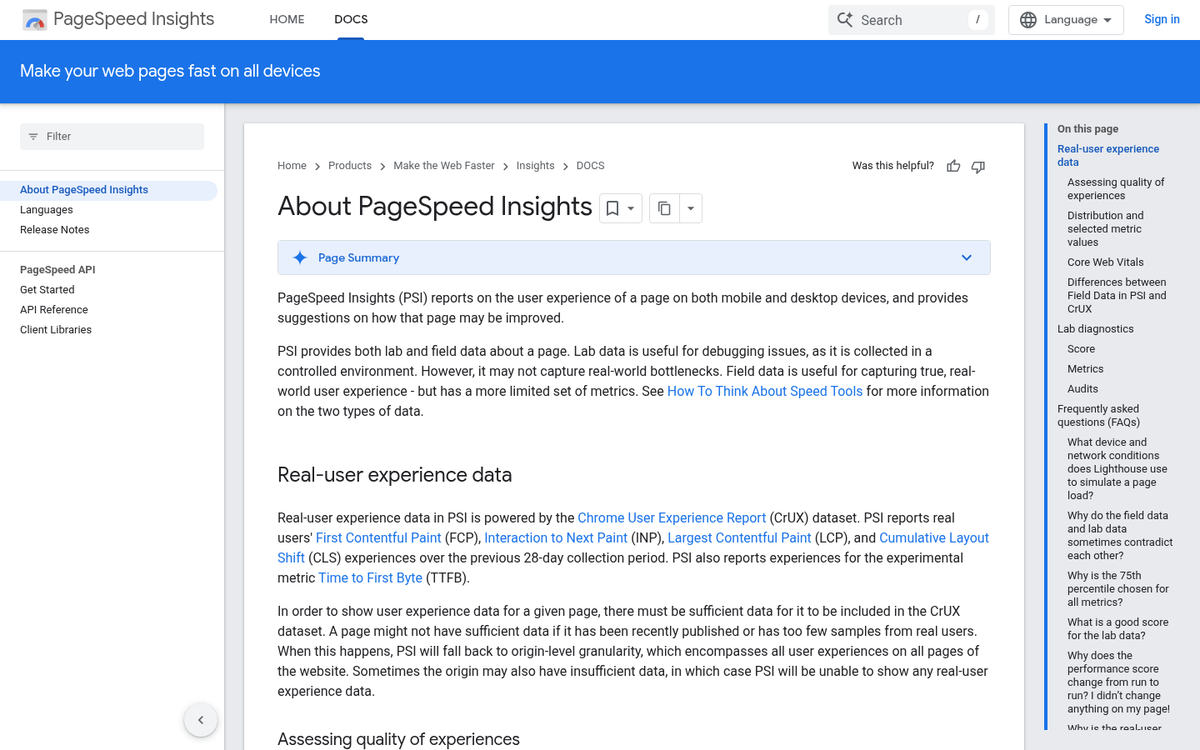
In 2026, Core Web Vitals remain central to how Google evaluates page experience. Focus on Largest Contentful Paint (LCP), Interaction to Next Paint (INP) and Cumulative Layout Shift (CLS) as your primary performance benchmarks. Tools like PageSpeed Insights, Lighthouse and Chrome UX Report help you find and fix problems. You may also want to consider how social buttons affect your site's load time as part of your overall performance strategy.
6. Encourage Commenting
Comments are engagement and engagement is an action a user takes on your page. Under GA4, actual interaction changes a session from being marked as a bounce to being marked as "engaged." Encouraging comments, discussion and community interaction gives users a reason to stay and participate beyond passively reading. Just be aware that many sites have moved toward third-party comment platforms or social media discussions, so see where your audience is most likely to engage.
7. Use a 404 Page Effectively
A lot of bounces on a site come from users landing on pages that no longer exist. Rather than showing a dead-end error message or blindly redirecting to your homepage, turn your 404 page into a helpful hub. Fill it with links to popular content, include a search bar and add a few dynamically pulled recent posts - this gives users somewhere helpful to go instead of simply closing the tab.
8. Focus SEO Accurately

When a user clicks through from search, they have an intent in mind. If your page title and meta description promise one thing but your content delivers another, they'll leave immediately - it's a wasted click for everyone. With AI-generated content now appearing across search results, users have become more discerning and quicker to bounce when something feels off or misleading. Align your SEO metadata tightly with your content and always write for the reader's intent first.
9. Use an Internal Blog Search

If a user lands on your page and likes what they see but isn't sure where to find more, a prominent internal search tool gives them a path forward. Simply clicking into the search field and navigating to a results page is enough to avoid a bounce under most analytics configurations. Make your search bar easy to find - don't bury it in a footer dropdown.
10. Implement Scroll and Engagement Tracking
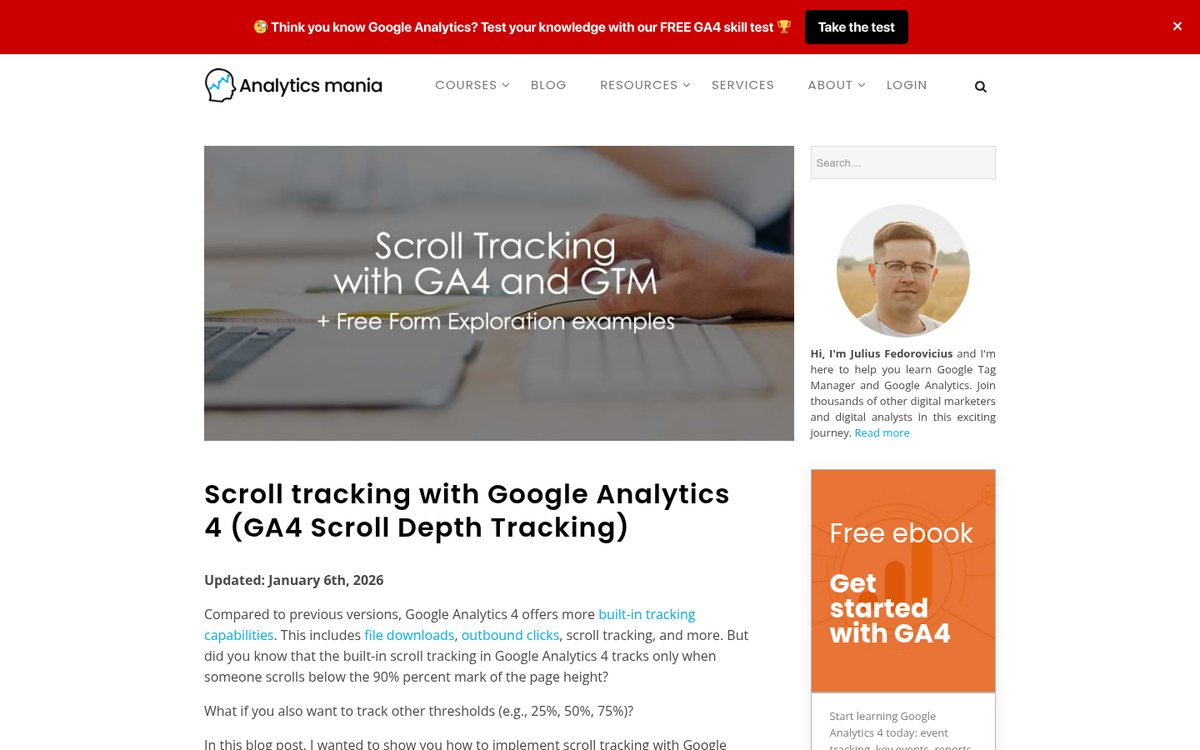
Rather than forcing page refreshes - which can disrupt users mid-read and create a poor experience - a better modern strategy is to set up scroll depth tracking and engagement events in GA4. GA4 natively tracks scroll events (firing when a user reaches 90% of a page) and can be configured to track time-on-page milestones, video plays, outbound clicks and more. These events mark sessions as engaged instead of bounces and they give you far more useful data about how users are actually interacting with your content.
11. Focus Landing Pages on Narrow Keywords
How many times have you clicked an ad and landed on a page that's only vaguely related to what you were looking for? Generic landing pages serve no one well. Keep your landing pages as focused as possible so users immediately feel confident that they're in the right place. With AI tools now making it easier than ever to produce targeted landing page variants quickly, there's less excuse than ever for sending large volumes of traffic to a one-size-fits-all page.
12. Use a Next Steps Style CTA
Every page on your site - every blog post, every landing page, every form - should have a call to action and that action should be a logical next step for the user at that point in their journey.

For most blog posts, this simply means linking through to another relevant post. For high-intent pages, maybe a mailing list signup, a free resource download, or a product offer. Think of the path as a ramp - users are guided gradually from casual browsing into higher-intent actions the longer they stay on your site.
13. Front-Load Good Content

You have a matter of seconds to convince a user they're in the right place before they hit the back button. Don't bury your value. Front-load your hook - make it immediately clear what the post is about, why it matters and what the reader will get from it. Save the deeper detail for the body of the post. But never make users scroll to find out if the post is worth reading at all - social proof and strong openings work together to keep readers engaged from the first line.
14. Make Navigation Easy
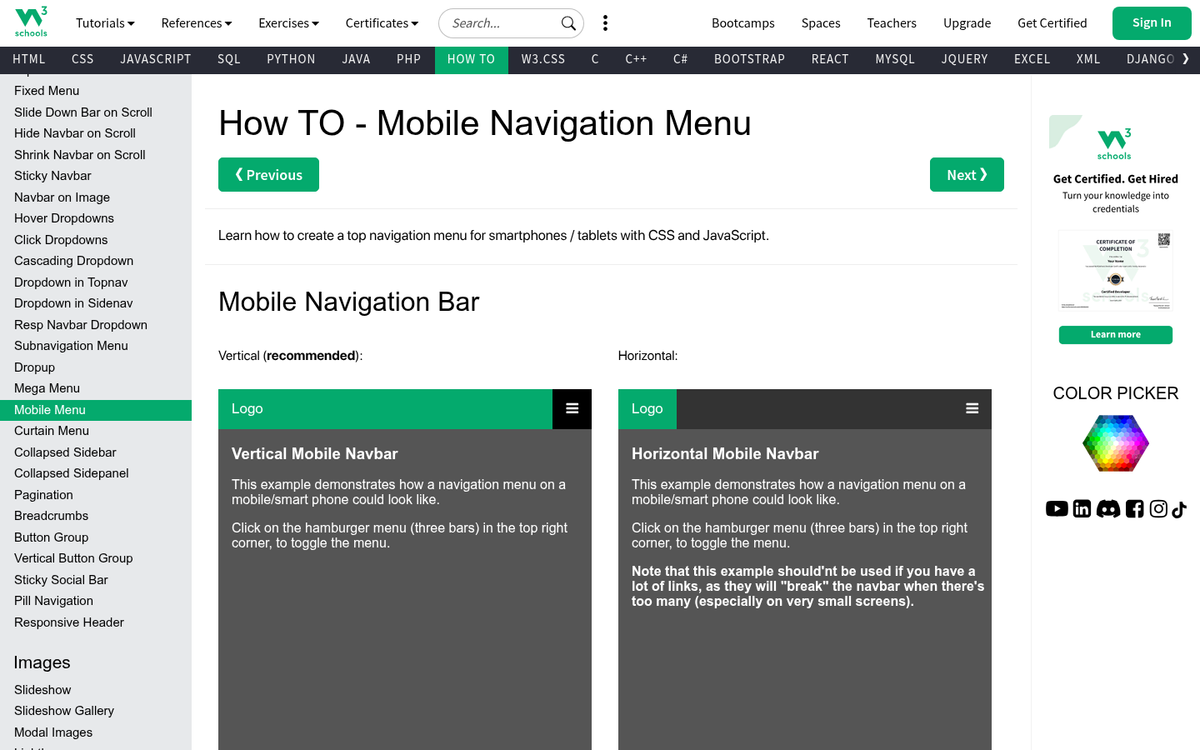
Navigating your website should be intuitive and logical. Ideally, it should never take more than 3-4 clicks to get from any page to any other page on your site. In 2026, with users browsing on mobile, your navigation also needs to be touch-friendly, fast-loading and easy to use on a small screen. Check out our guide to fixing WordPress mobile usability errors if you're struggling with this. The harder it is to get somewhere, the fewer users will bother.
15. Maintain a Professional, Modern Design

The less professional your site looks, the fewer people will trust it - and trust is everything. In an era where AI can generate entire websites in minutes, design quality matters more than ever as a trust signal. A clean, well-structured layout, readable typography and a consistent visual style all signal to visitors that you're credible and worth their time. If you're using WordPress, it helps to style your blog theme to match your site for a cohesive look. A dated or cluttered design, on the other hand, tells users to go back to search results and find something else.
16. Use a Heat Map to Identify Hotspots

Heatmaps show where users are looking and clicking on your site and they're one of the most useful tools available for diagnosing bounce problems. You might discover that users are repeatedly clicking an image or navigation element that isn't actually linked to anything - a signal to add something there. Tools like Hotjar, Microsoft Clarity (which is free) and Crazy Egg all give you heatmap functionality. Use the data to remove friction and give users more of what they're already trying to find.
17. Optimize Content for Readability
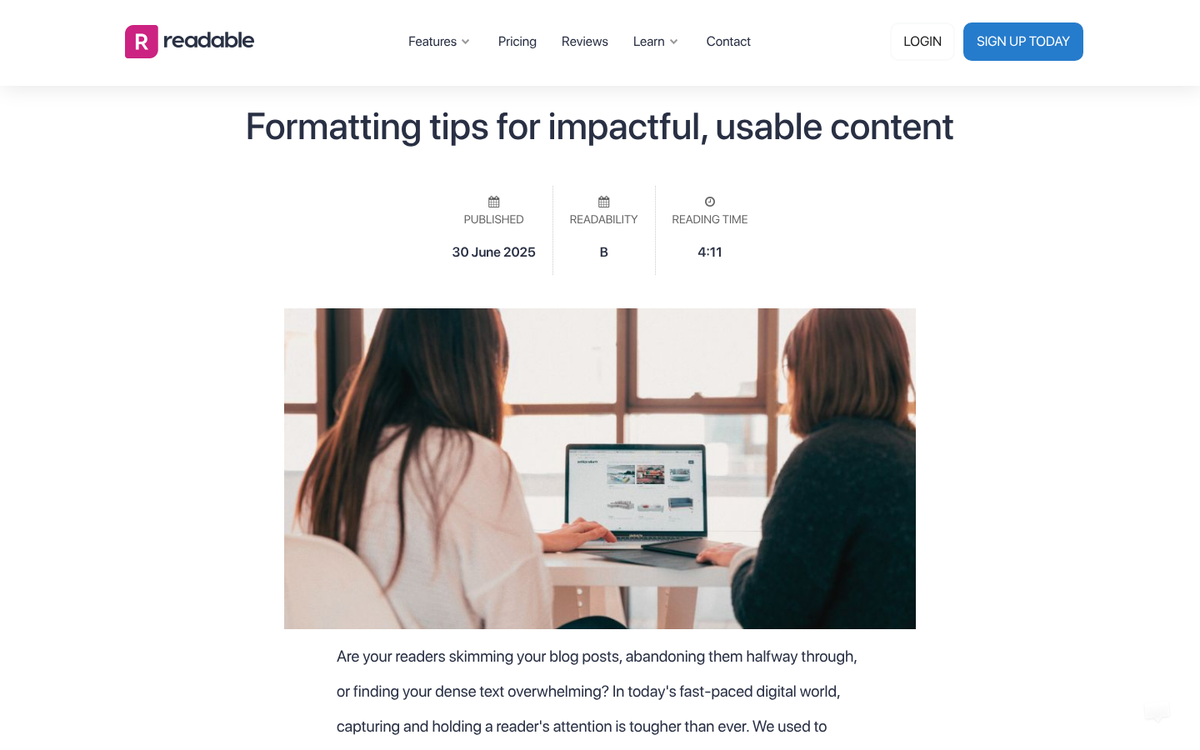
Readability is speed of consumption. A dense wall of text with no headers, no bullet points and no visual breaks is exhausting to read and most users won't bother. Break content into digestible chunks, use subheadings to guide skimmers and keep paragraphs short. This matters especially now that users are accustomed to AI-generated summaries and fast answers - if your post is hard to read, they'll find something easier.
18. Use an Internal Related Posts Widget
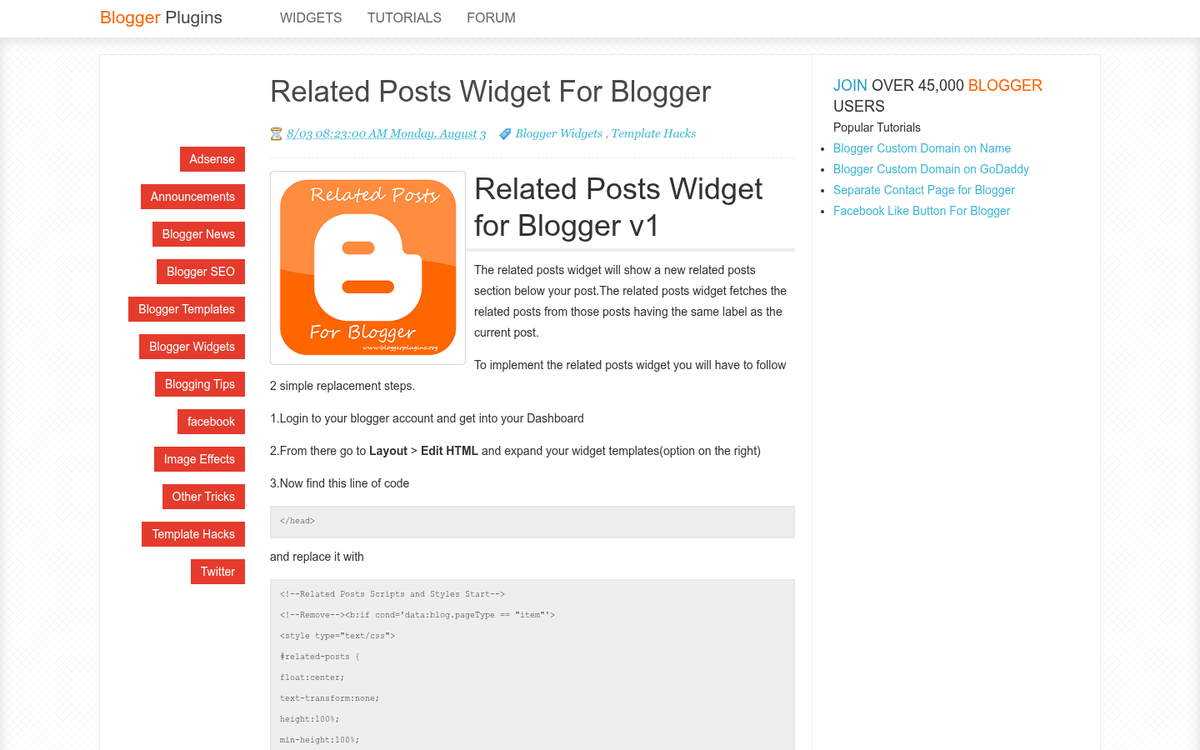
A related posts widget at the bottom of each post gives users a visual, thumbnail-driven way to continue browsing your site - this works especially well on blogs and content-heavy sites; the promise of more relevant reading is legitimately compelling. Thumbnail images trigger curiosity in a way that plain text links don't, which makes this one of the more effective passive tools for cutting back on bounce rate. If you need images for these thumbnails, check out these reliable websites to host your blog images for free.
19. Set External Links to Open in a New Tab

External links are one of the most direct causes of bounces, because clicking one takes the user away from your site entirely. Setting external links to open in a new tab keeps your page in the background so users can return to it. This is now standard web convention and most users expect it. Apply it to all outbound links across your site.
20. Refresh Old Blog Posts with Traffic
Any time you have an old post that still gets traffic, it pays to keep it as up to date as possible. Evergreen content that ranks well is one of your most valuable assets. Refreshing statistics, updating examples, fixing broken links and adding new context keeps the post relevant and accurate. In 2026, with Google's Helpful Content systems actively evaluating content freshness and accuracy, letting high-traffic posts go stale is a risk to both rankings and bounce rate.
21. Make Meta Data Accurate
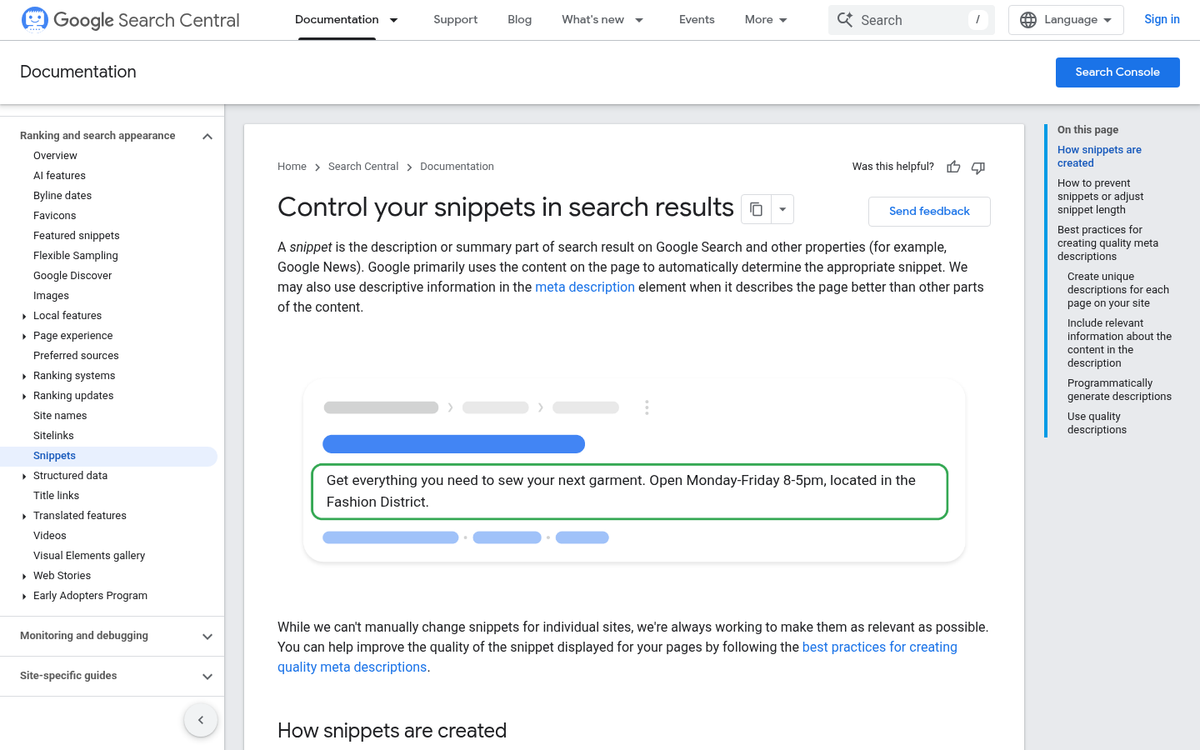
Your page title and meta description are a promise to the user. If the content doesn't deliver on that promise, they'll bounce immediately. Keep your metadata accurate, specific and genuinely reflective of what the page contains. Avoid keyword stuffing or clickbait framing - these tactics may generate the click, but they reliably destroy engagement once the user arrives.
22. Use an Exit Intent Script
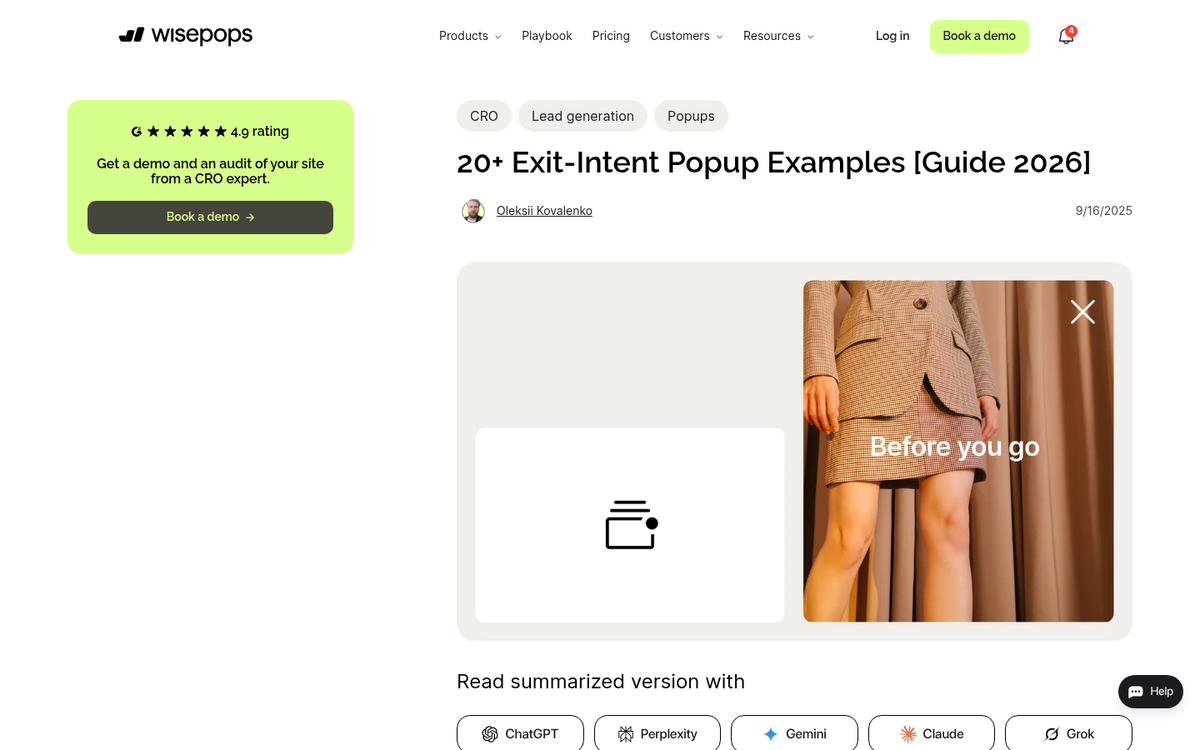
Exit intent scripts trigger a pop-over when a user moves their cursor toward closing the tab or navigating away. Used tastefully, this gives you one last opportunity to offer something of value - a relevant content recommendation, a free resource, or a newsletter signup. Test different approaches to see what resonates with your audience and make sure that the pop-over is easy to dismiss so it doesn't feel hostile.
23. Focus on One CTA Only
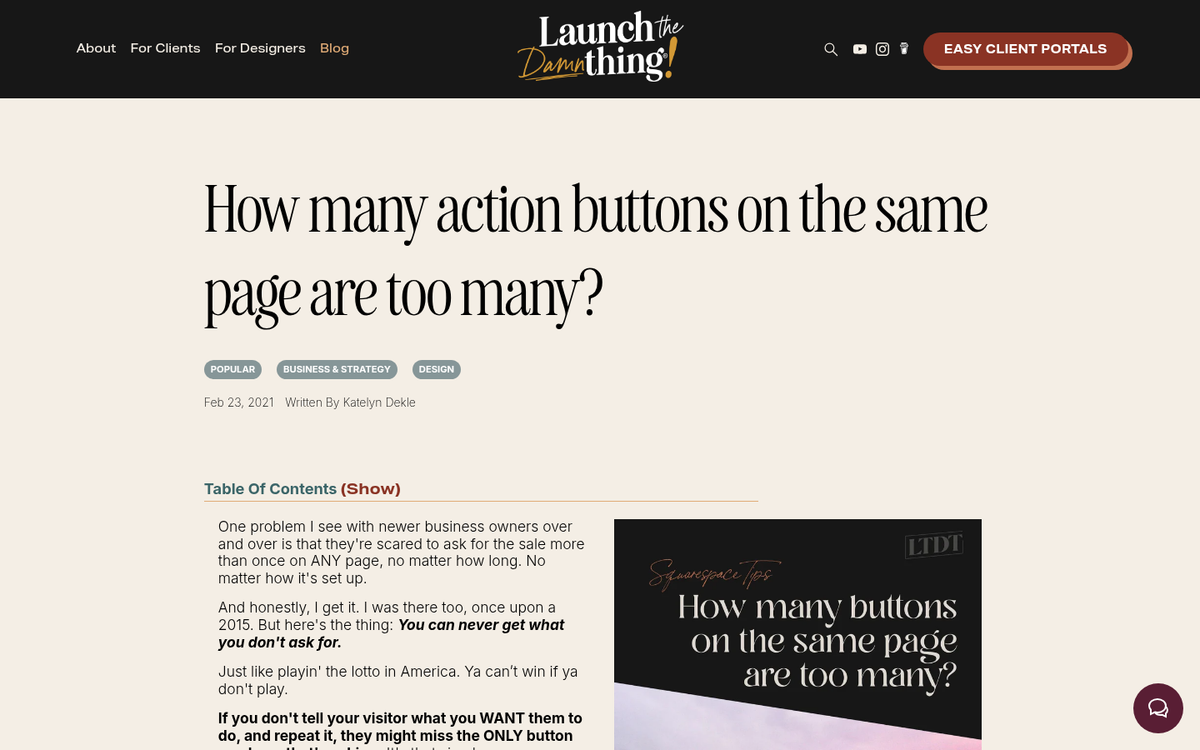
Presenting users with too many options at once creates choice paralysis - they end up picking nothing and leaving instead. Focus on one or two CTAs per page at most, with a clear hierarchy between them. A low-commitment option (read another post, download a free guide) and a higher-commitment option (sign up, buy now) is a proven combination. Keep it simple and let the user's journey through your site gradually escalate the asks.
24. Target Better Traffic

Broad, low-intent traffic will always produce higher bounce rates. Use audience targeting, keyword intent signals and demographic data to attract the visitors most likely to engage, instead of just maximizing raw traffic volume.
25. Target More Focused Traffic

This goes hand-in-hand with targeting better traffic: make sure that the audience you're bringing to any given landing page is specifically matched to that page's content and offer. Broad campaigns pointed at general pages produce weak results. The tighter the match between traffic source and landing page, the lower your bounce rate and the higher your conversion rate will be.
26. Set Realistic Expectations

At the end of the day, a level of bounces is inevitable - and normal. Industry benchmarks in 2026 show that e-commerce sites usually see bounce rates between 20%-45%. But blogs and news sites range from 65%-90%. For reference, Wikipedia - one of the most visited sites on the internet - has a bounce rate of around 53% with users viewing roughly 3.25 pages per session. If you're looking to improve those numbers, understanding the pros and cons of splitting blog posts into multiple pages can be a useful starting point.

2 responses
Thoughtful replies only - we moderate for spam, AI slop, and off-topic rants.
Oh godness my bounce rate ratio is 82% ("-_-). And today i learned how to reduce my bounce rate, Thanks blogpros
Happy to help!