If you want to succeed with a business, you need to do everything you can to optimize the conversion process. That means every part of a user's experience, from the time they become aware of your brand to the time they click submit on a purchase form, is tracked, understood and adjusted for maximum flow. You can't do this without a high degree of awareness, and that's where these tools come in.
The idea is to understand as much as you can about your users and their actions. Where do they come from? Who are they? What do they want on your site? What brought them to your site? Are you providing them with what they want? Are they aware of your products, and do they know how to convert? Are they part of your target demographic, or are you attracting the wrong people?
Key Takeaways
- Google Analytics is free, easy to install, and used by roughly 74% of analytics professionals, offering extensive website visitor data.
- Setting up conversion events, UTM parameters, and Path Exploration reports helps maximize Google Analytics' effectiveness for tracking goals.
- Hotjar's free plan provides heatmaps and session recordings for up to 500 daily visitors, revealing why users behave certain ways.
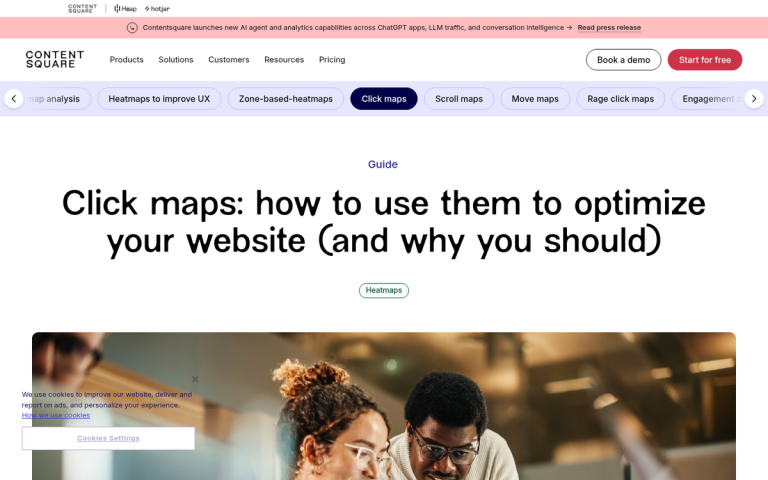
- Hotjar helps identify friction points like rage clicks, ignored navigation buttons, and non-clickable elements users expect to be links.
- Olark's live chat plugin reveals which pages cause problems and what questions users repeatedly ask, helping reduce conversion friction.
1. Google Analytics
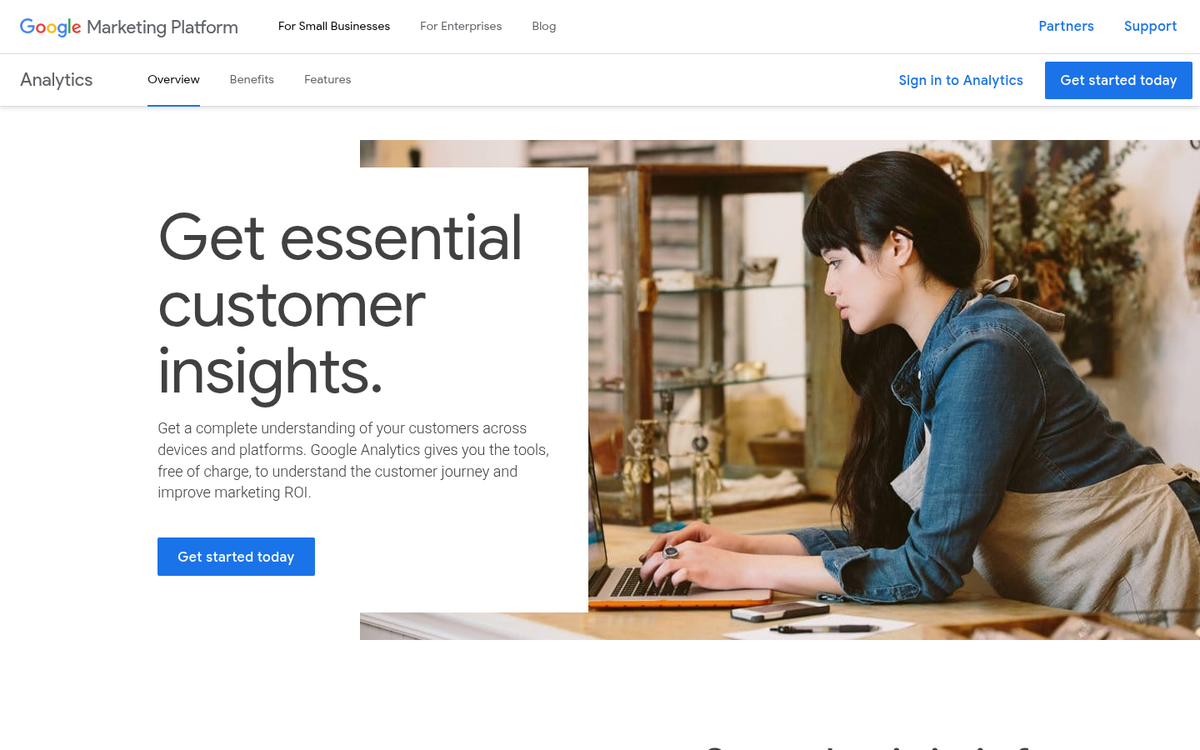
Okay, you knew this one was going to be on the list. There's no reason to ever go without Google Analytics. It's completely free. It's trivially easy to install on your site. It gives you an incredible wealth of information you won't find in a single tool anywhere else. It's also the dominant choice in the industry, used by roughly 74% of analytics professionals.
If there's one problem with Google Analytics, it's that there's almost too much information. One of the top questions SEO consultants hear is how to parse and understand what Google is telling them. There's so much information, with so little explanation, that it's difficult to know where to begin.
To get you started, here are some tips for using Google Analytics properly.
- Set goals and conversions. Setting up conversion events in GA4 allows you to track all of the relevant metrics in one place, without the clutter of digging through other menus to find bits and pieces of information. What is your goal with your business? Are you making money through ads, through ebook sales, through product sales or another avenue? Set up a conversion event and link it with the metrics you need to track success with that goal.
- Use a custom Google site search. Enabling site search gives you two benefits. First, users who use your search are typically engaged enough with your brand to want to find your version of a resource, rather than perform an Internet-wide search to find something else. Second, you can track the keywords users put into your site search, which may give you more ideas about how to optimize your content.
- Label and track specific campaigns. Using UTM parameters, you'll be able to see specifically how well your email campaigns, your Google Ads, your Facebook ads and your other referral sources all perform. It takes a bit of setup to track on the campaign level, but it's worth it.
- Use the User Journey and Path Exploration reports to see the path users are taking through your website. See the source of their traffic, what pages they visit, what pages they click through to and what path they take to convert. This can point out any friction points or unnecessary steps getting in the way of conversion.
2. Hotjar
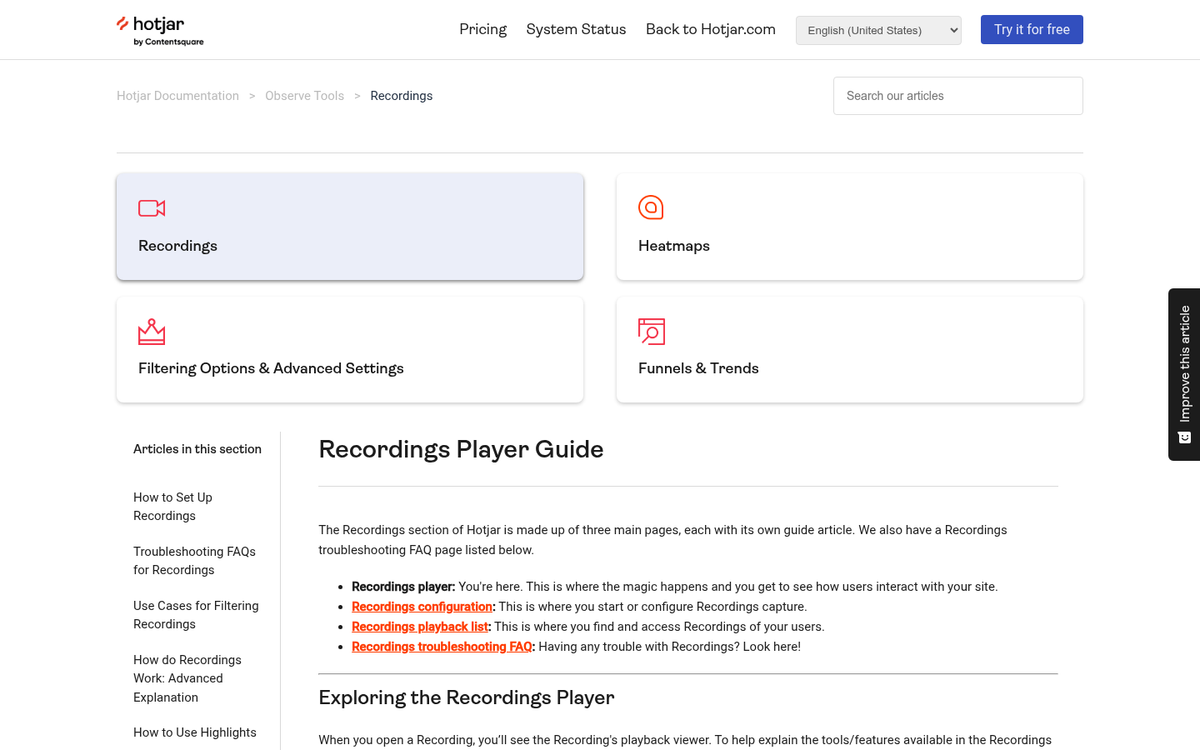
If Google Analytics tells you what users are doing, Hotjar tells you why. It's one of the most popular behavior analytics tools on the market, and for good reason - its free plan alone gives you heatmap tracking and session recordings for up to 500 visitors per day.
Hotjar is a heatmap and session recording application that tracks user behavior on your site. It monitors users as they load a page, tracking where they scroll, where their cursor moves and where they click. It then displays all of this in visual heatmaps and playable session recordings, so you can interpret your site's usability at a glance.
Some things to watch for with a Hotjar heatmap:
- Are users scrolling down? Many users don't scroll very far down a page. If they aren't scrolling much, they may be missing your important calls to action lower on the page.
- Are users clicking your navigation? Some navigation buttons are going to get quite a bit more attention than others.
- Are certain navigation buttons failing to attract attention? If there's a button on your main nav bar that receives almost no clicks, you may want to remove it and replace it with something more useful or prominent.
- Are users clicking objects on your page expecting them to be links, only to find they aren't? It's possible that something you intended to be a static graphic has immense appeal as a clickable element. This is an opportunity for you to add a link and keep those users engaged.
- Watch session recordings for rage clicks and dead ends. Hotjar flags frustration signals automatically, making it easy to spot pages where users get stuck or confused before abandoning your site.
3. Olark

Some people in the know just nodded. Many who have never heard of this service just tilted their heads and asked, "What?" What is Olark and why is it valuable enough to be on this list?
Olark is a live chat service plugin. Essentially, you add code to your website that makes a live chat window appear in certain circumstances. Some people use it as an omnipresent support box, while others trigger it based on user behavior, such as time on page or exit intent.
What makes Olark more valuable than traditional contact information, like a support email or a phone number? Many web users are browsing in situations where neither option works well. They may be at their day job or in a public space where a phone call isn't ideal. They may have a pressing question where the delay of an email is frustrating. Live chat removes those barriers entirely.
What can you get out of Olark?

- Which pages on your site are causing problems? You can see this both from what page the user initiated the chat from, and what page they say is the issue.
- What information are they looking for? If a particular question comes up repeatedly, that's a signal to create content or update your existing pages to address it directly.
- What are their questions and concerns? Learning what makes your users uneasy enough to contact support helps you streamline their experience and reduce friction before it happens.
It all adds an extra human touch that you simply don't get with a contact form or support email.