Key Takeaways
- At least 66.5% of links from the past nine years are now dead, making 404 management a widespread, serious issue.
- Pages returning 404 errors for six to twelve months get deindexed by search engines, creating real SEO consequences.
- Homepage redirects for 404s don't help - Google still treats them as soft 404s, offering little benefit.
- Landing page and resource page 404s outperform basic graceful 404s by keeping users engaged with relevant content or search options.
- Intelligent 301 redirects are the top recommendation, with sites reporting 30% lower bounce rates and 25% traffic recovery.
Did you know that there is likely a ton of traffic coming to your blog that simply has nowhere to go? People who arrive at a broken link, who mistype a URL, who try to go to a page that moved or no longer exists; this traffic ends up on the familiar, dreaded, 404 page. According to Ahrefs, at least 66.5% of links to sites over the last nine years are now dead - and a 2024 Pew Research Center study found that 23% of news webpages have at least one broken link. Not a small problem.
The 404 page is part of the core infrastructure of the internet. The protocol that the internet uses to path traffic and load data, the Hyper Text Transfer Protocol, has a series of standard response codes or status codes that get across information. Some of them are easy acknowledgements that a directive was processed successfully. Some of them are errors that tell those who know what they mean where in the process something went wrong. For example, a 502 error happens when a server acting as a gateway failed to receive a response from the target server.
A server 404 error means that the destination page can't be found. The page may have existed in the past but no longer exists, or it might not exist yet but will exist - it might also be a malformed URL leading to a page that doesn't exist. It's worth knowing that if a page continues to return a 404 for six to twelve months, search engines will deindex it - so how you manage these errors has SEO consequences.
Different websites manage the 404 error differently. Some of them manage it gracefully and others don't. Let's look at different options you have and whether or not you should use them.
The Raw 404
The raw 404 error is the basic browser 404 error page - this happens on a site that does not have any 404 page configured in any way. It looks more like a browser error than a website error and it gives zero value to the user.
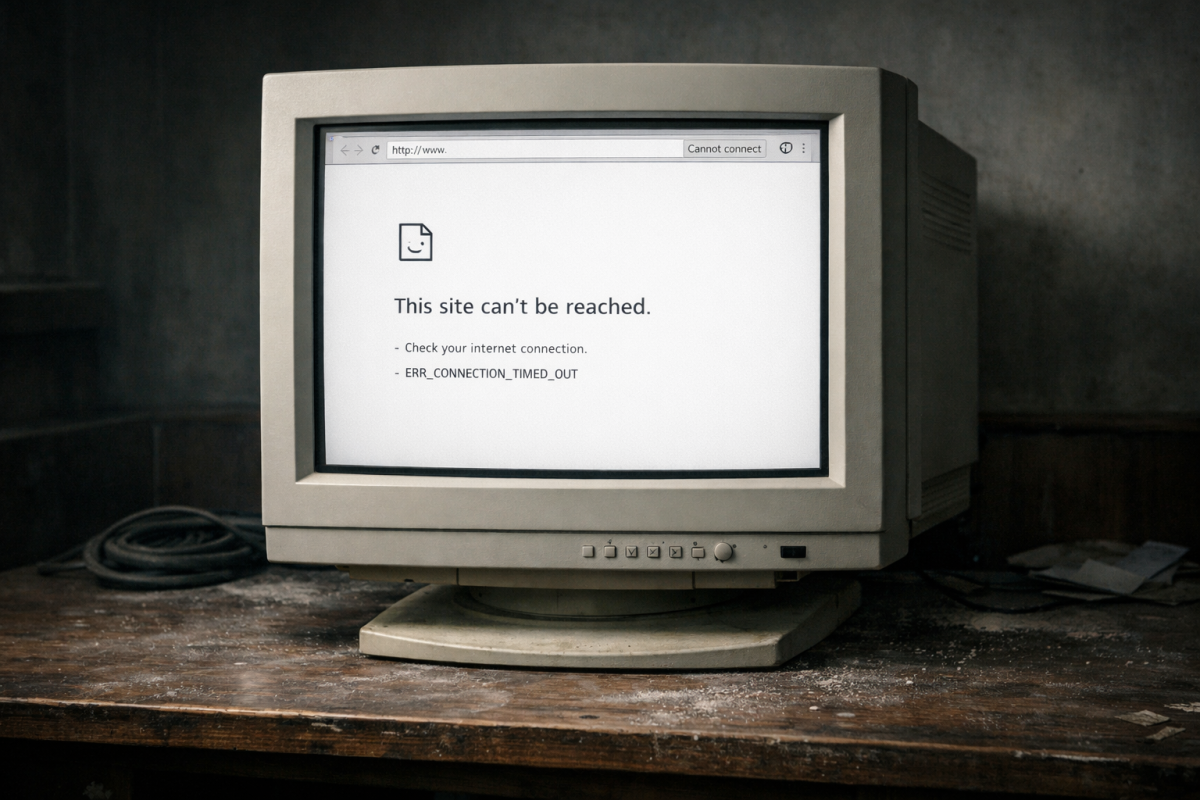
This was the default for old web design. But most modern sites manage it a little more gracefully. If your site brings up a page like this when you visit a URL that doesn't exist, then you'll have to change it.
There's zero reason to have this style of 404 page on your site. I've seen some argue that it lets you record the number of errors from arriving on your site. But so do formatted 404 pages - this gives zero benefits and makes it look like your site doesn't even exist. If a simple typo in a URL or link gives you a page like this, it's actively harmful to your site. You may also want to look at how to diagnose and fix an internal server error if you're encountering other issues beyond 404s.
The Homepage 404
One option novice marketers use is the homepage-redirect 404. Websites that do this basically direct you to their homepage when the page you're trying to reach can't be found.

This isn't a great idea for a 404 page. On the one hand, it makes sure your users know your site is alive and gives them a "fresh start" for options of where to go. On the other hand, users who were looking for a piece of content might just bounce.
Additionally, Google still treats this as a 404 error. They know about the redirect and they still treat your homepage as a soft 404 page - this doesn't necessarily penalize you, at least not much. But it's needless difficulty and it doesn't benefit you much at all. For that reason, I don't recommend this option.
The Graceful 404
The graceful 404 is what most modern websites use by default. When you try to arrive at a URL that does not exist, you still get the basic site template - header, navigation, footer - but with a simple message explaining the page could not be found. There's no content on the page past that. But users at least know the site is alive and can get through elsewhere.
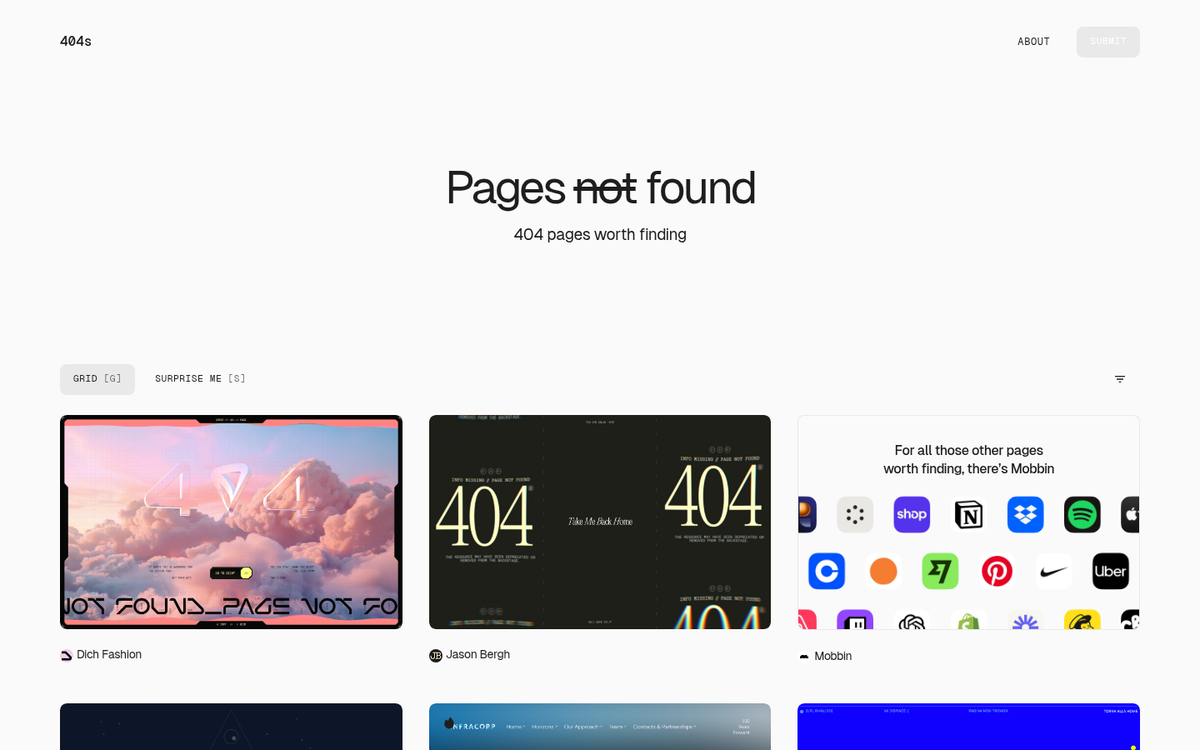
Chances are, this is the 404 page your site currently uses - it still lets you record information about 404 errors on your site. But it also gives your users some options. Rather than thinking the site doesn't exist, they know the site exists - even though the content they were looking for does not.
It's usually a decent baseline option - it's not the best option. But it's better for users than the raw 404. You can get quite a bit more value out of your 404 pages, so I don't recommend stopping here. Consider also whether Google looks at other signals on your site when evaluating overall quality.
The Landing Page 404
The landing page 404 is a style of 404 page that converts your 404 into a basic landing page - this might not even look like a 404 page to some users, though it still has 404 information on it.
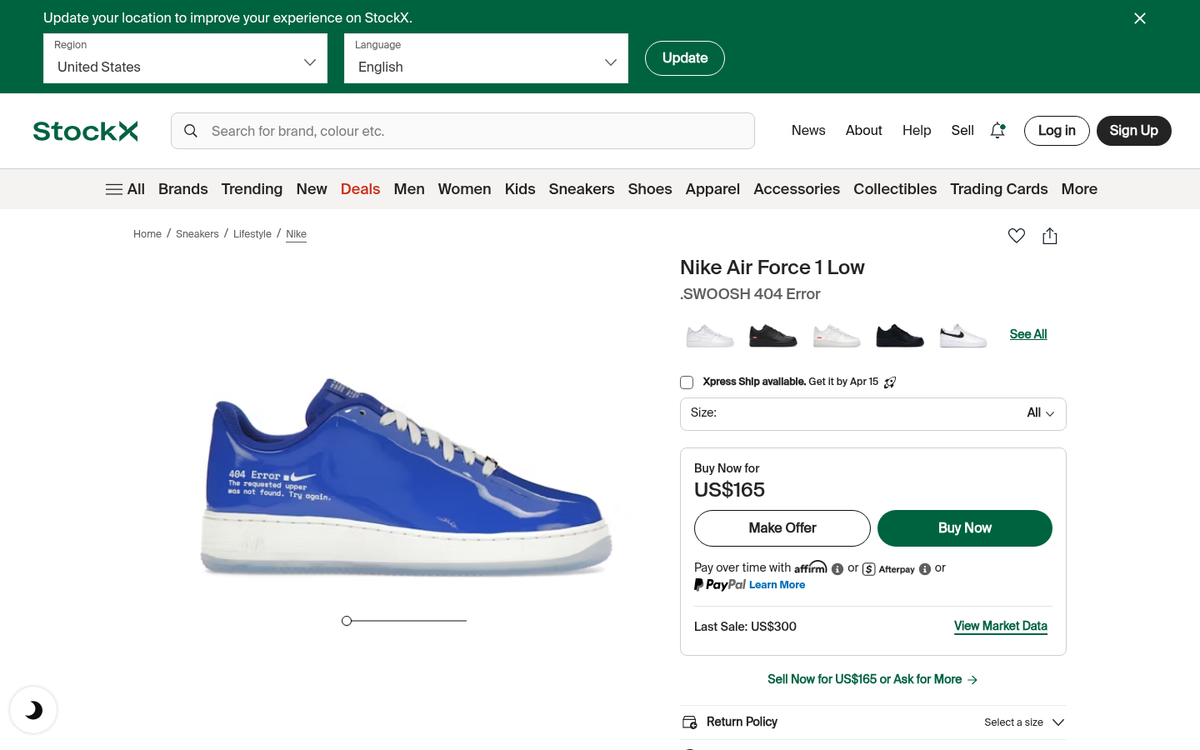
Nike is a well-known example of this. In their store, if you try to visit a page for a product that doesn't exist, you are taken to a 404 page that acknowledges the product isn't available and surfaces other products you could be interested in - it keeps users engaged instead of sending them away empty-handed.
A common variation of this is the search-forward 404. Instead of showing a few products, the page centers around a search bar. If you can't find what you were looking for, you can search for the page quickly - this works extremely well for content-heavy sites like magazines or blogs.
Neil Patel has also recommended the option of an exit intent pop-over with a coupon or discount code for users who arrive on your 404 pages. If a user lands on your 404 and has any intent at all to buy, giving them an offer can seem almost like an easter egg - it's a great use of space that otherwise wouldn't be helpful.
Both of these options are, to me, better than a graceful 404 by a mile. They give you extra options and value to users, without confusing them about not having the original content they were looking for.
The Resource 404
One step up from the landing page 404 is the resource page 404. The concept of this 404 is pretty simple. You acknowledge that the page the user was looking for does not exist. But then you provide them with a series of other options for content they might want to find - popular posts, evergreen guides, category links, a contact form, or a search bar.

I consider the resource page 404 to be one of the best passive options for a 404 page. You can customize the page to include a series of evergreen pieces of content and options for getting in touch with you and some quick content the user might want to see - it takes minimal setup and serves every type of lost visitor reasonably well.
The Smartly Redirected 404
The option I like the most is the intelligent redirect 404 option.
This redirects your 404 pages. But instead of sending users to the homepage and creating a harmful soft 404, it analyzes what they were probably going for and brings them to that page - it makes URLs "fuzzy" in a sense - similar URLs redirect to the canonical URL. A mistyped slug, a missing date in the path, a slightly truncated URL; these get resolved automatically and the user lands where they intended.
The SEO case for doing this is strong. Sites that have implemented 301 redirects for their 404 pages have reported a 30% decrease in bounce rate within three months, a 25% increase in traffic from previously broken pages and a recovery of prior Google rankings within four months - it's a significant win. And it's worth mentioning that since 2016, 301 redirects pass full PageRank - there's no longer any actual PageRank loss from them, so there's no excuse not to.
It takes quite a bit to confuse a redirect plugin. If there's no page with a similar URL, the plugin won't redirect to anything. That's where having a secondary backup plan is helpful - a graceful 404 with a search box, header and footer navigation and your most popular content links as a fallback.
You can still see referrals linking to pages that don't exist, so you still have 404 data you can use to troubleshoot. I still recommend reaching out to sites that use broken links to point to yours - it's always better to have a link in place instead of relying solely on a redirect - but redirects are a safety net. Check out these services to help you get more links to your blog posts if you want to build a stronger backlink profile alongside your redirect strategy.
Over to You
Your turn. Show off your 404 pages! What 404 page do you have and what kind do you want to have if you could put one together? Have you found one strategy to be more helpful than another? With broken links more widespread than ever and the deindexing danger of prolonged 404s, this is more important now than it's ever been. A redirect paired with a fallback resource page is the gold standard - and it's easier than you think.