A contact form is a near-essential part of any site looking to do e-commerce today. If you don't have a contact form, you rely on either email or a phone number for users to get in touch with you. With email, you never know if the user will go through the extra step of composing and sending a message. You also have to deal with multiple back-and-forth communications, as they very likely won't provide all of the information you need upfront.
Phone has fewer issues, but the issues it has are major. Who do you have answering your phone? If it's a talented salesperson, are they on call 24/7, or do they have business hours? Your website's power comes from working all day, every day. If your sales funnel only works during business hours, you're leaving money on the table. If you're outsourcing to a call center instead, you have the availability, but not the personal touch or sales expertise.
According to Envato Tuts+, web forms contribute more than 60% of lead generation on a typical site - so getting this right genuinely matters. Thankfully, contact forms are easier than ever to implement in 2026. You can use a form builder, drop in a plugin, or paste a script directly onto your page.
One quick disclaimer before we dive in: always have someone who understands code review any plugin or script you install. You don't want to discover six months later that a contact script is quietly sending data to a third party. Also worth noting - if your site serves EU visitors, make sure your forms are GDPR-compliant. This includes things like locally embedding any third-party assets like Google Fonts rather than loading them externally, which can expose visitor IP addresses to outside servers.
Key Takeaways
- Web forms generate over 60% of leads on typical sites, making contact forms near-essential for e-commerce success.
- Forms range from simple PHP scripts to complex AJAX-powered, multi-step, and modal versions with improved user experience.
- Visual form builders like JotForm, Typeform, and Gravity Forms offer powerful features without requiring custom code.
- Always have someone review installed scripts for security risks, and ensure EU-facing forms are GDPR-compliant.
- Client-side validation should always be paired with server-side validation; never rely on JavaScript alone.
The Simple
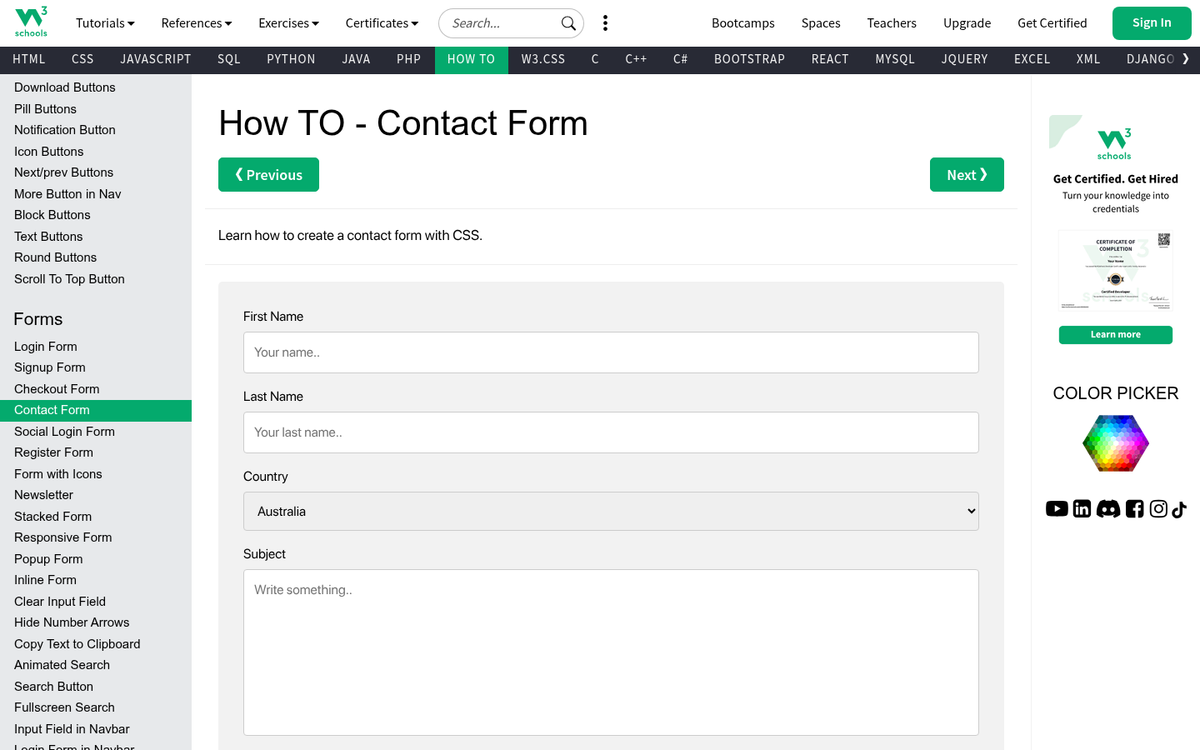
These are some of the simplest contact forms you can get. They're basic fields that the user fills out. When they submit, the information is sent your way.
- This CSS-Tricks Form is a classic simple contact form built with PHP and CSS. It's been around for years but remains a solid starting point. You can style it to match the rest of your site with minimal effort. A second version includes reCAPTCHA spam protection, which is more important than ever given today's bot traffic volumes.
- This Validated Form uses JavaScript to validate form inputs before submission, ensuring you never receive incomplete entries. In 2026, client-side validation like this should always be paired with server-side validation as well - never rely on JavaScript alone to keep your data clean.
- This Form Guide includes several variants on the simple PHP contact form, giving you a solid starting point with options to customize. Great if you want to roll your own without starting from absolute zero.
- Netlify Forms is worth a mention for anyone hosting a static or JAMstack site. If you're on Netlify, you can add a contact form with a single HTML attribute - no server-side code required. It handles submissions, spam filtering, and notifications out of the box, with a generous free tier.
- Web3Forms is a newer, free option that lets you add a working contact form to any static site without a backend. You get a unique access key, drop it into your HTML, and submissions go straight to your inbox. It's clean, fast, and GDPR-friendly.
The Complex

These forms are a little more advanced. They include AJAX submission, inline validation, modal popups, and other features that make the experience feel polished and modern. They're a bit more involved to set up, but the payoff in user experience is real.
- AJAX-powered forms with no page refresh have become the standard expectation in 2026. Users no longer expect to be redirected to a thank-you page after submitting. If your form is still reloading the page on submit, it's time to upgrade. Plenty of lightweight jQuery and vanilla JavaScript tutorials on sites like CSS-Tricks and Smashing Magazine walk you through this step by step.
- Modal / lightbox contact forms are still widely used and effective, especially for lead capture. The key in 2026 is making sure they're mobile-friendly and accessible - meaning keyboard navigable and screen-reader compatible. Libraries like Micromodal.js make this straightforward. It's also worth considering whether modal windows can hurt your SEO before committing to this approach.
- Floating tab or sticky contact forms - where a small "Contact Us" tab sits on the edge of the screen - remain popular for service businesses. When implemented correctly, they scroll with the user and are always one click away. Just be cautious not to let these interfere with mobile navigation or trigger Google's intrusive interstitials penalty.
- Multi-step forms have surged in popularity and for good reason. Breaking a long form into steps (e.g., "What do you need?" → "Tell us about yourself" → "Confirm") significantly reduces abandonment rates. Tools like Typeform have popularized this format, and you can replicate it with libraries like Formik (React) or vanilla JS step wizards.
- CSV export and CRM integration are now almost expected for any business handling significant form volume. Rather than building this yourself, most form builders (see section three below) handle this natively. If you're managing high lead volumes, connecting your form directly to a CRM like HubSpot or Pipedrive is far more efficient than exporting spreadsheets manually. You can also explore how to use HubSpot for backlink building as part of a broader inbound strategy.
The Builders
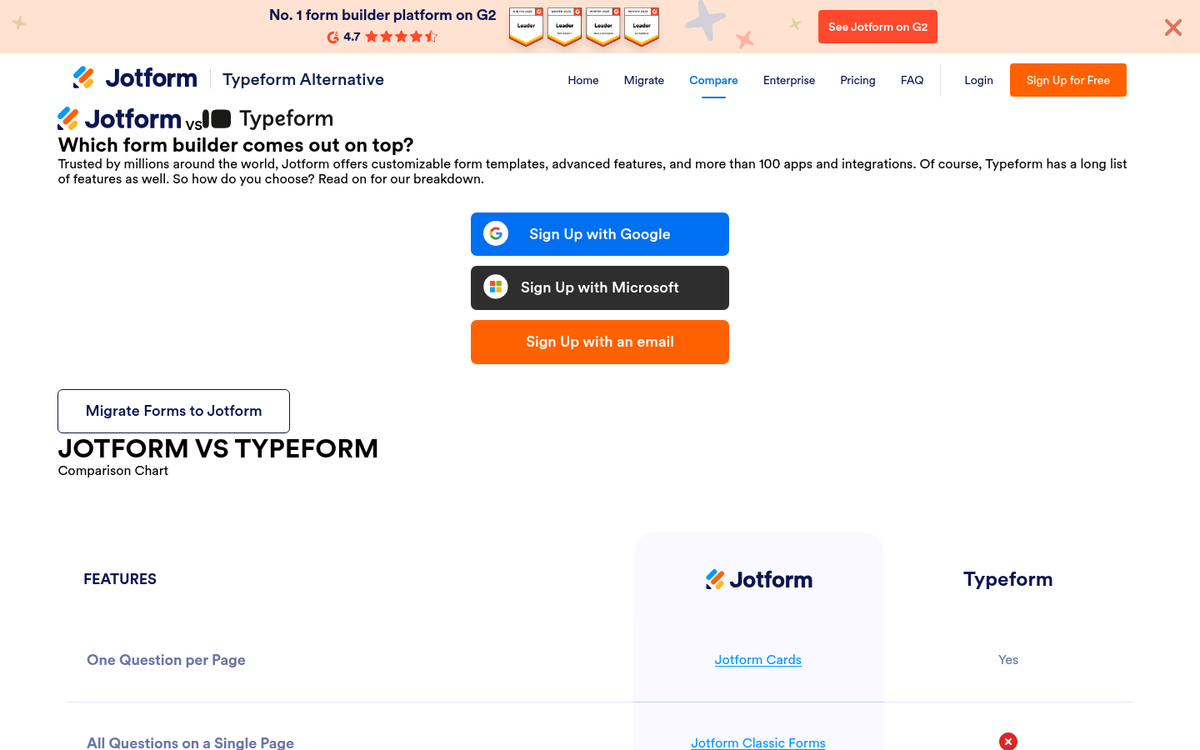
Sometimes pre-made code just doesn't cut it. That's when you turn to a form builder - a service that lets you create fully customized forms visually, then embed the result on your site. These have evolved significantly and are often the smartest choice in 2026.
- JotForm is one of the most capable form builders available today. It supports contact forms, order forms, payment collection, conditional logic, and integrations with hundreds of apps. The free plan is generous, and paid plans start at a reasonable monthly rate. It's a go-to recommendation for most small to mid-sized businesses.
- Typeform remains one of the most visually polished form builders around. Its conversational, one-question-at-a-time format leads to higher completion rates for longer forms. It works especially well for lead qualification, surveys, and onboarding flows. Free plan available, with paid plans for higher volume and advanced features.
- WuFoo is a long-standing form builder that still holds up well. It supports contact forms, surveys, invitations, and registration pages. The free tier allows basic use; more advanced features and multiple users require a paid plan. It's particularly well-suited to users who want something that just works without a steep learning curve.
- FormAssembly is a strong choice for businesses that prioritize security and compliance - including HIPAA, GDPR, and Salesforce integration. It offers a two-week free trial, after which plans are priced at the enterprise end of the market. If data security is a non-negotiable for your industry, FormAssembly is worth the investment.
- Gravity Forms deserves a spot on this list for WordPress users. It's one of the most powerful and flexible form plugins in the WordPress ecosystem, with deep support for conditional logic, payment gateways, CRM integrations, and custom workflows. It's a paid plugin, but for WordPress sites doing serious lead generation or e-commerce, it's hard to beat.