Pop-ups in the traditional sense are a hassle, a thorn in the side of every web user. Before the advent of pop-up blockers, it was not uncommon to close a window after a long session of browsing and see half a dozen or more pop-up windows open behind it. They hog system resources, they distract, and they were almost always filled with spam no one wanted to see.
The very fact that you didn't see them until closing the original window made them horribly ineffective, and you'd get to see how many of them were all coming from the same ad network. You just close the obvious ads, which have become ineffective for their original purpose.
The worst was when one of those ads played a video or audio automatically. That kind of massive disruption in browsing was enough to make some web users, myself included, blacklist the website they came from entirely.
That was years ago at this point, though. We're in the modern age! Pop-ups and pop-unders have been relegated to the dark underworld of black hat ad spam, and reputable sites know better. Or do they? As Nielsen Norman Group puts it: "The popups of the early 2000s have reincarnated as modal windows, and are hated just as viscerally today." Pop-ups and the like do tend to have a negative effect on the user experience, but do they have a direct effect on SEO?
Key Takeaways
- Traditional pop-ups and pop-unders should never be used; they harm reputation and user experience significantly.
- Since January 2017, Google officially penalizes intrusive interstitials like time-delayed modal windows covering main content.
- Exit intent modal windows are explicitly allowed under Google's interstitial penalty rules, making them the safest option.
- Modal windows hiding too much page content can cause ranking drops, as Google may see pages as empty.
- AdSense prohibits timed, self-closing, and intermittent pop-ups, risking removal from the program entirely.
The User Experience
Before getting into a discussion of each type of pop-up, modal window and script, I just want to take a moment to say that I know some of them work. Exit intent scripts are all the rage these days, precisely because they work. Even if some users rebel against the idea and you lose a little traffic, you gain a significant boost to conversion rate. For many sites, that's worth it.
That said, I believe there's a right way and a wrong way to do anything. In general, pop-ups and pop-unders, anything that spawns a new window, should never be used. The only exception is for user-triggered actions, like clicking a button expressly labeled that it launches a new window. Even with modal windows, those lightbox scripts that pop up content over content in the same window, there's a right way to do them.
Anything that obstructs the user experience is a negative. An exit intent script is useful because it captures the user's attention when they're otherwise done with your content. Time delay modal windows, in contrast, can disrupt a user reading your page. That's a bad thing - and as of 2026, Google has made this abundantly clear through both algorithm updates and direct guidance from its search advocates.
Now, let's take a look at each kind of pop-up and modal window, and examine their role in SEO, marketing and the user experience.
Old-School Pop-Ups
It's no secret that users hate traditional new window pop-ups. They're pretty hard to find these days, just because of the fact that every modern browser has a pop-up blocker enabled. That alone should tell you something about using them.
Google also hates traditional pop-ups, but they aren't broadly penalizing any time a website generates a new window. For example, a web forum might create a pop-up when a user logs in and a private message is waiting for them. That's not something Google would penalize, for two reasons. First, because it's a useful feature for a user. Second, because Google themselves would never encounter it; they don't have user accounts and they don't get PMs on forums.
Of course, Google won't penalize a site opening other windows for various purposes so long as those purposes are legitimate. It's only when pop-ups are vectors for advertising that Google starts to take notice.
You also have to consider the reputation that pop-up ads have accumulated over the years. When was the last time you heard about a pop-up that was legitimate? Every time I see one, it's a shady ad slipping through blockers using obfuscated code or a new way to generate a window that the blockers haven't caught yet. They advertise pharmacies, they advertise adult sites, they put up big "malicious software detected" warnings in an attempt to get you to download their viruses.
Even if Google didn't penalize pop-ups, why would you want to use them given that company? It's like spending all of your time hanging out with a bad crowd even though you're not one of them. Everyone is going to assume you are, your reputation will be shot, and you gain no benefit from the association.
Pop-unders are another type of the same thing, and they have all of the same reasons to hate them. Anything, anything whatsoever, that generates a new window ends up being a nuisance at best and a malicious attack at worst. Just don't do it.
User-Triggered Modal Windows
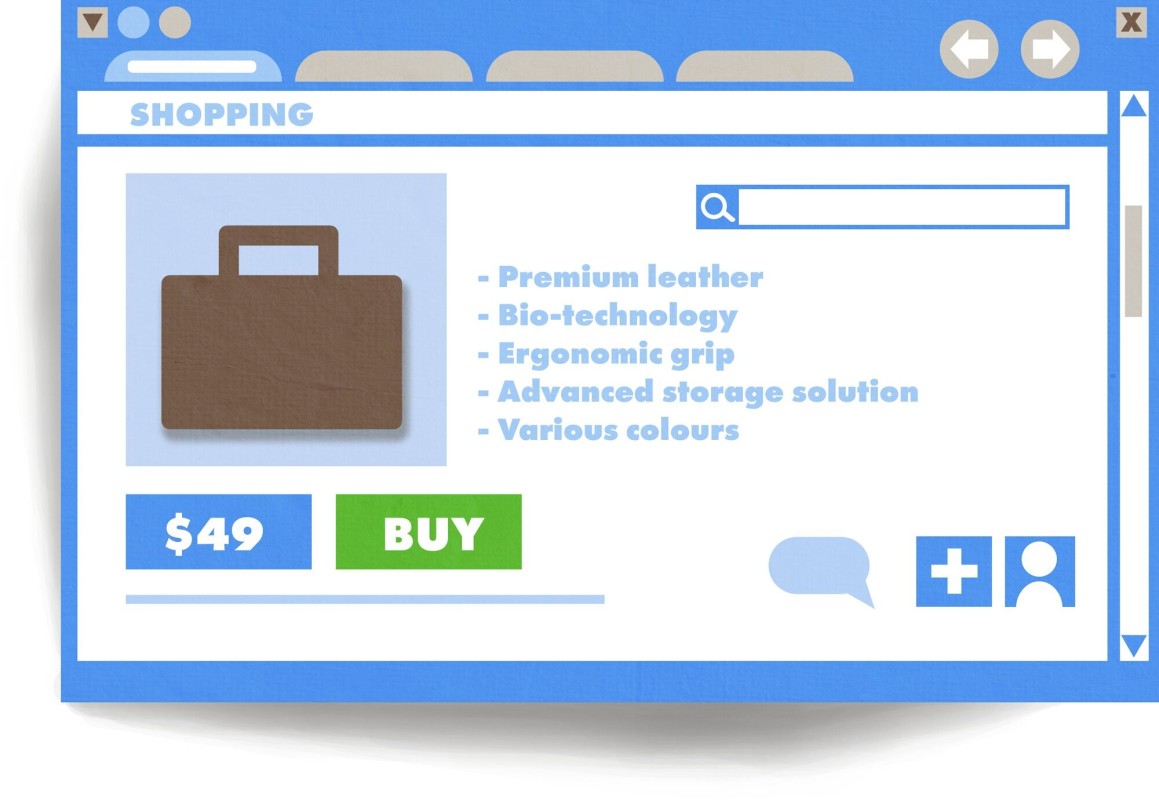
A modal window is like a pop-up, only it's generated by a script and it appears on your site itself, not as a new window. This is a much less intrusive way of displaying content, but again, it all depends on how the modal window is used in the first place.
Like pop-ups, modal windows can be extremely irritating, or they can be minimally intrusive. It's all about how you use them.
A user-triggered modal window, for example, would be a modal window that only appears when the user clicks something. Go to a major e-commerce site and click on a product image to zoom in - it pops up in a modal window for you to see in greater detail. This is a modal window triggered by a user action, and it's perfectly fine.
This kind of modal window is perfectly acceptable. It's adding value to the page without being intrusive or distracting. It's not serving an ad; it's just serving extra content. The user isn't being confronted with it; they're seeking it out.
Another example of a well-done user-triggered modal window would be an opt-in form that hides most of the time on a landing page. A user visits a landing page, clicks a button to opt in, and instead of being taken to a new page with a form, they're immediately presented with a short form in a lightbox on top of your content. This is beneficial because it doesn't force the user through a delay, it doesn't reload a page, and it doesn't force them to go back if they want a second look at your content.
The concern many people have with this kind of modal window is a concealed content penalty. Google doesn't like it when you hide content from the user. This goes back to the old days of keyword stuffing with invisible text, and it's still relevant today. I'll talk more about concealed content later.
Time-Delayed Modal Windows

The most common form of modal window these days is the email capture script - a screen-covering window that pops up once the user has been on the page for a certain amount of time. It might be 10 seconds, 30 seconds, a full minute, or however long you choose to set.
The first issue you run across with these modal windows is the annoyance factor. They are pop-ups, after all. As a blogger, I often open up a bunch of tabs from marketing blogs to read, but when I go back to them, half are covered by time-triggered modal windows that fired while I was away. Others trigger while I'm still reading, interrupting my thought process entirely.
The second issue is the engagement factor. With regular opt-in forms, you tend to attract highly motivated subscribers. When you capture emails through a time-delayed pop-up, you do get more opt-ins - but those subscribers are often less engaged than those who found your opt-in form on their own. Think of it as the difference between "Oh cool, I'd love to be on this mailing list" and "Fine, I guess I'll sign up, whatever."
That's not to say these subscribers have no value. Just that they're typically less engaged and less valuable than the people you bring in through a dedicated landing page. If you want to boost your email engagement, focusing on quality subscribers matters more than sheer volume.
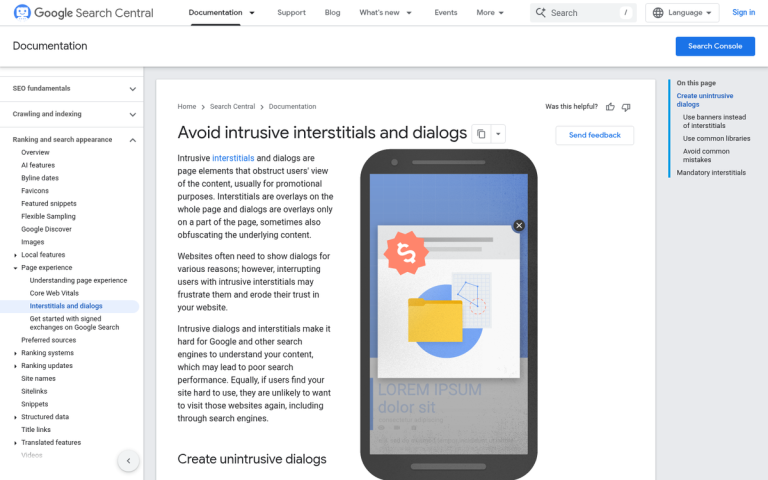
More importantly from an SEO standpoint, since January 10, 2017, Google has officially penalized websites using intrusive interstitials - and time-delayed modal windows that cover the main content fall squarely into that category. Google's Search Advocate John Mueller reiterated this negative SEO impact as recently as March 2022, describing it as a ranking factor that applies at the page level rather than sitewide. That said, it's described as a "softer" signal, meaning it's one factor among many rather than an instant death sentence for your rankings. Understanding why your bounce rate is high can help you weigh how much these signals are affecting your overall performance.
Exit Intent Modal Windows
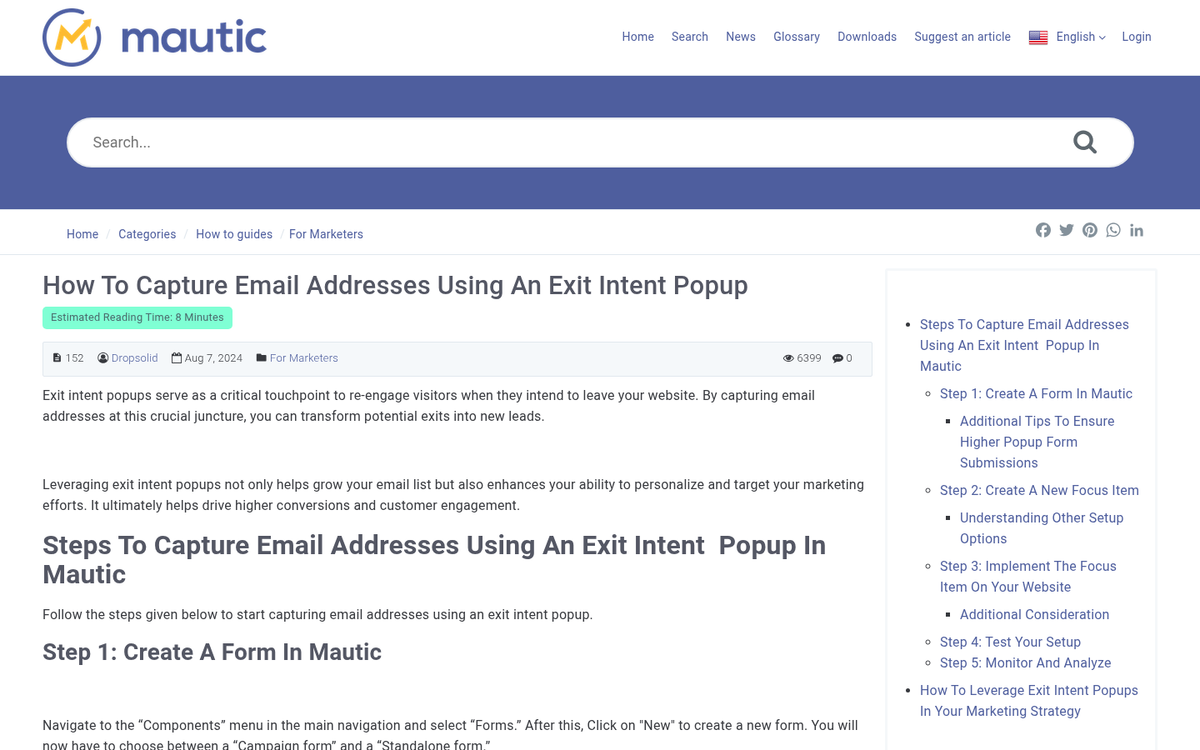
There are two ways to trigger a modal window with an email capture form that work better than a simple time delay. I would highly recommend both of them over a basic timed approach.
The first is to trigger the modal window based on scrolling. When a user has scrolled far enough down your content to have finished reading it, trigger the modal window. This works particularly well for small modal notifications, like a window that sticks out of the corner of the screen after the user has consumed your content.
The second is an exit intent script. These don't trigger based on time or scrolling. Rather, they trigger when the user does something that indicates they're going to close the tab or window - typically, when the mouse cursor moves up toward the browser's navigation bar.
The reason an exit intent script is so much more effective is because the user is already done with your site. They're clearly about to close it. It's like at the tail end of a conversation saying "wait, one more thing!" It jars them out of their intent to leave and gets one more glance at your content, often with a special offer attached.
Crucially, Google's John Mueller has confirmed that interstitials triggered by exit intent are still allowed under Google's intrusive interstitial penalty rules. This makes exit intent scripts one of the few pop-up-style approaches that lets you capture users without risking a ranking penalty. If you're going to use any form of modal window for lead capture, this is the safest and most effective option available in 2026.
Modal Windows Hiding Content
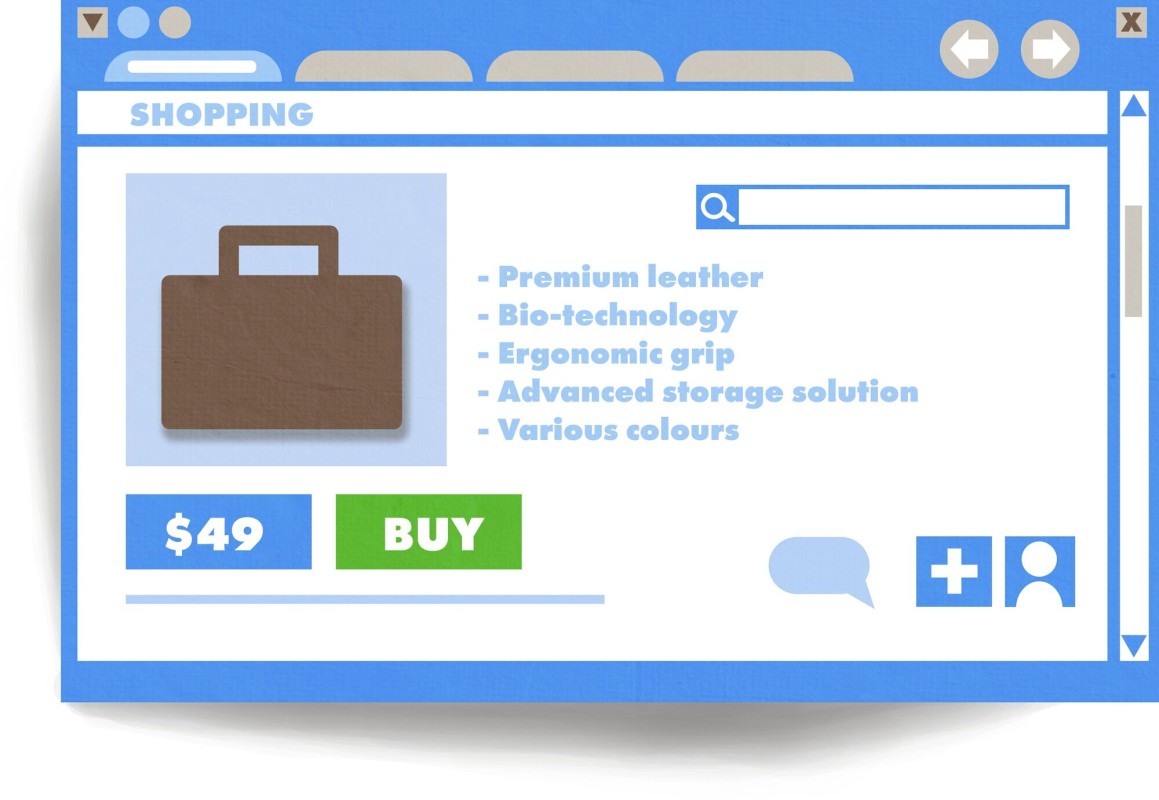
Google doesn't have a particular stance against email capture modal windows, so long as they're implemented properly. By implemented properly, I mean a few things.
- They don't include ads for anything other than your own content, like an ebook offer.
- They don't restrict the user's ability to close the window.
- They have an obvious way to close them. I recommend more than one close method: the typical X in the corner, a "no thanks" link, and the ability to hit ESC to close it.
- Banner ads or slide-ins take up no more than roughly 15% of the screen and are easy to dismiss - Google generally considers these acceptable.
Google does, however, hate when a site hides too much content. Imagine you have an e-commerce site with a grid of product images, and in order to view the product description, the user has to click the thumbnail. This brings up a lightbox with the image, description, links, and all the typical product page information. Slick, right?
Unfortunately, to Google, that just looks like an empty page full of thumbnails. They can technically parse the script and read the product descriptions, but that just looks like a lot of hidden content. It's not doing you any good and can cause a noticeable drop in search rankings. Always make sure your modal windows add value to the page, but that the page is completely viable to use without them.
Scripts that Block Exits
This one isn't technically a modal window or a pop-up, but I have to mention it because I've seen it used with both. The idea is that "but wait, there's more" exit capture taken to an extreme. Rather than jarring the user with a new prompt, these scripts intercept the user's click on the X button and block that action from taking place entirely.
You've probably seen this before. You click the X on a tab or window, and instead of closing, a prompt appears with deliberately ambiguous choices. "Are you sure you don't want to not close this page?" You're not entirely sure which button gets you out.
This is something Google absolutely despises. Obstructing the user's ability to navigate away from a website is a serious violation that can earn you a manual penalty, and with good reason. Every time I've encountered one of these scripts, it's been on a thin, spammy affiliate page - and that association alone should tell you everything you need to know about whether this tactic is worth considering.
In Context with Other Advertising
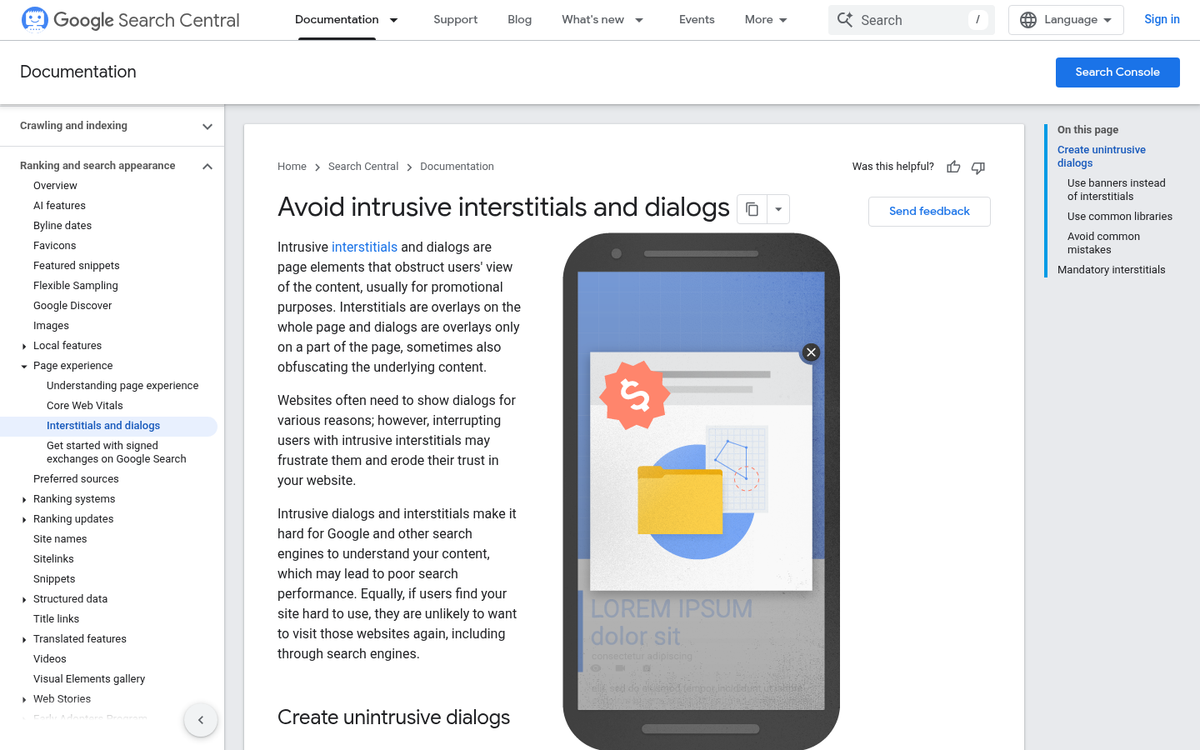
You'll notice that all of the above have been mentions of using modal windows or pop-ups for "legitimate" purposes, like advertising a coupon code, giving out a copy of your ebook, or encouraging users to sign up for your mailing list. That's because those are really the only defensible uses of a modal window or pop-up.
When you start using modal windows purely for third-party advertising, you run into problems. Imagine an exit intent script popping up a modal window that's nothing but an ad for some other site. As a potential customer, that doesn't make me want to use your service - it just tells me you're trying to extract money from me even as I'm walking out the door.
Google strongly dislikes hidden advertising like this. It's grounds for deindexing, as well as removal from their various programs. And since Google's Page Experience Update rolled out in 2021, making user experience a core component of how pages are assessed for quality, the stakes for getting this wrong are higher than ever.
Even if you're not serving ads in modal windows, layering modal windows on top of a page already covered with ads is another potential strike against you. It signals to Google that your site isn't usable, useful, or worth surfacing in search results.
Relating to Google AdSense

Speaking of removal from Google programs, AdSense has specific rules against using pop-ups, pop-unders, and other such windows. They will remove you from AdSense if you have a timed pop-up, a self-closing pop-up, intermittent pop-ups, ad-generated pop-ups, download pop-ups, and more. They allow interstitial pages, but only so long as those pages don't contain ads and don't hinder the user's ability to leave.
Modal windows in general are fine from an AdSense perspective, so long as you're not putting ads in them. If they weren't, a huge number of major websites using them today would already be in violation - and they're not.