Key Takeaways
- Exit-intent popups outperform other trigger types, with cart abandonment popups averaging 17.12% conversion rate according to OptiMonk data.
- URL-targeted popups convert at 5.53%-130% higher than generic popups shown across all pages without targeting.
- Adding countdown timers to exit-intent popups pushes conversion rates to 14.41%, significantly above the 4.82% average.
- Establish a baseline before launching any popup, then A/B test one variable at a time-headline, offer, trigger timing, or targeting.
- Never show the same popup twice per session, make the close button obvious, and refresh creative every few months to avoid fatigue.
How to Use Exit Intent Popups to Boost Conversions in 2026
A bounce pop window is a pop-up lightbox that triggers on your own page, but doesn't create a new browser window in the same way that a malicious pop-up or pop-under would. I guarantee you've seen these - in fact, you can go to virtually any e-commerce or content site and see one in action. They work when your mouse cursor leaves the window, you minimize the window, you change tabs, or even just when you let the window sit long enough or scroll far enough down the page.
These bounce conversion tools work in one of a few ways. The most powerful is exit intent, which detects when you're about to leave the page and triggers the pop-up window. Others use less sophisticated methods, such as a time delay, scroll trigger, page depth trigger, or instant pop. Exit intent remains the gold standard, and unlike years ago when it was closely guarded as a proprietary feature, it's now widely available across dozens of platforms.
Exit pop-up overlays and lightboxes are some of the most effective conversion tools available - and the data backs this up. According to Wisepops, which analyzed over 1 billion popup displays, the average popup conversion rate in 2026 sits at 4.82%. That might sound modest, but exit-intent popups with countdown timers push that number to 14.41%, and cart abandonment exit-intent popups hit an average of 17.12% according to OptiMonk. Conversion Sciences estimates that a well-executed exit popup can recover between 10-15% of abandoning visitors. That's not nothing - that's real money left on the table if you're not using one.
As a web user, I still find them mildly annoying. As a marketer, I still love them. There's something elegant about a technique that waits until you're already leaving before making its move.
So, how can you implement one of these pop notifications to boost your conversions without driving away users, making a big change, or spending a lot of time in development?
Here's how.
Step 1: Determine the Content of your Pop
Imagine you're in a face-to-face conversation with someone you're trying to sell a product to. That someone is not convinced. They've listened to your pitch, taken a business card, and they are heading for the door. They're walking out. You say "oh, one last thing before you go." They stop, turn, and wait.
What do you say?
That's the physical equivalent of an exit pop-up. The user is "going home" by closing your tab or browser window. You don't get a sound clip - and you absolutely should not be autoplaying audio in your pop windows - but you get a visual interruption that draws their attention back to your page just long enough to reconsider. The animation, the lightbox fade, the slide-in: whatever the delivery method, it creates a moment of pause. That pause is your window.
So the first thing you need to do is determine what you're going to say in the pop-up window. You need a goal. One thing you should not do is use it for vague informational content. "Hey, by the way, we have other blog posts" is not a goal. Nobody cares.
Here are some examples of strong goals for your exit pop-up:
- "If you liked this post, consider subscribing to our mailing list for weekly updates."
- "Before you go - grab our free guide and get the strategy in one place."
- "Try our product for one week risk-free, no contract or strings attached."
- "On the fence? Complete your order now and get 10% off - offer expires tonight."
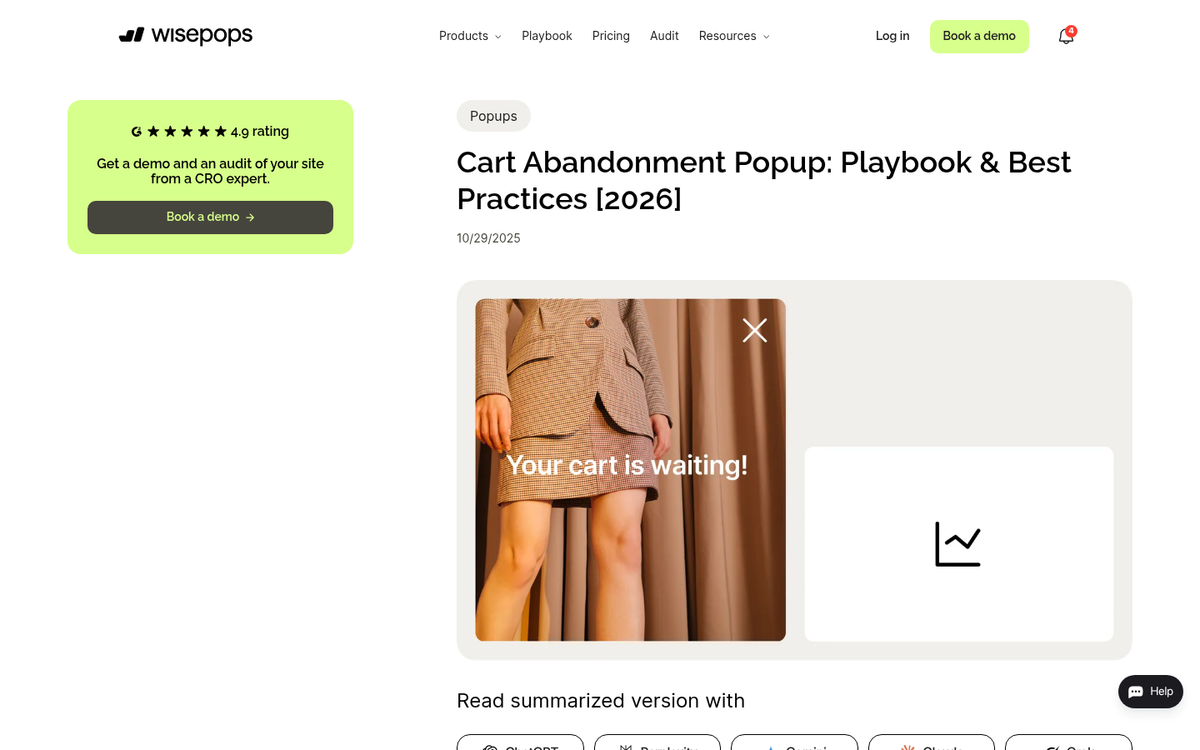
- "Don't lose your cart. Your items are still waiting for you."
- "Do you like leaving money on the table? Click the X if you're okay missing out."
That last one is a negative ask - reverse psychology baked into the button copy. No one wants to click a button that implies they're comfortable losing out. It's been a staple of marketing forever, and it still works. Some people hate it, but the conversion numbers don't lie.
Speaking of cart abandonment specifically - this is one of the highest-value use cases for exit popups in 2026. With Baymard's 2025 research placing average cart abandonment at 70.22%, even recovering a fraction of that traffic is worth the effort. An exit popup triggered at the cart or checkout page, reminding users what they're leaving behind and possibly sweetening the deal with a small discount, is arguably the single best place to start.
Step 2: Determine How to Trigger the Pop

This step is more nuanced than it used to be, because we now have actual data on what works and when. Here are the main trigger options:
- Exit intent. Still the best option. It triggers when the window loses focus from a tab or window change, or when the cursor moves toward the top of the browser toward the close button. Least disruptive, highest intent signal.
- Timed. Best used with a meaningful delay so you're not catching someone mid-sentence. Wisepops data shows popups displayed after a 2-page delay achieve the highest conversion rate at 9.84%. Single-page delays convert at 7.87%, while waiting until page 3 drops to 4.74%. Timing and page depth matter more than most people realize.
- Scroll-triggered. Triggers when the user scrolls to a certain depth - ideally near the end of a post or product page, when they've consumed the content and are deciding what to do next. Don't set it too deep or most users will never reach it.
- URL targeting. This one is underused and underappreciated. Popups with URL targeting achieve a 5.53% conversion rate - that's 130% higher than popups without URL targeting at 2.40%. Showing a relevant pop based on which page someone is on is dramatically more effective than showing the same generic pop everywhere.
- On action. Triggered by specific user behaviors, like clicking an external link or attempting to navigate away from a landing page. Less common, but powerful in the right context.
My preference is still exit intent, ideally combined with URL targeting. That combination gives you the lowest disruption and the highest relevance. But test everything - even a simple A/B test on your popup can increase click-through rates by up to 26%, with documented improvements from 4.64% to 5.86% CTR. If you're running paid traffic to these pages, also make sure you're not making common mistakes with Google AdWords campaigns that could skew your results.
Step 3: Find a Relevant Pop Plugin or Platform
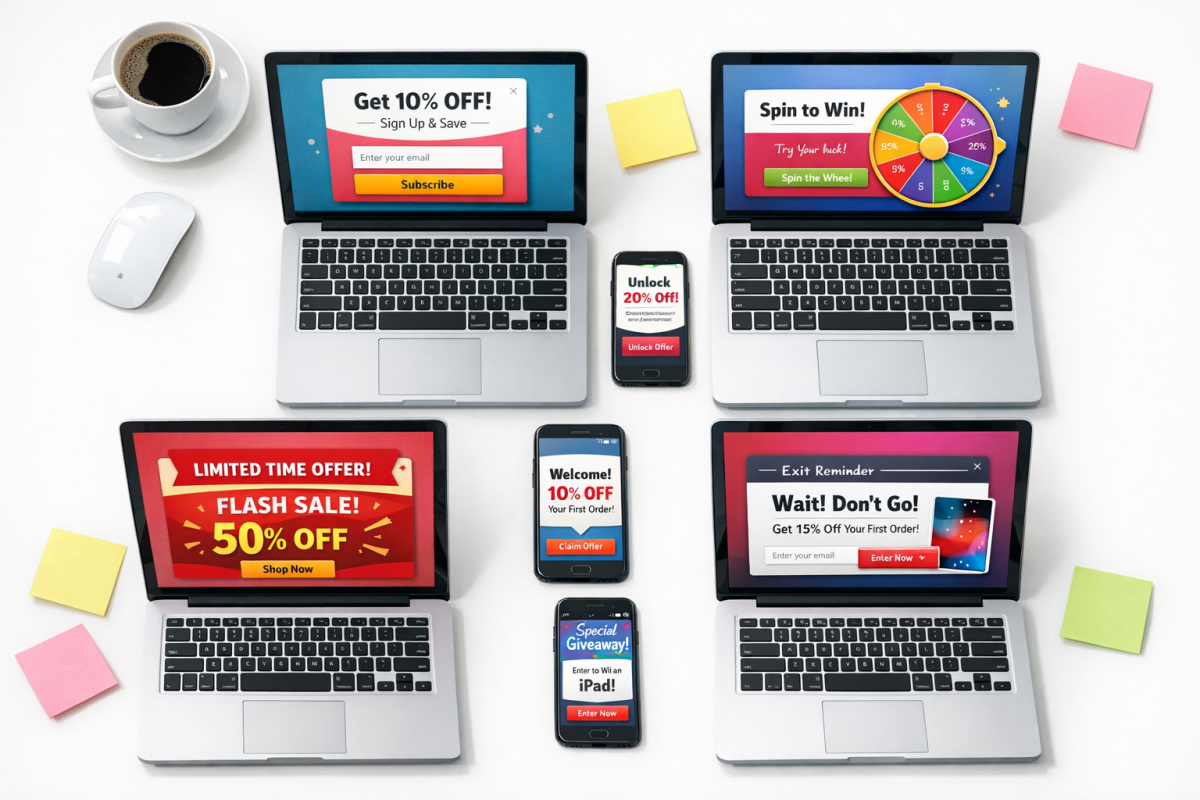
The landscape here has shifted considerably. Some older tools have disappeared or been absorbed, and newer platforms have matured significantly. Here's a current rundown of solid options as of 2026:
OptinMonster - Still one of the most widely used platforms. Exit intent is available on paid plans, with pricing starting around $9/month for basic and $29/month for the Pro tier that includes exit intent, A/B testing, and advanced targeting. The feature set has expanded significantly and it remains a strong all-around choice.
Wisepops - One of the better-documented platforms in terms of real performance data - which is partly why their stats are cited throughout this post. Strong targeting options, clean builder, and solid analytics baked in. Pricing is based on pageviews.
OptiMonk - Not to be confused with OptinMonster. OptiMonk has grown into a robust personalization and popup platform with strong e-commerce integrations, particularly for Shopify. Their data on cart abandonment popup performance (17.12% CVR) speaks to their specialization in that area. Free plan available; paid plans start around $39/month.
Popup Smart - A newer entrant that's gained traction for its simplicity and speed. No-code builder, solid targeting options including exit intent and scroll triggers, and a free tier for lower traffic sites. Worth considering if you want something lightweight.
Sumo - Long-standing tool with a free tier that works reasonably well for basic list-building popups. Not the most feature-rich option at the free level, but it's genuinely free and easy to install. Sumo Pro may be worth considering if you need more advanced features.
For WordPress specifically, here are some current plugin options:
Popup by Supsystic - Still actively maintained and noteworthy for its wide range of animation options and special popup types including iframe embeds. Good free tier.
MailPoet - Primarily an email marketing plugin, but includes popup/form builders that integrate tightly with WordPress and WooCommerce. Solid choice if you're already using it for newsletters.
Hustle by WPMU DEV - A well-rounded popup and opt-in plugin for WordPress with exit intent, slide-ins, and embeds. Free tier is available and covers most basic use cases.
Convert Pro - A premium WordPress plugin with a one-time payment option (rather than recurring), which is appealing if you don't want another monthly subscription. Strong targeting and trigger options including exit intent.
This is not an exhaustive list. The space moves fast, and new tools emerge regularly. If you have a platform you prefer that I haven't listed, drop it in the comments.
Step 4: Monitor Statistics to Determine Success
Before you implement your exit pop-up, nail down your key performance indicators based on your goal. Running a cart abandonment popup? Track recovered carts and revenue. Building a list? Track opt-in rate and subscriber growth. Promoting a content offer? Track downloads and downstream engagement.
Spend a few weeks establishing a baseline before you flip the switch. Then implement the pop-up and monitor those same metrics over a comparable period. You'll almost always see a lift - the question is how much, and where the ceiling is.
Once you have a new baseline, start iterating. Change one variable at a time: headline copy, button color, offer, trigger timing, page targeting. A/B test everything. The data consistently shows that even small changes compound into meaningful conversion differences over time.
Tips for Exit Pop Success in 2026
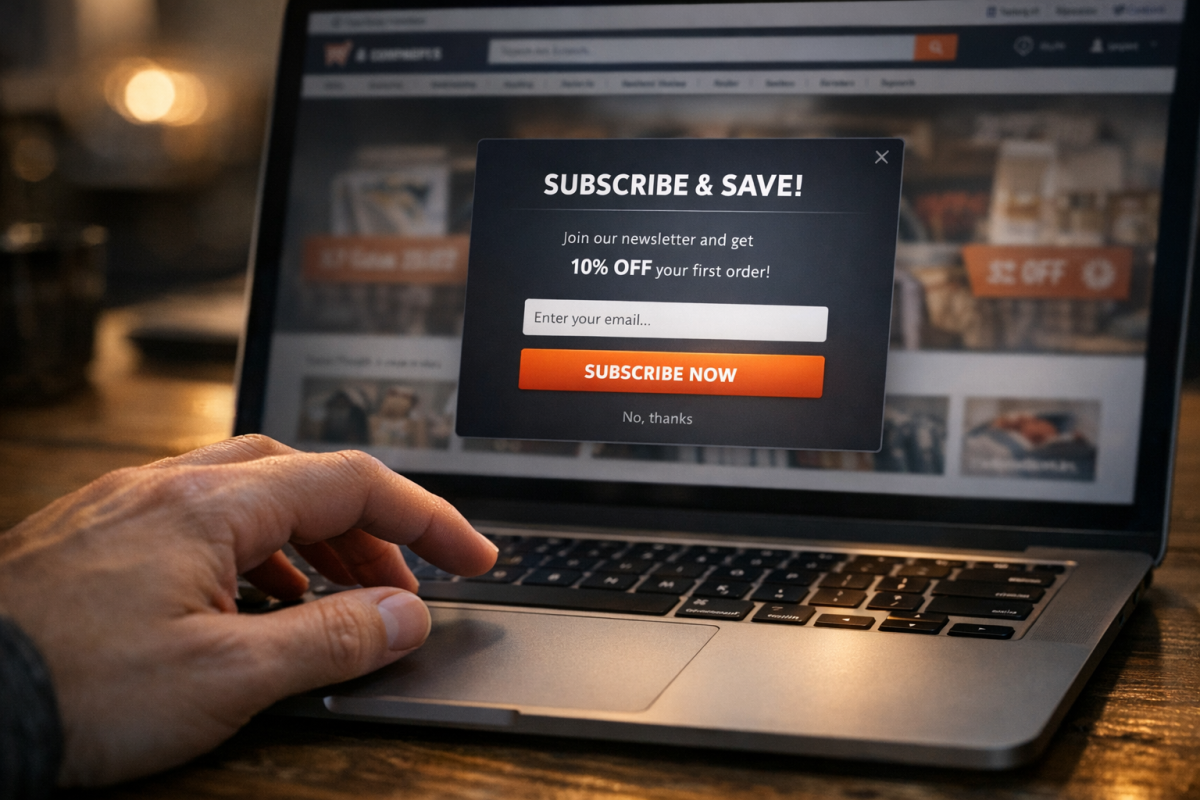
- Make the pop big enough to draw attention. A tiny corner widget doesn't stop anyone. A full-screen takeover or centered lightbox with a darkened background commands attention. Don't be shy about it.
- Use URL targeting. Stop showing the same generic popup on every page. Tailor the message to where the user is. Someone on your pricing page needs a different nudge than someone on a blog post. The data - 130% higher CVR - makes this one non-negotiable.
- Use real numbers to build credibility. "Join 52,000 marketers who get our weekly breakdown" is far more compelling than "subscribe to our newsletter."
- Add a countdown timer for time-sensitive offers. Exit-intent popups with countdown timers convert at 14.41% - significantly above average. If you have a legitimate reason to create urgency, use it.
- Use it for cart abandonment. With 70%+ of carts being abandoned, an exit popup at the cart or checkout stage that either reminds users what they're leaving or offers a small incentive is one of the highest-ROI implementations available. Consider pairing this with shopping cart plugins to streamline the experience.
- Make the close button obvious. Users who want to close the pop should be able to do so instantly. Hiding the X or delaying it damages trust and increases bounce rate. The people who want out will get out one way or another - don't make them angry in the process.
- Don't show the same popup twice in a session. Use cookies or session logic to suppress repeat displays. Showing the same popup four times in one visit is how you train users to hate you.
- Rotate and refresh every few months. Even a high-performing popup goes stale. The same creative fatigue that affects PPC ads applies here. Refresh the copy, the design, or the offer on a regular cadence.
- Test your mobile behavior separately. Exit intent behaves differently on mobile (since there's no cursor), so mobile pops typically rely on scroll depth or time delays. Many platforms handle this automatically, but verify that your mobile experience isn't broken or triggering at the wrong moment.
Above all else: test. The benchmarks and best practices for optimizing forms and offers in this post are a starting point, not a finish line. What works for one site, one audience, and one offer may not work the same way for yours. Test, measure, iterate, and keep improving.