Key Takeaways
- Twitter/X Website Cards offer six formats-Gallery, Photo, Summary, App, Player, and Product-each suited for different campaign goals.
- Promoted tweets on X achieve 1%-3% CTR, outperforming organic posts and competing closely with Facebook's average ad CTR.
- X ads offer a low median CPC of $0.18 and CPM of $2.09, making budgets stretch further compared to Meta's $2.53 CPM.
- Website Cards work for content marketing, product sales, and app downloads by reducing friction and surfacing key information directly in-feed.
- X's analytics dashboard tracks impressions, clicks, card type performance, and device-level data to support ongoing optimization.
What are Twitter/X Website Cards?
Website Cards are a Twitter/X ad format designed to drive traffic to your website, offering significantly more visual real estate than a standard tweet. According to platform-reported advertiser outcome data, promoted tweets on X can boost purchase intent by as much as 53%, and current benchmarks show promoted tweets achieving a CTR of 1%-3% compared to 0.5%-1.5% for organic posts. For context, X's average ad CTR of 0.86% sits above LinkedIn (0.52%) and just below Facebook (0.90%), making it a competitive option for paid traffic. Hootsuite's 2025 benchmarks also report a median CPC of just $0.18 and CPM of $2.09 on X, compared to $2.53 on Meta - meaning your ad budget can stretch further here.
There are several different types of cards available:
- Gallery Card: This card showcases a grid of four square images separated by thin white borders. Images with white backgrounds eliminate this border for a more seamless whole. You can embed four images and link to a full gallery, appealing to a broad audience at once.
- Photo Card: This card allows you to highlight a single image at a large size. Larger, high-resolution images are recommended as long as the aspect ratio fits. The image will be resized appropriately for different devices.
- Summary Card: Very similar to a Facebook link preview ad, this generates a title, description, byline, link, and image for the destination website. A second variety features a larger image, which can perform better when you have a compelling graphic to showcase.
- App Card: Specifically designed to advertise a mobile app. It automatically displays the relevant app store, the app title, rating, price, description, and a direct download link.
- Player Card: Similar to the photo card but displays an embedded video instead. It includes the video, source, description, creator, and link. This is one of the more technically demanding card types, with strict implementation rules.
- Product Card: Designed to showcase a single product from a commerce site - whether your own storefront, an Etsy shop, an Amazon listing, or similar. It displays the shop name, product name, seller, price, description, and link.
Using Twitter/X Website Cards
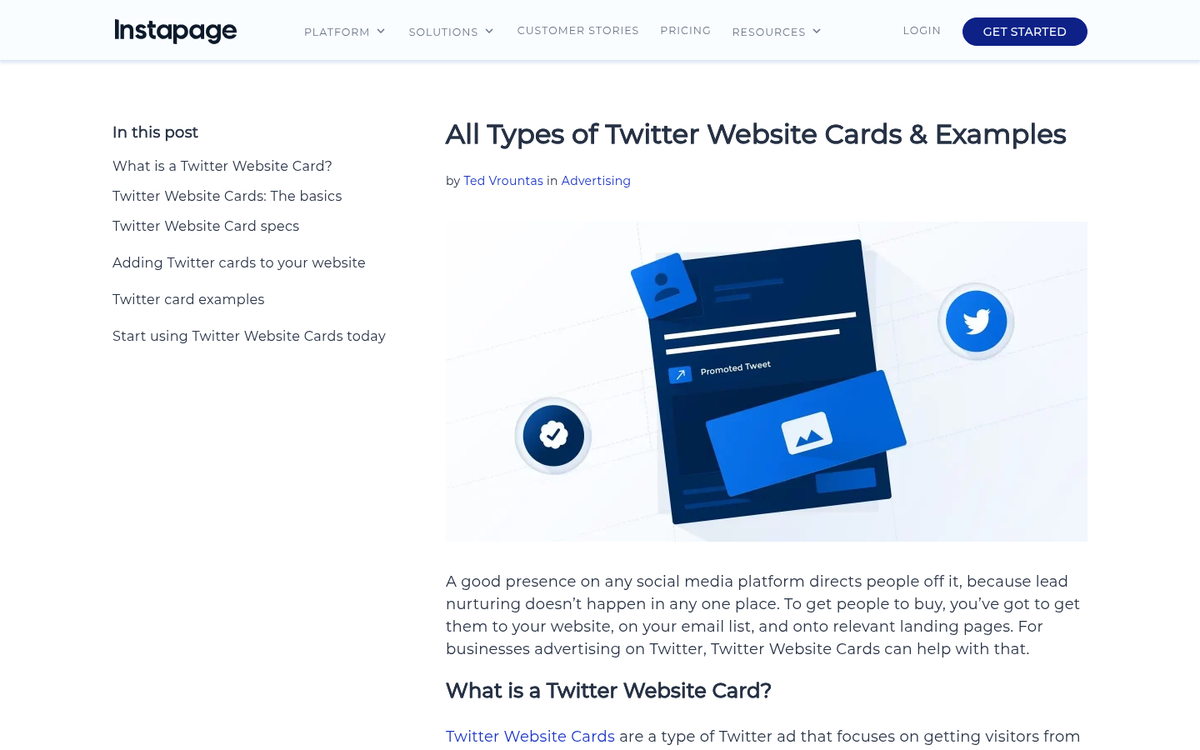
How can you make use of these various card types?
First, they are excellent for content marketing. The summary card is ideal for optimizing how a particular blog post or article appears in a user's feed. Use it the same way you would a boosted link post on Facebook - pair a compelling image with a strong description and a clear destination URL.
Cards are also highly effective for product sales. The product card functions as a mini landing page, displaying nearly everything a potential buyer needs to make a decision and linking directly to the product page to minimize friction in the purchase journey.
Cards can drive downloads or sales of apps in much the same way. If you have an app to promote, the App Card surfaces all the key details automatically, making it easy for interested users to convert with a single tap - particularly on mobile.
Creating Website Cards
To create a Website Card, you need both an X (formerly Twitter) account and an active X Ads account. Once logged into the ads platform, you'll find card creation options under the "Creatives" tab.
When creating a card, you'll be prompted to select a card type and fill in the required information - typically an image, a headline, and the destination URL. You can optimize this much like any other PPC creative, though the card format itself has limited space for body copy.
Additional ad copy is written at the tweet level when you attach the card to a new tweet. The card URL can be shortened using X's native shortener without losing any functionality.
You can use Website Cards with organic tweets, promoted tweets, or both. Keeping your cards updated as your offers and site content evolve is important for maintaining relevance and performance.
For organic use, X also supports automatic card generation via meta tags added to your web pages - similar to Open Graph tags for Facebook. X's developer tools will generate the appropriate meta code based on the card type and assets you specify. Images must be hosted on your site to render correctly.
Card Analytics
X provides detailed performance data through its card analytics dashboard. You can view:
- An overview of overall card performance, including total tweets containing your card, how many originated from your account, impressions, and clicks.
- Trend data showing how impressions, tweet volume, and click volume have changed over time.
- A breakdown of performance by card type, allowing you to compare which formats are driving the most engagement.
- Data on which third-party apps, widgets, or platforms were used to post or share your cards.
- Device-level data showing what proportion of impressions, clicks, and reposts came from mobile vs. desktop users.
With a median CPA of approximately $21.55 and CPE of $0.13 reported in Hootsuite's 2025 benchmarks, the platform offers measurable, trackable returns - and the analytics dashboard gives you everything you need to optimize toward those numbers over time.