





There are a few reasons why you might want to contact the owner of a website. Most of them benefit you in some way or another, though some exist to solve problems. For example:
- You want to write a guest post for their site.
- You want to invite them to write for your site.
- You want to submit a product for their review.
- You want to get an unlinked mention turned into a link.
- You want to get a broken link turned into a link to your content.
- You want to refute something they said in a post about you.
- You want to get them to take down a spammy link.
- You want to get them to remove stolen content.
All of these involve figuring out how to reach out and contact the blogger, though for different reasons. Let's start with simple methods and work our way up to tools you can use.
Key Takeaways
- Start with simple methods: check contact pages, site footers, or Google site searches before using specialized tools.
- LinkedIn is highlighted as one of the best networks for finding direct contact information for site owners.
- WHOIS domain lookups are less reliable post-GDPR, as most registrars now redact personal information by default.
- Free tools like Hunter.io, Snov.io, and Voilà Norbert help find emails, with free tiers offering 25-50 monthly searches.
- 87% of bloggers generate guest post ideas, but only 52% follow through, so outreach pitches must be genuinely compelling.
Finding a Contact Page

The first and easiest thing you can do is just visit the blog you're looking to contact and look for a contact page. Having a contact page is a minor but recognized signal of site legitimacy, so many bloggers - particularly in the tech and marketing industries - will make one easy to find.
Most website templates will have contact information in one of a few places. Sometimes a "contact" page will be in the top navigation bar. An informational "about us" page may also contain contact information. Avoid contacts for sales departments unless you have no other choice; they may be able to refer you to the right contact for outreach, but they might not, so it could be a waste of your time.
The other most common location for contact information or a link to a contact page is in the footer of the website. Unless the site happens to have infinite scrolling, you should be able to just hit End on your keyboard and reach the bottom. Footer blocks tend to have some staple pages, like a contact page, about page, and privacy policy.
You can also do a Ctrl+F and search the page for the word "contact" to see if it pops up. Some layouts can hide navigation links in spots that are easy to overlook.
As a last resort, you can go to Google and type in a search using the site:www.example.com operator along with the word "contact" or the phrase "contact us" in quotes. This will do a site search through that domain looking for instances of the word. On large blogs this won't always be effective, as blog posts that happen to mention contacting people may outrank the actual contact page, but it's worth trying if you can't find it manually.
Finding Social Profiles

If you can't find contact information directly on the website, you may be able to find it by way of social media. Most blogs have social media accounts tied to their pages. Look for signs of those, including social profile links in the navigation - not the sharing buttons on individual blog posts - or feed embeds for platforms like Instagram, YouTube, or LinkedIn. LinkedIn in particular remains one of the best networks for finding direct contact information for business owners and content creators.
The reason you don't want to rely on the social sharing buttons on a blog post is because those are designed for sharing the post itself, and won't link you to the profile behind the site. Navigation-level profile links are what you're looking for instead. If you need help adding those kinds of buttons to your own site, see our guide on installing responsive social buttons on your blog.
If the site doesn't have visible buttons, you can still go to the networks directly and search for the brand. It's possible they made accounts but don't actively link them from their site. The information on those profiles might be old and out of date, or it might be current - you'll have to verify. You can also use free tools to track social media traffic to get a better sense of which platforms a site is actually active on.
Be careful when searching by brand name if that name is fairly generic. Sometimes the profile you find isn't actually associated with the brand you're trying to contact, which could send your outreach in entirely the wrong direction.
Checking Domain Registration Information

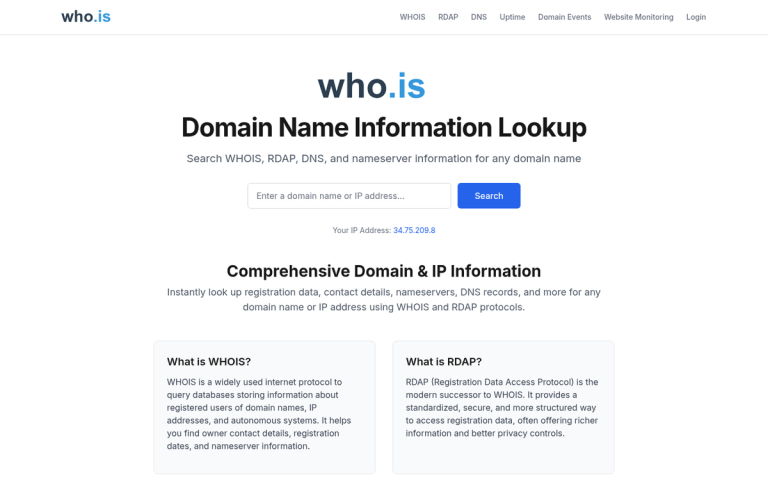
If the above methods have failed, you can start going into some more technical research options. The link in the subheading takes you to the ICANN WHOIS website. ICANN is the organization that oversees domain names globally, and WHOIS is the query system that returns registration details about the owner of a given domain. It's simpler than it sounds - all you need is the domain name to run the query.
That said, the usefulness of WHOIS results has declined significantly in recent years. Since the enforcement of GDPR in Europe and similar privacy regulations elsewhere, most domain registrars now redact personal information by default. This means that what used to be a reliable source of email addresses and phone numbers now often returns anonymized registrar proxy data instead.
There are still essentially five types of results you might get from running this search.
- Invalid search results. This happens when you search for a domain that falls outside ICANN's jurisdiction, such as certain country-code TLDs like .kr. These are rarely targets of standard outreach anyway.
- Protected or redacted information. Post-GDPR, this is now the most common result you'll see. Registrars redact personal details by default, leaving you with little more than the registrar name and creation date.
- Information for a third-party domain privacy service. Many domain owners use a privacy protection service, so the registration details belong to that proxy company rather than the actual site owner.
- Information for a holding company or sub-entity rather than the individual business owner. This is common among people who have faced past harassment and want to limit their exposure.
- Information for the actual business owner. This is your jackpot. If everything is filled out, you may get their name, organization, mailing address, phone number, and email. It's less common than it used to be, but it does still happen - particularly with older domain registrations or owners who haven't opted into privacy protection for their domain names.
If you get lucky with that last result, verify the information before using it. If not, move on to the tools below.
Hunter.io
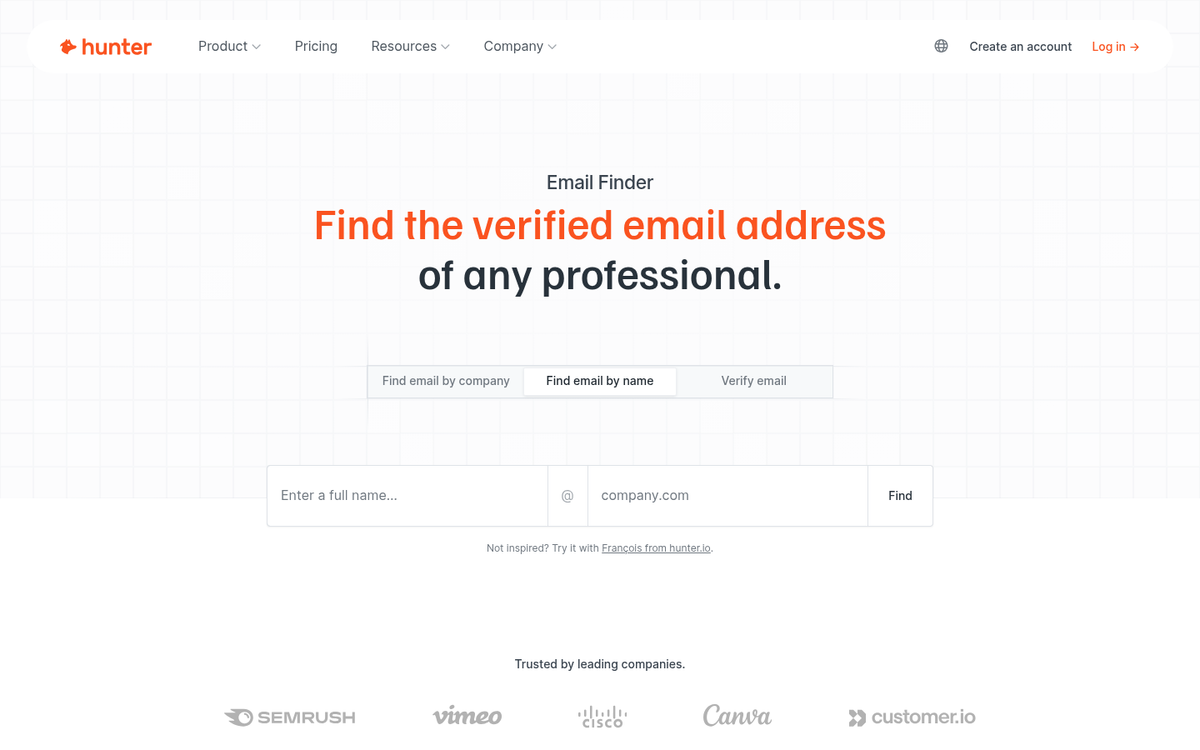
Hunter.io is one of the most widely used email finder tools available, and for good reason. You enter a domain name and it surfaces email addresses associated with that domain, along with the sources where those addresses were found publicly. It also includes a confidence score so you know how reliable each result is likely to be.
Hunter offers a free tier that includes 25 searches per month, which is enough for light outreach work. Paid plans start at around $34/month for heavier usage. It's one of the most straightforward tools in this space and should typically be one of your first stops after checking the contact page.
Snov.io

Snov.io is another strong option for finding contact emails. Like Hunter, you can search by domain to pull associated email addresses. It also has additional features like email verification, drip campaign tools, and a Chrome extension that works on LinkedIn and company websites.
Snov.io has a free plan with limited monthly credits, and paid plans start at $39/month for 1,000 credits. If you're doing outreach at any real scale, the paid tier is worth considering given the range of tools included.
Voilà Norbert
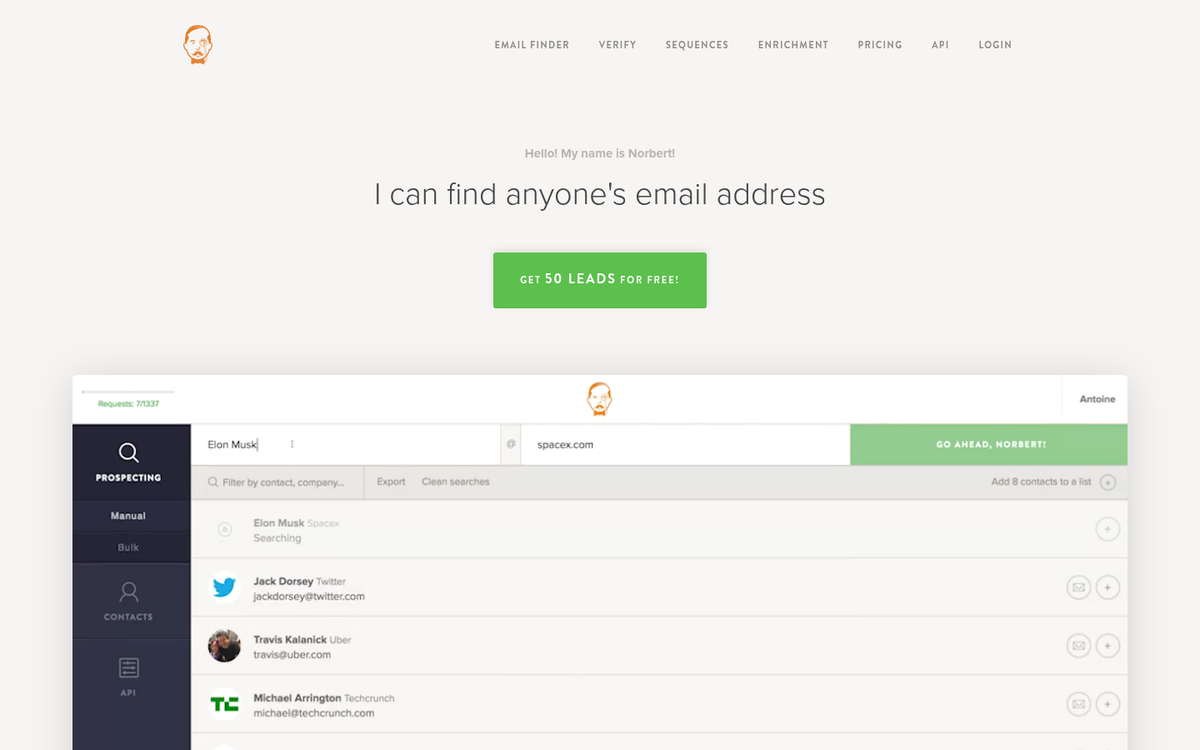
Norbert is a long-standing email finder tool that takes a person's name and their company domain and attempts to locate their email address. It's straightforward to use and has a solid track record for accuracy. You get 50 free searches to start, after which credits are available at roughly 10 cents per lead on entry-level plans, making it cost-effective for smaller outreach lists.
BuzzStream's Blogroll List Generator

A blogroll is a list of blogs that a given site recommends. They've fallen somewhat out of style in the marketing world, but many blogs - especially outside of marketing and tech - still maintain them under names like "Our Favorites" or "Resources."
BuzzStream's tool lets you plug in the URL of one blog and harvest that blog's blogroll automatically. The real advantage is that it's a bulk tool: plug in multiple URLs and it will pull data from all of them at once, neatly categorizing source URL, blogroll URL, domain, and anchor text. This makes it easy to filter results, remove duplicates, and build a working list of prospects to investigate further.
The Moz SEO Toolbar
When you have a URL in hand, you'll want to evaluate the blog before deciding whether it's worth your outreach effort. Moz's browser toolbar remains one of the more useful quick-assessment tools available, surfacing metrics like Domain Authority and page-level data directly in your browser as you browse.
A solid complement to this is the Ahrefs SEO Toolbar, which has become increasingly popular and provides a comparable set of metrics including Domain Rating and organic traffic estimates. Using both gives you a more complete picture, and there's little reason not to run them alongside each other.
Finding Prospects at Scale: Influencer Platforms
All of the above assumes you already know which site you're targeting. But if you're actively prospecting for new blogs and creators to contact, dedicated influencer and outreach platforms have become far more capable since the early days of blogger outreach.
The blogger outreach software market reached USD $0.27 billion in 2024 and is projected to grow to $0.56 billion by 2033, driven largely by the continued growth of influencer marketing. That investment has translated into genuinely useful tooling.
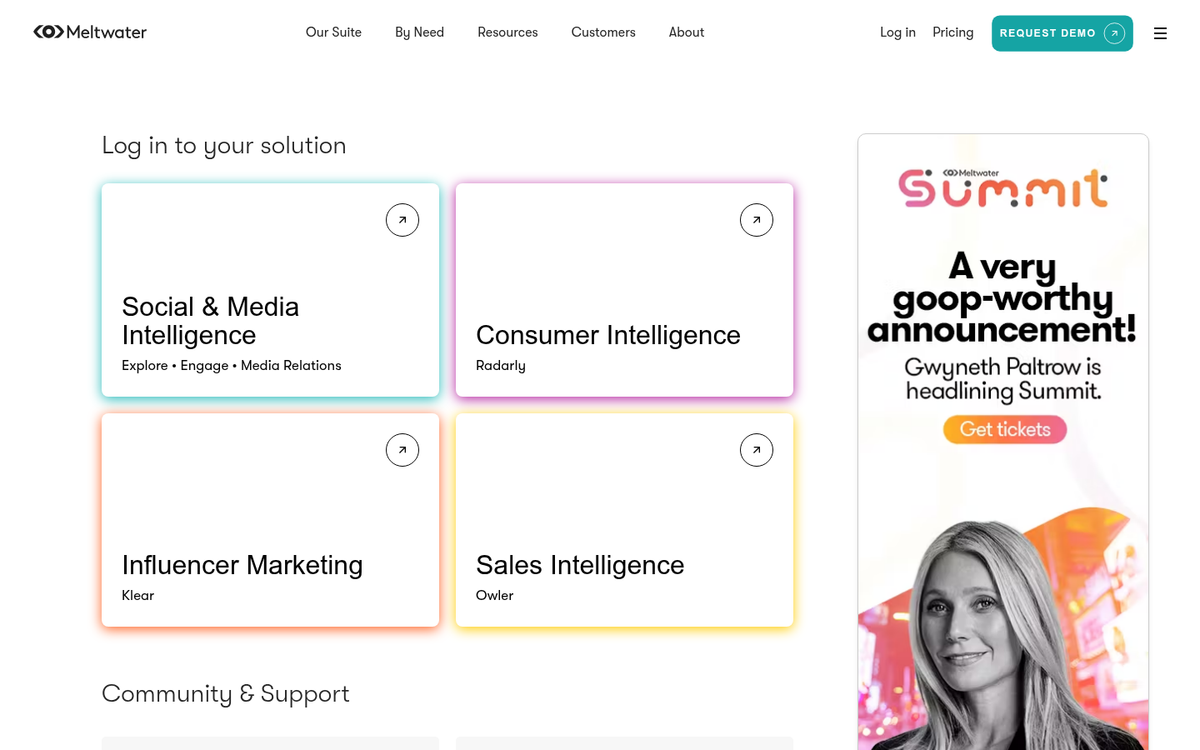
Meltwater is one of the more comprehensive platforms in this space, maintaining a database of over 30 million influencer profiles across blogs, social media, and news outlets. It allows you to filter by topic, audience size, engagement rate, and geography, making it a powerful option for building targeted outreach lists at scale.
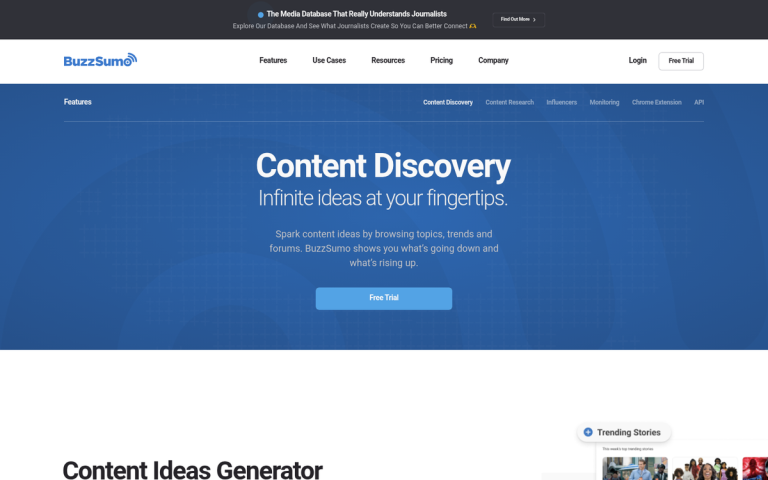
For smaller-scale prospecting, tools like BuzzSumo remain useful for finding content creators who are actively publishing and getting traction on specific topics. You can identify who is influential in a niche, then use the contact-finding tools above to track down their email.
It's also worth keeping realistic expectations about outreach response rates. According to research by ReferralRock, 50% of bloggers pitch guest posts to 10 or fewer sites per month, while only 7% pitch to 100 or more. Perhaps more telling: while 87% of bloggers generate guest post ideas, only 52% actually follow through and write the posts they propose. This means your outreach needs to be genuinely compelling - a bland template pitch is easy to ignore when inboxes are full of them. If you're considering opening your own site to contributors, it's worth thinking carefully about whether to allow guest bloggers on your website.
Now, it's up to you how you want to contact your bloggers. You can email them, message them on social media, connect via LinkedIn, or in some cases even give them a call. Whatever channel you choose, remember that blogger outreach isn't a one-time transaction - it's an ongoing process of relationship building, and following up thoughtfully is just as important as the initial contact. If you're looking to take things further, learning how to get well-known bloggers to write for you can open doors that cold outreach alone rarely does.
1 response
Thoughtful replies only - we moderate for spam, AI slop, and off-topic rants.
Nice article James! Getting contact details can be really tricky at times when done manually. But do you think these tools give accurate results than manually scraping these contacts?