There is a question posed in the title of this article, but I'll tell you right now, I'm not going to give you the answer you want if it's a question you would ask. See, the question of a specific "highest converting text" is invalid. There's not going to be any one answer, and thinking there will be ignores the entire concept of optimization over time, the importance of context, and the need to adjust your strategies on an ongoing basis.
Remember, something that works for one business might not work for yours. Coca-Cola might be able to use a "drink now" call to action to great success, where a small clothing outlet wouldn't be able to touch it. The validity of a call to action depends on the business, depends on the action you want the user to perform, and depends on the audience.
The reason I dislike this kind of question is because it betrays a lack of understanding of how to iterate and improve. The people who ask for "the best" are likely just looking for a shortcut to the top, and no such shortcut exists. The best you can get are examples from other people saying what they did, and that won't always work for you.
Rather than simply tell you a best, or even a list of the best, I'm going to give you some processes you can use to figure out which is the best for you. Yes, it will take a little more work than simply throwing one up there and letting it go, but that's just the way modern marketing works.
Key Takeaways
- No single "best" CTA text exists; effectiveness depends on your business, audience, and the specific action desired.
- Good CTAs use action verbs, urgency language, and first-person phrasing - Unbounce found "my" vs "your" boosted clicks 90%.
- Adding doubt removers beneath buttons (e.g., "No credit card required") can dramatically lift conversions - one case showed a 124% increase.
- Personalized CTAs tailored to visitor behavior convert 202% better than generic versions, according to HubSpot data.
- Top companies like Shopify, Netflix, and Notion all reach different CTA solutions through continuous testing and iteration, not guesswork.
The Prime Characteristics of a Good Call to Action
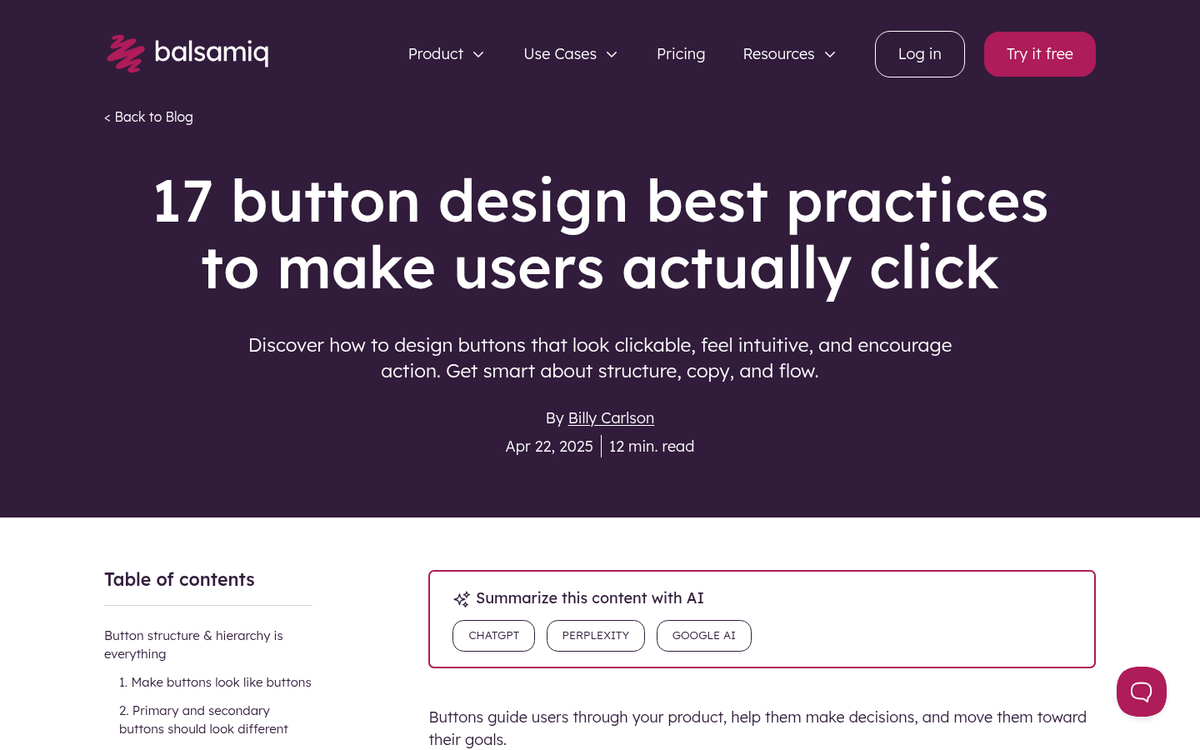
So what makes a call to action good? What turns a button from bad to mediocre to good to great? You can distill it down to a handful of qualities.
First, a good call to action is pretty much always a button. People are trained to look for buttons to click, and it's very easy to miss a hyperlink even when it's a focal point. People look for buttons first, and only when they can't find one will they look for a prominent link, and many will fail to take that second step. A good call to action is going to be a button, however you happen to place it.
The button, of course, has to be functional. You can't make a button with a call to action and then rely on users clicking a link right below it. You shouldn't get tricky with it either; if the button doesn't look like a traditional CTA button, it's going to be overlooked.
Second, the button text needs to be compelling. I'll go into this in greater detail later, since it's the primary focus of the article, but for now suffice it to say that "click here" is not a good bit of copy. The copy surrounding the button is also important. There has to be a lead up to the button.
Third, the button needs to be in a logical place. Don't place your CTA in an out of the way corner of the footer. Don't hide it away behind a form. Many modern landing pages use a sticky CTA that follows the user as they scroll - this can work well, but test it to make sure it's not hurting your experience on mobile.
Fourth, they need to stand out. There's a lot of talk on the web about the best CTA button color, size, and text, but the conversation is flawed from the start. Colors have different contexts. A pale blue CTA button is going to go largely unnoticed on a site where everything is shades of blue and gray. However, orange might stand out with a high level of contrast on that same page. The point isn't to pick a universally "best" color - it's to pick a color that creates contrast against your specific design. Test it.
Fifth, and this one has become increasingly important: add a doubt remover beneath the button. A doubt remover is a short line of reassuring copy directly below your CTA - something like "No credit card required," "Cancel anytime," or "Join 10,000+ marketers." This is not just a nice-to-have. Nomad Cooks saw conversion rates jump from 9.5% to 21.3% - a 124% increase - after adding doubt removers under their CTAs. That's a significant lift for a very small change.
There are a few other aspects to a good CTA, but they all come down to landing page optimization more than optimization of the CTA itself. For example, a good CTA button is alone in its function on the page. A landing page should be focused towards getting the user to perform that one action, so links to side pages, distracting ads, or other off-purpose items drive down the performance of the page. Campaign Monitor's data backs this up - limiting emails to a single CTA can result in up to 371% more clicks than emails with multiple CTAs. That principle applies to landing pages too. But that's a broader conversation for another post.
A Lesson in Vocabulary
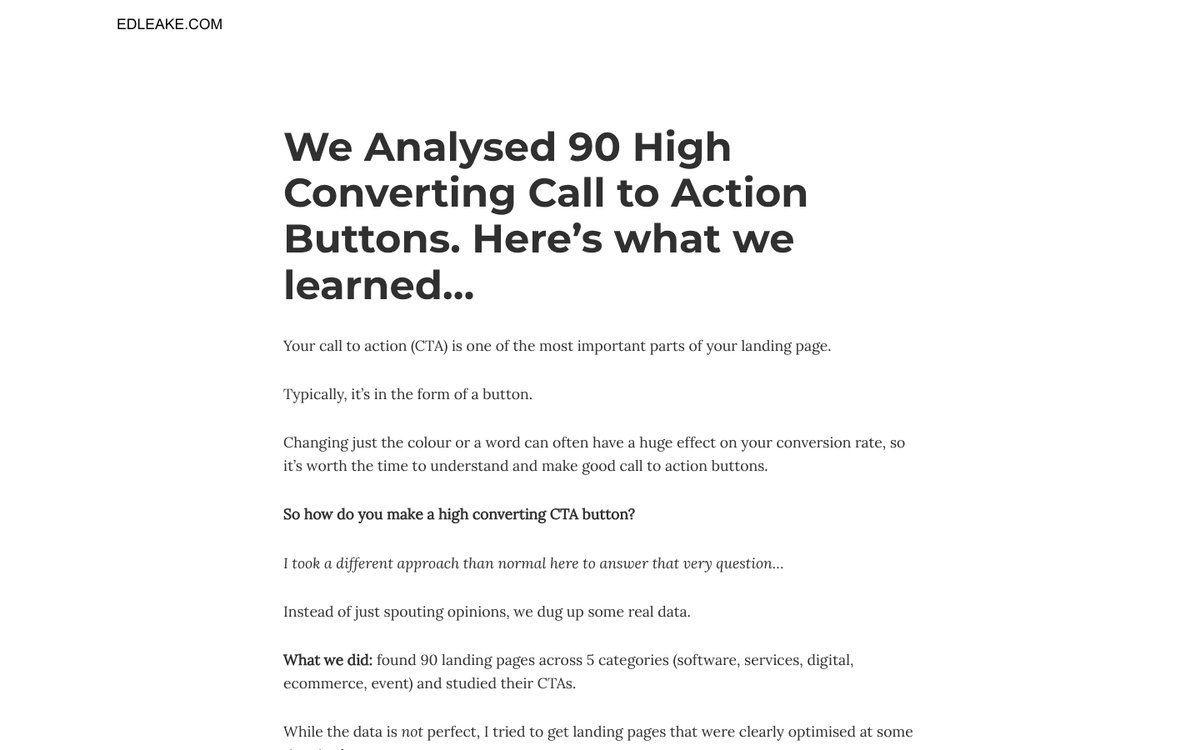
The choice of words you make for your buttons will have a pretty big effect. It can quite literally be the difference between a conversion and a bounce. I'm going to give you a list of words you can test, but that's the critical word: test. You're going to have to:
- Determine if the word fits with your landing page's purpose and the purpose of the CTA.
- Create a button using the word in a phrase to determine if it fits in the layout for your page.
- Run a traffic-limited test to determine the conversion rate of the button using that word.
- Repeat with the next word, so you have a list of words and their conversion rates, which you can then filter to determine the most effective word for your CTA.
Remember, the word you choose should reflect the action you're trying to get the user to take. You're not going to tell users to take a drink when you're offering them a piece of software. You're not going to use "buy now" when you're trying to get them to sign up for a mailing list. That's what I mean by filtering words for the purpose of the page.
The first category of words are the action verbs. Verbs invite action that, ideally, is beneficial for the user. Tell them to "start here" so they can initiate a process that improves their lives. Tell them that clicking the button will help them "build a community." Tell them to "join" your mailing list for exclusive deals. Tell them if they click, they can "discover" the secret to brand building success. WordStream reports that action verbs like "Get," "Download," and "Try" can improve CTA performance by as much as 20% - so don't underestimate the power of a single well-chosen verb.
The second category of words are the negative words. They play on the user's fear of failure. You're essentially saying "look, if you don't click this, you're going to be worse off." Words like "sick" work here, as in "sick of wasting time on ads that don't convert?" Words like "worried" imply that the user might be "worried about missing out."
A third category is not so much an independent category, as it is a matter of perspective. You have to choose between the "your" or the "my" perspective. Are you telling the user they can "claim your free ebook" by clicking the button, or are you saying they should "claim my free ebook"? The latter tends to work better, because it gives the user a sense of possession. The ebook is already theirs; they just need to take one more step to get it in their hands. This isn't just a gut feeling - Unbounce found that changing "Start your free trial" to "Start my free trial" increased click-through rates by 90%. That's a single word change. Test both with your audience, but the data leans heavily toward first-person.
For a fourth category, we have words that add urgency to the call to action. After all, your website isn't going anywhere. What incentive does the user have to click now, rather than click in an hour, or a day, or a week? The simplest word is "now," as in "start saving time now." You can also add a timely descriptor, like "hurry, this offer expires today!" OptinMonster's data shows that urgency-based language lifts conversion rates by an average of 14%, which is meaningful at scale. Of course, you have to follow up on the urgency. If you claim an offer expires in five days, it better not be available ten days later. It ruins your credibility.
A fifth consideration, and one that's grown significantly in relevance, is personalization. HubSpot found that personalized CTAs - those tailored to visitor behavior or interests - convert 202% better than generic versions. That's not a typo. With modern tools, you can show different CTA text to first-time visitors versus returning ones, or adjust messaging based on the traffic source. If you're not doing any level of CTA personalization in 2026, you're leaving a lot of conversions on the table.
As one final note, you should avoid most of the common CTA phrases. "Join now" and "buy here" and, most horribly, "submit" are all weak options. PartnerStack saw a 111.55% increase in conversions simply by changing "Book A Demo" to "Get Started." You can still test the boring options, but I'm confident you'll see a big difference between them and the more intentional alternatives almost immediately. For a broader look at effective website calls to action, it's worth reviewing what has worked across a range of industries and page types before you finalize your approach.
Live Examples
Now let's take a look at some examples. Keep in mind that large companies test and iterate their landing pages constantly, so what you see today may differ from what's described here. The underlying principles, however, remain consistent and instructive.
Evernote - Evernote has gone through several homepage iterations over the years, but their CTAs have consistently leaned on clarity and low friction. Look for how they frame their sign-up action and whether they're using first-person language or doubt removers - both are things worth noting as you build your own.
Netflix - The streaming giant continues to be a strong CTA reference point. Their approach typically pairs a bold, high-contrast button with a low-friction value proposition - the emphasis on no commitment or easy cancellation does a lot of heavy lifting as a doubt remover right on the page.
Notion - Notion's homepage is a good modern example of clean CTA design. They've used variations of "Get Notion free" and similar first-person-adjacent phrasing that emphasizes zero cost and immediate access. The page is minimal, which keeps the CTA as the clear focal point - exactly the kind of focused experience that drives performance.
Figma - Figma does a good job of splitting its CTA between different audience segments without cluttering the page. Their primary CTA targets new users, while a secondary option accommodates existing users or enterprise inquiries. Both are clearly differentiated by hierarchy and color, not by fighting for the same visual space.
Shopify - Shopify's homepage has long been a case study in effective CTA construction. They've historically used "Start free trial" with doubt removers like "No credit card required" directly beneath the button. It's a textbook execution of "urgency paired with friction reduction" - two of the most proven levers in CTA optimization.
Uber - Uber still does a solid job of splitting their homepage between two distinct audiences - riders and drivers - without letting either CTA undermine the other. The hierarchy is clear, the primary action is obvious, and the secondary path is findable without being distracting.
So you can see, you're in good company if you develop a non-standard, intentional CTA. None of these companies landed on the same approach, and none of them got there by guessing once and walking away. They test, they iterate, and they refine. You should too.