





Key Takeaways
- ClickBank offers four payment methods: Check, Direct Deposit, Wire Transfer, and Payoneer, switchable anytime with up to a week's delay.
- Direct deposit via ACH is free and fastest for US affiliates, though a $20 reprocessing fee applies if banking details are incorrect.
- Wire transfers cost $45 per transaction and send funds in USD only, making them less ideal for smaller affiliates due to stacking fees.
- Payments require a minimum $100 threshold by default, are issued on Fridays, and include a 12-week return allowance withheld for potential refunds.
- Dormant accounts with no earnings face escalating fees starting after 90 days, eventually reaching $50 per pay period after one year.
How ClickBank Pays You: Payment Methods & Details (2026)
ClickBank is an affiliate aggregator and marketplace where vendors promote their products and publishers pick them up to promote. You go in, find something you want to promote, build a site around it, and the money starts adding up in your ClickBank account. Now you want to get that sweet sweet payment. How does it all work?
Payment Methods
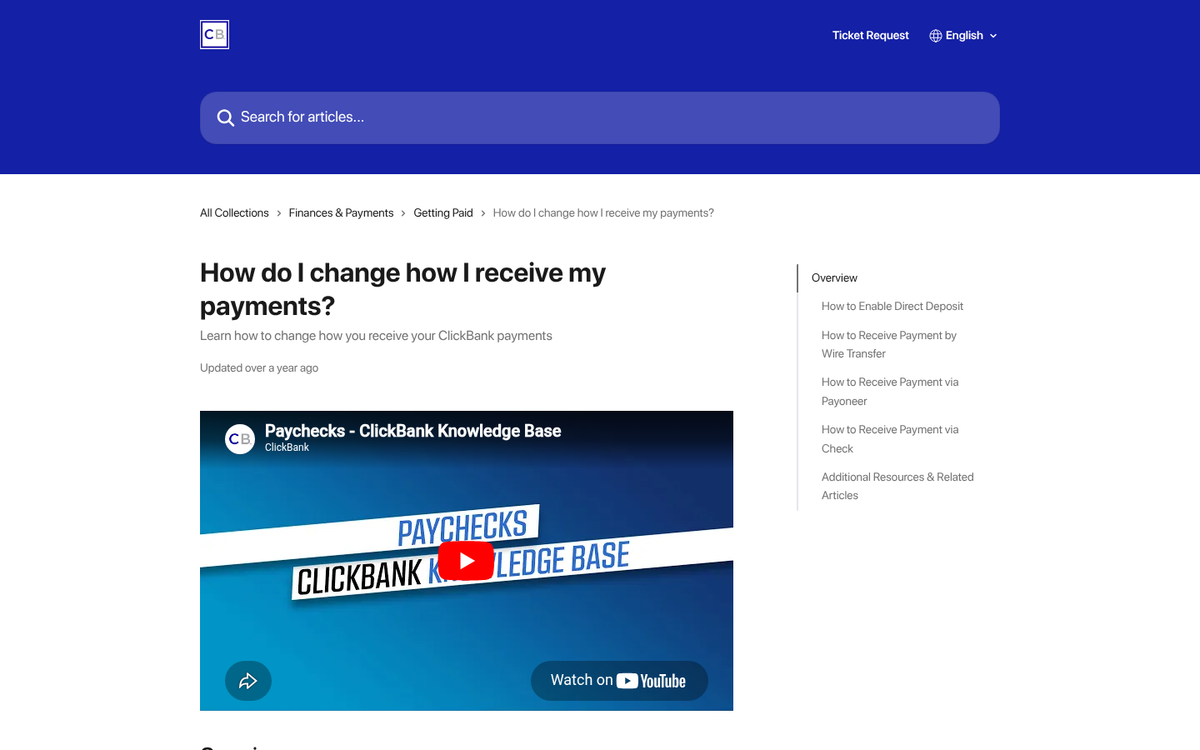
First of all, you need to decide what payment method works best for you. Different methods have different benefits and drawbacks depending on the service used. ClickBank offers four different payment methods, and you can switch between them at any time. Be aware, however, that switching payment methods can take up to a week to confirm due to the paperwork involved. Additionally, as a note for security, if you change your email or password, changing your payment method is disabled for a week. This helps prevent hackers from gaining control of your payments.
The four payment options are Check, Direct Deposit, Wire Transfer, and Payoneer.
Payment By Check
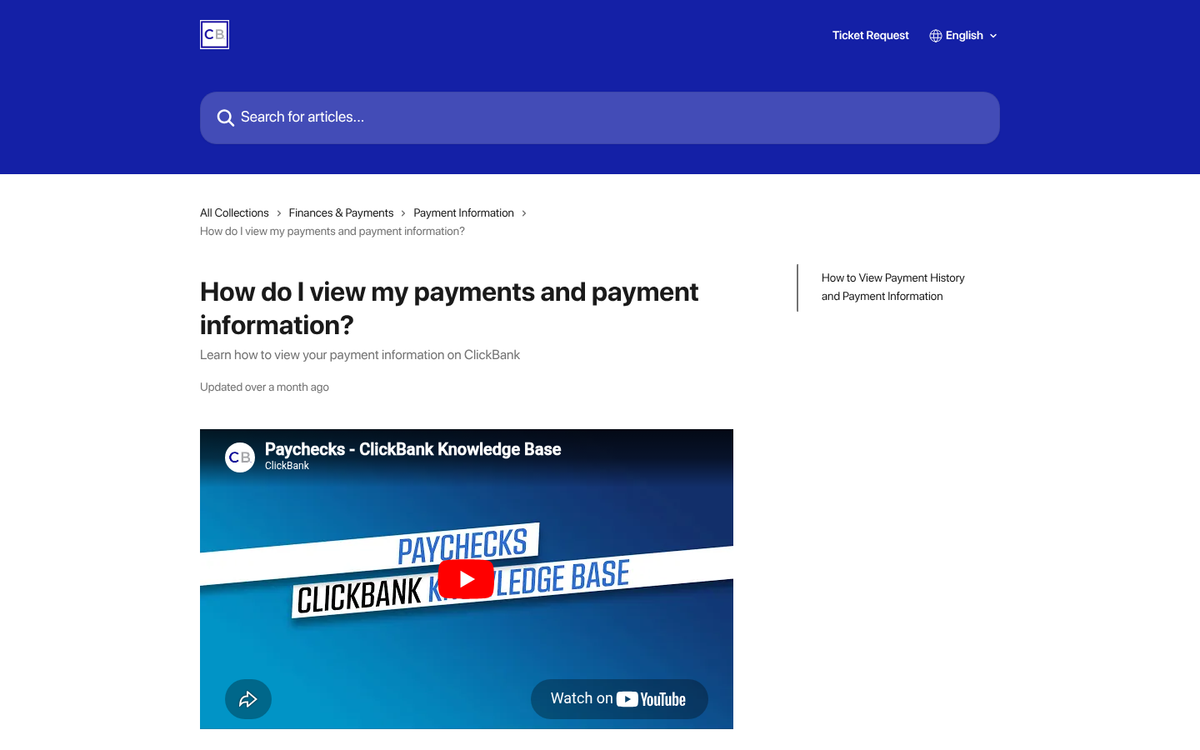
Payment via a check is the default option for ClickBank affiliates and vendors. If you're getting a payment from ClickBank and you haven't set up a different payment method, you're going to get a check in the mail. Yes, it's a physical paper check, sent via the postal service to the address you have listed on your account. This is one reason why you never want to use a fake address. If you don't want your home or business address listed, register and use a P.O. Box with your local post office.
The check will be made out to the payee name listed on your account, so don't use a fake name either, or you won't be able to cash or deposit it.
Checks are sent via the standard postal service. However, if a check is over $5,000 in value, it is typically sent via priority mail. If it's over $10,000, it's sent via FedEx overnight whenever possible, to ensure minimum delay and reduce risk of loss for high-value payments.
The benefit of checks is that you have a physical piece of paper you can scan or photograph for your records. The downside is that you're holding a high-value physical document that can be lost or damaged, and there's a meaningful delay between being issued a payment and being able to deposit it with your bank. In an era where direct deposit is fast and free, checks are hard to recommend unless you have no other option. If you're still struggling to generate revenue, it may be worth reading about why your ClickBank link isn't getting any sales.
Payment By Direct Deposit
Direct deposit via ACH or XACH is supported by ClickBank at no charge - making it one of the most cost-effective options available. ACH is the standard bank transfer method in the United States. XACH, the international version, works with a range of international banks also at no additional fee. You must provide ClickBank with valid account and routing information, and your bank account must support ACH transfers - almost all do. If an ACH transfer fails, the money will be re-sent as a paper check to your listed address. Note that a $20 reprocessing fee is charged on returned direct deposits, so make sure your banking details are accurate before saving.
With US-based ACH transfers, deposits may take 1-2 days for your bank to fully process the transfer and make the funds available. This is the upper limit; many transfers complete the same day.
For international XACH transfers, your country and bank must support them. You can see the full list of supported countries on ClickBank's accounting policy page. If your deposit is being converted into another currency, that conversion is handled by ClickBank's issuing bank at rates published daily. XACH payments can take anywhere from 1-5 days depending on location. Canadian payments are typically 1-2 days, while payments to banks in India can take 4-5 days on average.
To set up direct deposit, log into ClickBank and visit your Settings tab. Click Edit under Payment Information, choose Direct Deposit, accept the terms and conditions, then enter your bank details - including the country, city, and name of your bank, as well as your account number, routing number, and account type. Save your changes and confirm via email.
Direct deposit is probably the best option for most affiliates, especially US-based ones. One potential snag: you need your bank's routing number. Routing numbers are traditionally printed on paper checks, but many banks no longer issue physical checks. If that's the case, check your bank's website or contact them directly - most banks publish routing numbers by region like this example. Make sure you have the right routing number for your specific region, or the transfer will fail and ClickBank will fall back to mailing you a paper check.
Payment By Wire Transfer
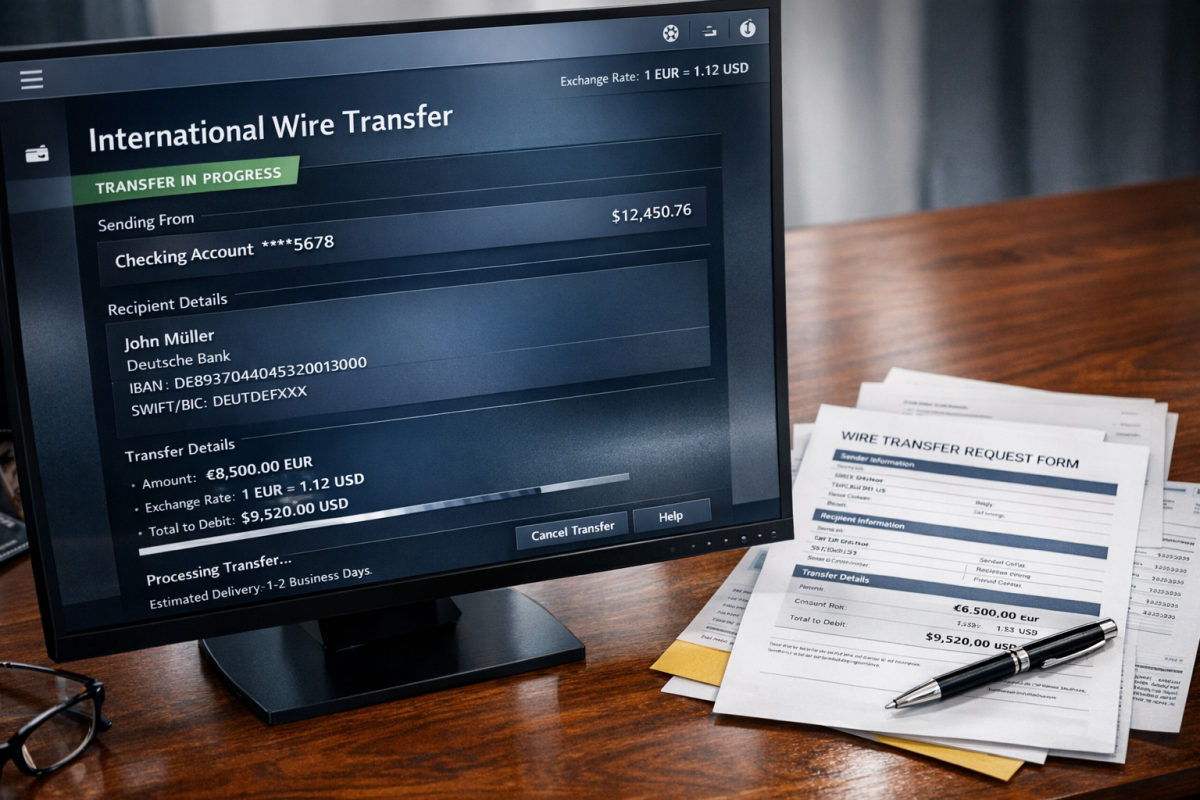
Wire transfers are similar to ACH but operate at a more international level and work in countries that do not support XACH. If you can't use direct deposit and don't want paper checks, wire transfer is a solid first-party digital option.
One nice perk: an unlimited number of ClickBank accounts can be sent to a single bank account via wire transfer, which is handy if you're managing multiple accounts across different sites or niches.
Wire transfers do come with some limitations. First, all wire transfers are sent in USD - no currency conversion. Second, as of October 24, 2024, the wire transfer fee increased from $35 to $45 per transfer. Your bank may also charge an incoming wire fee on their end; some banks charge $10-$20 for this, so factor that in. Also note that a $20 reprocessing fee applies to returned wires, just like with direct deposit. For smaller affiliates, these fees can eat into your payments, but wire transfer fees are generally deductible as a business expense, so keep records.
Payment By Payoneer
Payoneer is a third-party payment processor that specializes in international money transfers. It's a particularly useful option for affiliates in countries where XACH isn't supported or where wire transfer fees would stack up. To receive payment via Payoneer, you'll need to sign up for an account directly through Payoneer or use the link provided within your ClickBank account.
Once you have a Payoneer account, you can use it to pay directly to your bank, withdraw from supported ATMs, or access your funds through other methods ClickBank doesn't directly support. If you're receiving payments from multiple affiliate networks, Payoneer can also serve as a useful centralized hub - keeping everything in one place rather than juggling a dozen different deposit schedules.
To set up Payoneer with ClickBank, log into your ClickBank account, go to Settings, and click Edit under the Payment Information tab. Choose Direct Deposit, then enter the routing and account numbers that Payoneer provides you. The bank city and country will be New York City, United States, and your account type should be listed as Checking. Save your changes and confirm via email.
Keep in mind that Payoneer has fees of their own, which can vary and tend to change over time. Historically these have included annual maintenance fees and ATM withdrawal fees. Review Payoneer's current fee schedule before committing, since their pricing has evolved and what was accurate a year ago may not be today. Still, for international affiliates where wire fees and XACH coverage are concerns, Payoneer remains a strong option worth calculating out.
ClickBank Payment Details
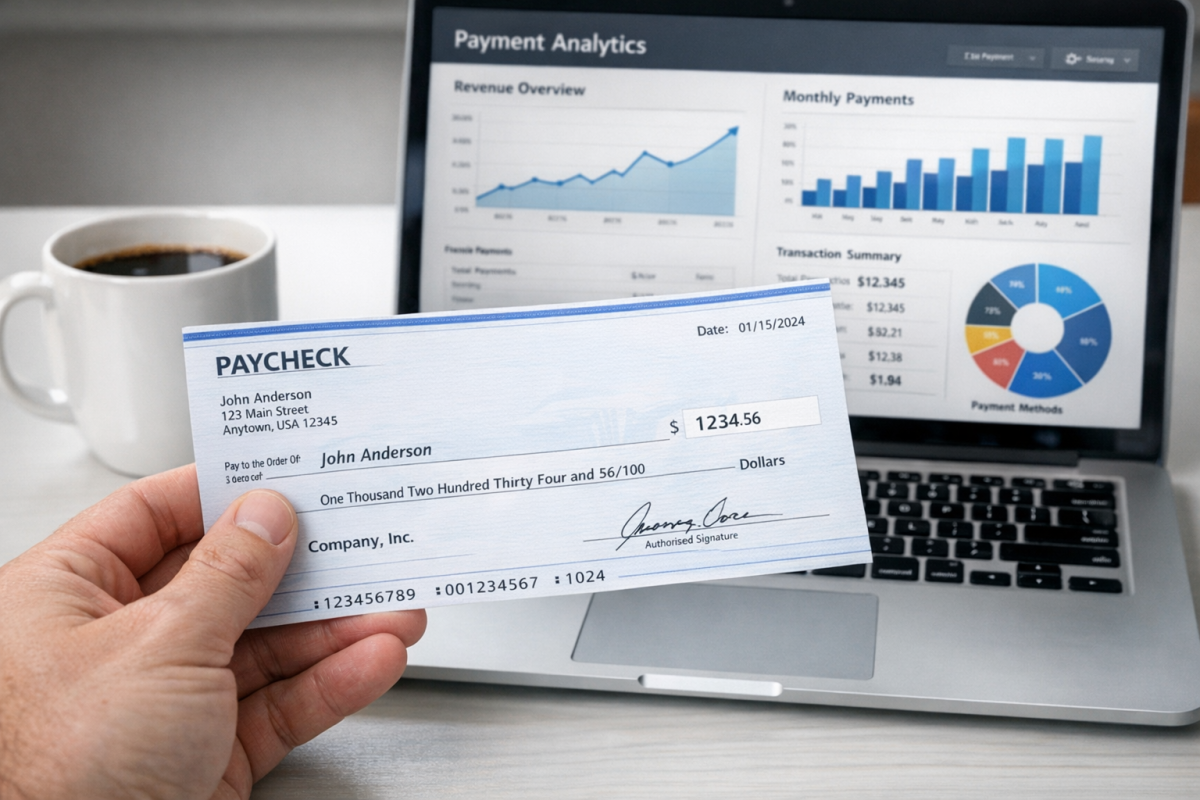
In order to be paid, you need to reach a minimum payment threshold. By default, this threshold is set at $100, but you can change it to anywhere between $10 and $1,000,000 in your Payment Information settings. While a million-dollar threshold isn't exactly a common setup, the option is there if you ever want to effectively pause payments while sorting out financial or tax details.
Once your account balance hits the threshold, you'll be issued a payment. Payments are issued on Fridays, two days after the pay period ends. Depending on your location and payment method, you may be paid weekly or biweekly.
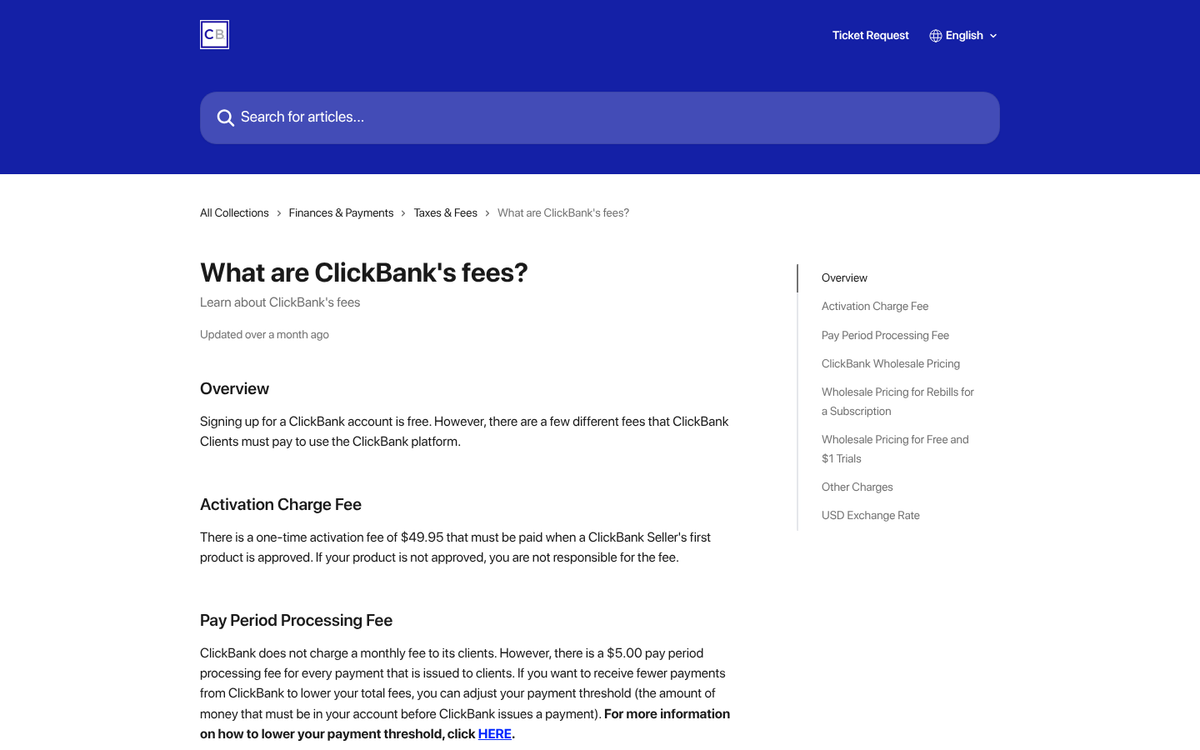
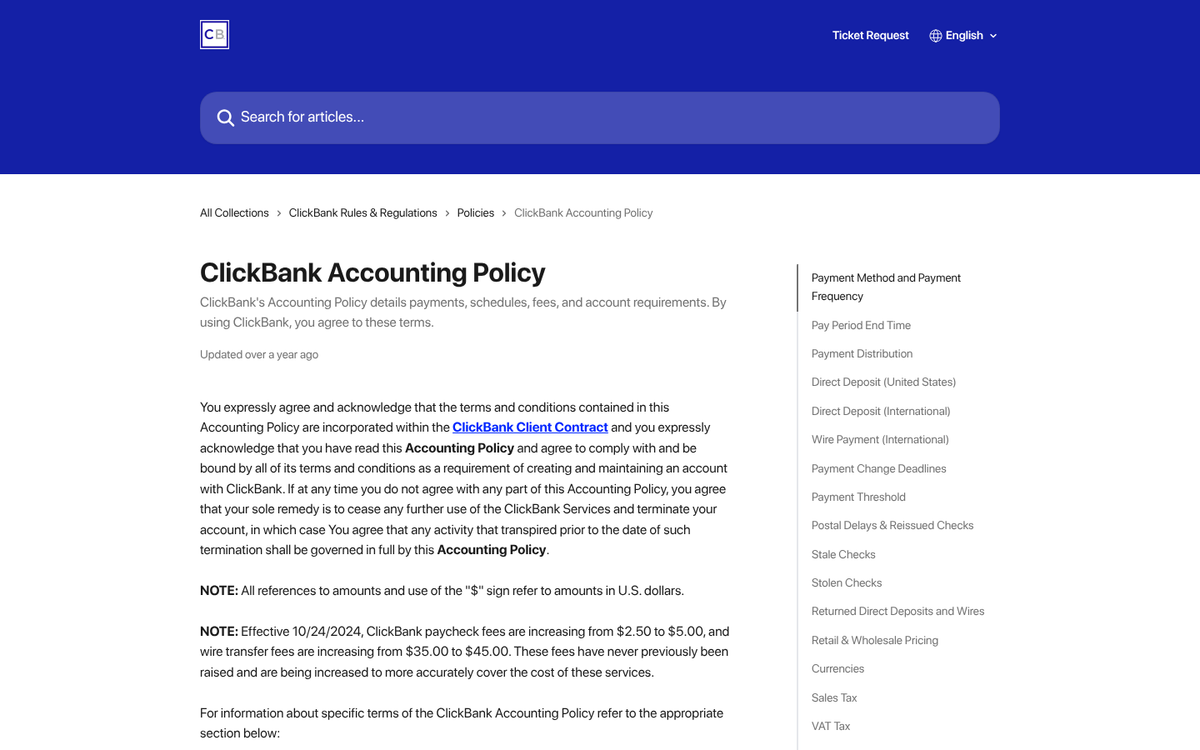
Your payment will be the full balance of your account, minus a $5.00 processing charge from ClickBank (increased from $2.50 as of October 24, 2024), any applicable method-specific fees, and a return allowance. The return allowance is a percentage of your total balance withheld to cover potential chargebacks, refunds, and other payment issues. This allowance is held for 12 weeks (approximately 84 days), after which it is added to your next payment. There is no return allowance on payments under $25. If your account has an unusually high rate of returns or chargebacks, ClickBank reserves the right to increase the withheld percentage. To compare earning potential across products, see our breakdown of high vs low priced ClickBank products.
Dormant Accounts
If you have a ClickBank account with a balance sitting under the payment threshold and you stop making sales, dormancy fees will eventually kick in. After 90 days of no earnings, ClickBank begins charging $1 per pay period. After 180 days, that fee increases to $5 per pay period. After a full year of dormancy, the fee jumps to $50 per pay period. These fees will continue until your account balance reaches zero.
The takeaway here: if you've stepped away from an active ClickBank campaign and have a small balance sitting in your account, lower your payment threshold and get that money out before dormancy fees eat it up. If you're looking to increase your revenue earnings and keep your account active, it's worth exploring new strategies to keep sales coming in.
Debit Calculations
There are times where your account may incur a debit, taken from either your return allowance or your existing balance depending on when the qualifying transaction occurred. Debits fall into two categories: refunds and chargebacks.
A refund is when a customer purchases through your affiliate link but then returns the product. Your affiliate commission for that sale is reversed. Refunds are processed in accordance with ClickBank's return and cancellation policy. The customer gets a full refund, your commission is clawed back, and it's treated as if the sale never happened. Vendors with refund rates above 15% may face additional processing fees, and extreme refund rates can result in account closure.
Chargebacks happen when a customer disputes a charge directly with their bank rather than going through ClickBank's normal refund process. The bank forces the reversal, then comes to ClickBank to recover the funds. ClickBank in turn pulls the money from the vendor and reverses the affiliate commission. Vendors are hit with additional chargeback fees on a tiered basis: under 1% chargeback rate, the fee is $22 per chargeback; between 1% and 1.49%, it's $29 plus ClickBank's margin; at 1.5% or above, it's $49 plus ClickBank's margin. In many cases these fees exceed the original purchase price, meaning vendors take a net loss on every chargeback - a strong incentive to improve fraud protection and customer support.
While the vendor's fees aren't your direct problem as an affiliate, keep this in mind: if your traffic sources are driving an unusually high chargeback rate, vendors will notice and may terminate your affiliate relationship. Quality traffic matters - not just for conversions, but for keeping your affiliate partnerships intact.


4 responses
Thoughtful replies only - we moderate for spam, AI slop, and off-topic rants.
Hello, thank you for this great article, but I have a quick question.
I'm using Payoneer global payment account details to connect with my clickbank.
But I noticed that my payee name is different from my name on Payoneer, do I have to change my payee name or just leave it like that.
Hi Jide! Great question. Yes, it's important that your payee name on ClickBank matches the name on your Payoneer account exactly. Mismatched names can cause issues with payment processing or even result in rejected transfers. We'd recommend updating your payee name on ClickBank to match your Payoneer account name to avoid any complications. You can do this in your ClickBank account settings under the payment information section. Hope that helps, and feel free to ask if you have any other questions!
Nice article... thoroughly explained. Impressive💯💯
Thank you so much, Legend! 😊 Really glad you found the article thorough and easy to follow. Navigating ClickBank withdrawals can feel a bit overwhelming at first, so we wanted to make sure every step was crystal clear. If you ever have any questions or need further clarification on anything covered, feel free to drop a comment. We appreciate the kind words! 💯