





We don't talk too much about Amazon selling on this site, but it's definitely a topic worth covering. We've covered how to view the sales for individual products, and we've talked about improving product rankings, and a handful of other topics that revolve around selling more on Amazon.
There's just one problem: the more you sell, the more you lose to those pesky Amazon fees! The most convenient way to sell products via Amazon is with the Fulfillment By Amazon program, or FBA, but they have a bunch of fees associated with the program that you may want to minimize.
Key Takeaways
- Use tight, precise packaging to stay within lower Amazon size tiers and avoid inflated storage fees from wasted space.
- Monitor your Inventory Performance Index (IPI) to avoid excess storage fees, stranded inventory penalties, and storage limit restrictions.
- The FBA New Selection Program offers a 10% rebate on eligible new products, helping offset fees during early launch months.
- Combo packs reduce per-unit pick, shipping, and storage fees by consolidating frequently bought-together products into single listings.
- Avoid storing oversized, heavy, or low-margin products in FBA warehouses, as fees can easily exceed the profits generated.
How FBA Works
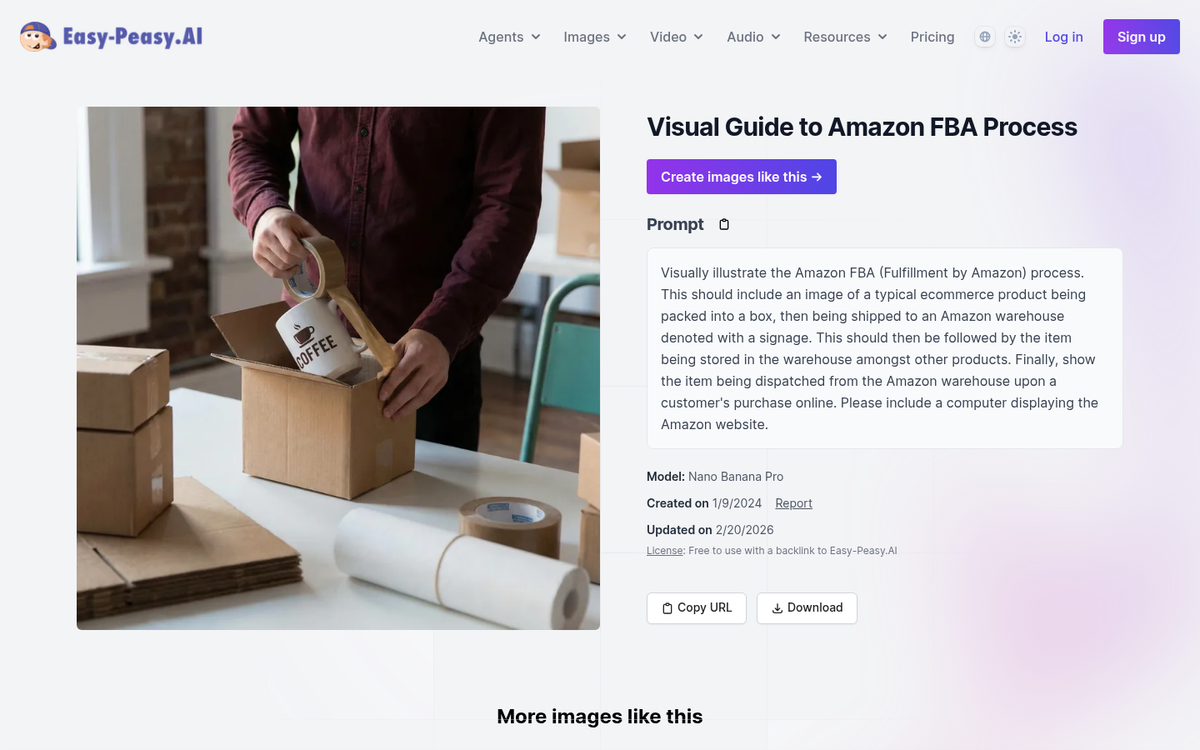
Fulfillment by Amazon is a program any seller can opt into if they want to add a lot of convenience to selling through Amazon. Essentially, you ship off all your products pre-packaged and ready to go to Amazon, and when someone buys one of those products, they handle shipping from there. It's sort of like a cross between running your own storefront and dropshipping.
You still have to handle inventory supply, but you don't have to handle the mechanics of addressing and shipping individual products.
- Set up FBA on your Seller Central account.
- Create your product listings for the products you plan to sell.
- Prepare your products to be shipped quickly and easily.
- Ship your products to Amazon to be held in their warehouses until such time as they are purchased.
- Rake in the profits when users buy your products, without needing to worry about shipping.
FBA has a handful of great benefits. The biggest and best of those benefits is the fact that Amazon handles shipping to customers. As long as the products are in stock in their warehouses, your customers can receive them in a matter of days, rather than the weeks it might take if you ship normally.
Other benefits include Amazon handling your customer service for returns and refunds, the space you save by sending inventory to Amazon instead of keeping it in a spare room, and a consistent means of shipping, tracking, and managing inventory.
The primary drawback, of course, are the fees.
Amazon FBA's Fee Structure
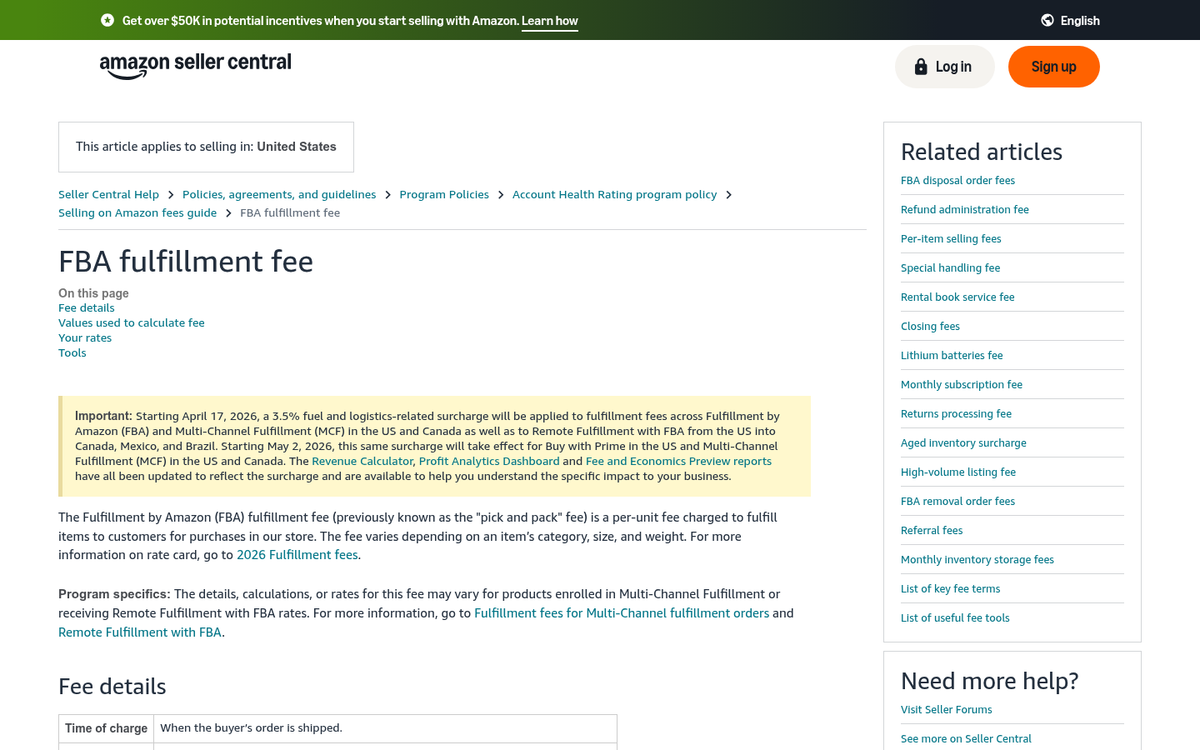
Amazon FBA is much like their affiliate program and many other programs they offer: it's flexible, which means it changes based on a bunch of different factors. You can view their full fee structure on the Amazon FBA pricing page.
There are two core fees you have to pay. The first is a fulfillment fee, which is a per-unit fee covering Amazon's picking and packing of your products, their shipping and handling, and their customer service and return handling. Rates vary by product size tier and weight, and Amazon has actually been trimming these fees in recent years. As of April 2024, FBA fulfillment fees dropped an average of $0.20 per unit for standard-sized products and $0.61 per unit for large bulky-sized products - a meaningful reduction if you're moving significant volume.
Products priced under $10 also qualify for Low-Price FBA rates, which are $0.77 less per unit than standard FBA rates at the same weight tier. If you sell smaller, budget-friendly items, this alone can make a real difference to your margins.
The second fee is for inventory storage. This fee is based on the cubic feet of space your inventory occupies and varies depending on the time of year - lower from January through September, and higher from October through December, when Amazon's warehouses are under peak demand. Standard-sized products are cheaper to store than oversized items, which can get expensive fast if they sit unsold.
One newer fee worth knowing about is the inbound placement service fee, which Amazon introduced in 2024. This fee applies when your inventory is sent to a single fulfillment center and Amazon has to redistribute it across their network. You can reduce or avoid this fee by splitting your shipments across multiple fulfillment centers yourself. As of January 2025, inbound placement fees for large bulky-size products were reduced by an average of $0.58 per unit for minimal shipment splits, which is a nice break for sellers dealing with larger goods.
On the flip side, removal and disposal fees increased by an average of 7% in early 2024, so it's more expensive than ever to pull slow-moving inventory out of Amazon's warehouses. That makes smart inventory management more critical than it's ever been.
On a positive note, the 2026 average FBA fee increase is just $0.08 per unit - less than 0.5% of an average item's selling price - which is well below the 3.9-5.9% annual rate increases you'd see from major carriers like UPS and FedEx. So relative to alternatives, FBA is actually holding its own on pricing.
The fee structure page will show you estimated costs for different product types, and there's a built-in calculator to help you estimate what your specific costs could look like.
All in all, it's still complicated, and it's easy to see how fees can eat up a big chunk of your profits if products aren't packaged efficiently, weigh too much, or sit in storage too long.
What I've done, then, is come up with as many tips as possible to help you reduce the FBA fees Amazon will charge you. Some might only carve off a few cents, while others could be much more significant. If you find FBA fees cutting too deeply into your margins, it may also be worth exploring alternatives to Amazon's programs altogether. Use as many as you can!
Use Tight Packaging
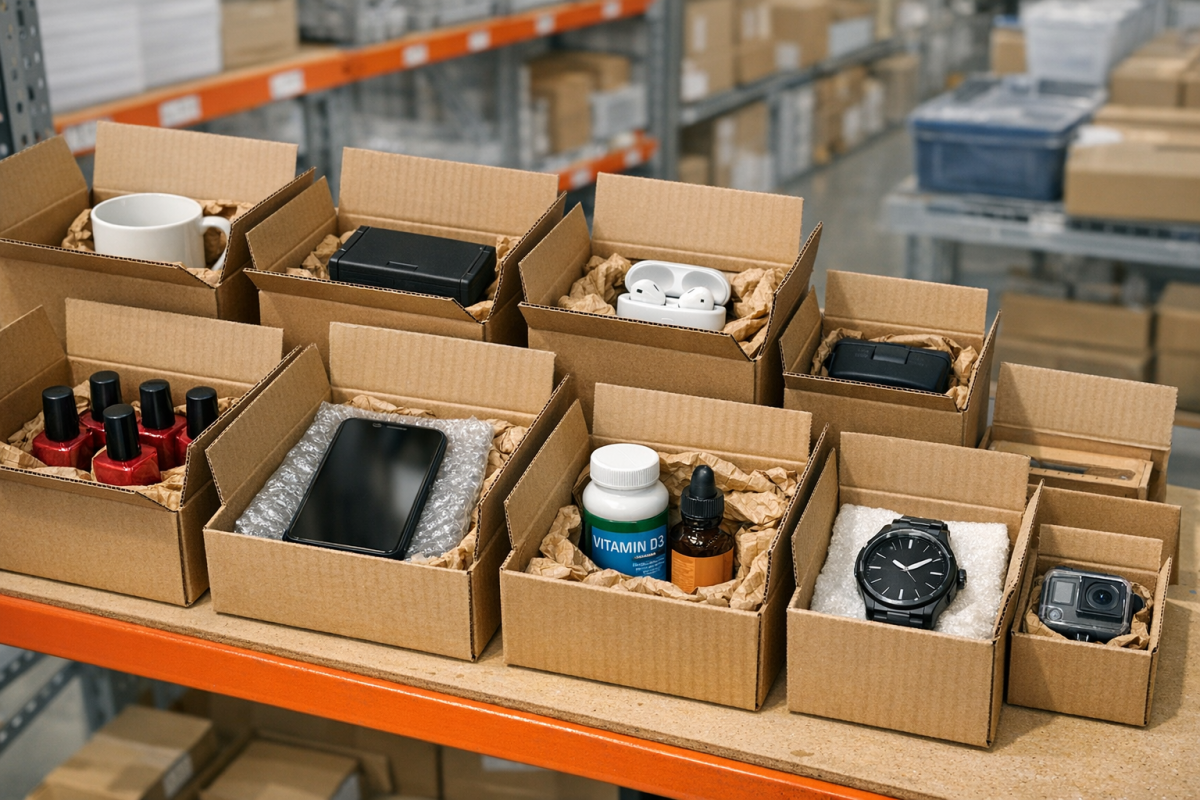
As you can see from the fee structure, one of the primary costs associated with FBA is storage, based on the amount of space an item takes up. This works exactly counter to how the US Post Office operates, with standard-sized packages typically being the cheapest shipping options.
One mistake I see newbies make quite often is using standard-sized boxes for everything. If you use a large box for a small item, there's a lot of wasted space inside the box, but Amazon is charging you for all of that space.
It will generally be well worth your time to find precisely-sized packaging for every product you want to ship and store in Amazon's warehouses. Now, it's not worth your time to optimize this down to the millimeter. Amazon uses size tiers to determine storage costs, since it mostly determines what size racks they need to put the packages on in their warehouses. If you've ever seen the inside of an Amazon fulfillment center, you know that they're often insanely dense and increasingly handled by robots rather than humans.
Use the fee calculator and browse Amazon's size tier tables in Seller Central to help you figure out the appropriately sized boxes for your products. Dropping even one size tier can make a noticeable difference across hundreds or thousands of units - and is just one of many factors that can impact your overall Amazon store performance.
Use Precise Packaging
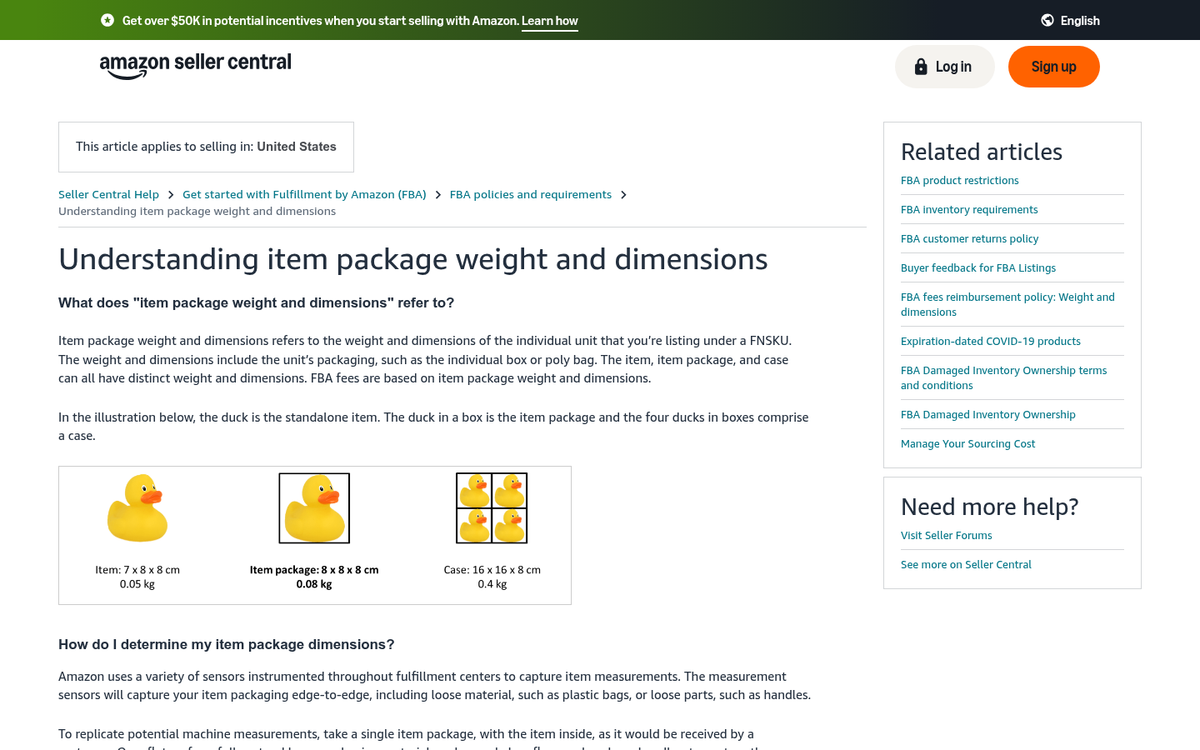
One item of note that Amazon calls out on their packaging and fulfillment guidance is that they use very precise scanners to measure any package stored in their warehouses. This measurement scans each dimension of the package and feeds the data into their algorithms to figure out the most efficient way to store it. This includes all three spatial dimensions as well as the weight of the package.
Amazon's scanners don't differentiate between something substantial and something insubstantial. The classic example they use is a piece of packaging tape curling up. A ribbon or bow around the top of a package would be another example - something insubstantial sticking out, you know?
When the scanners measure the package, they will record that extra bit of tape or ribbon as additional height, width, or length. Even though it can be fixed by pressing the tape down or trimming it, it can bump your product into a larger size tier and dramatically increase your fees. If you're looking to reduce costs further, it's also worth exploring ways to improve the rankings of your Amazon product so you can maximize sales alongside minimizing expenses.
It may sound a bit silly, but just make sure that you're being precise with the boxes and tape you use to ship your products. Try to avoid anything sticking out, no matter how insubstantial, because if it interrupts a laser scan, it counts.
Use Consistent Packaging
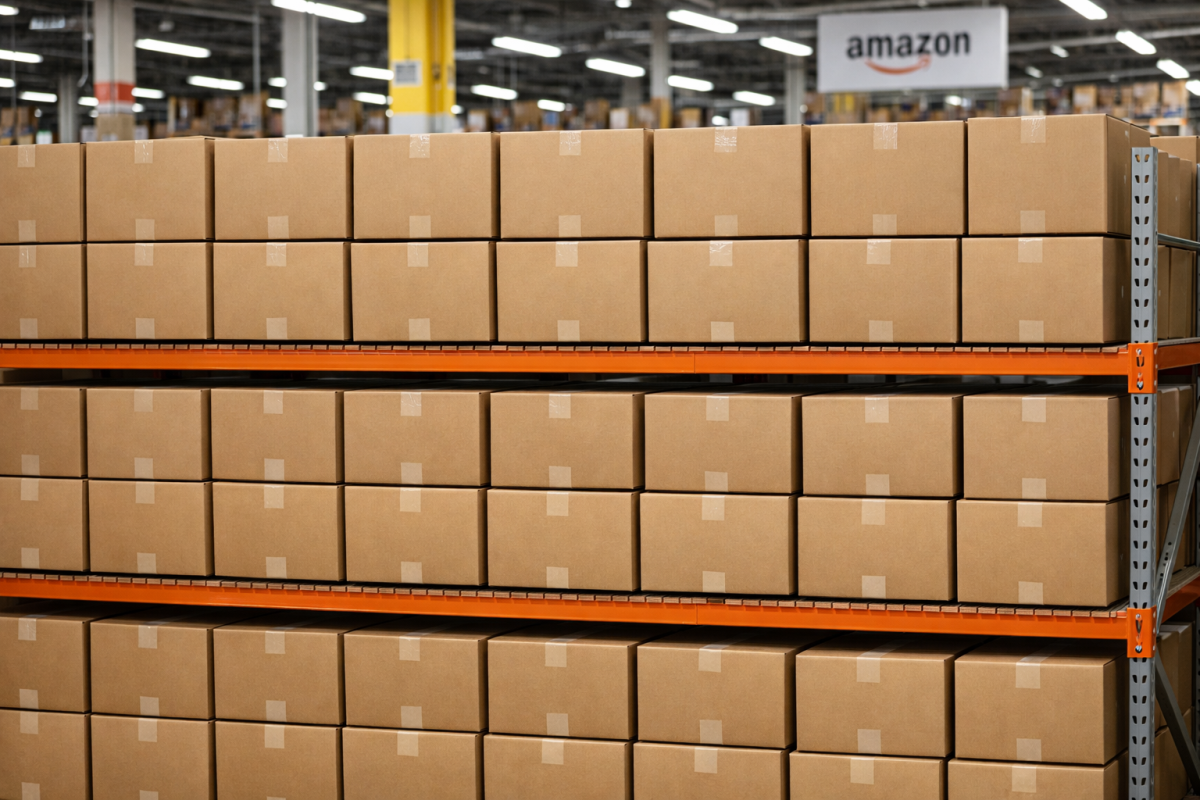
When you're selling numerous copies of the same product on Amazon, they don't precisely measure and scan every single item. They take a representative sample of your packages and scan those, then use the average to calculate storage space for your entire inventory. This means inconsistent packaging could either reduce or inflate your fees depending on which packages Amazon happens to sample. To be safe, assume inconsistency will raise your fees and make sure you're packaging everything as consistently as possible.
Monitor IPI
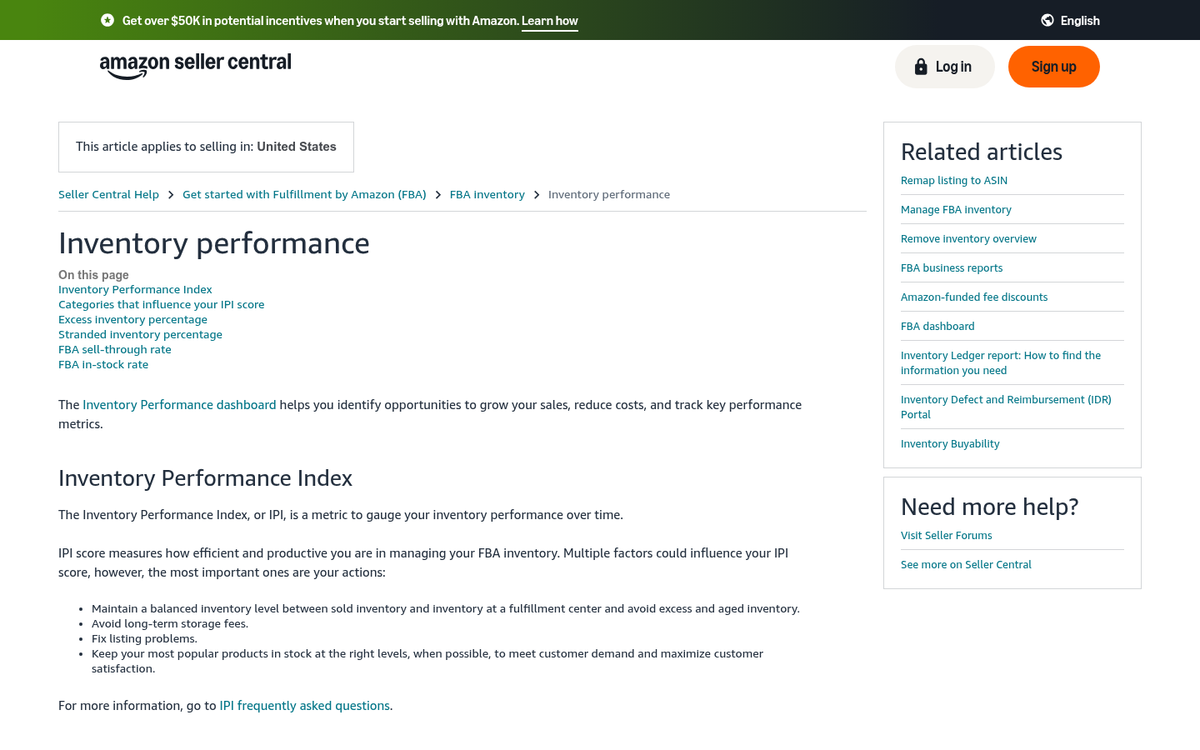
Your IPI is your Inventory Performance Index. It's a score Amazon calculates from several metrics about your inventory, and they grade you based on it. Each component can give you a hint on how to reduce fees by optimizing how you manage your stock.
The general advice here is to never just ship everything you have to Amazon at once. The longer it takes to sell an item, the longer you're paying storage fees - and with removal and disposal fees now higher than ever, letting slow-moving inventory pile up is a costly mistake. If you sell 2-3 units of something per month, there's no reason to have more than 4 or 5 on hand in Amazon's warehouse at any given time. Conversely, if you sell 20 per month and only keep 15 on hand, you risk running out of stock and incurring penalties. Here's what goes into IPI:
- Excess Inventory Percentage. This is the percent of your inventory considered in excess of what's necessary. Liquidating excess inventory through sales or deals can help you reduce storage costs, rather than letting those items collect dust.
- Sell-Through Rate. This measures how accurately you keep your inventory aligned with how much you sell. Too little inventory is bad, too much is bad. Keep to the sweet spot in the middle.
- Stranded Inventory. These are items in your inventory that no longer have active product pages or are flagged due to listing errors. Avoid these whenever possible, as they cost you storage fees without generating any sales.
A low IPI score can result in Amazon restricting your storage limits or adding fees to compensate. As a small or newer seller, you might not have the historical data needed to nail this perfectly right away - and that's okay. The sweet spot is relatively forgiving, so you won't bleed fees as long as you're paying attention and adjusting regularly. If you notice a pattern of declining performance over time, it may be worth learning how to diagnose a slow steady decline in sales before it becomes a bigger problem.
Take Advantage of the FBA New Selection Program
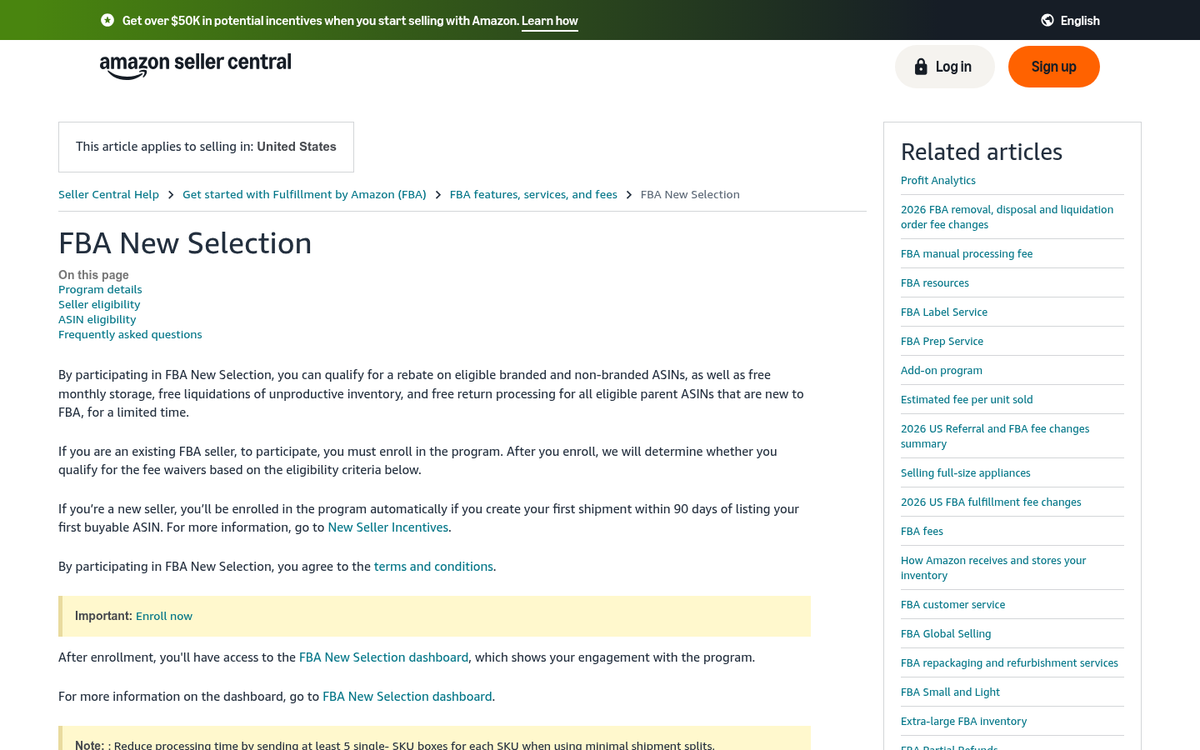
This is one a lot of sellers overlook: the FBA New Selection Program. Starting March 1, 2024, Amazon updated this program to offer an average 10% rebate on sales of eligible new-to-FBA parent products. If you're launching new products into FBA for the first time, this can be a meaningful offset against your fees during those critical early months when you're still building sales velocity.
It's worth checking your eligibility in Seller Central before you launch anything new. Getting a 10% rebate on your early sales while you're still figuring out demand and inventory levels is about as close to free money as Amazon is going to give you. If you want to maximize your results, learning how to optimize your sponsored products on Amazon Ads alongside this program can help accelerate your momentum even further.
Don't Store Inappropriate Products
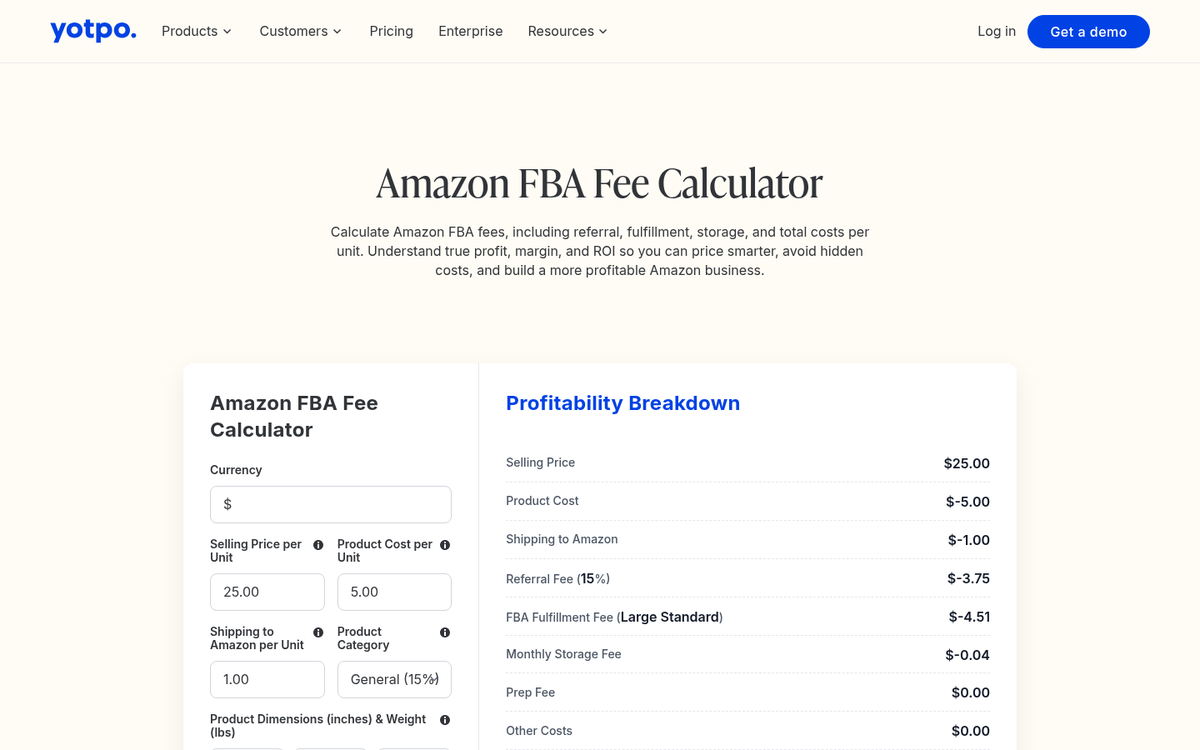
By inappropriate, in this case, I mean products that don't really benefit from Amazon managing storage for you. Big and heavy items can benefit from Amazon's fulfillment network, but they're expensive to store - especially if they move slowly. Small, cheap items, on the other hand, often incur almost as much in fees as they generate in profit.
Make heavy use of the calculator, and if anything, assume it's slightly underestimating your real fees. Anything that lands in the large bulky or special oversize category might not be worth storing, and anything unusually heavy likewise deserves a hard look at the numbers before you commit. If the margins aren't there after fees, it's not the right product for FBA. If you're still unsure whether a product line is worth pursuing, reviewing ways to strengthen your Amazon product presence can help you evaluate overall viability before committing to storage costs.
Use Combo Packs
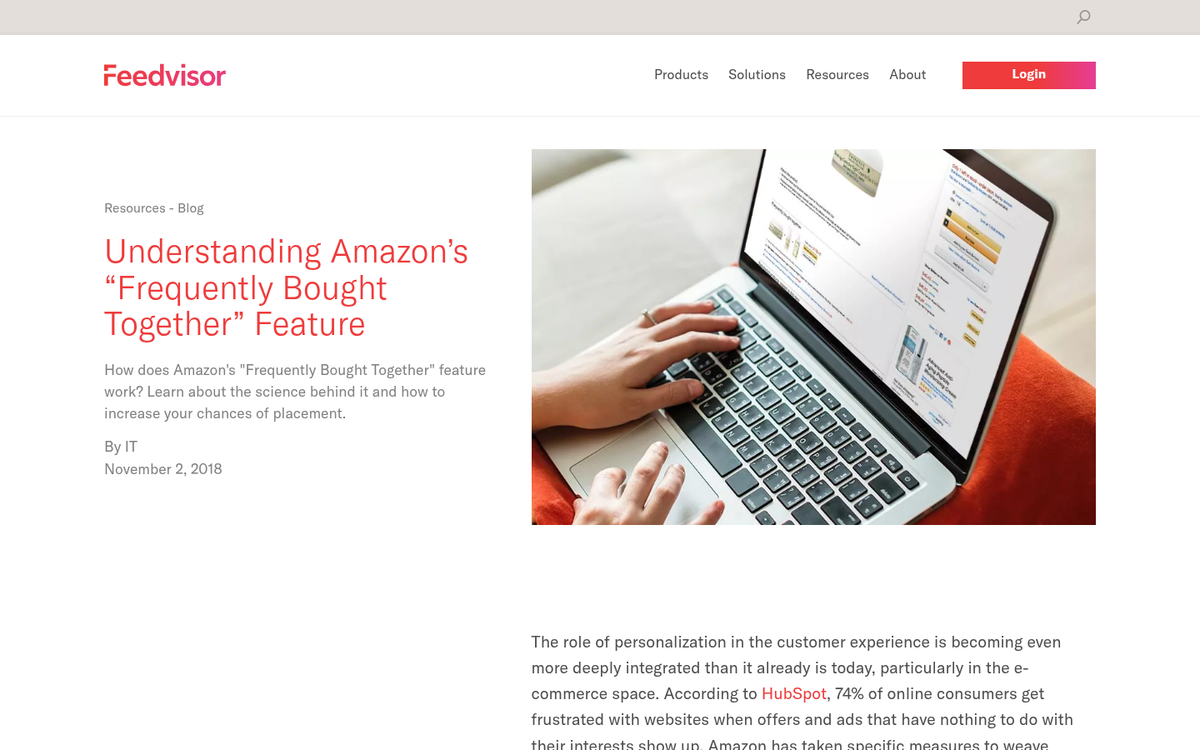
Combining two items into one listing will reduce fees, since fees are both per-item and per-space. For example:
Set of Tongs: $10
Fees: $1 for pick, $1 for shipping, $1.50 for referrals

Baking Sheet: $10
Fees: $1 for pick, $1 for shipping, $1.50 for referrals

Total fees: $7
Combination pack of tongs + sheet: $20
Fees: $1 for pick, $1 for shipping, $3 for referrals

Total fees: $5
Now, this works great in certain circumstances. It doesn't make sense if your products aren't likely to be bought together - don't package a light bulb and a pair of tongs, for example. They aren't related, and finding buyers who need both is going to be rare. Dig into your product metrics, look at what's frequently bought together, and build your combo packs around those natural pairings.
Your Turn
Do you have any tips you've tried and tested for reducing your FBA fees? I'd love to hear them. Just don't tell me to fill my packages with helium; it doesn't really work.

1 response
Thoughtful replies only - we moderate for spam, AI slop, and off-topic rants.
Thank you for this! This doesn't have any effect on Amazon affiliates, only sellers, right? Either way, I can use this for my store to save money. Thank you again