With most forms of advertising, you're hoping to attract a customer "eventually". That eventual time in the future might be in a few hours, a few days, or a few weeks, depending on the type of ad campaign you're running. Brand awareness campaigns might not even care if a conversion is six months down the line.
Ads with a phone number or a call-based call to action are different. They're aimed at attracting hot leads, the people willing to call you because they're ready to make a purchase right now. You don't want to miss these leads, but you also don't want to fail to track them. Without appropriate data, how can you tell how effective your ads are?
I've split this post into two parts: one for Facebook ads and one for Google ads. Both have the ability to track phone calls, though the methods for doing each are pretty different. Let's dig in!
Key Takeaways
- Facebook offers two call tracking methods: direct page CTA button tracking and landing page-based tracking via Conversions API.
- Google provides five ways to track call conversions, including call assets, website forwarding numbers, mobile clicks, imports, and Performance Max campaigns.
- Google forwarding numbers match your business area code but are only available in select countries, with some limitations by region.
- Third-party call tracking tools like CallRail, CallTrackingMetrics, and Invoca can increase conversions by 25-30% according to research.
- Meta now recommends using the Conversions API over pixel-based tracking due to browser privacy restrictions and iOS changes.
Facebook Call Tracking
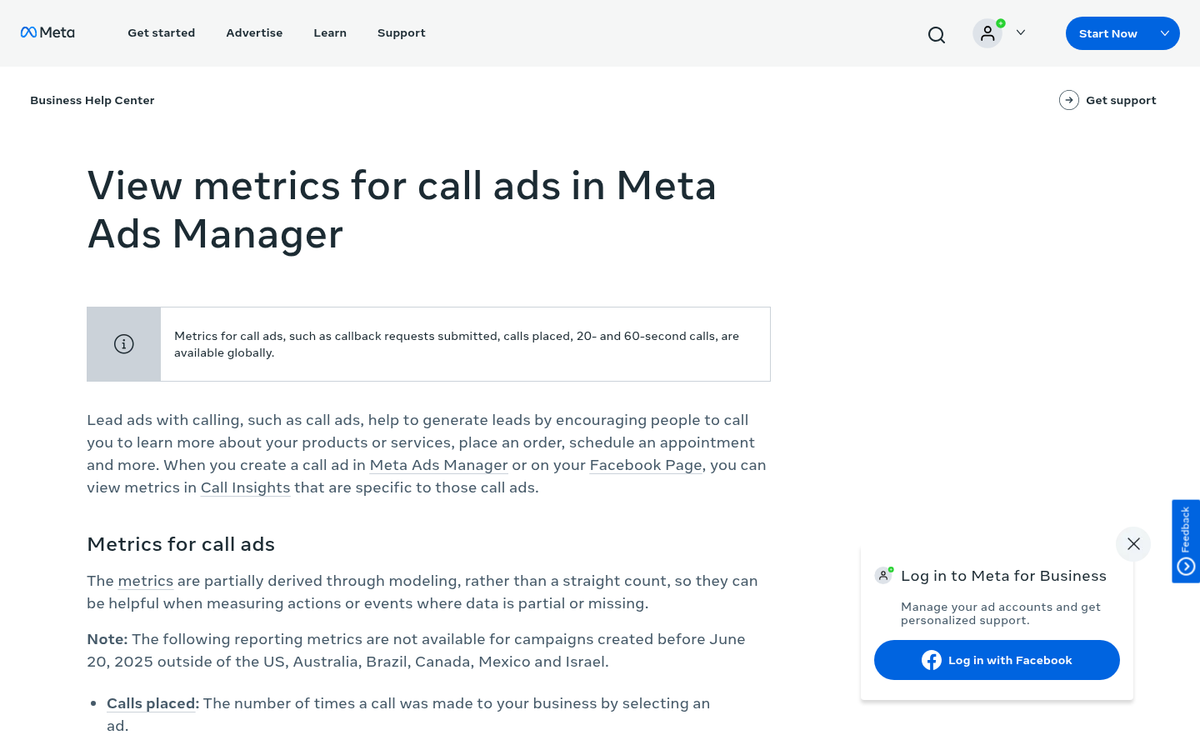
There are two different ways you can track phone calls using Facebook (Meta) ads. One of them involves ads entirely on the platform, while the other tracks off-site conversions on your own website.
The first method is to track phone calls as a conversion action through your Facebook page. Go to your Facebook page and look for the call to action button beneath your cover photo. Any Page Admin, Editor, Moderator, or Advertiser can change this button. You can set that call to action to a number of different things, including "Call Now" to drive direct phone contact.
In this case, what you want to do is plug in your business phone number as your call to action. This way, when a user clicks that call to action button, they will be presented with your phone number. If they're browsing on a mobile device, it will bring up the option to initiate a phone call directly. On desktop, users with a VoIP application installed may also be able to initiate a call through that system.
From there, you can create a promoted call to action - a specialized ad with the objective of getting users to click your page's default CTA button. This is fine for tracking when a user calls you directly from the ad. However, if you want to track conversions that occur as a result of a phone call rather than through the button itself, you will need to record that data separately and import it later.
Tracking offline conversions is a surprisingly involved process. You can't simply ask users if they called you because of your Facebook ad. You could set up individual phone numbers for each possible conversion source, but then you're managing a tangle of different numbers and the associated costs of phone management.
Meta has updated its offline conversion tools significantly in recent years, consolidating much of this functionality through the Meta Events Manager and the Conversions API (CAPI). Rather than relying solely on pixel-based tracking - which has become less reliable due to browser privacy restrictions and iOS changes - Meta now recommends sending offline event data directly through CAPI. This gives you much more control and accuracy when attributing phone call conversions back to specific ad campaigns.
The second method is to run awareness or traffic-based ads that drive users to a landing page where your phone number is prominently displayed. That number should be tracked using a Meta Pixel event or, preferably, a Conversions API call using the "Contact" event type. Keep in mind this only tracks users who click a tracked call button on your site, so it isn't a perfect solution for capturing every inbound call.
Google Call Tracking
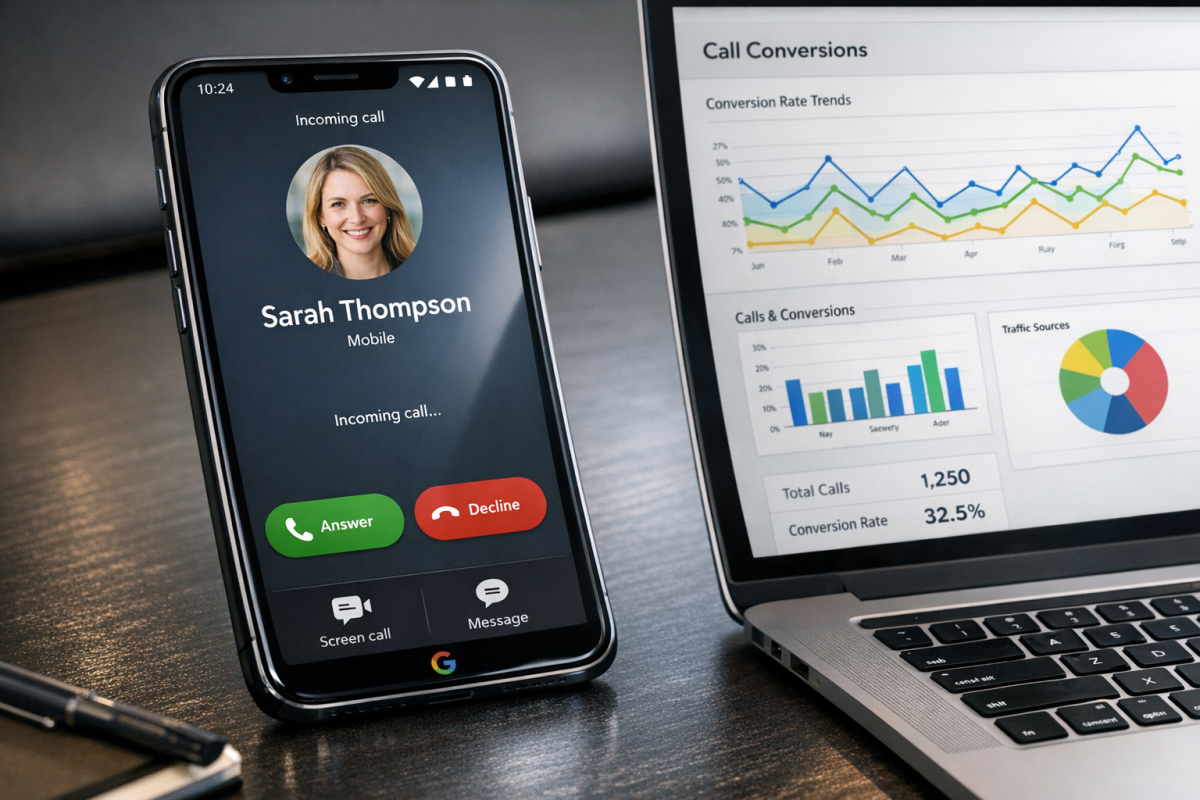
As of 2026, Google actually outlines five different ways to track conversions from phone calls - one more than the four that were available when this was first written.
You can track calls from ads. With Google Ads, you can create call-only ads or add call extensions (now called "call assets") to your existing campaigns. These encourage users to call directly and only display when the user has the ability to make a call. You can set a minimum call duration so that short or spam calls aren't counted as conversions.
You can track calls from a phone number embedded on your website. By adding Google's tracking tag to your site alongside a Google forwarding number, you can monitor calls that originate from users who visited your site after clicking an ad. As with calls from ads, you can filter by call length to improve data quality.
You can track calls specifically on your mobile website. Google can detect whether a user is on a mobile or desktop version of your site. This type of tracking is recorded as a click rather than a full call, meaning call duration data isn't captured here. If you're wondering whether your mobile site affects your Google Ads cost per click, it's worth exploring separately.
You can import call conversions tracked via an internal or third-party system. This gives you the most flexibility - you can include customer identity, conversion value, call length, and more. One thing to keep in mind: if an import attempt fails, you'll need to wait either 6 or 12 hours before retrying, and successfully imported conversion statistics can take up to 3 hours to appear in your Google Ads account.
The fifth method involves tracking store visits or calls tied to local campaigns and Performance Max campaigns, which have become increasingly prominent in Google Ads since the platform shifted toward AI-driven campaign management. These use aggregated signals to attribute in-store or phone-based conversions back to ad activity, even when a direct tracking link isn't present.
In order to use most of these tracking options, you'll need a Google call forwarding number. Google forwarding numbers attempt to share the area code of your business location so they don't appear suspicious to callers. However, Google can only provide these numbers in specific countries. You can see a complete and up-to-date chart of supported countries here. Some countries only support toll-free numbers, others only support local numbers, and a few - like Japan - will display Google as the caller ID due to local transparency laws.
Because every setup is a little different, I'd recommend mapping out exactly where your calls are coming from and how you want them tracked before diving into the help center docs. Google also provides a troubleshooting guide here for when call tracking is configured but not behaving as expected.
Third Party Call Tracking
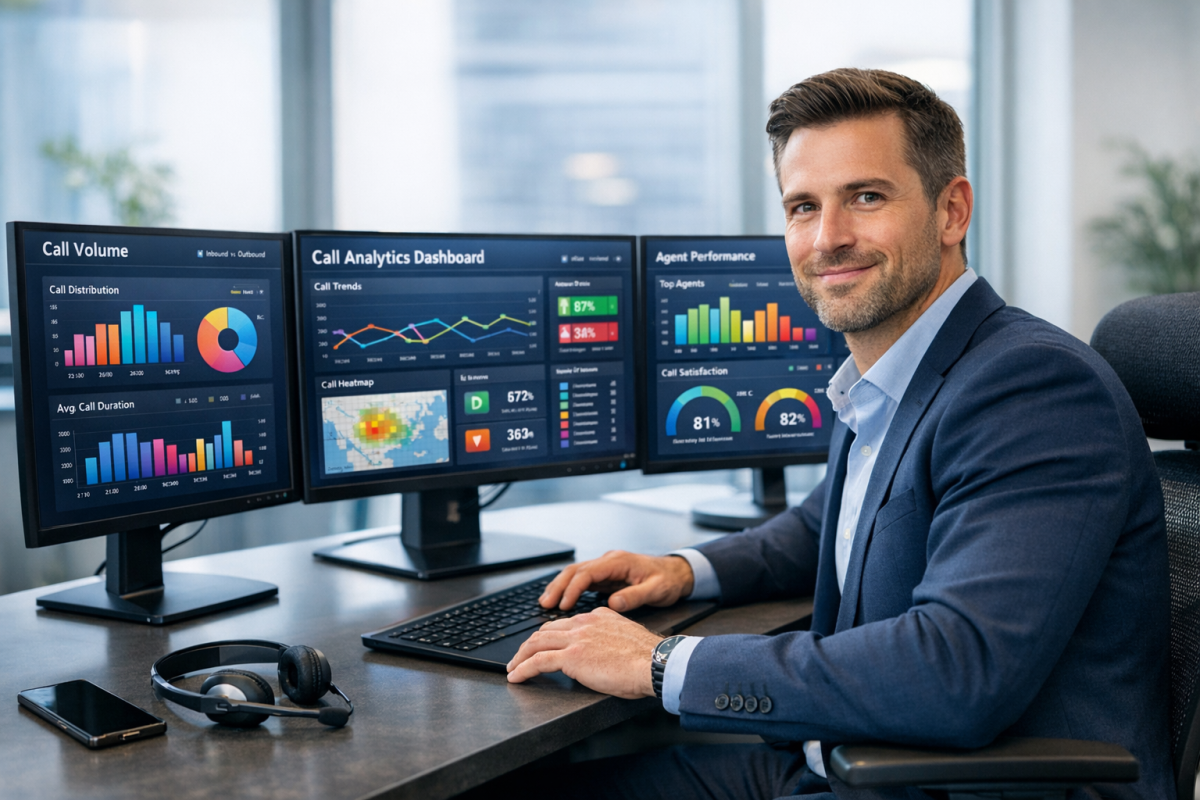
The alternative to both of these, and often the simpler one, is to use a third party call tracking service. A third party call tracker uses a forwarding number to log detailed information about every inbound call. Many also offer CRM integrations or built-in call management tools. When a call comes in, the relevant data - date, time, caller information, call length, and any notes logged by your team - gets compiled into a unified analytics view.
The quality of integrations varies by platform. Some will push data directly into Google Ads and Meta, while others rely on exports and manual imports. It really depends on the system, so it's worth checking before you commit.
Research from CallTrackingMetrics suggests that integrating call tracking into ad campaigns can generally increase conversions by 25 to 30 percent - which is significant enough to justify the added setup time. In one documented case, a business handling roughly 170,000 outbound and 70,000 inbound calls per year achieved a conversion rate close to 85%, well above the industry average of 50% or below.
With that in mind, here are a few third party call tracking companies worth considering. Full disclosure: I haven't personally used all of these, so do your own research, verify the features you need, confirm pricing fits your budget, and reach out to their sales teams with any questions.
CallRail - One of the most well-known call tracking platforms, CallRail offers call attribution, business-level call management, conversation intelligence (AI-powered call transcription and analysis), and integrations with Google Ads, HubSpot, Salesforce, and more. Pricing has evolved over time, so check their site for current plan details and any available trials.
CallTrackingMetrics - A robust platform offering call management, analytics, text messaging, reporting, and agency-level tools. They support deep integrations with major ad platforms and CRMs, and their conversation intelligence features have expanded considerably in recent years. Pricing is usage-based with a monthly base fee - visit their site for current rates.
Invoca - A more enterprise-focused option, Invoca specializes in AI-powered call tracking and conversation analytics. It's particularly strong for industries like healthcare, financial services, and automotive, where phone calls are a primary conversion channel. If you're running high call volumes and need deep attribution data, Invoca is worth a close look.
Hopefully with at least one of these options, you'll be able to track the call information you want in your analytics. It can be a little complex to set up, but the support teams at any of these platforms - or at Google and Meta directly - should be able to help you get things dialed in.