Conversion rate optimization is no joke. There are a million different aspects of your site you can test, swap around, change, or improve, and there are thousands of things you can add to your site to improve your conversion rate. With the global average e-commerce conversion rate sitting at approximately 3.68% (according to Stripe), there's significant room for improvement for most businesses. Here's a quick list of services, apps, and products you can use to sell more, make more, and invest more.
Key Takeaways
- Understanding your audience through surveys and heatmaps is foundational-personalized calls to action convert 202% more effectively.
- Social proof tools like Fomo, Proof, and social counters help convert browsers by showing real customer activity and trust signals.
- Simplifying checkout through one-page checkout, varied payment options, and cart recovery tools significantly reduces abandonment rates.
- Split testing platforms like Optimizely and VWO enable iterative improvements-Expedia reportedly gained $12 million by removing one checkout field.
- All-in-one platforms like Omniconvert can replace multiple individual tools, combining segmentation, split testing, surveys, and personalization.
1. Surveys - Qualaroo
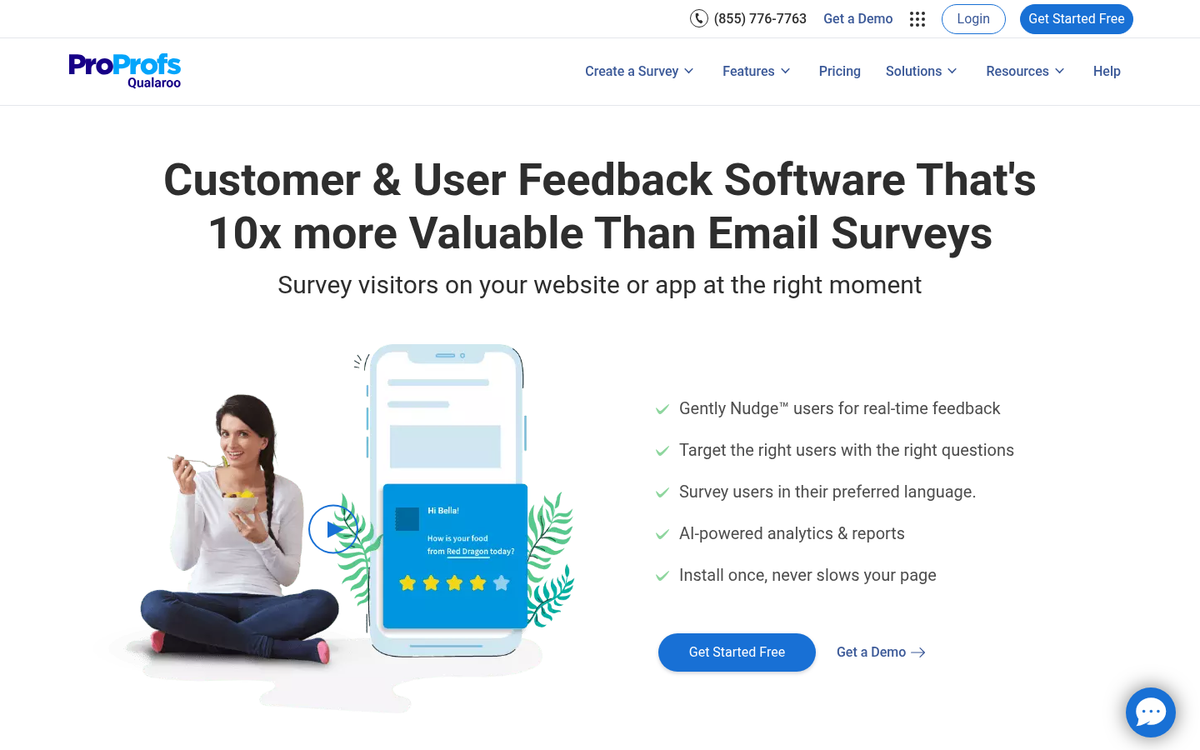
The number one thing you need to optimize your conversions is understanding. You need to know as much as you can about your audience, particularly your customers, so you know who to reach and how to reach them. Qualaroo helps you by requesting real-time feedback from your site users, to look for pain points, questions, or ideas they might have. It's seamless and the research can lead to amazing gains in sales. Personalized calls to action - the kind informed by good survey data - are 202% more likely to convert, so the investment in understanding your audience pays real dividends.
2. Live Chat - Userlike
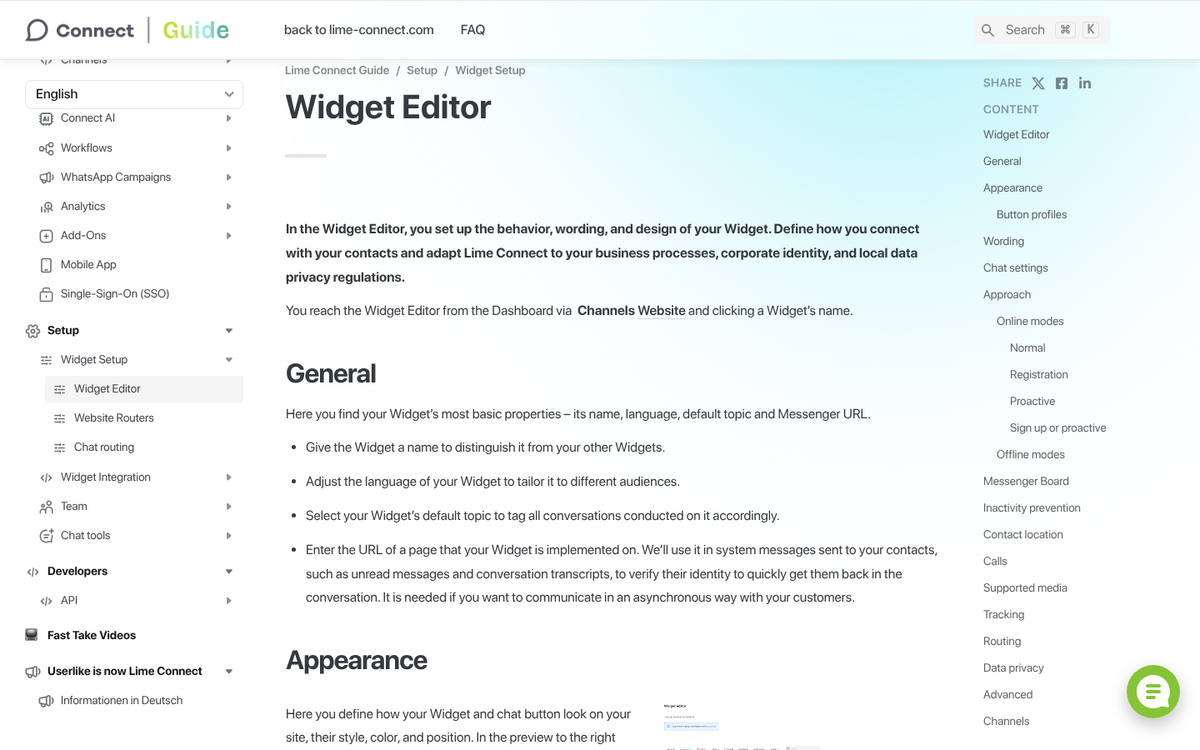
Live chat engines help you make sure your customers are aware that you're ready and willing to help them out with anything they might need. A small pop-up button tells them to simply ask if they have any questions. Userlike works for customers browsing your site via PC, mobile device, or even just your Facebook page. You can keep all of your communications in one place and analyze them for common pain points to fix. If you're looking to save money, you might consider outsourcing your live chat operator rather than handling it all in-house.
3. Live Chat - Zendesk Chat

Zendesk Chat is another alternative to Userlike for on-browser communications. The difference is that Zendesk is part of a larger customer service hub. If you want, you can use Zendesk to handle all customer issues and even internal tickets, and it will link seamlessly with Chat. You can take an incoming customer issue, create a support ticket, assign a representative, and get their issue sorted so fast the user will be left spinning. If you're looking for other options, check out some of the best free live chat website scripts available.
4. Purchase Follow-up - Yotpo
Yotpo is a follow-up app that sends messages or emails to your customers via the contact information they used when they converted. It allows you to fish for reviews or feedback, which you can then use to improve your store. Customer testimonials go a long way towards selling your products to future customers, and negative feedback can help you identify issues with your product or with delivery, which you can then solve for a smoother future experience.
5. Heatmaps - Crazy Egg
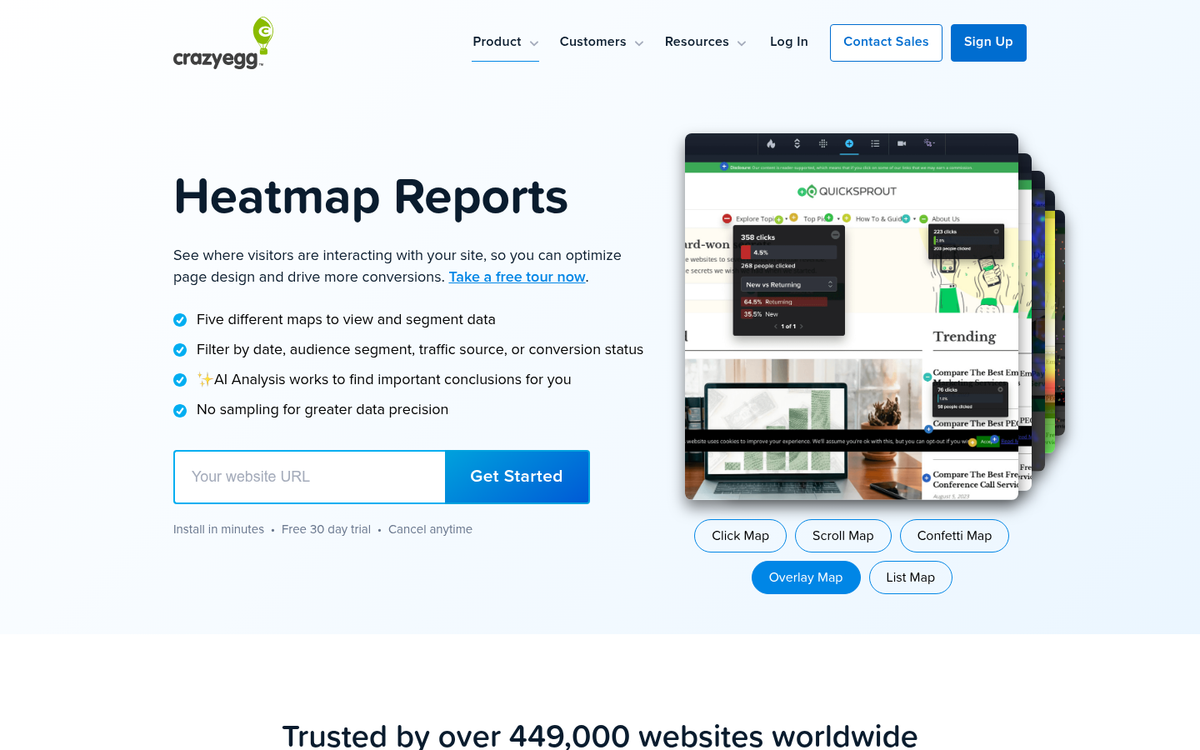
Crazy Egg is the go-to app for a website heat map. A heat map is essentially a tracking picture of your site, showing where the user focuses, where they click, and how they interact with your site. You can use it to find missed opportunities, clicks going to non-clickable objects, or buttons that should be clicked but which are ignored for one reason or another. You can use heatmap data to optimize your layout and fix usability issues of all sorts.
6. Social Proof - Fomo
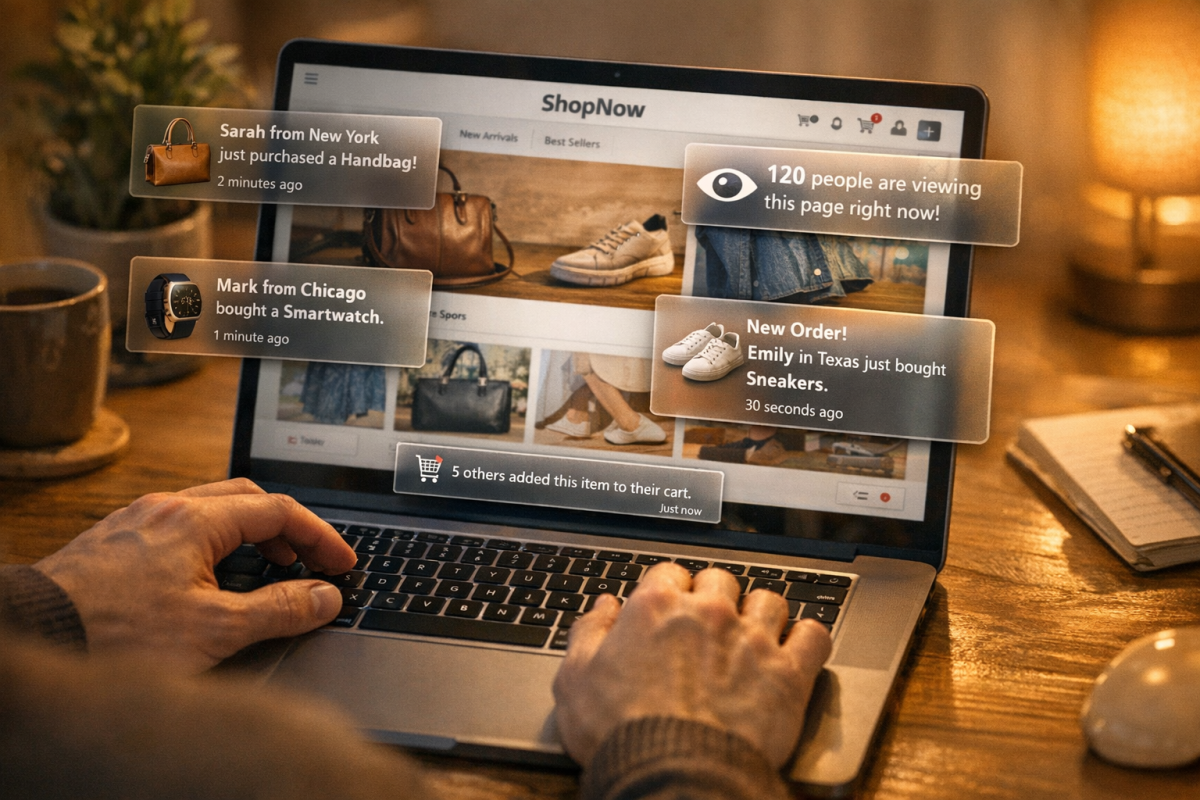
Reviews and testimonials are one pillar of social proof, but there are other elements as well. Fomo allows you to give live updates on your site to browsing customers, showing how many people are taking action, if limited supplies of high profile items are ticking down, or when news is pushed while the user is browsing. It's like a news feed for your site, present at all times. If you're struggling to convert browsing visitors into customers, adding social proof elements like these can make a meaningful difference.
7. Social Proof - Proof

Proof is a lighter weight version of Fomo. It doesn't have quite as many different options, but it does have verified customer interactions. You can see a feed of customers who have recently signed up, anonymized or with specific images and names. You can choose the time period reported, to make sure it always looks like your site is active, regardless of the time of day. Their site has a demo, to see what your customers would see - verification of other people who trust you enough to sign up. Social proof is a well-documented psychological phenomenon showing that customer interactions influence purchasing decisions.
8. Social Proof - AccessPress Social Counter
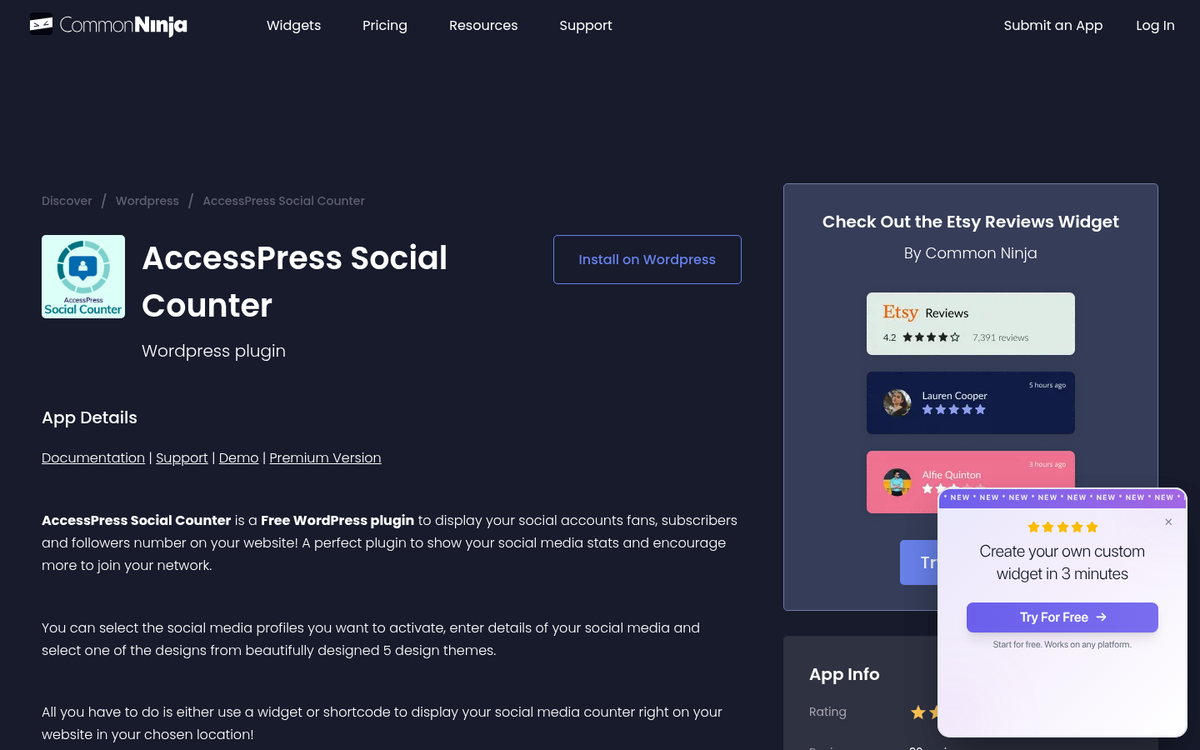
Social proof comes in many forms, none more visible than actual social media interactions. This WordPress plugin displays social interactions, be they comments, likes, followers, subscribers, or posts on various platforms. Higher numbers are better, so it can aggregate site-wide interactions or keep it limited per post, whichever you prefer. It's free, it's available for major social networks and some smaller networks, and it's kept up to date, which is one thing I always look for in a plugin.
9. Security - SSL

I don't have a specific recommendation for an SSL service; nevertheless, website security is of increasing importance as the years go by. You don't want to be a victim of the latest website hacking, do you? Well, a lot more goes into security than just SSL, but SSL can be a big element of public-facing trust. If you don't have SSL on your site, how can a user be assured of the security of their financial data when they're tempted to make a payment? Most modern hosting providers include free SSL certificates through Let's Encrypt, so there's little excuse not to have it in place. Learn more about how SSL can improve your search rankings as well.
10. Security - Trust Seals
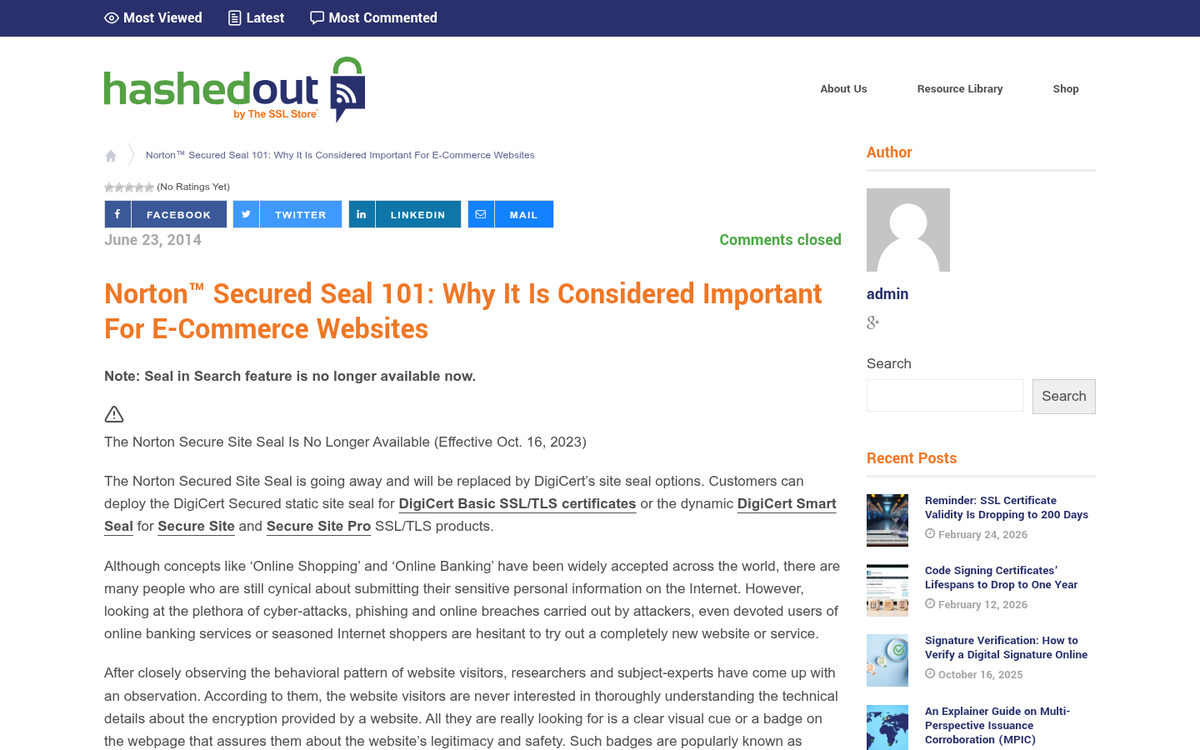
Trust seals remain a meaningful conversion tool. The Norton Secured Seal is one of the most recognizable options available, and recognition matters - users are more likely to trust a seal they've seen across multiple reputable sites. You'll need to be using a compatible security product to display it, but there are a variety of trust seal providers to choose from if Norton isn't the right fit. The core principle is the same regardless of which you choose: displaying a visible, verifiable trust badge reduces purchase anxiety, particularly during checkout.
11. Split Testing - Optimizely
Optimizely is a platform made primarily for split testing. If you're not sure, split testing is the idea of making two or more different versions of the same object, such as a product page, an opt-in form, or a landing page, and running equal amounts of traffic from similar sources to each of them. You can then compare which of them has the best conversion rates, both immediately and over time, and switch to the new one. Iterative testing with ongoing variations of split tested objects helps you increase your conversion rate by significant amounts with every iteration. As a famous example of how impactful small changes can be, Expedia reportedly increased profits by $12 million simply by removing a single confusing field from their checkout form.
12. Split Testing - VWO
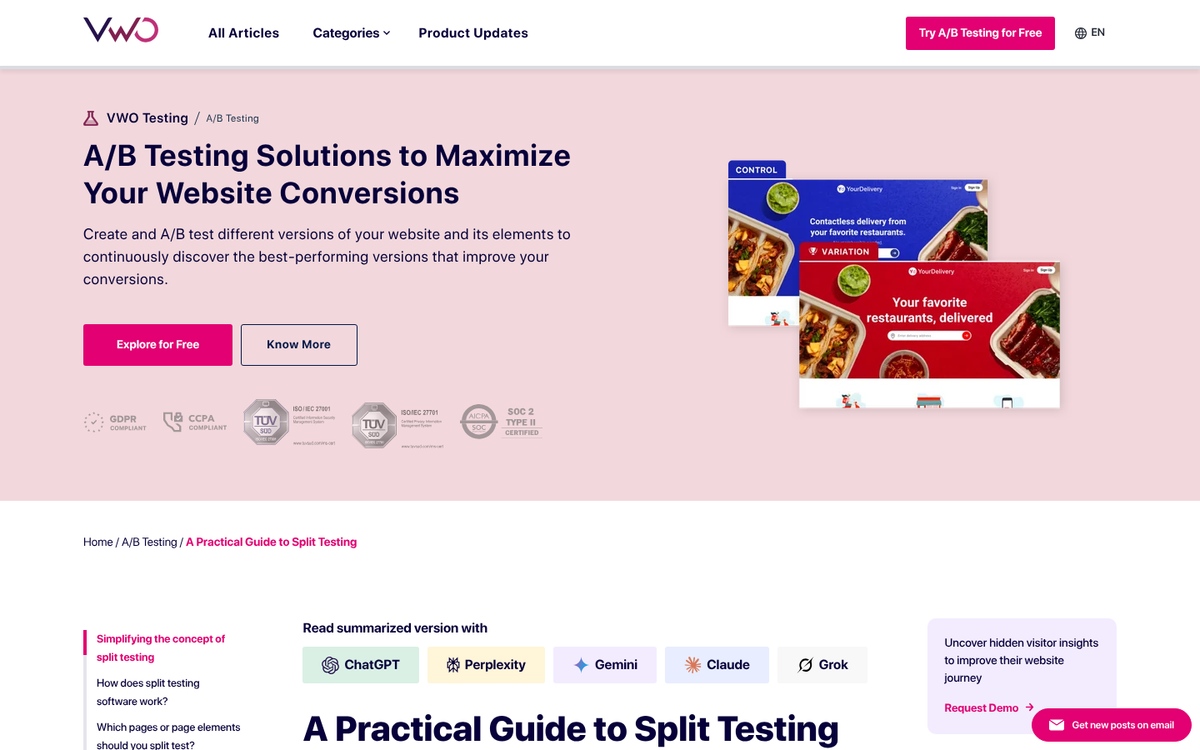
VWO is a strong alternative to Optimizely when it comes to split testing. It's not just me saying that, either; several web rankings have shown the viability and value of both platforms. Split testing is so important you basically have to be doing it if you're at all concerned with conversion rate - the question simply becomes what engine you want to use. Optimizely is good, and VWO is good; explore both options and decide which one is best for you.
13. Streamlining - One Page Checkout
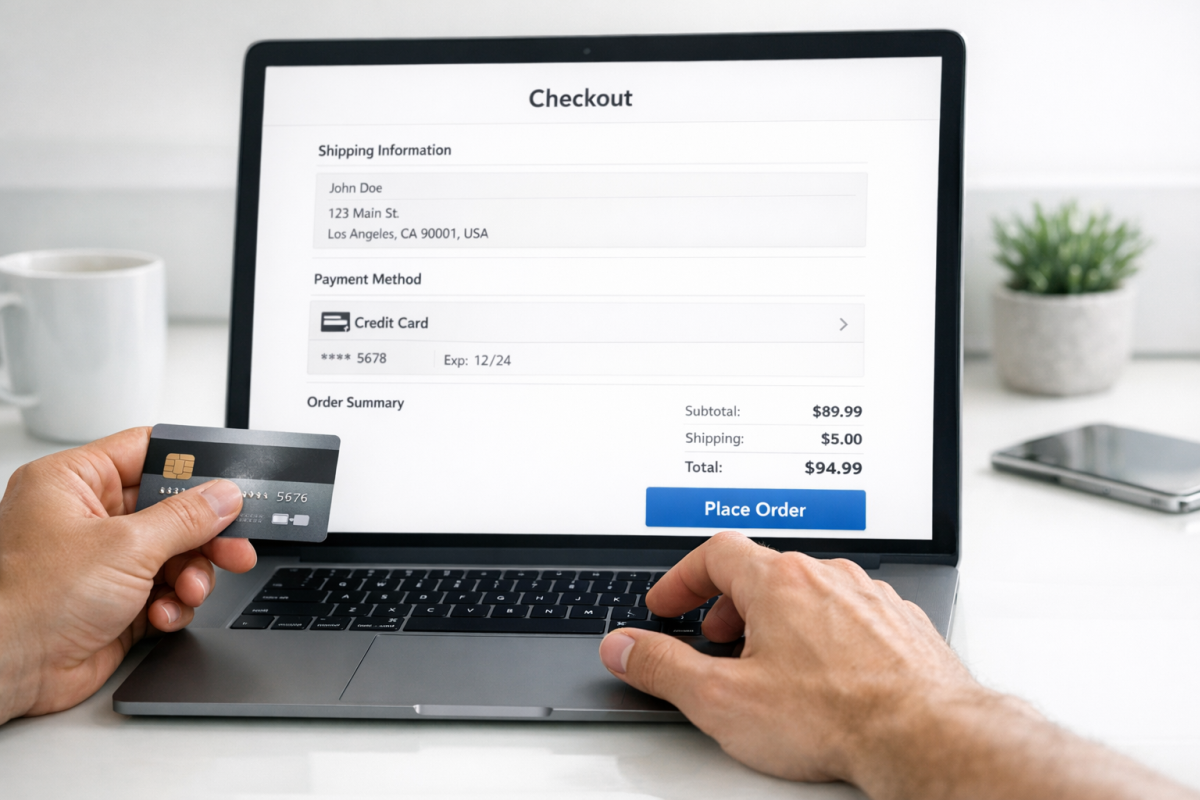
This WooCommerce plugin is a consolidation of the usual multi-page checkout process. Each submission where the user is prompted for more information is another chance for the user to drop their cart and decide that now isn't the time to buy. When the entire checkout process is done on one page, there are fewer opportunities for the user to back out. This principle is backed up by real data - simplifying checkout fields has been shown to have an enormous impact on completed purchases.
14. Exit Intent - Privy
Exit intent pop-ups are calls to action that pop over a site when you're about to leave. I know you've seen them - heck, we have one on this site. Relying on when the browser loses focus, these kinds of pop-overs allow you to get the attention of the user who is leaving, and ask them if they want to claim a free offer, use an expiring coupon, sign up for a mailing list, or just buy your service.
15. Exit Intent - OptinMonster
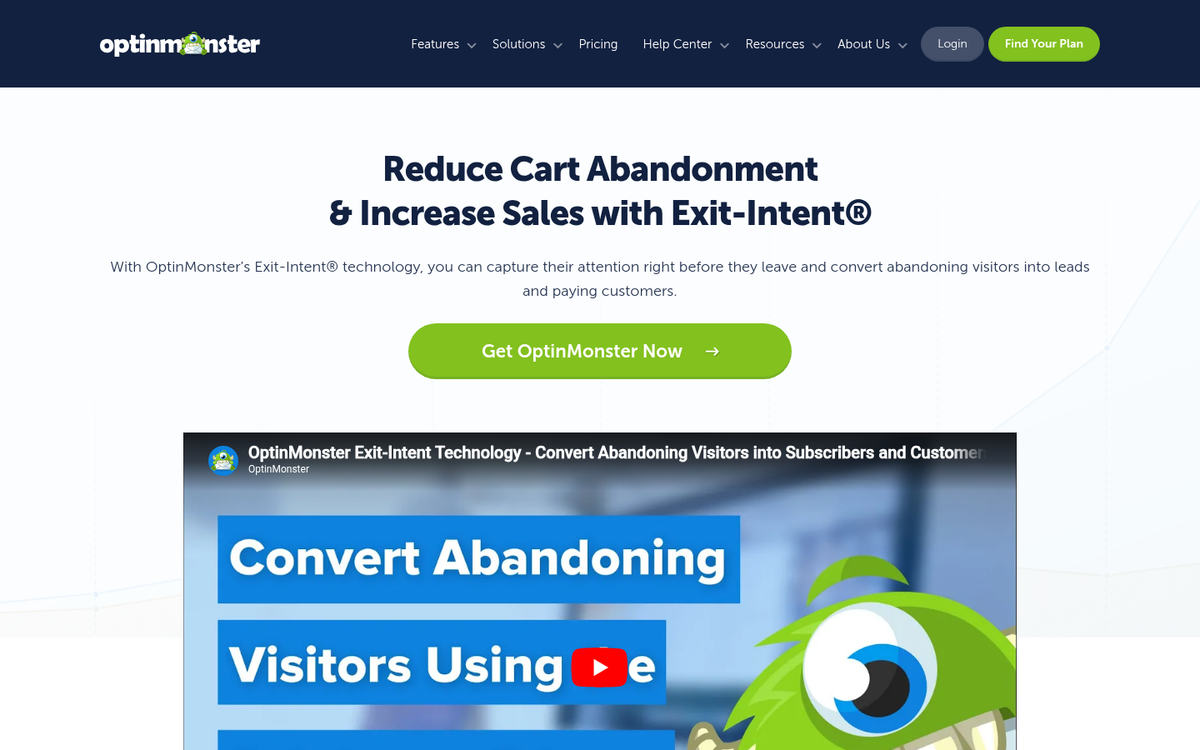
OptinMonster is a big name in conversion optimization, usually dealing with forms and split testing. Their exit intent pop-up system is very valuable as well, with a bunch of advanced trigger options, sensors, and timers that allow you to more carefully control who sees what offers. Privy is for a lightweight one-size option; OptinMonster is for when you want total control and optimization options.
16. Cart Recovery - Shopify Cart Recovery Apps
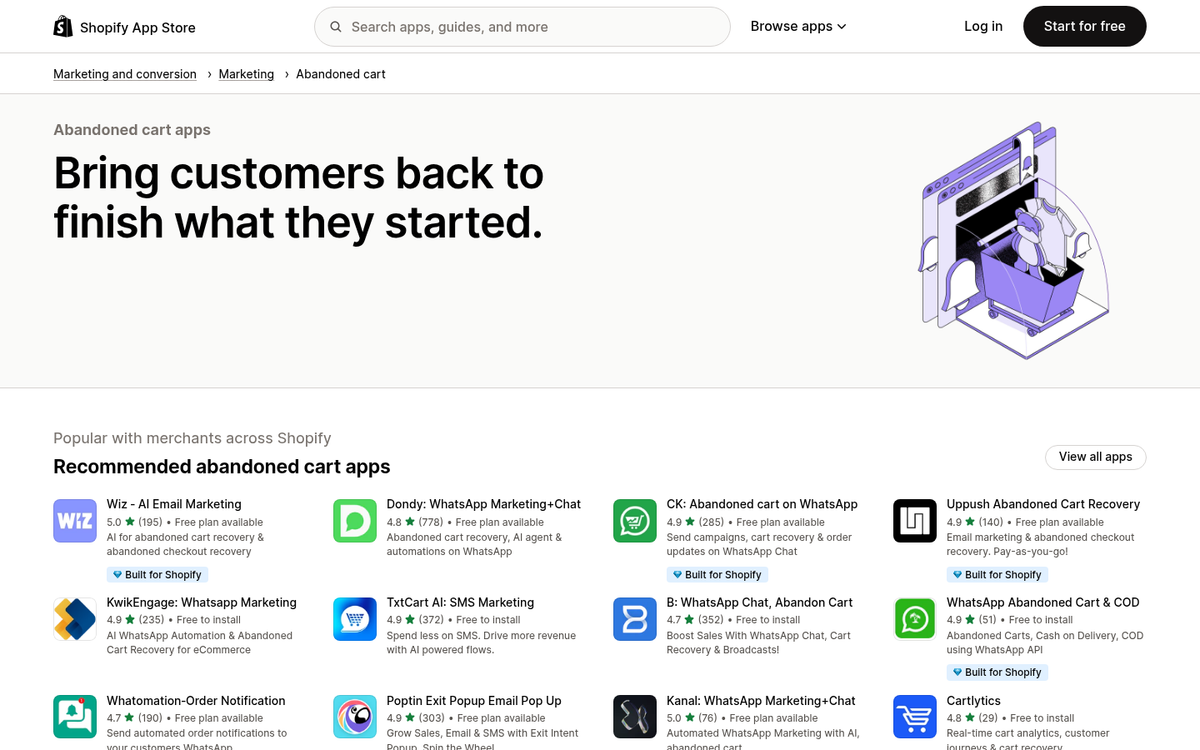
Cart abandonment is one of the most expensive problems in e-commerce - 69% of shoppers abandon their carts, often due to unexpected shipping costs. Offering free shipping can increase conversions by 20-30%, and providing multiple shipping options can boost them by an additional 18%. Beyond shipping, automated cart recovery tools available in the Shopify App Store can follow up with abandoning customers via email, SMS, or push notifications. SMS in particular has proven highly effective, with click rates averaging around 7.6% - roughly five times higher than the 1.5% typical of email campaigns, according to Omnisend's research.
17. Cart Recovery - Klaviyo
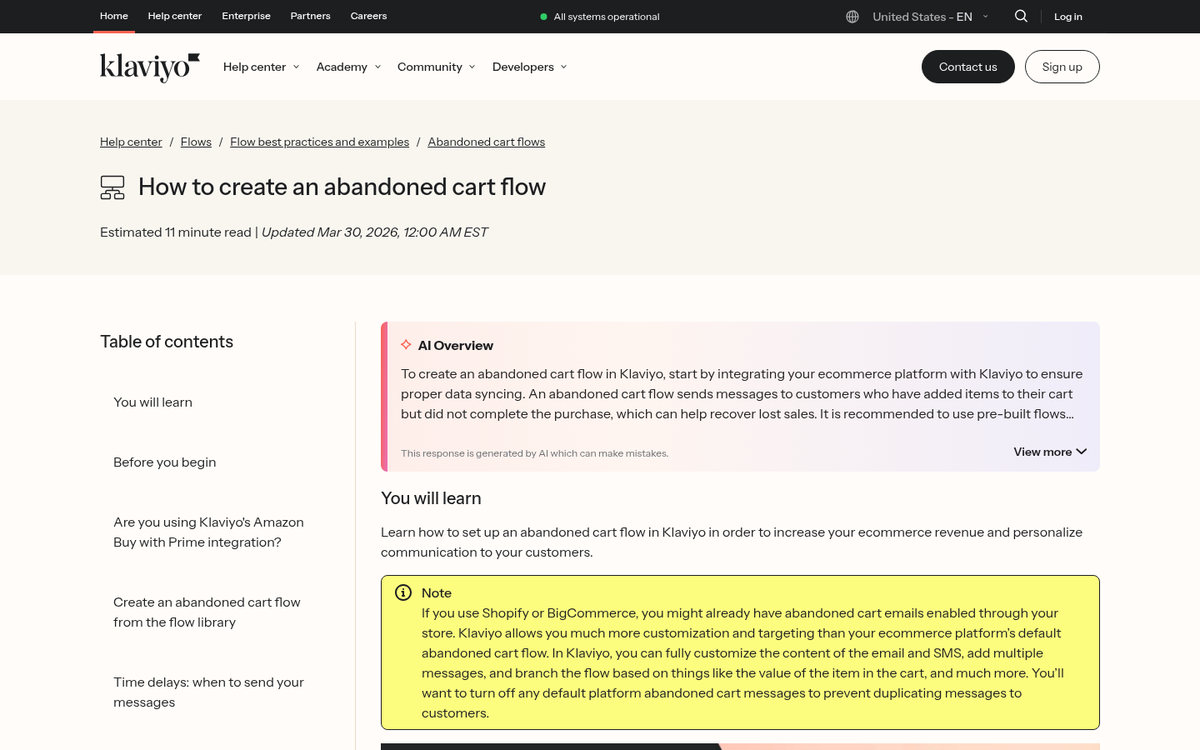
Klaviyo has become one of the dominant cart abandonment and retention platforms, particularly for Shopify and WooCommerce stores. It combines email and SMS into a single automation workflow, meaning you can sequence a follow-up email first, then an SMS nudge if there's no response - all with personalized product details pulled directly from the abandoned cart. Its segmentation capabilities are especially strong, allowing you to tailor recovery incentives based on customer history, so you're not handing discounts to customers who were always going to come back anyway. For those looking to take this further, building out a sales funnel email sequence can complement these recovery workflows effectively.
18. Email Campaigns - Drip

If your conversions are high enough that you're getting new users subscribing to your mailing list, are you taking advantage of that fact? A drip campaign is a series of emails sent out from the moment they sign up, make a purchase, or otherwise initiate a conversion. The emails are aimed at onboarding, making the process of turning a newsletter subscriber into a customer much easier. McKinsey research has shown that well-executed personalized email campaigns can produce a 25% jump in email conversions and contribute to an overall marketing ROI increase of nearly 30%.
19. Email Campaigns - Mailchimp

Mailchimp remains one of the most widely used email marketing platforms, and for good reason. It offers a generous free tier, an intuitive drag-and-drop builder, solid automation workflows, and strong integrations with e-commerce platforms like Shopify and WooCommerce. For businesses that want a reliable, well-supported drip campaign engine without a steep learning curve, Mailchimp is a proven starting point. As your needs grow, its paid plans unlock more advanced segmentation, A/B testing, and behavioral targeting tools.
20. Remarketing - Meta Ads (Facebook & Instagram)

Remarketing is a form of conversion optimization that reaches out to customers who have shopped and left, abandoned carts, or otherwise clicked ads and expressed interest in your brand. Meta's advertising platform - covering both Facebook and Instagram - has one of the most sophisticated targeting systems available, allowing you to remarket using the Meta Pixel and custom audiences. You can cross-reference visitors with followers, lookalike audiences, and detailed demographic filters for highly precise retargeting.
21. Remarketing - Google Ads
Google's remarketing system complements Meta well by covering a completely different part of the internet. With Google's tracking tag in place, your remarketing ads can appear in search results, across the Google Display Network, on YouTube, and throughout the broader ecosystem of Google-partnered publishers. The reach is enormous, and combining Google remarketing with Meta remarketing gives you strong multi-channel coverage of customers who've already shown interest in your brand.
22. Varied Payments - Google Pay
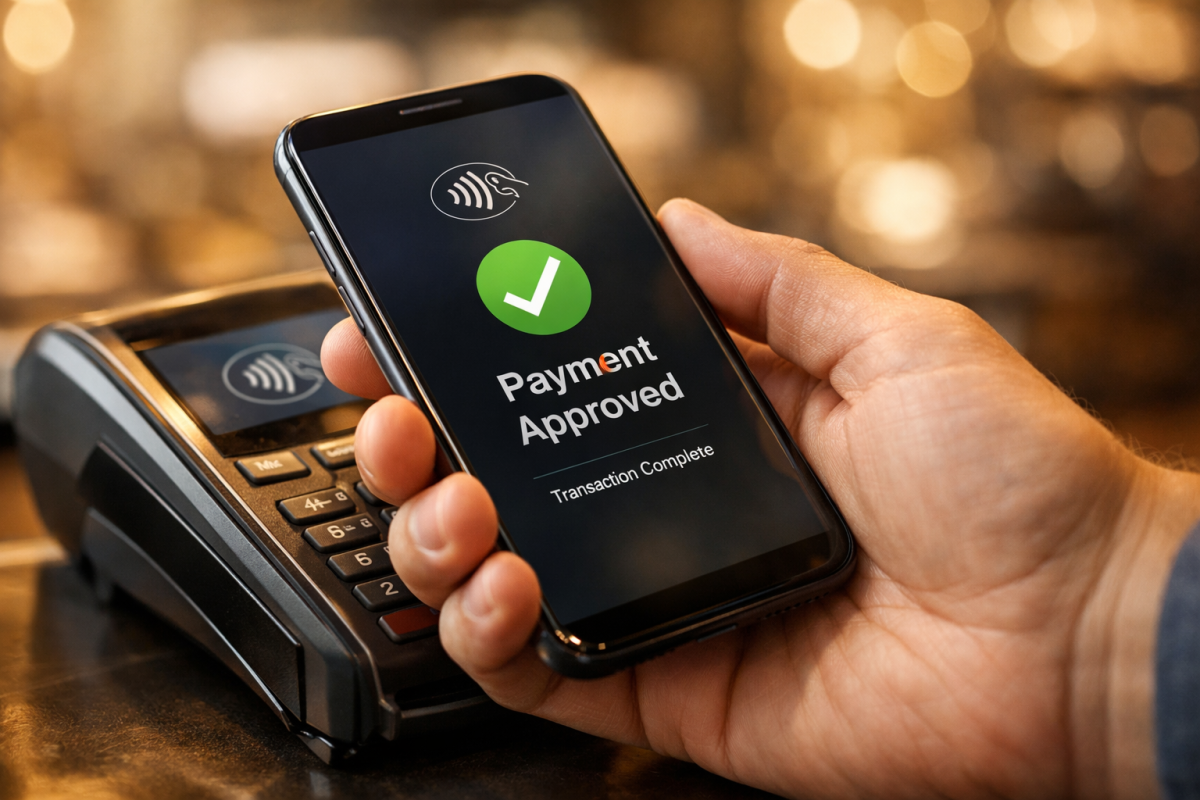
Google Pay allows customers to check out quickly using their saved payment methods on mobile and desktop, without needing to enter card details manually. It's widely supported across e-commerce platforms and payment processors, and reducing friction at checkout - especially on mobile - has a meaningful impact on completed transactions. Accepting alternative payment methods matters because it removes barriers for customers who prefer not to enter credit card details on every new site they buy from.
23. Varied Payments - Square
Square is a payment processor that enables a variety of different benefits for any business using it. You can use it for mobile payments to process payments through non-standard methods, and for a full physical point of sale system. It works well for businesses that operate both online and in person, keeping transactions unified under one system.
23. Varied Payments - Square
Square is a payment processor that enables a variety of different benefits for any business using it. You can use it for mobile payments to process payments through non-standard methods, and for a full physical point of sale system. It works well for businesses that operate both online and in person, keeping transactions unified under one system and making it easier to promote sales across channels.
24. Varied Payments - CoinPayments
Cryptocurrency continues to grow as a payment option, and a meaningful segment of online shoppers actively prefer it. Supporting major coins through a system like CoinPayments can open up a new revenue channel without requiring you to manage dozens of individual integrations. One practical upside: there are no chargebacks with cryptocurrency payments, which is a genuine advantage for businesses that deal with fraud risk.
25. Total Coverage - Omniconvert
Omniconvert is an all-in-one system that does a lot of what is listed above. You can segment your audience, run split tests, conduct surveys, and apply site personalization - all in one place. Since it's all one app, you get unified analytics to go along with it as well. It can replace half a dozen or more of the items above, if you're willing to invest in a consolidated solution.